Google One is a storage tool designed by Google for the Android operating system. It allows users to back up important data from their phones—including photos, videos, and various files—making it easy to transfer this information when switching to a new device. The tool can also back up messages exchanged with friends and family. Additionally, it provides a clear overview of the storage space used across your Google account, allowing you to easily monitor your cloud storage consumption. The service also offers a certain amount of storage, which can be shared with family members.
Backup of Important Phone Data
Google One enables you to back up critical content from your phone, such as photos, videos, contacts, and text messages—a highly useful feature for preserving information that might otherwise be difficult to recover. Once configured, copies of your supported data are linked to your Google account, simplifying the process when you switch to a new device.
Restoring Data When Switching Phones
When you move to a different Android device, you can use Google One to restore your backed-up content. This is particularly helpful if your phone is lost or damaged, or if you are simply upgrading to a new device. The app ensures a smoother transition, eliminating the need to manually restore or recreate all your data.
Storage Overview Across Google Services
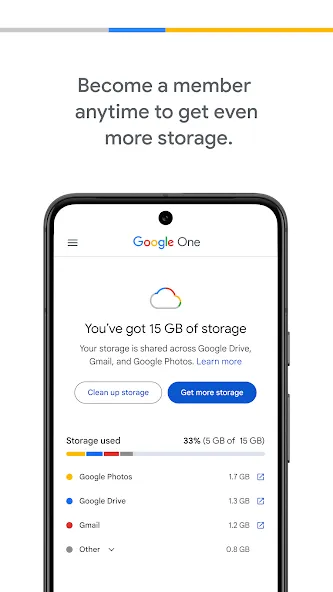
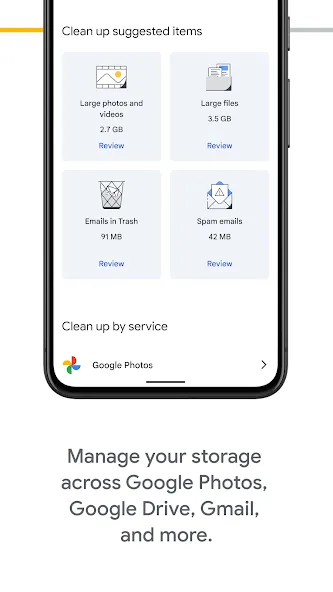
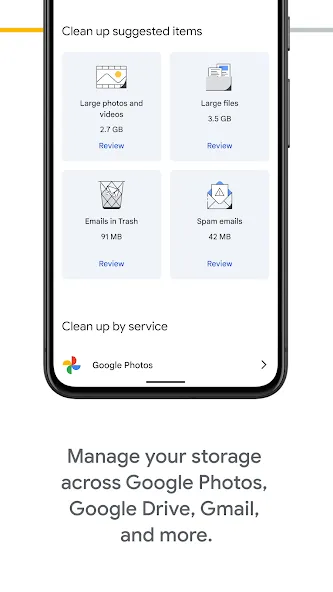
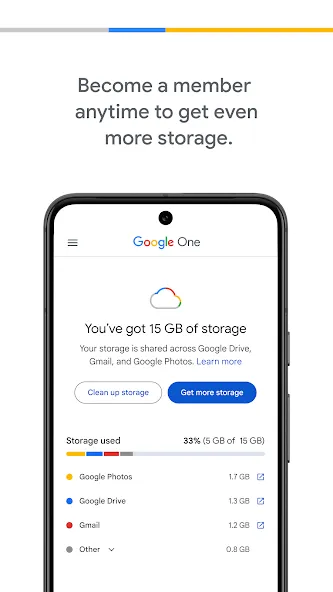
Google One provides a breakdown of how your Google account storage is being used across Google Drive, Gmail, and Google Photos. Since emails, files, photos, videos, and backups all draw from the same account quota, this overview helps you identify which services are consuming the most space, allowing you to make informed decisions about what to keep or delete.
Paid Storage Plans for Greater Needs
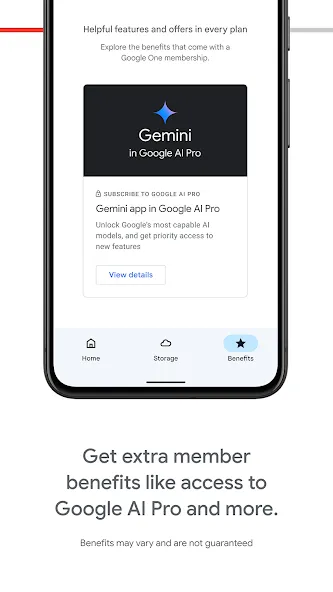
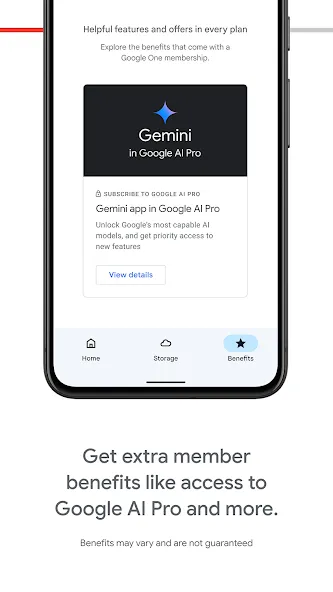
For users who require more space than what is provided with a standard account, Google One offers storage upgrades. A variety of plans are available—ranging from basic storage increases to premium tiers that include features powered by Google AI. As plan details may vary, it is recommended to review all available options within the app before selecting a membership.
Family Sharing and Plan-Specific Benefits
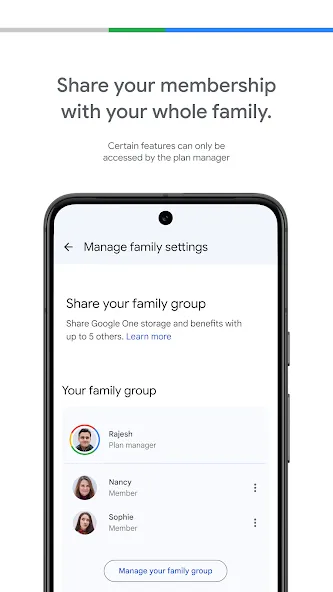
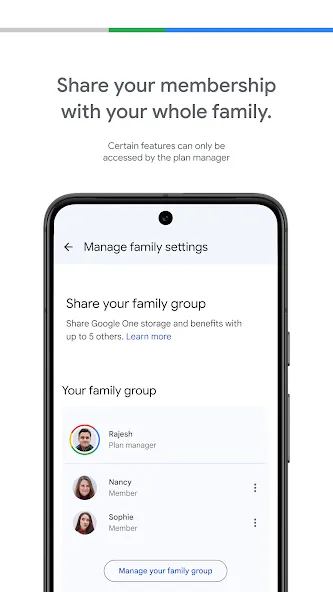
Google One allows for family sharing on eligible plans, enabling you to share your storage space with up to five family members. Each user’s personal files remain private; sharing storage space does not grant others access to your individual files. Some plans may include additional benefits—such as access to Gemini AI, YouTube Premium Lite or Premium memberships, or advanced features within Google apps—though specific perks vary by plan and country/region.
Open Google One and sign in using the Google account associated with your files, photos, emails, and device backups.
View your storage overview to see how space is distributed across Google Drive, Gmail, Google Photos, and backups.
Navigate to the backup section to select the supported phone data you wish to protect, such as photos, videos, contacts, or text messages.
If you are switching to a new Android phone, sign in with the same account during the setup process and restore your available backup when prompted.
If you need more storage or would like to compare the benefits of different plans before choosing, check the "Plans" section.
Pros:
Includes 15GB of free storage, with a variety of subscription plans available.
Clean, user-friendly interface.
Automatic backups for device storage.
Data synchronization across multiple devices.
A central hub for managing various Google services.
Ability to share storage with others.
Cons:
Backup and restore processes may be paused on devices that are in frequent use.
The amount of free storage is limited.
What other benefits does Google One offer besides storage?
Google One provides access to Google experts, enhanced editing tools in Google Photos, and exclusive discounts on purchases from the Google Play Store.
Can Google One be shared with family members?
Yes, a Google One subscription can be shared with up to five family members, allowing everyone to access expanded storage under a single plan.
Does Google One include phone backup services?
Yes, Google One automatically backs up photos, videos, contacts, and text messages from your phone, ensuring your data is securely stored in the cloud.
Google One serves as an excellent, built-in storage management hub for the Android ecosystem and Google apps. With its unified storage quota display and automatic phone backup features, it addresses common data management needs with minimal effort required from the user.
Size:26.79MB Version:1.229.656062133
Requirements:Android Price:Free
Package Name:com.google.android.apps.subscriptions.red Signature:3cc8722fe9c0b93f21b70cc243a29c07
Utility apps are indispensable in our lives, making our daily routines more convenient. To help you find these apps more easily, this site has created a collection. This collection brings together a series of practical tools covering various aspects of life, work, and education, meeting all your needs. What are you waiting for? Try these apps now and make your life easier!
Transform your mobile device into a powerhouse of efficiency with these handpicked essential tools. Whether you need professional-grade photo editing, seamless file organization, smart task management, or real-time weather updates, our curated selection of premium apps delivers unbeatable performance. Streamline your daily routine, automate repetitive tasks, and boost your productivity with intuitive interfaces and powerful features. Designed for both professionals and casual users, these editor-approved applications will revolutionize how you work and play. Don't settle for an ordinary phone - upgrade your digital experience today and unlock your device's full potential!
With the development of mobile hardware and software, many practical tool software have emerged, covering a wide range of aspects and becoming a good helper for everyone in work and life. Today, the editor provides you with a list of useful tool software downloads. These tools are not particularly complex types, and after reading them, everyone can quickly learn how to use them. Proper use can bring great convenience to life and work.
About us | Contact us | Privacy policy| DMCA
Copyright © 2026 Xiaohei All rights reserved.