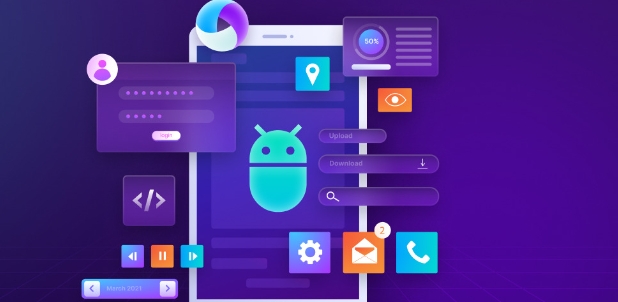
Uizard.io is an editing tool designed specifically for design enthusiasts. Leveraging built-in AI technology, it allows users to transform their ideas into posters and images. By simply uploading a screenshot, users can generate a prototype based on the image's content; they can then further customize their creation by adding elements such as stickers, filters, and text. The platform is continuously updated, with new features regularly introduced in response to user feedback to meet their evolving creative needs.
Auto designer/Project generation: Uizard.io's Auto designer is the platform's hallmark feature. It uses artificial intelligence to generate complete user flows with mockups and wireframes based on a few prompts describing your projects. You can generate screens for either mobile, tablet, or desktop viewports. The platform's output includes both high-fidelity mockups and wireframes.
Generating individual screens: Uizard.io also allows you to generate and work on individual screens—particularly handy if you want to fine-tune particular UIs within your user flow. You can then make any additional edits manually or via the AI assistant.
Theme generation: The platform also lets you set up custom themes and brand kits—each theme includes its own fonts, color palettes, and button styles. You can then apply the generated theme across all your designs.
Element and image manipulation: I found Uizard.io's editing tools quite useful. The platform handles both manual tweaks via a pixel-perfect drag-and-drop interface and automated edits through its AI chatbot. You can adjust design element placement or add new components in any way you like. The platform's built-in component library is ample, so you've got plenty of customization options. You can also generate images and visuals from scratch—be they photos, logos, illustrations, and so on. The option to upload your own images on the platform, or browse through stock visuals via Uizard.io's native Unsplash and Giphy integrations, is also a plus.
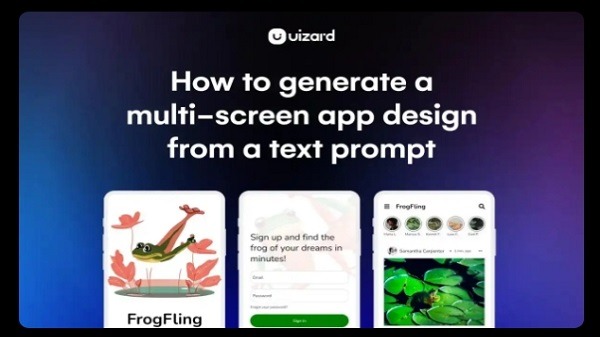
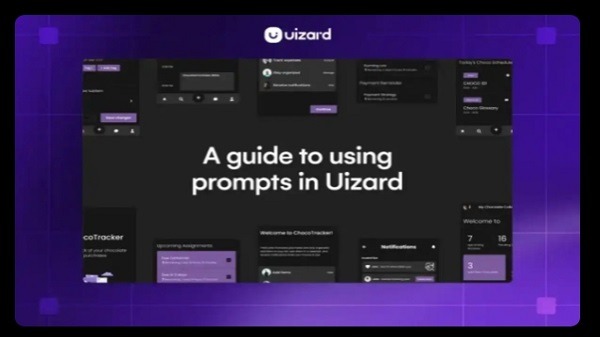
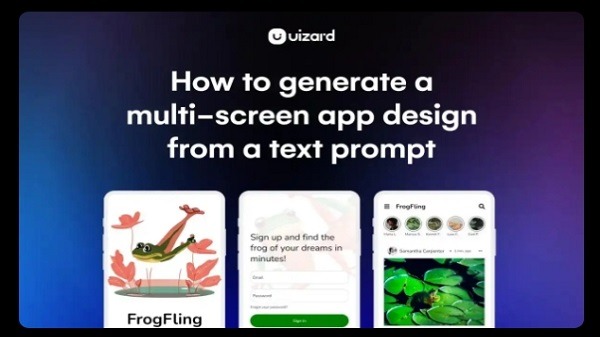
Generate multi-screen prototypes from a plain-text prompt.
Convert screenshots into editable design mockups.
Digitize hand-drawn wireframe sketches into digital screens.
Toggle between visual design and wireframe modes instantly.
AI “Suggest” tool edits individual components via natural language.
Publish prototypes to a shareable public link in seconds.
Share designs directly to Jira, Confluence, Miro, and Notion.
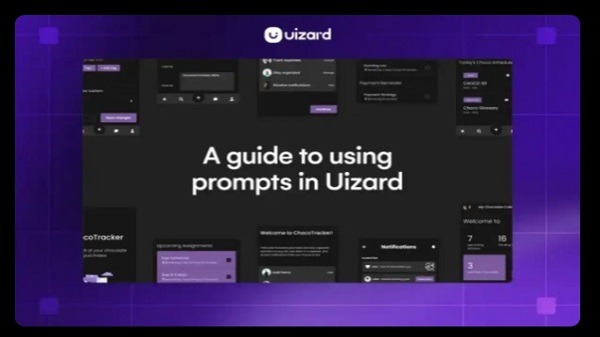
What the tool does: You describe a screen — "a mobile onboarding screen with a headline, a short description, and a continue button" — and Uizard generates a laid-out screen with appropriate components. You can iterate with more prompts, drag and rearrange elements, swap components from the built-in library, and link screens together for a click-through prototype.The interface is deliberately simple. There's no layers panel with 30 nesting levels. There's no auto layout configuration. You're working at a higher level of abstraction — "move this button here, make this text bigger, change this to a different color" — and the tool handles the implementation.The screenshot-to-design feature is worth calling out. You upload a screenshot of an existing app or website, and Uizard recreates it as an editable design. For teams that need to build on top of or iterate on existing interfaces, this is a meaningful shortcut.
The output quality ceiling: This is the main thing to be honest about. Uizard's output looks like AI-generated UI. The components are generic — stock button styles, default color palettes, standard card layouts. There's nothing wrong with any of it functionally, but experienced designers will recognize immediately that it wasn't produced by a human designer.For early concept validation, this is fine. You're trying to answer "does this make structural sense?" not "does this look polished?" Stakeholders can give useful feedback on a Uizard mockup because they can understand what it's trying to be.For anything that will be seen externally — user research sessions with real participants, investor pitches, customer demos — the visual quality is likely not sufficient without substantial manual refinement.
Uizard vs UX Pilot: This comparison comes up because both tools use AI to generate UI. The difference is in who they're optimized for.UX Pilot produces higher-quality output and exports real Figma layers. It's built for designers who want to accelerate their existing workflow. The interface assumes you can judge good design and want to edit toward it.Uizard is built for people who don't have design skills. The interface is simpler. The concept of "describe it and get it" is more fully realized. If you're a designer, UX Pilot is the better tool. If you're not a designer, Uizard is more approachable.
Can I change the keyboard bindings/shortcuts?
There isn't a way to update the keyboard binding settings or shortcuts at this time.
Can I hide the design menu? The design pop-up is in the way.
Yes! You should be able to close out the design menu by clicking the "x" in the right-hand corner of the Design menu.
Is there a ruler/grid or a way to get the padding and margin sizes?
There isn't a ruler or a way to get the padding and margin sizes at this time. However, we're working to improve our platform! Additionally, we do not have a grid or Bootstrap grids.
Is there a logo design feature?
Currently, we don't have a specific feature that helps you with designing a logo; however, that doesn't mean that you can't attempt to use all of our features and shapes to create one!
Can I have access to the Uizard API?
At this time, we are not able to provide API access.
Are there integrations with Squarespace or Shopify?
There are no integrations with Squarespace or Shopify at this time.
Are there click statistics for those who view my prototypes?
There isn't a click statistic for button clicks or forms available at this time; however, we're always looking for ways to improve!
As we look to the future, the potential for Uizard.io APK to drive innovation in the Android ecosystem is immense. Designers and technophiles alike are encouraged to explore this tool, harness its capabilities, and push their creative limits. The landscape of digital design tools is ever-evolving, and with Uizard.io app, users are well-equipped to ride the wave of change and make their mark in the world of design.
Size:2.95MB Version:2.0
Requirements:Android 5.1+ Price:Free
Package Name:com.apktodo.uizardio Signature:4f80101767023317c786f22adb080da6
Utility apps are indispensable in our lives, making our daily routines more convenient. To help you find these apps more easily, this site has created a collection. This collection brings together a series of practical tools covering various aspects of life, work, and education, meeting all your needs. What are you waiting for? Try these apps now and make your life easier!
With the development of mobile hardware and software, many practical tool software have emerged, covering a wide range of aspects and becoming a good helper for everyone in work and life. Today, the editor provides you with a list of useful tool software downloads. These tools are not particularly complex types, and after reading them, everyone can quickly learn how to use them. Proper use can bring great convenience to life and work.
About us | Contact us | Privacy policy| DMCA
Copyright © 2026 Xiaohei All rights reserved.