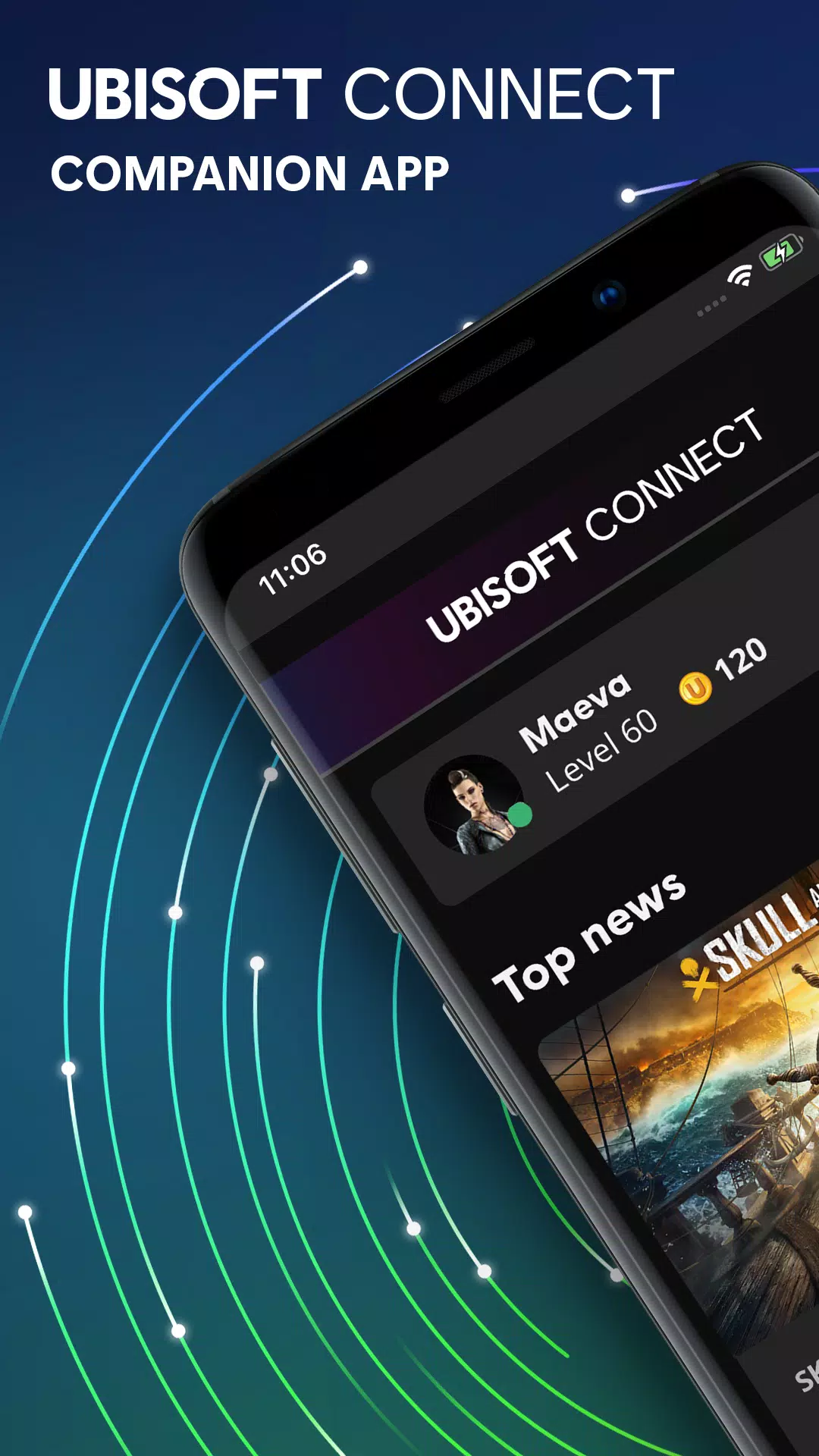
Ubisoft Connect is a mobile tool designed specifically for Ubisoft players. It not only links your games to your account but also connects you with the player community, where you can stay updated on the latest Ubisoft news, discuss gameplay strategies, and follow the latest game updates. By logging into the platform and completing in-game challenges, you can earn experience points (XP) to level up your account and unlock various in-game items, such as skins and consumables. Once you’ve added friends, you can compare your stats and progress against theirs in real time. As you continue to use the platform, you may also gain early access to newly released content and upcoming games.
Centralized game library and launcher: The desktop client provides store browsing, installation and game launching, automatic updates and consolidated settings management.
Cloud saves and cross-progression: Save synchronization and cross-progression are available for supported games, enabling continuation of progress across platforms—implementation varies by title.
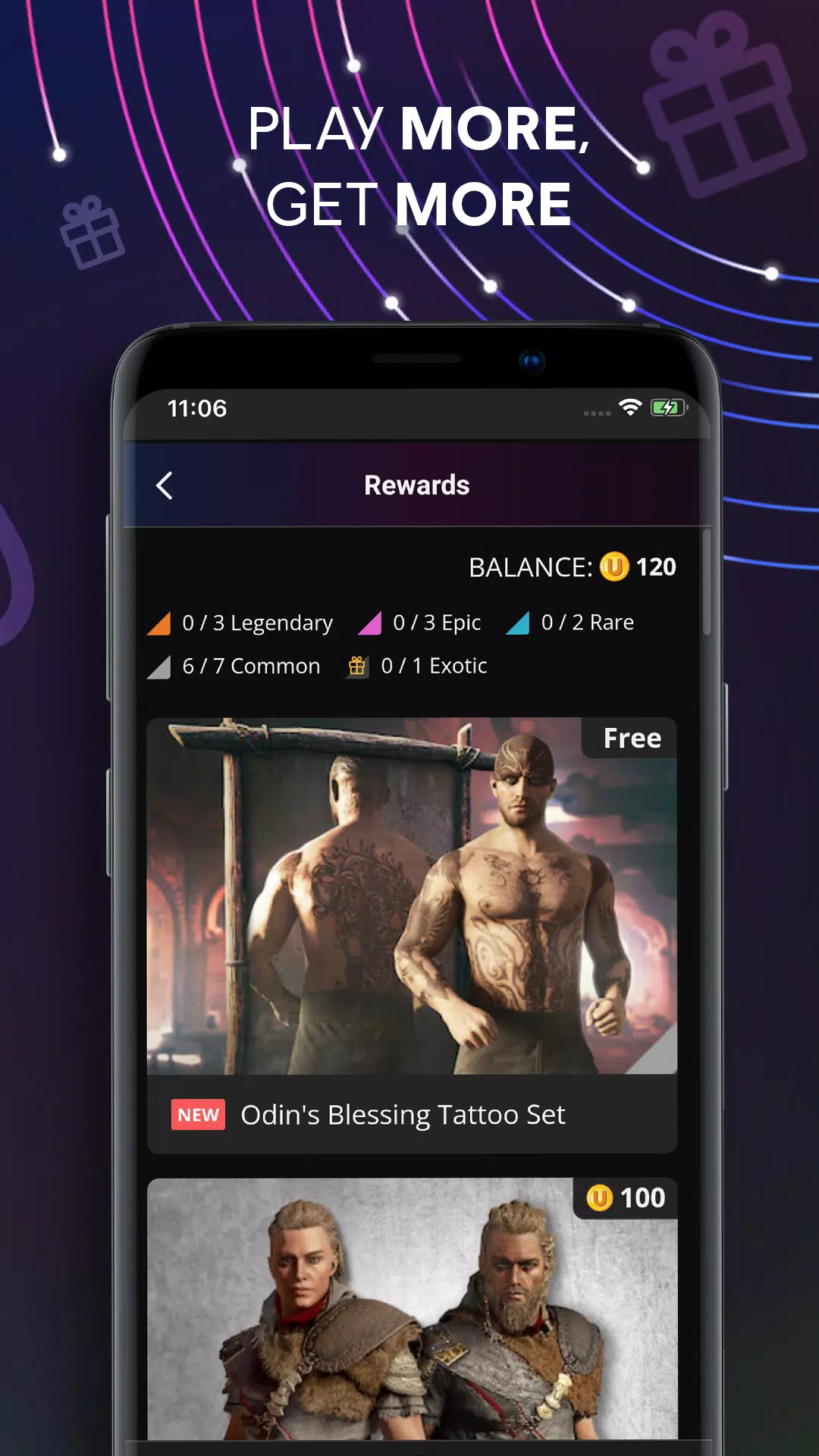
Units and rewards ecosystem: Units earned through gameplay and challenges can be redeemed for in-game cosmetics, boosters and other digital items via the desktop client or mobile app.
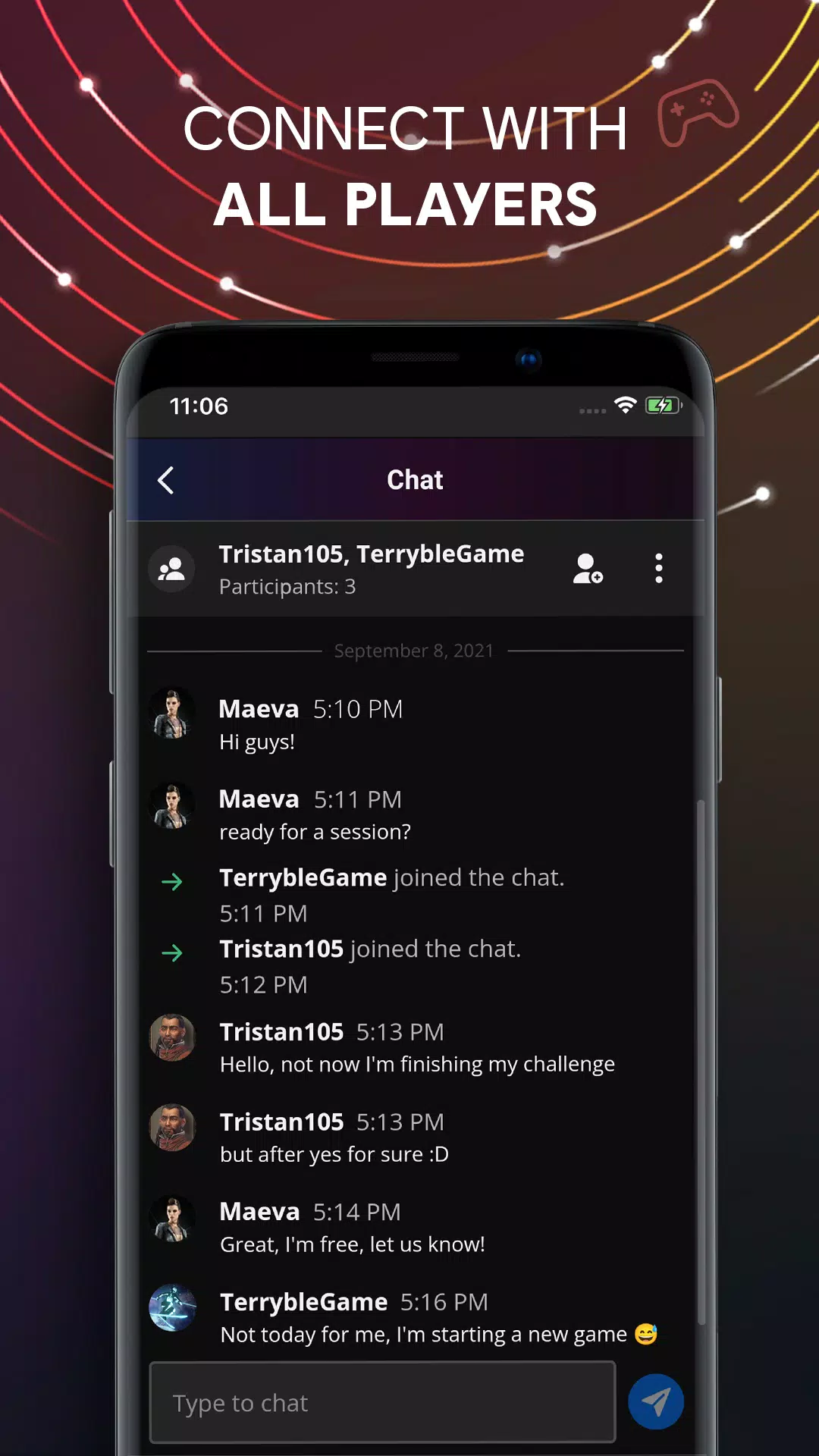
Social features and overlay: Friend lists, stat comparisons, groups and an in-game overlay expose challenges, progress and social tools without exiting gameplay.
Events, seasonal content and tournaments: Time-limited events, live challenges and competitive activities are promoted in the client and companion apps to surface ongoing content.
Companion mobile app: Mobile apps for iOS and Android supply profile and reward management, push notifications for events and offers, remote PC download control and quick access to news and community content.
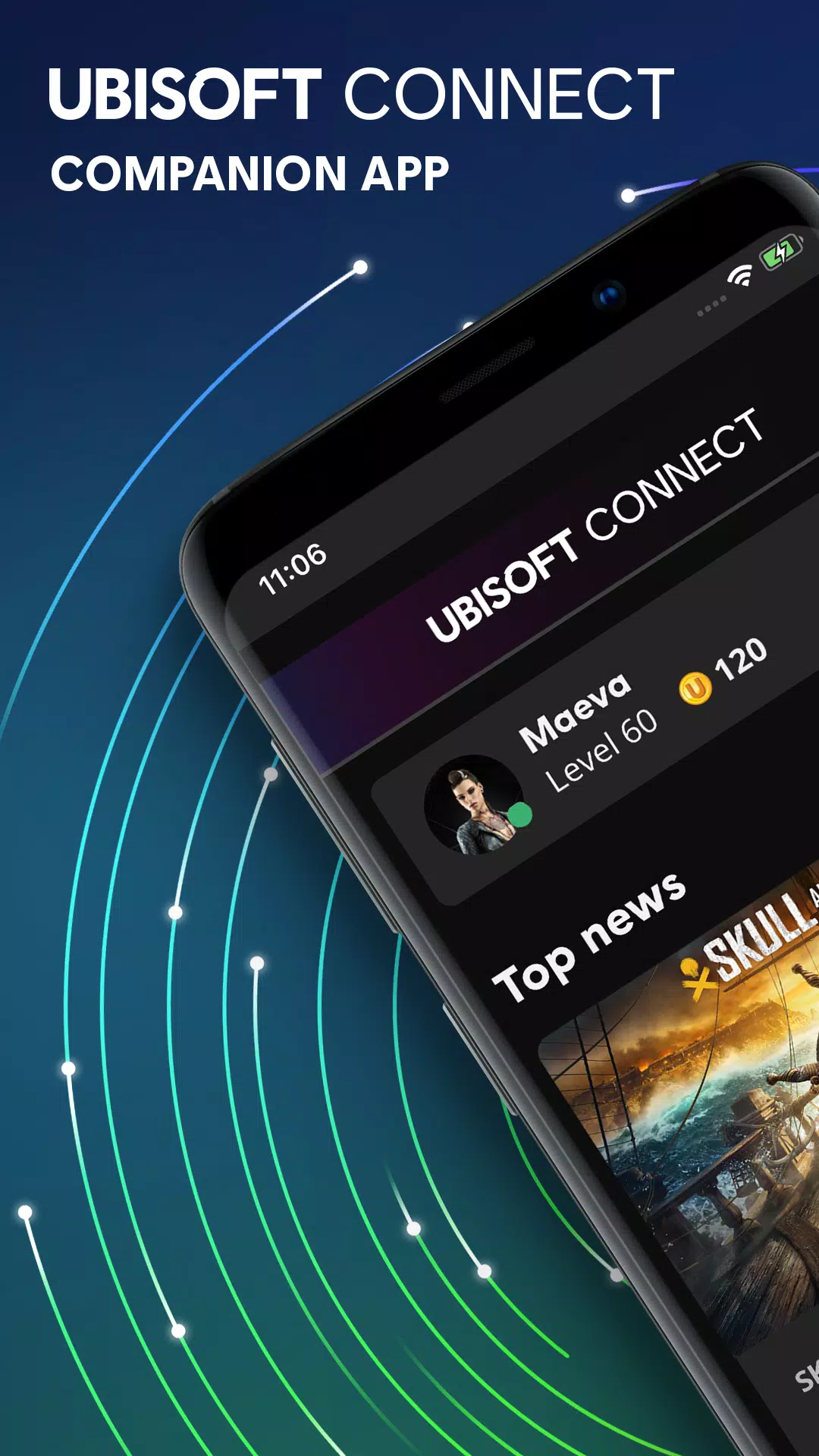
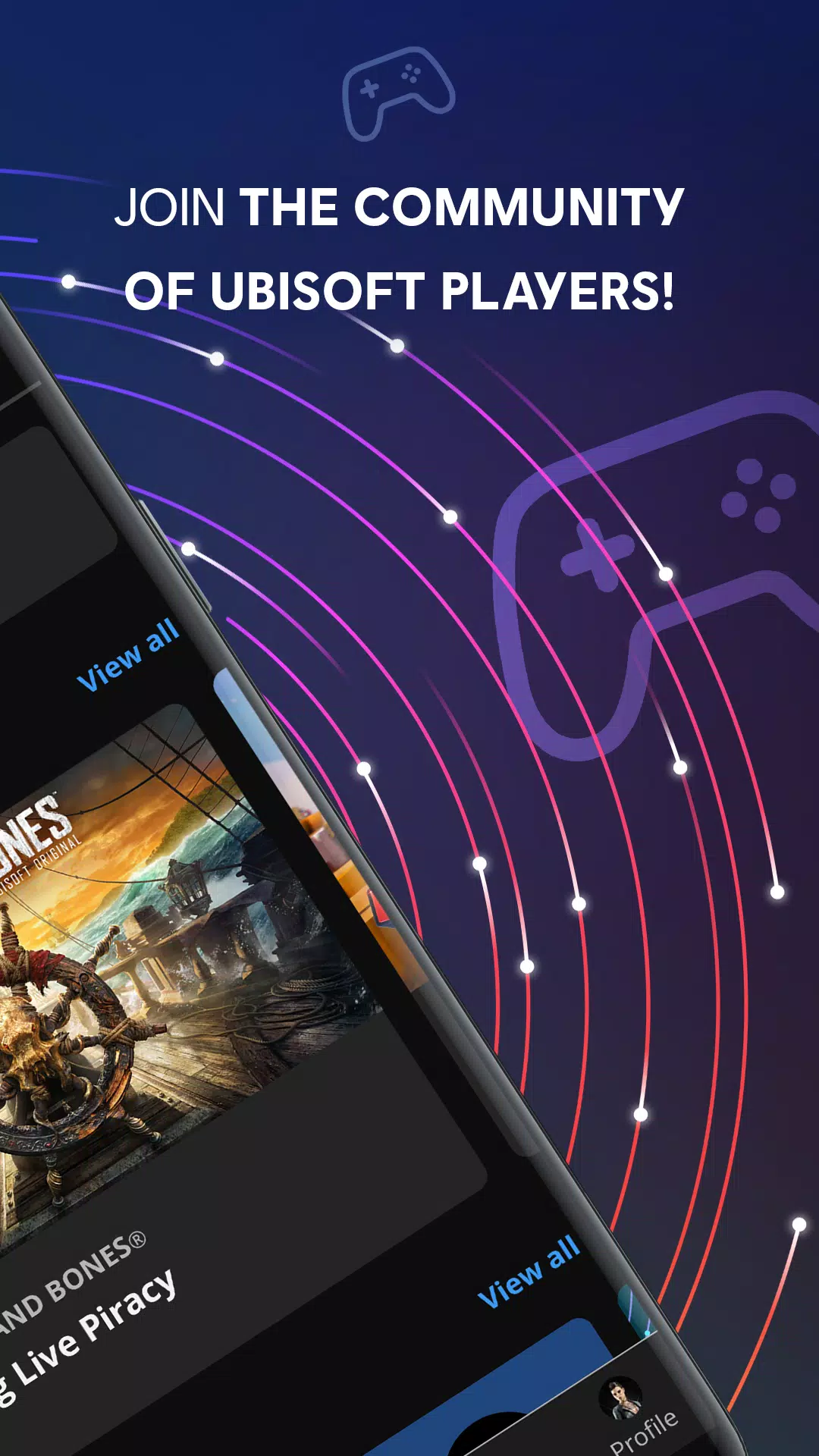
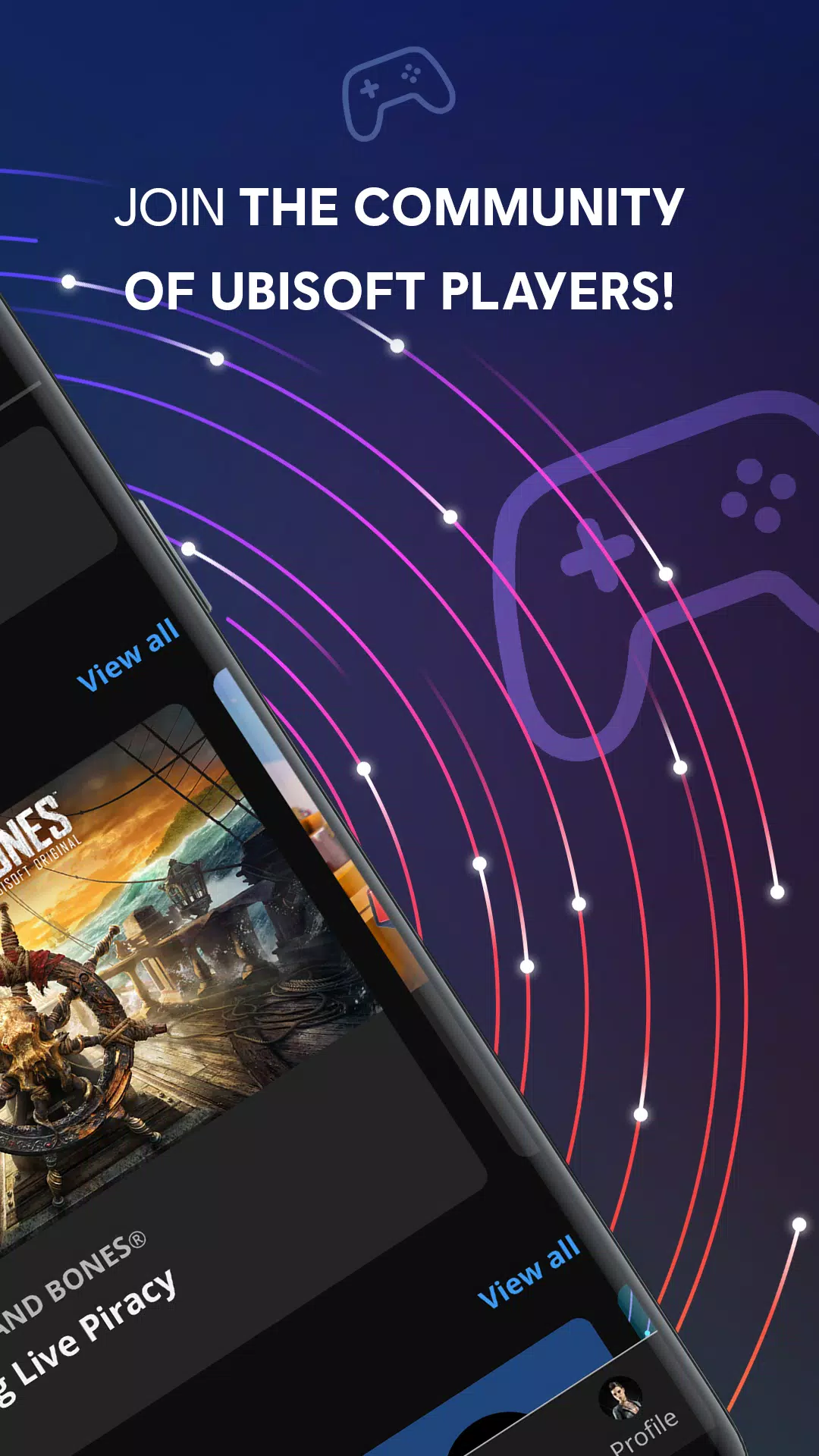
Staying informed about the latest news and events related to their favorite games is another important aspect of Ubisoft Connect. The app provides a news feed that keeps users updated on game updates, events, and announcements. This feature ensures that players are aware of new content and community happenings, allowing them to participate actively in the Ubisoft gaming ecosystem.
The app supports cross-platform functionality, meaning players can interact with others regardless of the devices they use. This aspect is particularly beneficial for those who play on multiple platforms, as it ensures a seamless experience and consistent player engagement. Players can easily switch between devices while maintaining their connections and progress within the app.
Another noteworthy function of Ubisoft Connect is the ability to customize profiles. Users can personalize their profiles with information about their gaming preferences and achievements. This customization adds a personal touch and enables players to express their individual gaming identities within the community.
The app also includes a rewards program that incentivizes players for their engagement. By participating in various activities, players can unlock exclusive rewards not available to those who do not use the app. This program is designed to foster a deeper connection between players and the Ubisoft brand, enhancing overall loyalty and enjoyment.
Ubisoft Connect promotes a sense of belonging by offering community challenges where players can team up with others to achieve common goals. These collaborative efforts enhance social interactions and provide opportunities for players to connect over shared gaming experiences. Participating in community challenges can also lead to additional rewards, further motivating players to engage with the app.
To change the email address associated with your Ubisoft account:
From the Account information page, in the Log in information section, choose "Edit".
Verify your email address.
Enter the new email address you would like to use.
Select "Send".
An email with a verification code will be sent to the new email address associated with your Ubisoft account.
Enter the verification code, and select "Confirm".
Please note that you cannot use an email address that is already, or was recently, associated with another Ubisoft account.
For security reasons, you will not be able to change the email address associated to your Ubisoft account if you have recently changed it.
If you encounter any issues with the email address associated with your Ubisoft account, please follow the steps of the troubleshooting guide.
You can request to access the personal data that Ubisoft holds about you at any time.
Linking your Ubisoft account to another platform account will allow you to make use of available crossplay and cross-progression features.
To link your Ubisoft account to another platform account:
Log in to the Account Information webpage.
From the "Linked accounts" section.
Locate the platform you wish to link.
Select "Link".
Follow the instructions in the pop-up window.
You can also link your platform account to your Ubisoft account by launching a game and logging in to Ubisoft Connect.
Please note that the information below does not override any statutory rights for refund, including your legal right to ask for a refund in the event of a faulty product or product not conforming with the description. For more information, please consult the Refund Policy and the Terms of Sale.
When purchasing games from Ubisoft Connect PC or from the Ubisoft Store, you can request a refund within 14 days of your purchase, as long as the game has not been played for more than two hours.
Please note that you can see your purchases made from Ubisoft Connect PC or from the Ubisoft Store from the respective order history.
To request a refund for purchases made from Ubisoft Connect PC:
From Ubisoft Connect PC, log in to your Ubisoft account.
Select your profile picture at the top left of the screen and choose "Account management".
Select "Payment and subscription"
Choose "Orders and refunds"
On the order you would like to refund, select "View order details".
Choose "Ask for a refund".
Select a refund reason and choose "Continue".
In the "How would you like to be refunded?" tab, select your refund method, then select "Confirm".
You will receive a confirmation email to the email address associated with your Ubisoft account.
Ubisoft Connect supports players who want to manage game activity, stay in touch with friends, and access rewards from one place. It brings your account, games, and community into a single hub on your phone. You can check what is happening across titles and pick up progress wherever you are.
Size:84.67MB Version:9.2.12
Requirements:Android Price:Free
Package Name:com.ubisoft.uplay Signature:61d44aa0e2dc38680ca85075a1302634
Utility apps are indispensable in our lives, making our daily routines more convenient. To help you find these apps more easily, this site has created a collection. This collection brings together a series of practical tools covering various aspects of life, work, and education, meeting all your needs. What are you waiting for? Try these apps now and make your life easier!
With the development of mobile hardware and software, many practical tool software have emerged, covering a wide range of aspects and becoming a good helper for everyone in work and life. Today, the editor provides you with a list of useful tool software downloads. These tools are not particularly complex types, and after reading them, everyone can quickly learn how to use them. Proper use can bring great convenience to life and work.
About us | Contact us | Privacy policy| DMCA
Copyright © 2026 Xiaohei All rights reserved.