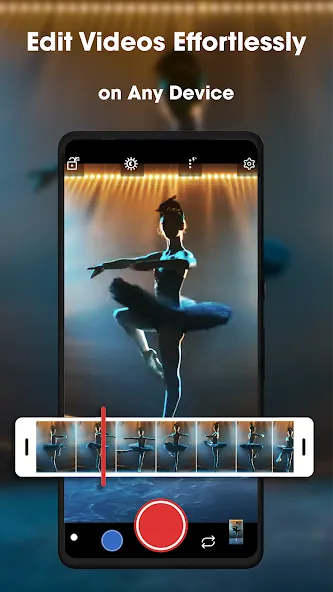
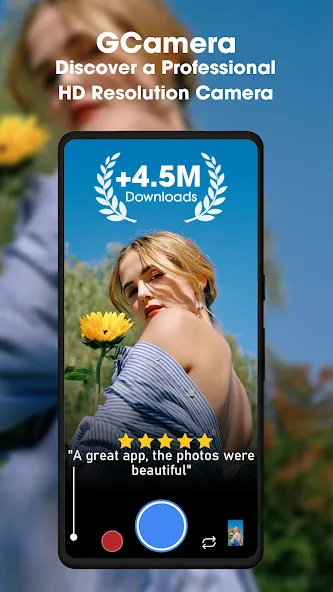
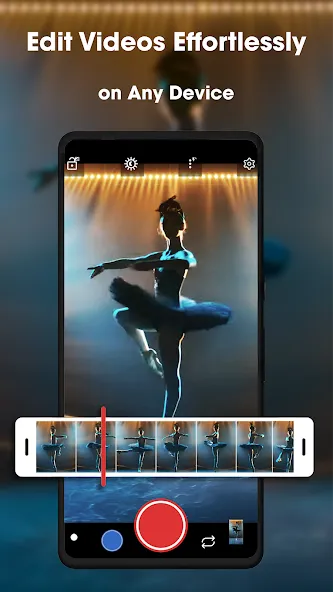
GCamera is a camera application designed for mobile devices, offering a diverse range of shooting modes—such as HDR, Night Sight, Astrophotography, and Portrait—that allow users to adapt to their current environment and capture photos rich in detail. Optimized for mobile use, the app features high-definition capabilities and an intuitive, clean layout, enabling users to quickly master its various functions and produce high-quality images. Additionally, the software supports video enhancement, refining elements like background, color, and brightness to ensure that the resulting videos appear more polished and natural.
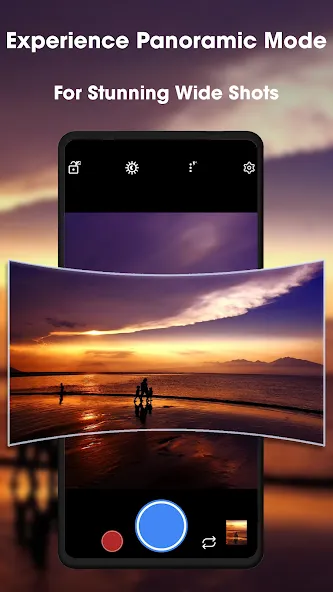
Vivid HDR+ Photos: Love shooting outdoors? HDR+ combines several shots for colorful, crisp, and well-balanced photos—even when the lighting isn’t playing nice. Scenes look more alive, with richer detail and less fussing in editing.
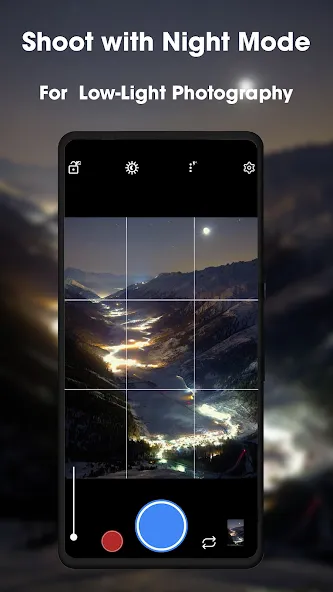
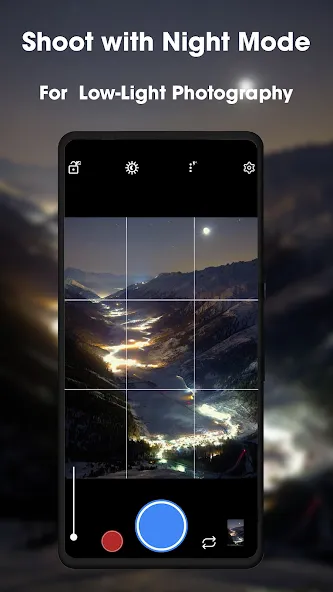
True Night Sight: Low light won’t stop you. Night Sight captures more detail and color after dark, so your nighttime adventures are just as memorable as daytime ones, minus the usual blur and grain.
Astrophotography Mode: Ever looked up and wanted to get those stars on camera? This mode lets you photograph starry skies and constellations right from your phone. It’s surprisingly simple, and the results are mesmerizing.
Portrait Perfection: Your portraits pop with pro-looking background blur, keeping your subject sharp and drawing all attention where it belongs. No fancy camera needed—just a tap, and you’re set.
HD Camera Power: Every photo comes out in high definition, ready to impress. GCamera squeezes max performance from your phone, so your shots always look their best without technical know-how.
Intuitive Controls: Navigating all these features doesn’t feel overwhelming. The layout’s clean and tools are easy to find, whether you’re snapping in a rush or setting up something more creative.
Super Res Zoom: This feature allows you to take high-resolution zoomed-in photos by capturing multiple frames and improving the resolution.
Motion Photos: This feature captures a short video along with your still photos, creating a moving picture effect.
Top Shot: This feature automatically selects the best still photo from a series of photos taken just before and after pressing the shutter button.
Make Stickers: This feature allows you to add reality stickers and effects to your photos and videos.
Slow Motion: This feature allows you to capture slow-motion video at high frame rates.
Time Lapse: This feature allows you to capture time-lapse video by taking a series of photos at set intervals and stitching them together into a video.
Make GIFs: This feature allows you to make GIFs in a Single tap only, you don’t have to use any other application to make GIFs.
GCamera is highly recommende: it works 100% perfect: it's result oriented.
When I first got my pixel 3 XL, the camera on this phone was amazing and throughout time and all the updates this camera has become large pixelations very hard to get detail unless I'm 3 in from the subject. All my pictures look like I painted them in oil and when I expand them to look at them closer it looks like I'm not a very good painter at that. What happened? What the hell happened? Of all the things that you had to fix you had to mess with the camera that wasn't broken.
good apps. wondering if there are features like simple photo editor such as putting text rotating/flipping, etc
Just started to use the app and I find it as far easier to use than other camera apps that came and stoled on the phone.
it's a very good app for an android phone but the Ads are something else , but still I recommend trying it.
App Crashing after Taking Pictures?
There are several potential causes for this issue on your device. If you’re experiencing frequent crashes, we recommend investigating these common culprits:
Motion Photo: This feature often proves unstable across many smartphone models, so disabling it may resolve your crashing problems.
Incompatible Features: Your phone’s hardware specifications and processing capabilities will determine whether GCamera functions properly or fails.
Consider trying an alternative Google camera port that might better match your device specifications. If crashes persist despite these adjustments, we suggest posting your specific questions on the official GCam forums for more personalized assistance.
Can’t view Photos/Videos from inside GCamera?
Typically, GCamera requires a compatible gallery app to store and display your captured photos and videos. Sometimes these gallery apps fail to synchronize properly with GCamera, resulting in an inability to view your recent media within the app.
When this occurs, your best solution is to download the Google Photos app, which will seamlessly integrate with GCamera and resolve this viewing issue effectively.
HDR Modes and How to Fix Overexposed Photos?
You’ll encounter several HDR options within GCamera settings:
HDR Off/Disable: Delivers standard photo quality without HDR processing.
HDR On: Functions as an automatic mode, providing improved results with fast processing.
HDR Enhanced: Forces HDR application for superior image quality, though with slightly slower processing.
Some newer versions implement HDRnet technology, which replaces these three traditional modes described above.
For quick shooting scenarios, HDR On offers the best balance of quality and speed. If you’re prioritizing image quality and can tolerate slower processing times, HDR Enhanced will produce the most impressive results.
GCamera is the ultimate tool for anyone passionate about photography. Whether you’re exploring the city streets, capturing family moments, or venturing into the great outdoors, this pro camera app adapts to your needs, making it easier than ever to preserve memories in crystal-clear quality.
Size:59.39MB Version:2.24.8
Requirements:Android Price:Free
Package Name:com.sgmediapp.gcam Signature:9bb105f8732f86b3cc240b9909f54459
Welcome to our image editing apps! Perfect for beginners and pros alike, they make photo enhancement easy. Use PicsArt to crop, adjust colors, and apply filters. Remove backgrounds instantly with Remove.bg. Get creative with layers and advanced tools on Adobe Photoshop Express. Start transforming your images today!
Visuals serve as a primary gateway for players to engage with games, where distinctive art direction immediately captures attention and creates lasting impressions. An unconventional aesthetic not only stands out in crowded markets but also enhances immersion and emotional connection. When executed with creativity and polish, striking visuals elevate gameplay into a memorable artistic experience. That's why titles with truly exceptional art styles deserve recognition - they offer both visual delight and meaningful interactive expression that resonates with players long after the session ends.
Enhance your photos effortlessly with the best free photo editing apps for Android! Whether you want to apply stunning filters, adjust brightness and contrast, remove blemishes, or create professional-quality edits, these apps offer powerful tools at your fingertips. From simple one-tap enhancements to advanced editing features like background removal and AI-powered effects, you can transform your images with ease. Explore a wide range of user-friendly and feature-rich apps, all available for free download. Start editing and make your photos stand out today!
About us | Contact us | Privacy policy| DMCA
Copyright © 2026 Xiaohei All rights reserved.