PSPlay is a remote-play tool designed for the Android operating system. It allows players to enjoy their PlayStation games on an Android device without needing to connect their console to a TV. By configuring the appropriate network settings, you can stream games from your PlayStation console directly to your Android device. The software offers exceptionally low latency, ensuring that on-screen actions remain perfectly synchronized with your inputs—whether you are using the on-screen virtual controls or an external controller—providing a seamless and high-quality gaming experience. Furthermore, the app supports third-party controllers, offering greater flexibility, and can even function as a virtual controller for your console.
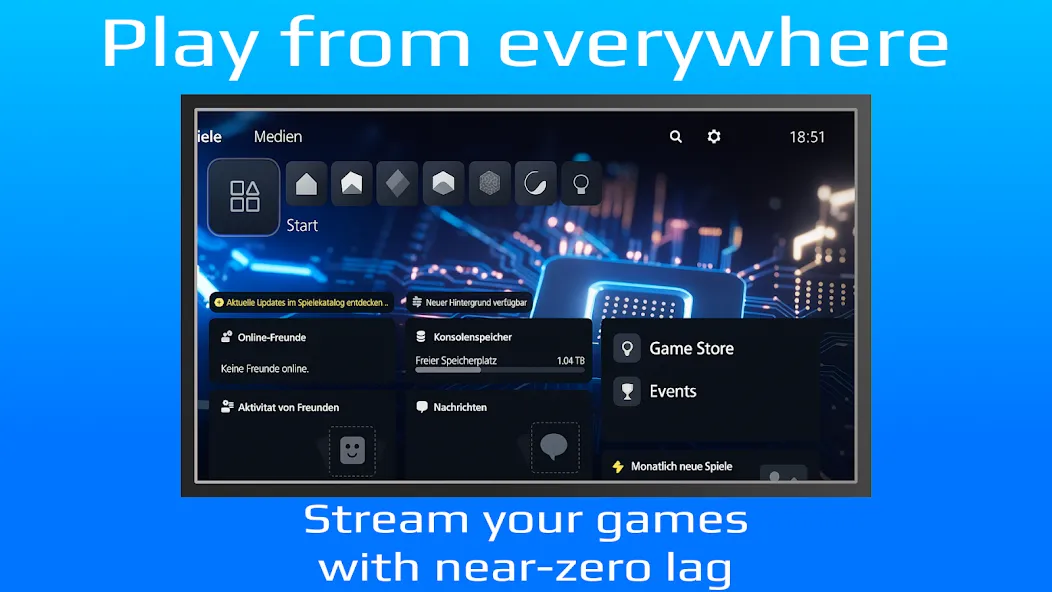
Play PS5 and PS4 Games Away from the TV
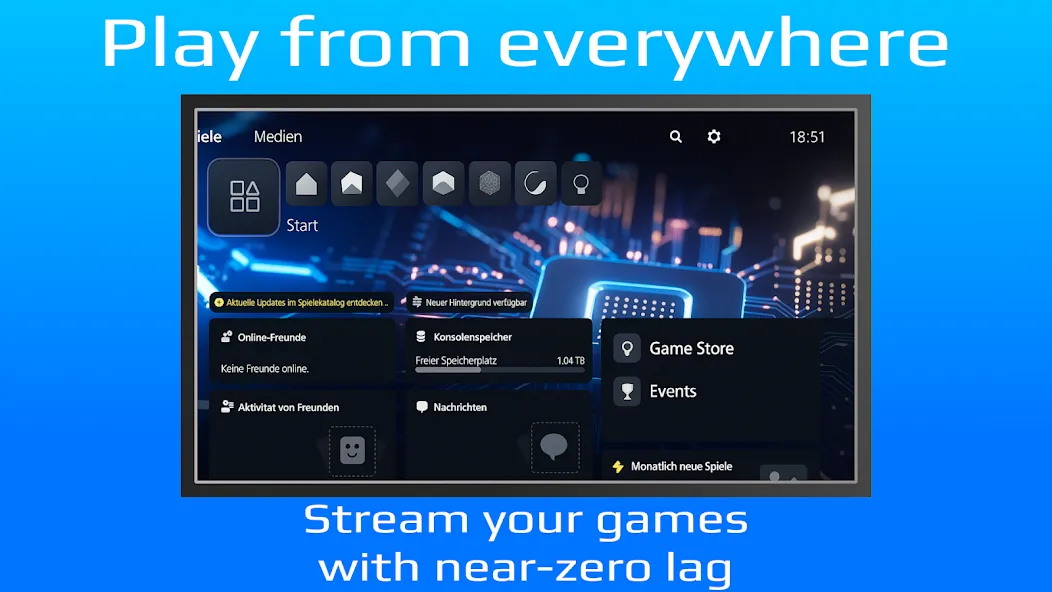
PSPlay enables you to stream games from your PlayStation console to an Android device, freeing you from being tethered to a TV. You can play while connected to your home network, or—with the correct remote access configuration—enjoy your games from virtually anywhere. This is particularly useful when the TV is in use by someone else, or simply when you prefer gaming on a more compact, portable device.
Responsive Remote Play Streaming
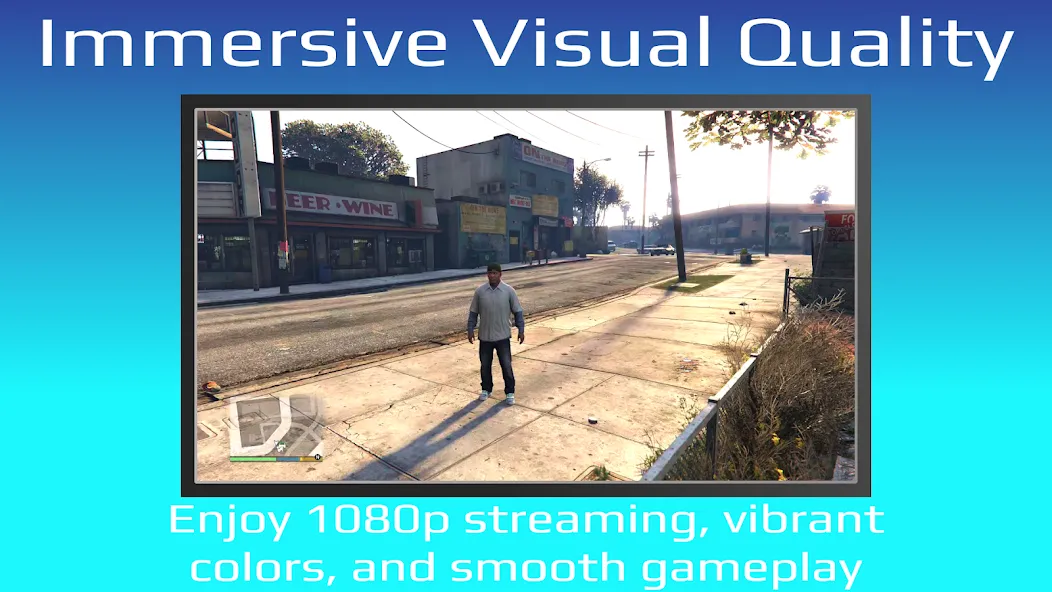
PSPlay is engineered for low-latency streaming, ensuring that your controller inputs stay in sync with the action on the screen. Performance may vary depending on your console’s connection, your router, your Android device, and the quality of your home or mobile network. If you experience lag or instability during remote play, you can adjust your network settings to optimize the experience.
Enhanced Visual Clarity for Larger Screens
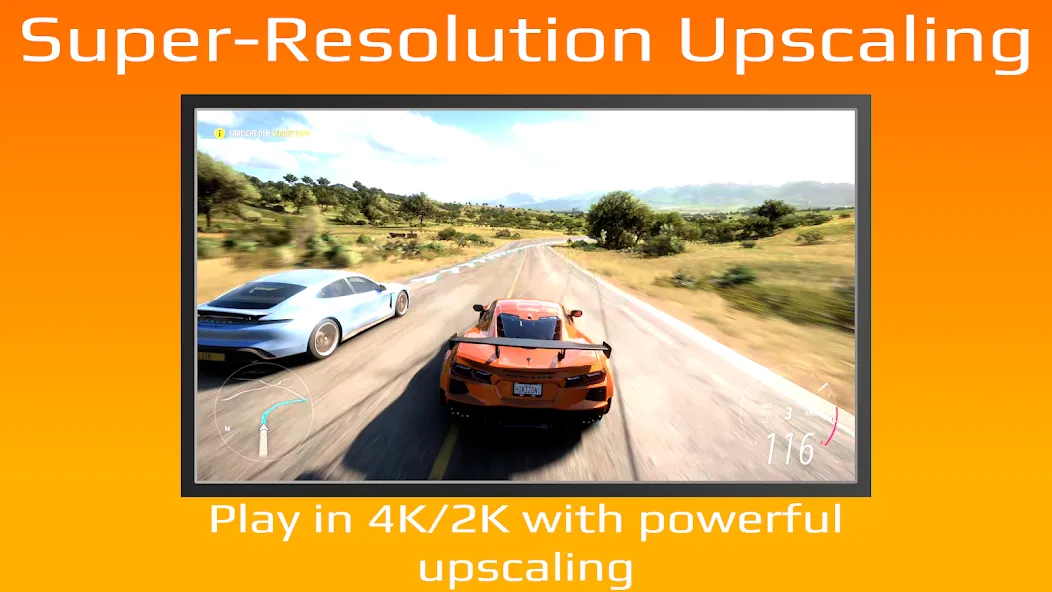
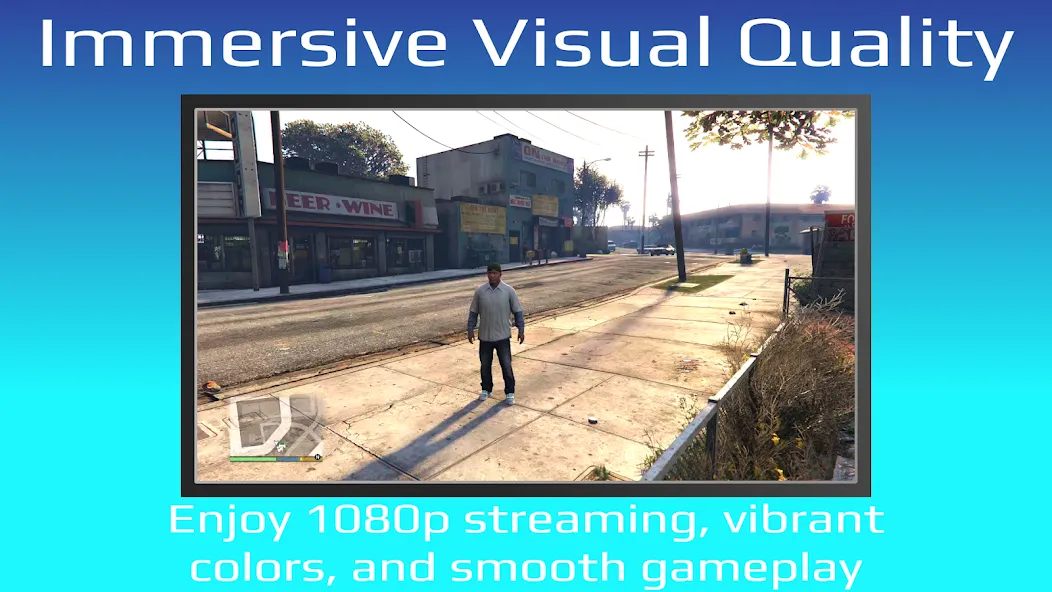
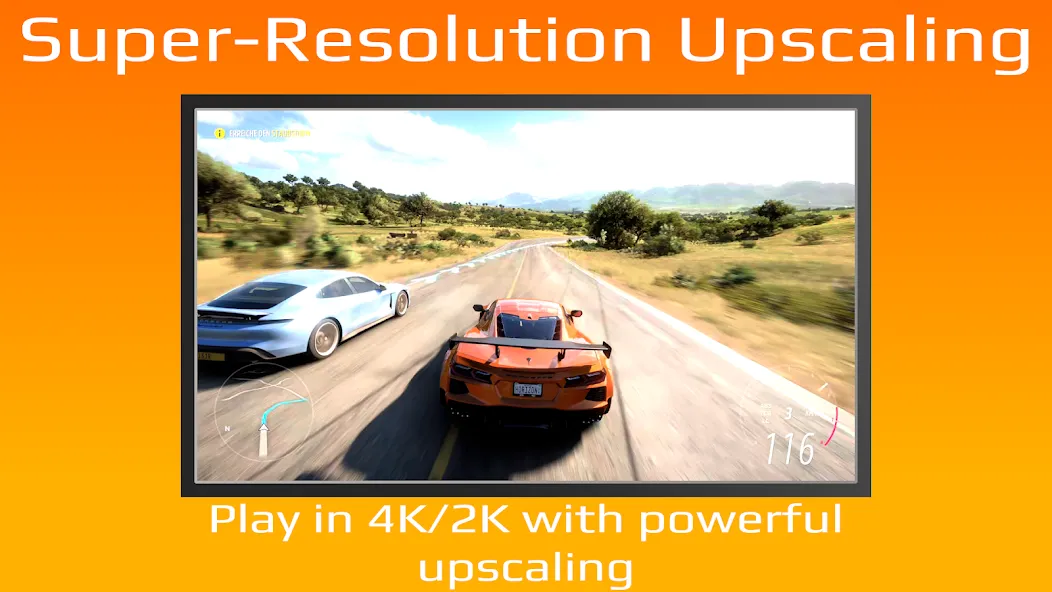
PSPlay includes FSR (FidelityFX Super Resolution) upscaling and sharpening options, which improve the visual quality of streamed games. This is especially beneficial when playing on tablets, Android TVs, or other large-screen devices, where image blur might otherwise be more noticeable. While these settings do not alter the games themselves, they help ensure that the remote video output remains crisp and clear during gameplay.
Flexible Controller Support
PSPlay supports third-party Bluetooth controllers and offers button remapping to suit your personal playstyle. If the default controller layout doesn't meet your needs, you can customize the inputs to your preference. This flexibility is one of the key reasons why many users choose PSPlay over the official PS Remote Play app when seeking a more versatile controller experience.
On-Screen Controls and Device Profiles
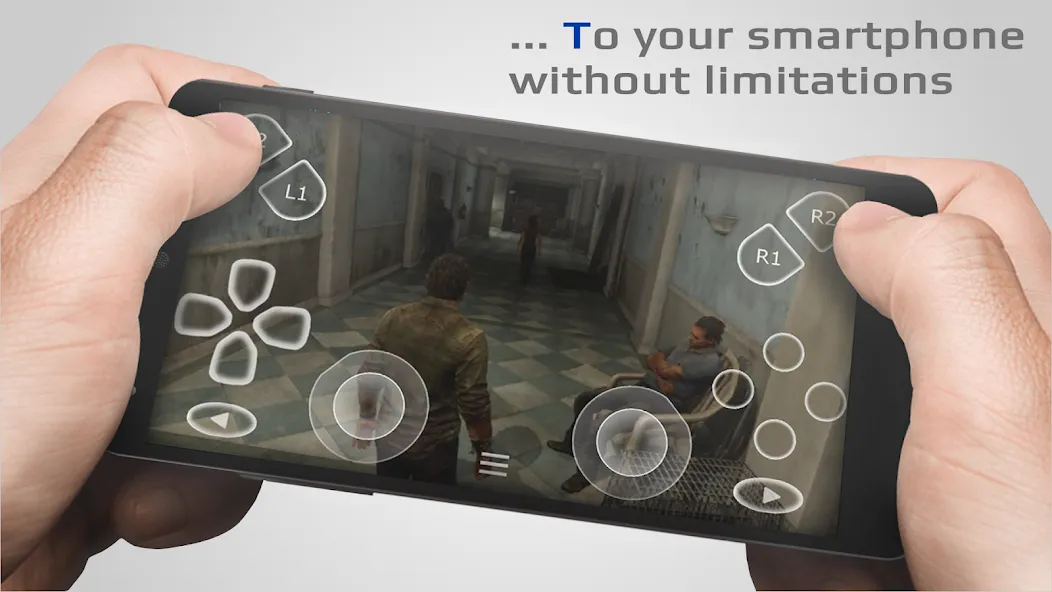
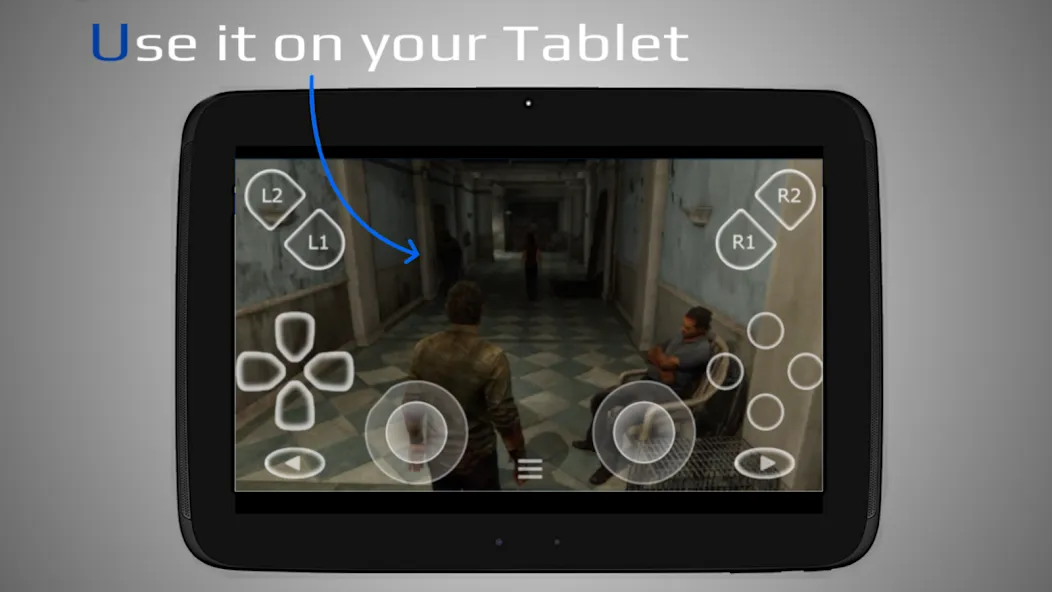
PSPlay offers on-screen touch controls for phones and tablets, allowing your device to function as a virtual controller. The app also supports multi-user profiles, picture-in-picture, multi-window mode, Android TV, rooted devices, and legacy PS4 firmware versions (5.05 and later). These features make it easy to manage different devices without needing to reconfigure settings every time.
Open PSPlay on your Android phone, tablet, or Android TV device and begin the console registration process.
Log in using the PlayStation account associated with your console, then follow the in-app prompts to connect your device to your PS5 or PS4.
Choose whether you want to play over your local network or set up remote access for use outside your home.
Connect a compatible Bluetooth controller, or configure the on-screen touch controls if you prefer to play directly via the touchscreen.
Start a Remote Play session and adjust display or control settings as needed—such as streaming quality, sharpness, and input layout.
Pros:
Highly customizable touch controls
Support for third-party game controllers and Android TV
Works over mobile data
Multiple profiles for different configurations
Cons:
Performance is heavily dependent on network quality.
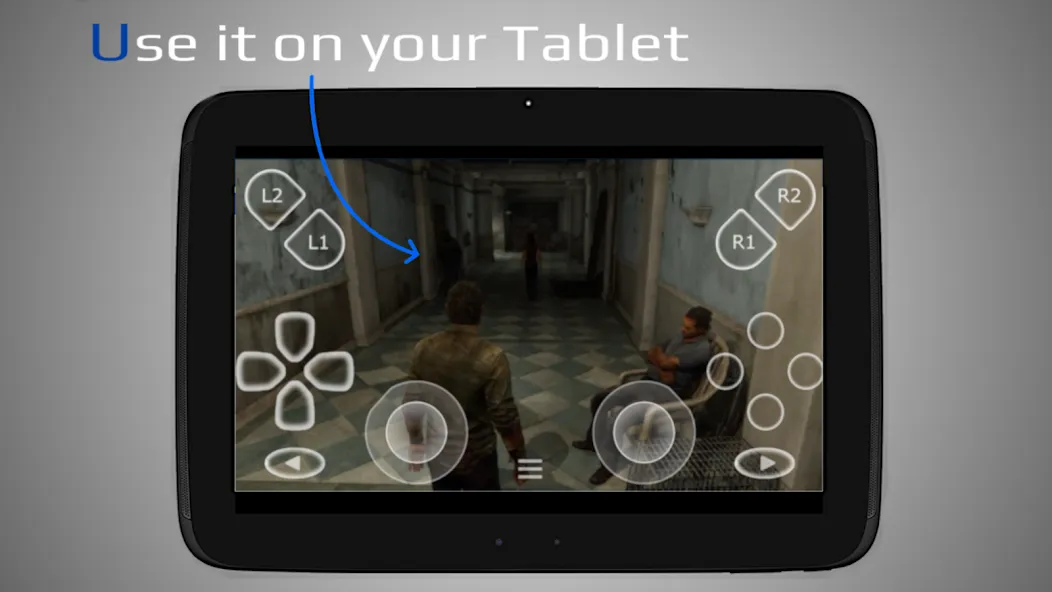
Works great—more stable than the official app. You can customize the virtual buttons, and it supports third-party controllers.
Excellent! It connects faster than the official app, and you can choose the bitrate—allowing for high-bitrate, high-definition streaming. Well worth the purchase.
Overall, it’s fantastic. When connected via USB, it perfectly replicates the HD rumble of a DualSense controller. The only downside is that you can’t adjust the vibration intensity; even when set to "weak," it still vibrates at full strength.
It supports third-party telescopic controllers, which puts it miles ahead of the official app. The streaming quality is identical to the official version.
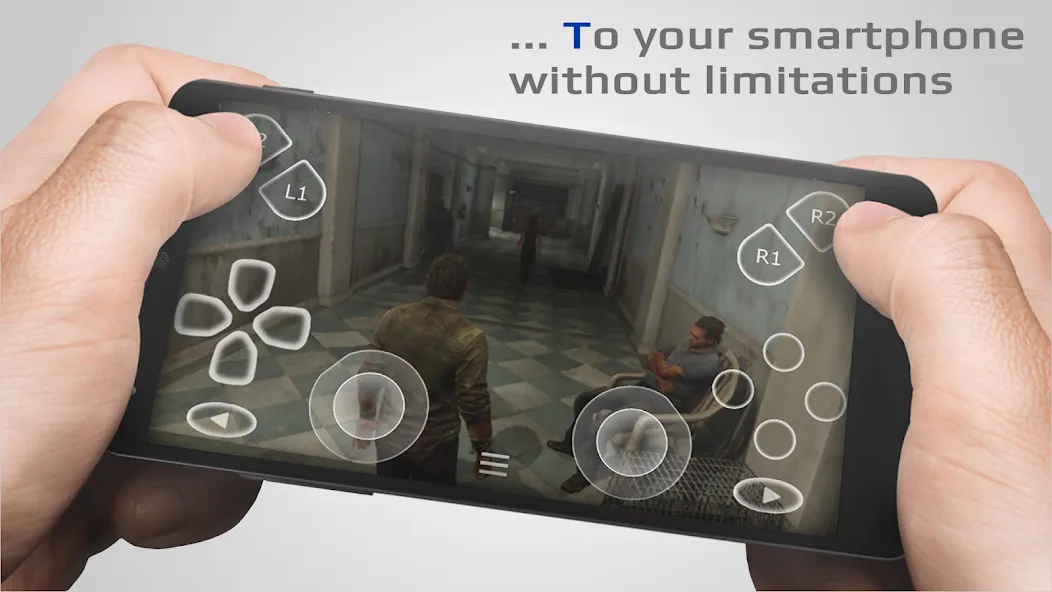
PSPlay allows players to continue their PS5 and PS4 gaming sessions when the TV is unavailable or when they simply want to play from another room. It also enables gaming away from home, provided that your network and console settings allow for remote access.
Size:48.28MB Version:6.6.0
Requirements:Android Price:Free
Package Name:psplay.grill.com Signature:4fbaa5161b9791e622b56897c228746a
Meet Game BOX — your all-in-one game hub! Explore action, RPG, strategy, and more. Find games quickly, download fast, and play seamlessly on mobile. Simple, safe, and packed with top-rated titles. Perfect for gamers everywhere.
Utility apps are indispensable in our lives, making our daily routines more convenient. To help you find these apps more easily, this site has created a collection. This collection brings together a series of practical tools covering various aspects of life, work, and education, meeting all your needs. What are you waiting for? Try these apps now and make your life easier!
With the development of mobile hardware and software, many practical tool software have emerged, covering a wide range of aspects and becoming a good helper for everyone in work and life. Today, the editor provides you with a list of useful tool software downloads. These tools are not particularly complex types, and after reading them, everyone can quickly learn how to use them. Proper use can bring great convenience to life and work.
About us | Contact us | Privacy policy| DMCA
Copyright © 2026 Xiaohei All rights reserved.