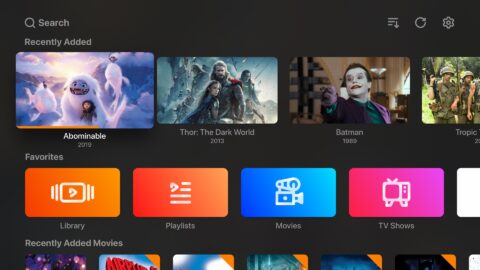
Android TV Home is a launcher application that provides quick access to popular short-form videos and entertainment apps, allowing users to start watching various types of content as soon as they unlock their screen. The app offers personalized recommendations based on a user’s viewing history, ensuring a fresh and engaging experience. It also features a built-in search function, enabling users to find videos of interest by entering keywords via voice or text. Additionally, users can create shortcuts for apps, making it easier to customize their setup.
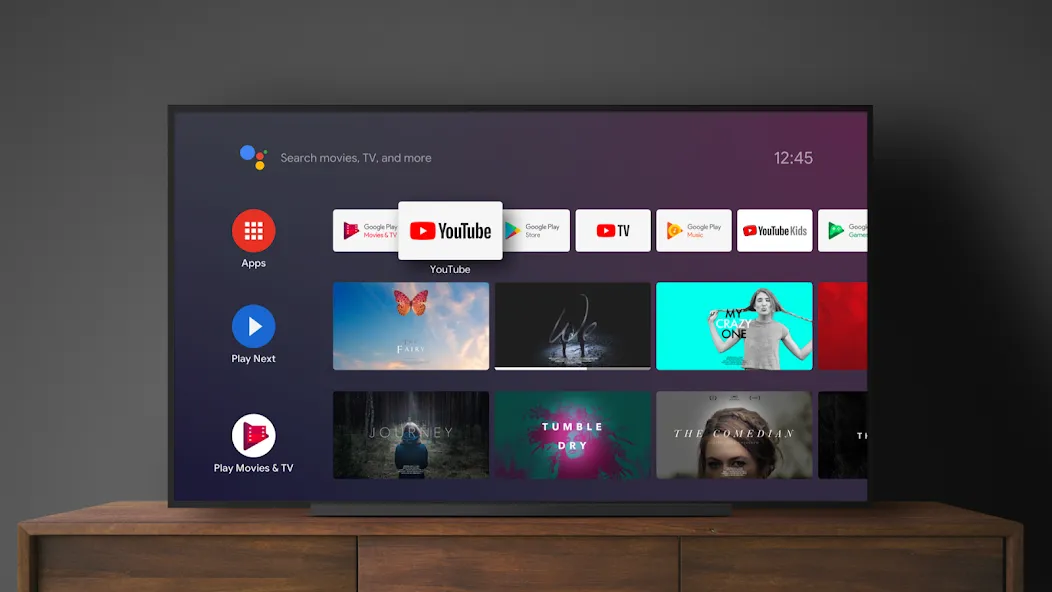
Android TV Home is the free launcher app that serves as the entry point for devices running Android TV. Once installed, it becomes the primary screen you see when you turn on the device, giving quick access to apps, media, and system features without extra cost or subscriptions.
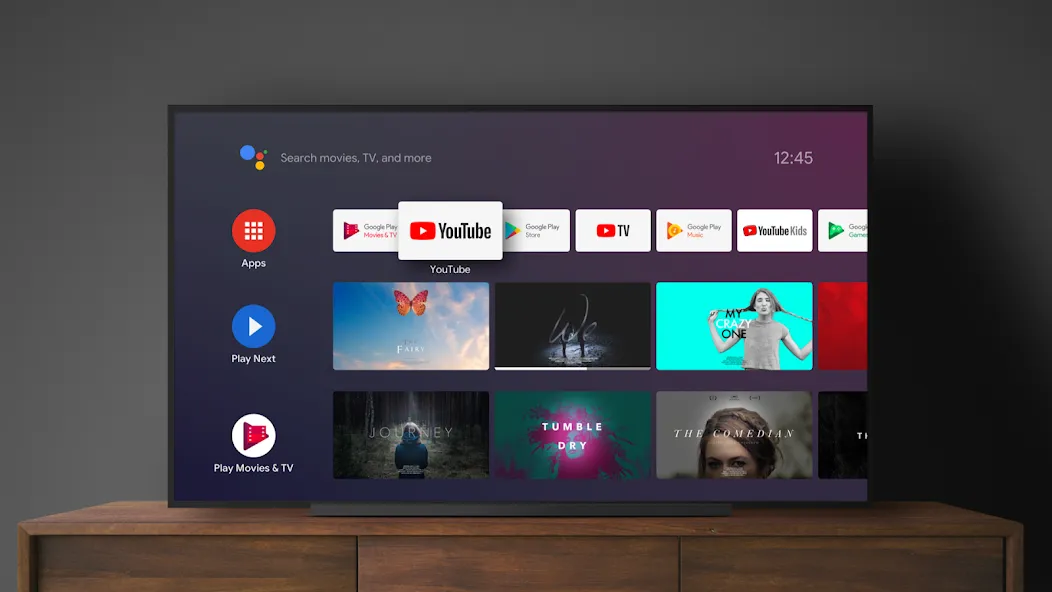
Fast access to popular streaming apps like YouTube and Google Play Movies & TV.
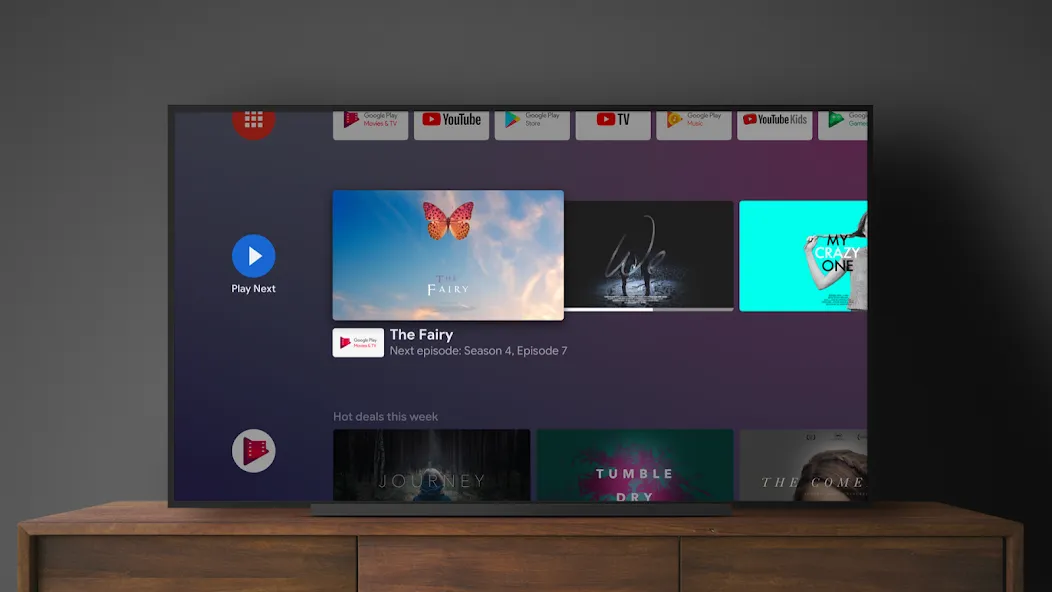
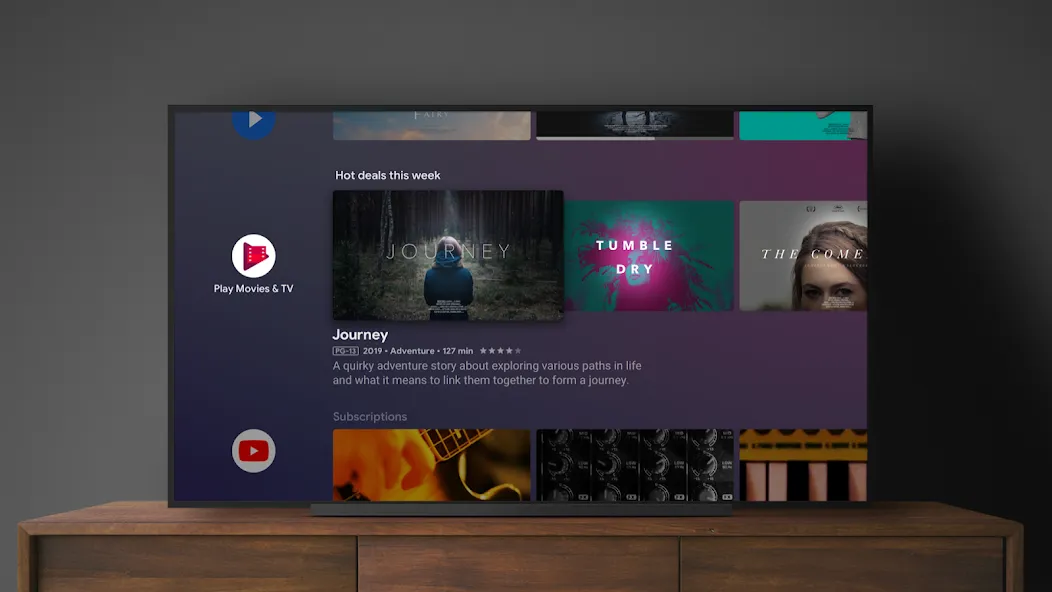
Personalized rows of recommended content based on what you watch most.
Shortcuts to your installed apps, input sources, and system settings.
Voice search and quick-launch options for smoother navigation.
The interface is designed to be simple and predictable, so users rarely feel disoriented. Content and controls are arranged clearly, putting frequently used apps and suggestions within easy reach. Because the launcher itself is free to download, you won’t encounter surprise fees related to the home experience.
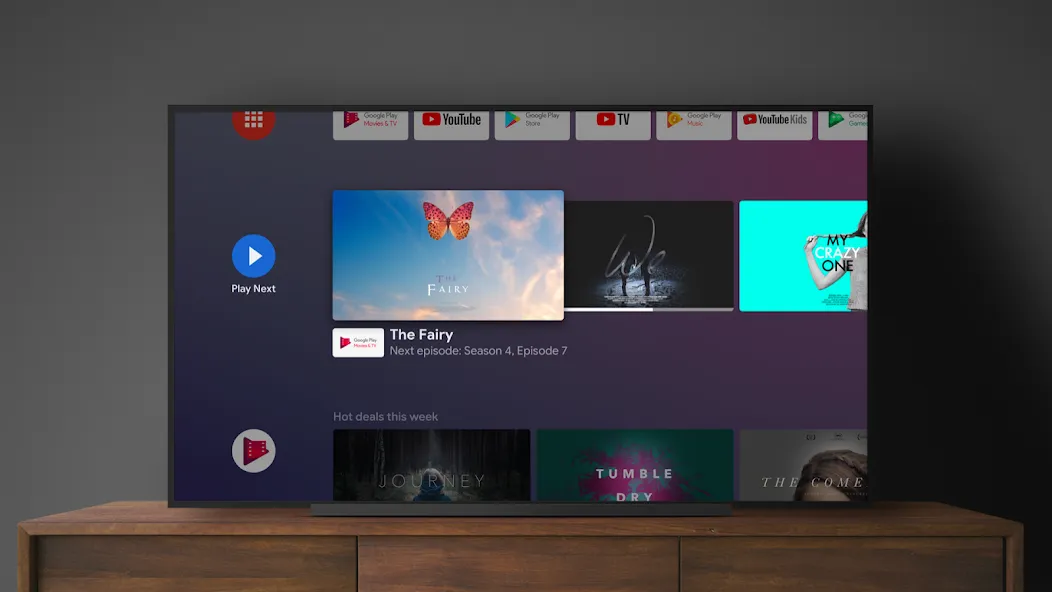
This quick guide explains the basics so you can set up and use the home screen efficiently. Follow the steps to customize your rows, control by voice, and keep your top apps one click away.
Turn on your Android TV device and press the Home button on the remote to open Android TV Home.
Move through the Apps row, select an app, press and hold the remote select button, then choose options to move it or add it to favorites.
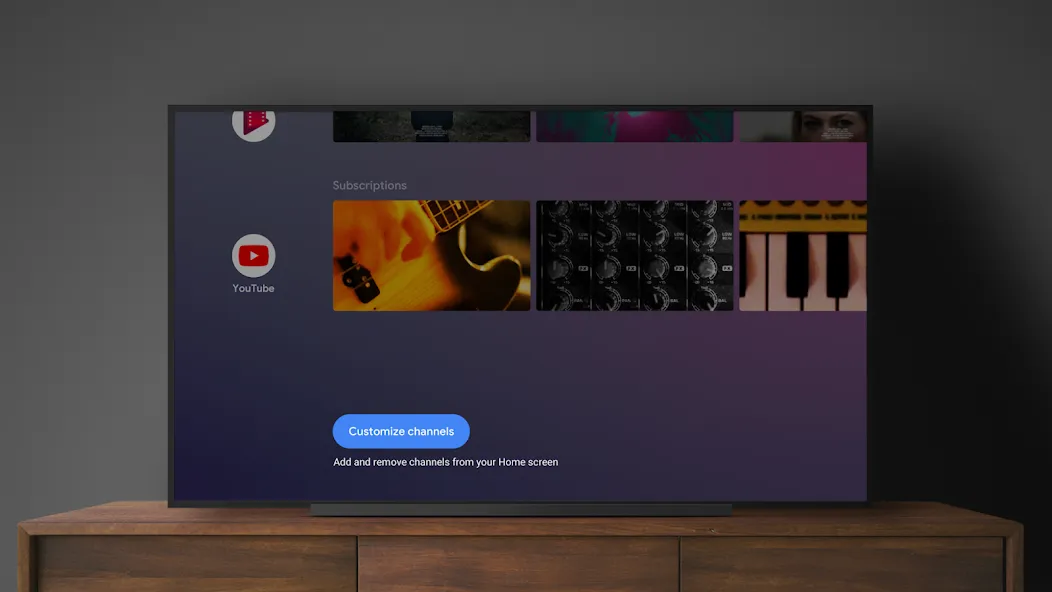
After that, scroll to the channel rows and choose the Manage channels or Customize channels option to show or hide rows from supported apps.
Then press the microphone button on your remote and say a title, actor, or app name to open results or start playback where supported.
So you can refine what appears, use options like Not interested when available in recommendation rows or adjust personalization in Settings.
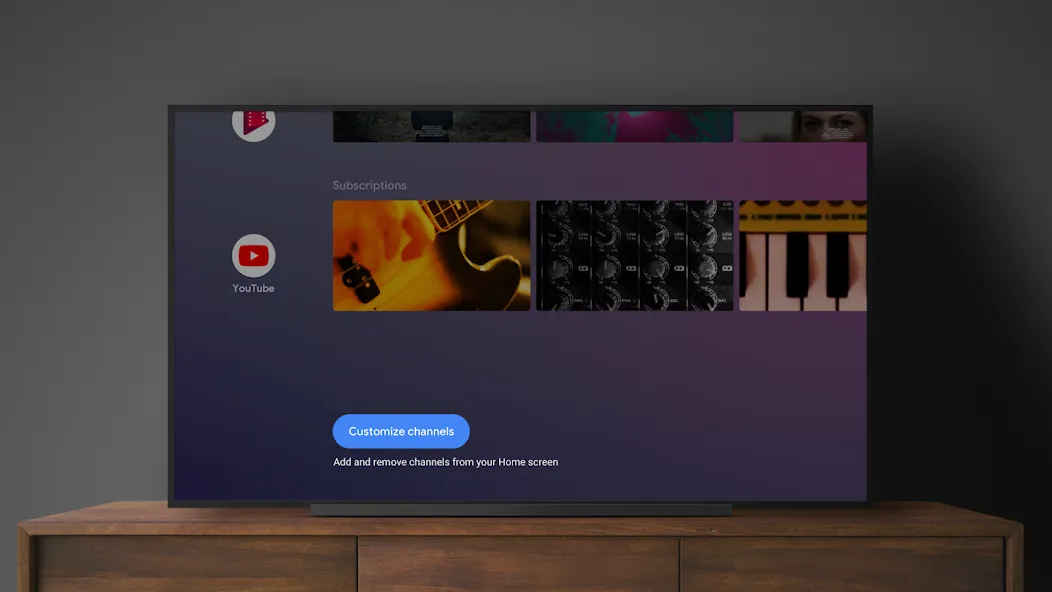
Works similar to a Windows 8-style Start menu. Application software can be opened using a one-touch operation via the 'Apps' tab (Apps and games are grouped separately for easier classification). In the 'Discover' tab, recommendations of viewers' favorite content may be personalized based on preference. Also ideal for YouTube fans who want to view the latest videos from their subscription list in a flash. The new 'Shop' tab allows users to rent or purchase digital content such as television episodes directly from the device.
Everything looks amazing , but when are you going to fix ( Shop's Related Parts ) being there in the Home Section ? I've already told you about this issue ages ago and nothing happened yet . Really want To have a fabulous update , but with my request included.
Android TV Home is the perfect interface for my TV. It's easy to use and has a beautiful design with rows and categories for all my content and apps. I love the customizable options and the recommendations feature. It's a must-have for any Android TV user.
Best interface for TV, for viewing ads. If you want less ads kindly do not update. If you have updated go to settings>apps>system_apps, uninstall updates for this app. If this review helped try typing this with google keyboard on TV.
Android TV Home is a very useful app for anyone who wants to get the most out of their Smart TV. With it, you can turn your TV into a seamless entertainment station from which you can easily access all your favorite TV series, movies, and other programs.
Size:9.36MB Version:7.7.15
Requirements:Android Price:Free
Package Name:com.google.android.tvlauncher Signature:aa100c0bb05559e59b56b87a19e23c26
Transform your mobile device into a powerhouse of efficiency with these handpicked essential tools. Whether you need professional-grade photo editing, seamless file organization, smart task management, or real-time weather updates, our curated selection of premium apps delivers unbeatable performance. Streamline your daily routine, automate repetitive tasks, and boost your productivity with intuitive interfaces and powerful features. Designed for both professionals and casual users, these editor-approved applications will revolutionize how you work and play. Don't settle for an ordinary phone - upgrade your digital experience today and unlock your device's full potential!
With the development of mobile hardware and software, many practical tool software have emerged, covering a wide range of aspects and becoming a good helper for everyone in work and life. Today, the editor provides you with a list of useful tool software downloads. These tools are not particularly complex types, and after reading them, everyone can quickly learn how to use them. Proper use can bring great convenience to life and work.
About us | Contact us | Privacy policy| DMCA
Copyright © 2026 Xiaohei All rights reserved.