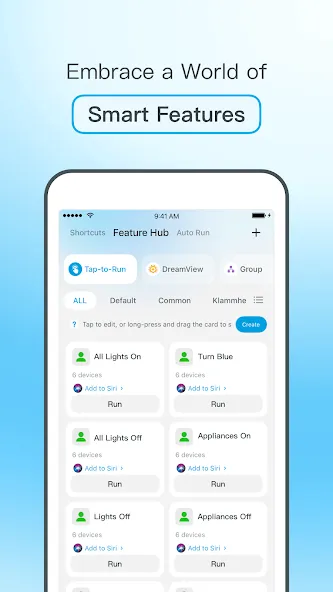
Govee Home is a device control tool for Android mobile devices. It allows users to manage various home appliances and smart devices, offering a quick pairing process that can be completed in just a few steps—often with the help of sensors. The app also enables users to design custom lighting effects, create personalized lighting scenes, or choose from a variety of presets. Additionally, the lighting can be synchronized with music, with colors shifting based on the volume and rhythm of the sound. The app provides real-time control over connected devices and supports voice commands for hands-free operation.
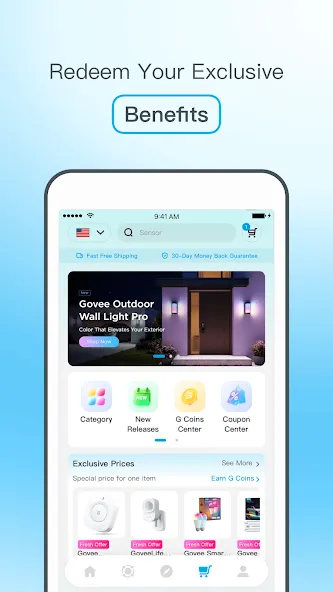
Quick Device Pairing
Adding new devices is fast and simple. Connect a new light strip, lamp, or sensor in just a few steps—setup is complete in a matter of minutes.
A World of Lighting Effects
Love experimenting with colors or creative effects? This app lets you customize lighting scenes exactly how you want. Cycle through colors, select preset moods, or play around with settings until you find the perfect look.
Music Synchronization
Make your lights dance to your favorite music. Enable the sound-sensing feature, and your lights will react instantly to music, party sounds, or any audio picked up by your phone’s microphone—even while you’re using other apps or multitasking.
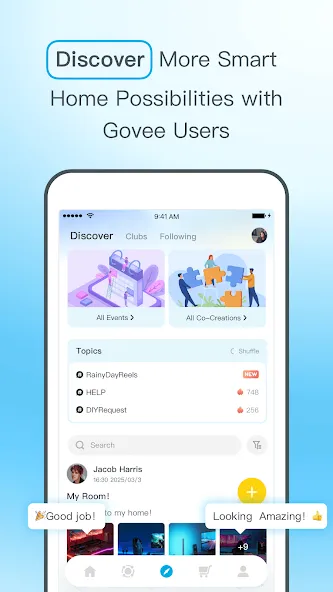
Early Access & Feedback
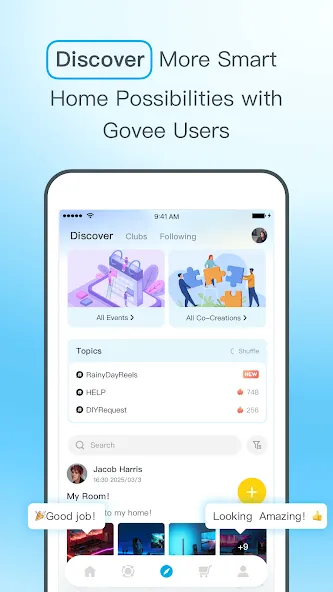
Get a head start by discovering new technologies or updates before anyone else. You can also share your ideas, ensuring your feedback helps shape the future development of the platform.
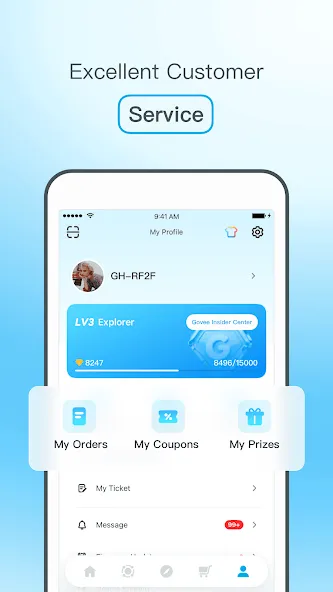
Responsive Support
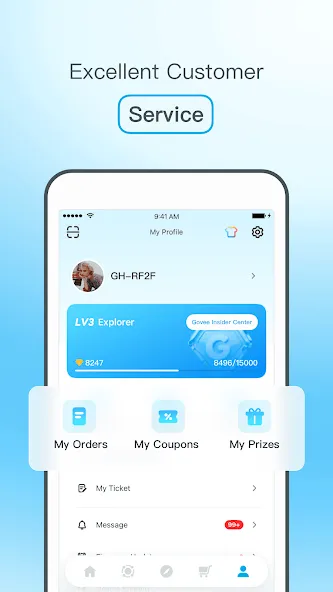
Running into an issue? Our customer service is designed to provide quick and effective assistance, so you won’t be left waiting long for a response.
Pros:
Real-time device status monitoring and remote control.
Adjustable colors and music-synced lighting.
Option to disable the background microphone service.
Cons:
Automated controls require navigating through too many menus.
Some users report slow or unstable connections with light bulbs.
Can devices be controlled via the app or voice commands?
Yes. Devices—such as air purifiers—can be controlled through the Govee Home app, as well as via voice commands using Amazon Alexa or Google Assistant.
Is the oscillation (swing) angle adjustable?
Yes. The tower fan features a 150° adjustable oscillation function, which can also be controlled via the app.
Can the appliance still function properly via the app under extreme temperatures?
The device itself has an operating temperature range of -4°F to 140°F (-20°C to 60°C), while its probe has a range of -40°F to 158°F (-40°C to 70°C). The probe is suitable for use in refrigerators and freezers.
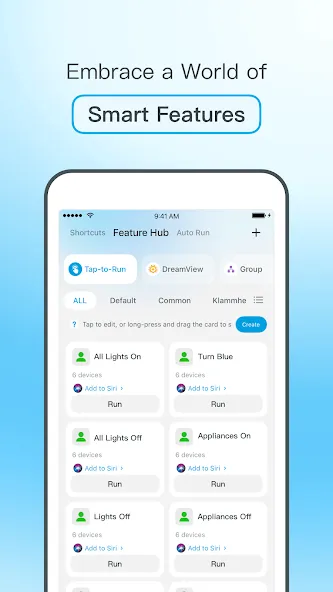
Govee Home allows you to control all your compatible devices from a single location. You can monitor device status in real time, quickly add new products, and easily adjust lighting settings. The interface is clearly laid out, making it intuitive even for first-time users.
Size:114.29MB Version:7.7.21
Requirements:Android Price:Free
Package Name:com.govee.home Signature:998af6da8c9b065852d7049adef96403
Utility apps are indispensable in our lives, making our daily routines more convenient. To help you find these apps more easily, this site has created a collection. This collection brings together a series of practical tools covering various aspects of life, work, and education, meeting all your needs. What are you waiting for? Try these apps now and make your life easier!
Transform your mobile device into a powerhouse of efficiency with these handpicked essential tools. Whether you need professional-grade photo editing, seamless file organization, smart task management, or real-time weather updates, our curated selection of premium apps delivers unbeatable performance. Streamline your daily routine, automate repetitive tasks, and boost your productivity with intuitive interfaces and powerful features. Designed for both professionals and casual users, these editor-approved applications will revolutionize how you work and play. Don't settle for an ordinary phone - upgrade your digital experience today and unlock your device's full potential!
With the development of mobile hardware and software, many practical tool software have emerged, covering a wide range of aspects and becoming a good helper for everyone in work and life. Today, the editor provides you with a list of useful tool software downloads. These tools are not particularly complex types, and after reading them, everyone can quickly learn how to use them. Proper use can bring great convenience to life and work.
About us | Contact us | Privacy policy| DMCA
Copyright © 2026 Xiaohei All rights reserved.