CP PLUS gCMOB is a camera management tool designed for the Android operating system. It allows users to view live feeds from multiple cameras and switch quickly between different camera views. The app supports various video streams and can automatically connect to the available stream. It also includes a zoom feature, enabling users to view the camera’s imagery in greater detail. Furthermore, the app supports adding devices via QR code scanning and allows for remote configuration of device settings. It also integrates access control and intercom functions, enabling users to monitor doorbell activity and receive push notifications.
View Multiple Cameras Simultaneously
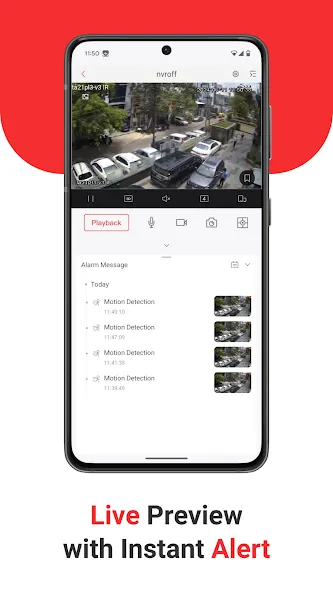
CP PLUS gCMOB offers split-screen live viewing, supporting up to 16 camera feeds at once. This is highly useful for managing cameras across multiple entrances, rooms, floors, or locations. You can also swipe to switch between camera groups without needing to open each feed individually.
Select Appropriate Video Streams
While viewing live feeds from IP cameras, you can toggle between the main stream and sub-stream with a single tap, allowing you to choose the optimal stream available from your connected devices. Additionally, you can use the digital zoom feature during live viewing to get a closer, clearer look at specific areas within the camera’s field of view.
Review Live and Recorded Video
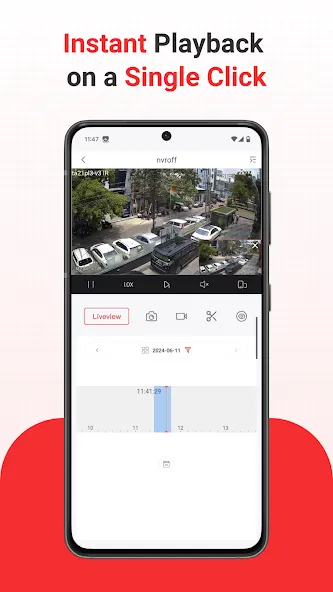
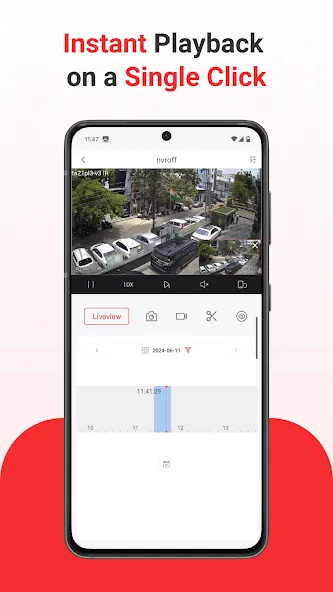
CP PLUS gCMOB allows for video playback while simultaneously viewing live feeds. It also supports the playback of up to four channels at once—a valuable feature when you need to compare footage from multiple cameras over the same time period.
Add and Manage Supported Devices
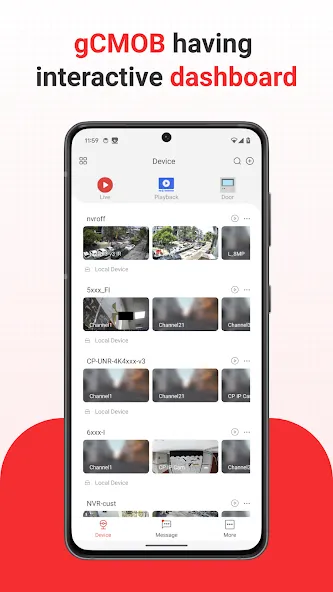
You can add compatible devices by scanning a QR code, eliminating the need for manual data entry. Once added, CP PLUS gCMOB enables remote configuration of supported device settings. The app also provides insights into device health, including hard drive status and whether the device is online or offline.
Camera and Intercom Control
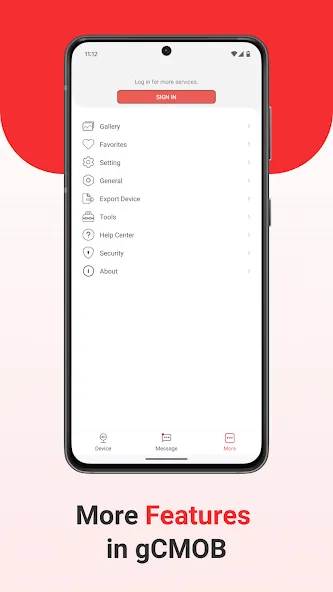
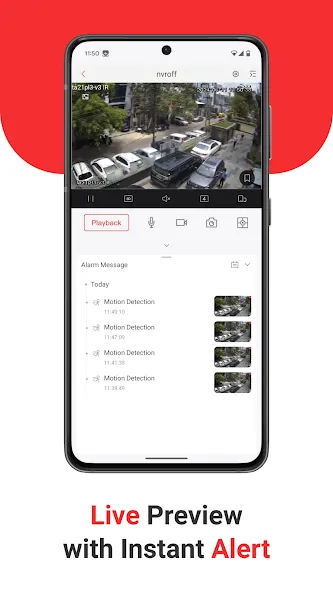
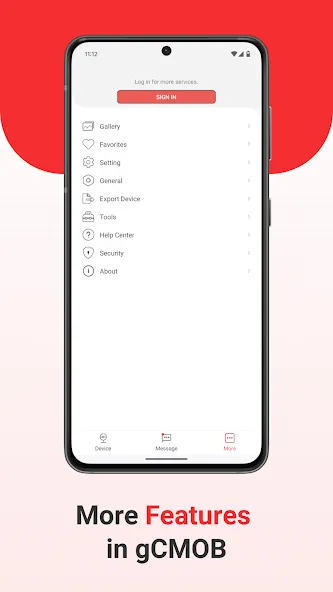
For compatible PTZ (pan-tilt-zoom) cameras, you can control movement and zoom directly through the app. CP PLUS gCMOB also supports two-way audio and video doorbell functionality for compatible devices. Push notifications alert you to events as they occur, while the "Favorites" feature allows for quicker access to the camera feeds you view most frequently.
Open the CP PLUS gCMOB app and scan the QR code to add compatible devices, such as DVRs, NVRs, IP cameras, encoders, or video doorbells.
Once the devices appear in the app, verify their online status and open the camera feeds.
Select a live view; you can also choose a split-screen layout to monitor multiple cameras simultaneously.
Swipe between camera groups, add frequently viewed feeds to your "Favorites," or use the picture-in-picture (PiP) feature to keep one camera feed visible while browsing others.
When needed, you can access recorded footage (on supported devices), switch video streams, use digital zoom, or control PTZ (pan-tilt-zoom) functions and two-way audio.
Pros:
Access your surveillance feeds from your mobile device.
Customize channel layouts.
Communicate using two-way audio.
Compatible with Android emulators.
Cons:
Limited visibility.
May have difficulty obtaining clear, high-quality video footage.
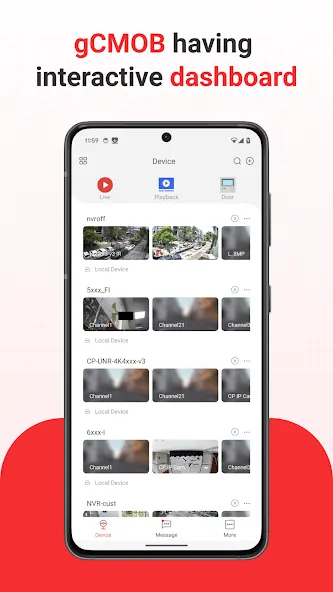
CP PLUS gCMOB is designed for users who need to remotely monitor camera feeds at home, in the office, or at a small business. It consolidates compatible DVRs, NVRs, IP cameras, video encoders, and video doorbells into a single mobile interface, allowing users to view surveillance footage from connected devices without needing to be physically present in front of a local monitor.
Size:205.35MB Version:3.4.1
Requirements:Android Price:Free
Package Name:com.mm.android.direct.g_CMOB_XU Signature:92cbf7090cf7ca90aeb9ab5ccc47dfb5
Utility apps are indispensable in our lives, making our daily routines more convenient. To help you find these apps more easily, this site has created a collection. This collection brings together a series of practical tools covering various aspects of life, work, and education, meeting all your needs. What are you waiting for? Try these apps now and make your life easier!
Transform your mobile device into a powerhouse of efficiency with these handpicked essential tools. Whether you need professional-grade photo editing, seamless file organization, smart task management, or real-time weather updates, our curated selection of premium apps delivers unbeatable performance. Streamline your daily routine, automate repetitive tasks, and boost your productivity with intuitive interfaces and powerful features. Designed for both professionals and casual users, these editor-approved applications will revolutionize how you work and play. Don't settle for an ordinary phone - upgrade your digital experience today and unlock your device's full potential!
With the development of mobile hardware and software, many practical tool software have emerged, covering a wide range of aspects and becoming a good helper for everyone in work and life. Today, the editor provides you with a list of useful tool software downloads. These tools are not particularly complex types, and after reading them, everyone can quickly learn how to use them. Proper use can bring great convenience to life and work.
About us | Contact us | Privacy policy| DMCA
Copyright © 2026 Xiaohei All rights reserved.