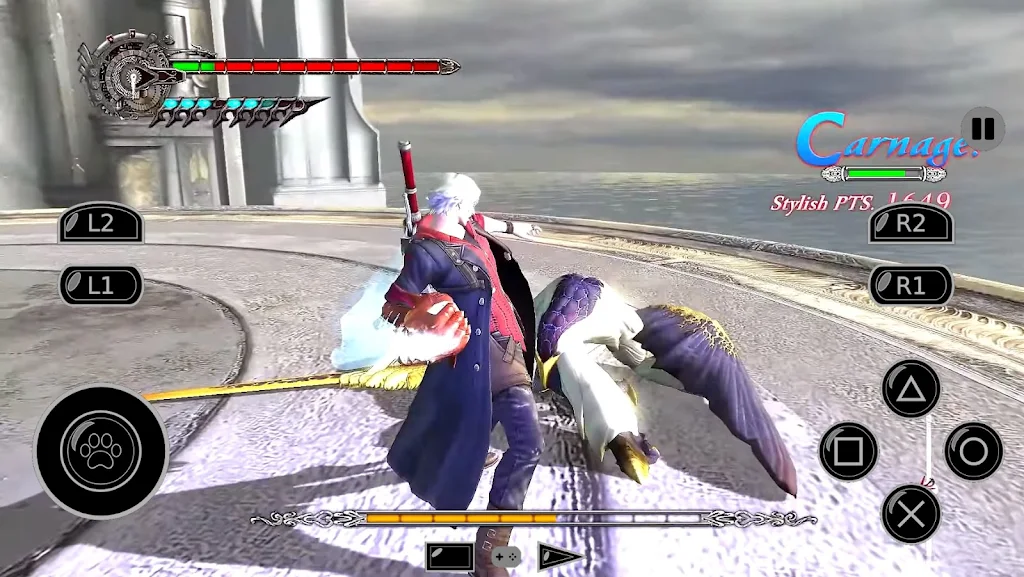
RPCS3 is a highly entertaining emulator. It features automatic save and load functions, ensuring that your game progress is never lost; this not only keeps gameplay smooth but also helps conserve battery life. With RPCS3, banks can use the "wired emulation" feature to connect with other devices via Bluetooth or Wi-Fi and share the fun of gaming with friends anytime, anywhere. Furthermore, it supports gyroscope, tilt sensing, ambient light sensing, and vibration simulation, all of which contribute to a truly immersive gaming experience.
Upscaling of games to 1080p and tware rendering
Upscaling of games to 1080p and beyond
Widescreen patches for games without native support
Save states
Touchscreen and bluetooth controller support
Install PS3 firmware and play
You will first need to configure the emulator before you use RPCS3. As with the Windows version, the process is relatively long, although it is not that complicated if you follow the steps to the letter. On the emulator's official website you will find a step-by-step guide on how to correctly install the console's firmware and how to configure the app. Again, this process can take ten minutes or so, but once completed you can play any PS3 title on Android.
Support for USB and Bluetooth controllers
Using a USB or Bluetooth controller is essential to be able to play comfortably on RPCS3. After all, the vast majority of PS3 games involve a number of buttons in addition to the two sticks, so managing all these buttons on a touchscreen is very cumbersome. In the earliest versions of the emulator, in fact, the app crashes a lot when trying to use the touch controls. Fortunately, the app is compatible with Dual Shock 3, Dual Shock 4 and Dual Shock 5.
Differences between RPCS3 on Android and Windows
The main difference between the PC and mobile versions of the emulator is that the PC version has been in development for many years. RPCS3 has been fully functional on Windows since 2017. This is reflected in its extensive compatibility list and the number of getting started guides and other help available. Gradually, the Android version will get the same level of support as the Windows version, but it is a slow process.
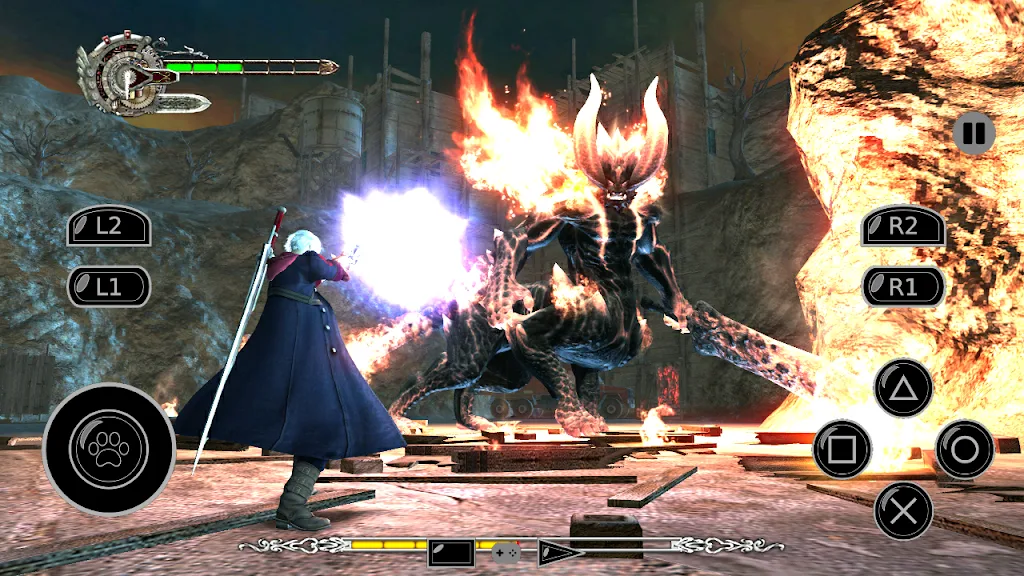
Configurable PS3 firmware setup, closely following the familiar desktop workflow.
Expanding Android compatibility list, though some titles may not run yet.
USB and Bluetooth controller support: Dual Shock 3, 4, and 5.
Touchscreen controls are cumbersome and can be unstable in early builds.
Regular updates from the original desktop team, improving stability and performance.
Best results with a gamepad; clear setup guidance available on the website.
Compatibility improves with the RPCS3 latest version and ongoing mobile updates.
Pros
Supports digital PlayStation 3 games
Works with external game controllers
Available for phones and tablets
Built on open-source code
Cons
No games are included
Limited to PlayStation 3 titles
Some games may show graphical errors or frame-rate drops
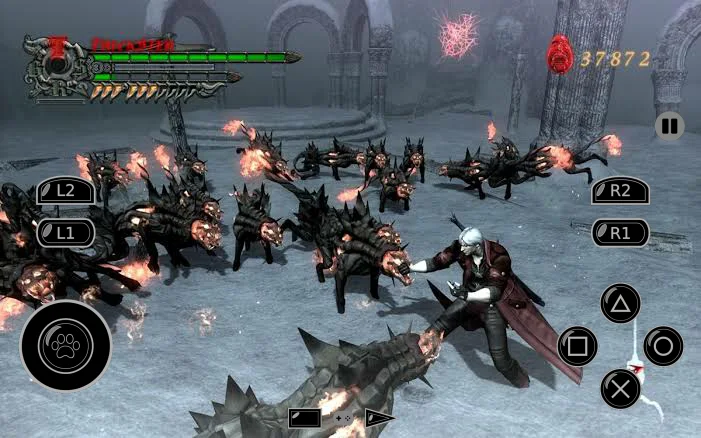
Download the RPCS3 APK if you want to play PlayStation 3 games on your Android device. Thanks to this emulator you can enjoy some of the best titles from Sony's third console, wherever you are. As mentioned above, the compatibility list of this Android version is growing with every new version, so it is possible that some games may not work correctly or at all.
Size:110.80MB Version:1.0
Requirements:Android Price:Free
Package Name:net.rpcs3 Signature:432bafebb51ac345ec1440de10467f49
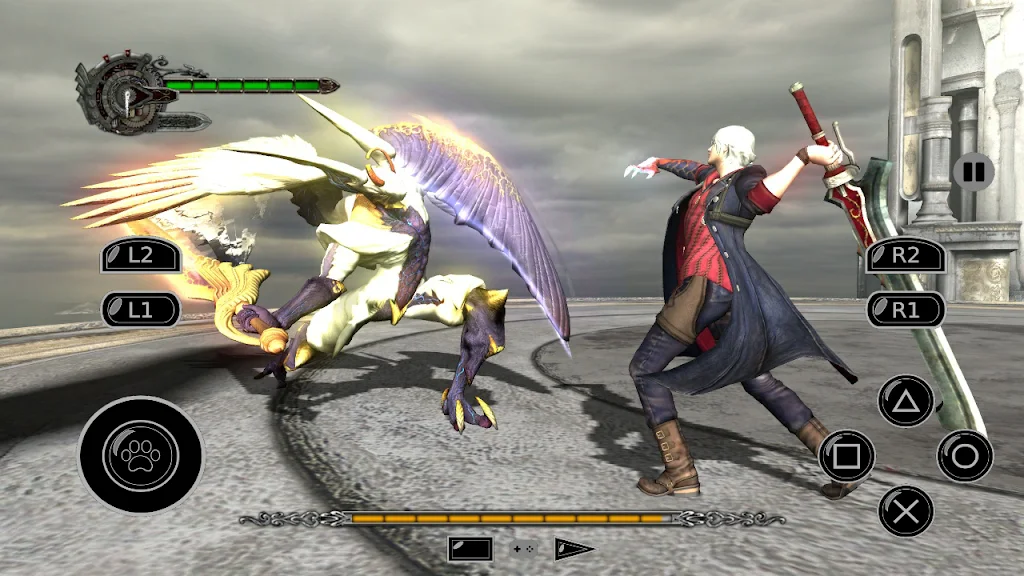
Utility apps are indispensable in our lives, making our daily routines more convenient. To help you find these apps more easily, this site has created a collection. This collection brings together a series of practical tools covering various aspects of life, work, and education, meeting all your needs. What are you waiting for? Try these apps now and make your life easier!
With the development of mobile hardware and software, many practical tool software have emerged, covering a wide range of aspects and becoming a good helper for everyone in work and life. Today, the editor provides you with a list of useful tool software downloads. These tools are not particularly complex types, and after reading them, everyone can quickly learn how to use them. Proper use can bring great convenience to life and work.
About us | Contact us | Privacy policy| DMCA
Copyright © 2026 Xiaohei All rights reserved.