Virtual Android is a virtual system tool designed for the Android operating system. It allows users to create a secondary, virtual Android environment on their device that runs alongside the host system. Users can easily switch between the host environment and the virtual one. The virtual environment includes a dedicated virtual GPU, enabling users to play games and perform standard mobile tasks. Furthermore, the software supports cloning a wide range of applications to run within this virtual space. Since the virtual environment operates independently of the host system, it functions effectively as a second, separate mobile device.
Parallel Android System
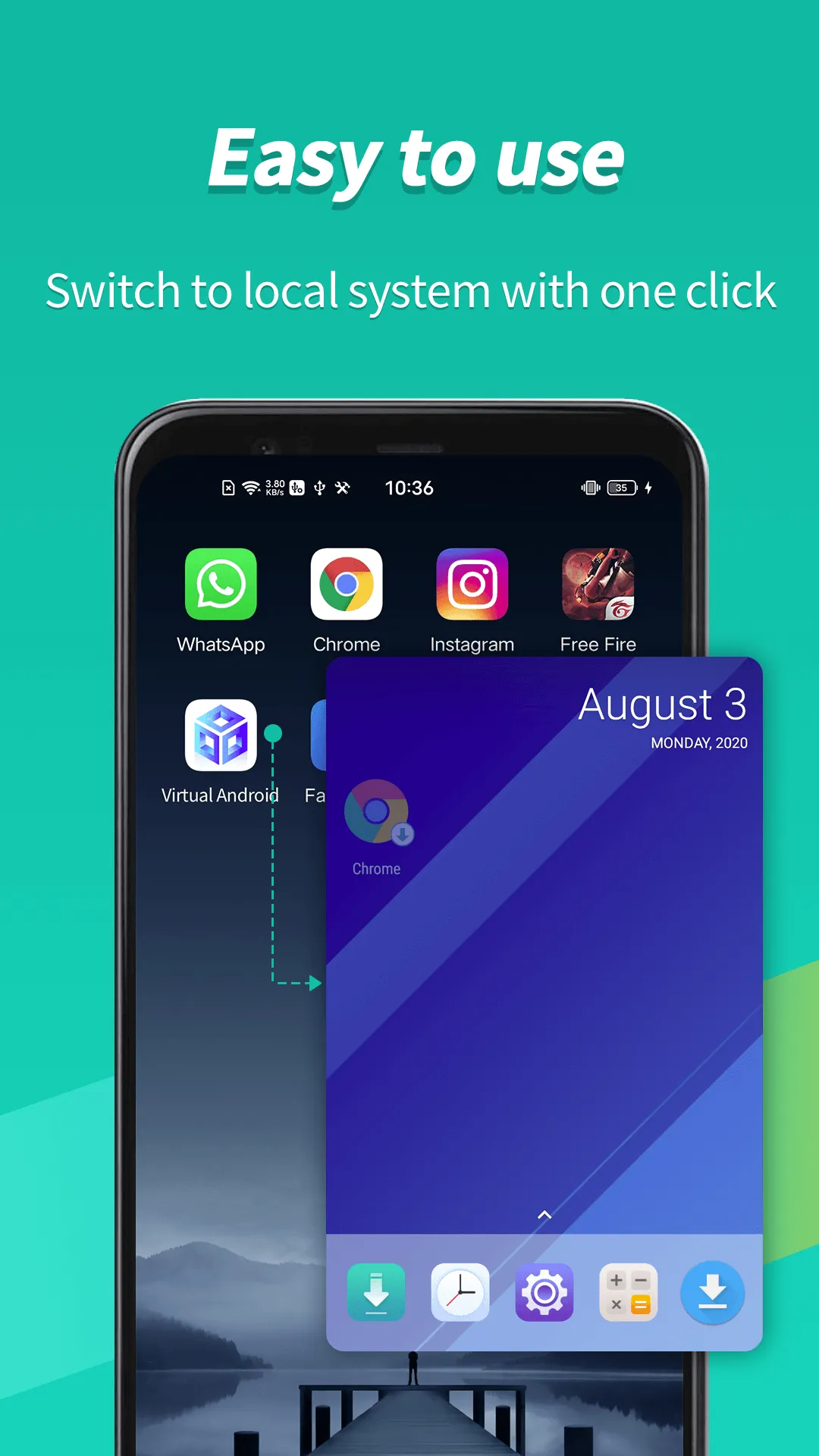
Virtual Android provides a fully functional, secondary Android environment that runs in parallel with your primary system. You can switch between the host and virtual environments with a single tap, keeping tasks organized across both. It is essentially like carrying a spare phone inside your device, making it easy to separate daily usage from testing or focused work.
Dedicated Virtual GPU for Gaming
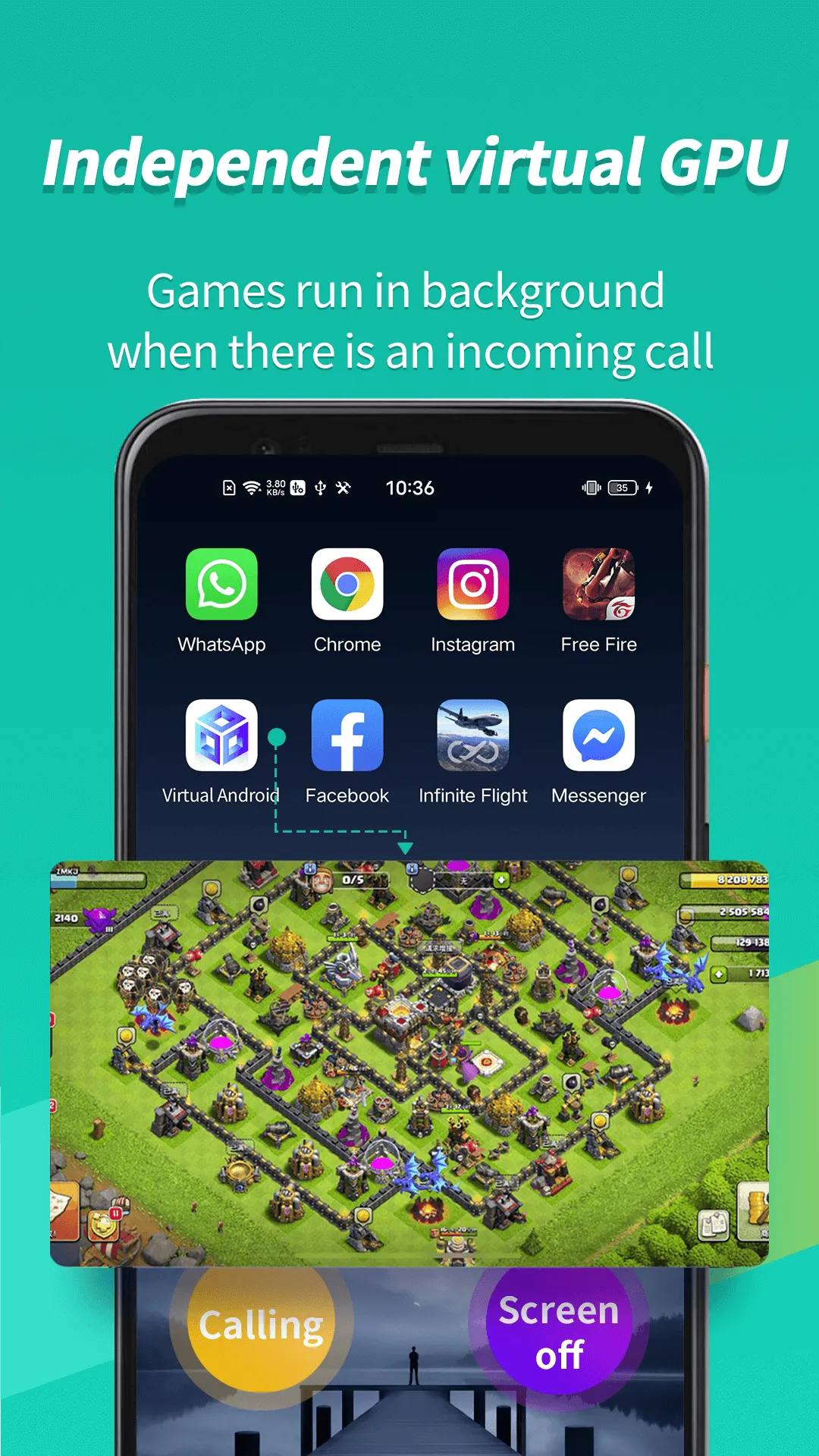
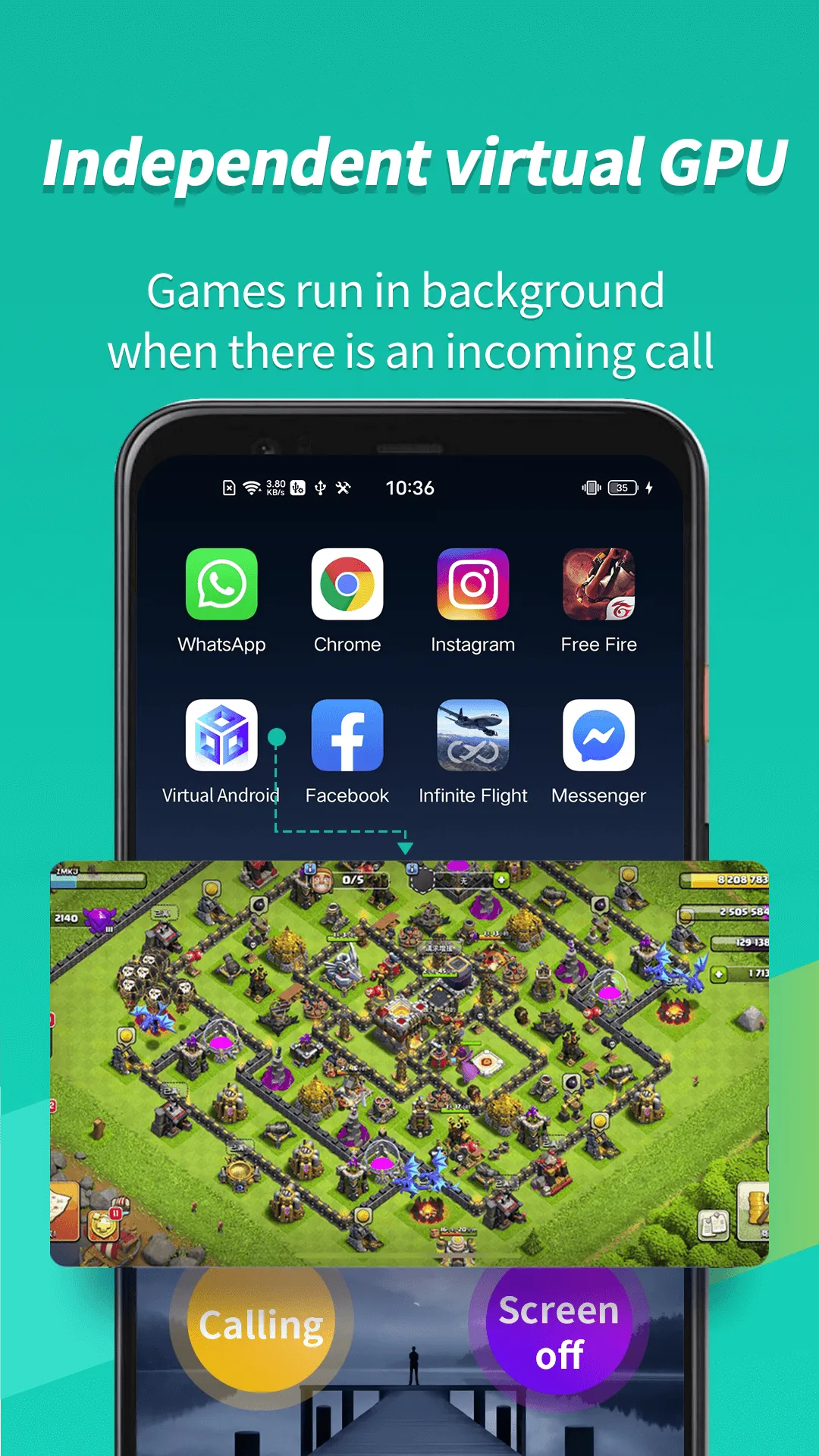
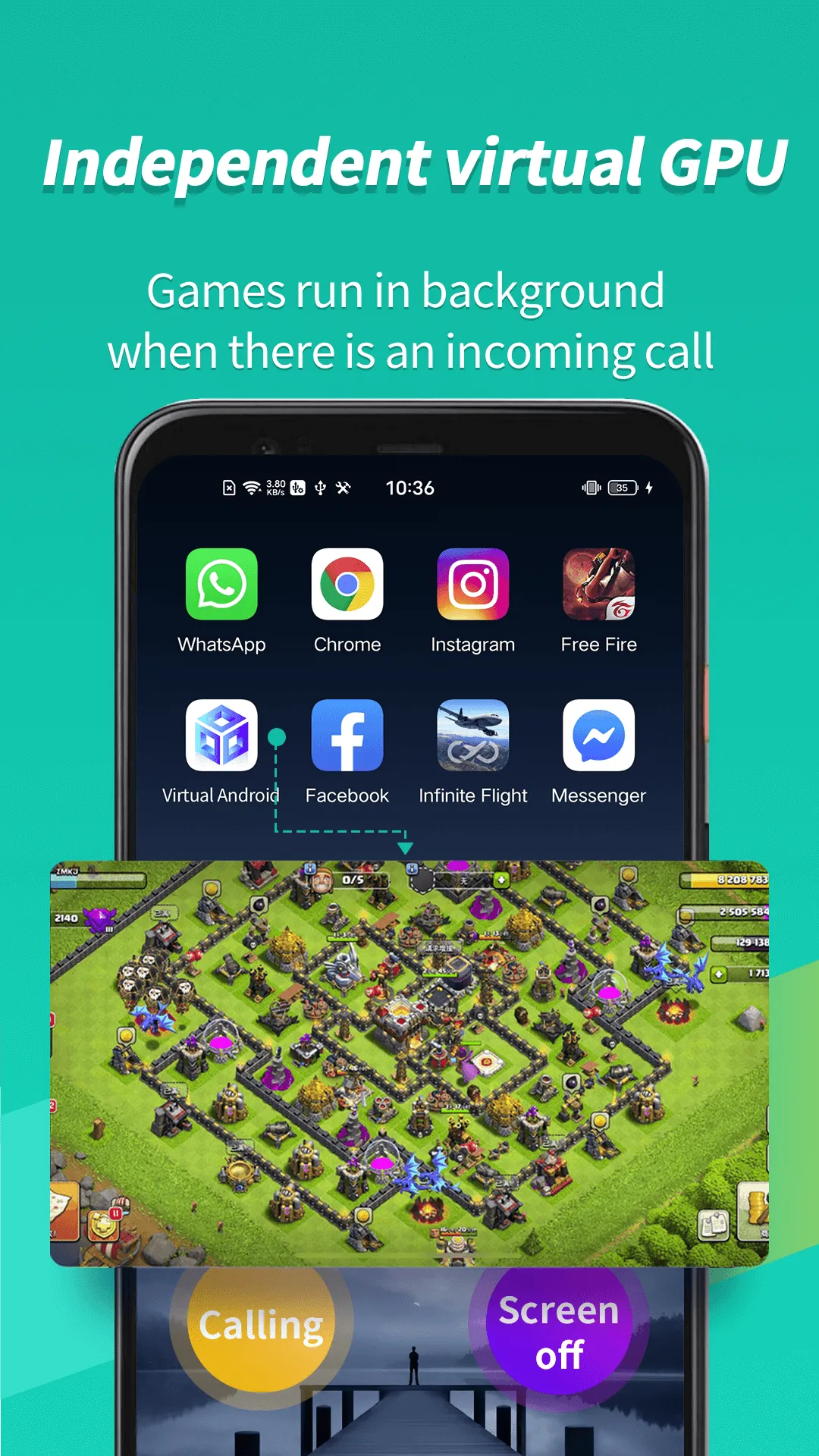
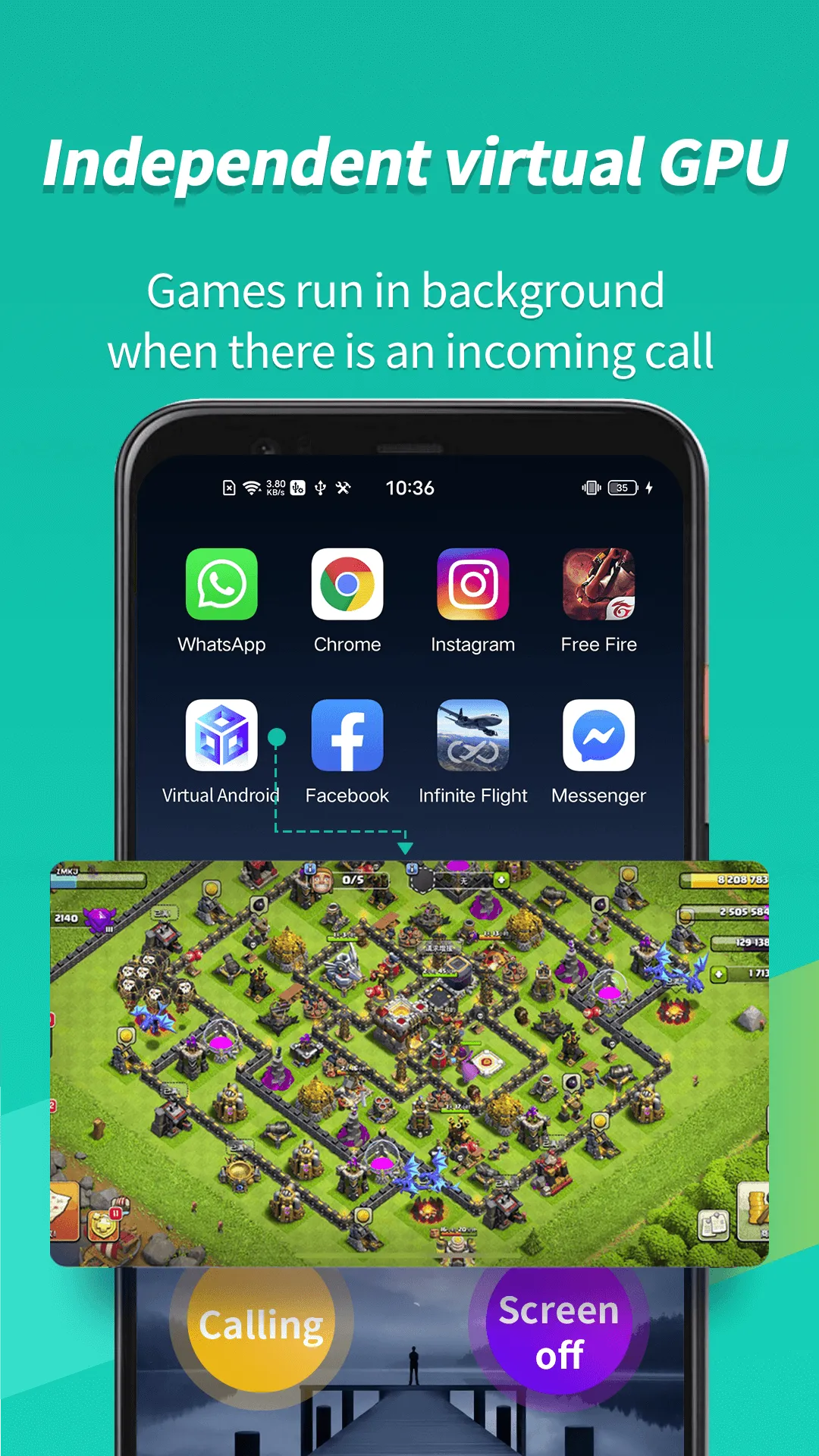
Virtual Android features an independent virtual GPU to handle graphics processing within the virtual environment. This ensures that games remain smooth and responsive, even while you use your host phone for other activities like making calls or sending text messages. Consequently, you can run multiple sessions simultaneously—such as two instances of the same game—without experiencing lag or forced interruptions.
Multi-Account Support and Easy Cloning
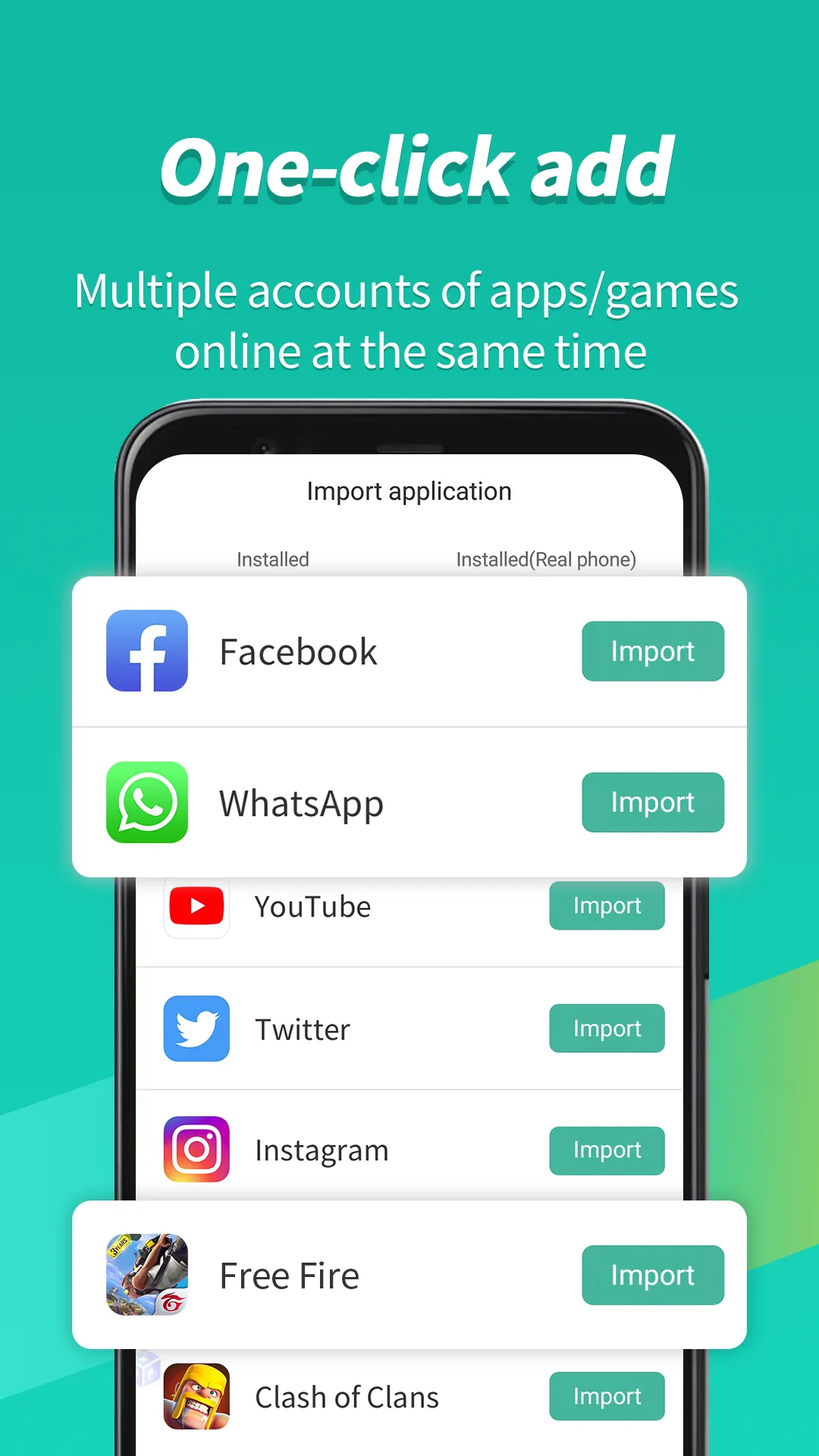
You can clone social media and messaging apps to maintain separate profiles. For instance, apps like WhatsApp, ShareChat, and Snapchat can run as independent instances within the virtual environment. Notifications from cloned apps are delivered reliably, ensuring you never miss a message while keeping your personal and professional conversations distinct.
Reliable Background Operation
Virtual Android keeps cloned apps running in the background even when you switch tasks or take a phone call. This allows long-running processes—such as downloads or gameplay—to continue without interruption. You can step away to handle other tasks and return later without losing any progress.
Privacy and Isolation
Applications and data within the virtual environment are completely isolated from the host system, creating a secure "sandbox." This isolation mechanism enhances safety for testing purposes and protects your personal information, as files and accounts are kept separate within their respective environments. This is a practical setup for users who wish to clearly separate their work and personal lives on a single device.
Install and open Virtual Android, then grant the necessary permissions to allow the virtual system to initialize.
Wait for the virtual space to finish launching, and set up your preferred locking or access method for easy switching.
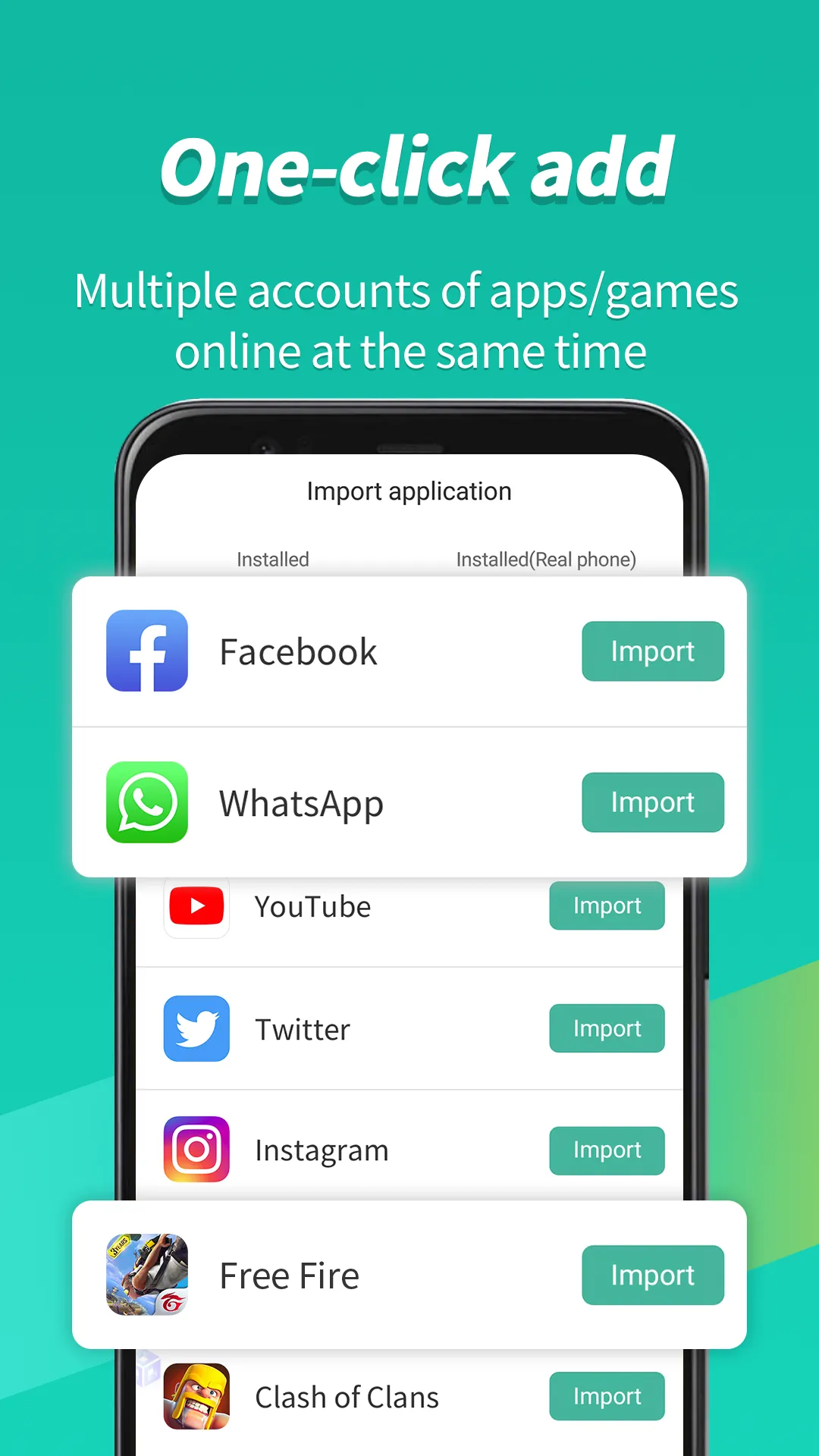
Tap "Import" or "Clone" to add apps—such as messaging tools or games—that you want to run within the virtual system.
Enable notifications for cloned apps and keep them running in the background so that tasks continue even when you switch back to the host system.
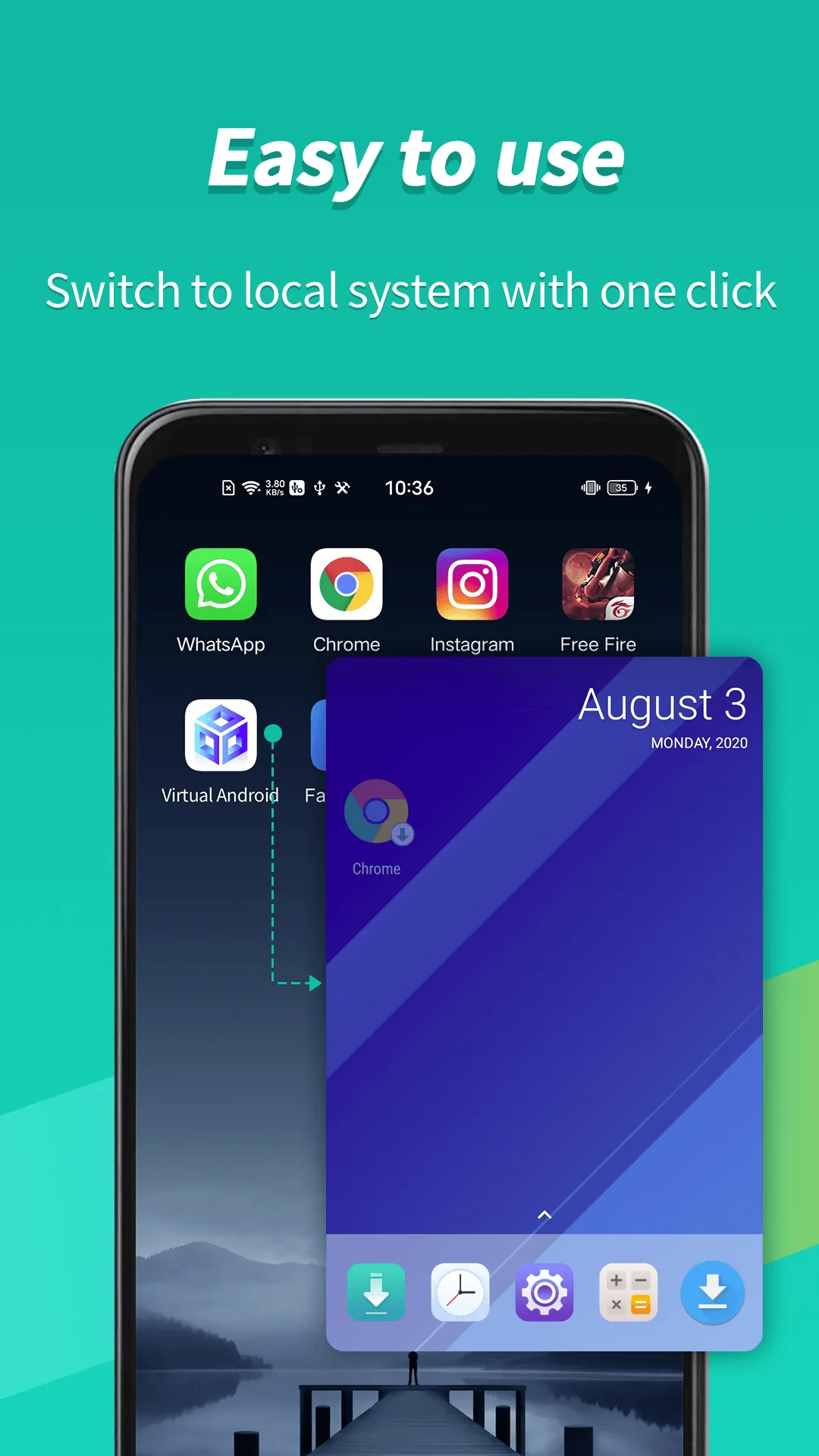
Use the one-tap switching feature to toggle between the host system and the virtual system, managing accounts independently within each space.
Pros:
Run multiple games, apps, and accounts simultaneously.
Switch quickly between mobile tasks.
Efficiently manage multiple social media accounts.
High-efficiency operation.
High-performance app cloning.
Cons:
Requires a significant amount of available storage space.
Virtual Android is ideal for users who want a second, independent space on the same phone. It creates a separate environment where you can install apps, log into different accounts, and isolate various activities from your main system without affecting it. This setup is perfect for separating work and personal communications, testing games, or handling privacy-sensitive tasks. Because it runs locally, the experience is smooth and responsive, with quick transitions between systems. Many users look for the Virtual Android APK file to set up this virtual space and get started right away.
Size:5.44MB Version:1.4.1
Requirements:Android Price:Free
Package Name:com.pspace.vandroid Signature:232afff8a97d6981d782f67ae76ef3be
Discover our File Management Apps hub! Here, you can explore essential tools like Google Drive for cloud storage, Dropbox for simple file sharing, and File Commander for managing files directly on your device. Easily organize and access your files across your phone, or tablet. Our platform is designed to help you quickly find reliable apps to streamline your digital file management.
Utility apps are indispensable in our lives, making our daily routines more convenient. To help you find these apps more easily, this site has created a collection. This collection brings together a series of practical tools covering various aspects of life, work, and education, meeting all your needs. What are you waiting for? Try these apps now and make your life easier!
With the development of mobile hardware and software, many practical tool software have emerged, covering a wide range of aspects and becoming a good helper for everyone in work and life. Today, the editor provides you with a list of useful tool software downloads. These tools are not particularly complex types, and after reading them, everyone can quickly learn how to use them. Proper use can bring great convenience to life and work.
About us | Contact us | Privacy policy| DMCA
Copyright © 2026 Xiaohei All rights reserved.