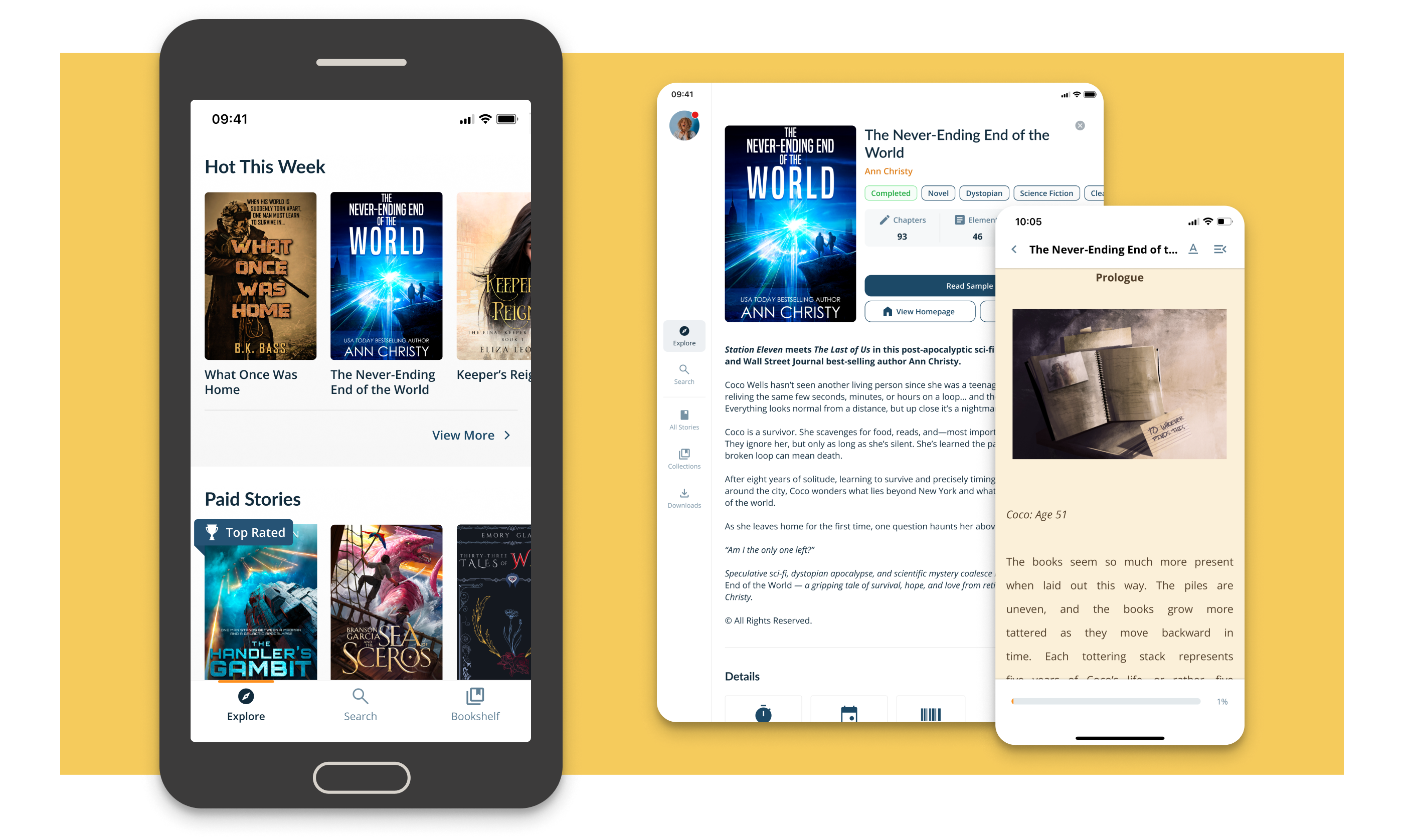
Amazon Kindle is an e-reading application designed specifically for book lovers. It offers an extensive collection of titles—ranging from professional literature and bestsellers to comics and newspapers—to cater to a wide variety of reading interests. The app features a built-in dictionary; simply long-press any word to instantly view its definition or its corresponding Wikipedia entry. You can also customize your reading environment by adjusting font styles, screen brightness, and page-turning preferences to suit your personal preferences. By logging into your account across different devices, you can ensure that your reading progress, notes, and bookmarks are automatically synced, making it easy to enjoy your books whenever you have a spare moment.
Turn your phone or tablet into a book with the Amazon Kindle—so you can read anytime, anywhere. Explore these reading features in the Amazon Kindle:
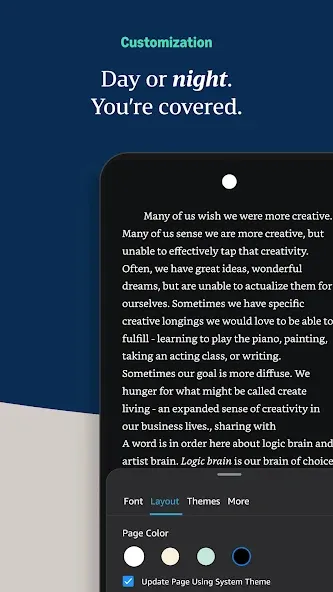
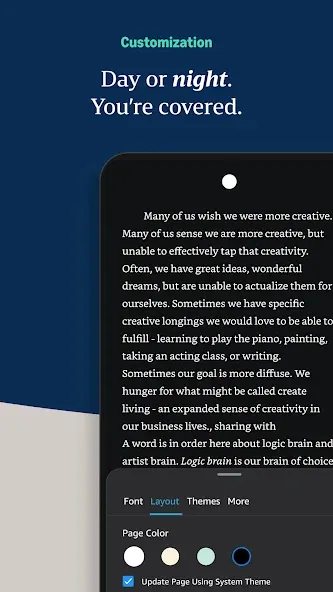
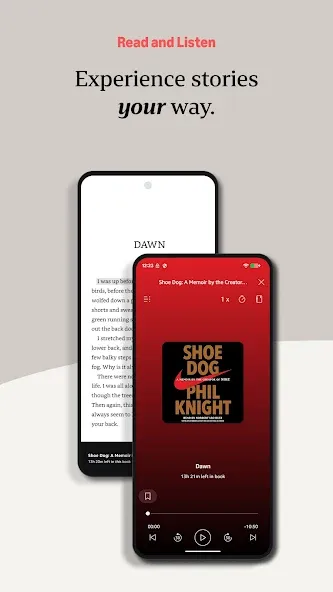
Read your way. Customize your text size, font type, margins, text alignment, and orientation (portrait or landscape)—and choose whether to turn pages from left to right or continuously scroll. Read comfortably day and night with adjustable brightness and background colors. Go to the Aa menu in your book to get started.
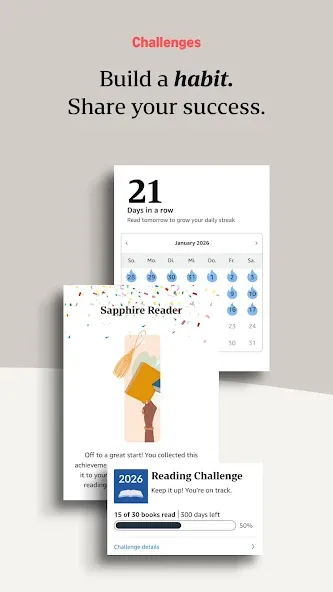
Track your reading progress. See what percent of the book you’ve read, real page numbers (for most top titles), and how much time you have left in the chapter or book based on your actual reading speed.
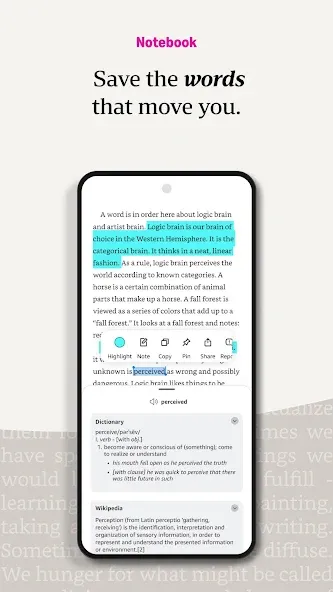
Bookmark places you want to revisit, and make highlights and take notes throughout your book. Open My Notebook to see all your notes in the same place.
Hop, skim, and jump with Page Flip. Flip between pages or get a bird’s-eye view of your book with Page Flip—don’t worry, we’ll save your place.
Zoom in on high-definition color images in Kindle books, magazines, comics, and manga.
Sync your books across devices. When you’re reading a book, the Kindle app will automatically sync where you left off—along with any bookmarks, highlights, or notes—so you can start reading on one device and pick up where you left off on another.
Extensive Selection: Amazon Kindle offers access to millions of Kindle books, including those with Audible narration. You can also explore magazines, Audiobooks, and comics, with new releases and Amazon ChaRTS best sellers readily available. The diverse range of genres, from Romance to science fiction, children's books to nonfiction, ensures there's something for everyone. Additionally, you can try a sample of any book before purchasing it on Amazon.com, helping you make informed decisions.
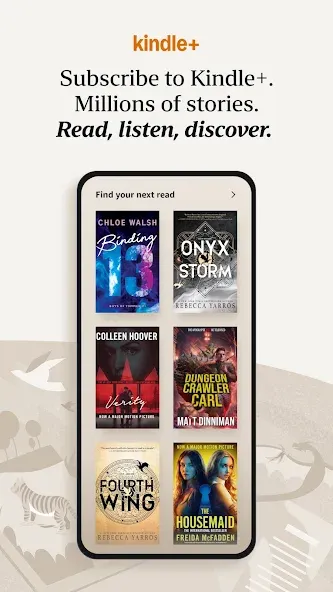
Unlimited Reading and Listening: Amazon Kindle Unlimited members enjoy unlimited reading and listening. With over one million titles, thousands of Audiobooks, and current magazines, you have the freedom to explore and discover a wide range of content.
Prime BeneFits: Amazon Prime members have access to thousands of books, magazines, comics, and more through the Amazon Kindle app, enhancing the value of their membership.
Enhanced Reading Tools: The Amazon Kindle provides several tools to enhance your reading experience. Look up Words, people, and places as you read using the built-in dictionary, X-Ray, Wikipedia lookup, instant translations, and search within your book. Simply tap and hold a word to view its definition or follow links to Google and Wikipedia for more information. These features make it easy to understand unfamiliar words and delve deeper into the context of the book.
Getting started is quick on a phone. For the best experience, install the Amazon Kindle latest version and sign in with your Amazon account. Then follow these steps to add and read your books.
Open the app and sign in with your Amazon account.
To add paid ebooks, buy them on the Amazon website, then return to the app and refresh your library.
Tap a title to download it to your device, then start reading.
Open reading settings to adjust font, text size, margins, alignment, theme, and scrolling.
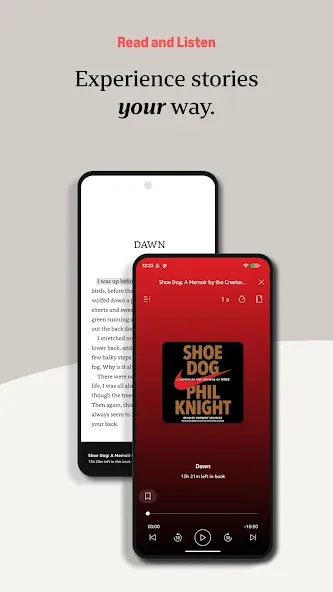
If a book supports narration, switch to Audible to listen, then return to text when ready.
I have been using the Kindle app with every device I have owned since it's beginning, and it is, as far as I am concerned, still the easiest of all when it comes down to actually downloading books, and what I can do. The only, and main, fault is the range of fonts and their sizes. I would like to be able to import more and choose a font size that suits me better. perhaps that is something to consider for the future? I would give 9.5/10 points!
I love this app. I wish I could afford a thousand books to read with it. But, I have read some many times using this over the years and it still works great. I love the sepia reading mode and the color options for the bookmarks and annotations/highlights. I love the realistic page-turning option and the time left in each chapter, in the book, the page numbers left, and the way it detects reading speed. Still one of the best apps there is!
I’ve been using the Kindle app for studying and reading ebooks, and I’m really enjoying it. I especially like that I can keep my books and PDFs in one place and read whenever I get time. The font, brightness and background options make long reading sessions much more comfortable, especially at night. Highlights and bookmarks are also really useful while studying. Overall, Kindle has made reading much easier and more convenient for me.
It's a great app to buy books and read immediately (download). It is also less expensive than buying a book and waiting for it to arrive. Kindle also keeps all your books so you can read or refer too at a later date. You can always read a book where ever you take your phone which is very handy.(especially in a waiting room). I really enjoy Kindle!
Amazon Kindle allows you to download books to read offline, which is perfect for travelers or anyone wanting to enjoy their books without relying on an Internet connection. This feature is especially useful for those who read on public transport, on flights or in places where connectivity is limited, ensuring that their personal library is always available.
Size:145.89MB Version:14.146.1002.0.74
Requirements:Android Price:Free
Package Name:com.amazon.kindle Signature:4083a594da85be3dc50726074e8bb18b
Welcome to Light Novel World, your ultimate destination for free online light novels! Explore a vast collection of captivating stories across genres like fantasy, romance, sci-fi, and more-all available to read at no cost. Whether you're a fan of isekai adventures, heartwarming romances, or thrilling action, our library has something for every reader. Enjoy regular updates, easy navigation, and a seamless reading experience. Dive into your next favorite story today!
The best free ebook reader software is great for when you need to get serious reading done. We like to read casually on phone, but often we need more. We need tools at hand for taking notes. We need a bigger display and power to search. When we need more for reading, we turn to an ebook reader on our computer. Thankfully, some of the best software for reading ebooks is free. When we look for ebook software, we look for good organization, easy note taking, and synchronization across devices. We can find all of that in our top picks.
If you’re like many parents, teaching your child to read and searching for the best reading programs for kids can feel overwhelming. Maybe you’ve tried several different programs, only to find that your child still isn’t connecting with the material. Or worse, perhaps your child is frustrated and wants to give up entirely. It’s hard to know what’s right when so much advice is out there. Luckily, our program is here to simplify the process for you and make learning to read more enjoyable for your child. We’re here to guide you on how to teach a child to read and give your child A Good Start.
About us | Contact us | Privacy policy| DMCA
Copyright © 2026 Xiaohei All rights reserved.