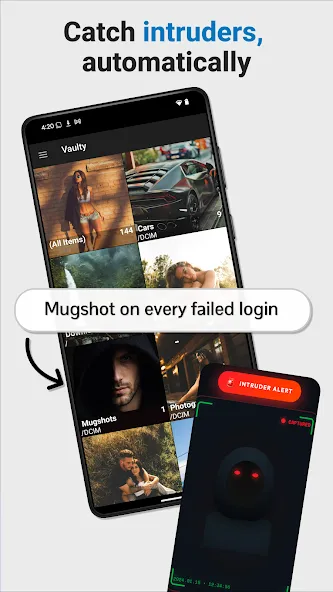
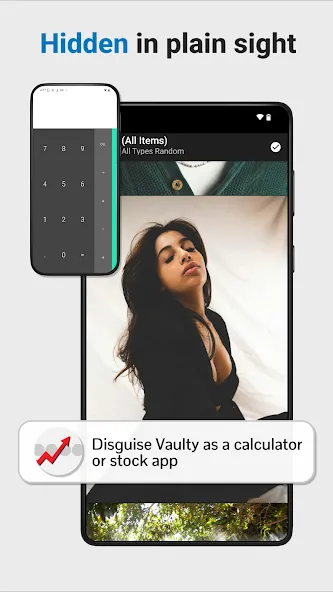
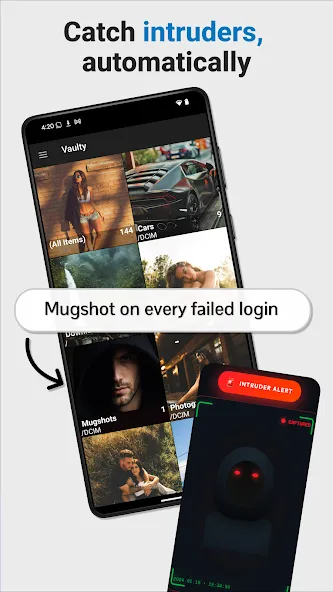
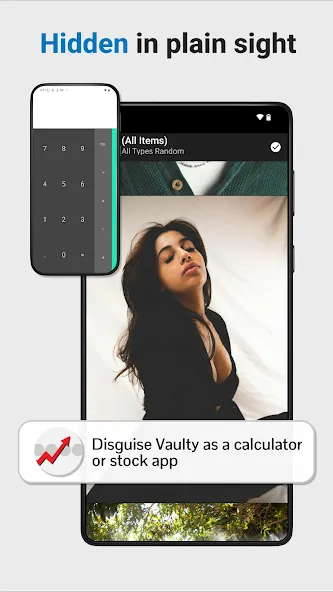
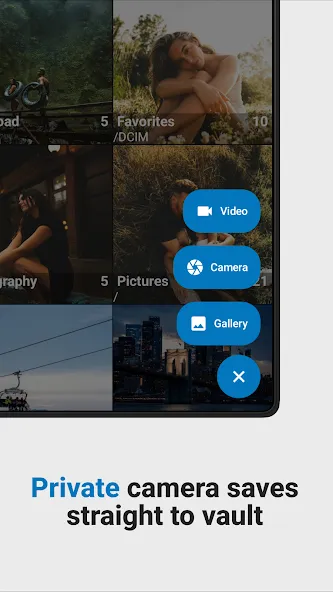
Vaulty is a privacy protection app that allows users to hide important photos and videos from their device's gallery. These files are stored within an encrypted, built-in vault, which can be secured with a password or a gallery lock to ensure your private content remains protected. To further enhance privacy, the app can disguise itself as a calculator or an informational app. Access to the hidden content is granted only when the correct password is entered or via facial recognition. If an unauthorized person attempts to access the vault, the app will automatically capture a photo of the individual and send it to you, giving you complete peace of mind.
Create Secret Folders: Make private, hidden galleries to organize sensitive photos away from the main gallery.
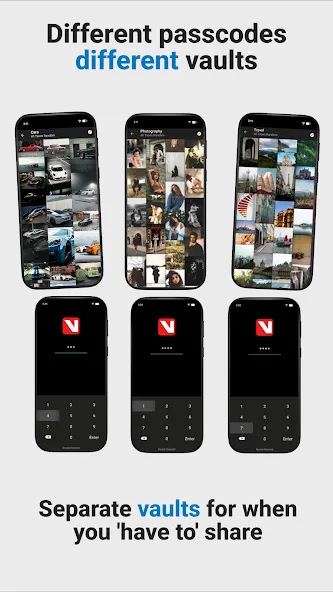
Enhanced Password Protection: Assign unique passwords to each folder, allowing only authorized users to access them.
Import from Gallery: Easily select and import photos from your device’s gallery into secure folders.
User-Friendly Interface: A clean and simple design that makes hiding and managing photos quick and straightforward.
Fast Access: Open your secured folders quickly by entering the correct password without delays.
Organize and Manage: Move, delete, or rename images and folders inside the protected area to keep things tidy.
Stealth Mode: Optionally hide the app icon or disguise it so others are less likely to notice the app on your device.
Secure Backup (if available): Some versions offer backup options to restore hidden photos if you change devices (check app settings).
Video slideshows play videos again
Hiding photos into your vault works more reliably
Smoother album moves, photo editing, and navigation
Crop and straighten photos right in Vaulty (Pro)
See What's New after each update—or anytime in About
Backup and restore show live progress on large files.
I really love this app and have given it a 5-star rating! One feature I’d really appreciate in the next update is the ability to forward and rewind videos, so users can easily skip ahead or go back while watching. I hope you’ll consider adding this feature. Thank you!
Problems solved. The only thing remains that uninstalling and reinstall the app will reset everything. If there is only something to prevent that...
Very reliable and useful. But cost is too high for paid version. Free version is no doubt is very good. There must be sort option by size, date etc to find and delete duplicates.
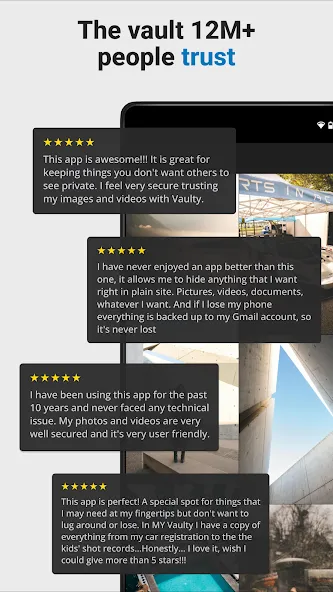
Great app for keeping private content private on your phone! Takes a picture of anyone entering the wrong code to enter the app. Plus it doesn't show a prefer in the Recent Apps screen! Just perfect!
Been using this app for like a year or more and all I can say is that it's awesome... It doesn't pup up annoying adds each time you open it unlike others, and once you backup your files you can access them on other devices. And more interestingly you can have different passwords which when entered opens different location within the app. It's really amazing! You need to try it.
Can Anyone Else See My Private Files?
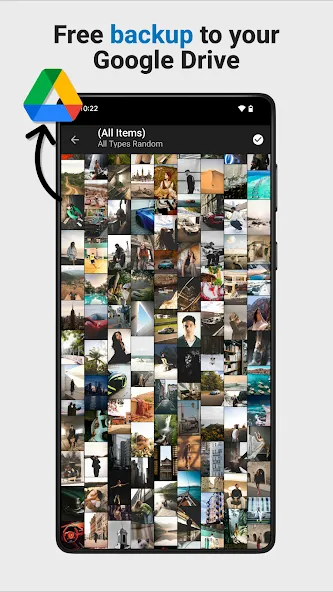
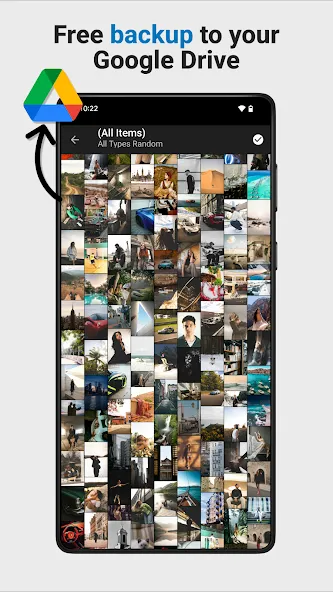
Vaulty keeps your files hidden from your gallery and casual browsing, behind your PIN, password or disguise. Vaulty also renames the file and, for photos and other non-video files, adds a small marker so they can’t be opened or viewed normally. This isn’t encryption, and it’s easy to undo for someone who knows how. Someone who connects your phone to a computer, or uses a file manager app with full storage access, could still find and copy your files, so the safest protection is keeping your phone itself locked and secure. Backups go to a Vaulty folder in your own Google Drive over a secure HTTPS connection, and Google encrypts files stored in Drive (how Google protects Drive files). Vaulty itself doesn’t encrypt your files, on your phone or in backups, so anyone who can sign in to your Google account can open that folder.
Can I Access My Stuff From a Computer or iPhone?
The production version of Vaulty is available on Android. Online Backup can sync your files between Android devices connected to the same Google account inside Vaulty. Online Backup is free; you do not need a Vaulty Pro subscription.
What Happens When You Hide a File?
When you add a photo or video to Vaulty:
Vaulty saves the photo or video on your device as a .vdata file.
It is stored in the data folder inside your Vault Location, usually Documents/Vaulty. Check Menu > Settings > Media > Vault Location in your main vault for the actual path.
The original file is deleted from your gallery and removed from your device’s public media folders.
Will a Storage Cleaner Delete My Vault?
Yes. Storage cleaners can delete files in your Vaulty folder. Keep that folder out of storage cleanup, even if you use Online Backup. You can find it under Menu > Settings > Media > Vault Location in your main vault.
If a cleaner has already removed files and Online Backup finished uploading them beforehand, Vaulty may be able to download the missing files from your Google Drive. Follow Restore Vaulty Files from Google Drive. Keep any remaining copies, and don’t delete, move, or rename anything in your Vaulty folder in Google Drive.
If there is no completed Drive backup or manual copy, we cannot supply replacement files.
Vaulty ensures that your sensitive media is always protected, even in unforeseen circumstances. With free automatic online backup, your files remain safe even if your device is compromised. This means regardless of your phone's fate, your hidden content is recoverable. Entrust Vaulty for safeguarding your most sensitive media, guaranteeing a secure, worry-free experience every time you access your device.
Size:21.59MB Version:26.09.09
Requirements:Android Price:Free
Package Name:com.theronrogers.vaultyfree Signature:bfead6c57efa80640ab60e0177478406
Utility apps are indispensable in our lives, making our daily routines more convenient. To help you find these apps more easily, this site has created a collection. This collection brings together a series of practical tools covering various aspects of life, work, and education, meeting all your needs. What are you waiting for? Try these apps now and make your life easier!
With the development of mobile hardware and software, many practical tool software have emerged, covering a wide range of aspects and becoming a good helper for everyone in work and life. Today, the editor provides you with a list of useful tool software downloads. These tools are not particularly complex types, and after reading them, everyone can quickly learn how to use them. Proper use can bring great convenience to life and work.
About us | Contact us | Privacy policy| DMCA
Copyright © 2026 Xiaohei All rights reserved.