Zalith Launcher is a game launcher designed specifically for Minecraft players. It boasts broad compatibility and a wide range of mods, and maintains a fresh experience through regular updates and optimizations. The software allows users to easily manage in-game graphics, rendering, textures, and import various mods and theme packs to enhance the gaming experience. It also greatly simplifies the installation process for mods and resource packs; simply add the mods to their respective folders, and the software will handle the rest. Furthermore, the software supports multiplayer mode, allowing you to invite friends to join your server and build your own magnificent structures together.
Graphics & Performance Tweaks: In its built-in performance settings, optimizations for render distance, FPS cap, and memory allocation to each application can be easily made by even a beginner player. If you do not have a high-end phone, you can also Java edition smoothly.
Regular updates: It is an open-source and community-driven project. It comes with regular updates, bug improvements, and transparency from global developers.
Multiplayer Support: If multiplayer is desired, it allows users to join servers, realms, or LAN Games with full Java compatibility. It works smoothly if you are playing a friendly match or a competitive PvP.
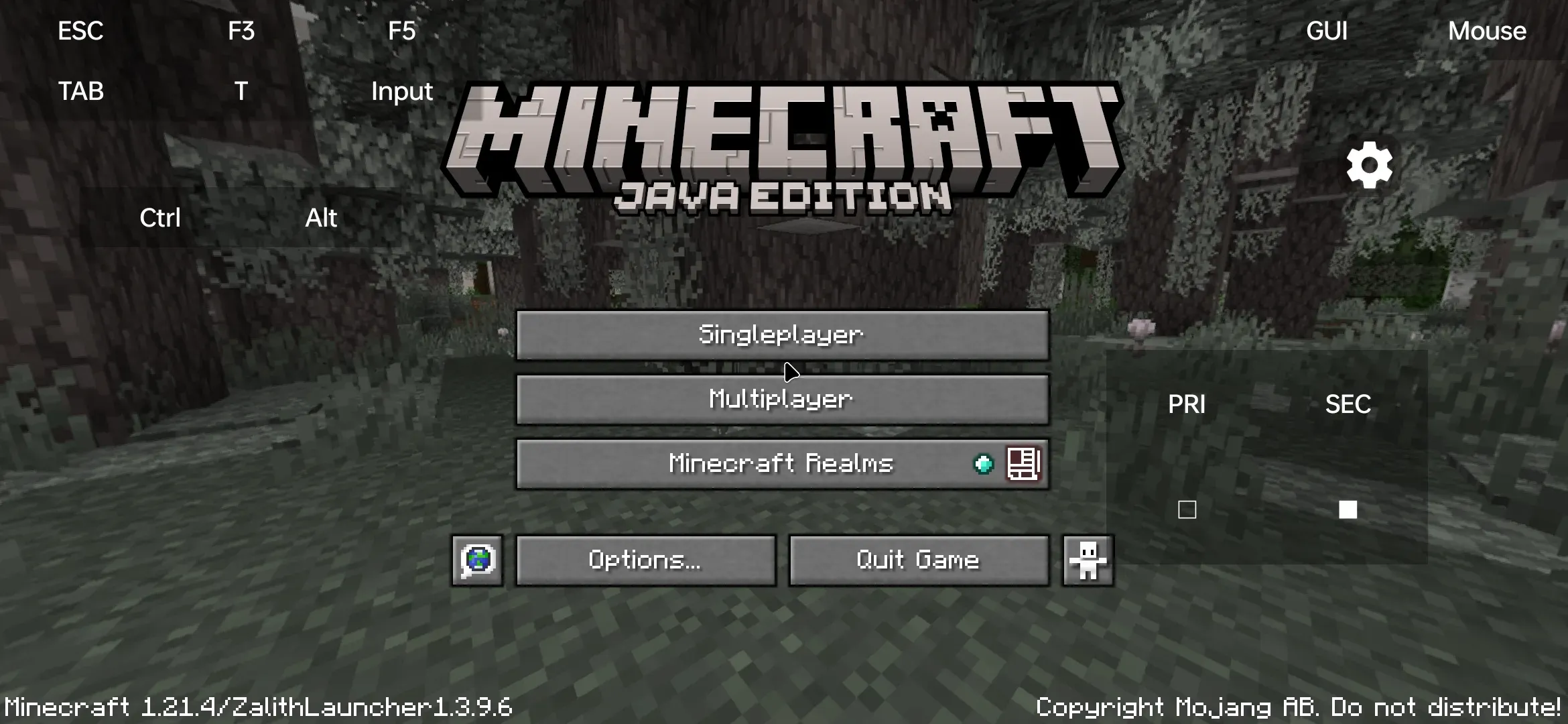
Pvp control: It has built-in fine-tune control for PvP matches. You can also adjust attackbar sensitivity, hotbar switching, and custom layout for mostly combat matches.
Change the mouse cursor: It provides you with a virtual mouse with customizable cursors that navigate you easily to menus during gameplay.
Multi-Version Support for Games: You can also play Minecraft for PvP, and also play the latest version. Some users are confused about snapshots. Now you don’t have to worry; you can play all the versions, including snapshots.
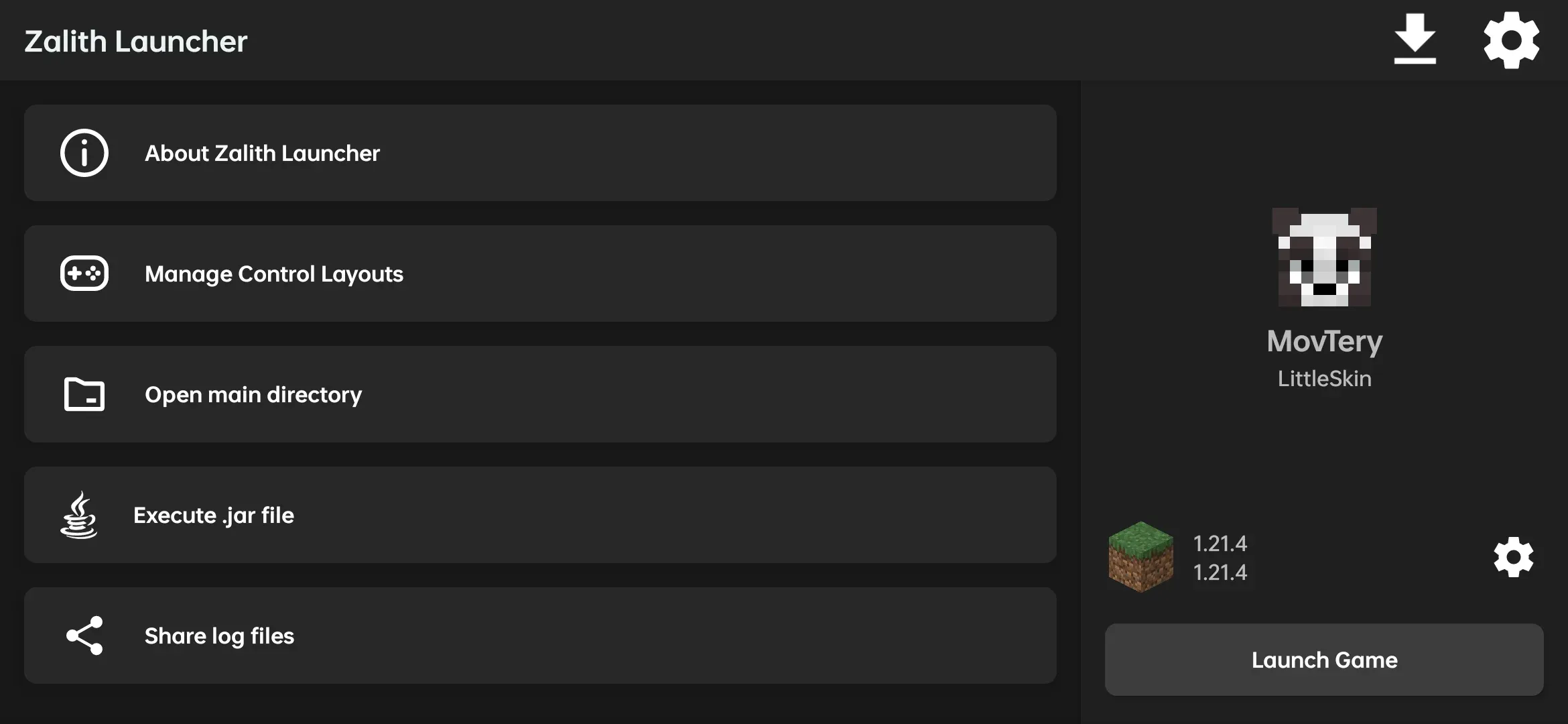
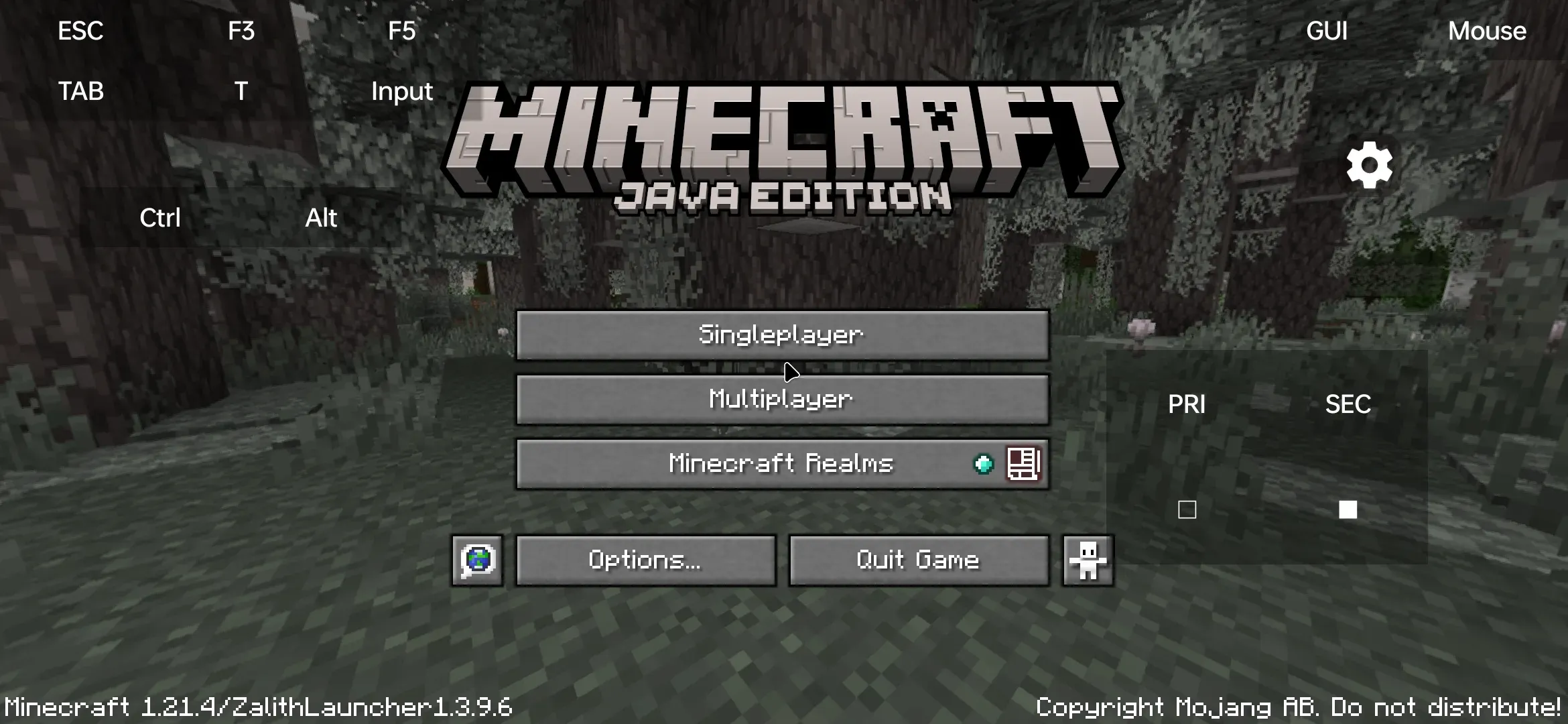
It also offers support for mods, resource packs, saved worlds, and shaders. It even allows you to play on multiplayer servers or over LAN, preserving many of the freedoms of the desktop version.
Full compatibility with Minecraft: Java Edition on Android.
Built-in file explorer to access worlds, mods, or packs without external permissions.
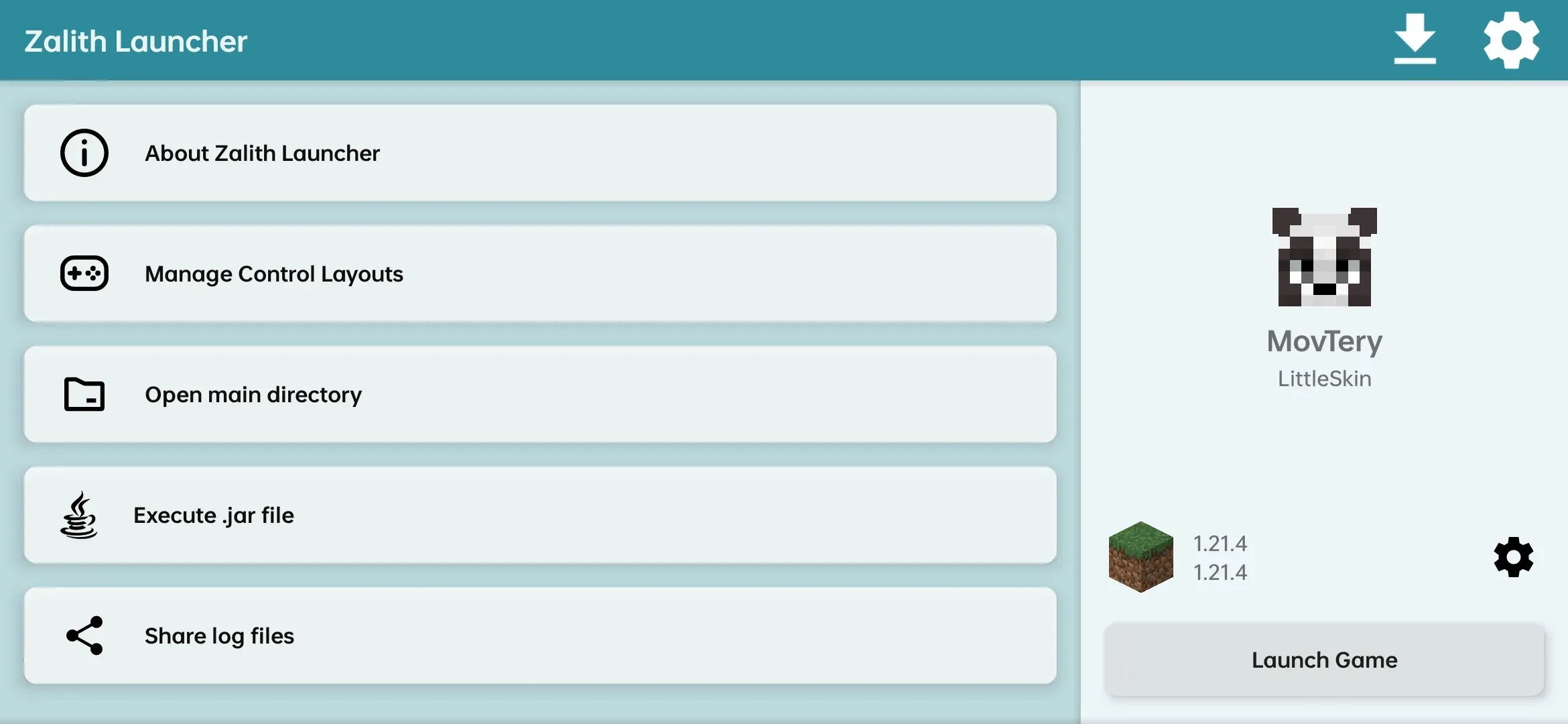
Advanced version management: you can choose which version of Minecraft to launch and configure where to store the files.
Direct downloads of mods, resource packs, worlds, and shaders right from the launcher.
Compatibility with Microsoft and Mojang accounts to log in and download official versions.
Overall, when we download Zalith Launcher for free we get to enjoy a combination of the best of PojavLauncher with very practical additions. Its file explorer, version management, and mod support make it a very complete tool.
Fixes:
LWJGL:
Fixed severe LWJGL-OpenGL mapping errors.
Fixed issue where certain versions of JourneyMap prevented the game from launching.
Fixed inability to launch version 1.7.2.
Download:
Fixed incorrect parsing of date strings.
New Features:
LWJGL: Updated to version 3.3.6.
Java: Added support for Java 25.
New Features:
External Authentication: Updated authlib-injector to version 1.2.7.
Fixes:
Game Launch: Fixed XaeroPlus mod failing to load SQLite correctly.
Game Versions: Fixed incorrect NeoForge version categorization.
Zalith Launcher suits users who want to play the Java version of Minecraft on a phone or tablet without a complicated setup. It is based on PojavLauncher and focuses on a cleaner interface and easier onboarding, so new users can start with fewer steps. The goal is to lower common entry barriers and reduce confusion during configuration.
Size:250.99MB Version:1.4.1.4
Requirements:Android Price:Free
Package Name:com.movtery.zalithlauncher Signature:d4aa6417c85a1e07a7e293c89c2342df
Transform your mobile device into a powerhouse of efficiency with these handpicked essential tools. Whether you need professional-grade photo editing, seamless file organization, smart task management, or real-time weather updates, our curated selection of premium apps delivers unbeatable performance. Streamline your daily routine, automate repetitive tasks, and boost your productivity with intuitive interfaces and powerful features. Designed for both professionals and casual users, these editor-approved applications will revolutionize how you work and play. Don't settle for an ordinary phone - upgrade your digital experience today and unlock your device's full potential!
With the development of mobile hardware and software, many practical tool software have emerged, covering a wide range of aspects and becoming a good helper for everyone in work and life. Today, the editor provides you with a list of useful tool software downloads. These tools are not particularly complex types, and after reading them, everyone can quickly learn how to use them. Proper use can bring great convenience to life and work.
About us | Contact us | Privacy policy| DMCA
Copyright © 2026 Xiaohei All rights reserved.