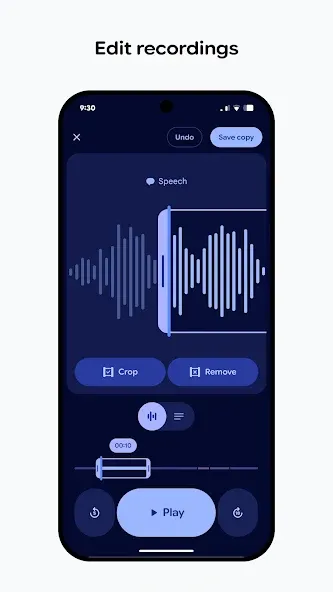
Google Recorder is a recording tool for Android devices that offers speech-to-text transcription and labeling, allowing users to quickly identify and categorize the content of their recordings. Users can review and play back their recordings—a feature particularly useful for capturing key information during lectures or meetings for later study and review. Recordings can be edited within the app, and notes can be saved and shared. The app features a simple, clean design, ensuring it can be used quickly and easily across a variety of scenarios.
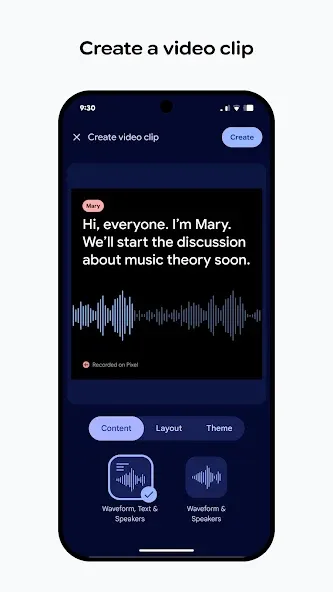
Transcription and Labeling
Google Recorder converts speech into text and allows you to add labels to specific sections. You can scan through the text and jump directly to important segments, making it much easier to review long recordings.
Review and Playback
You can listen to your recordings later, using the accompanying text as a guide. This is helpful for tracking tasks or decisions from meetings, or for staying organized while studying lecture material.
Manage and Reuse Recordings
Save sessions to listen to later
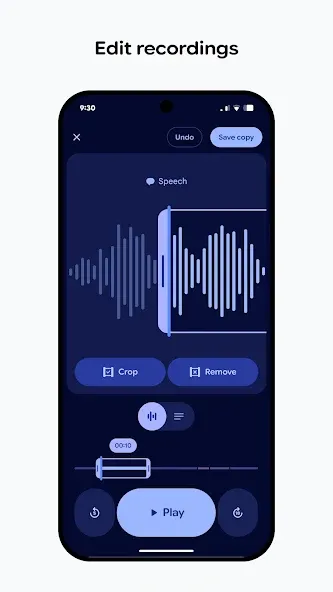
Edit recording details
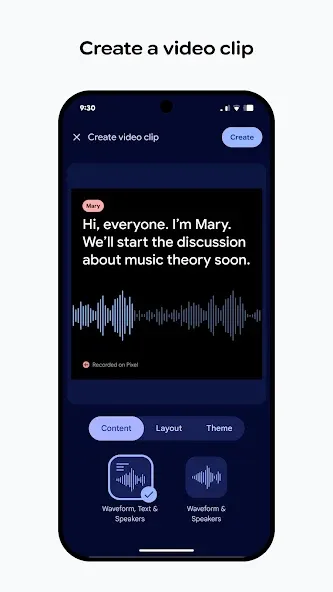
Share recordings as needed
Summarize long recordings (available in the latest version)
Quick Capture on Wear OS
On compatible Wear OS devices, the Recorder app includes a dedicated tile for quick access. You can tap this tile to start recording moments or ideas—either on your phone or your Pixel Watch—which is especially convenient when your hands are occupied.
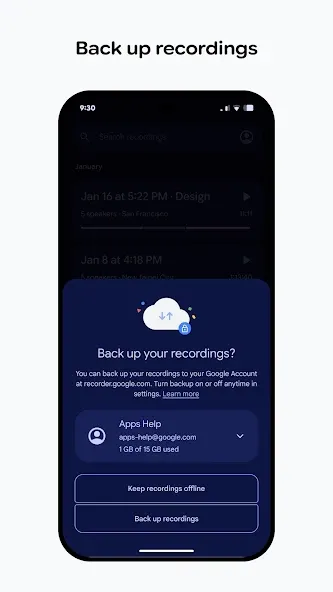
The app is very easy to use, thanks to its clean and intuitive interface. The main screen features a prominent record button, alongside your recent audio files for quick access. While recording, you can monitor the audio input frequency and view the real-time transcription.
To get started, open the app and tap the record icon at the bottom of the screen. You can toggle between the audio waveform view and the transcription tab to follow the text as it is being generated. To pause, tap the pause icon; to finish, tap the save button. Once a session is saved, you can open the transcript to search for key phrases or speaker names. You can highlight important sentences, trim unwanted audio segments, or share the text file directly with colleagues. This makes managing your audio archives both efficient and organized.
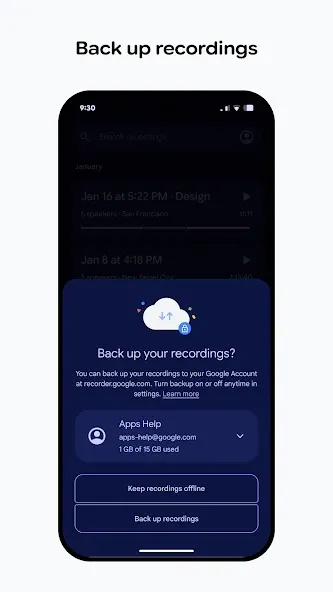
The experience on Pixel is excellent; you can view and download recordings directly via the web interface. The only drawback is that, for now, the speech-to-text feature only supports English.
The accuracy for English speech recognition is quite high. I hope support for other languages is added soon—that would be really useful!
I’d love to see an option to export as .rc files, and it would be great if it supported internal audio recording.
I hope future updates will allow for higher-quality audio recording (in WAV format). A fantastic app!
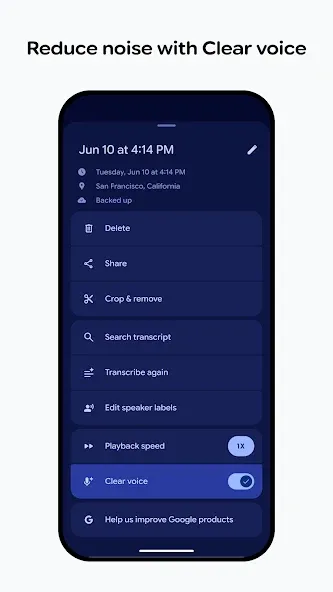
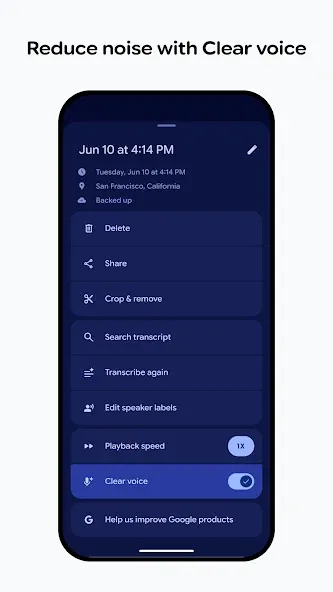
Google Recorder is an easy-to-use audio recording tool that transcribes audio files into text. Thanks to its advanced speech recognition capabilities, the app turns time-consuming tasks—like transcribing interviews—into quick and effortless processes!
Size:57.54MB Version:4.2.20261001.101
Requirements:Android Price:Free
Package Name:com.google.android.apps.recorder Signature:1e1adcdb9de43592b3a99e280738b058
Utility apps are indispensable in our lives, making our daily routines more convenient. To help you find these apps more easily, this site has created a collection. This collection brings together a series of practical tools covering various aspects of life, work, and education, meeting all your needs. What are you waiting for? Try these apps now and make your life easier!
Transform your mobile device into a powerhouse of efficiency with these handpicked essential tools. Whether you need professional-grade photo editing, seamless file organization, smart task management, or real-time weather updates, our curated selection of premium apps delivers unbeatable performance. Streamline your daily routine, automate repetitive tasks, and boost your productivity with intuitive interfaces and powerful features. Designed for both professionals and casual users, these editor-approved applications will revolutionize how you work and play. Don't settle for an ordinary phone - upgrade your digital experience today and unlock your device's full potential!
With the development of mobile hardware and software, many practical tool software have emerged, covering a wide range of aspects and becoming a good helper for everyone in work and life. Today, the editor provides you with a list of useful tool software downloads. These tools are not particularly complex types, and after reading them, everyone can quickly learn how to use them. Proper use can bring great convenience to life and work.
About us | Contact us | Privacy policy| DMCA
Copyright © 2026 Xiaohei All rights reserved.