iTranslate is an excellent language translation software that supports translation between hundreds of languages. Users can translate by inputting text, uploading photos, or inputting voice, or download offline translation packs to translate different languages anytime, anywhere. The software includes dictionaries and thesauruses for numerous languages; simply click below the translation results to view synonyms. Users can add important words to their favorites for easy access to their past translation history.
Multi-Format Support: Each person can provide many things that the application can recognize for translation. For example, text, voice, or photos can be processed quickly because the application supports many languages.
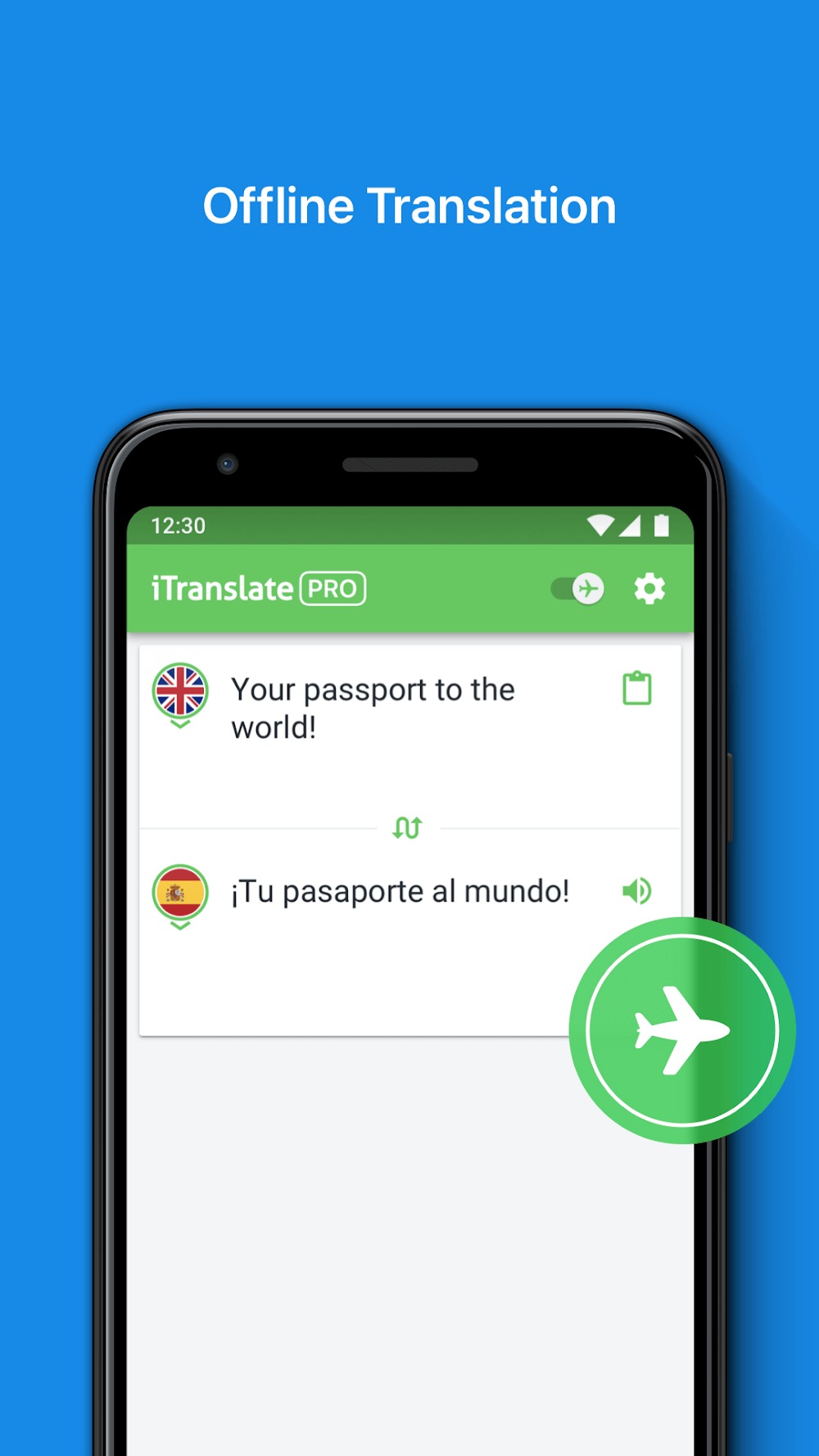
Offline Mode: With the superiority of technology, translation applications do not only operate in online mode. The lack of network connection does not affect the translation if you have downloaded enough resources.
Dialect Options: The application often provides a number of support features to make translation more suitable. From there, the content is fine-tuned in detail to get a result that satisfies you.
Text-to-Speech: The application allows the creation of translations in the form of audio. In particular, the voice also needs to be selected to help the other person understand the content you convey.
Built-In Tools: Over time, users will realize that the features of the application operate accurately. This comes from the necessary resources such as reputable dictionaries and reliable thesauruses.
Easy Access: Any problem handled within the application is often saved as a history. From there, you can conveniently find it quickly for use the next time.
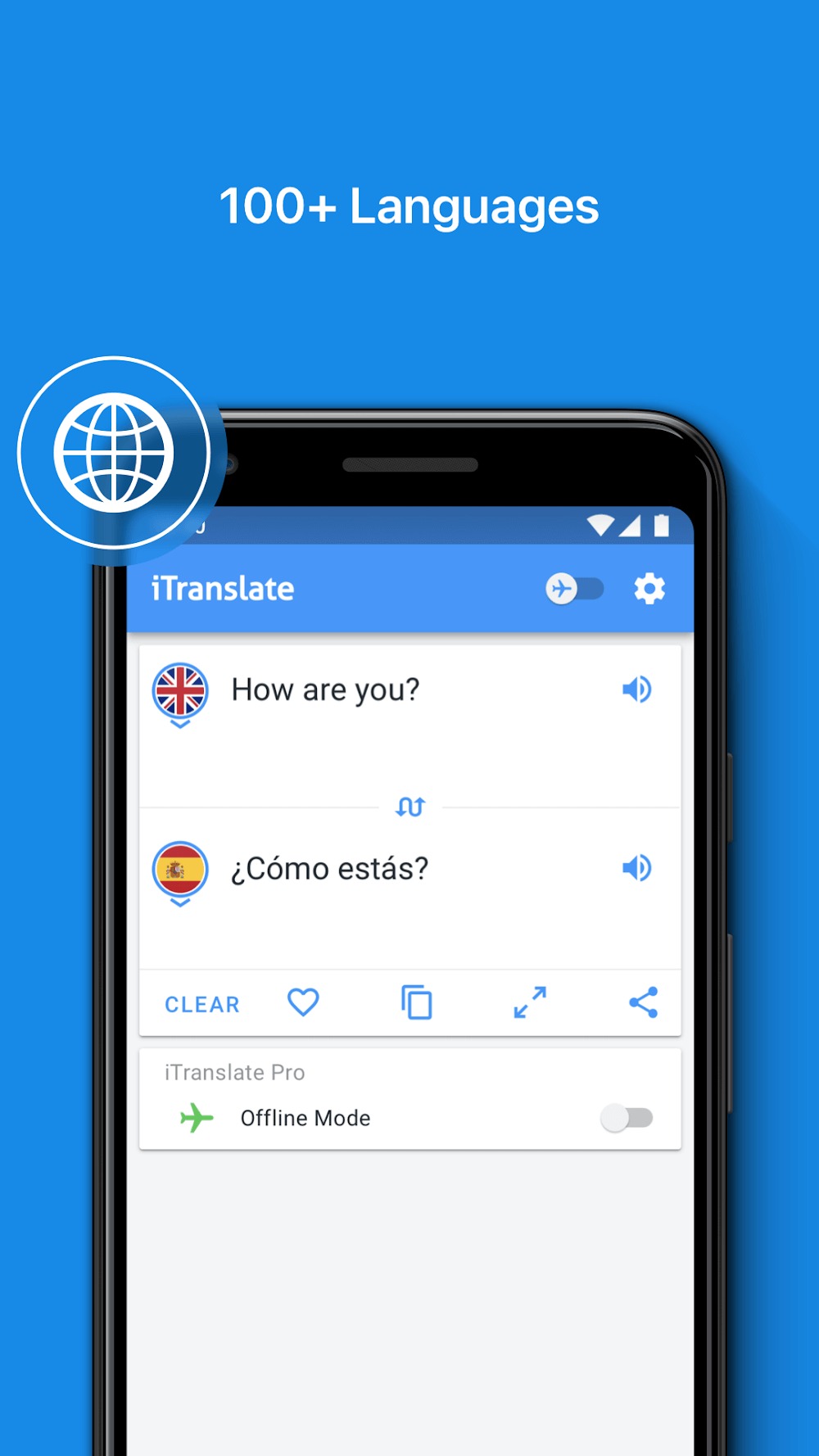
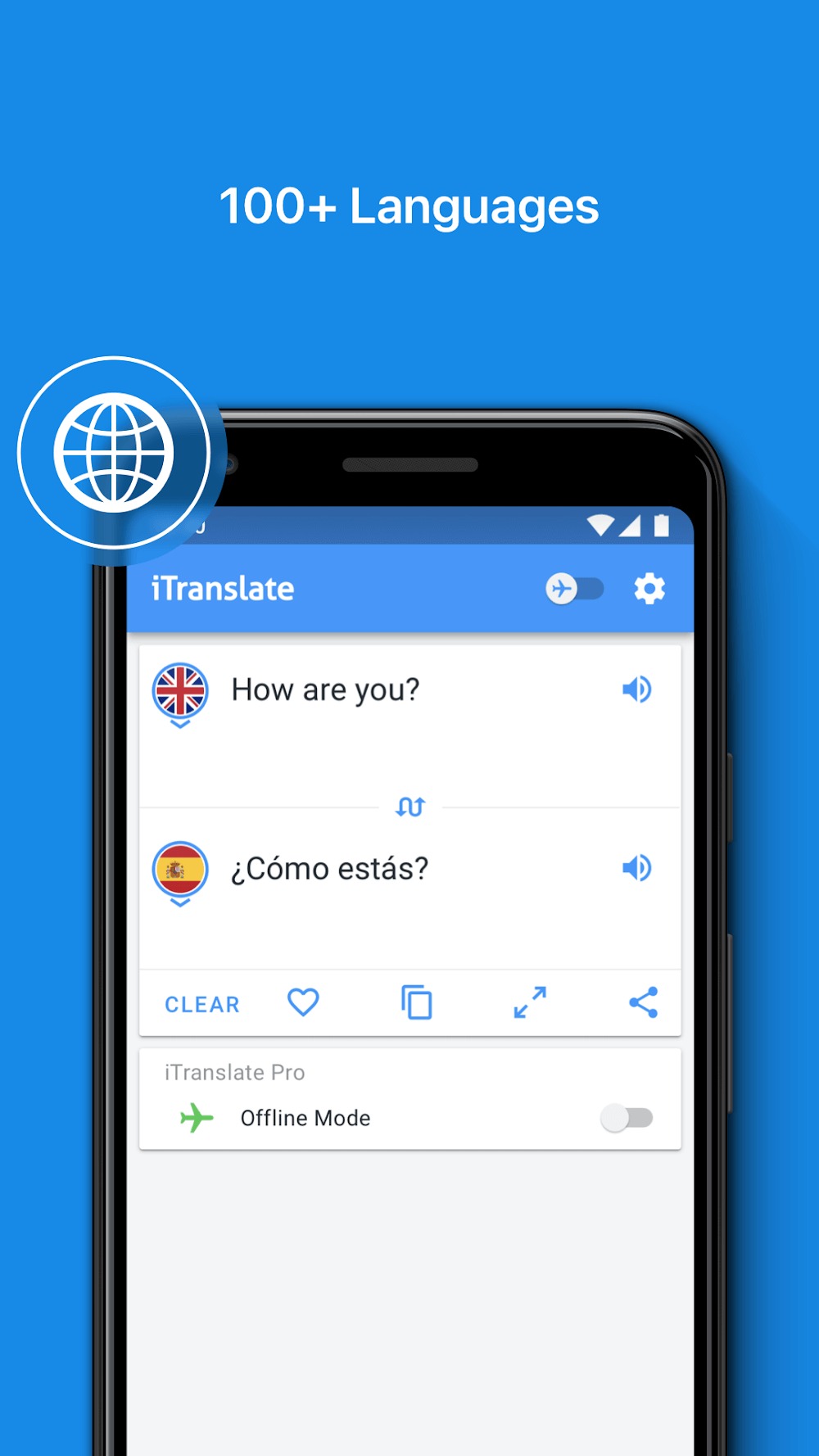
iTranslate can support more than 100 languages worldwide, and it has an extensive information database or dictionary for users to translate any phrase freely. Besides, its language support also includes many fonts or the ability to recognize handwritten language thanks to dynamic AIs. It is currently supporting more languages to expand its reach to all international users, including minority countries.
The manual translation is the first tool that users use most of the time for this application, and it promises many positive results. The great thing about the manual translation toolkit is that it can recognize languages accurately and give answers with absolute accuracy for each particular language. The app’s bilingualism is also impeccable, helping to translate things easier even when using local languages.
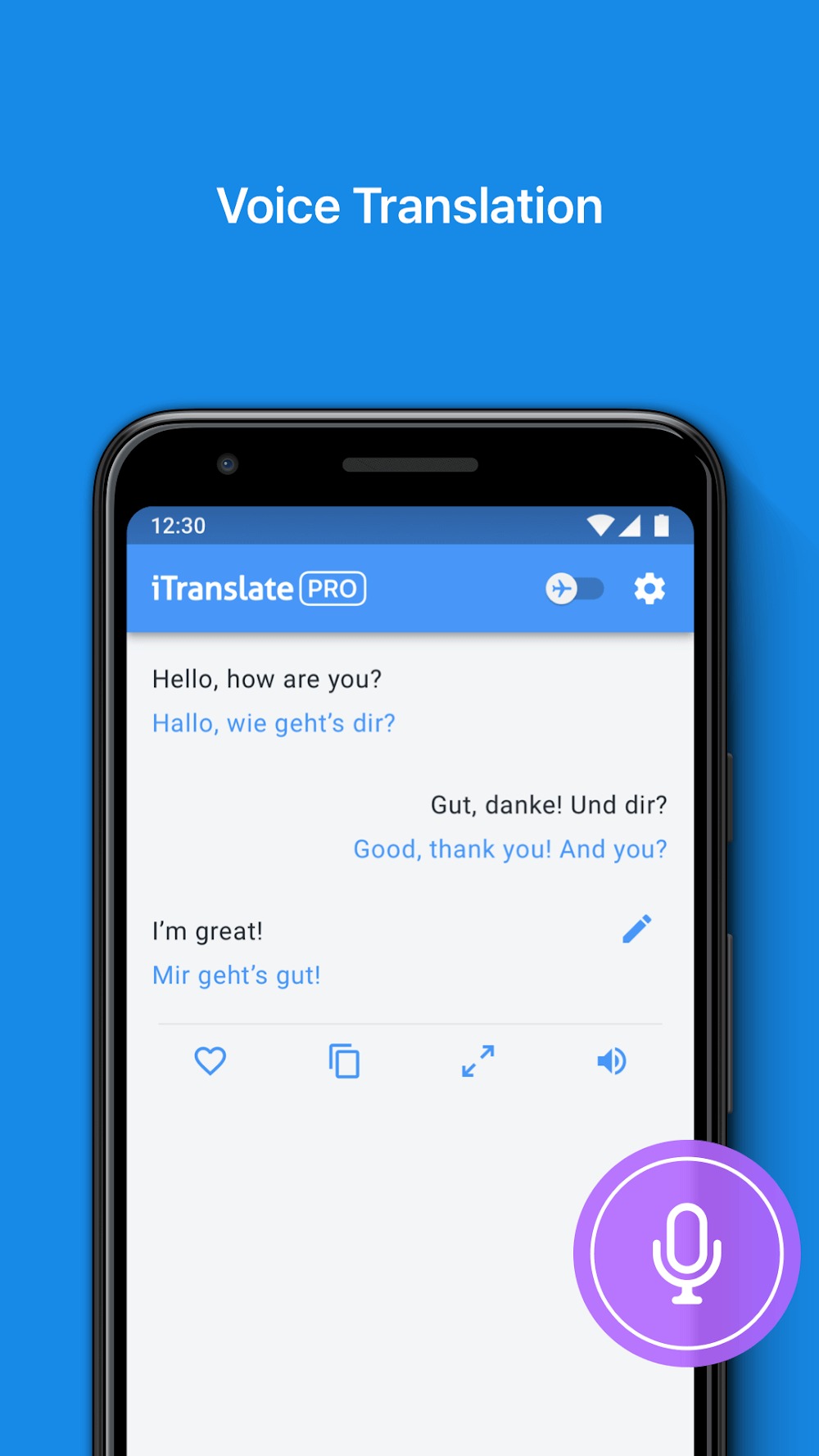
If users have problems with translation in exceptional cases or cannot recognize the text for manual input, they can use other support features of iTranslate. These include image scanning, text recognition, and audio input for anyone to translate anything quickly. Of course, the ability to process different information is fast and convenient, even having many interactive results to provide more information to the user.
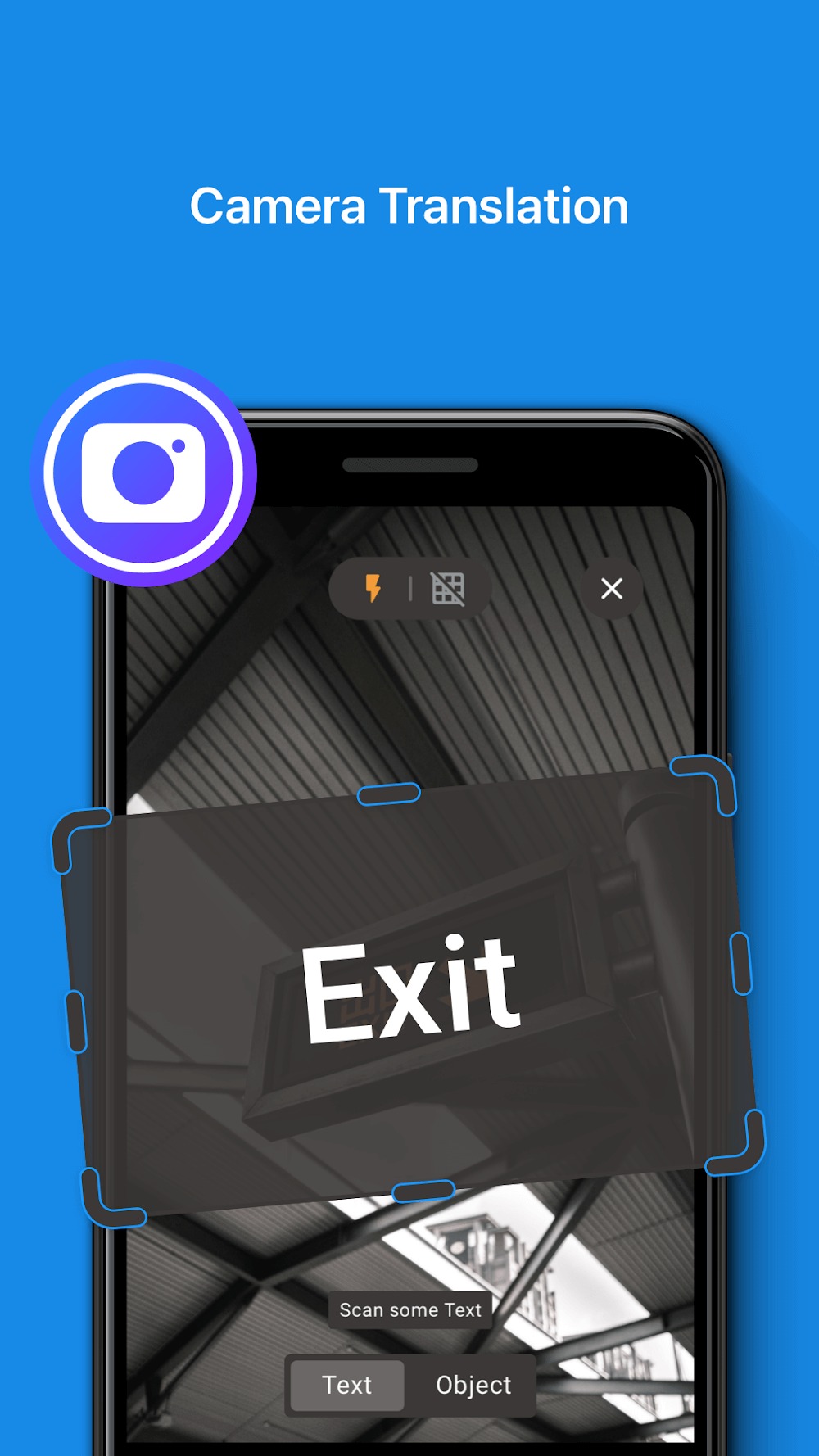
Translation has now been brought to the next level thanks to innovative technologies or methods from built-in AIs. That includes language translation through images, and the application will use the data received from the camera and give all the results in real-time. That function also detects languages and can even translate handwriting with great accuracy to provide everyone’s convenience.

Free version in 2025 works very well. It was the only way I was able to help some international vacationers who had gotten stranded. They couldn't speak any of my languages, so I let them choose their language from the app and then used this app to communicate with them to understand their problem and getting the help they needed. they were very grateful, and I have to think the developers of this app for being able to do that!
More accurate than google translate. I see why everyone thinks there's no free trial. You hit "start free trial" button and it pops up to pay for 1 year subscription. You have to hit X on top right instead of "start free trial" button, it's like in a game ad with "try again" button that only take you to store. Anywho, I'm stuck overseas so this helps...can't afford to get pro subscription though as I'm not able to make money here, so I'm forced to type and show text only.
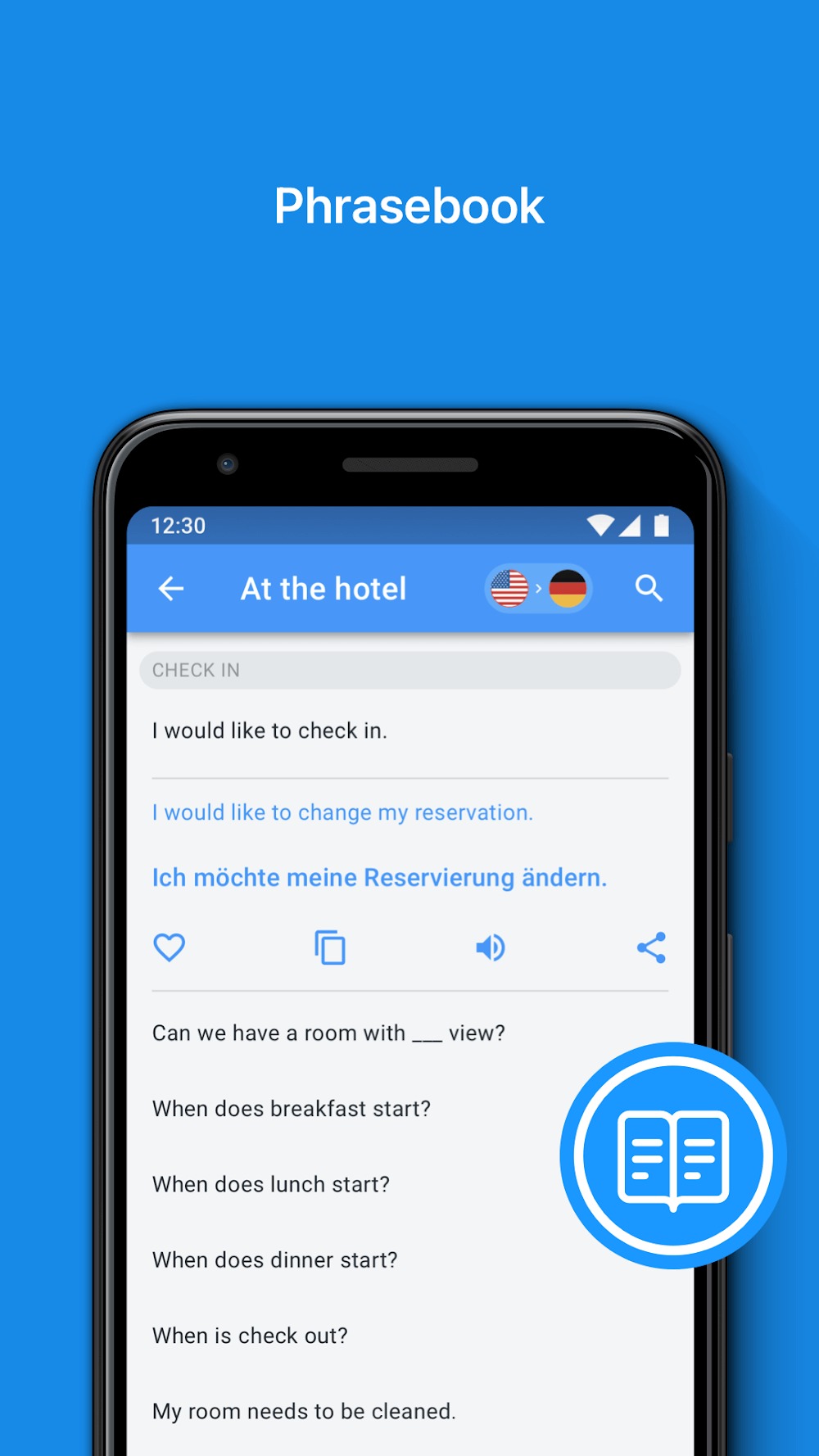
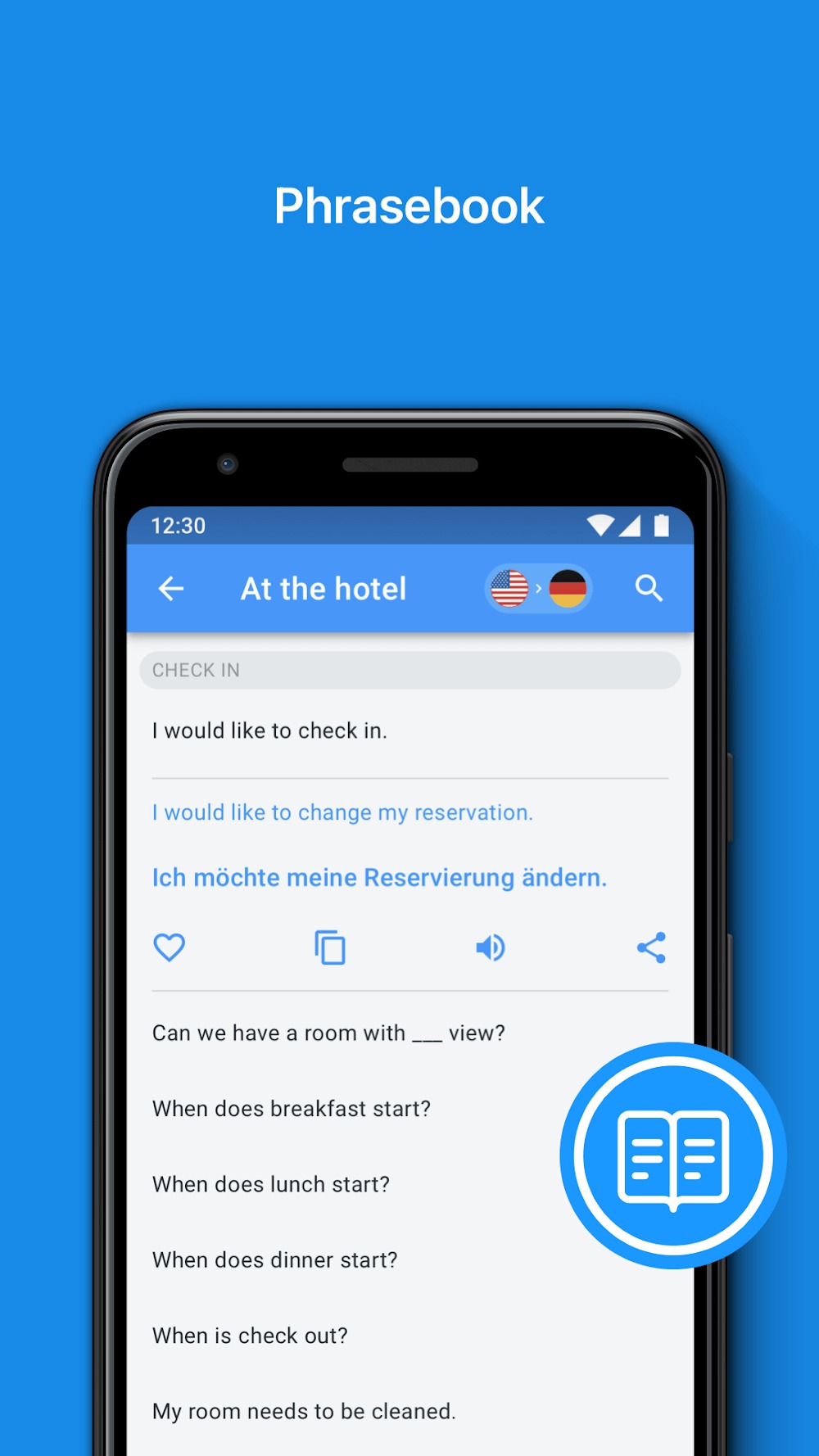
This is a great app! You can make a correction once you have typed in your request without deleting the entire sentence. It has a dictionary. You can switch from Spanish to English back to English to Spanish. Also you can slow down or speed up the voice temple. It also has a phrases category where you learn to speak on subject matters like traveling or being in a grocery store etc.. It's a great app so far for me and I've been using it for about 1 month I believe.
Great! Translates words, expressions and phrases. Love it! Since word for word translation is not easy and often inaccurate in a particular contex, it would be great if the translations would offer multiple variatiations (with explanations) so that users can chose the appropriate one to fit their needs. thanks in advance!
You don’t need to pay again if you already have an active subscription. Follow these steps:
Make sure you’re signed in with the same Apple ID or Google Account you used when you subscribed
Tap Restore Purchase or Already Purchased? on the subscription screen
The App will recognize your subscription and activate your plan
Follow the setup steps to finish.
Although the iTranslate app is labeled as compatible for Family Sharing and is automatically added to the Family Library of apps, unfortunately, in-app products such as subscriptions are not eligible for sharing in this format.However, you can share your PRO subscription with other iOS devices using the same Apple ID by restoring the purchase in the app's Settings menu.
To cancel your iTranslate subscription, follow the steps below.
If you use iOS, you can do so by following these steps:
Open Subscriptions on your mobile device.
Tap the subscription that you want to cancel.
Tap Cancel Subscription or Cancel Free Trial. If you don’t see Cancel, the subscription is already canceled and won't renew.
If you use Android, kindly follow these steps:
Open the Google Play app
At the top right, tap the profile icon
Tap Payments & subscriptions > Subscriptions > Select the app
Tap Cancel subscription
Follow the instructions
If you subscribed through the website, please reach out to our Customer Support with the invoce of the charge and the correct email address you subscribed with.
iTranslate is one of the most widely used translation apps. You are free to translate whatever you want in a variety of languages. The application provides a large dictionary store to allow users to look up information freely. You can use the application without incurring any roaming charges, and users will have the most comfortable translation and dictionary lookup space.
Size:70.9MB Version:7.1.0
Requirements:Android Votes:148
Office Apps is a comprehensive and user - friendly platform that aggregates a wide array of office - related applications, catering to the diverse needs of modern professionals, students, and anyone who engages in office - based tasks. Whether you're working on a crucial business project, preparing academic papers, or handling daily administrative work, this aggregation page serves as your one - stop - shop.
The complete collection of office software is compiled based on user needs and referencing the popularity of major computer application stores. This collection selects various useful computer office software for users from multiple aspects such as office suite, communication and collaboration, email management, note management, cloud storage, download and decompression, etc. These software can meet your various document processing needs, making your team collaboration smoother, and conveniently managing your emails and keeping various meeting records. Download various materials and documents needed for office work. This collection of office software commonly used by professionals can meet all needs. Welcome to download and experience it!
About us | Contact us | Privacy policy| DMCA
Copyright © 2026 Xiaohei All rights reserved.