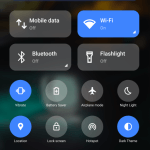
Power Shade is a notification bar customization tool designed specifically for Android devices. The app offers a wealth of options to modify the appearance and functionality of the notification bar, allowing users to customize their mobile experience to their liking. With Power Shade, you can easily change the look and style of your device, making it truly your personalized device. From changing the notification bar's color palette to customizing the appearance of small icons, everything is available. Furthermore, users can indefinitely ignore or mute messages from specific apps or the system without interrupting their current task.
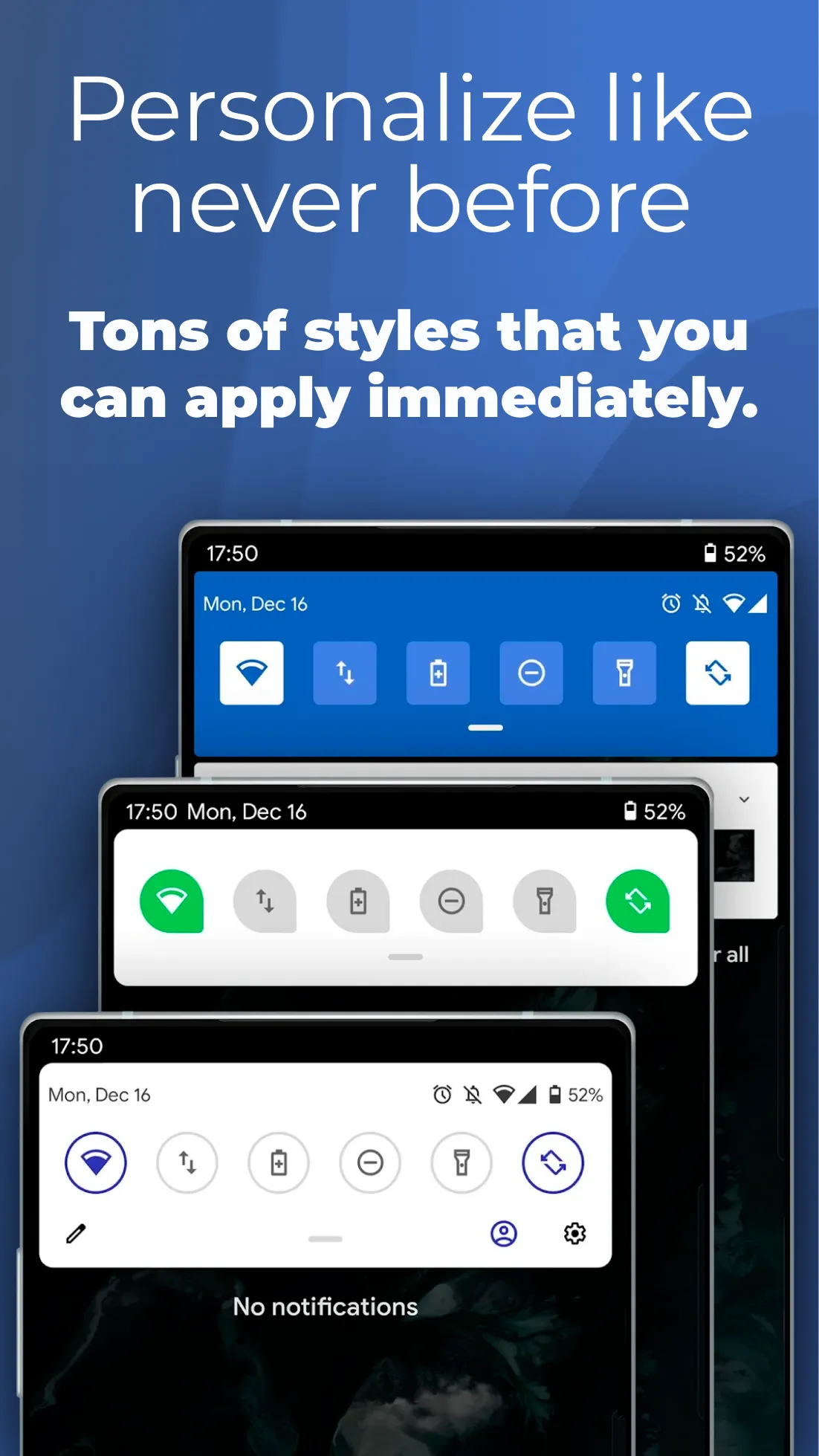
Full color customization: Take the base layout and color all the elements how you like.
Advanced notifications: Get it, read it, snooze or dismiss.
Advanced music: Dynamic colors based on the currently playing album artwork. You can skip to any part of the track right from the notification's progress bar.
Quick reply: Reply to your messages as soon as you see them. For all Android devices.
Auto bundled: Tired of that one app that spams you notifications? Now they're all grouped together, for easy control.
Custom background picture: Pick your favorite image to be displayed in the shade.
A SIMPLE UI FOR PERSONALIZATION
This app is the best option for users who are more concerned with the appearance or interaction of their devices than everything else. Its primary function is to change the user interface to give a new user experience. Thus, the application’s interface is clean and user-friendly; users will find all the tools they need to make the application work exactly how they want it to on the home screen. Moreover, its depth is nearly infinite, allowing many users to customize the device’s user interface.
A SIMPLE COLOR PALETTE FOR THE NOTIFICATION BAR
The app includes a new feature that simplifies the complex and time-consuming process of customizing the user interface of your device. Furthermore, it can scan your phone invisibly and instantly update the data within to fetch new suitable materials and features. It allows users to change the color of the notification bar, home screen, lock screen, and many other features on their device. The user can customize the appearance of the notification bar, and small icons appear all over the place, making it a very appealing feature.
FEELS THE UNIQUENESS WITH NOTIFICATION INTERACTION
Although it is simple to change the notification bar’s appearance, Power Shade gives users more control over the underlying notification mechanism. Users can indefinitely ignore or silence messages from a single application or system, and the corresponding settings are appealing. Because of the notification bar, these operations can be completed without interrupting the current task. Furthermore, the device can reduce interruptions while gaming or watching a movie by blocking notifications during the allotted time and allowing users to select a time when all notifications are disabled.
MORE OPTIONS TO ALTER THE THEMES AND BACKGROUNDS
Because the notification bar’s user interface is less flexible and interesting than other apps, Power Shade has added the ability to change the background image or apply a new theme. The user can use any concept they want to customize the appearance and behavior of the notification bar. Allowing users to use their backgrounds and themes to configure the notification bar in addition to the themes provided by the application opens up many new options for using the notification bar. Users can choose between a dark theme and a translucent notification bar in addition to the standard theme options.

Power Shade includes advanced notification management, enabling users to interact with notifications in a more meaningful way. Users can read, snooze, or dismiss notifications directly from the shade, streamlining the notification handling process. Additionally, the app supports advanced music controls, allowing users to view dynamic colors based on the currently playing album artwork and skip to any part of the track using the notification's progress bar.
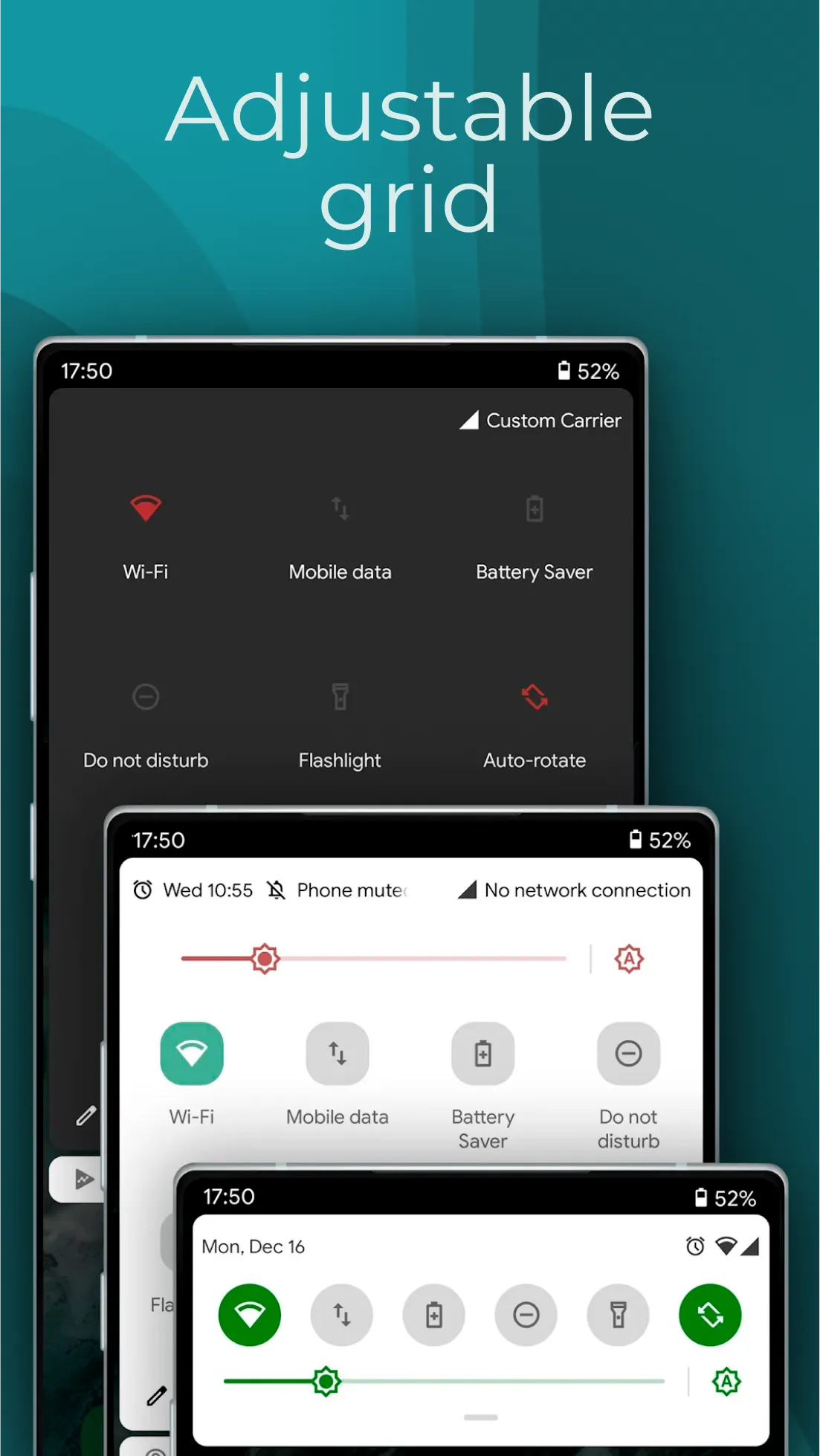
Customization extends to the quick settings panel, where users can select from various tile icon shapes, including circle, square, teardrop, and gradients. This flexibility allows for a more personalized layout, ensuring that the quick settings menu reflects the user's aesthetic preferences. Moreover, users can customize their profile picture to be displayed in the shade, adding a personal touch to the overall interface.
The app also features a quick reply option, which enables users to respond to messages directly from the notification shade. This functionality is particularly useful for those who wish to maintain communication without navigating away from their current tasks. In addition, Power Shade groups notifications from a single app together, making it easier to manage alerts from applications that tend to send multiple notifications throughout the day.
For users who appreciate visual themes, Power Shade offers notification card themes inspired by Android 10. This includes options for light, colored, and dark themes, each providing a different aesthetic for notifications. The light theme presents ordinary notifications, while the colored theme dynamically adjusts the card background based on the notification's color. The dark theme provides a sleek black background, which is particularly beneficial for devices with AMOLED screens.

The notification bar also allows the user to manage any media playback in the background, such as video or music. The UI and notification bar can be tailored to the user’s preferences and the context in which the app is typically used. Power Shade makes the notification bar more useful while changing how the device appears to the user. The application includes several visually appealing features, such as themes, icons, and more, that users can use to customize the application to their specific needs.
Size:12.58MB Version:18.5.11
Requirements:Android Votes:379
Package Name:com.treydev.pns Signature:37cee2252f1d72adb07dcf567e43fec28f98f753

The Ultra HD Wallpaper app allows you to find a wide range of clear wallpapers, which can be displayed with great clarity on any phone screen. You no longer have to worry about unclear wallpapers when changing devices. Today, the editor has compiled a complete app for ultra HD wallpapers, which you can choose and use according to your own needs. Generally, wallpapers are classified in great detail within software, and you can find wallpapers of any style you like. At the same time, there are super rich dynamic wallpapers for you to choose from, using cool wallpapers to make your phone desktop and lock screen stand out. Friends who like to collect ultra high definition wallpapers, welcome to download related software and experience it on this website!
There must be many friends who decorate their phones with theme wallpapers, etc. So which theme stores are free? The editor has selected a variety of free and easy-to-use mobile theme software for everyone, providing a massive amount of exquisite wallpapers in various styles, dynamic and static, to meet everyone's download needs. Fine classification helps users quickly find their favorite themes, and supports users to preview application effects!
About us | Contact us | Privacy policy| DMCA
Copyright © 2026 Xiaohei All rights reserved.