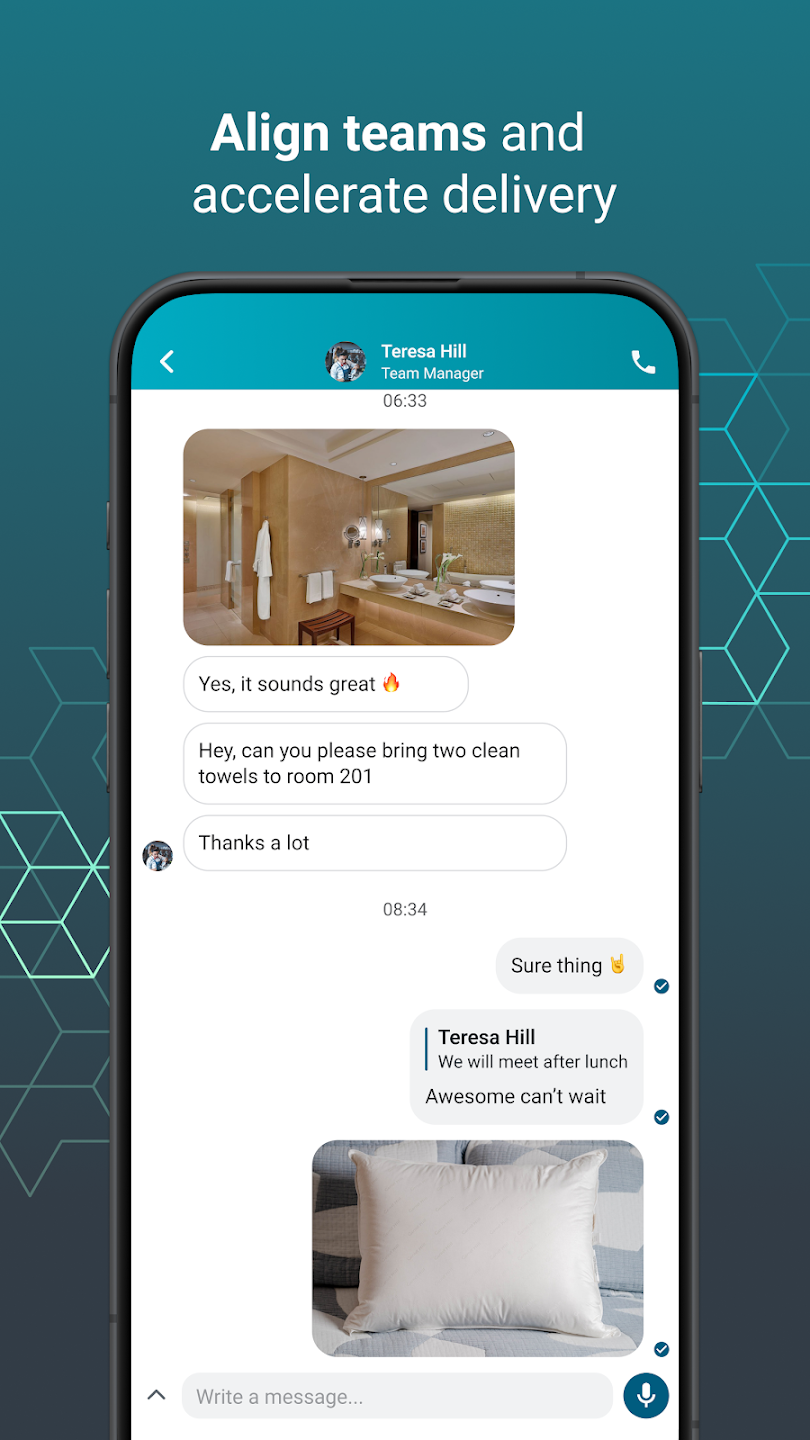
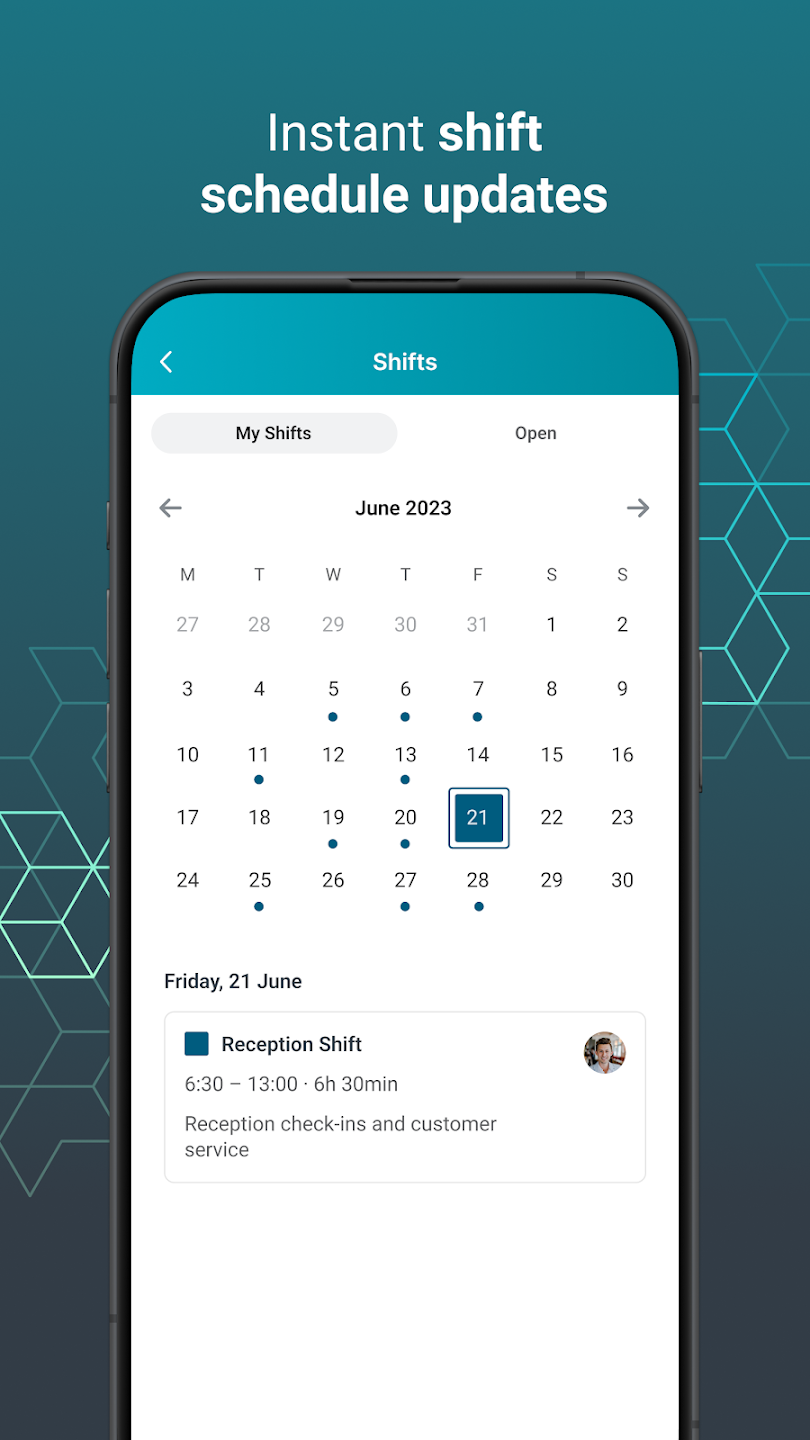
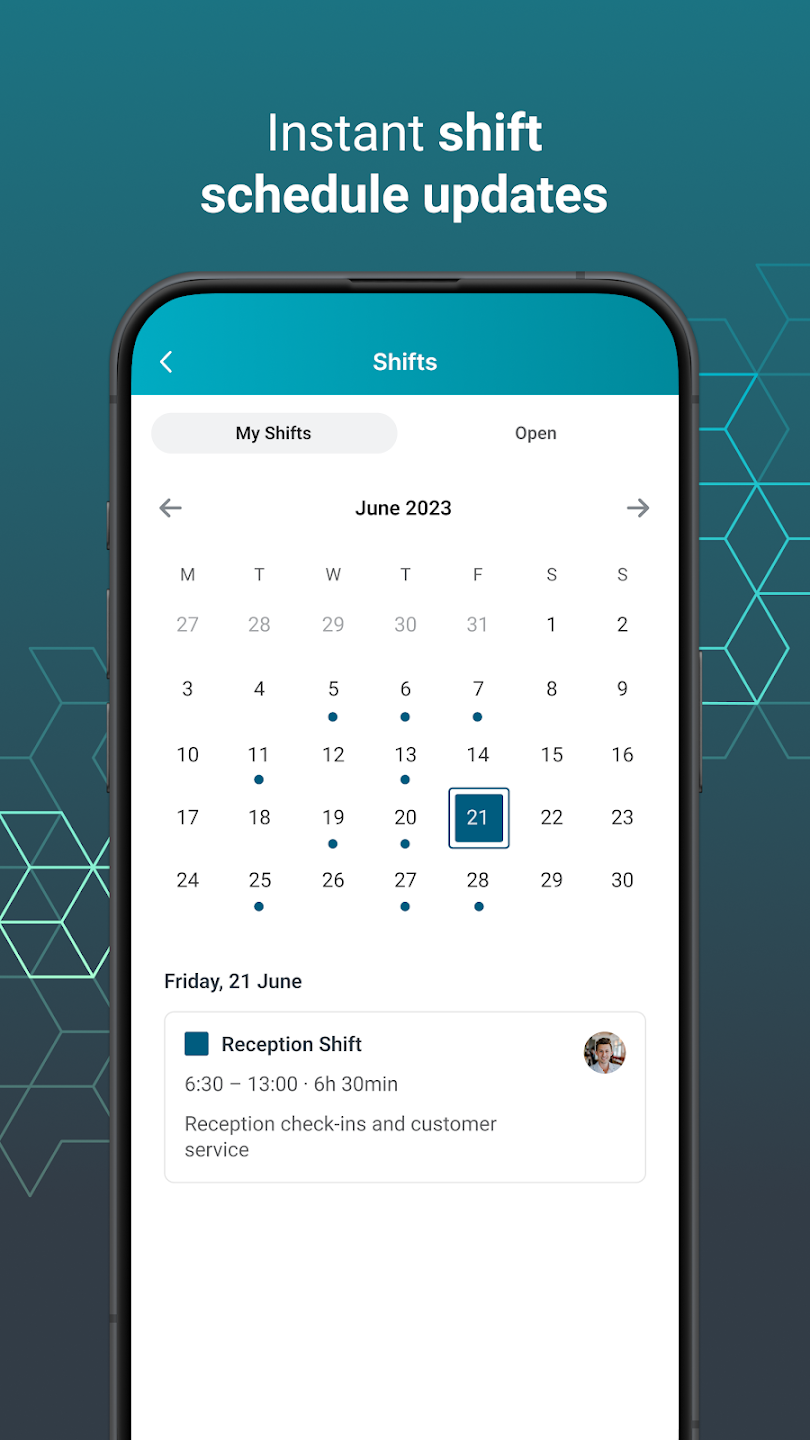
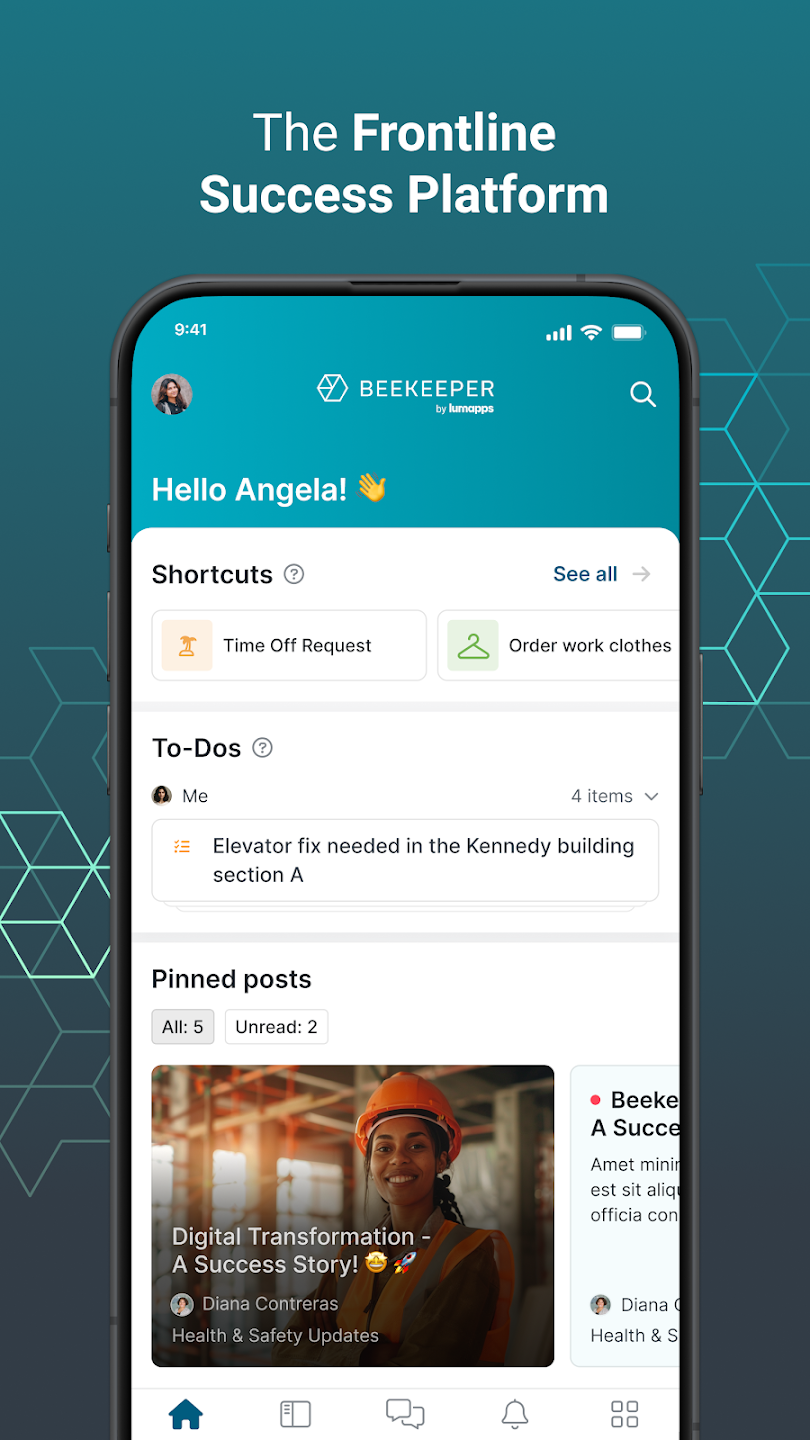
Beekeeper is a productivity tool designed for employees. After logging in, users can directly view their current shift schedule, payroll, tasks, and announcements, and interact with other users in real time, including video chat voting. The software supports file sharing, allowing users to share document links with colleagues for simultaneous collaboration and editing, thus improving work efficiency. Of course, security is paramount. The software protects user privacy records and usage data in real time, ensuring the information security of both users and the company. Please use it with confidence.
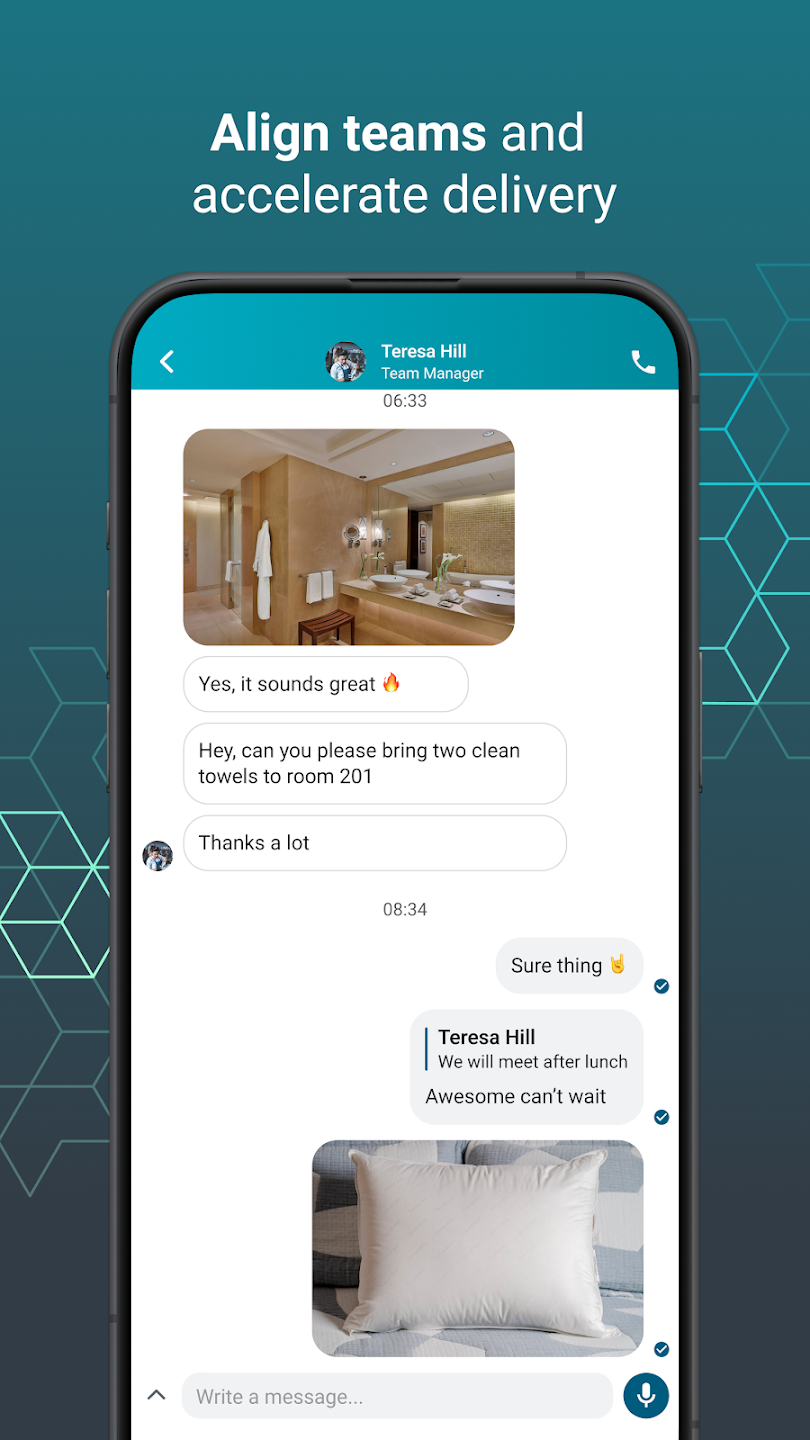
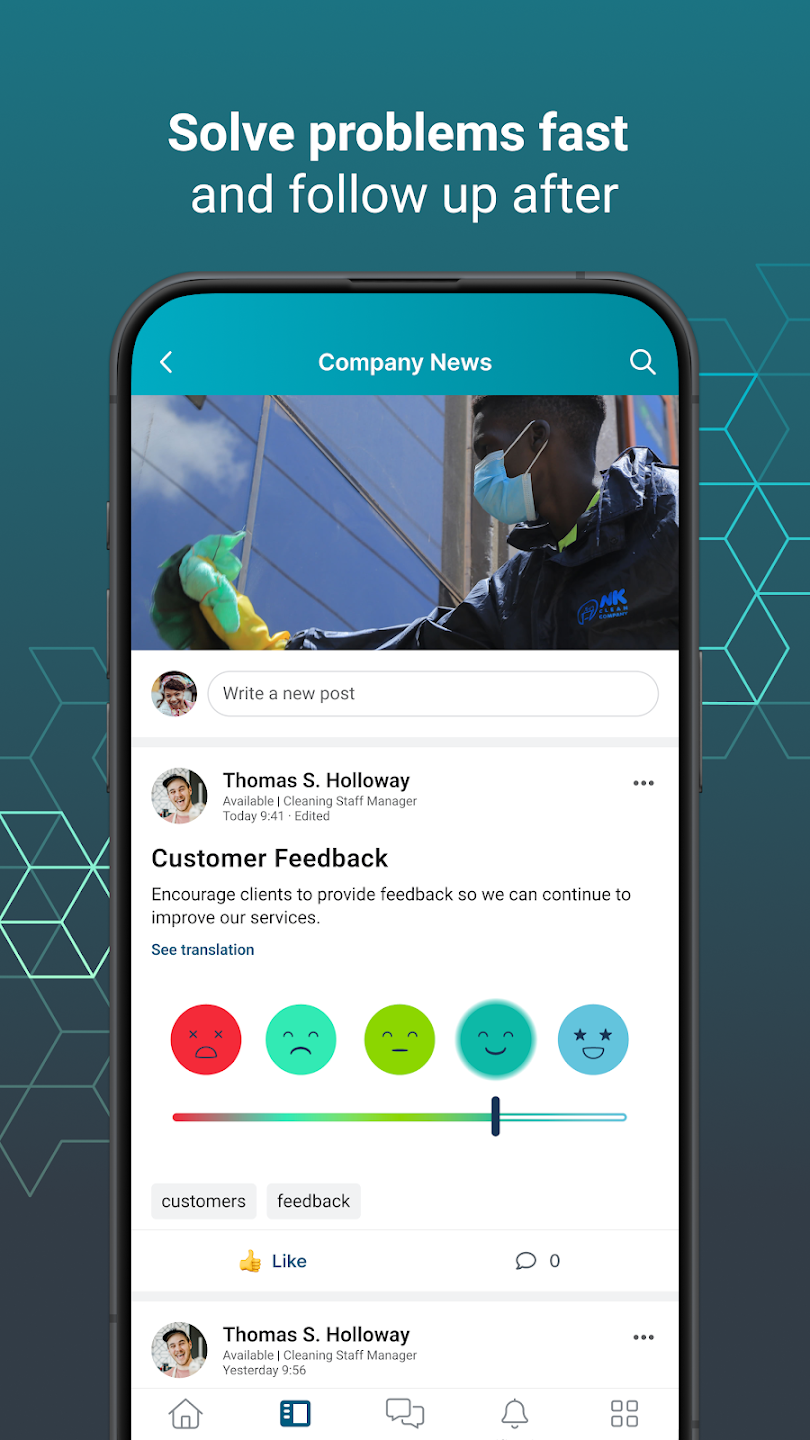
Real-time Communication and Collaboration: use chats, streams, surveys, polls, and campaigns that close the loop with your frontline. Communication happens in real-time. And cross-team collaboration can happen anytime and from anywhere with inline translation. NEW! Now our app supports audio and video calls.
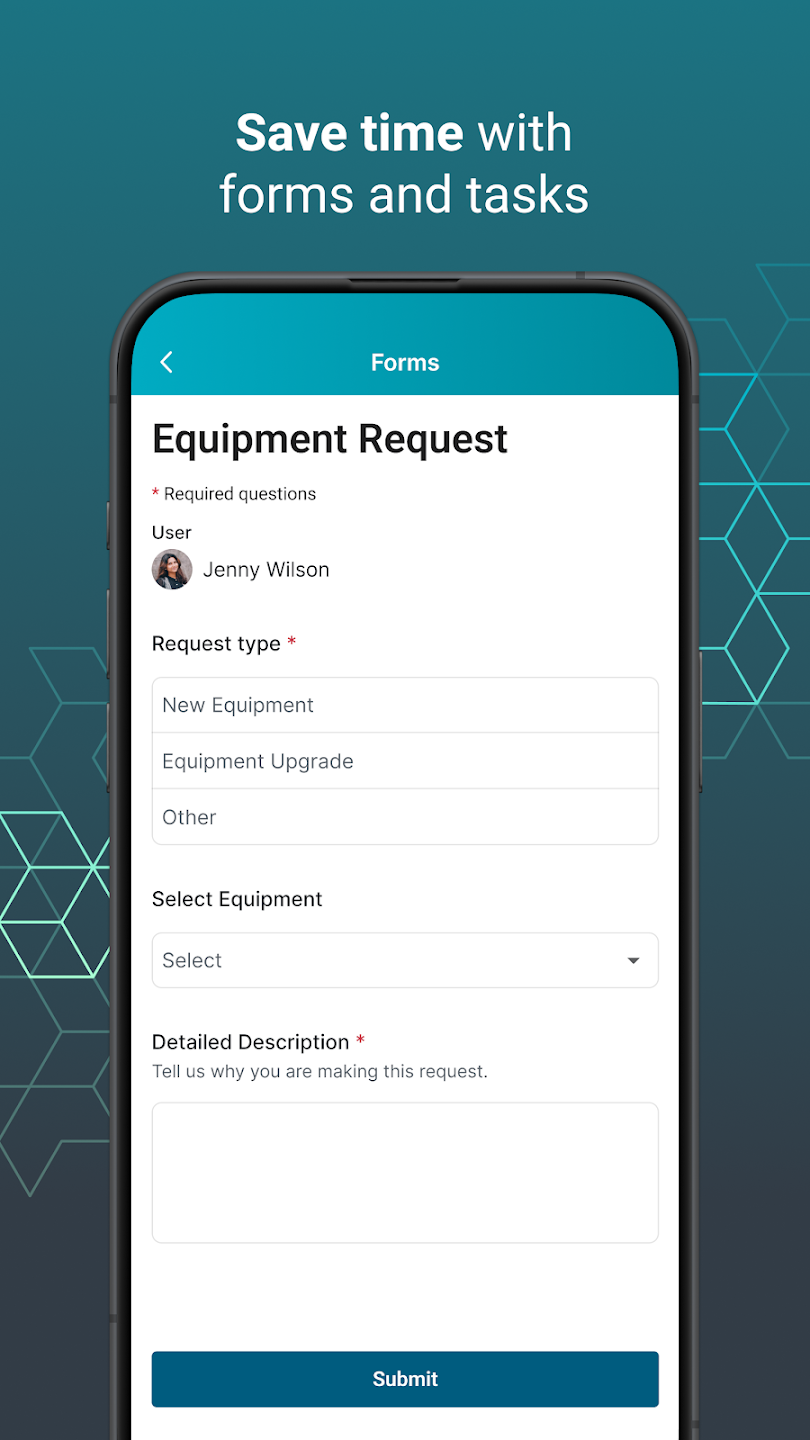
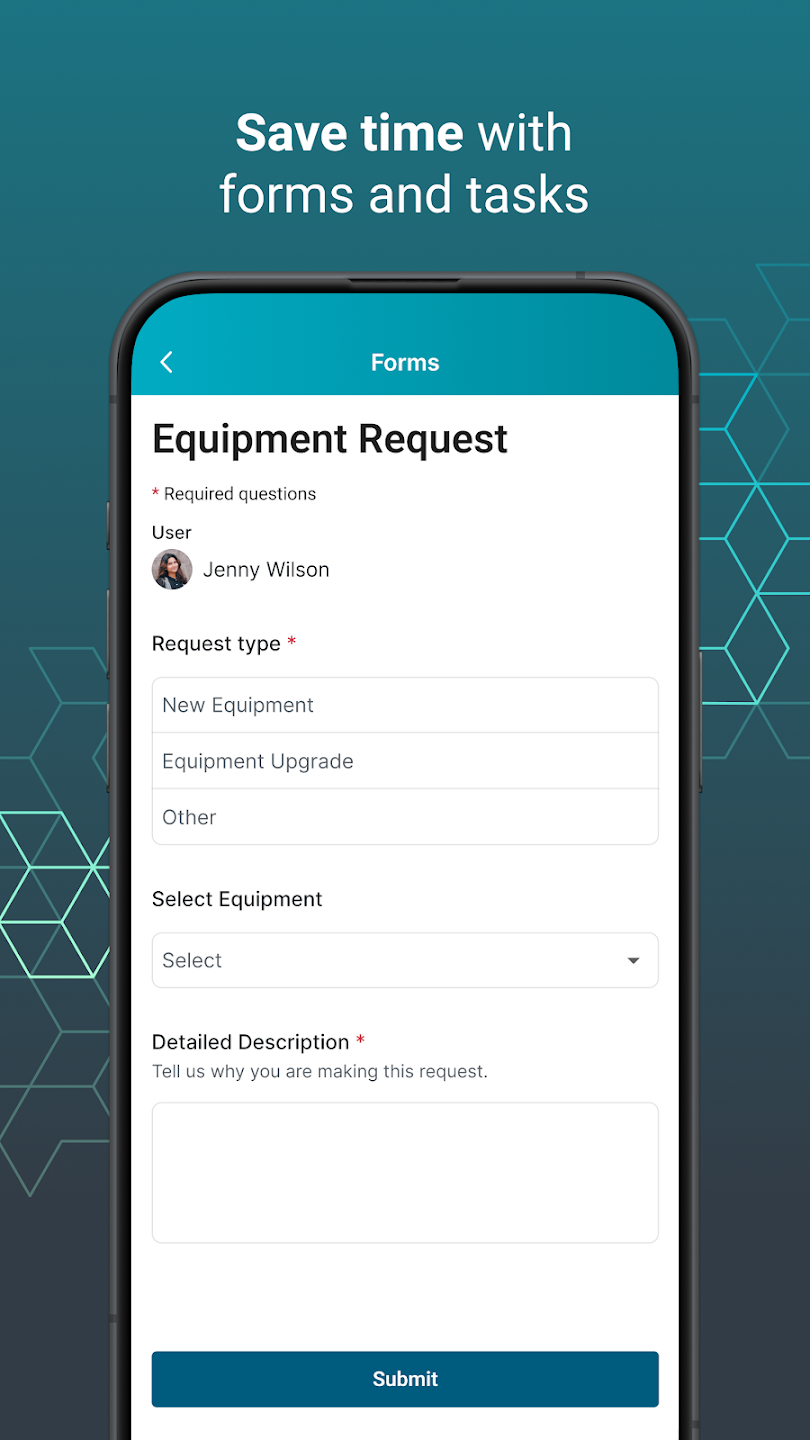
Boosting Frontline Productivity: Replace paper and manual processes with modern ways to get work done. Digitize daily tasks, checklists, and forms to prevent mistakes and save teams time. Automate critical processes to improve your teams’ productivity.
File Sharing: share documents, photos and videos with your co-workers.
Enterprise-Level Security and Compliance: Rest assured knowing that your data and privacy are safeguarded with state-of-the-art encryption.
Shift Management: Mobile-first shift notifications built for frontline teams. Easily accommodate employee requests to offer shift flexibility.
Streamlining Employee Services: Extend existing HRIS systems so team members can access shifts, pay slips, & training – all from one app on their mobile phones. Services that used to take days can happen in minutes: from PTO requests and shift changes to onboarding or offboarding processes. Automate your workflow by integrating the tools and services you already use, including Workday, ADP, Microsoft Azure, SAP, and more.
Boosting Employee Engagement and Reducing Turnover: Conduct simple employee surveys to collect valuable feedback efficiently, enabling impactful changes.
Fast-Track Frontline Digital Transformation: Save time and IT costs with ready-made integrations, dedicated configuration support, and automated workflows. You can even create custom integrations or workflows using Beekeeper's open API and suite of tools for developers.
Obtaining Data-Driven Insights on Your Frontline: Capture data that was once concealed in paper forms and spreadsheets. Managers can make informed decisions while providing the best possible employee experience.
Been using for 3-4 years! No complaints here. Early on maybe a couple of bugs. There are a few features that could be optimized. It would be really nice to give us timelines for our own profiles. So I could find my or others' posts, and any comments they generated quickly, across all possible streams/chats. I'd be happy to take any surveys to help you address any specific issues I've ever had, if you want deeper feedback.
Great app...very tidy. Handy to stay connected with such a broad spectrum of people yet selected specially from amoung your peers. Appropriate updates easily tailored and adjustable. Content has been of a higher quality and vibe than compeditors. And I'm not even a fan of social media.
Does its job. Requires the person or office you are trying to contact to actually respond (yes annoyed at a certain office for ignoring call,.emails and beekeeper messages to deal with a VERY inportant issue) But the app? Yes.....its fine. Loses a star for crashes and freezes from time to time...but nothing too bad.
app is fine, but I bought a Samsung galaxy watch 7 that I really needed to be able to use this app on. Is this something that is in the works? It would be nice!
Love the app for communication but its frustrating that it doesn't support auto-fill/auto-correct keyboard functions.
What if my account is locked?
A user account gets locked if the user enters an incorrect password too many times, usually more than 3 times.The account stays locked for 30 minutes, after which it is unlocked automatically.If you do not remember your password, we recommend resetting it after the lock-out period is finished.If you are still experiencing issues after resetting your password or you have not received a reset login email, please contact your Beekeeper admin in your company.
How do I log in on mobile using a QR code?
If you are already logged in to Beekeeper on a desktop computer, you can generate a QR code to log in on mobile.Click on your profile icon in the top right corner and click 'Log in on Mobile'.A QR code will appear. Open Beekeeper on your mobile, tap the QR button on the login screen and scan the QR code.
I haven't received the password reset email. What can I do?
First check your spam folder to see if the message is there.If you didn’t receive an email or SMS with instructions to reset your password, please contact your supervisor or your HR department or company IT help desk for further support.
What is my company ID?
Your company ID is needed to login to the Beekeeper application and it's also useful when contacting support.The company ID refers to the subdomain part of the Beekeeper URL address. For example, a Beekeeper address of the form https://yourcompany.beekeeper.io has the subdomain or company ID yourcompany.The most common places to find your company ID are on the invitations that you received to join Beekeeper.
How do I set up Face or Touch ID?
If your company has opted to activate pin code and biometric login authentication in Beekeeper and your phone supports face or touch ID, you will be prompted to set this up.Once you have set up a pin code or Face or Touch ID, you will be prompted to use these ID methods each time you reopen the app from now on.
Beekeeper is used globally by companies to connect their teams, unify their systems, and drive their businesses forward. It is an excellent tool for companies looking to improve their communication, workflow, and employee engagement.
Size:77.3MB Version:12.5.1b398
Requirements:Android Votes:320
Package Name:ch.beekeeper.beekeeper Signature:f1178d50d2f34fa9249c58cc08632fe139def5d0
Office Apps is a comprehensive and user - friendly platform that aggregates a wide array of office - related applications, catering to the diverse needs of modern professionals, students, and anyone who engages in office - based tasks. Whether you're working on a crucial business project, preparing academic papers, or handling daily administrative work, this aggregation page serves as your one - stop - shop.
The complete collection of office software is compiled based on user needs and referencing the popularity of major computer application stores. This collection selects various useful computer office software for users from multiple aspects such as office suite, communication and collaboration, email management, note management, cloud storage, download and decompression, etc. These software can meet your various document processing needs, making your team collaboration smoother, and conveniently managing your emails and keeping various meeting records. Download various materials and documents needed for office work. This collection of office software commonly used by professionals can meet all needs. Welcome to download and experience it!
About us | Contact us | Privacy policy| DMCA
Copyright © 2026 Xiaohei All rights reserved.