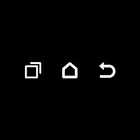
Soft Keys 2 is an excellent screen theme software that offers users a variety of toolbar styles. Users can customize the toolbar to their liking, making it more suitable for their usage habits. The software requires no root access and boasts a wealth of materials for users to choose from. With a simple click, users can change the spacing, size, sensitivity, and other settings of the three buttons in the toolbar to meet different user needs. Of course, the software is constantly being updated, with more new content and materials being continuously released to keep users engaged and entertained.
The navigation bar is one of the main elements of the control system of a mobile device. From here we perform most of the basic tasks. If, for whatever reason, we can no longer use the navigation bar that comes by default on our Android, Soft Keys 2 offers you a tailor-made solution.
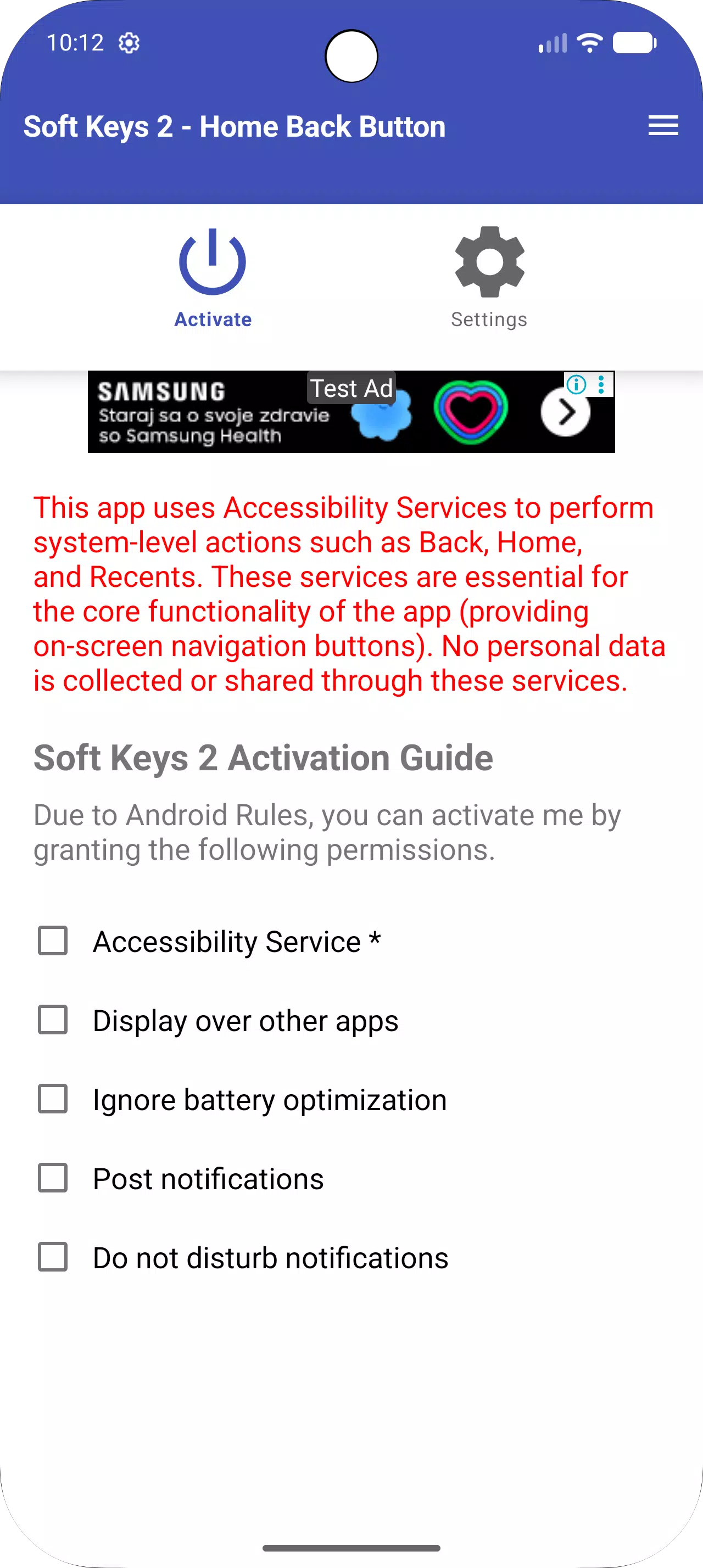
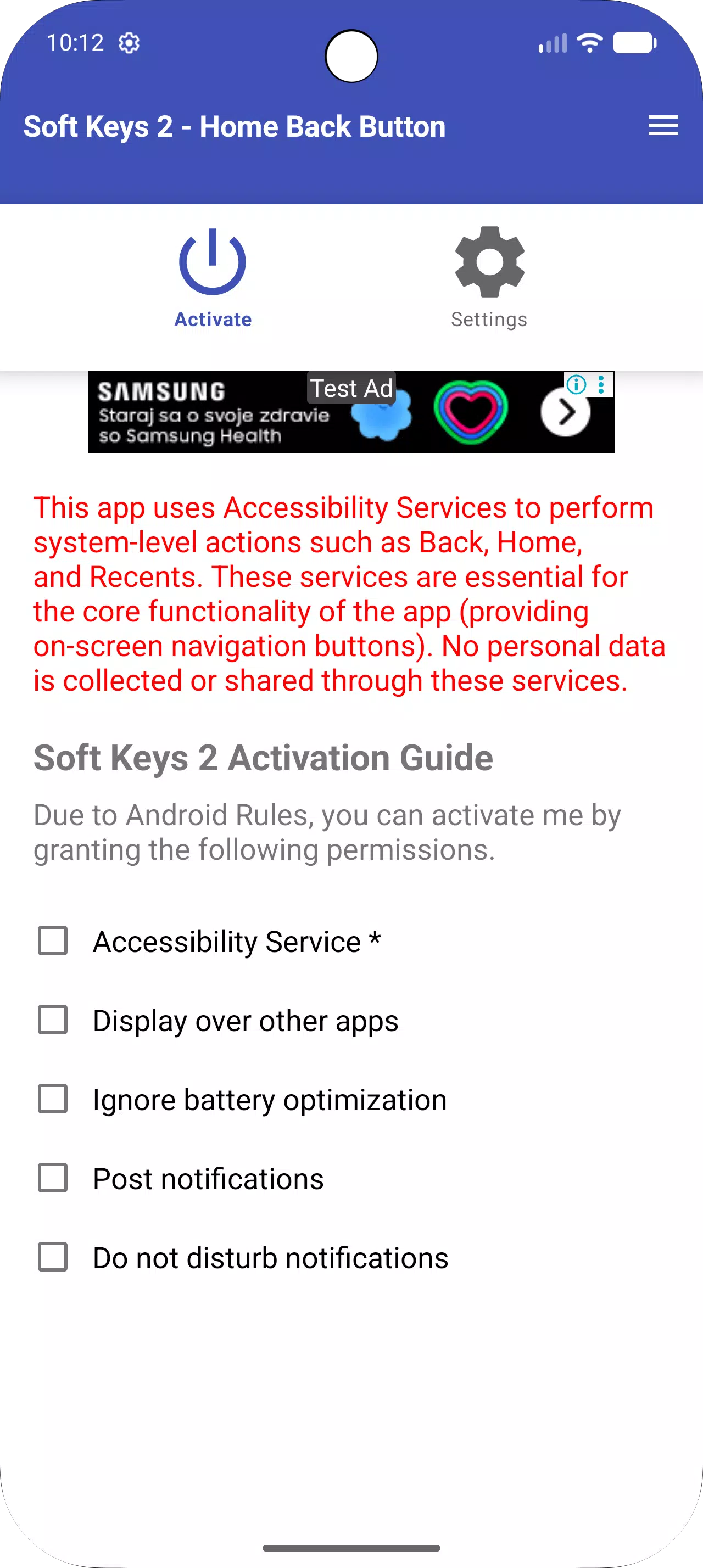
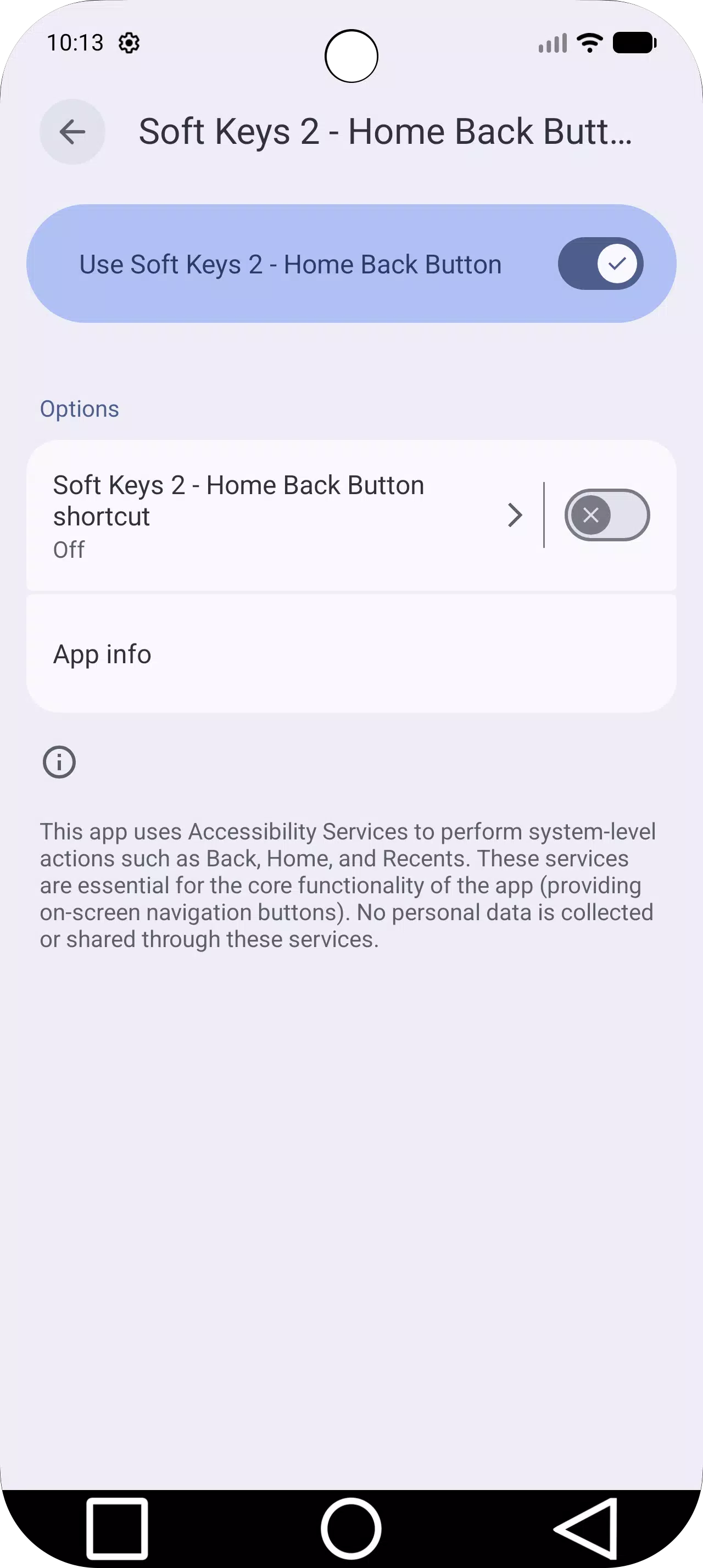
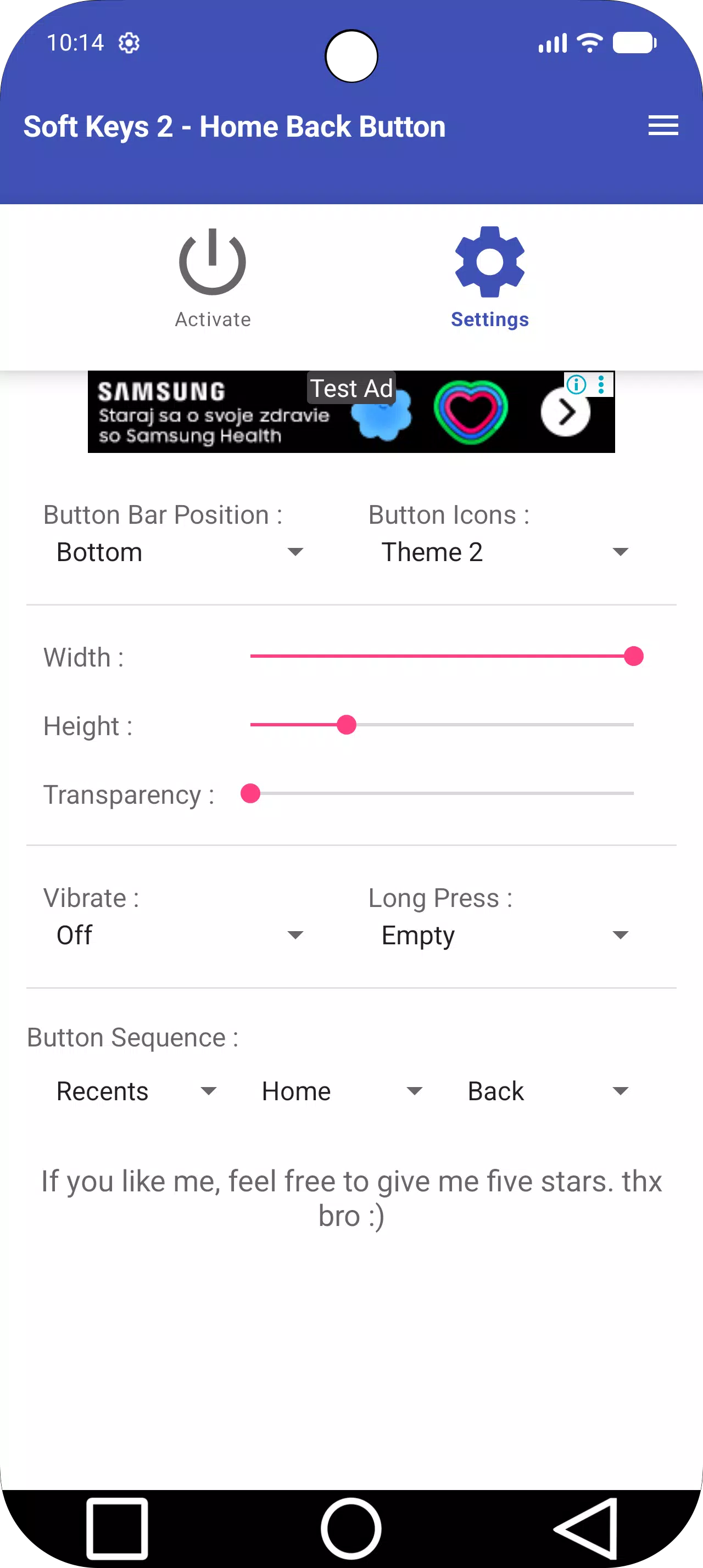
Its configuration is very simple. From the main screen we will have to grant the necessary permissions and activate the accessibility features for this app. Once you have these details resolved, we can create and customize our new bar from the toolbar tab. From here we can choose:
The position of the navigation bar (up, down, left or right).
Six icon themes.
Height and width of the bar.
Transparency.
Vibration.
Long press function.
Position of the recent, start and back buttons.
The interface is simple and intuitive, so we can do all these functions without messing up. However, unlike other similar apps, in this one we cannot change the color of the bar. Our new navigation bar will always be black, although we can adjust its transparency.
Last updated on Jun 9, 2026
Fixed self-closing issue: Added Battery Optimization settings to ensure the app stays active in the background.
Fixed notification delivery issues.
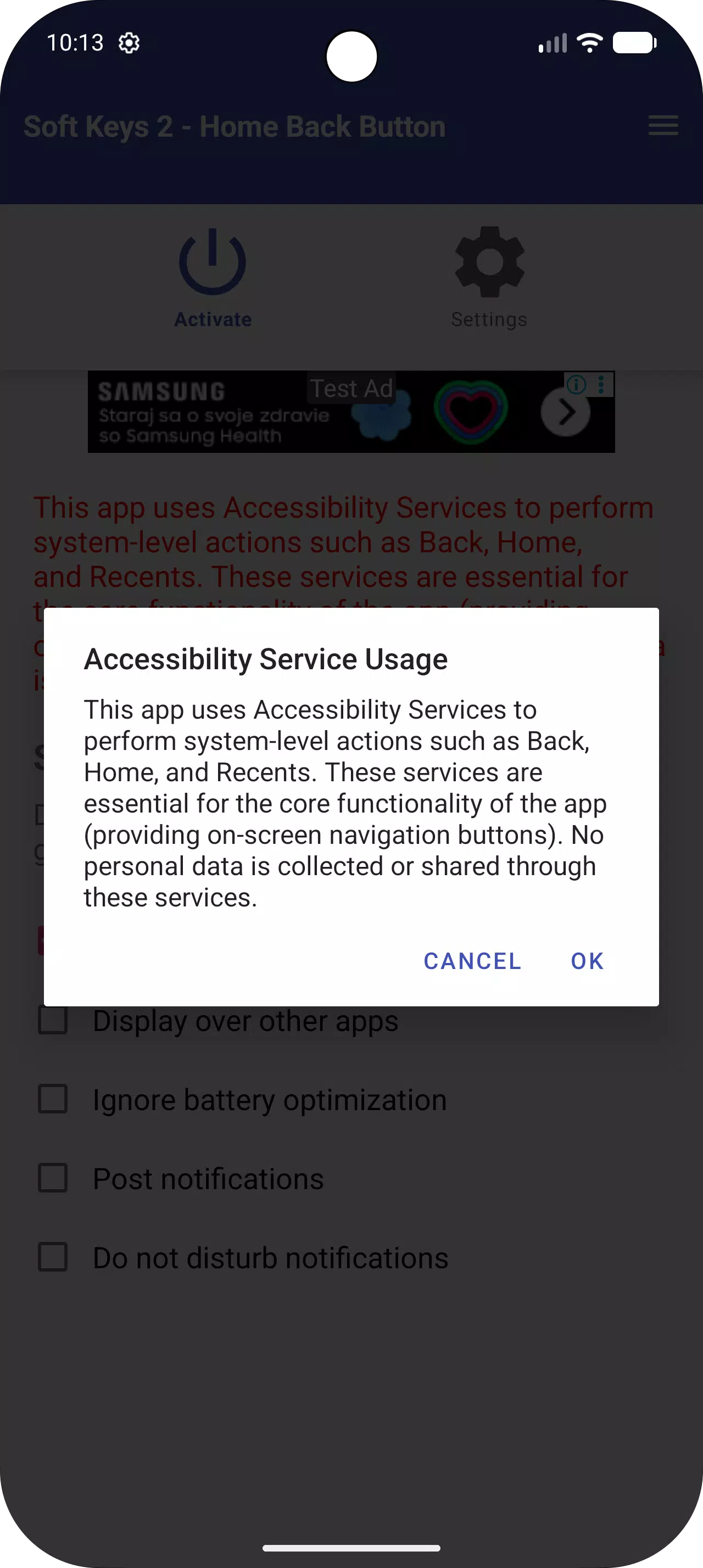
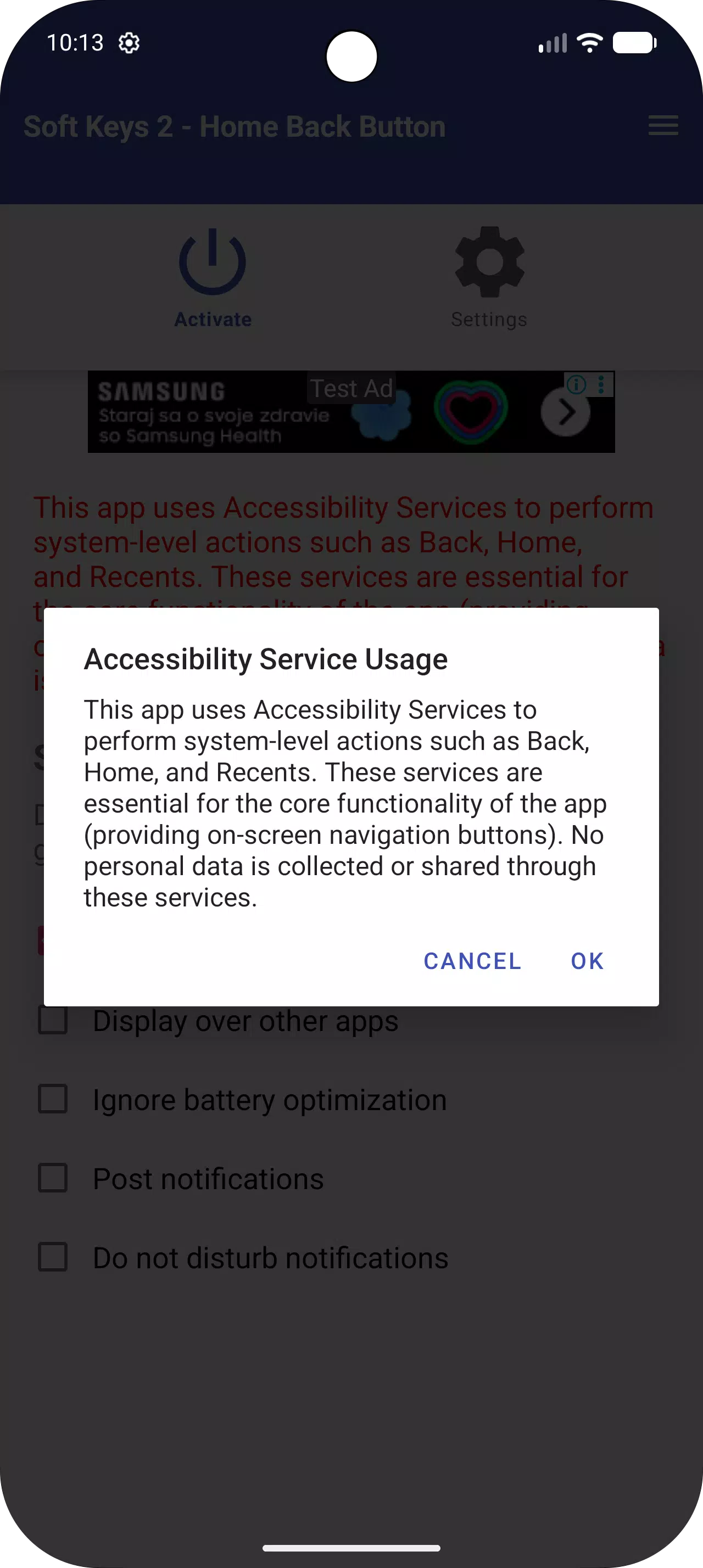
Added required Prominent Disclosure for Accessibility Services to comply with Google Play policies.
Improved app stability and fixed minor bugs.
Just got a new tablet and the home buttons are very dark grey on black with no lights. After spending a week tapping all over the bottom, guessing where the actual keys are and missing them most of the time a friend recommended this app. After playing a bit and trying different sizes and areas I'm finally able to use my tablet without frustrating the heck out of me. This app made my tablet usable once again.
This apps is good, i hope the developer of this apps . Make a slide soft key that we may slide upward if we need to use and then automatically hide if it not used within 10 seconds. But this apps is good and helpful. Good job Mr.Developer.
It's good , design can be more beautiful. And add the lock and volume keys. For example on Acer Ionia with kitkat there was a special gesture, five fingers. When you laid all five fingers on screen while power was on it toggled the screen (on/off) -> lock(on/off) succesion. If it was locked it turned the screen on and the unlock screen. If only the screen was off and not yet locked because of the delay set in system settings, it turned the screen on and was of course unlocked. If the screen was on and unlocked it turned the screen off and then after the delay set in system settings(this delay was independent of five fingers gesture) it locked. If the screen was on and locked it turned the screen off and it was locked anyway. I did not care of power consumption because it was easy on keys. Now I see all sort of floating icons or shake it or double tap with warnings about power consumption etc. I think many people would like something like this, simple and no waste of space on screen.
Thank you for the rescue! You did an amazing job with this one. I managed to get the buttons perfectly positioned. Even the double tap on the Recents button works. Wonderful!
To use this app you need to install it on your device and then you can customize the navigation bar as you wish. To customize the navigation bar you need to open the application from your Android device and from the main screen you need to choose the position of the navigation bar, the icon theme, the height and width, the transparency, the vibration, and the recent, start and back buttons.
Size:5.7MB Version:3.0
Requirements:Android Votes:221
Package Name:com.dogusumit.softkeys2 Signature:281812b6f66bc04a9ebd3355134a6270b9312113
About us | Contact us | Privacy policy| DMCA
Copyright © 2026 Xiaohei All rights reserved.