Le Chat is a user-friendly AI assistant. Users simply input their needs or questions, and the software analyzes information from across the internet to provide corresponding solutions. Users can even upload various forms and documents for analysis, and the software will automatically generate relevant responses, saving users time and effort. The software includes a built-in FAQ section; users can simply input their questions to find relevant solutions. The software is also continuously updated to optimize its AI model, allowing users to use it for more complex tasks and work.
Intelligent and fluid interaction: You can have natural conversations with the AI through Le Chat. Whether you need assistance with everyday tasks or want to have a more in-depth chat, the app is equipped to offer you a smooth and fast experience. Thanks to its advanced processing system, the answers are generated in real-time, and you can always see how long they took to be generated. More complex requests require a longer generation time.
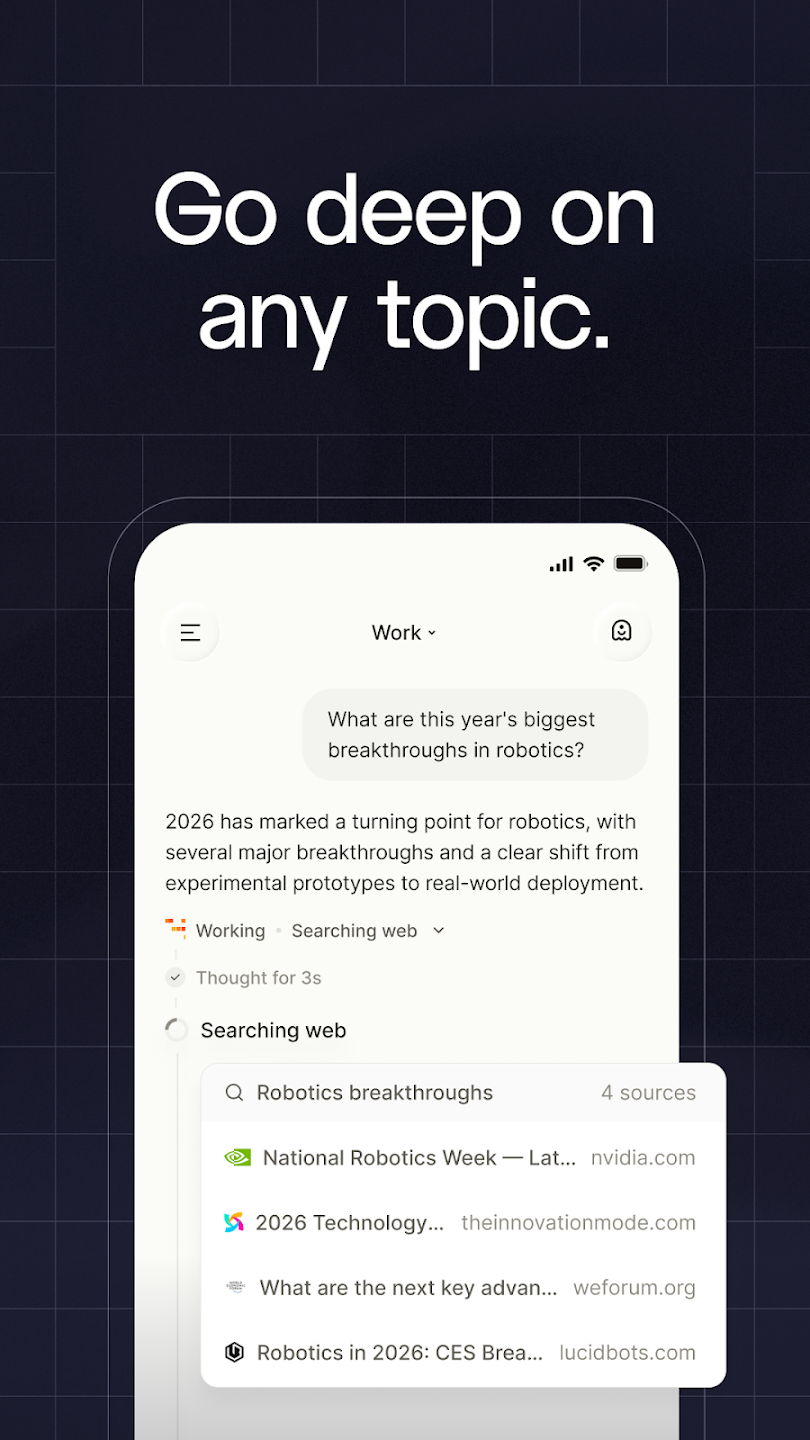
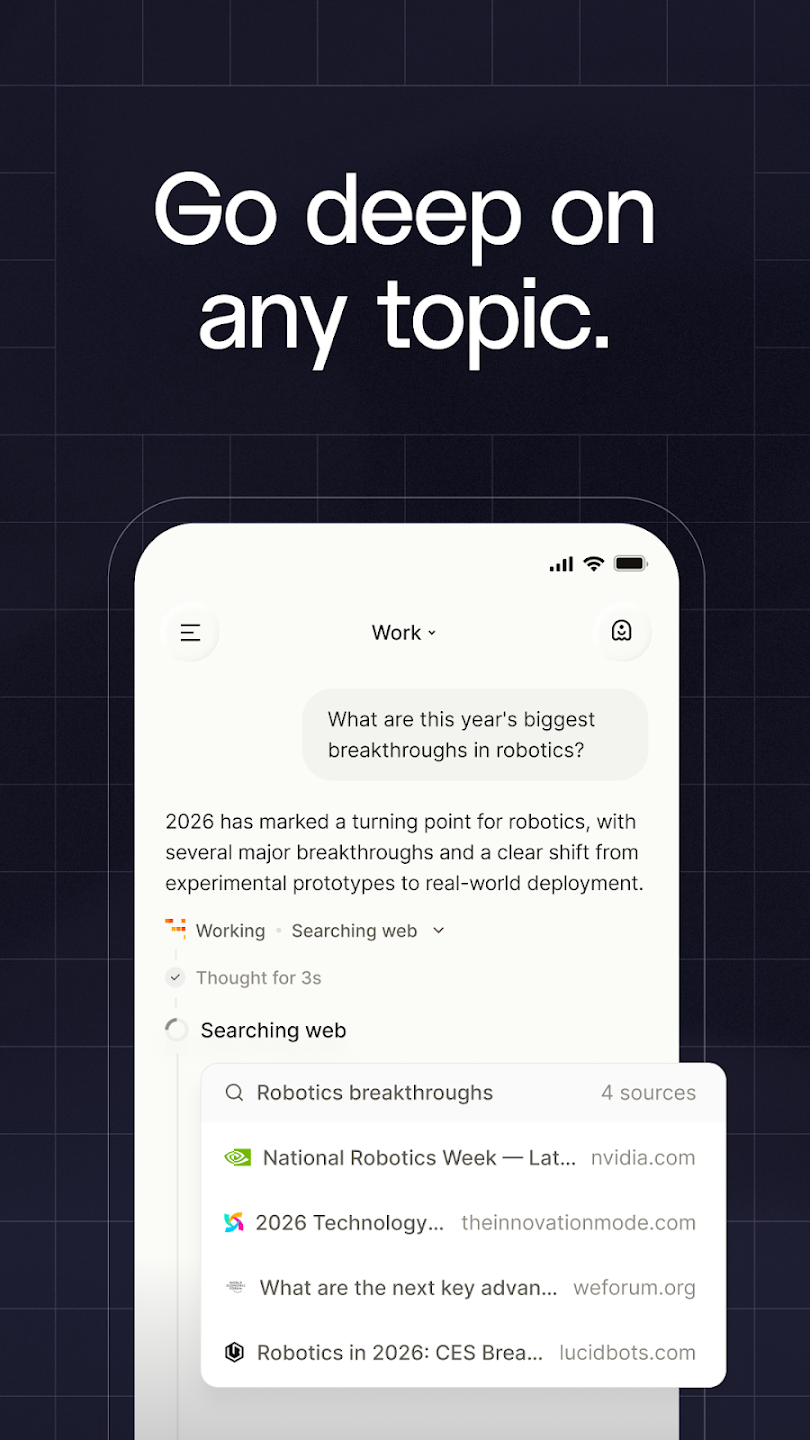
In-depth answers with this French AI: Le Chat gives you answers to virtually everything you ask it. It can generate and correct code and texts, as well as give you detailed information on history, politics, economics and much more. Additionally, for content related to current affairs, it tells you the source it was obtained from. For example, if you ask for an update on the current markets, it will tell you where it got the specific information about a stock.
Upload images and ask: Le Chat also allows you to upload images and ask it to identify what is in them. You can also ask it to generate images from scratch, and the high-quality results can be downloaded directly to your Android device.
Pay for more features: Le Chat also has a paid option that features many additional advantages. For example, in the Pro version, you can access higher-performance models, and there is no daily usage limit. You can also block your data from being shared, and a larger data source is used to generate content.
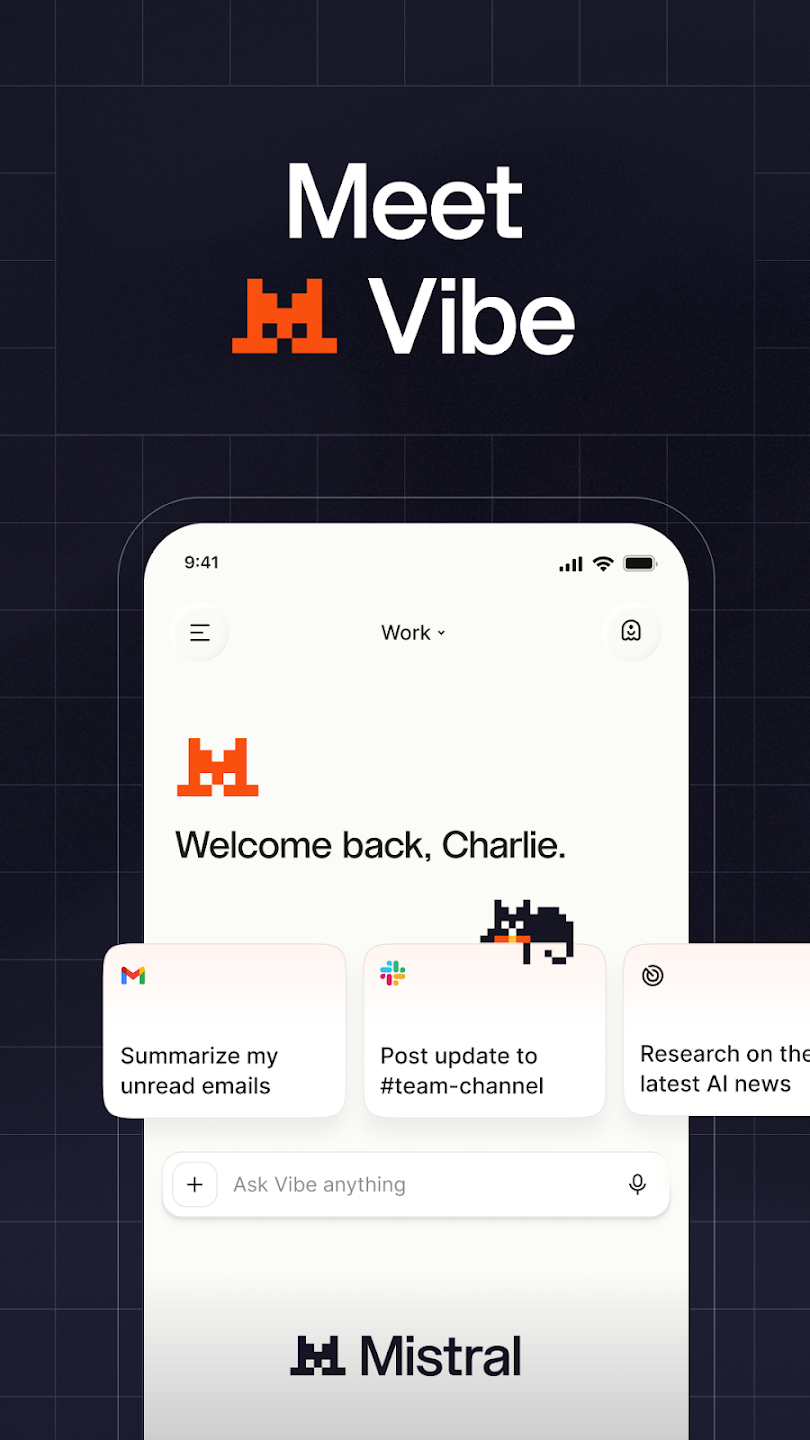
Really enjoying this app and the branding is so clever and fun, please lean into it even more! Also, it's European! Improvements Allow this app to be set as a "digital assistant" so that I can invoke it with a gesture. Really want to replace Gemini on my Android and I want Le Chat to be the one to do it!! Let's go for it! Also chat history gets very cumbersome after a while because it loads chronologically instead of showing my most recent thread in a chat first.
This AI is awesome! I love the logo, polished UI and very smart with very useful integrations. the only details I did not like were: 1. I can't scroll in the chat while it's working. 2. There's a lot of empty space at the bottom of the chat below the last message 3. Sometimes the app closes my keyboard for no reason. 4. When writing a message, it's hard to scroll through what I've written on it before sending it. 5. When my message (writing it) is too long, it covers the chat!
i think the app has been crashing out and responding slow, the app has been going out and closing without me doing anything and when i opened it, it doesn't load to the chat right away like it used to be before the recent updates, it's even longer and i have to close and open it several times before it finally worked? even though my wifi is great... but other than that the app is quite worth it, it helps me understand and explain in a simple way.
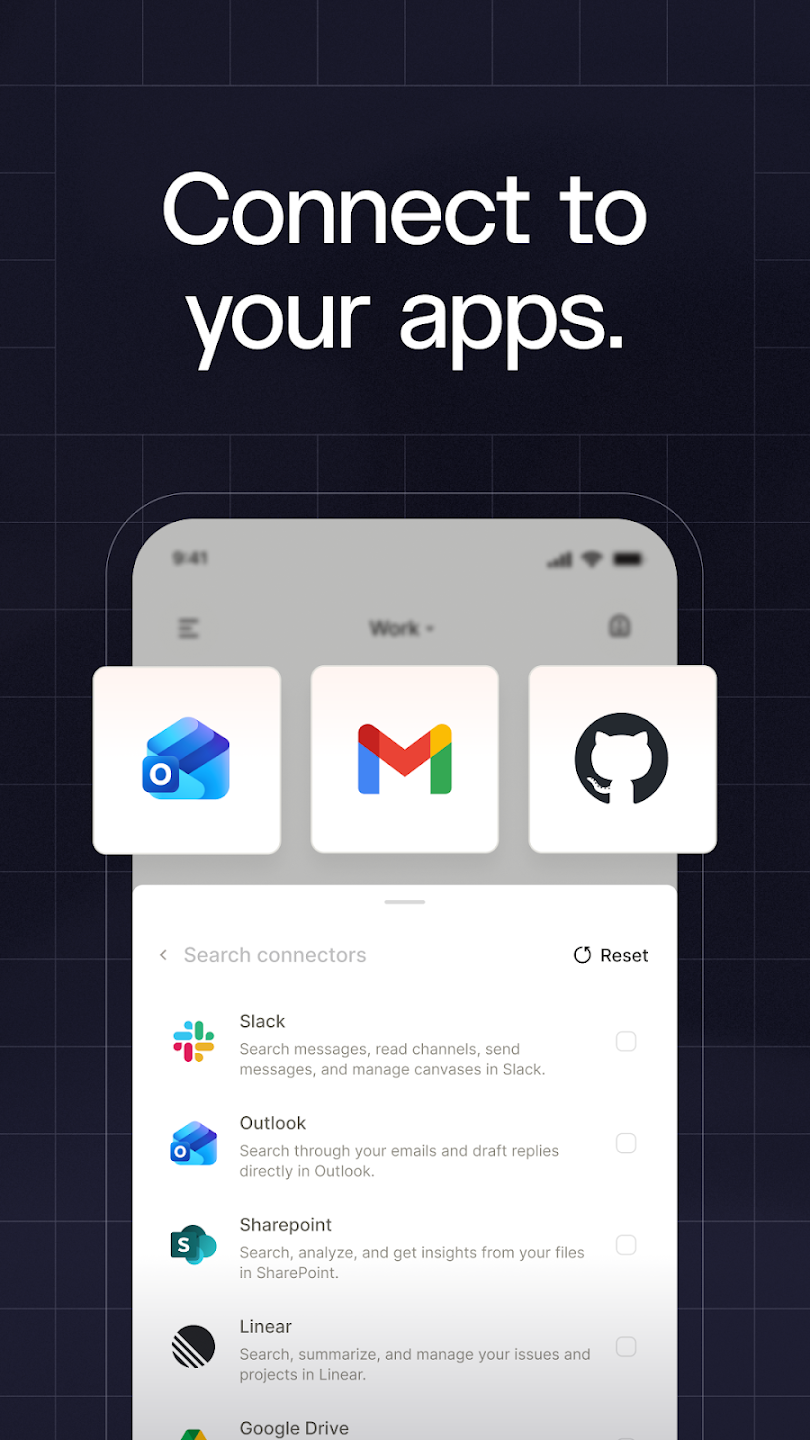
I love this app, it's so easy to use and customizable. I love how I can build skills and agents, and it will automatically pick which agents or skills to use for which prompt. My only complaint is the speed. It's much slower than it used to be and I'm hoping that Mistral will be able to address this soon as well as introduce a more capable model that can compete with other frontiers. What Mistral offers others don't is the ability to completely use my own resources to run this offline.
Can I get a refund for API credits or wallet balance?
Prepaid API credits are separate from subscriptions. If you added credits by mistake, were charged more than once, or have unused credits, contact our support team with your organization ID and the receipt number so we can review your case.
Where can I see my Vibe and API usage?
View your monthly API and Vibe quota usage (shown as a percentage) at Code › CLI → View organization usage.
I got a Vibe Code CLI usage quota email but I only use the API. What does it mean?
This email is about your Vibe plan’s monthly budget, not your API rate limits. It usually means your API key was created as a plan key from Code › Vibe Code CLI, which is tied to your plan’s Vibe budget. When that budget is reached, the plan can stop working until the next billing period.For API automation, use a pay-as-you-go API key created in the console on Free mode or with pay-as-you-go, not a plan key from Code › Vibe Code CLI. Pay-as-you-go keys are governed by API rate limits, not the Vibe budget.
What happens if I cancel my subscription?
Canceling your subscription immediately stops automatic renewal of your Pro plan.You’ll keep access until the end of your current billing period (monthly or yearly), then revert to Free mode.If you want to reactivate before the end of your billing period, you can resubscribe. You won’t be charged again until the next cycle.
What is the refund policy for mobile subscriptions?
To request a refund, contact the store where you purchased your subscription (Apple support or Google Play support) and follow their process.Refund requests sent directly to our support team cannot be processed for App Store or Google Play purchases.Subscribed through a mobile carrier? Free Mobile subscriptions are managed from your Free Mobile customer account. Orange / NJU offers include 6 months free and end automatically after the offer period. Mistral cannot refund carrier-managed subscriptions directly.
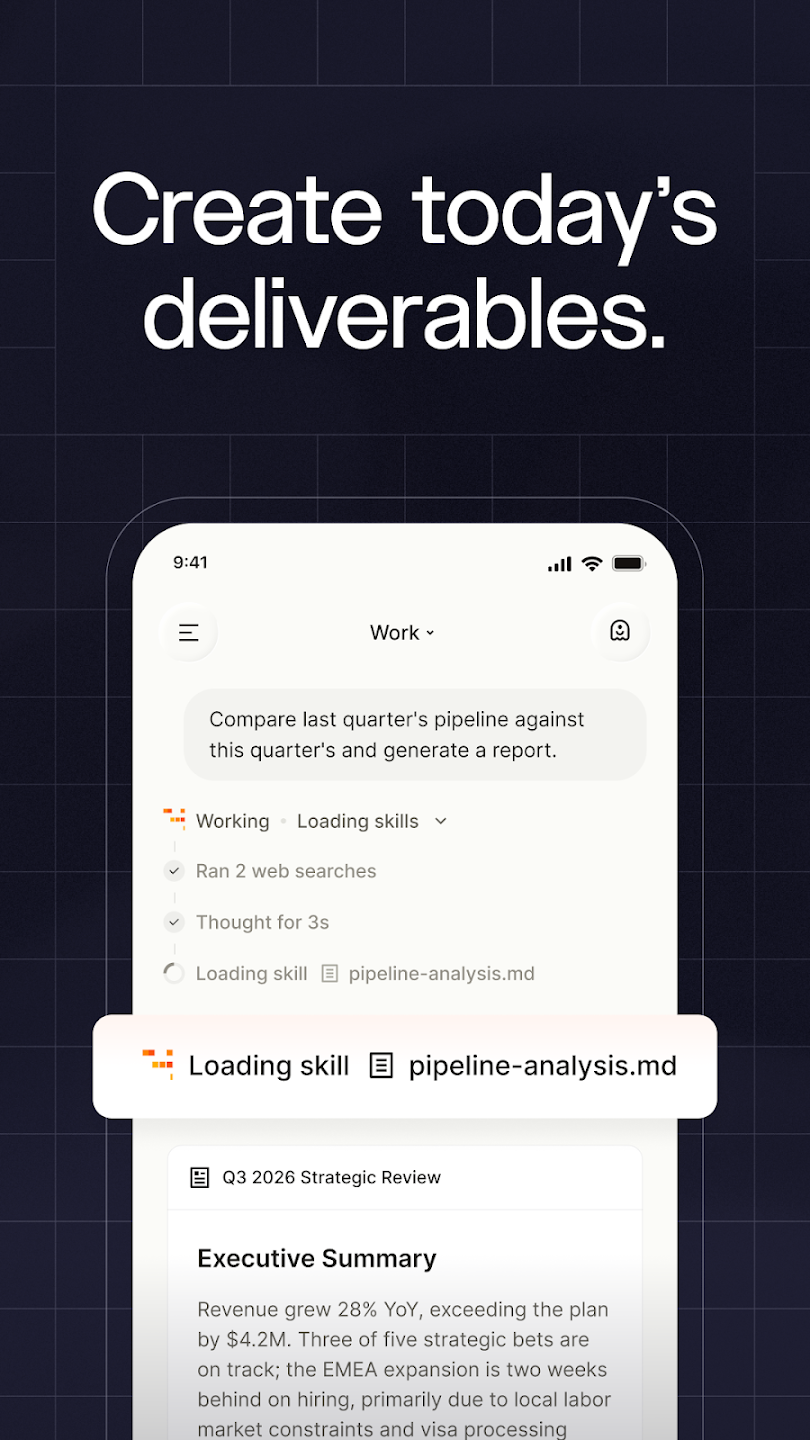
Le Chat excels in document processing, supporting image uploads with high accuracy through advanced vision and OCR models. Users can generate creative content, access contextual assistance for various tasks, and stay updated with the latest news and trends. With a focus on user accessibility, the majority of Le Chat's features are available for free, aligning with its mission to democratize AI for everyone.
Size:173.4MB Version:2.8.0
Requirements:Android Votes:190
Package Name:ai.mistral.chat Signature:40d74857efd5cb0e47cb8b7cd851c3a677a8eeb1
Office Apps is a comprehensive and user - friendly platform that aggregates a wide array of office - related applications, catering to the diverse needs of modern professionals, students, and anyone who engages in office - based tasks. Whether you're working on a crucial business project, preparing academic papers, or handling daily administrative work, this aggregation page serves as your one - stop - shop.
The complete collection of office software is compiled based on user needs and referencing the popularity of major computer application stores. This collection selects various useful computer office software for users from multiple aspects such as office suite, communication and collaboration, email management, note management, cloud storage, download and decompression, etc. These software can meet your various document processing needs, making your team collaboration smoother, and conveniently managing your emails and keeping various meeting records. Download various materials and documents needed for office work. This collection of office software commonly used by professionals can meet all needs. Welcome to download and experience it!
About us | Contact us | Privacy policy| DMCA
Copyright © 2026 Xiaohei All rights reserved.