
Microsoft Outlook Lite is an email management tool designed to keep your correspondence organized. It allows you to categorize emails or conversations based on shared topics and automatically filters messages to prioritize important ones. Users can customize email flags and labels to suit their needs. The app ensures comprehensive security through robust protection and spam blocking, while requiring identity verification for login. It also supports SMS functionality, enabling messages to be sent directly via email. Additionally, the app features a lightweight design, making it accessible even to users with lower-end mobile devices.
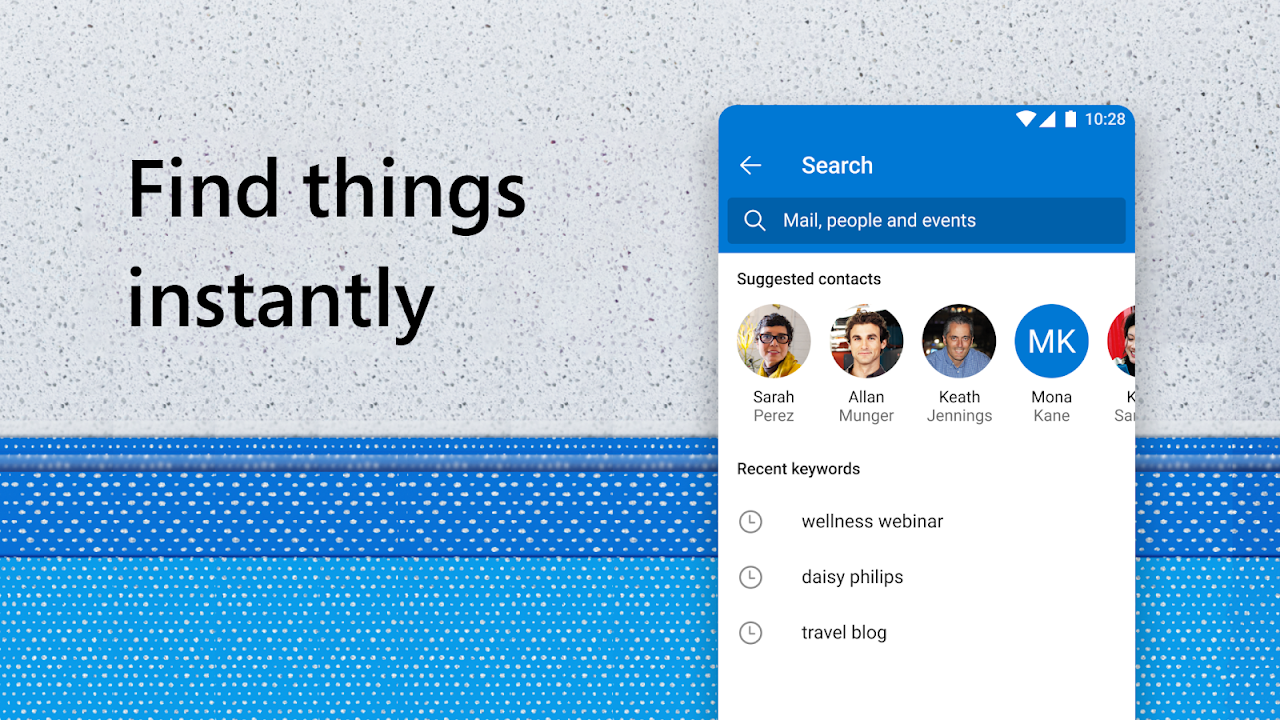
Email Manager – Enjoy an Organized Inbox
Emails, organized for you: Read email, email friends and colleagues and see what matters the most.
Inbox organizer groups same subject emails & conversations for easier tracking in your inbox.
Automatic email management: display the most important messages first with swipe gestures & smart filters.
Organized inbox with custom flags, folders, and more for all kinds of email.
Planner & Calendar Organizer – Take Control of your Schedule
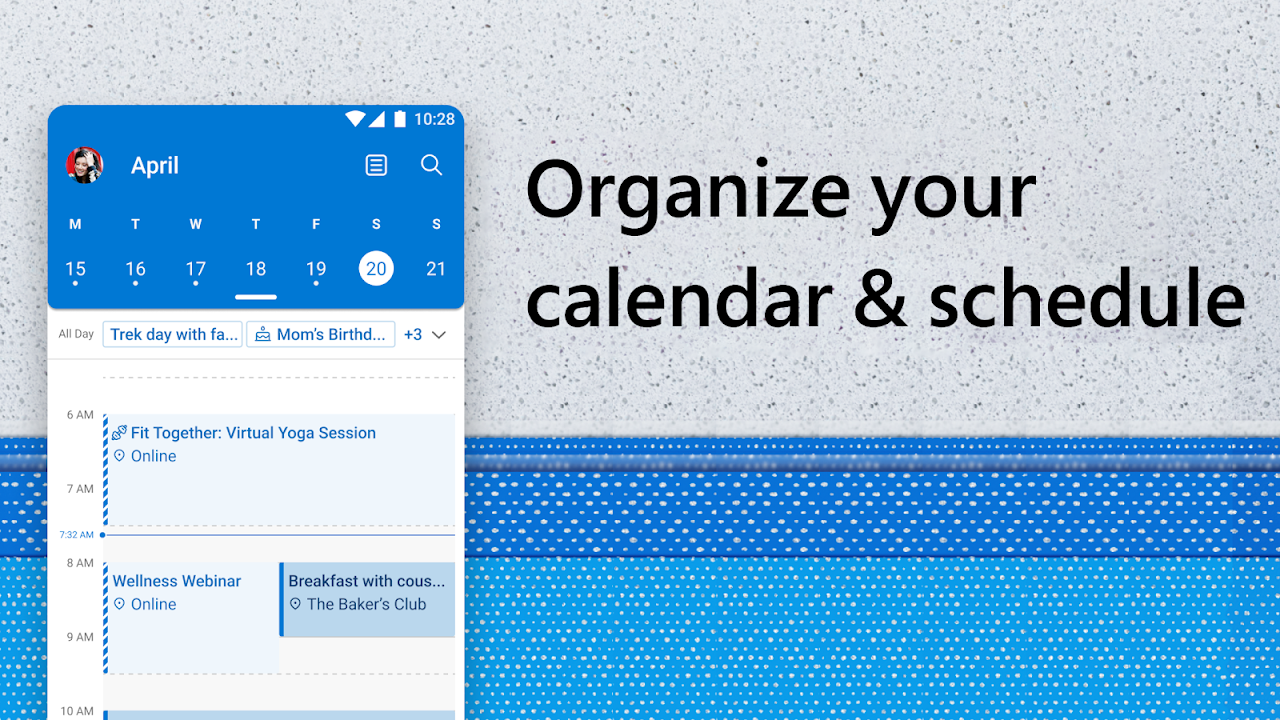
Calendar management gives you the ability to plan your day
Planner makes it easy to view, manage and schedule upcoming meetings
Calendar gives you easy access to join online video calls and meetings with Skype
Calendar and meeting invites are easy to RSVP from your inbox & send personalized comments.
Secure Mail with Spam Blocker & Email Protection – Safe & Secure
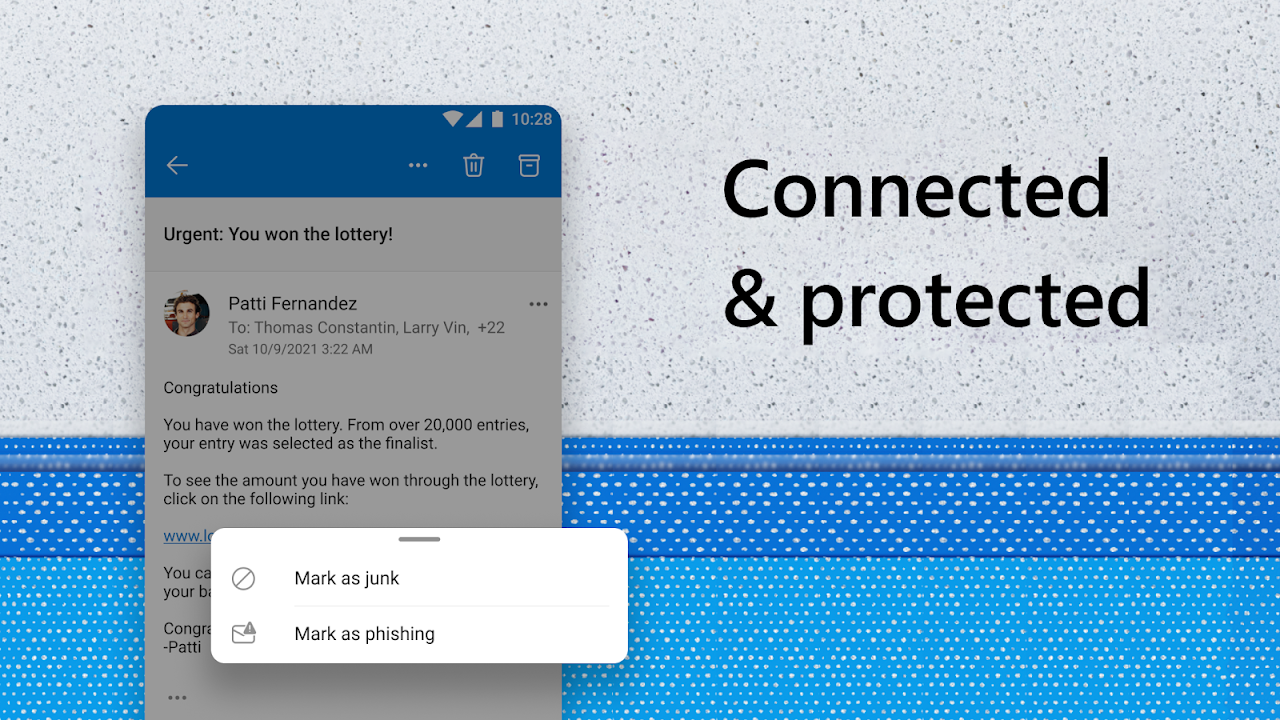
Secure mail is built with security you can trust.
Security with simple, secure sign-on to authenticate & protect your identity.
Email app with built-in protection against viruses & spam email.
Junk mail detection sends all potential threats to the folder.
Advanced protection to keep your messages safe from phishing attacks & other online threats.
Microsoft security & privacy keeps your email, calendar, contacts & files safe.
SMS Texts, Direct from your Email
Send text messages directly from the email app
Read and write any messages directly
Organize your text message inbox into helpful categories
Use messages to share your favorite articles or nearby places and engage with others while using the app
Small – The lite app has a small download size and uses extremely low storage on your phone
Fast - Optimized to run fast on all devices including devices with 1GB RAM
Low Battery Usage - Light on your phone saving your battery
All Networks - Works well even in 2G and 3G networks
Compact design with a familiar Outlook feel
Outlook Lite delivers a very similar look and workflow to the standard Outlook app, so anyone used to Microsoft’s email service will feel at home. The interface is clean and minimal, avoiding visual clutter and helping you focus on messages and calendar events.
Under the hood, it is built to be small and efficient. The Lite version occupies only a fraction of the storage of the full client, roughly one twentieth of its size, which makes it attractive for devices with tight space or modest hardware. The app is also designed to consume less mobile data than its larger counterpart, which can be valuable if you are on a limited plan.
Email handling and smart organization
Despite its lighter footprint, Outlook Lite covers the core features you expect from a modern email client. You can access and manage your Outlook email account, sync contacts, and keep your inbox under control through organizational tools.
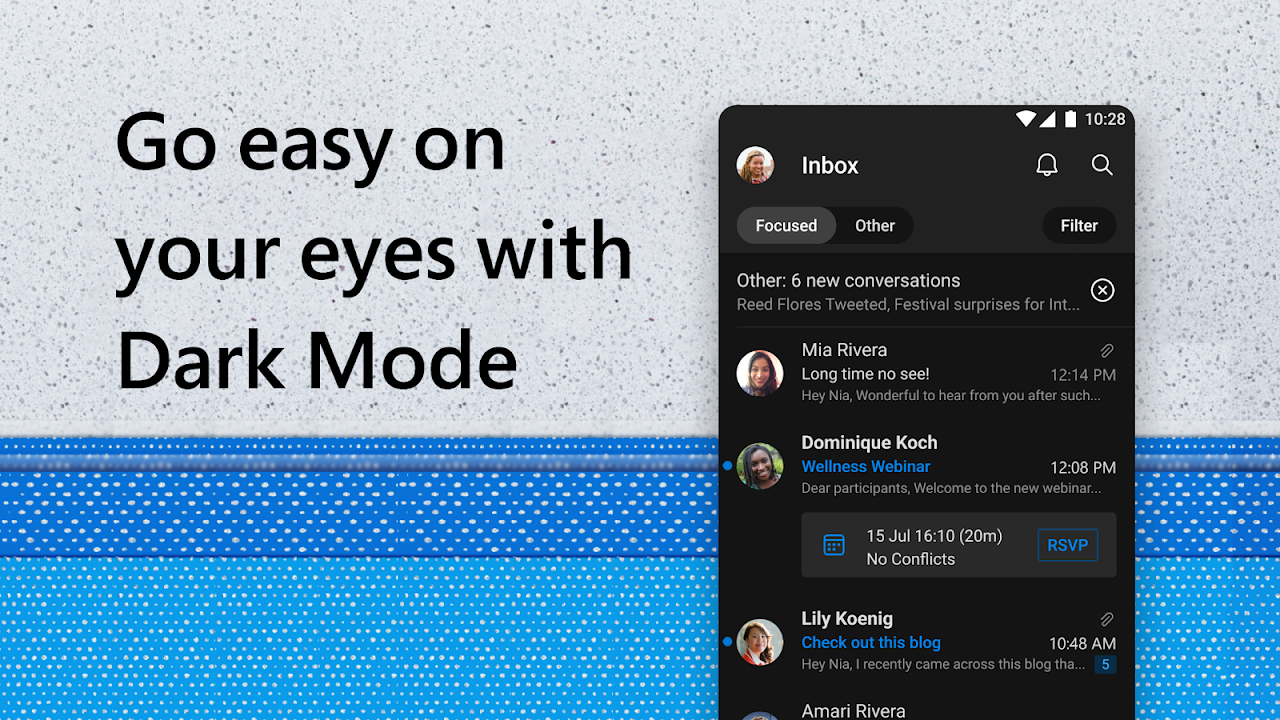
Messages are shown with the newest items first, and you can use filters if you want to narrow your view. For instance, you can focus on emails that are addressed specifically to you or ones that mention you directly, which helps surface the messages that usually matter most. Support for tags, folders, and filters gives you additional control over how mail is sorted and viewed.
Spam management is available as well. You can quickly inspect the junk folder and create your own folders to separate newsletters, receipts, or any other category that fits your workflow.
Security tools backed by Microsoft
As an official Microsoft client, Outlook Lite benefits from the company’s security features. It supports two-step authentication to add an extra layer of protection to your account.
Built-in protections work in the background while you use the app. A virus scanner checks incoming content, and a spam detector filters messages that look suspicious or resemble phishing attempts, reducing the risk of harmful links or attachments landing in your main inbox. Combined, these measures help keep your Outlook data safer without requiring manual tweaking by the user.
Pros
Official Microsoft Outlook client in a compact, resource-friendly form
Uses far less storage, roughly one twentieth of the full Outlook app
Clean, minimal interface that feels familiar to Outlook users
Smart organization with tags, folders, filters, and prioritized inbox behavior
Integrated calendar with reminders and appointment notifications
Two-step authentication, virus scanner, and spam filter for added security
Can feel more stable and faster than the full Outlook app on low-powered devices
Reduced mobile data usage compared with the standard client
Cons
Not feature-identical to the full Outlook app, some advanced options are missing
Mail notifications can be unreliable for some users, even when enabled
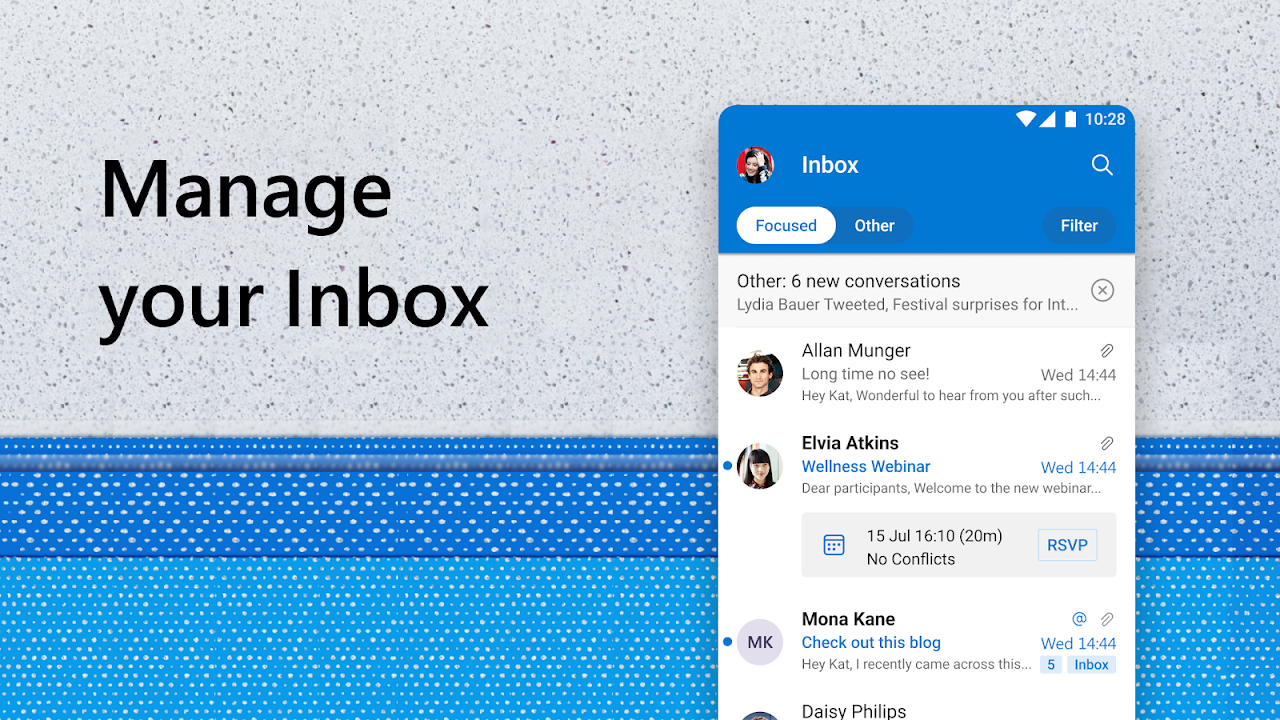
Microsoft Outlook Lite is the official trimmed-down Outlook client for Android that focuses on email, contacts, and calendar in a compact package. It keeps the familiar Outlook experience, including smart inbox tools and security protections, while using far less storage and system resources than the full app.
Size:16.46MB Version:3.79.0
Requirements:Android Votes:526
Package Name:com.microsoft.outlooklite Signature:c0ad6b16f54bbbea3d5949d7ef03807f
Feeling that there aren’t enough hours in the day? That you’re fighting a losing battle with your agenda? That each time you look up from your desk another year has rolled by? Well don’t worry, you’re not alone, and in today’s hyperconnected world, people are busier than ever before. On Android, there are countless productivity apps to help take control of your time and make your work more efficient. From a simple plugin for Chrome to a full-fledged app, picking the right productivity apps on Android can mean the difference between having a clear to-do list at the end of the day or having it overflowing with missed deadlines and projects that are off schedule. Productivity apps aren’t just about work, though. Using a productivity app in your personal life can keep you on top of deadlines for vacations, home repairs, and other family responsibilities.
Office Apps is a comprehensive and user - friendly platform that aggregates a wide array of office - related applications, catering to the diverse needs of modern professionals, students, and anyone who engages in office - based tasks. Whether you're working on a crucial business project, preparing academic papers, or handling daily administrative work, this aggregation page serves as your one - stop - shop.
The complete collection of office software is compiled based on user needs and referencing the popularity of major computer application stores. This collection selects various useful computer office software for users from multiple aspects such as office suite, communication and collaboration, email management, note management, cloud storage, download and decompression, etc. These software can meet your various document processing needs, making your team collaboration smoother, and conveniently managing your emails and keeping various meeting records. Download various materials and documents needed for office work. This collection of office software commonly used by professionals can meet all needs. Welcome to download and experience it!
About us | Contact us | Privacy policy| DMCA
Copyright © 2026 Xiaohei All rights reserved.




































