Adobe Photoshop Express is a photo editor for Android phones. It boasts powerful features for image repair and retouching. It offers an airbrush tool to remove blemishes and red-eye. A built-in AI assistant helps even users with no prior experience quickly learn how to use the software. After cleaning, filters and templates can be used to adjust the overall feel of the photo. The software supports direct editing of other media shared within the app. Most of its functions can be used offline, enabling the production of high-quality everyday photos.
Retouch and cleanup
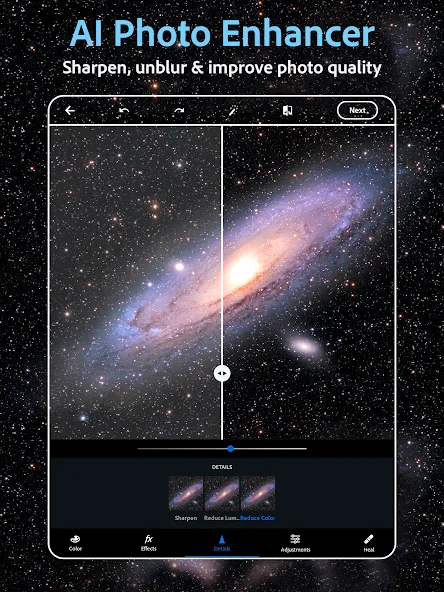
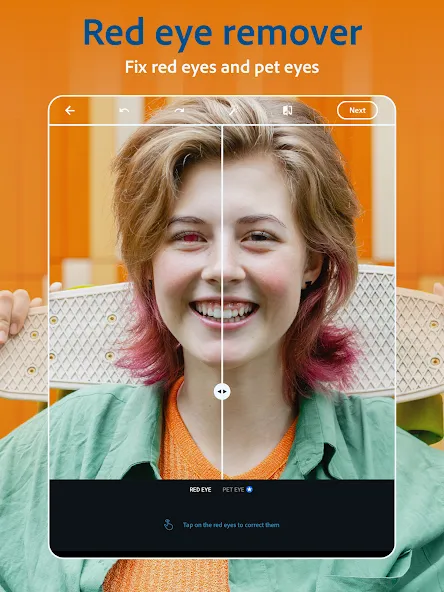
Adobe Photoshop Express provides airbrush tools, blemish remover, spot healing, red eye correction, and clone stamp to clean up selfies and portraits. You can remove objects, replace backgrounds, or restyle images with AI tools to simplify busy scenes. Edits apply with clear sliders and buttons so you can focus on the subject.
Filters and adjustments
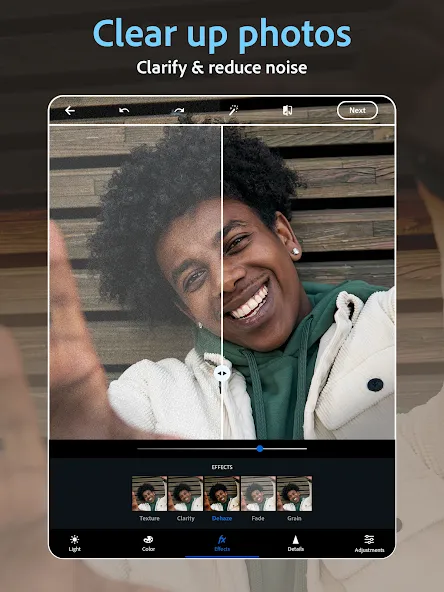
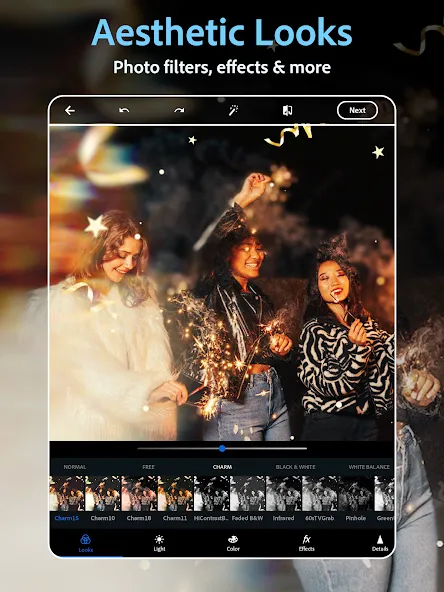
After cleanup, move to filters and adjustments to set a mood. Choose vintage style filters or presets for quick results. You can dehaze scenes, reduce blur and background noise, and sharpen details for clarity. Radial or full blur helps shift focus or suggest movement when needed.
Text and collages
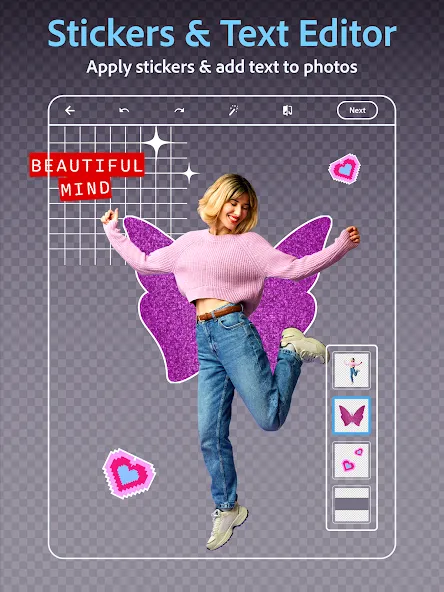
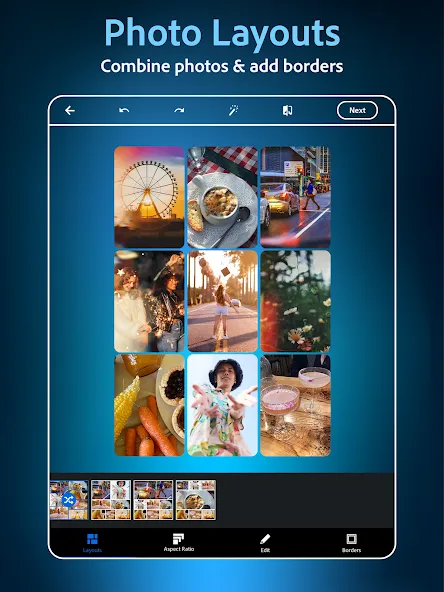
When the image looks right, add text with fonts and layouts to create captions or memes. Use the collage maker to combine photos in ready grids with adjustable borders and colors. Custom stamps and watermarks help label your work for personal or shared projects.
Import and sharing
The Adobe Photoshop Express APK supports uploads from RAW, TIFF, and PNG formats. When your edit is ready, share to Instagram, TikTok, Pinterest, Snapchat, Facebook, Line, or Telegram directly from the app. Some features require a paid Premium subscription for access.
What makes Photoshop Express different from other mobile editors?
The app delivers Adobe’s professional imaging technology in a mobile format, offering advanced features like selective editing and noise reduction that many competitors lack while maintaining user-friendly operation suitable for all skill levels.
Does the app require an internet connection for editing?
Most editing functions work offline, though certain premium features and cloud synchronization require internet access. This allows users to edit photos anywhere while maintaining access to advanced tools when connected.
Can I use Photoshop Express for commercial photography?
Yes, the app produces high-quality results suitable for professional use, with output quality that maintains integrity for both digital publishing and print materials when starting with good source images.
Pros:
There are 15 borders and frames.
Remove spots, dirt and dust from your photos.
Make the dark and grainy photos look great.
Create and save your own filters.
Offers auto fix or filters.
Share your photos on different social applications.
Log in Adobe account and get additional filters.
Cons:
This new Adobe ID is annoying and it is getting crashed often.
No blur tool.
It's very intuitive. I don't have the money for a laptop and especially not programs for it, but this is very good for use on phones and tablets. I even used it to help edit wedding photographs paired with Lightroom. Would highly recommend for people on the go and people with a budget
Very quickly and easy to pick up, I've used PhotoExpress before and this was years ago, I couldn't get to grips with it then, but now it has improved the user interface massively. Try to avoid the unnecessary upgrade to Adobe Express which is the premium version until you master Adobe Photoshop Express. Which if you already have an Adobe Creative account, is free. Right, I will now lose a few hours editing my photos! Enjoy!
Having used Photoshop for years, having this mobile version is fantastic. It is perfect for quickly tweaking candid event photos on location and uploading them straight to social media, saving me from having to wait until I get home to my computer. Highly recommended for fast, quality adjustments.
Adobe Photoshop Express is a photo editor which is designed for making better photos easily, quickly and powerfully. It is not difficult to use, you can edit your photos with tools in it via simple operation. And you can get additional filters if you log in the Adobe ID, and it enables you to reduce fog and haze in photos. You can share your photos with Facebook, Twitter directly.
Size:72.69MB Version:18.4.40
Requirements:Android Votes:451
Package Name:com.adobe.psmobile Signature:6764508357f390113b339b69b59bd3af
Utility apps are indispensable in our lives, making our daily routines more convenient. To help you find these apps more easily, this site has created a collection. This collection brings together a series of practical tools covering various aspects of life, work, and education, meeting all your needs. What are you waiting for? Try these apps now and make your life easier!
Transform your mobile device into a powerhouse of efficiency with these handpicked essential tools. Whether you need professional-grade photo editing, seamless file organization, smart task management, or real-time weather updates, our curated selection of premium apps delivers unbeatable performance. Streamline your daily routine, automate repetitive tasks, and boost your productivity with intuitive interfaces and powerful features. Designed for both professionals and casual users, these editor-approved applications will revolutionize how you work and play. Don't settle for an ordinary phone - upgrade your digital experience today and unlock your device's full potential!
With the development of mobile hardware and software, many practical tool software have emerged, covering a wide range of aspects and becoming a good helper for everyone in work and life. Today, the editor provides you with a list of useful tool software downloads. These tools are not particularly complex types, and after reading them, everyone can quickly learn how to use them. Proper use can bring great convenience to life and work.
About us | Contact us | Privacy policy| DMCA
Copyright © 2026 Xiaohei All rights reserved.