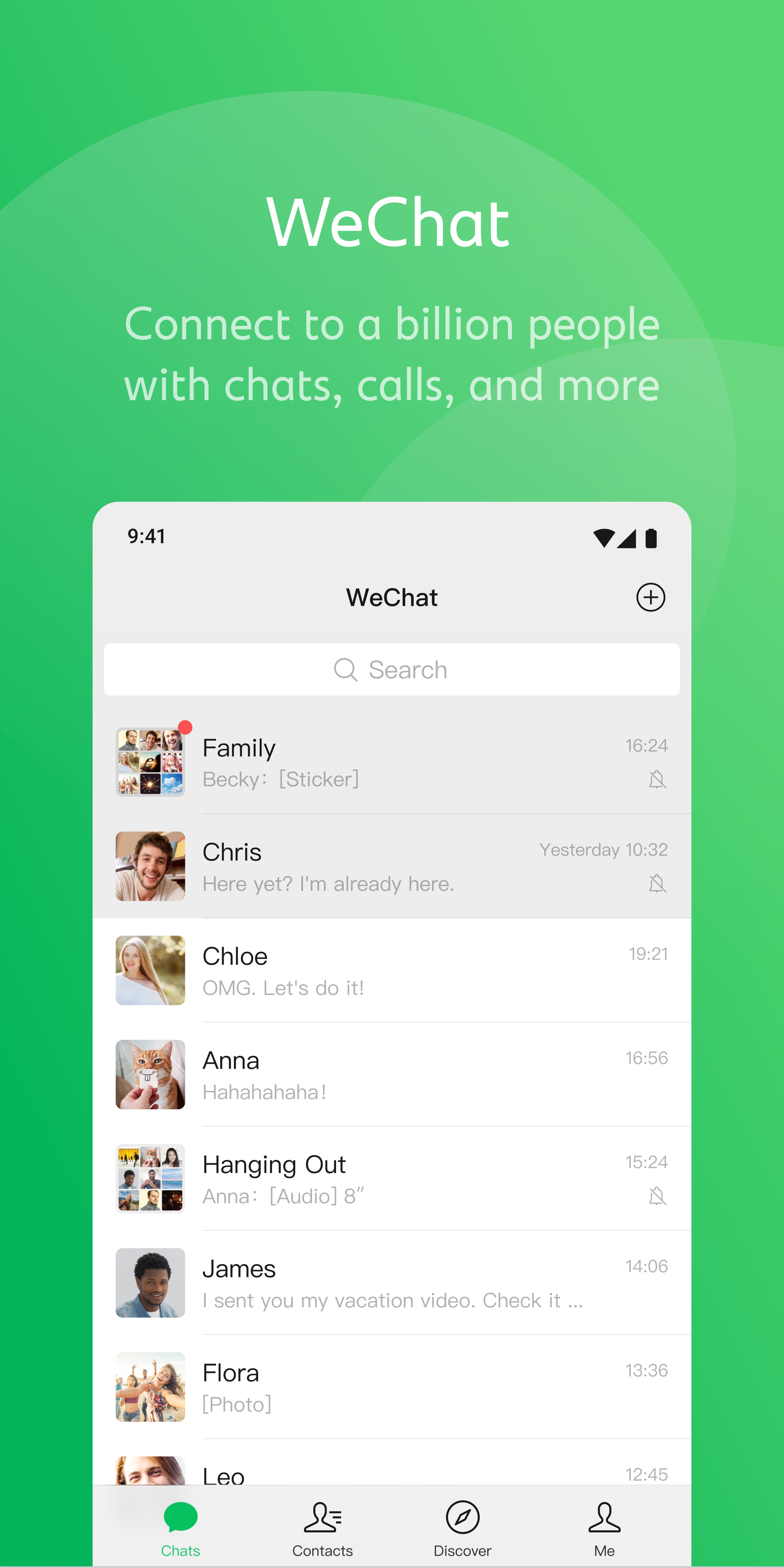
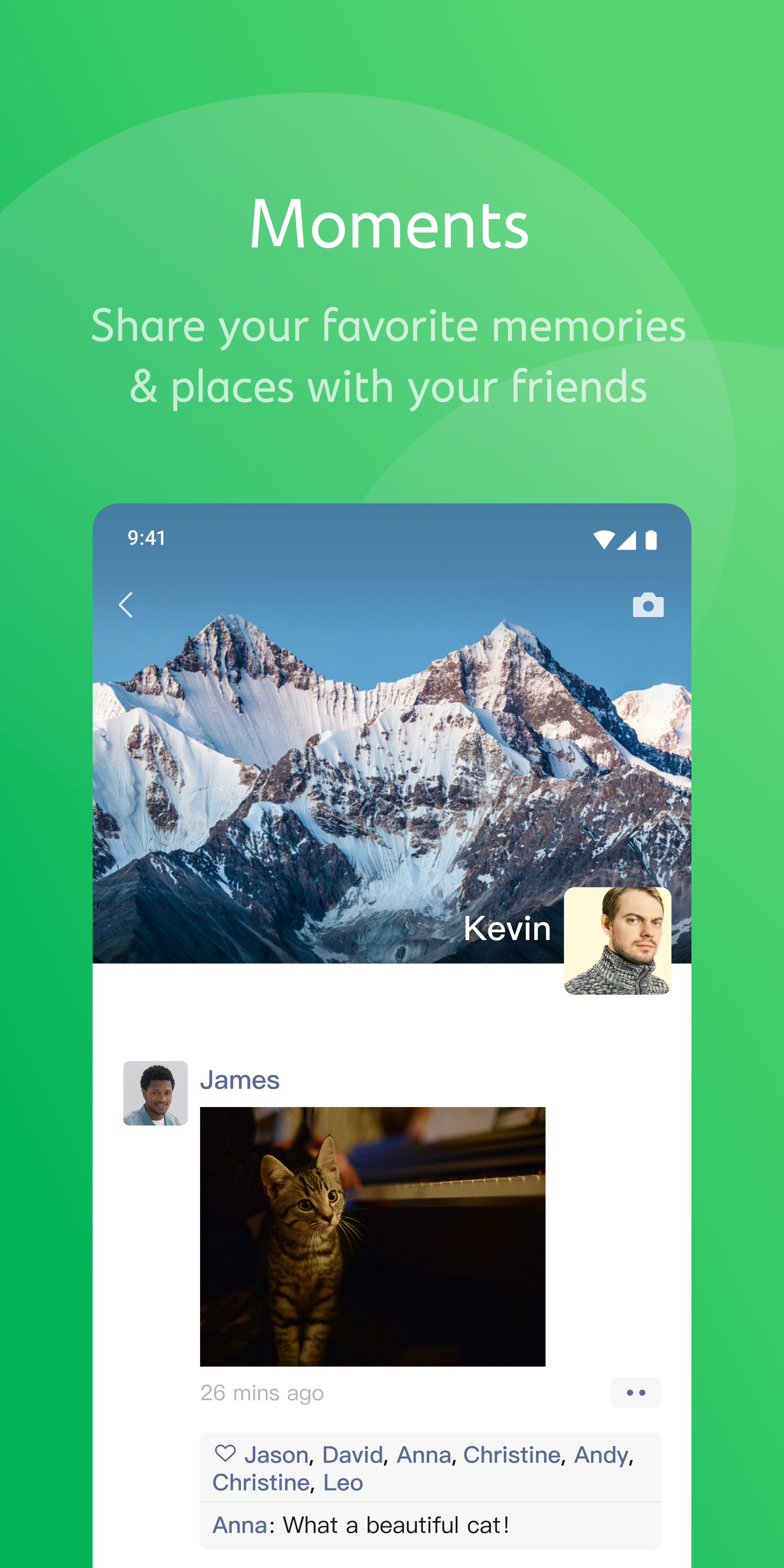
WeChat is a globally popular social app that offers diverse ways to communicate. It allows users to share life reflections and memorable moments in their Moments feed—uploading photos and videos to garner likes and comments from friends. Users can create their own groups and invite friends to join, communicating via voice, text, photos, and stickers. The app also supports a wide range of features—such as real-time location sharing, money transfers, and gifting—to meet various social needs. Additionally, users can follow official accounts of businesses and celebrities, as well as access practical Mini Programs, to stay updated on the latest news and trends, thereby broadening their horizons. Furthermore, the app supports multiple languages and translation functions, ensuring seamless communication between users.
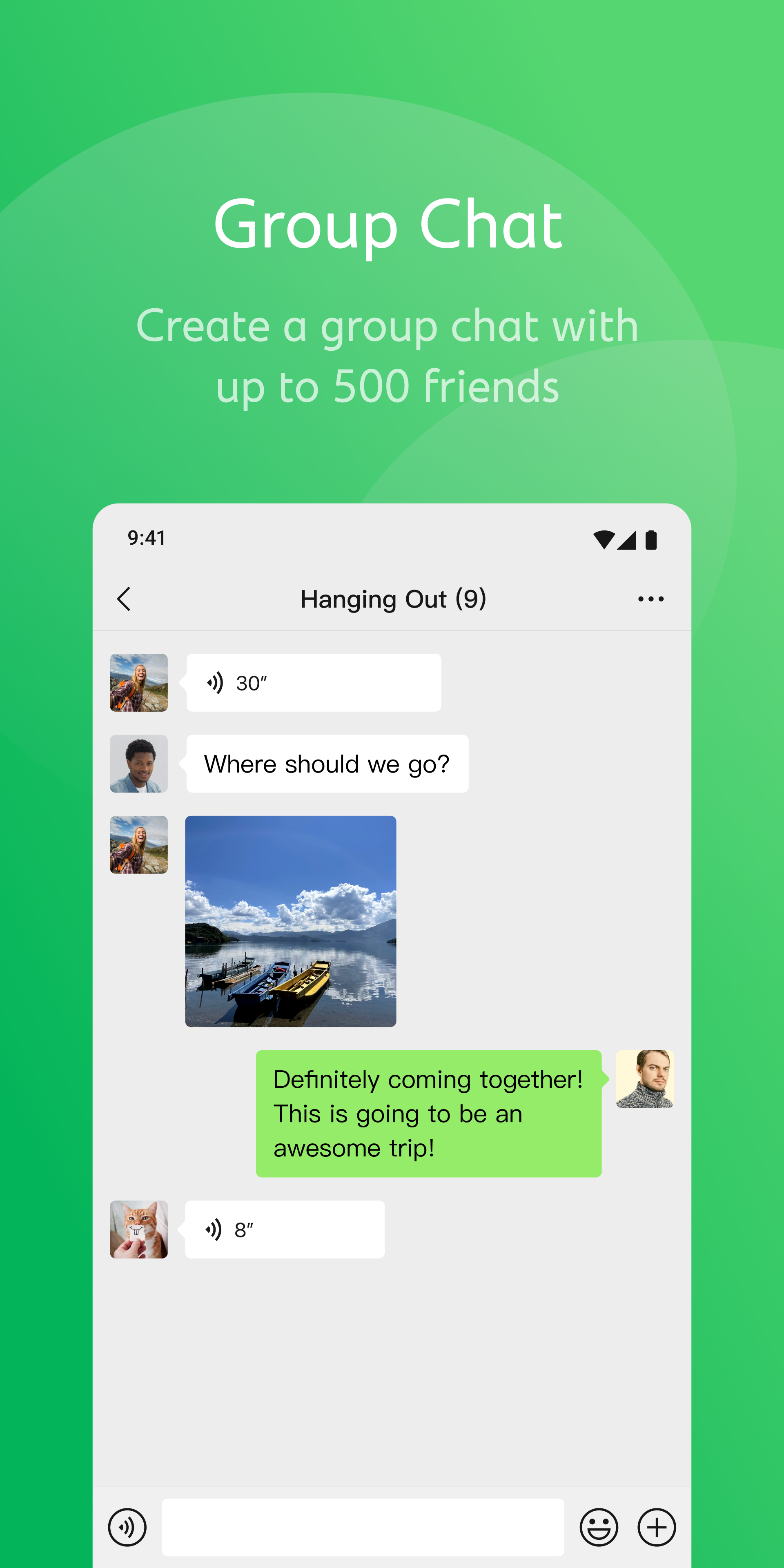
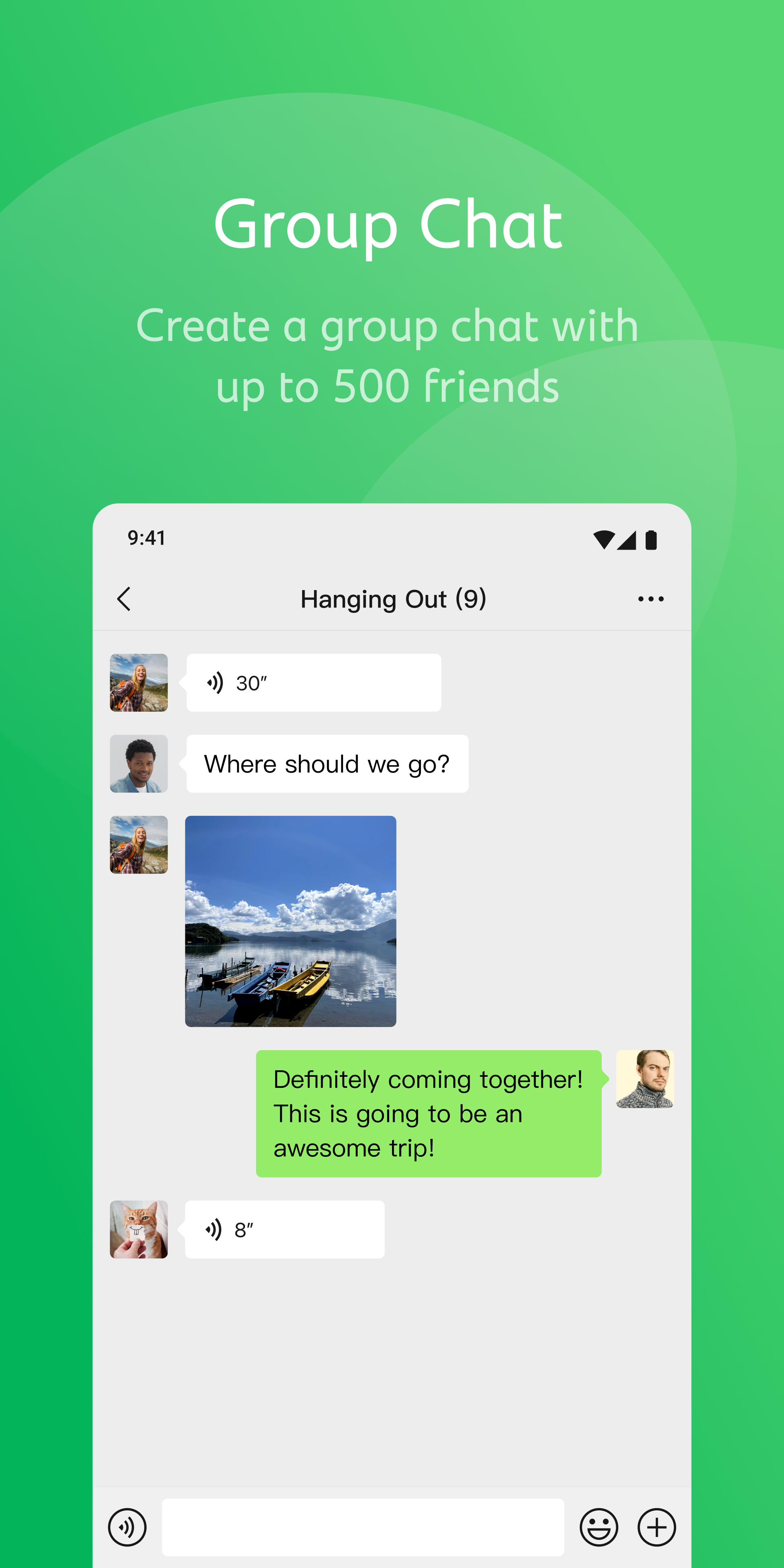
Instant Messaging: The app is basically designed for sending and receiving messages; regardless of text, voice, and even video chats. It also offers group chats while allowing you to create group with up to 500 members. Similar to other messaging platforms, the app also offers free of cost services.
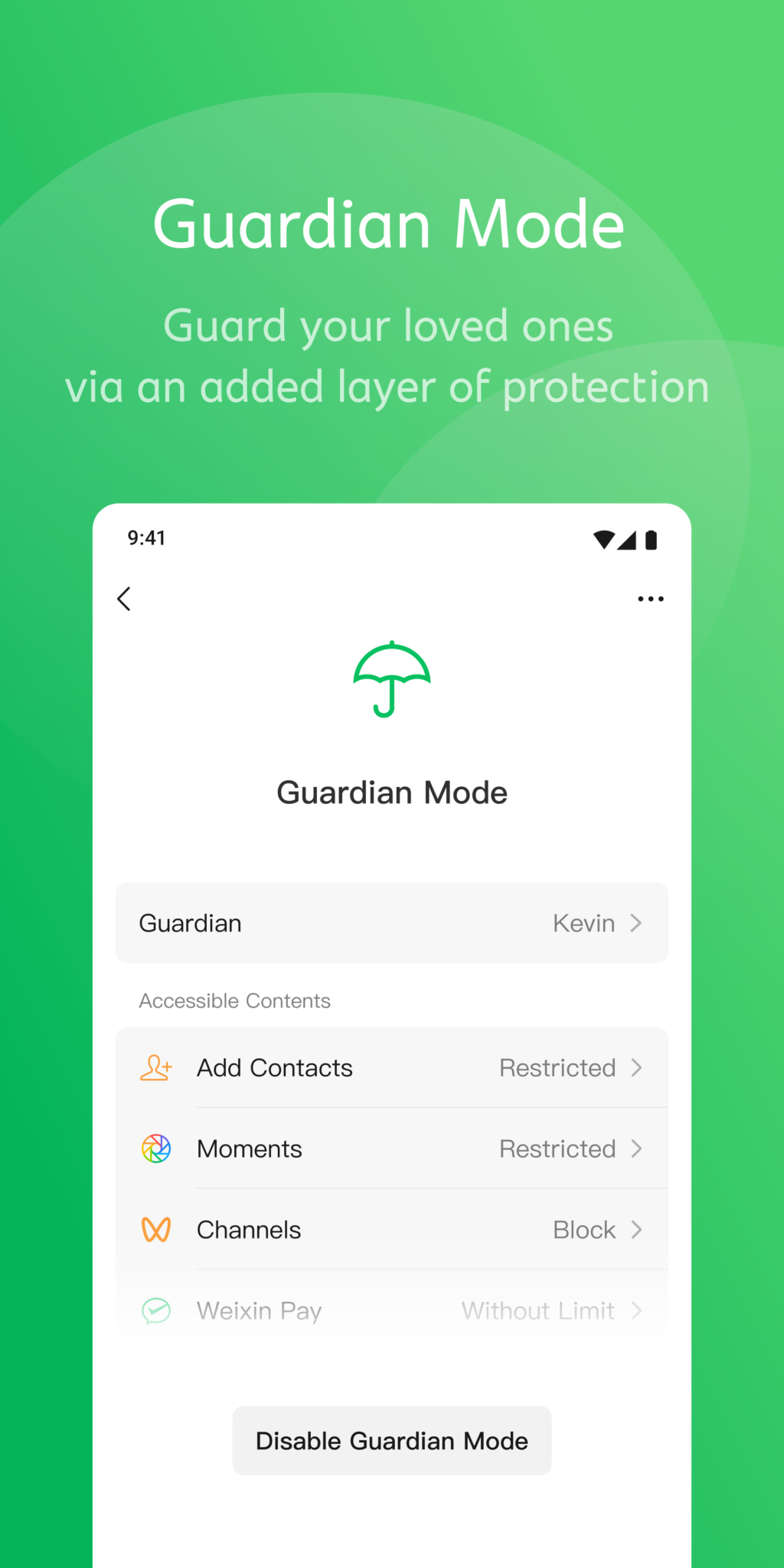
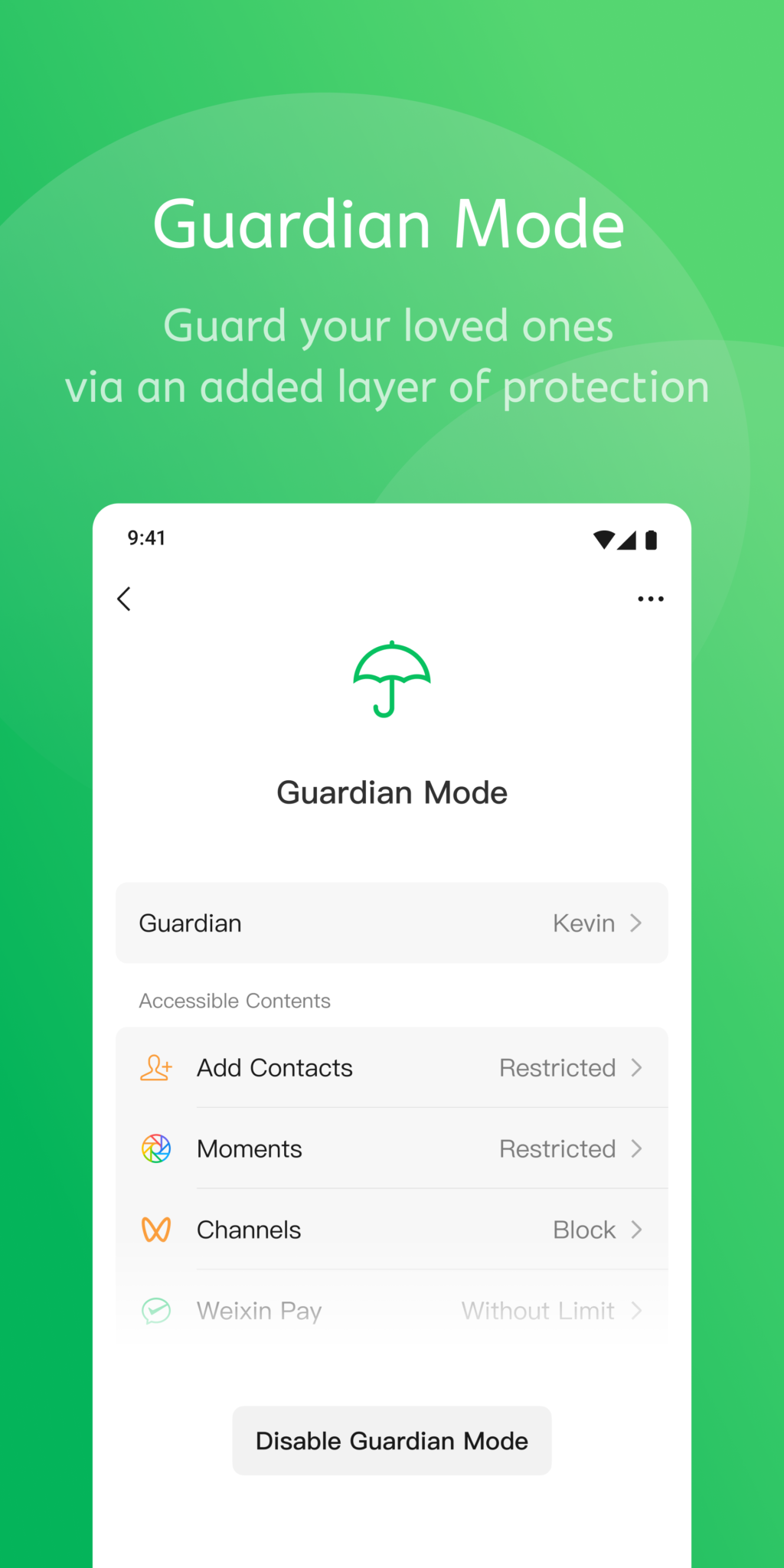
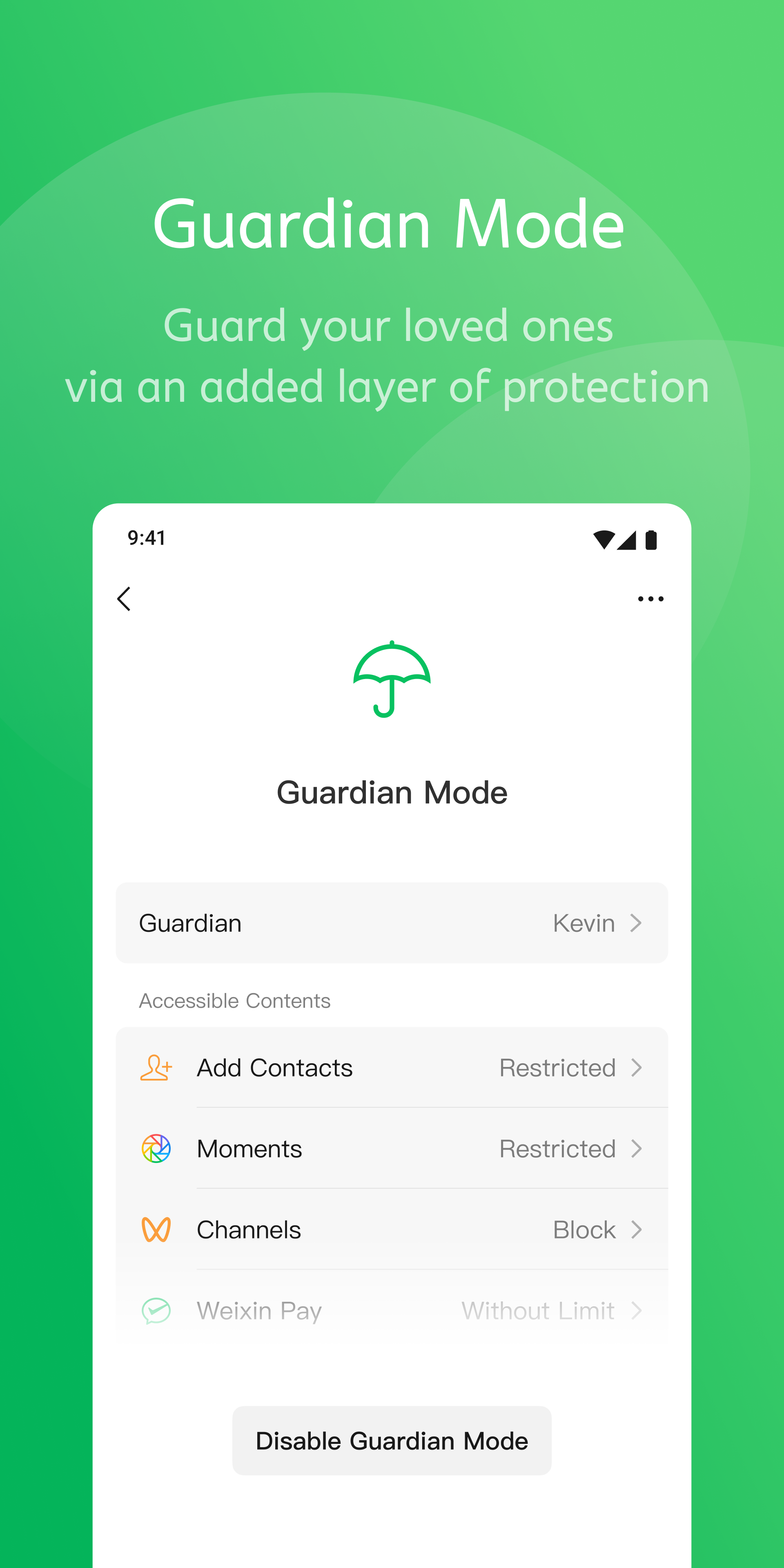
Improved Privacy: The privacy feature is awesome, as it allows the users to stop any unauthorized access to their account. No doubt, the multiple social media platforms are used for attracting lot of people; regardless of known or unknown. But, it can create security issue; in case of accessing to spammer to your account can create privacy risks. So, the app allows the users to limit the number of contacts while using the Settings option, and disable feature to allow the strangers to their account. Get Mobile Apps
Gaming Section: WeChat Gaming section is an exciting addition that offers lot of multiple small but exciting games. The users can use the panel to play their favorite games with their friends online. However, the available games on the section are limited, simple, and repetitive.
WeChat Pay: The app doesn’t limited to exchange messages, making calls, or sharing multimedia files, but it offers a little extra, as it introduces WeChat Pay which is mobile payment system. It makes your online transactions quick and smooth just within few clicks. You can use the feature for multiple purposes such as paying of utility bills, splitting bills with friends, online shopping, and so on. It is available in multiple Chinese cities with QR code payments support, and proves the secure alternatives of other traditional payment methods.
Mini Programs: WeChat’s Mini Programs are lightweight applications that run within the WeChat ecosystem, eliminating the need to download separate apps. These programs offer a variety of services, including food delivery, ride-hailing, gaming, and even banking. Businesses leverage Mini Programs to provide quick and efficient services without requiring users to leave WeChat. This feature has significantly expanded the app’s functionality, making it a one-stop solution for countless needs.
Rich chats and large groups: WeChat supports text, photo, voice, and video messages so you can switch formats as needed. You can share real-time location when meeting friends or coordinating plans. Group chats hold up to 500 members for clubs, classes, or project teams. Stickers, including animated and selfie sets, make quick reactions simple without typing long replies.
Voice and video calls: WeChat offers one-to-one or group video calls for up to nine people, which helps small teams and families connect face to face. Audio quality stays clear on stable networks, and you can switch between voice and video mid-call. For reaching mobile and landline numbers, WeChat Out provides calling at low rates in select regions, subject to local availability.
Business and Work Tools: WeChat is not just for personal use—it also serves as a powerful tool for professionals. WeChat Work (also known as WeCom) is a separate version tailored for businesses, offering features like file sharing, task management, and video conferencing. Many companies use WeChat for internal communication, client interactions, and even marketing campaigns, thanks to its extensive reach and versatile tools.

I'm British, in the UK, long since retired and use Wechat most days to contact friends and family in the UK and overseas.I didn't have any problem installing it, or using it. I have it on my laptop and on my android phone. I like it because group chats are simple to start, big files and photos easily be sent and received, as can text messages. It is a product of TenCent, a huge Chinese company, quoted for many years on the Hong Kong stock exchange. Before Wechat, its non video multi language chat programme 'QQ' was popular. Of course Wechat has a lot of Chinese users. Several hundred million of them, but it is nonsense that they are forced to. That is ridiculous. There are other choices available, but just not as good and not as much fun to use. Those who have trouble installing it should just read the instructions carefully and try again.
I’m giving four stars instead of five because I believe more people would give a perfect rating if WeChat offered a feature to "recover all chat history under any circumstances." Sometimes, chat history is lost due to accidental deletion or issues like phone glitches; furthermore, overseas users cannot use RMB to pay for recovery services, so such a feature would be incredibly useful. Additionally, some users are unable to perform cloud backups, meaning that even attempting to restore chats from a phone backup proves ineffective. I hope the developers will consider my suggestion. Thank you.
I enjoy using WeChat because it makes it easy to transfer money between bank accounts and split expenses with friends. Since it is linked to all my bank accounts I can easily send money to my loved ones with ease. The platform's QR code scanner has made payments a breeze, and I appreciate how effortless it is to send and receive funds. Additionally, the communication features of WeChat make it convenient to stay in touch with family and friends, especially those who are based in China. Overall, I find WeChat to be a straightforward and user-friendly platform for managing my finances and staying connected with loved ones.
Why can't I set my language to Hebrew, Hindi, or Polish?
Hebrew, Hindi, and Polish are no longer supported as interface languages in WeChat 6.6.2 or later. Users can go to 「Settings」 >「General」>「Language」 to change the interface language.Note: For users who previously used one of these three languages and have not yet selected another language, the default language will automatically be set to Engli.
How do I use my personal WeChat QR code?
Find your personal WeChat QR code in "Me", tap profile photo and find "My QR code". Your friends can scan your WeChat QR code and add you instantly. You can do it the same way to add you friends.
How Many Friends Can I Add to WeChat?
WeChat allows you to add up to 5,000 contacts. If you exceed this limit, you will not be able to add new friends. To add more friends, you must first delete some existing contacts.
What to Do if My Friend Request Expires?
A friend request remains valid for 3 days and cannot be accepted after it expires. To resolve this, resend the friend request and inform your friend that you have sent a new request.
Why Can't My Friend Receive My Friend Request?
First, have your friend check if whether they have received a friend request by going to New Friends within the Contacts tab. If not, it may have not been sent if you have been sending an excessive amount of friend requests that day. Try again later.
How to Set an Album Cover?
To change the album cover, go to「Me」>「My Posts」>「My Moments」and tap the cover image to change it as instructed. Alternatively, you can change the cover via「Discover」>「Moments」. Tap your current cover to change it.
If you’re looking for either an instant messaging app that keeps your chats private or a social media application that lets you share posts and connect with strangers, you should download WeChat for Android. However, to use the application, you will need to register and authenticate your login via your mobile phone. All in all, the program is an ideal choice to download.
Size:265.72MB Version:8.0.77
Requirements:Android 7.0+ Votes:144
Package Name:com.tencent.mm Signature:fdd4f4bece4e5c872a74690fdf30dc72

Today, I would like to recommend several adult social chat apps that have a large user base. You can find friends from all over the world, open the same city to meet strangers nearby, interact and chat with them, and become friends. They provide various chat functions and can communicate through text, voice, video and other means. If you want to meet more opposite sex friends, download them now.
Nowadays, various social media apps are constantly being launched, enriching people's ways of making friends in their daily lives. People can meet people from all over the world online without leaving their homes. At the same time, the software adopts real name authentication, allowing everyone to make safe friends. This collection integrates numerous popular social media apps. Interested friends, come and download it now!
With the continuous development of the internet, the times have also undergone earth shaking changes. There are numerous social apps, which have high flexibility and lower costs compared to traditional SMS communication methods. Nowadays, there are a wide variety of social apps on the market, and people don't know which one is suitable. Today, we recommend several popular social apps for you. Here, you can find like-minded friends and also find like-minded partners.
About us | Contact us | Privacy policy| DMCA
Copyright © 2026 Xiaohei All rights reserved.