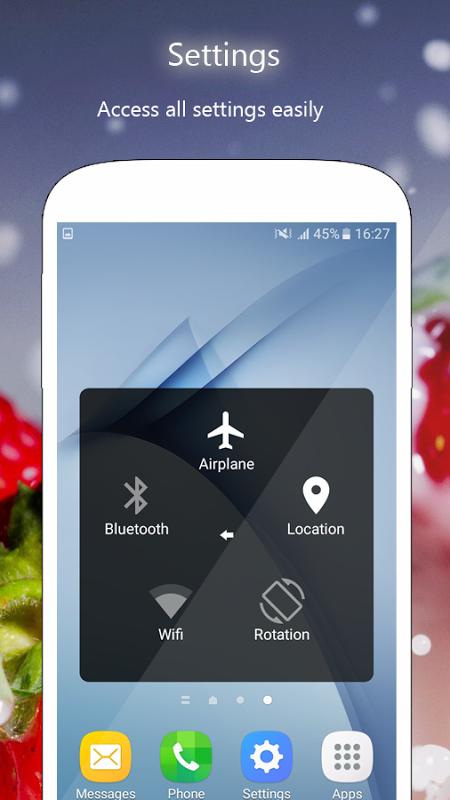
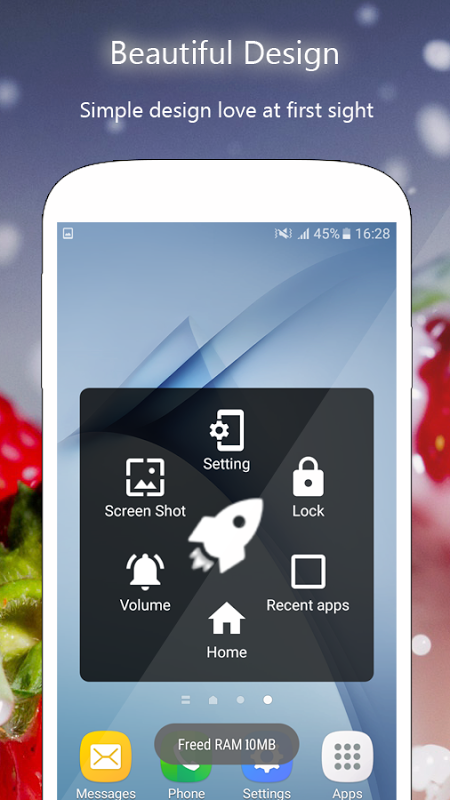
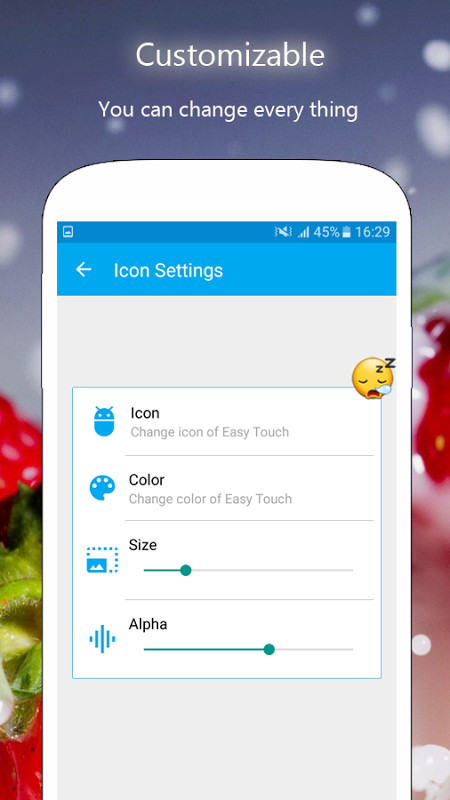
EasyTouch is a free utility application designed specifically for Android systems. Users can use it to improve their phone's navigation speed and smoothness. Users can customize functions, adding notifications, apps, and favorite games to widgets for quick access. It also allows for scheduled cleanup of junk data, improving phone performance. Custom shortcuts can be set for checking the weather, taking screenshots, and more. In short, this application is a popular utility software.
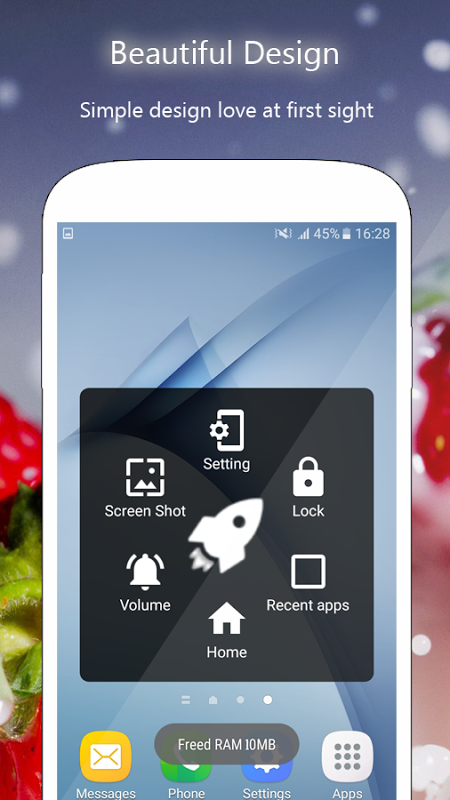
EasyTouch downloads in just a few seconds and uses very little memory. It can run continuously or be manually opened, freeing up more icon space on the home screen. Another useful feature of this package is freeing up extra memory (RAM) in the existing operating system. This not only speeds up access to frequently used applications but also extends battery life. Other standard features include a screen lock function and a notification bar, allowing users to stay informed about software updates and new messages.
A major highlight of EasyTouch is its screen recording function. This function records the screen without root access and has no time limit or watermark. You can even record microphone audio, which is automatically included in the video.
To ensure your device's security, EasyTouch requires certain permissions. It uses device administrator privileges to lock the screen when you turn it off using this feature. Additionally, the app uses accessibility services to perform actions such as going back, returning to the home screen, opening recently used apps, accessing the power dialog, and opening the notification bar. You can grant these permissions by going to Settings > Accessibility > Services and enabling EasyTouch.
Pros
Unlike other variations, this software application is free to download.
This package is a great way to free up memory and extend battery life.
Cons
The software is currently only available for Android.
Some claim that it is prone to crashing on older systems after installation.
My OnePlus 6T's volume buttons were broken and difficult to control. There are many similar apps on the market, but I found this one to be much better and simpler. I also upgraded to VIP membership, which removed ads for only 60 rupees, which was fantastic and very affordable. Thank you so much! I only have one suggestion: make sure this app is consistently updated so I can use it long-term. Thanks again! Well done!
So far, so good. One thing I don't like is that you have to open the app repeatedly because the floating icon keeps disappearing, but unlike other assistive touch apps, it doesn't take up too much of my battery.
Just installed it. So far, okay. I will review it later. Please appreciate the developer; they are trying to be creative, and on the other hand, we want something free from their efforts. If we don't buy it, just be nice. At least we don't bother the developer with our review. Peace and keep doing the best guys.
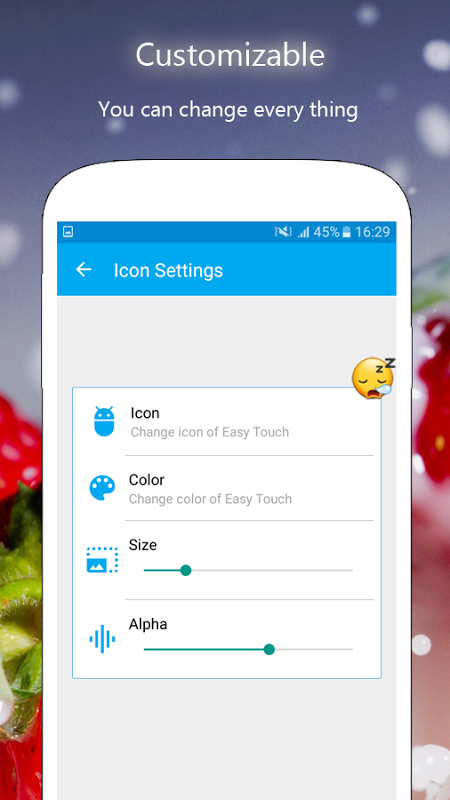
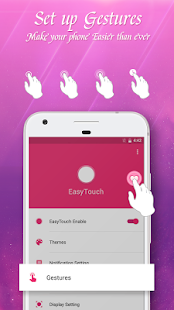
One interesting feature of EasyTouch is gesture control. EasyTouch offers customizable gestures to make your smartphone smarter. In today's market saturated with notification bar features and lacking important information reception capabilities, gesture control makes EasyTouch stand out. It seems to possess its own intelligence, which is why it's so popular with users.
Size:5.38MB Version:4.6.0.1
Requirements:Android 4.0.3+ Votes:477
Package Name:com.shere.easytouch.holo Signature:ad5c710be3968e64da709ef74de95a03
The complete collection of office software is compiled based on user needs and referencing the popularity of major computer application stores. This collection selects various useful computer office software for users from multiple aspects such as office suite, communication and collaboration, email management, note management, cloud storage, download and decompression, etc. These software can meet your various document processing needs, making your team collaboration smoother, and conveniently managing your emails and keeping various meeting records. Download various materials and documents needed for office work. This collection of office software commonly used by professionals can meet all needs. Welcome to download and experience it!
About us | Contact us | Privacy policy| DMCA
Copyright © 2026 Xiaohei All rights reserved.