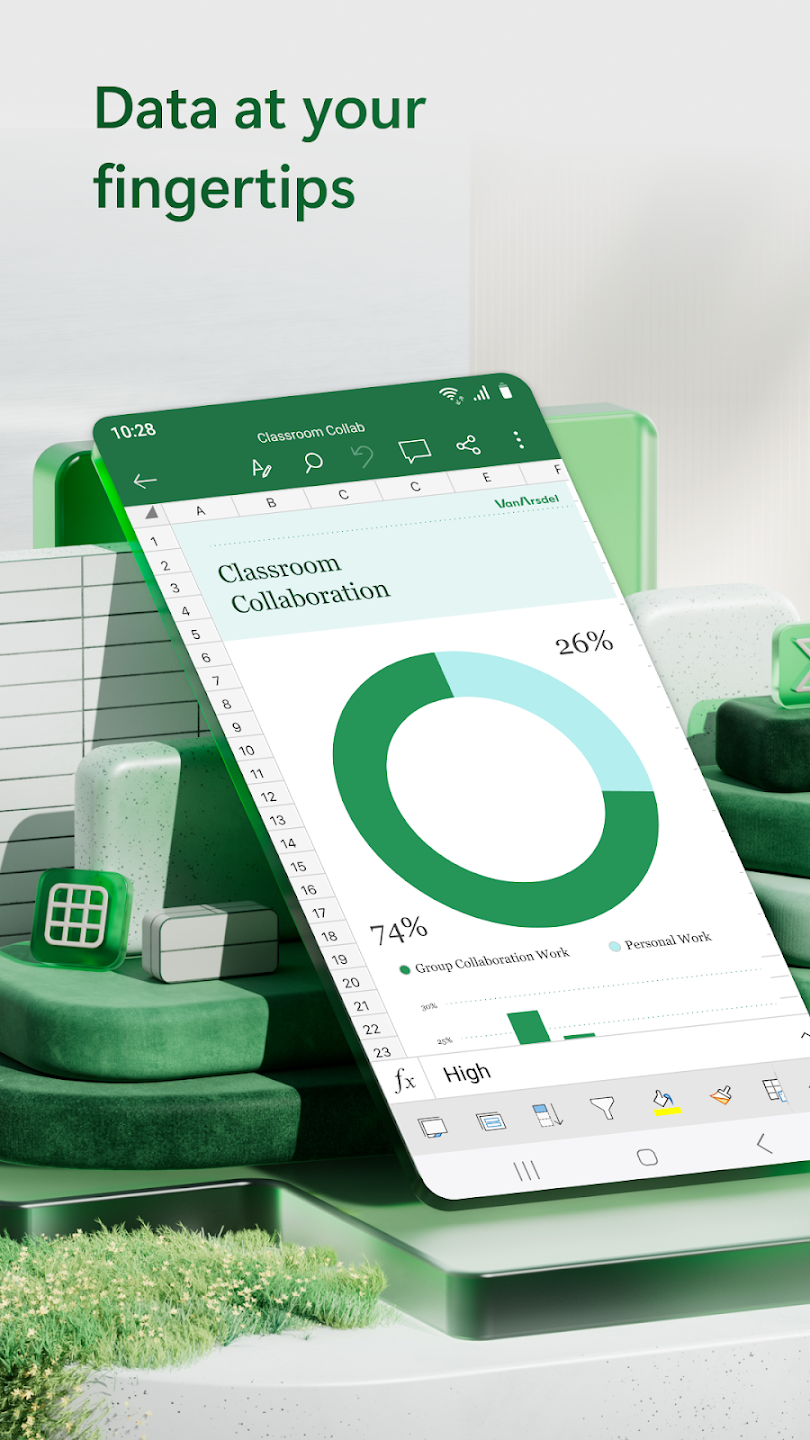
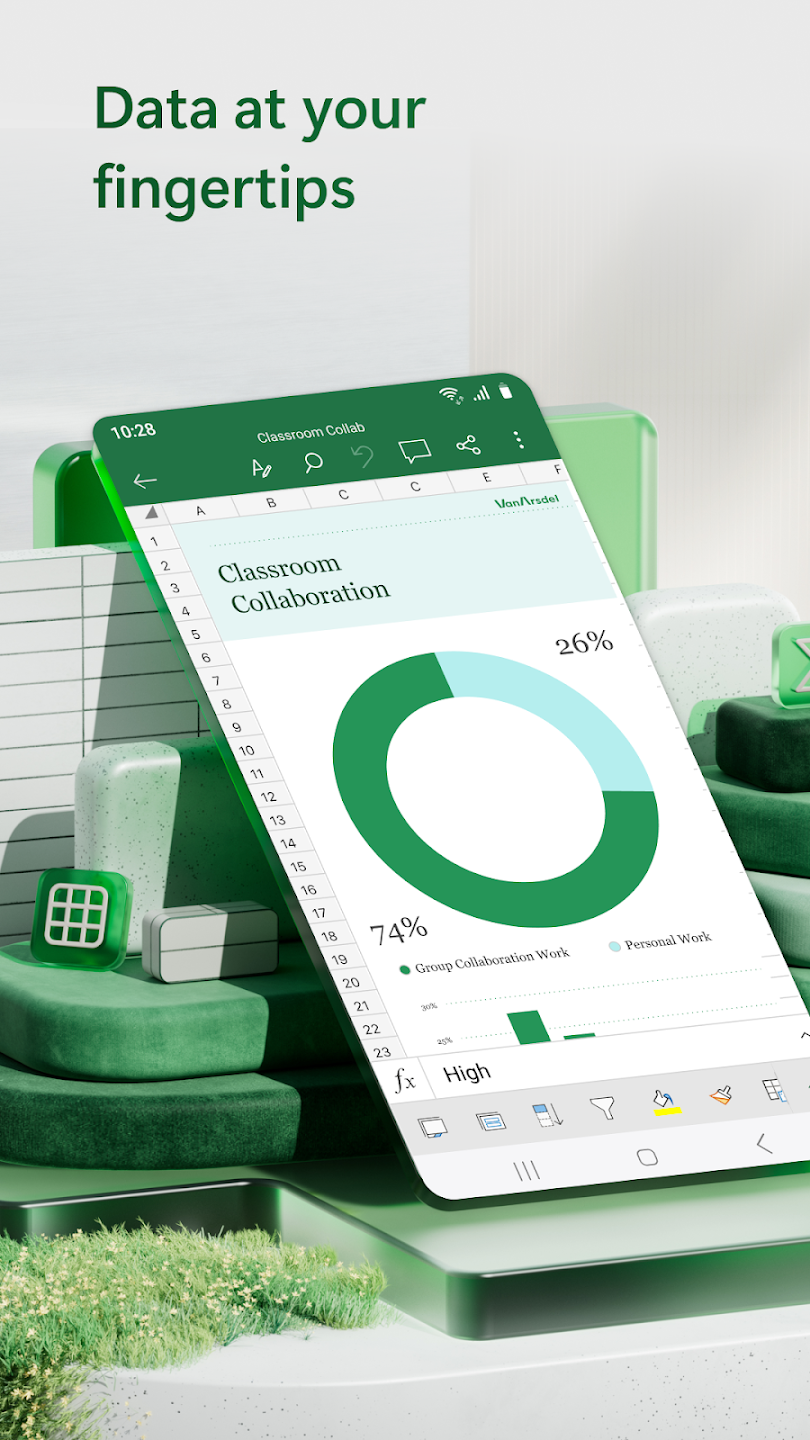
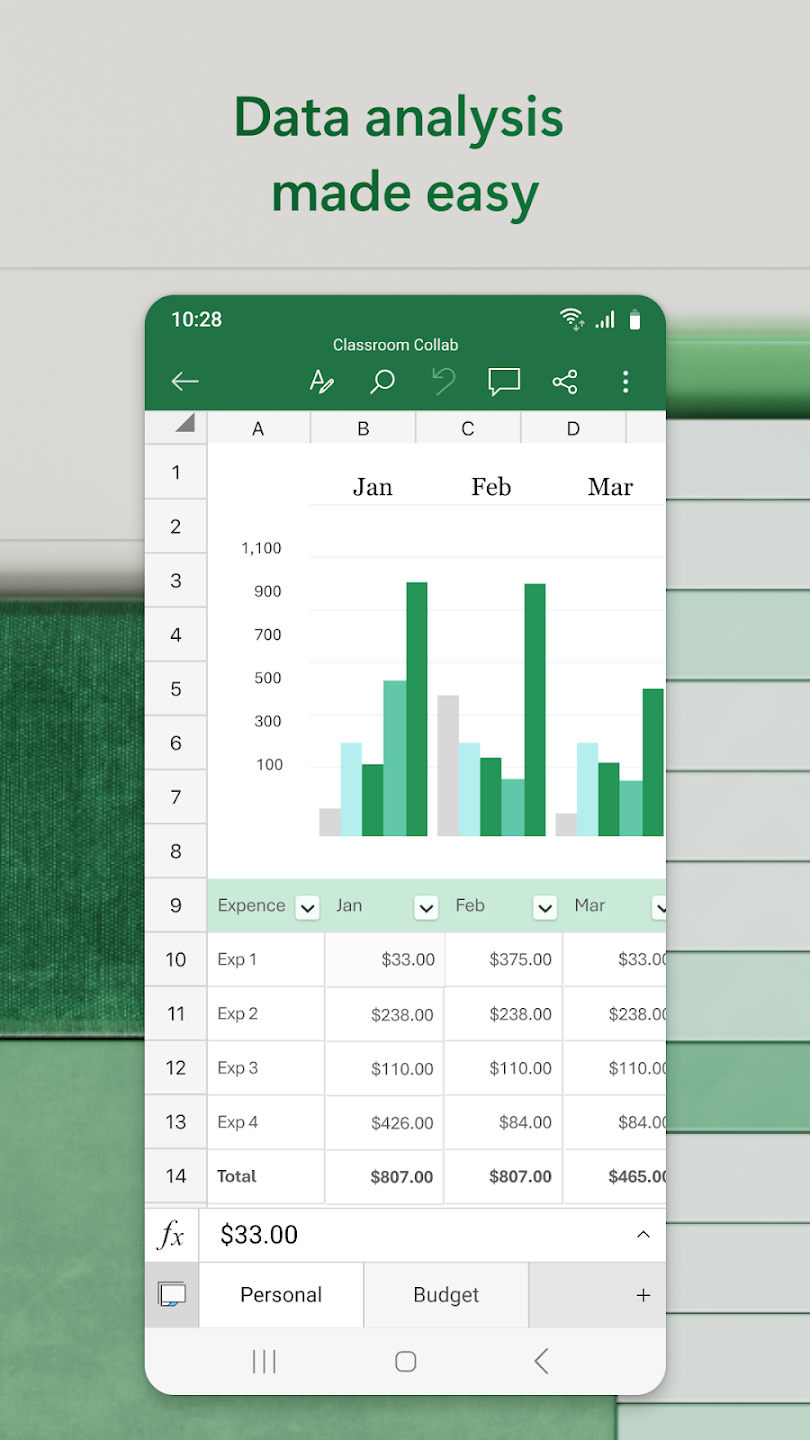
Microsoft Excel is a spreadsheet software designed for mobile devices. Users can import and edit chart files in various formats, utilize built-in analysis and editing tools to process tables, and generate corresponding charts for clearer understanding of the results. The software supports collaborative sharing, allowing users to share spreadsheet links with friends or other users to collaboratively process data, saving time. Users can also freely export documents and quickly share them. Furthermore, the software integrates the latest AI technology, providing prompts and predictions based on data trends, making analysis easier.
Robust Spreadsheet Functionality: Creating and editing spreadsheets is one of the major functionalities offered by the app. You can make your work quickly accessible and up-to-date while using the automatic calculations, real-time updates, detailed version history, and so on. The use of familiar formulas and an accounting calculator makes your calculations accurate and easy, regardless of whether the data is taken from simple arithmetic or complex financial modeling.
Support Basic Functions: The mobile app has only support for basic functions such as text formatting, insert charts, images, and text, some basic formulas, and spreadsheet view changing capability. So, there is a lack of advanced features, so useful only for basic requirements, instead of getting professional results. It is also not possible to create formulas similar to the full version, and the unavailability of the search function makes it a little bit inaccessible.
Repeatable Analysis: It is one of the best solutions to change raw tables into repeatable results. No need to rebuild steps, instead refresh the results after pulling the data from common sources using the Power Query. Similarly, use Data Validation for locking down the inputs to make the shared models predictable. It is the best option for managing the finance operations and QR work where rippling of small mistakes can occur quickly.
Ribbon Interface: The app also has the ribbon interface similar to other Office apps, and you will find it easily manageable because of its stripped-down nature. You can easily switch to the menus for locating your desired function. The functional and quickly responsive touchscreen controls make your workflow smooth and fast. However, it offers a keyboard on more than half of the screen, which can create inconvenience while inputting text.
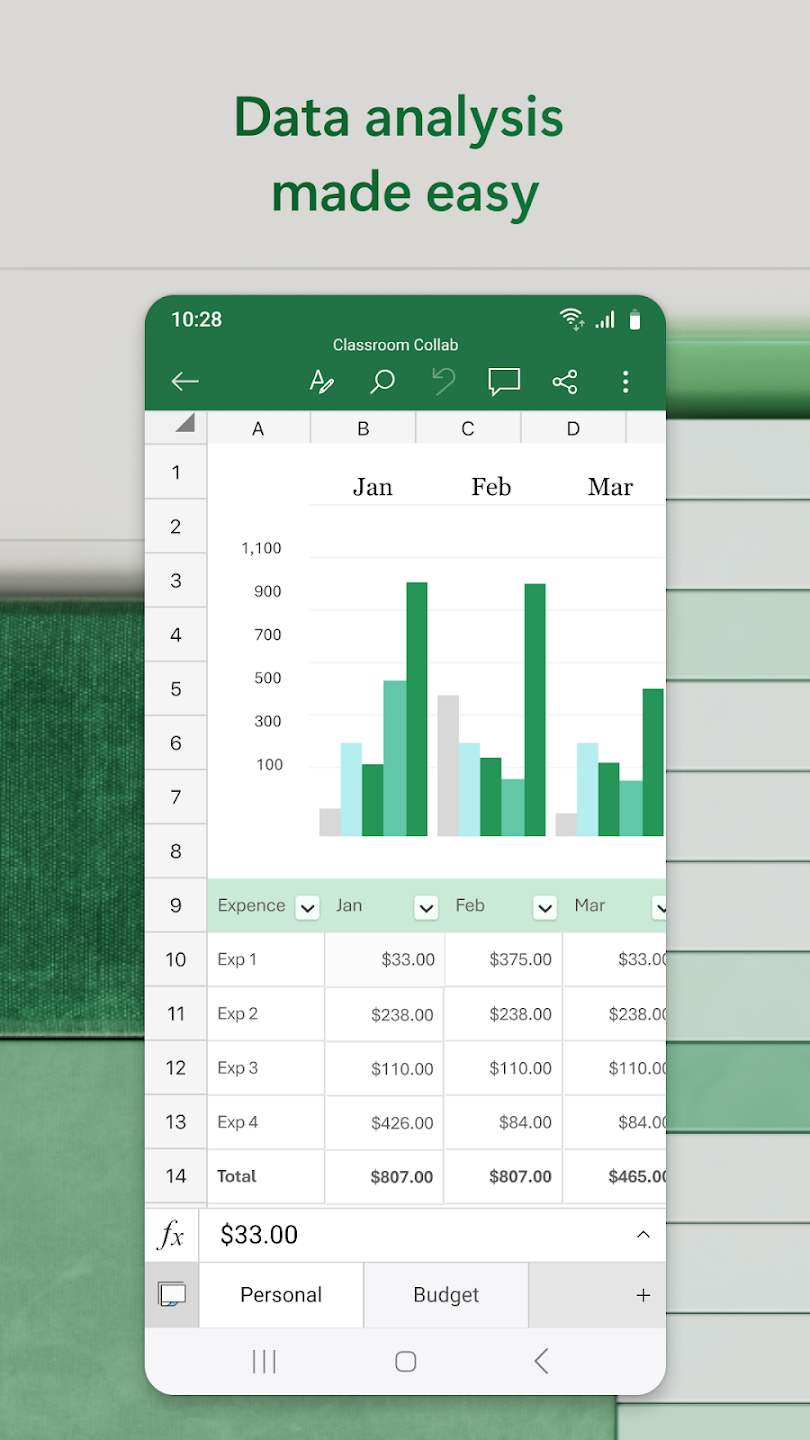
Budgeting and expense tracking: You can start with budget templates, planners, and trackers to organize monthly spending and savings. An accounting calculator helps with quick checks, including basic tax estimates for planning. This setup makes it easier to review numbers and adjust your budget as things change.
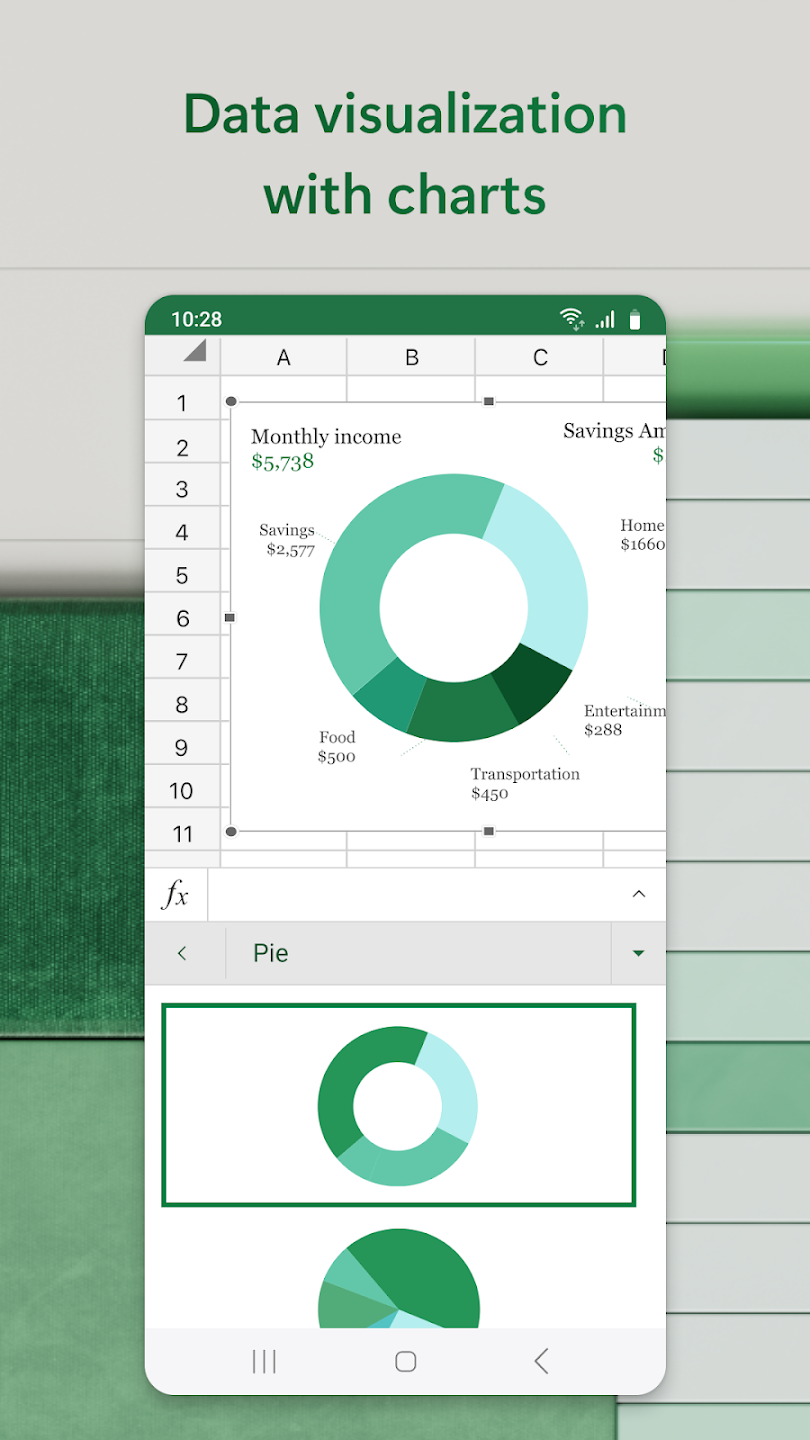
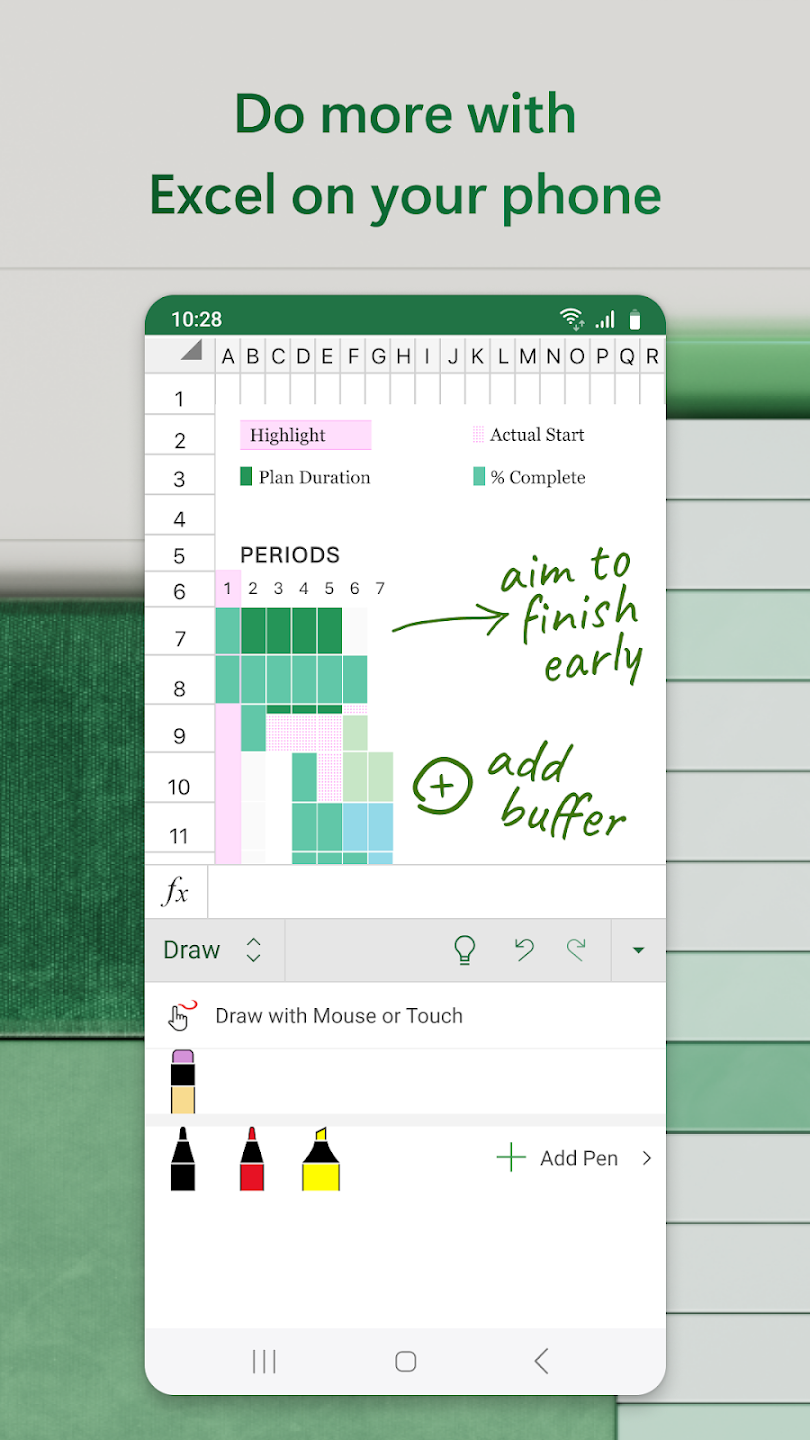
Charts, PivotTables, and annotations: Microsoft Excel lets you create charts and add labels so data is easier to read. You can use PivotTables and Pivot Charts to group details and spot categories that matter. When needed, the Draw tab supports annotations on charts and sheets, and you can add shapes or write equations by hand on touch screens.
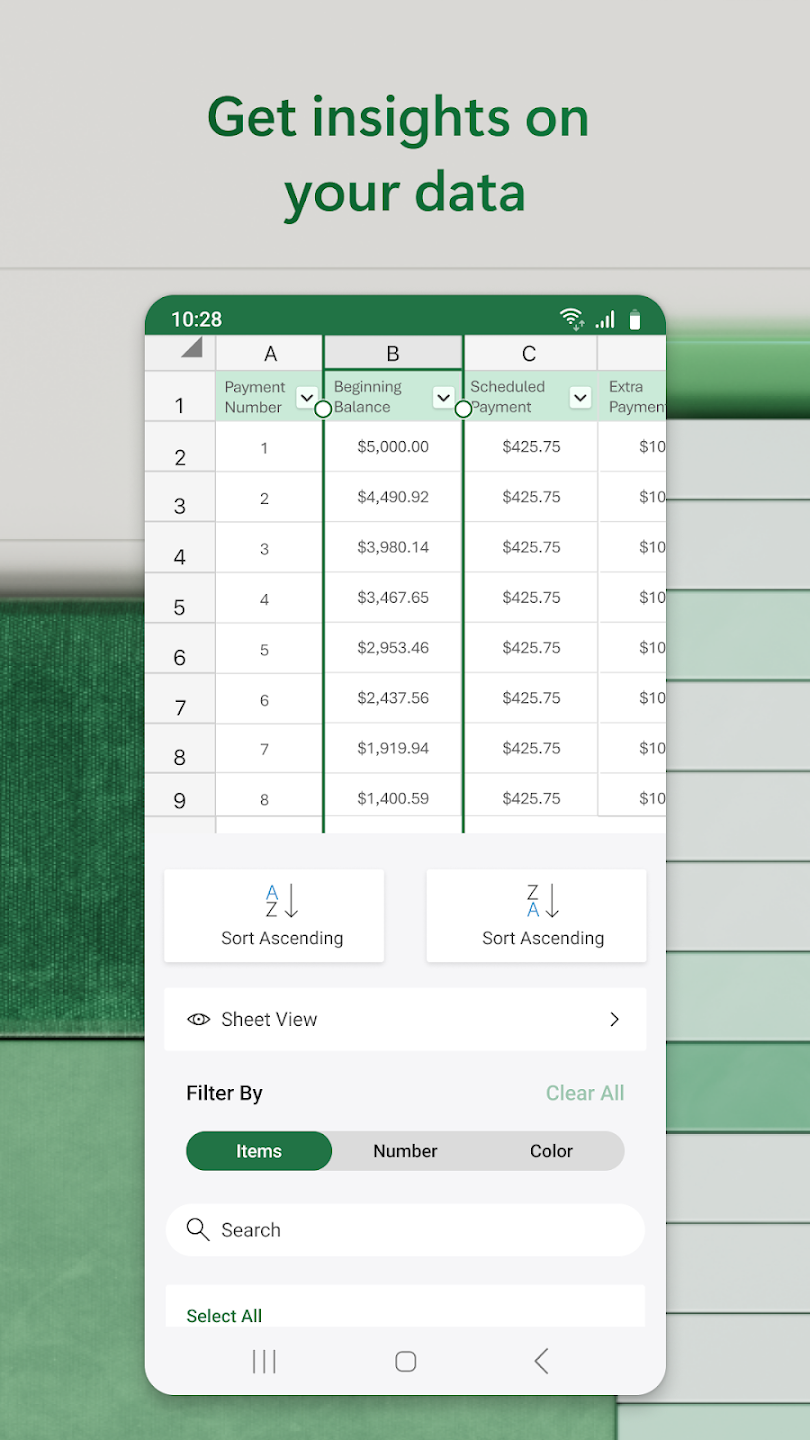
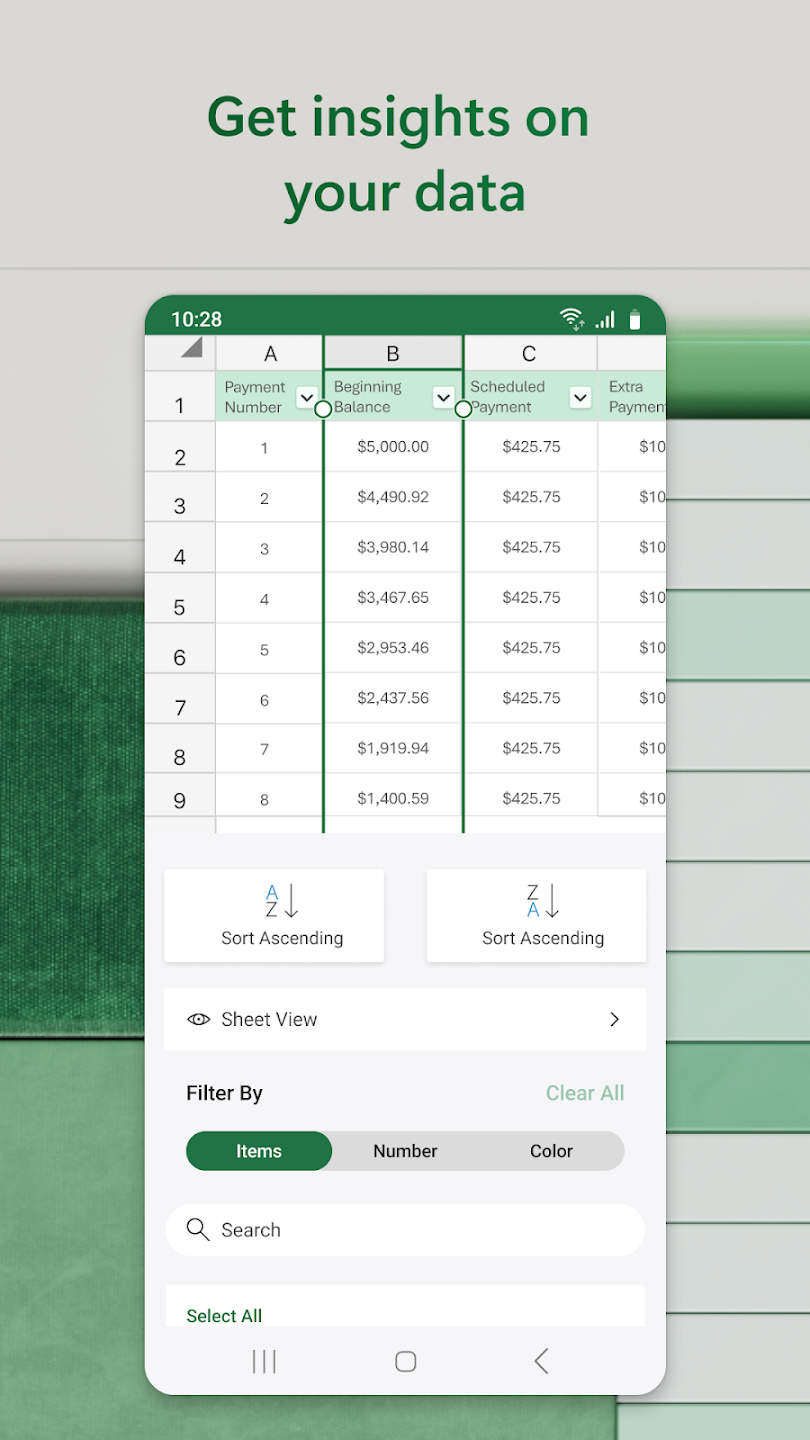
Formulas, sorting, and formatting: You can apply familiar formulas, then sort and filter columns to focus on the rows you need. Formatting tools help you highlight values, apply number formats, and adjust styles for clear viewing on mobile. These core tools work consistently across devices, so changes on your phone will make sense when you open the file elsewhere.
Collaboration and sharing options: Microsoft Excel lets you share workbooks, invite edits, and collect comments from others. You can send files as links or embed them in email so people can open the same document. Real-time coauthoring requires a Microsoft 365 subscription, and documents must be saved to OneDrive for shared editing to work.
Copilot assistance for formulas and insights: With Copilot in Excel, you can get help drafting formulas, formatting sheets, and surfacing trends or outliers in your data. Suggestions appear in context, so you can review and keep what fits your task. To use Copilot, AutoSave must be on and the file must be saved to OneDrive.
Ctrl + 9 - Pressing this combination will hide the current row you're editing.
Ctrl + 0 - Similar to the above, but this one will hide the column instead of the row.
Ctrl + Shift + 9 - This one will unhide the previously hidden row, best not to learn one without the other!
Ctrl + Shift + 0 - Again, a quick way to unhide your previously hidden column.
Ctrl + Shift + 4 - Use this little hack to format any numbered cell into currency.
Ctrl + Shift + 7 - Apply a border around the outline or any selected cells with this shortcut.
F9 - Just this one key will recalculate your formulas, it couldn't be easier.
Ctrl + Z - If you tend to make a few mistakes whilst working in Excel, this one is invaluable. Clicking Ctrl + Z will undo your last action.
Alt + F8 - This quick shortcut opens up the macros dialogue box
Ctrl + ’ - Use this one to quickly copy the value from the cell that's above it.
Ctrl + Shift + 1 - If you need to format a cell into comma formats this shortcut does exactly that.
Ctrl + Shift + Page Down Key - This one will quickly tab you across to the next worksheet.
Ctrl + Shift + Page Up Key - This one will do the reverse of the above and take you back to the previous worksheet .
I find it helpful being able to work on my spreadsheets across many different platforms - saves having to switch on my PC when I can just edit on the phone... you don't have the full range of features, but you can do most things, and to be honest, detailed/complex work is best done on a PC anyway!
helps me organize my finances, amongany things! set up a sheet once, and now every month I simply input the payment/balance on every bill and it forecasts my monthly ending balance. Once pmt amounts are entered I can instantly see whether I have to reduce pmts, if I can pay additional against a loan, or reward myself by transferring money into an investment or savings acct at the BEGINNING of the month, therefore earning more than if I had to wait til the month is over and I see what is left.
Hello developer teams, it is a humble request to you please add the transpose features in the paste special section. I have been using this mobile version for a long time. but only for the transpose feature i need to keep other spreadsheet apps in my phone. otherwise it's an awesome app and really useful in my life. please try to add the transpose feature in the paste special section.
I have a Samsung Galaxy S25 Plus Android IPhone, and I utilize Excel for my personal spreadsheets; it is exceptionally convenient to be able to work on them during my leisure time whether while I am watching or listening to a Foxnews movie or using YouTube to enjoy my favorite music. I would wholeheartedly recommend utilizing Microsoft's Windows apps to work on your projects at your leisure on your IPhone. Enjoy the rest of your day. NJT.
Microsoft Excel allows you to work with others on the same document through tools such as online co-authoring, comments inserted in cells, viewing the change history, and version control. As a result, you can assign tasks, leave notes or follow other team members' work without having to ask each person individually. In addition, you can go about your business without stepping on each other's toes thanks to real-time change management.
Size:133.5MB Version:16.0.20131.20080
Requirements:Android Votes:177
Package Name:com.microsoft.office.excel Signature:7dc83cd2abe833560c2896626e307041c0df3a7a
Feeling that there aren’t enough hours in the day? That you’re fighting a losing battle with your agenda? That each time you look up from your desk another year has rolled by? Well don’t worry, you’re not alone, and in today’s hyperconnected world, people are busier than ever before. On Android, there are countless productivity apps to help take control of your time and make your work more efficient. From a simple plugin for Chrome to a full-fledged app, picking the right productivity apps on Android can mean the difference between having a clear to-do list at the end of the day or having it overflowing with missed deadlines and projects that are off schedule. Productivity apps aren’t just about work, though. Using a productivity app in your personal life can keep you on top of deadlines for vacations, home repairs, and other family responsibilities.
Office Apps is a comprehensive and user - friendly platform that aggregates a wide array of office - related applications, catering to the diverse needs of modern professionals, students, and anyone who engages in office - based tasks. Whether you're working on a crucial business project, preparing academic papers, or handling daily administrative work, this aggregation page serves as your one - stop - shop.
The complete collection of office software is compiled based on user needs and referencing the popularity of major computer application stores. This collection selects various useful computer office software for users from multiple aspects such as office suite, communication and collaboration, email management, note management, cloud storage, download and decompression, etc. These software can meet your various document processing needs, making your team collaboration smoother, and conveniently managing your emails and keeping various meeting records. Download various materials and documents needed for office work. This collection of office software commonly used by professionals can meet all needs. Welcome to download and experience it!
About us | Contact us | Privacy policy| DMCA
Copyright © 2026 Xiaohei All rights reserved.