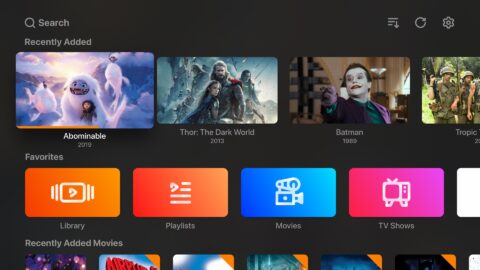
Oi Tube is an excellent video-viewing application. As an alternative Android client to YouTube, this app features background audio playback, a floating video window, and optional ad blocking, providing users with a smooth viewing experience. With Oi Tube, users can enjoy a wide range of videos and music, or listen to podcasts, interviews, and other content that doesn't require constant visual attention. Additionally, the app includes an ad-blocking feature, which is enabled by default but can also be turned off manually.
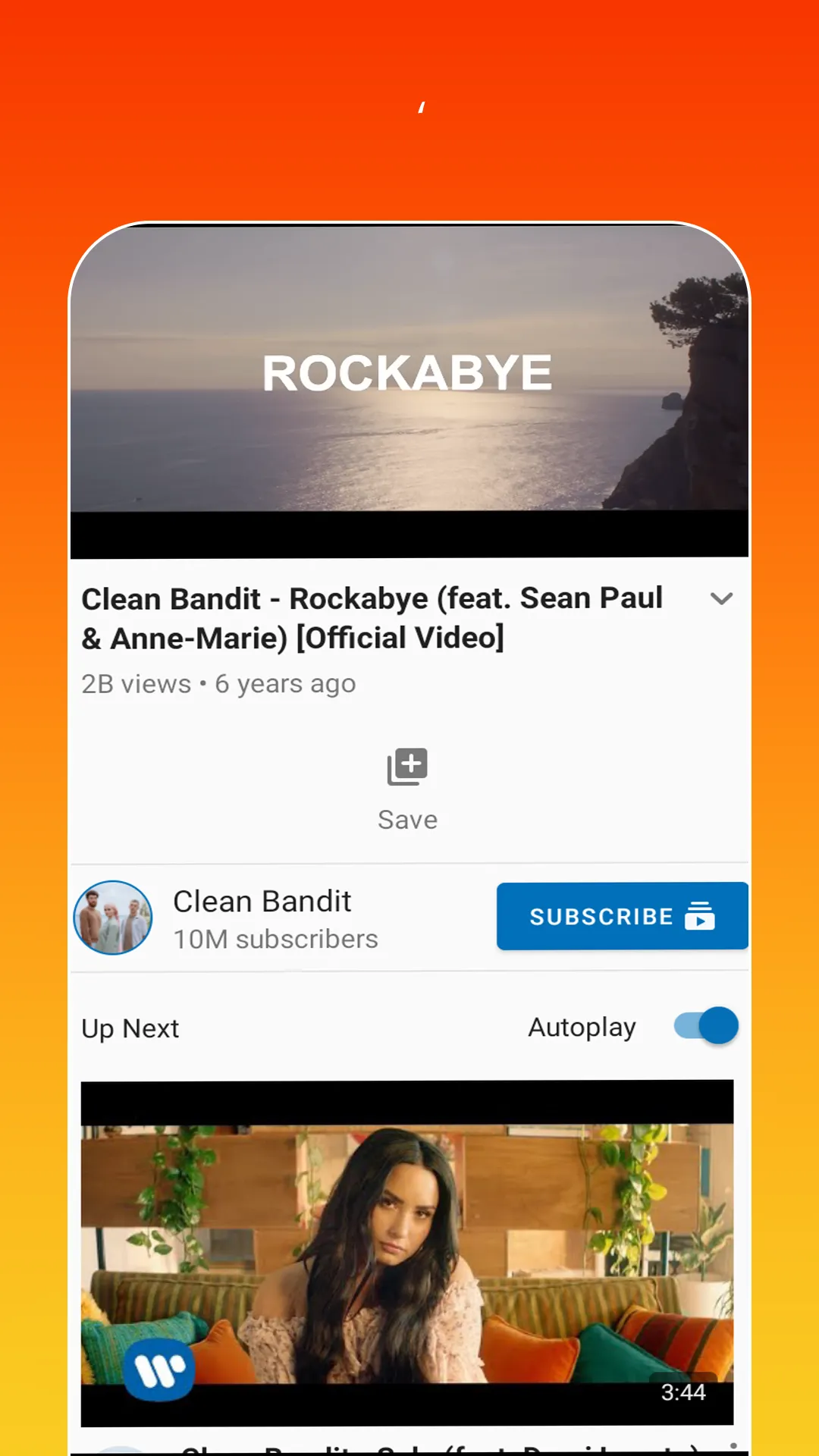
Stream videos from YouTube in high quality.
Access to millions of music and video content on the go.
Create playlists with your favourite songs or movies for easy access later.
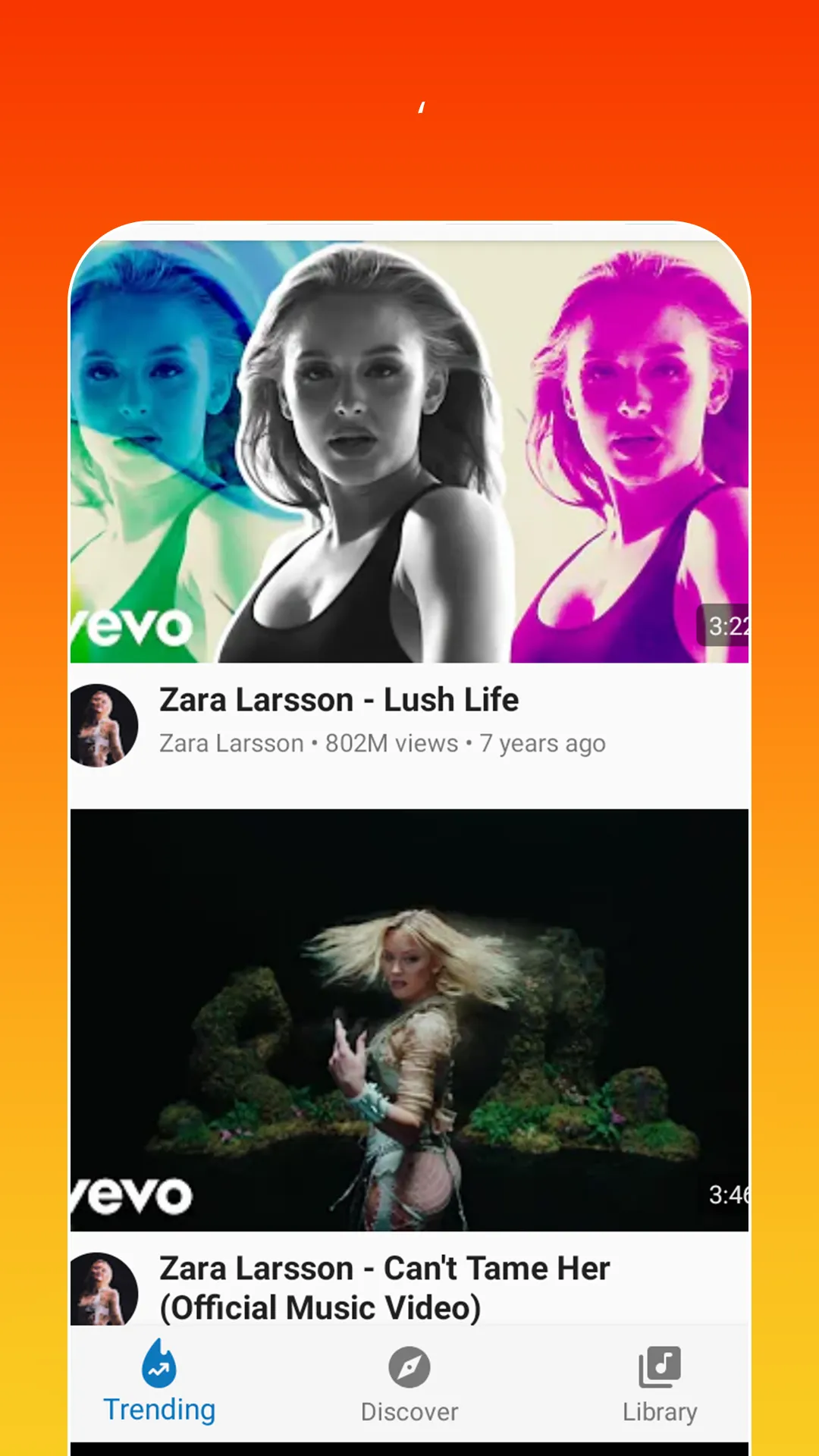
Search through a variety of categories such as Music, Movies, TV Shows etc., and easily find what you are looking for quickly without any hassle!
Get personalized recommendations based on your watch history so that you can discover new interesting content every day!
Download videos directly onto your device to enjoy them even when offline!
Share & comment on other users’ posts within the app itself – engage with fellow OiTubers around the world instantly!
A video can keep playing while another app occupies the screen, either as audio or in a movable, resizable pop-up window.
Screen-off playback makes Oi Tube Oi Tube Player particularly useful for music, podcasts, interviews, and other videos that don't require constant attention.
Playback speed, brightness, and volume controls provide a little more flexibility inside the player.
This makes the app best suited to people who treat YouTube partly as an audio service or who want a video hovering over messages, games, or other apps.
The floating window can be dragged around and resized rather than being fixed to one corner.
Pros
Background audio supports screen-off listening
Movable, resizable floating video window
Plays imported audio and video files offline
Includes playback speed, brightness, volume, and dark mode controls
Cons
Screen-off playback can vary by device
Some users report video stuttering
Finally, Oi Tube Oi Tube Player offers another interesting feature, which is that it allows you to block all video advertising. Of course, this option can be enabled and disabled at any time, but it will be enabled by default. Oi Tube Oi Tube Player is an alternative YouTube client that offers the most necessary and useful feature that, unfortunately, the official application is not able to offer: the ability to play a video in the background or with the screen off if you only want the sound.
Size:15.66MB Version:1.01.23
Requirements:Android 6.0+ Votes:498
Package Name:com.oiplayTube.oiTubePlayer.oiTuberPlay Signature:6f85c1a7027e4f6816afe20c8b3a309a
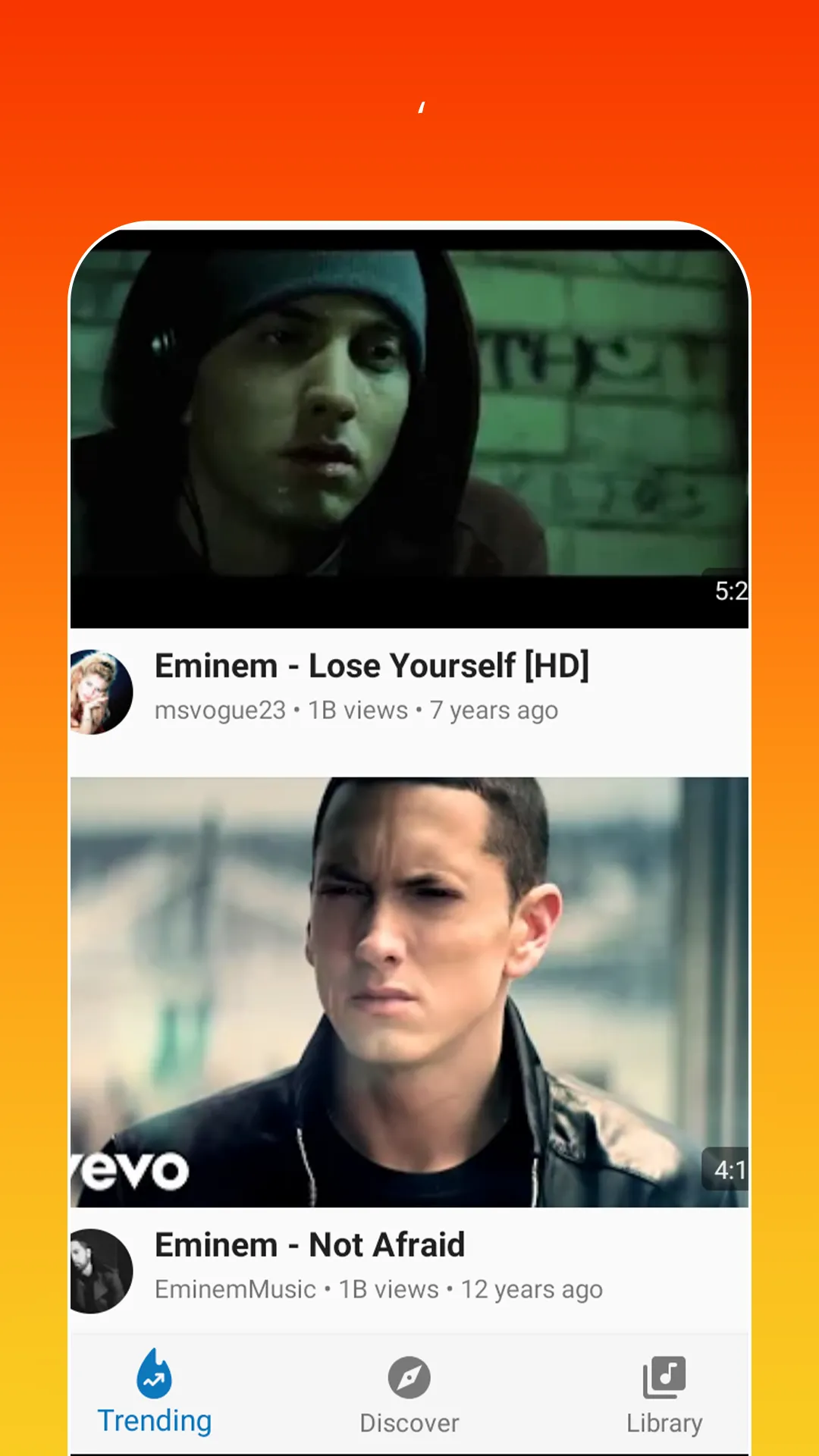
In today’s so many social platforms have emerged, saving videos and photos for sharing content from one platform to another has someone become cumbersome. Then are some who still prefer to download music videos and funny videos for offline viewing to watch content without an internet connection, video downloaders offer a convenient solution. However, it’s crucial to be aware of the potential legal implications surrounding downloading copyrighted material. Always ensure you are downloading videos for personal use and respect copyright laws. This article explores 10 of the best free video downloaders currently available, designed to help you efficiently save videos from platforms like Instagram, YouTube, Facebook, X (formerly known as Twitter), and more.
With the advancement of technology, downloading videos on Android devices is no longer time-consuming. The Android universe is now infested with hundreds of apps for video download in Android that can download HD videos from a slew of video-sharing and streaming sites like YouTube with the swipe of a finger. However, the majority of these apps may contain adware and other unwanted software! As a result, if you’re looking for a good list of the best free Video Downloader Apps for Android. That is completely safe; this is the place to be!
Video Player is a software application or hardware device designed to decode and display digital video content. Modern video players are highly versatile, capable of handling both locally stored files and real-time streaming media from online platforms. Over time, technological advancements have transformed video players from basic format-specific tools into sophisticated systems supporting a wide range of codecs, resolutions, and playback features. Today’s players offer enhanced functionality such as subtitle synchronization, playback customization, and adaptive streaming, ensuring a seamless and user-friendly viewing experience across various devices.
About us | Contact us | Privacy policy| DMCA
Copyright © 2026 Xiaohei All rights reserved.