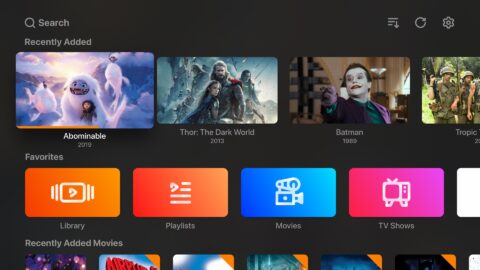
Mega Flix is a video streaming application designed for the Android platform. It allows users to watch a wide variety of content, including movies, videos, and anime. The app supports multi-device connectivity, meaning it can run on smartphones, smart TVs, and other devices. It offers a diverse range of content to cater to different user preferences, and provides detailed information—such as full cast lists—for each title. With its simple, intuitive interface and straightforward navigation, the app is accessible to all users.
Multi-Device Access
Mega Flix is compatible with Android phones, smart TVs, TV boxes, and computers. You can enjoy a consistent browsing and discovery experience across different screens, switching between devices as needed. This seamless integration allows you to easily find a movie on your phone and continue watching it on your TV.
Extensive Content Catalog
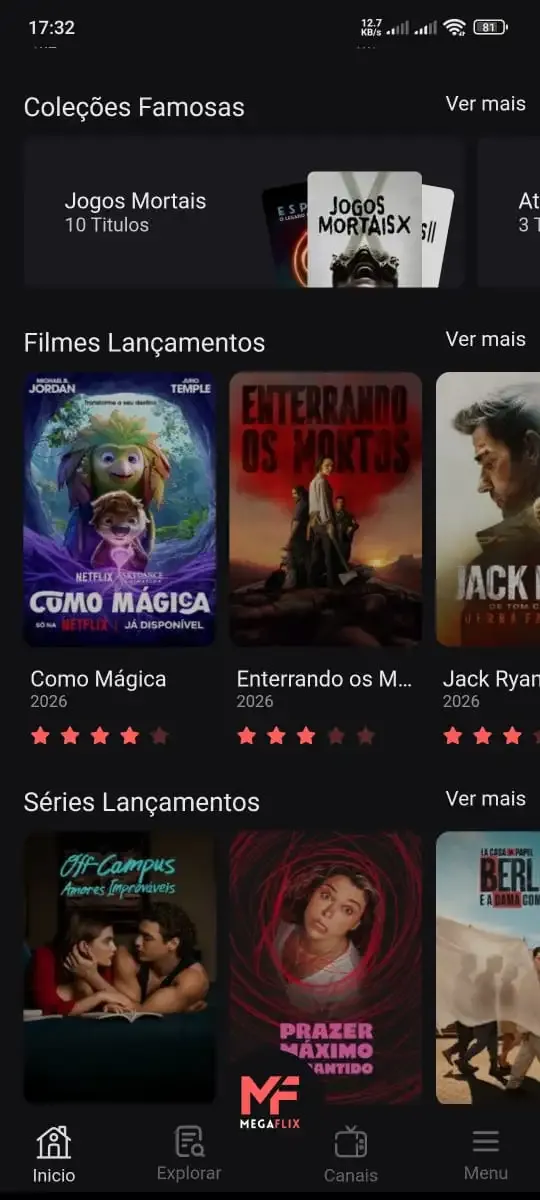
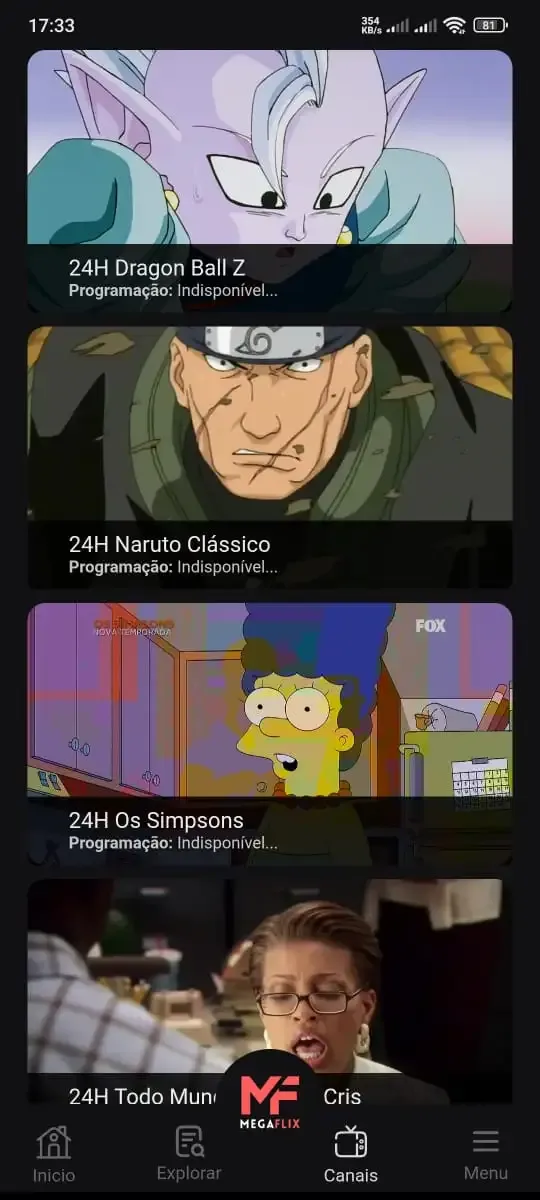
Mega Flix features a broad collection of movies, TV series, anime, and live television—including soccer matches. You can browse through various categories to find what you’re looking for, eliminating the need to jump between unrelated websites. The platform prioritizes content that is already publicly available on the web.
Metadata for Informed Choices
Mega Flix utilizes public APIs, such as TMDB and IMDb, to display plot summaries, cast lists, and ratings. By providing key details upfront, the app helps you make quick, well-informed decisions. This structured data makes it easy to compare different titles.
Simple Navigation and Device-Specific Downloads
The interface is clean and intuitive, featuring clear categories and a streamlined user flow. During installation, Mega Flix provides specific links tailored to your device—whether it’s an Android APK, a PC installer, or a version optimized for smart TVs and TV boxes—ensuring a perfect fit for your hardware.
Community Updates and Transparency
Mega Flix shares news and catalog updates via Instagram and Telegram, keeping you informed about the latest additions. The platform aggregates publicly available content, with streaming services provided by third-party distributors like MyStream and Fembed. Users are responsible for their own use of the service; for any complaints or inquiries, please contact customer support via email.
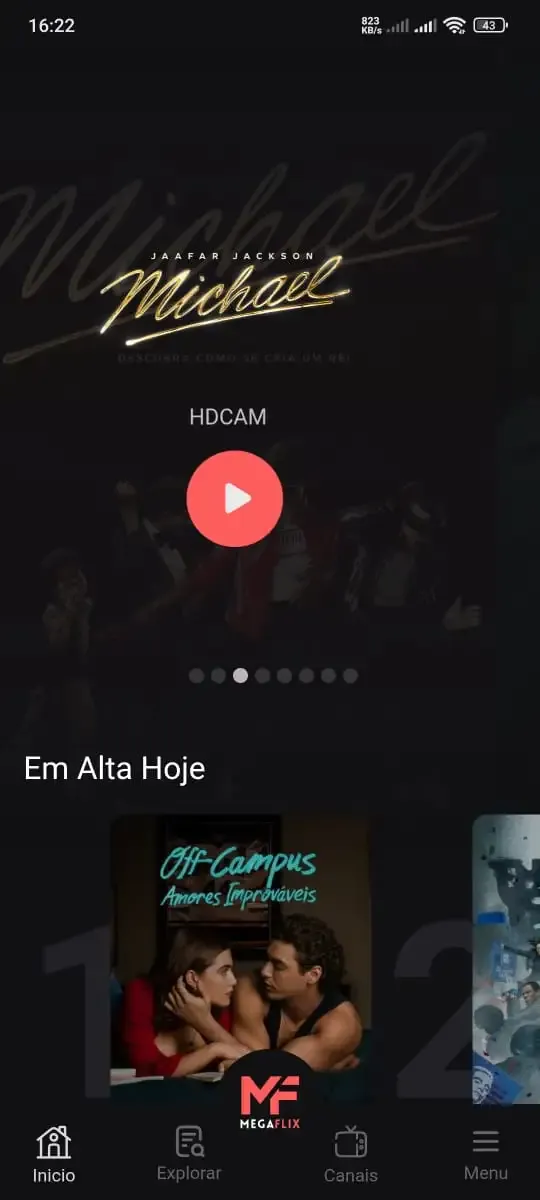
To begin, install the APK on your Android phone and launch the Mega Flix app. Next, select a category—such as movies, series, anime, or live TV—to begin browsing.
Use the search function or filters to narrow down your results, then click on a title to view its details page.
Review the synopsis, cast, and ratings to decide whether to proceed with one of the listed providers.
Finally, if you need updates or assistance, please visit the Instagram or Telegram links provided within the app or on the information screen.
Pros:
A rich and diverse content library.
Compatible with a wide range of devices.
Supports Portuguese subtitles.
Allows for offline viewing (downloads).
The library is updated regularly.
Cons:
Requires a stable internet connection for smooth playback.
Lacks official customer support.
Mega Flix focuses on a streamlined browsing experience, enabling quick decision-making on both mobile devices and TVs. You only transition from the discovery page to a selected provider when you are ready. On Android phones, the MegaFlix APK offers easy access to the content library, wherever you happen to be.
Size:11.44MB Version:4.6.2
Requirements:Android 4.4+ Votes:153
Package Name:site.megaflixapp Signature:a92f997cbe0d7c1ec22ff5cbdc51a912
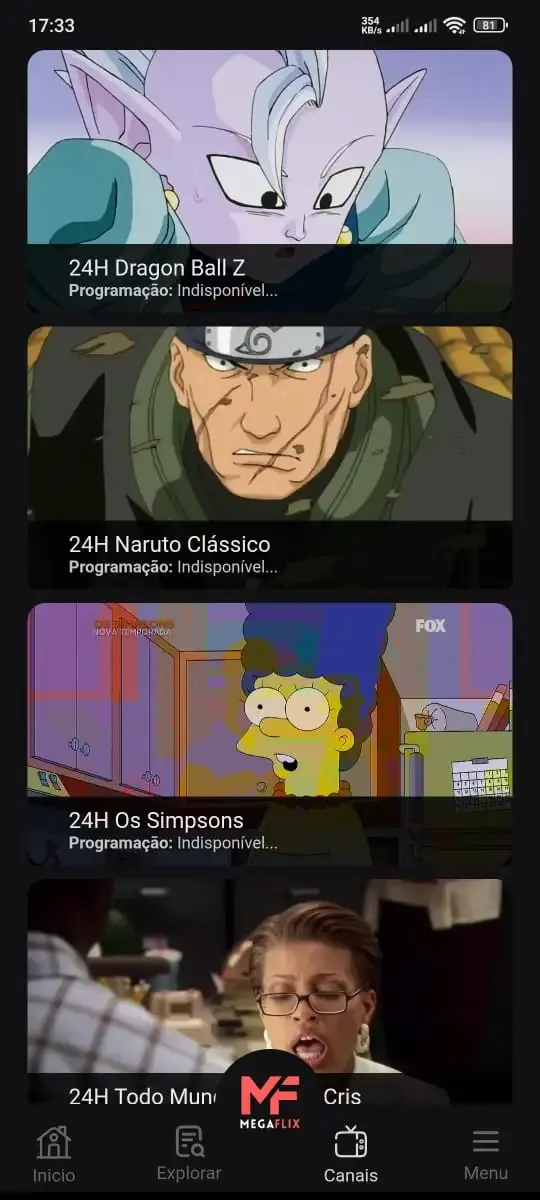
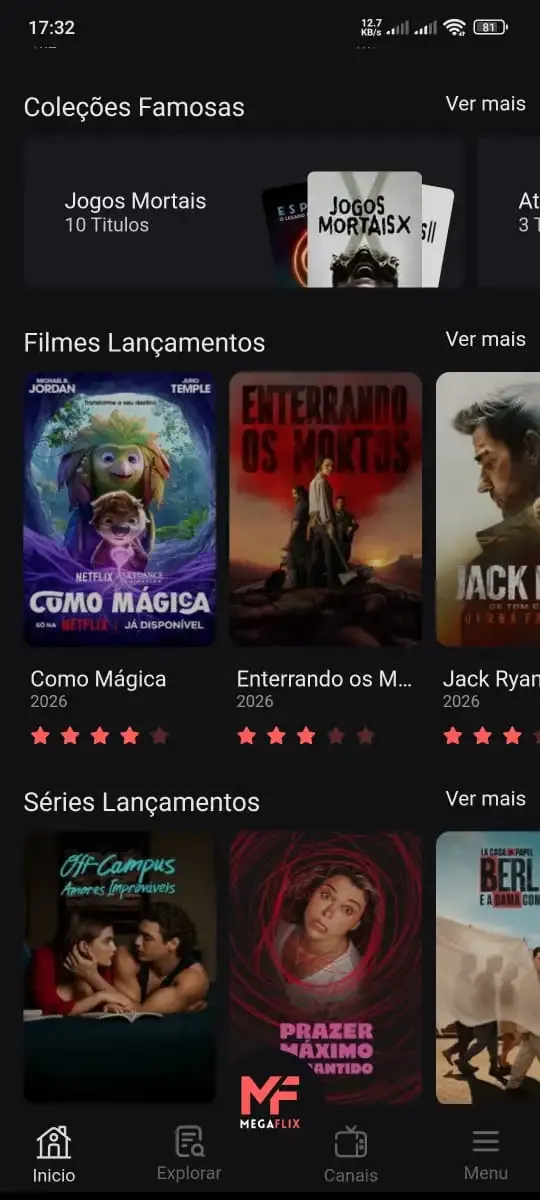
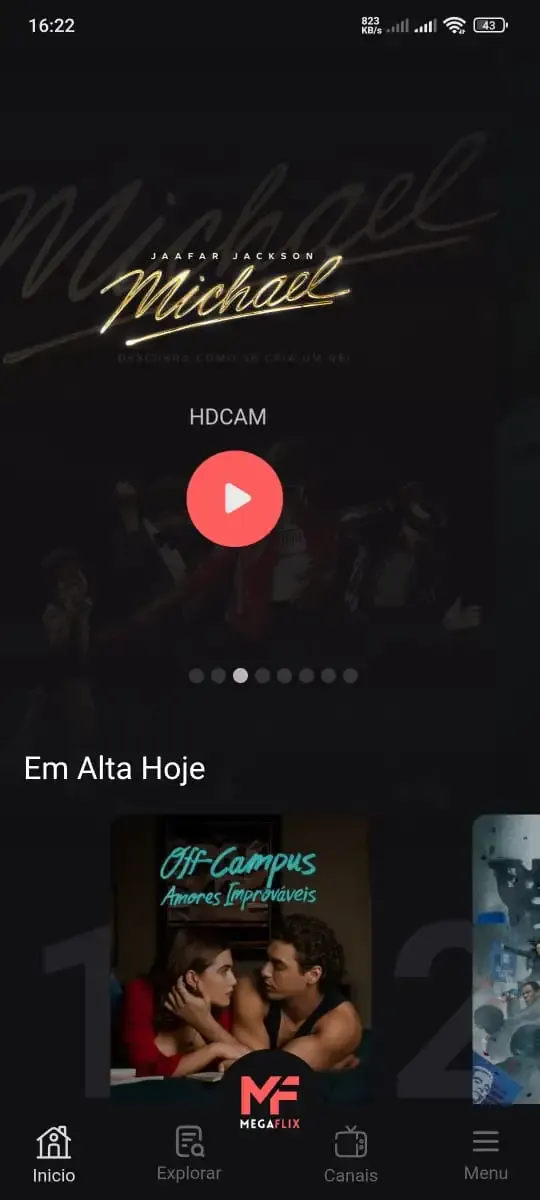
Looking for Apps to download movies for free? DigitBin is here to assist you. Android, being an open-source platform, has given developers the power to develop some of the cool Apps that make the life of the netizens easier. Developers create unofficial media apps for downloading or streaming movies and TV shows on different devices. However, Google doesn’t allow these apps on its Play Store because they violate its policies. Still, you can freely install these apps on an Android phone from unknown sources. DigitBin has listed some of the best apps to download movies directly on Android. Most of these Apps do not store the movies on their web servers but search web directories to stream the movies and TV shows online. Today in this post, I will tell you about a few of the best Android Apps to download and watch HD movies on your mobile.
Is it safe to say the movies are back? Admittedly, they never really left. But it seems in this decade where every year throws up new challenges and hiccups in the industry, folks become convinced the sky is falling and cinema’s days are numbered. Still, here we are back at the end of the year. And once again, there seems plenty to be thankful for as new cinematic images burrow their way into the collective subconscious for years to come. Whether it’s the sight of Muad’Dib standing before a nation of radicalized disciples as if he were a space-aged T.E.
In today’s so many social platforms have emerged, saving videos and photos for sharing content from one platform to another has someone become cumbersome. Then are some who still prefer to download music videos and funny videos for offline viewing to watch content without an internet connection, video downloaders offer a convenient solution. However, it’s crucial to be aware of the potential legal implications surrounding downloading copyrighted material. Always ensure you are downloading videos for personal use and respect copyright laws. This article explores 10 of the best free video downloaders currently available, designed to help you efficiently save videos from platforms like Instagram, YouTube, Facebook, X (formerly known as Twitter), and more.
About us | Contact us | Privacy policy| DMCA
Copyright © 2026 Xiaohei All rights reserved.