Honista is a design tool tailored for Instagram users, helping them bypass various Instagram restrictions. It allows users to freely download their favorite posts, videos, and images, as well as watch live streams and share them with friends. Furthermore, the app enables users to log into multiple Instagram accounts on a single device, hide their online status, and customize the app's interface themes to suit their personal preferences. It also features a built-in ad blocker that automatically filters out advertisements, pop-ups, and unwanted content, ensuring a more pleasant social media experience.
Privacy suite and locks: Honista gives you app lock and chat lock options to keep access under control. You can keep sensitive conversations in hidden chats, use a stealth icon to reduce attention, and tune notification behavior for quiet use. These tools help you keep your account activity private on a shared device.
Ghost Mode viewing: Ghost Mode lets you view stories, messages, and live sessions without marking items as seen or appearing in the viewer list. Use it when you want to stay informed without signaling presence.
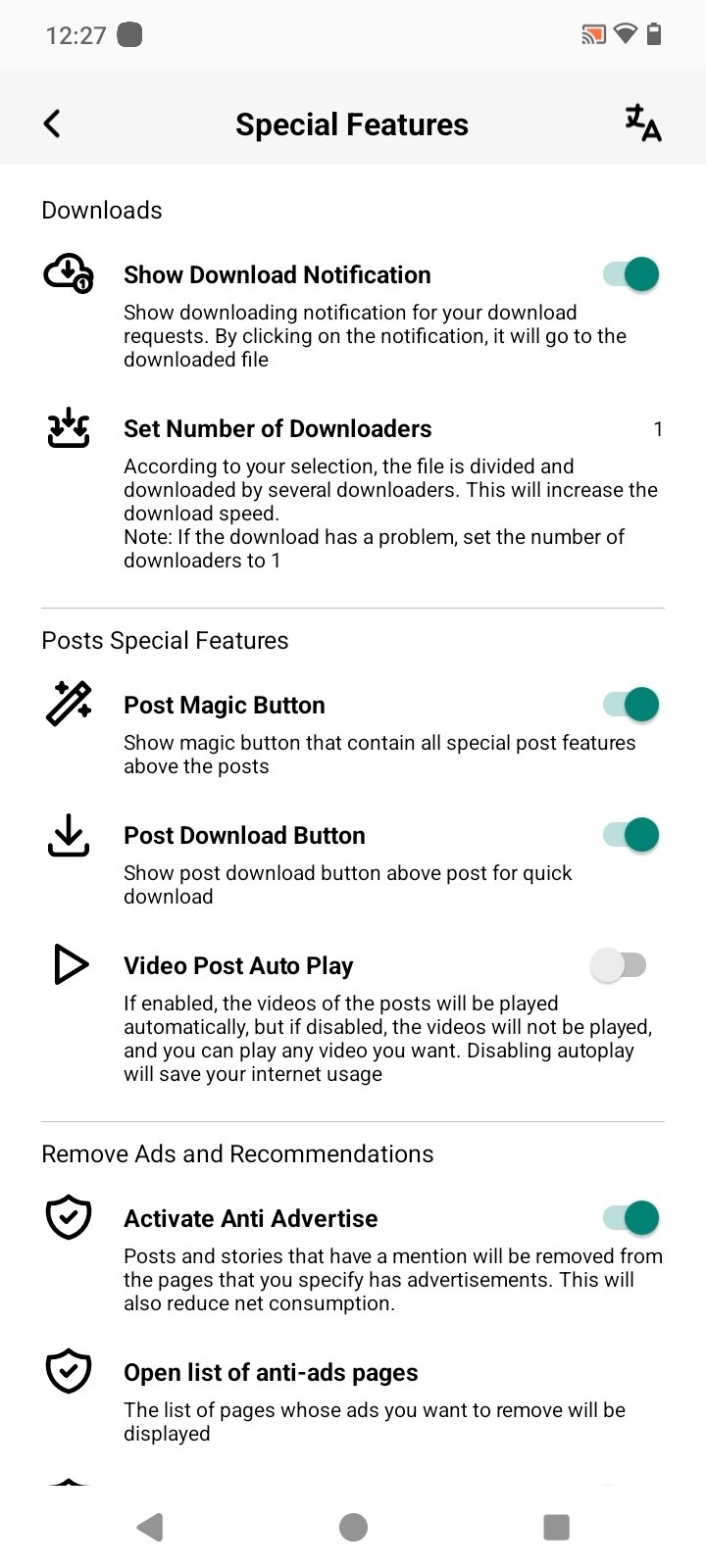
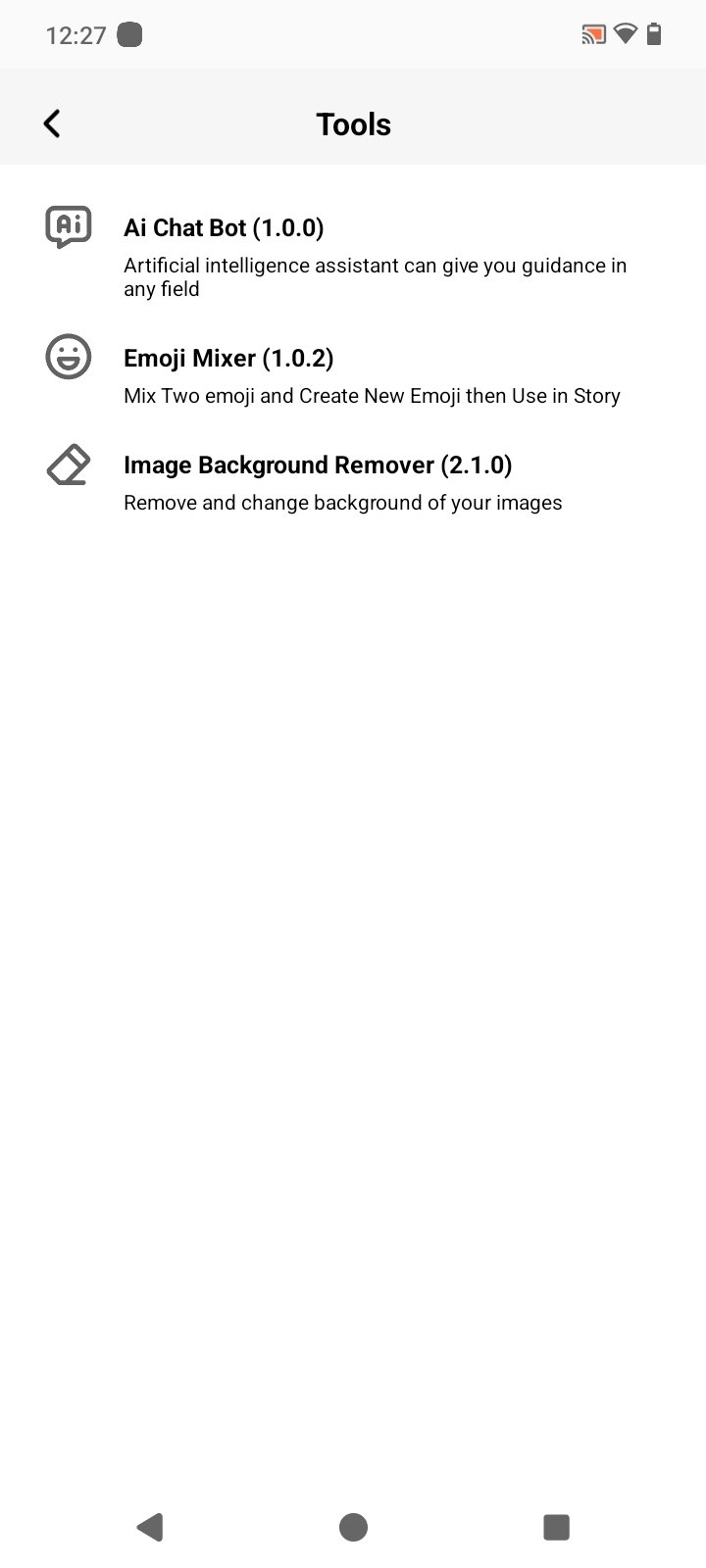
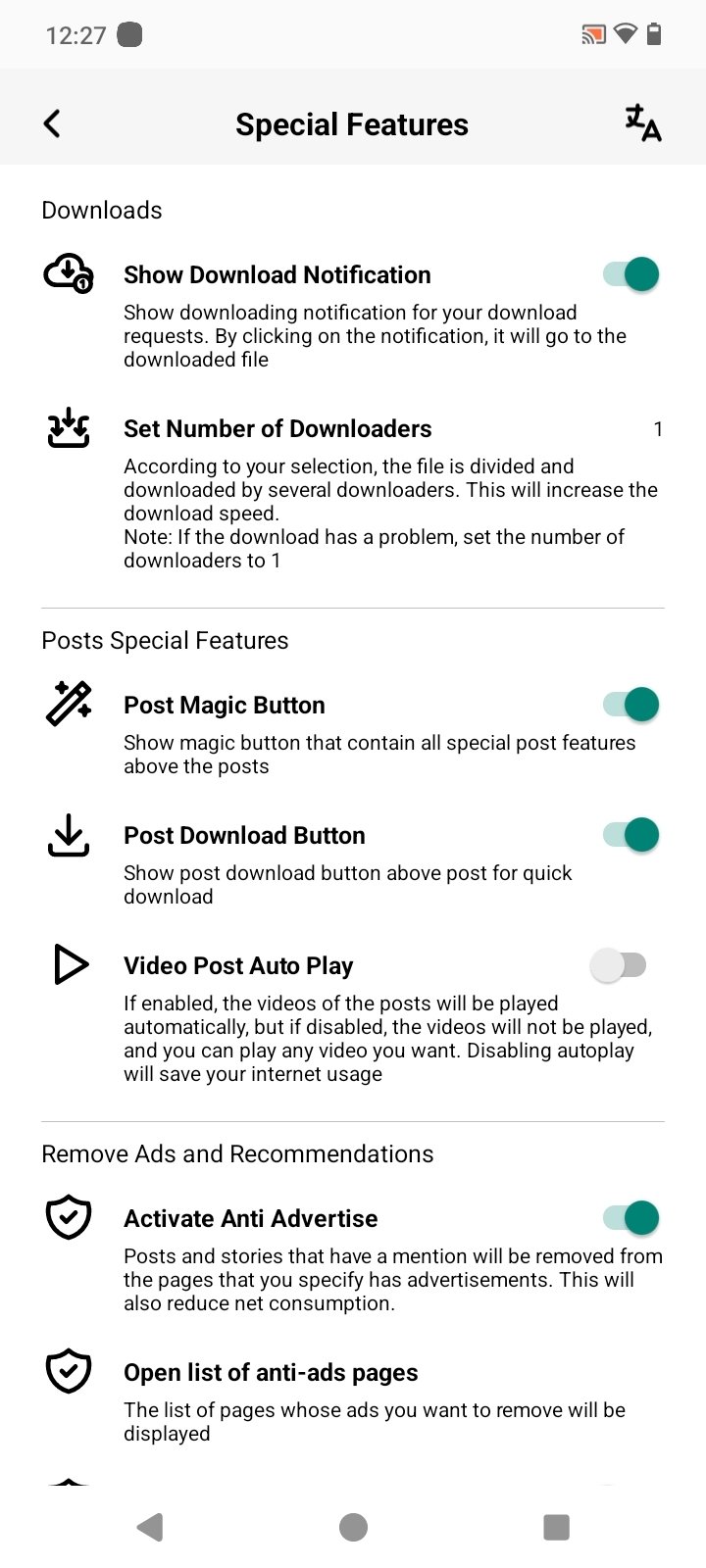
One tap media tools and magic wand options: Honista adds a direct download icon on posts, stories, and covers, so you can save media with one tap. You can copy captions, repost content, or open videos with your phone’s player from the same tools. When you need extra actions, the magic wand post tools provide quick choices, and optional AI helpers can generate captions or reply to comments and DMs.
Feed and ad filters: Honista helps you remove ads and suggested content to keep your feed focused. You can filter posts by type, adjust page privacy, and review viewed or liked history to manage what you see next. This control lets you browse with fewer interruptions and more relevant posts.
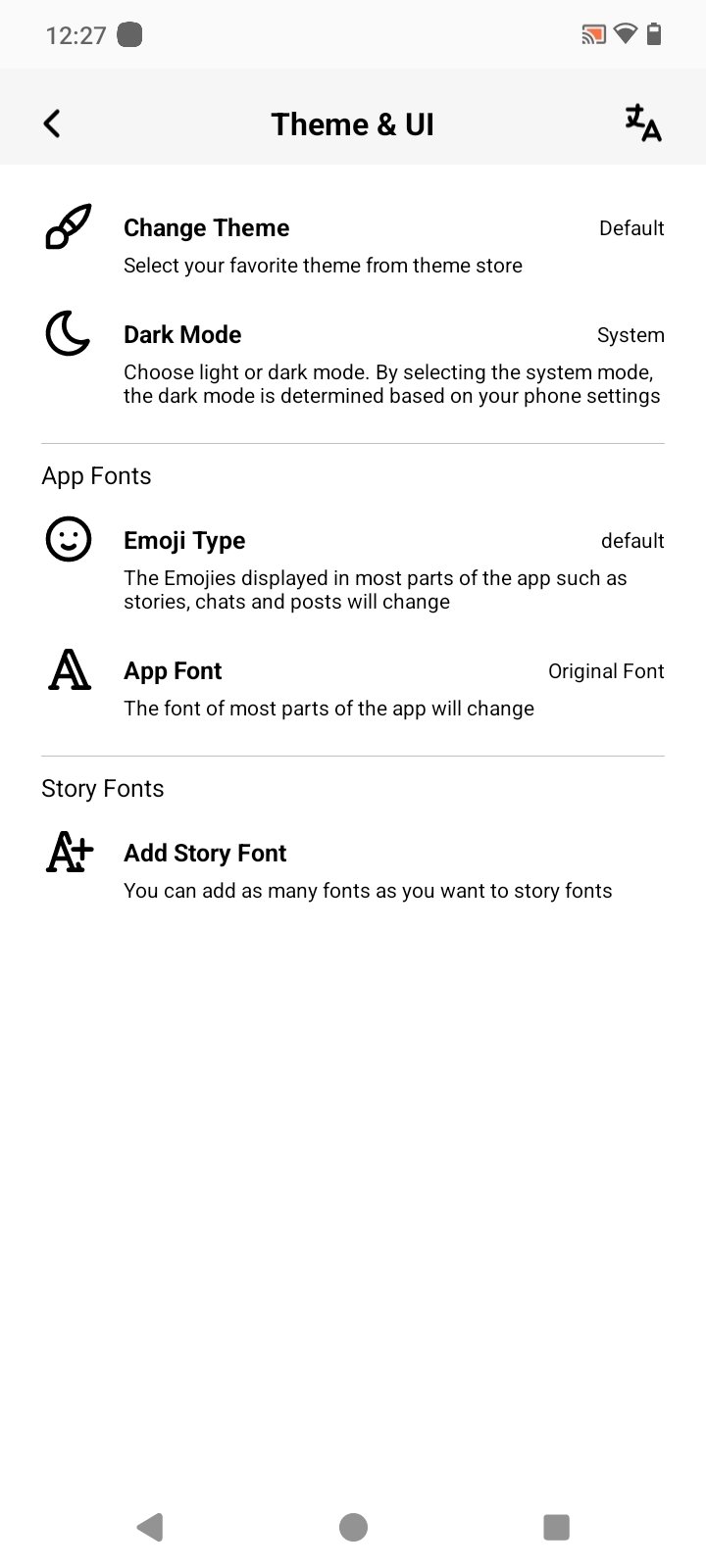
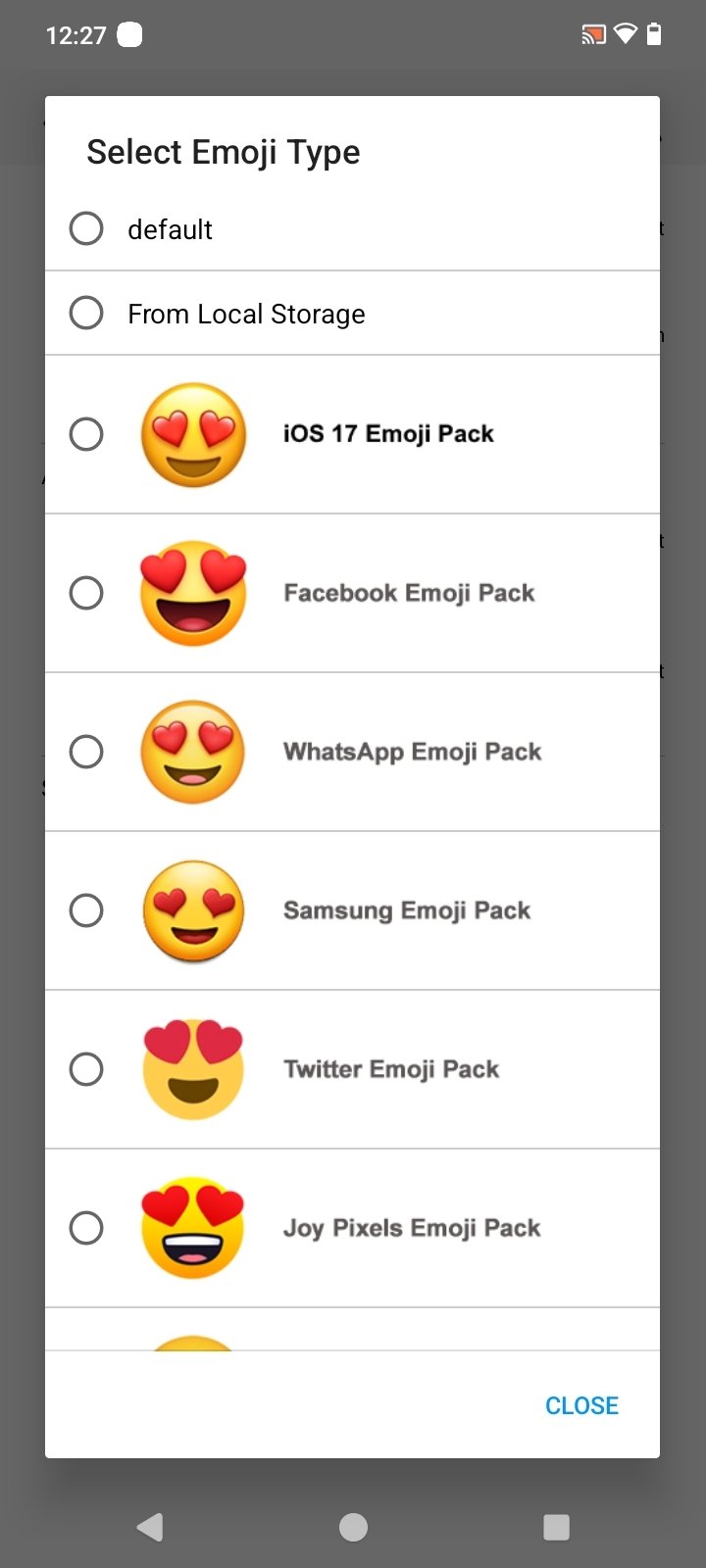
Customization, data saver, and backup: You can set themes, switch to dark mode, and choose custom backgrounds and fonts, including iOS style emojis. Data saver options help limit bandwidth during browsing and uploads. A full backup and restore keeps all settings and tool toggles portable, so your setup can move to a new device smoothly.
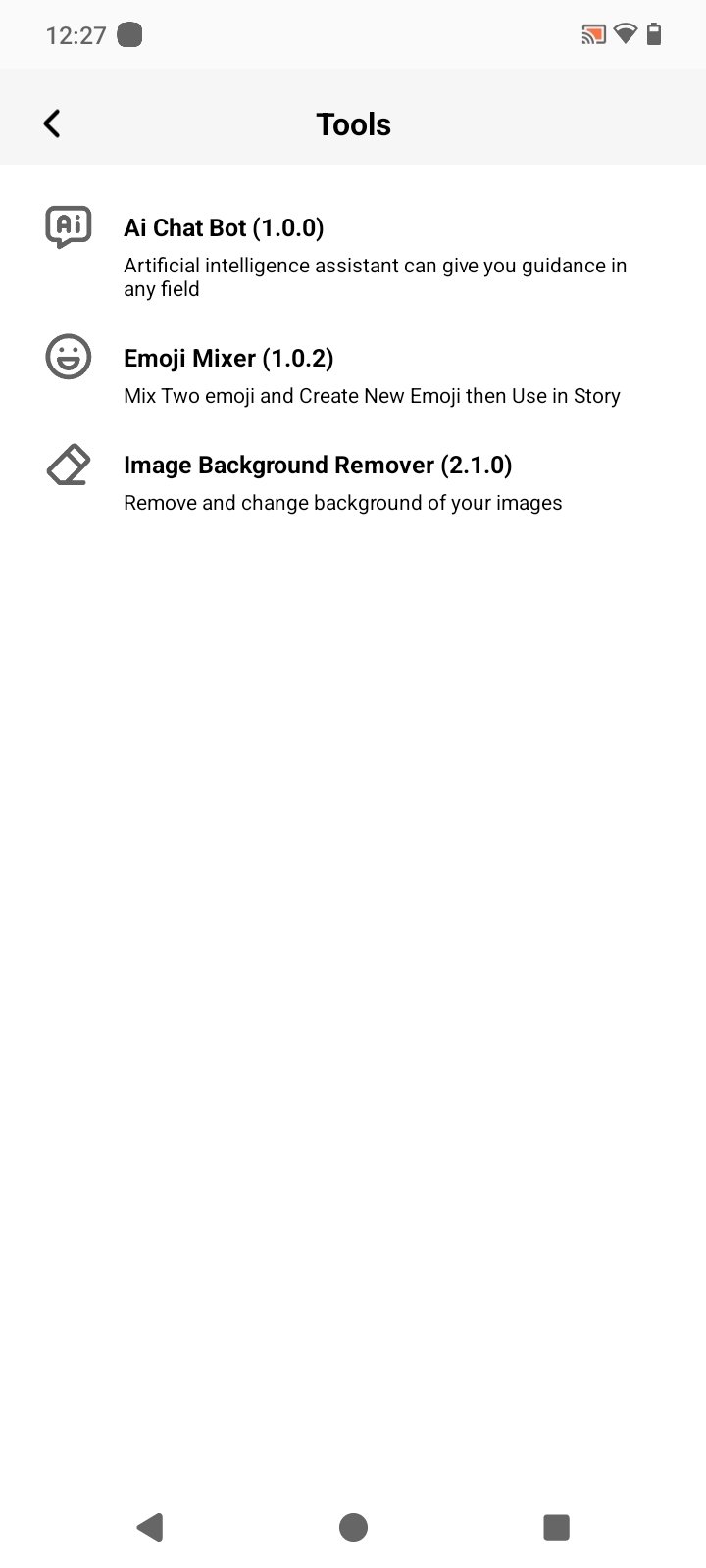
App Lock: Some Honista Releases Include A Built-In App Lock. Users Can Protect The Application With Extra Security. Available Methods May Include A PIN Or Fingerprint. This Can Stop Casual Access To The Application. It Is Separate From The Normal Phone Screen Lock. Users Can Normally Configure It From Privacy Settings.
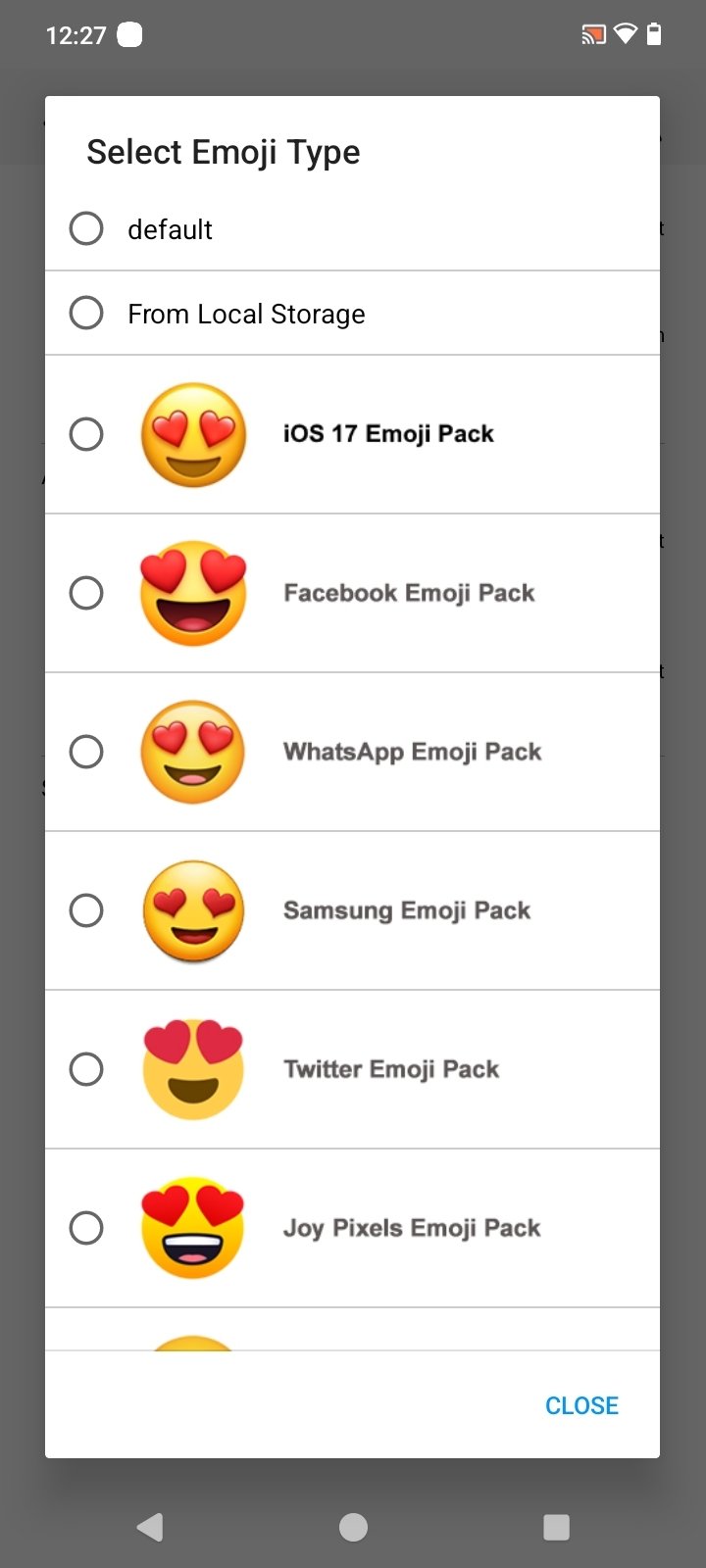
Custom Emojis: Some Honista Versions Allow Users To Change Emoji Styles. Different Emoji Packs Can Be Available Inside The Settings. Sources Mention Styles Such As IOS, Facebook, And Twitter Emojis. This Gives Chats And Captions A Slightly Different Appearance. Users Can Switch Between Supported Styles When Available. Again, These Options Can Depend On The Current Build.
Profile Picture Zoom: Honista Can Provide A Larger Profile Picture Viewing Option. Users Can Open Profile Images In A Bigger View. This Can Make Small Profile Pictures Easier To See. The Feature Works While Browsing Supported Instagram Profiles. Some Versions Provide This Through A Tap Or Hold Action. It Is A Simple Extra Option For Normal Browsing.
Copy Captions And Comments: The App Can Provide Extra Copying Options For Instagram Content. Users May Copy Captions, Comments, Or Profile Bios. Standard Instagram Can Limit Copying In Some Areas. Honista Adds Tools That Can Make This Process Easier. The Copied Text Can Then Be Used In Another Application. This Feature Is Mainly Useful For Simple Text Collection.
First of all, open the Honista Download file and wait until the main interface of the app appears on your smartphone.
In case you want to get access to your personal feed and profile, log in to the app using your Instagram account.
Go to the home feed and scroll to view photos, videos, and reels posted by other users.
Find your desired person, page, hashtag, or content via the search bar.
Watch the stories of those accounts that you are following.
Browse through the Reels section to view the videos posted by other accounts.
Download the content if the download function is provided.
Manage the privacy settings to get different options for your online activity.
View the customization settings to set the appearance of the app depending on your preferences.
Manage the notifications settings if you wish to adjust notifications shown on your smartphone.
If possible, you can add one more Instagram account and switch between them as you wish.
Go to your profile and check out your personal posts, list of your followers, list of people that you are following.
Is Honista APK safe?
Yes, the APK file for this latest version of Honista is 100% safe to download from this page. It is McAfee-verified.
Is Honista better than InstaPro?
Yes, in terms of UI customization, media downloading, and socializing, this version gives better stability and flexibility.
Can Honista download Instagram reels?
Yes, it has a media downloader, and within this Mod app, you can download reels and other media.
Is Honista for iPhone?
This app is for Android, but the jailbreak technique can allow iPhone users to use this app with enhanced features on their iOS devices.
Does Honista App have ads?
No, this Mod version was initially designed to remove ads and make socializing ad-free. So there are no ads.
In short, download Honista as a good option for those looking for more features on Instagram without the limitations of the official app. If you want to try this APK, you need to download Honista APK latest version from xiaohei, since it is not available in official stores.
Size:152.90MB Version:426.0.0.37.69
Requirements:Android Price:Free
Package Name:cc.honista.app Signature:09b3bf4e681d35a7fd2a2c865fb982bd

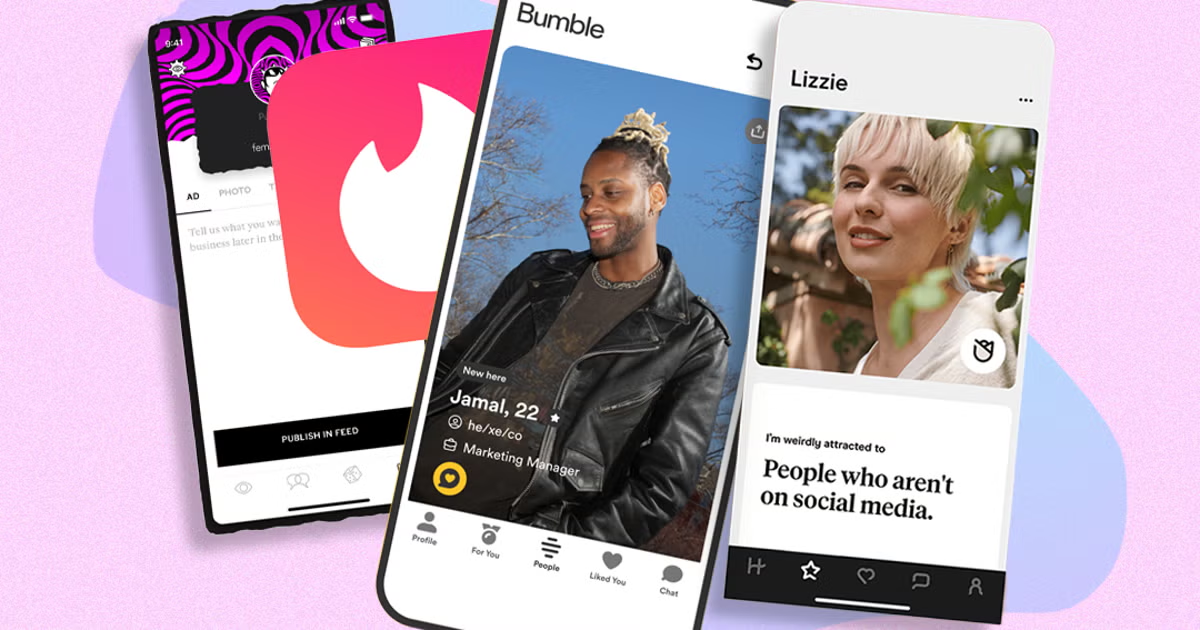
In 2024, dating apps don’t exactly have the best reputation. Much like Marmite, they are either loved or hated – which camp you fall into will inevitably depend on how successful you’ve been while using them. As anyone who’s single will know, today’s dating landscape is no picnic. With mixed messages, the rise of ghosting, and endless ways to digitally interact with someone (Instagram DMs, WhatsApp, iMessage, etc), the opportunities to connect and forge intimate bonds today are truly everywhere.
Virtual dating apps are digital platforms that allow users to connect, socialize, and build relationships in immersive online environments. By leveraging cutting-edge technologies like VR (virtual reality), AR (augmented reality), live video chat, and gamified interactions, these apps create engaging and lifelike dating experiences. Whether through virtual dates in digital worlds, interactive games, or AI-powered matchmaking, they offer a fresh and exciting way to meet new people. Ready to explore? Dive into the virtual dating scene and discover meaningful connections in a whole new way!
With the continuous development of the internet, the times have undergone earth shaking changes, and many social chat apps have emerged. These apps have extremely high flexibility and are more flexible and cost-effective compared to traditional SMS communication methods. And through these software, you can meet friends from all over the world. You can chat about things you like, share your feelings and experiences, and in short, make friends who are close to you here. So what social chat apps are better to use?
About us | Contact us | Privacy policy| DMCA
Copyright © 2026 Xiaohei All rights reserved.