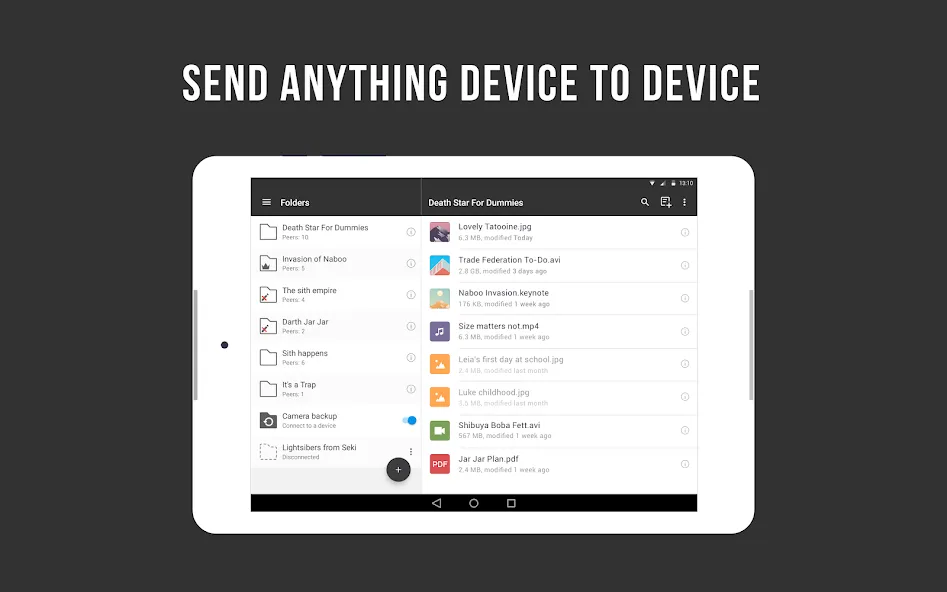
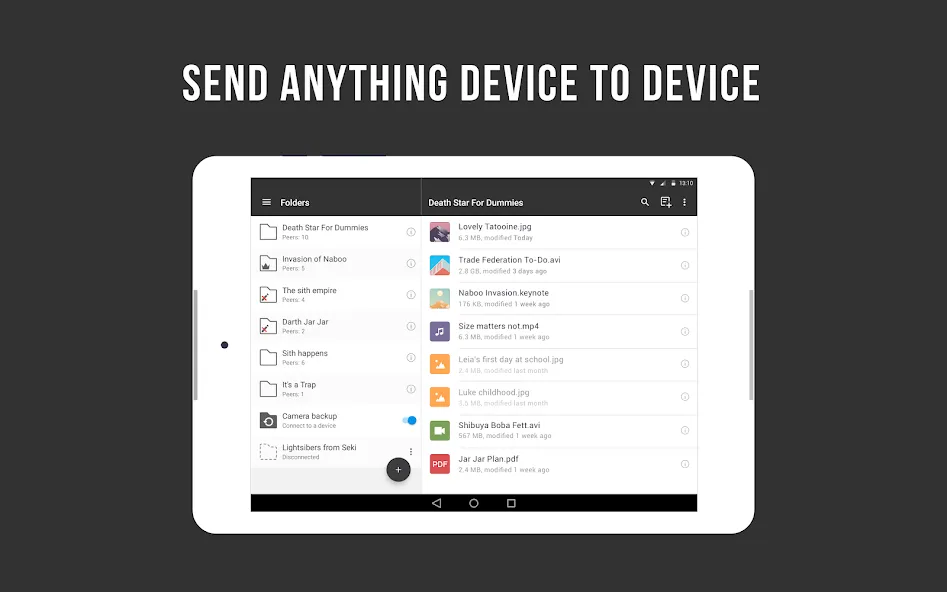
Resilio Sync not only enables users to transfer important files, photos, and videos between different devices, but also allows for the creation of a private cloud to store your essential data. You can upload data of any format or size; the software syncs it to the cloud at exceptionally high speeds while automatically encrypting files during transfer to keep your information secure. Additionally, the software lets you send one-time links or files to friends—with options for the content to be destroyed after viewing. It also features a power-saving mode to minimize battery and storage consumption, and can run in the background, ensuring it doesn't interfere with your work in the foreground.
Sync as much data as you have on your hard drive or SD card.
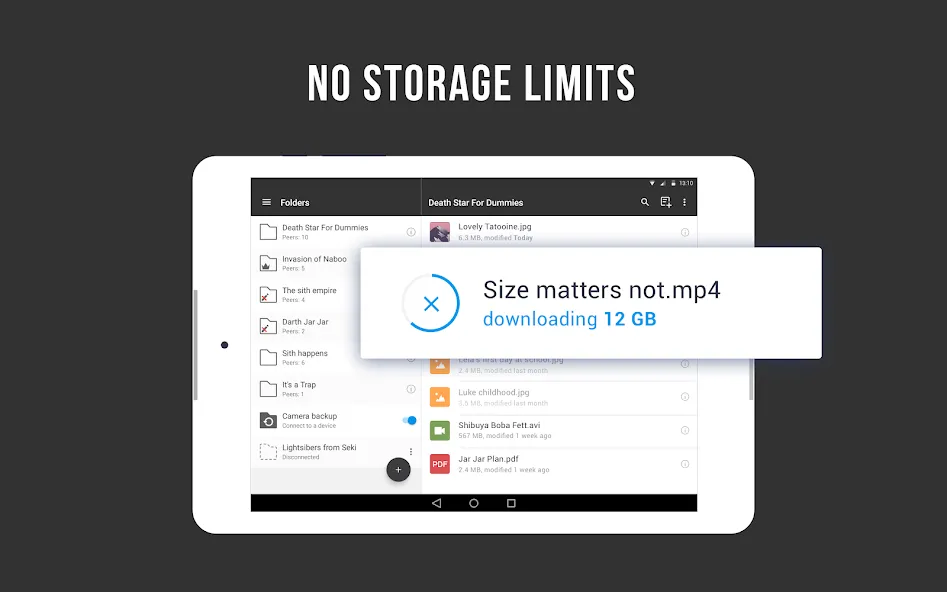
Add large files of any size to your synced folders and transfer them up to 16x faster than the cloud.
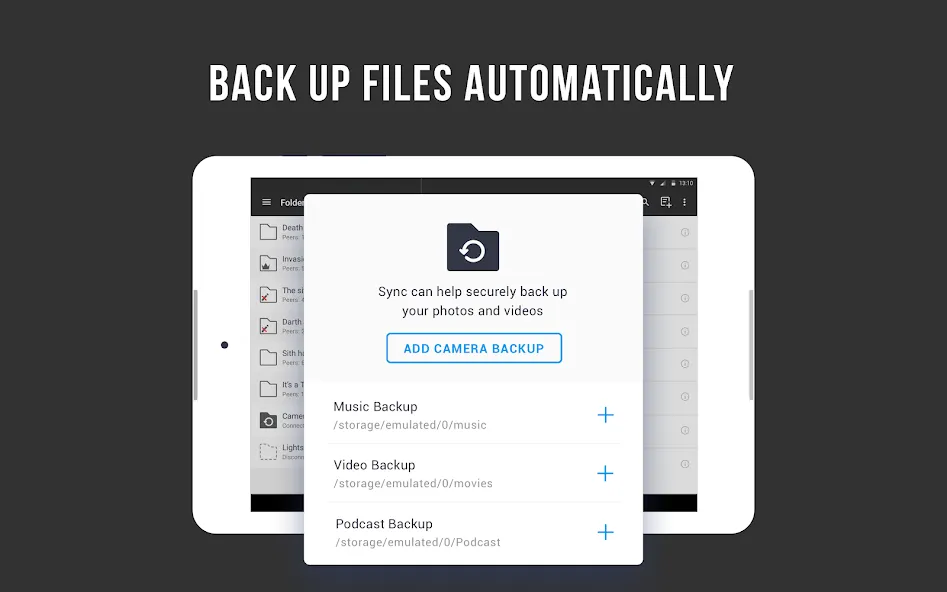
Sync will back up photos and videos as soon as you take them.
You can then delete photos from your phone and save space.
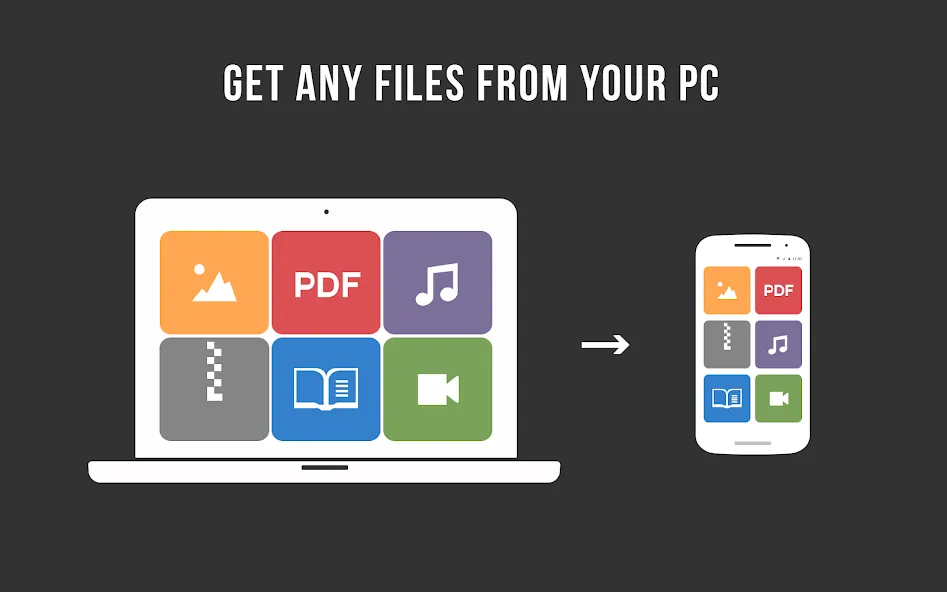
Set up backup of any info from your phone to a folder on your computer.
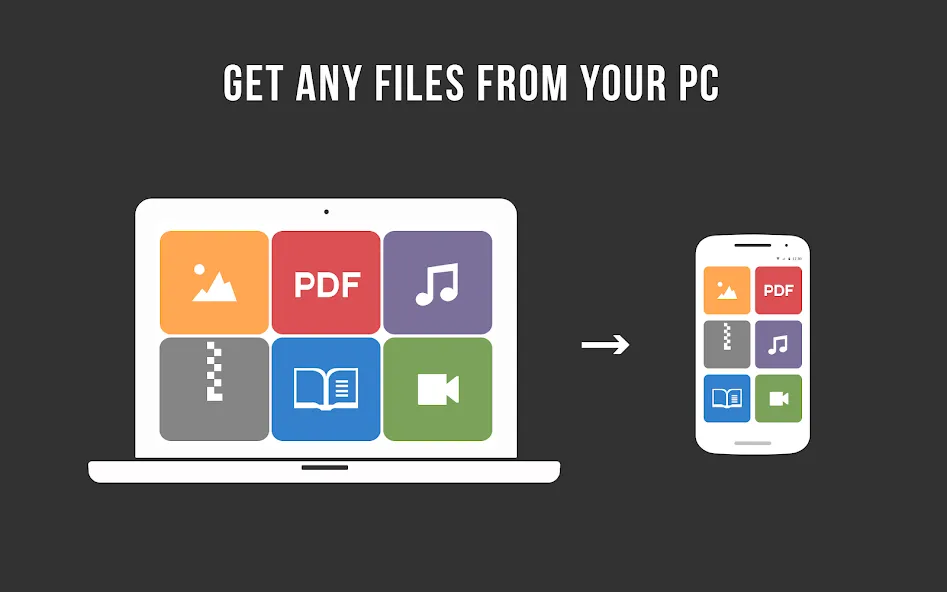
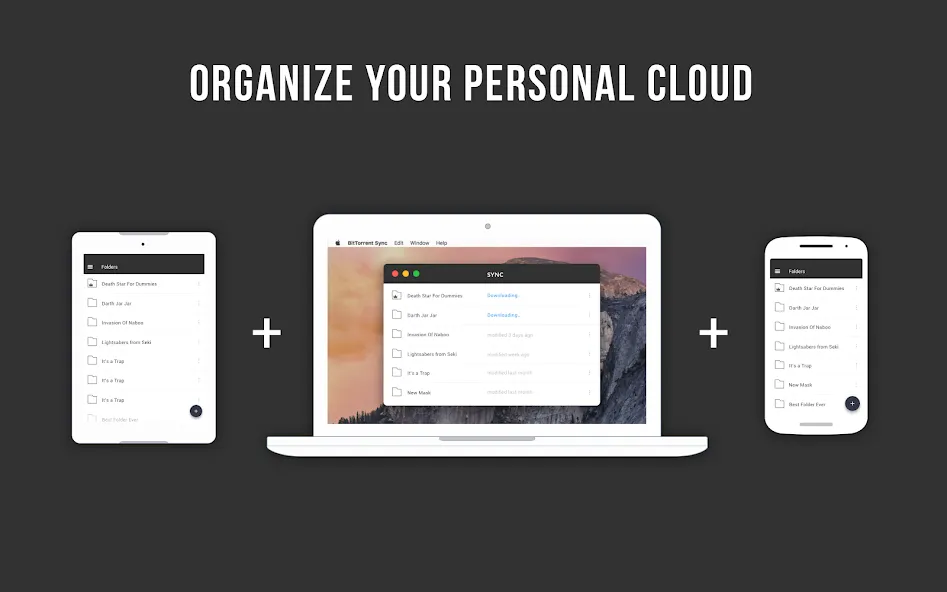
Access folders and upload files to your tablet, PC, Mac, NAS, and even server from anywhere.
The fastest and most private way to send files to friends and family.
Send one or more files to multiple recipients without sharing the whole folder or creating a permanent sync connection.
Send photos, videos, movies, or any other large file directly to friends.
Your information is never stored on servers in the cloud, so nobody can access it without your permission.
Transfer files directly and fast using BitTorrent peer-to-peer technology (p2p).
Connect two devices by taking picture of a QR code, even if you are in local network without internet connection.
Sometimes at first there was confusion when creating shares etc. But worth it. Love it. Have been using it for several years. Especially since Dropbox changed their free plan to only include three devices. App seems to be working well on desktop, laptop, Android phones, and Chromebook. However, it would let me create a share on the SD card in my Chromebook, but then never actually worked. In that case, it looks like the share must be on the Chromebook local Drive.
A "fire-and-forget" replacement for OneDrive/Dropbox/iCloud etc. Running on a Raspberry Pi back home, I now have unlimited cloud storage for only $70 after buying the Pro license. (My only complaint is the Linux integration is not as INTEGRATED as it is on Windows.) Been using it like this for awhile now, and I've had zero stability or data-loss issues. Setup is quicker and less fiddlesome than Syncthing/NextCloud etc, IMHO. It literally just works on every device and OS I've dropped it on.
Awesome multiplatform tool. Excellent to keep files sync'd between devices of all flavors (Linux, iOS, Windows, Android)... Great for backup... Great for media library access (selectively download content)... Wish it had better Linux installation and interface, but once set up it works great! Also would be great if a better file manager were built in (with more capability).
Exactly what I needed. I've been looking for something like this for so long. It was so annoying that when I added a song on one device I then had to manually copy it to each other device. This does it automatically. Super fast to. My only complaint is it does used a lot of battery on my phone, bit I just turn it off there until I have something new to sync.
Can I Change The Name Of My Resilio Sync Identity?
When starting Resilio Sync for the first time, you're suggested to create an identity and give it a name. This name will be used to identify this peer when it's connecting to others, so you can pick any name convenient for you.Once you enter a name, Resilio Sync generates a digital certificate for this Sync instance. This certificate is signed by this created identity and will be later used to approve others and be approved of by others. Thus there is no option to just change the identity name. If, for a reason, you want to change it, you need to unlink the current identity, and give a new name to the new identity so that new certificate is generated. With that, all Advanced folders will be removed from this Sync instance, Standard folders will remain in this Sync instance, and all folders will remain in the system (excluding iOS and Windows Phone devices).
What Is '.Sync' Folder, And StreamsList, IgnoreList And Archive Inside?
Each folder added to Resilio Sync receives a system .sync folder (hidden by default). It contains share identifier and other service files explained below. Having .sync in the folder is critical for syncing. Deleting .sync folder will result in "Service files missing" error. It should neither be moved separately from the entire shared folder to some other folder outside the shared folder or into a subfolder inside the shared folder!
Can I Connect Two Pre-Populated Pre-Existing Folders?
Yes, you can. Depending on whether your pre-populated folders are located on linked devices or on devices with different Resilio Sync identities there's a special workflow. When peers connect to each other, Resilio Sync will rescan the files, hash them and compare
- same files with same hashes will not be re-synced;
- if same files have different hash (for example, different content) the one with latest timestamp will be synced replacing the file on remote peer;
- other files will be just merged into folder tree and exchanged.
The following instruction works for mobiles and step will be basically the same, though the UI views will be different from the examples below.
When A File Changes, Does Resilio Sync Transfer The Entire File Again, Or Just The Part That's Changed?
Resilio Sync does its best to re-send as few packets as possible. It splits each files into pieces from 32KB (kilobytes) up to 2MB (megabytes),depending on overall file size, prior to transfer. Only changed pieces are transferred, not the whole file again. However, if a file changes in a way that all pieces shift , the whole file will be re-synced. Sync Business has diff delta sync feature, which allows avoid re-syncing even in this case. See here for more details.
I Still Have Questions, Where Can I Get Answers?
Try looking through our forum. There are lots of friendly knowledgeable people there (including the developers) who will help. Feel free to post questions there, too, just make sure your question is not already answered.You can also contact support team. PRO users are first to get response, FREE users' questions will be answered to the extent possible.
For optimal performance and data usage efficiency, it is advised to disable the 'Use Cellular Data' option, especially when syncing large folders. The application is strictly a personal file syncing manager and does not support torrent file sharing applications. Resilio Sync, while rich in features, ensures that your content is synchronized effortlessly, establishing a corner of the digital space that's truly personalized and secure.
Size:24.86MB Version:2.6.5
Requirements:Android Price:Free
Package Name:com.resilio.sync Signature:de68c028386dc68bdfcad0a8d294bf9b
Office Apps is a comprehensive and user - friendly platform that aggregates a wide array of office - related applications, catering to the diverse needs of modern professionals, students, and anyone who engages in office - based tasks. Whether you're working on a crucial business project, preparing academic papers, or handling daily administrative work, this aggregation page serves as your one - stop - shop.
The complete collection of office software is compiled based on user needs and referencing the popularity of major computer application stores. This collection selects various useful computer office software for users from multiple aspects such as office suite, communication and collaboration, email management, note management, cloud storage, download and decompression, etc. These software can meet your various document processing needs, making your team collaboration smoother, and conveniently managing your emails and keeping various meeting records. Download various materials and documents needed for office work. This collection of office software commonly used by professionals can meet all needs. Welcome to download and experience it!
About us | Contact us | Privacy policy| DMCA
Copyright © 2026 Xiaohei All rights reserved.