Blend Me is a photo editing and photography app designed for Android. It allows users to perform basic photo edits and leverages built-in AI features—such as automated subject cutout—to simplify the editing process. The app includes an "Auto Blend" function, where users can easily adjust transparency and blending effects. You can also blend photos into various shapes and apply filters to give your images a unique, stylized look. With a vast library of filters and a wide selection of backgrounds, the app caters to a diverse range of user needs. Its interface is clean and intuitive, making it an excellent choice for beginners.
AI Photo Cutout
The cutout tool is the perfect solution for removing or replacing backgrounds, and it’s incredibly easy to use. Simply select the object you want to remove, and the app will erase it with precision. Choose from thousands of available backgrounds—ranging from romantic themes and natural landscapes to world-famous landmarks, vibrant solid colors, and more. Try it out today!
Auto Blend
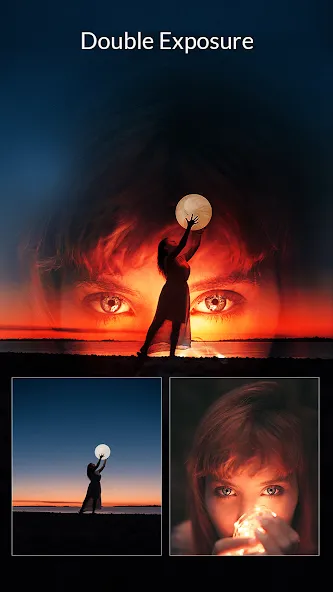
Applying blend effects is effortless; simply adjust the opacity or fade settings to achieve the look you want.
Shape Blending
Transform your photos by incorporating different shapes—including hearts, circles, rectangles, triangles, and 3D forms. Overlaying your images with these shapes adds a stylish, modern flair. Discover the magic of shape-based photo overlays!
Photo Filters
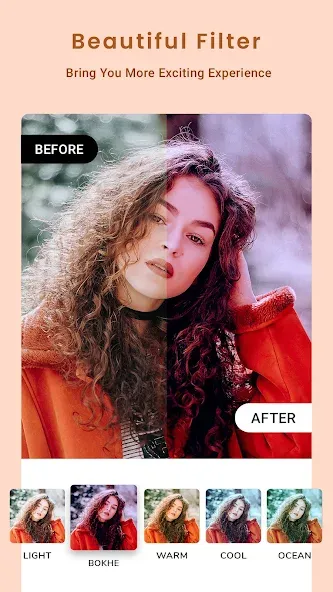
Choose from an extensive collection of filters to enhance your photos and find the perfect look for any image.
Photo Editor
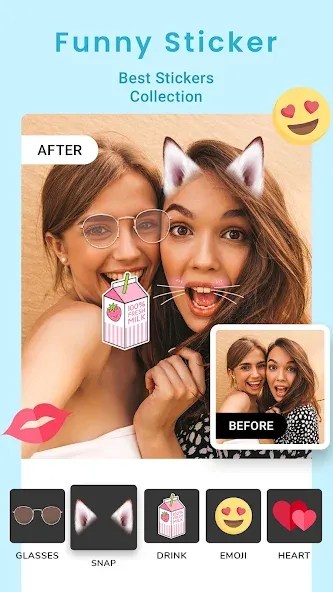
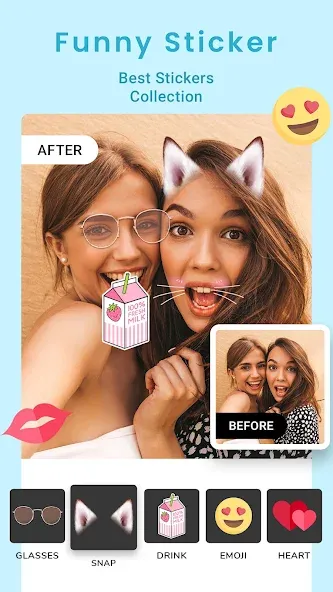
Access a comprehensive suite of editing tools, including cropping, rotating, and flipping. You can also add text, stickers, overlays, and color effects, with convenient layer management to keep your workflow organized.
Background Library
Explore a massive collection of portrait and landscape backgrounds across various categories, such as love, nature, travel, birthdays, beaches, flowers, nighttime, boats, sunsets, sports, waterfalls, paradise, colors, and much more.
Fresh Content Daily
We upload new backgrounds every day, ensuring you always have access to the latest options. You can also submit requests for specific backgrounds you’d like to see!
Pros:
User-friendly interface, suitable for beginners.
Offers a wide range of photo editing features, including blending, filters, and special effects.
Capable of seamlessly blending two photos together.
Supports high-resolution image output.
Available on both iOS and Android platforms.
Cons:
Contains advertisements that may detract from the user experience.
Is Blend Me free?
Yes, the basic version of Blend Me is free, with additional features available via in-app purchases.
Can I share my edited photos directly from the app?
Yes, you can share your edited photos directly from the app to social media platforms such as Instagram, Facebook, and Twitter.
Does Blend Me support high-resolution exports?
Yes, the app supports exporting high-resolution edited images, making them suitable for printing or professional use.
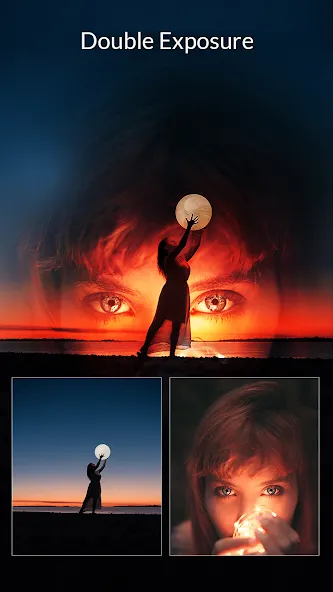
Unleash your creativity and blend your photos to perfection with Blend Me. Designed for both photography enthusiasts and professionals, this app is built to enhance and beautify any image. Its core functionality allows users to easily combine multiple photos, creating smooth blends and compelling shape overlays.
Size:72.60MB Version:10.49
Requirements:Android Price:Free
Package Name:com.photoeditor.blendmephotoeditor Signature:545da484e0d47a989dc500635f52d321
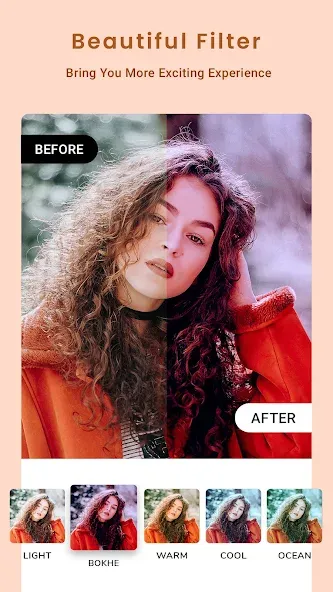
Welcome to our image editing apps! Perfect for beginners and pros alike, they make photo enhancement easy. Use PicsArt to crop, adjust colors, and apply filters. Remove backgrounds instantly with Remove.bg. Get creative with layers and advanced tools on Adobe Photoshop Express. Start transforming your images today!
About us | Contact us | Privacy policy| DMCA
Copyright © 2026 Xiaohei All rights reserved.