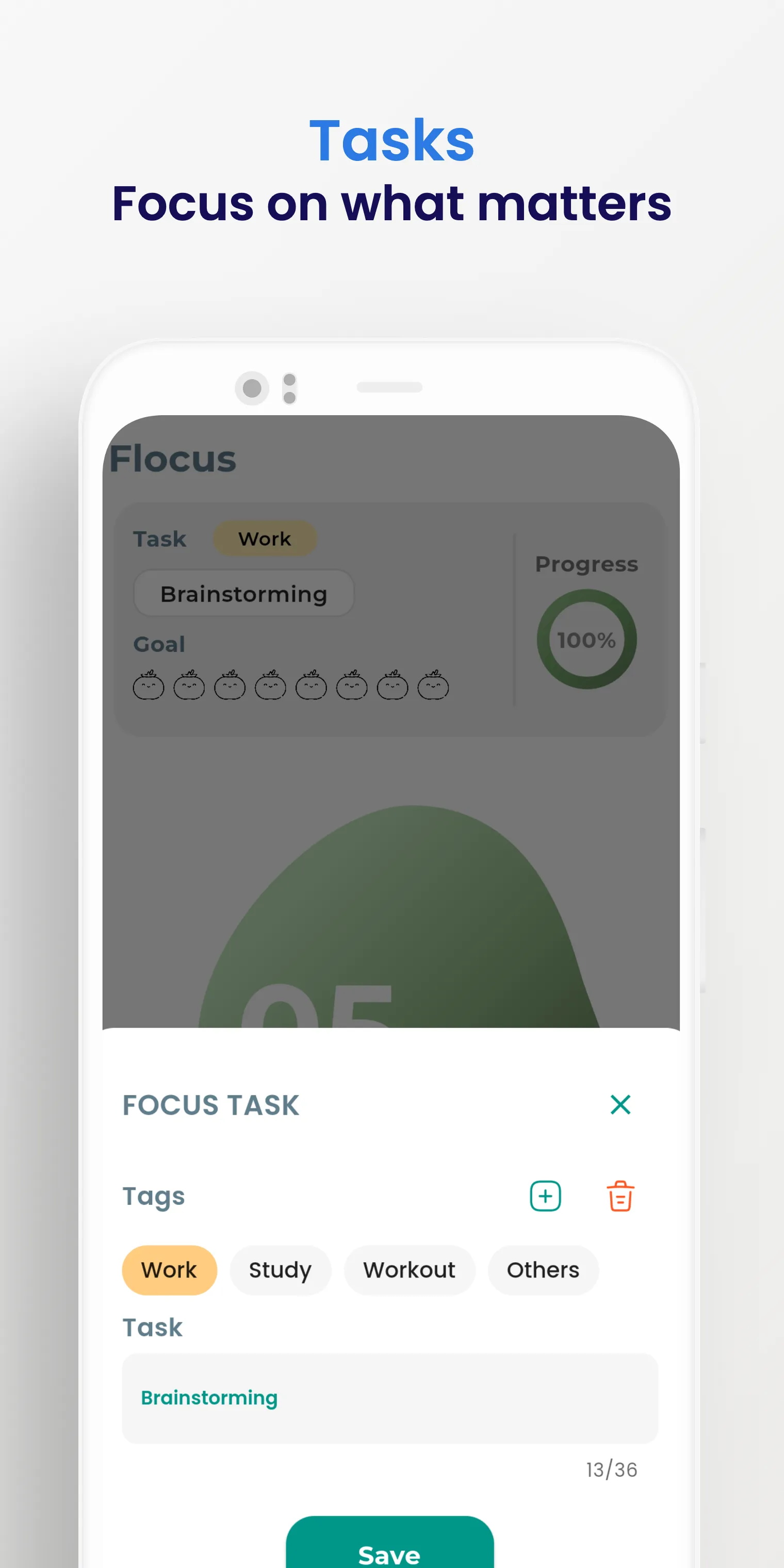
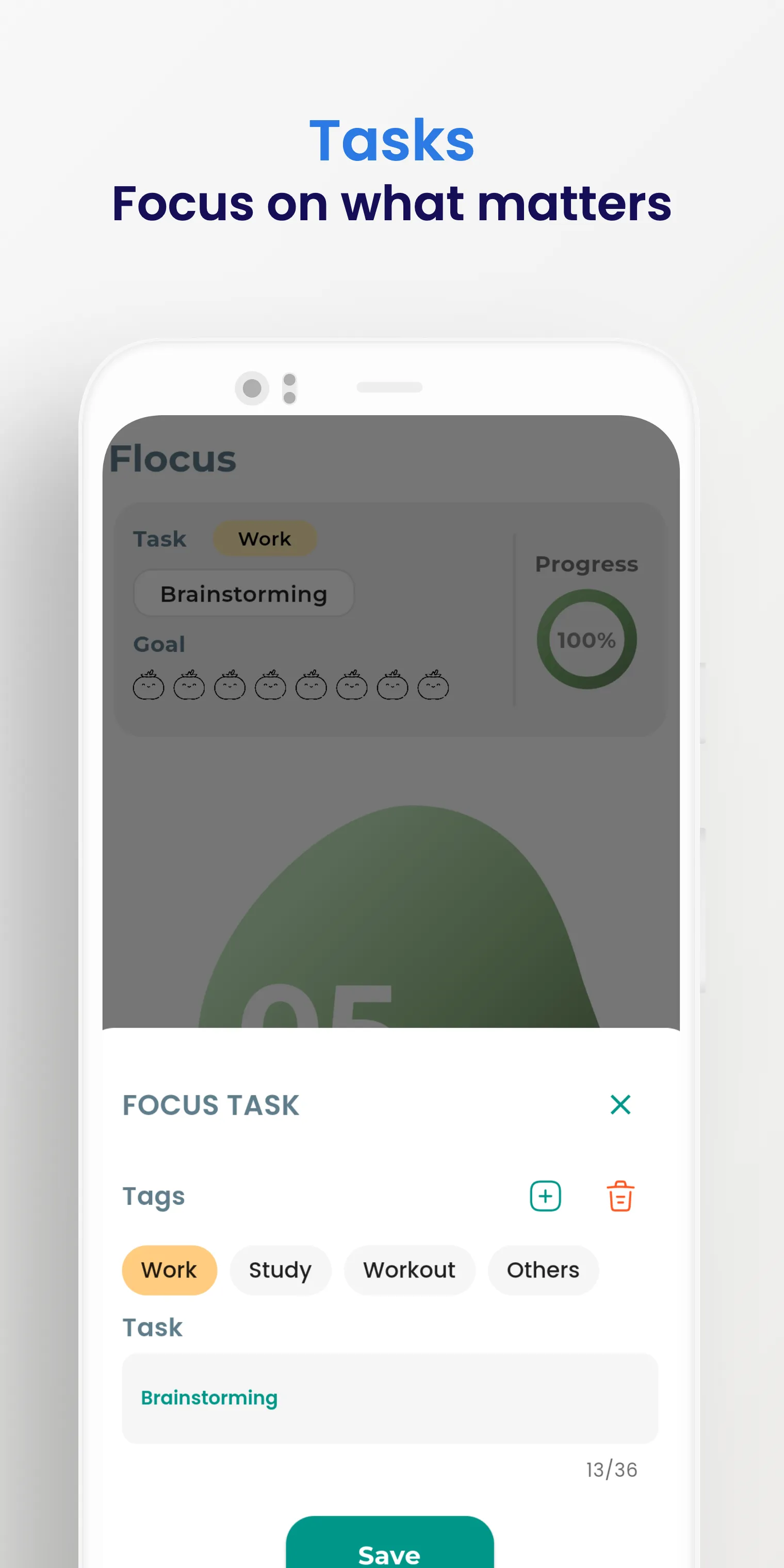
Flocus is a productivity tool for Android that integrates the Pomodoro Technique into your workflow. It helps users stay focused and motivated by incorporating this time-management method into their daily tasks. The app allows for fully customizable time intervals, catering to the diverse needs of different users. Progress is displayed intuitively, enabling you to keep a close eye on your work status at all times. Furthermore, the app tracks your progress, helping you identify areas for improvement. Its interface is clean and simple, making it accessible to all users.
Pomodoro Technique: Flocus utilizes the proven Pomodoro Technique to help you maintain focus and motivation.
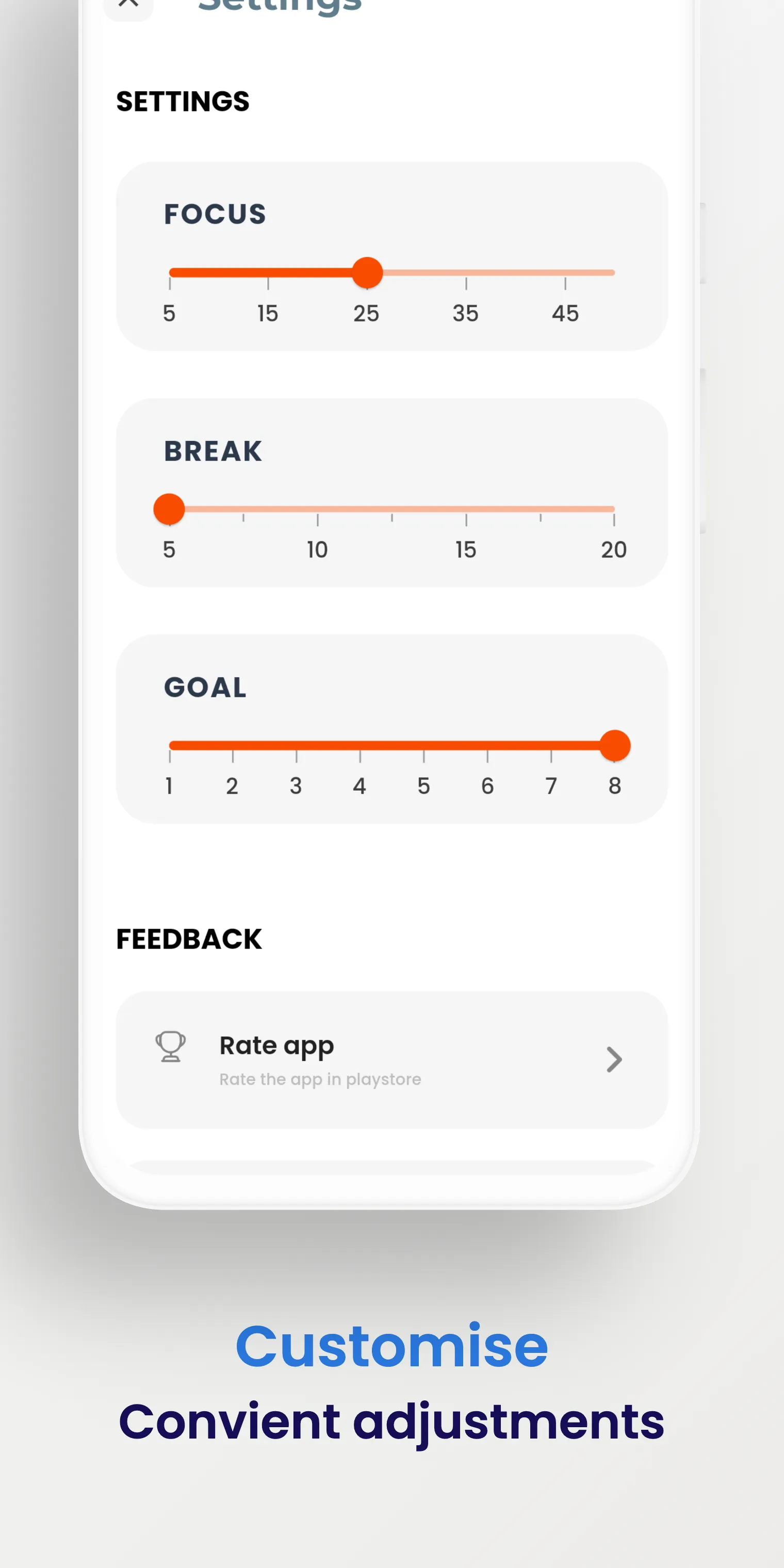
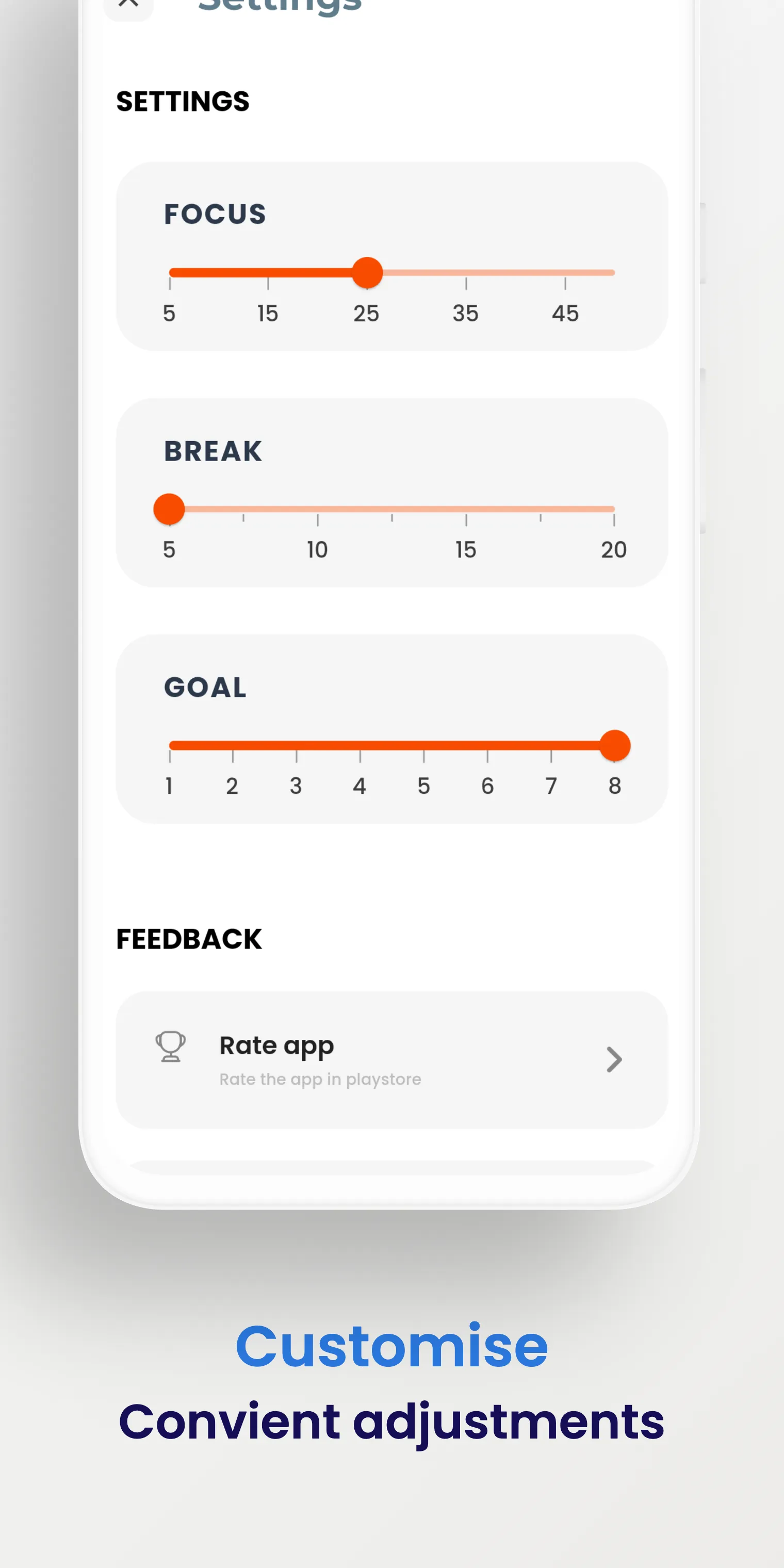
Customizable Intervals: You can tailor the duration of your work and break intervals to suit your personal needs.
Engaging Progress Animations: Flocus features progress animations designed to keep you focused and motivated while you work or study.
Motivational Sound Effects: The app includes sound effects to help you stay on track and motivated.
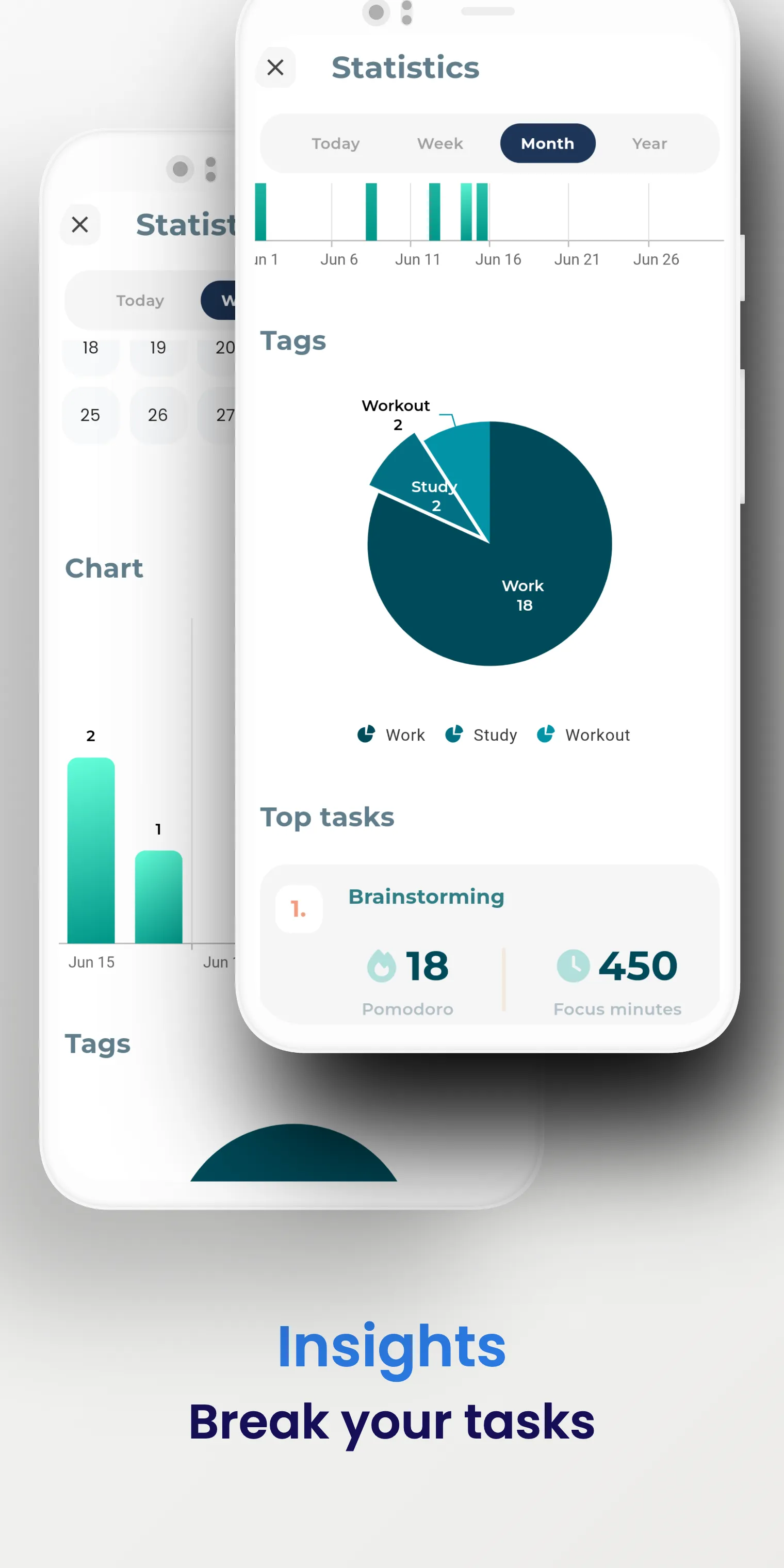
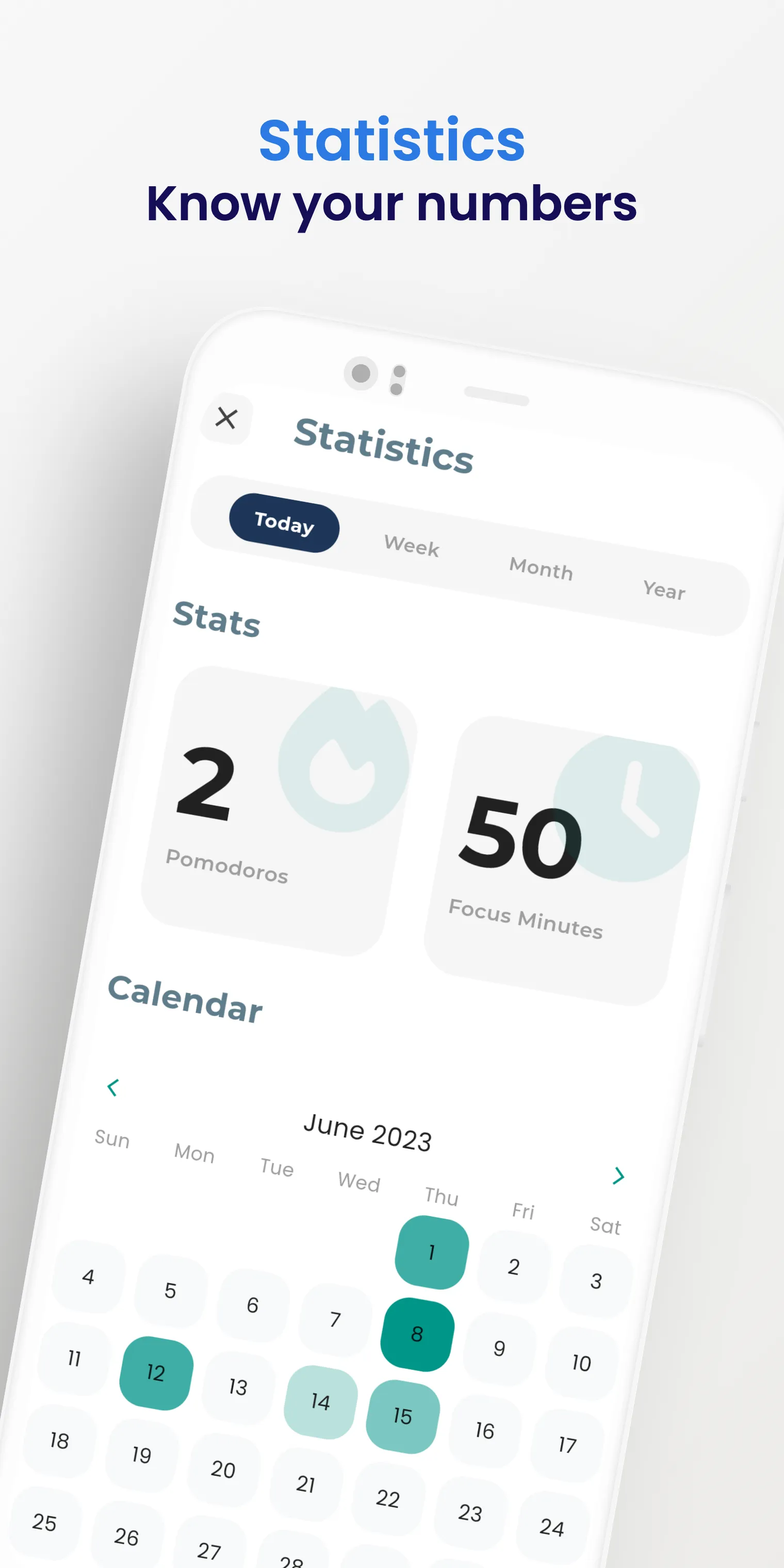
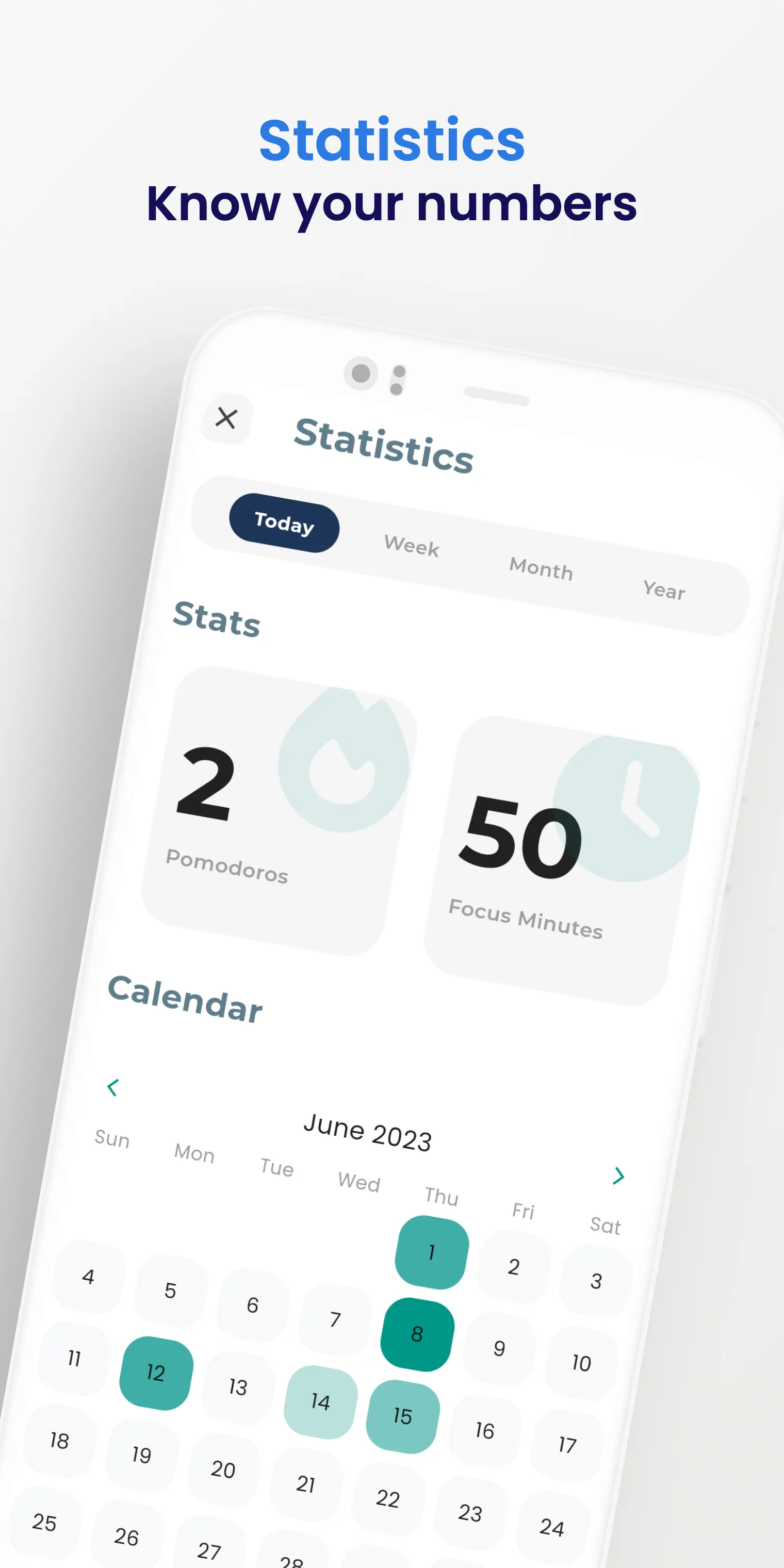
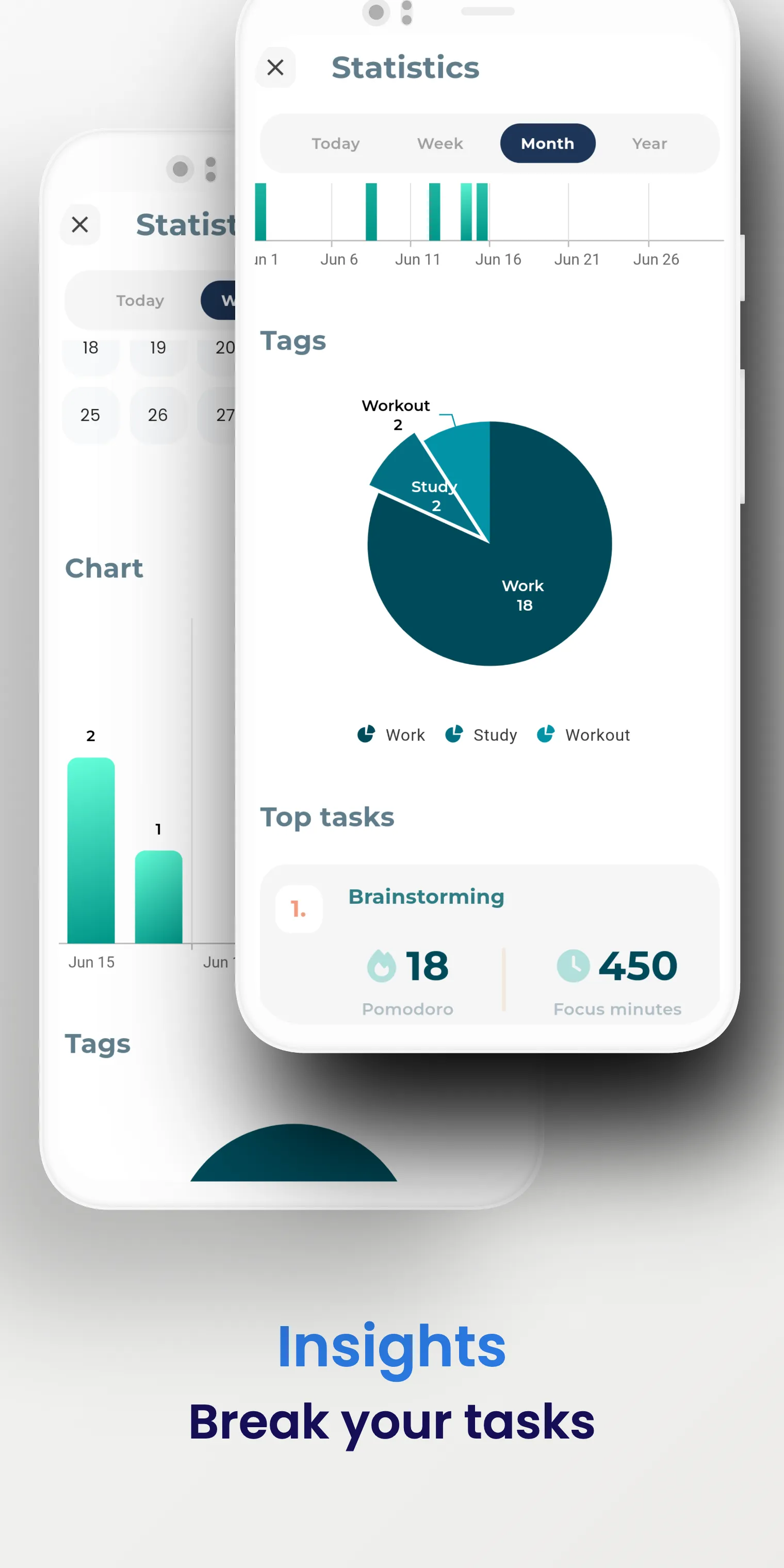
Insights and Statistics: Flocus provides insights and statistics, allowing you to track your progress and identify areas for improvement.
Pros:
Workflow based on the Pomodoro Technique, specifically designed for study or work sessions.
Fully customizable work/break intervals.
Engaging progress animations and motivational sound effects.
Insights and statistics for monitoring progress.
Cons:
Not featured on any leaderboards, which limits its visibility among other productivity apps.
Primarily focused on study or focused work; may lack the broader task management features found in some competing apps.
Can I customize the timer settings in Flocus?
Yes, users can customize the duration of both work sessions and breaks according to their own preferences.
Does Flocus provide reminders or notifications for my Pomodoro sessions?
Yes, Flocus includes a notification feature that alerts you when a Pomodoro session begins or ends.
What features does Flocus offer to minimize distractions?
Flocus includes a "Do Not Disturb" mode, which helps minimize notifications while you are working.
By combining the Pomodoro Technique with a clean, minimalist interface, Flocus helps users stay focused and productive—making it an essential tool for anyone looking to improve their work habits.
Size:61.50MB Version:4.2.1
Requirements:Android Price:Free
Package Name:com.appfactory.focusflow Signature:a3c53aaffd351e2bc7e1c10bcd1e4645
Feeling that there aren’t enough hours in the day? That you’re fighting a losing battle with your agenda? That each time you look up from your desk another year has rolled by? Well don’t worry, you’re not alone, and in today’s hyperconnected world, people are busier than ever before. On Android, there are countless productivity apps to help take control of your time and make your work more efficient. From a simple plugin for Chrome to a full-fledged app, picking the right productivity apps on Android can mean the difference between having a clear to-do list at the end of the day or having it overflowing with missed deadlines and projects that are off schedule. Productivity apps aren’t just about work, though. Using a productivity app in your personal life can keep you on top of deadlines for vacations, home repairs, and other family responsibilities.
Office Apps is a comprehensive and user - friendly platform that aggregates a wide array of office - related applications, catering to the diverse needs of modern professionals, students, and anyone who engages in office - based tasks. Whether you're working on a crucial business project, preparing academic papers, or handling daily administrative work, this aggregation page serves as your one - stop - shop.
The complete collection of office software is compiled based on user needs and referencing the popularity of major computer application stores. This collection selects various useful computer office software for users from multiple aspects such as office suite, communication and collaboration, email management, note management, cloud storage, download and decompression, etc. These software can meet your various document processing needs, making your team collaboration smoother, and conveniently managing your emails and keeping various meeting records. Download various materials and documents needed for office work. This collection of office software commonly used by professionals can meet all needs. Welcome to download and experience it!
About us | Contact us | Privacy policy| DMCA
Copyright © 2026 Xiaohei All rights reserved.