Microsoft 365 Copilot is a powerful productivity assistant. This application uses a cutting-edge AI model, which provides users with a smooth and enjoyable experience whether generating images or creating stories. With Microsoft 365 Copilot, you can easily interact with AI to gain fresh perspectives and concise answers, while receiving support for tasks such as translation, proofreading, and visual creation. At the same time, you can explore endless possibilities, improve your work performance, and achieve more with the power of AI.
Draft documents, emails, presentations, and replies using natural language prompts.
Summarize uploaded PDFs, images, articles, Word files, and reports quickly.
Ask questions about spreadsheets and compare information in Excel data.
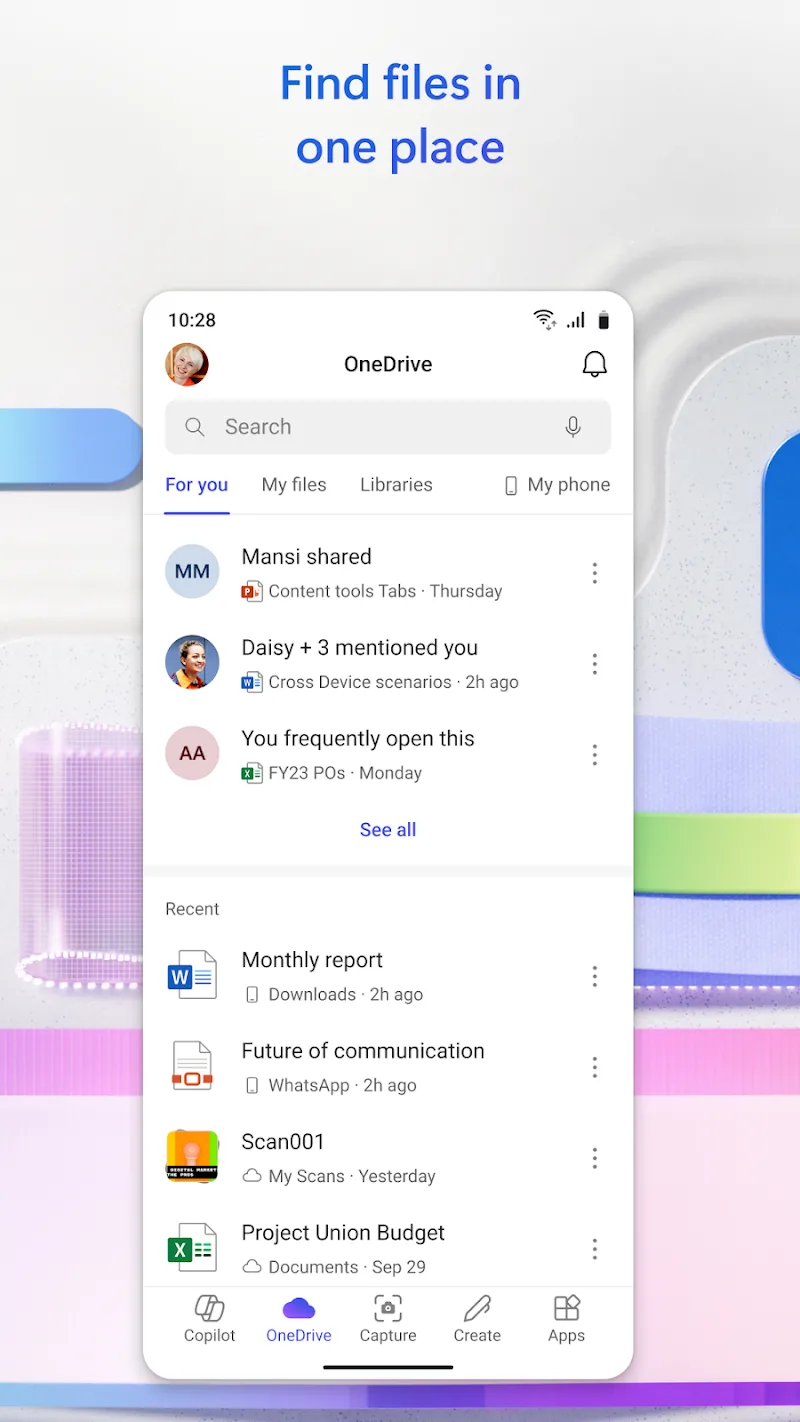
Find recent cloud files, device files, email attachments, and photos.
Use voice conversations for quick planning, research, and brainstorming sessions.
Hand Cowork multi-step tasks for completed documents, slides, spreadsheets, and to-dos.
Collaborate with Copilot
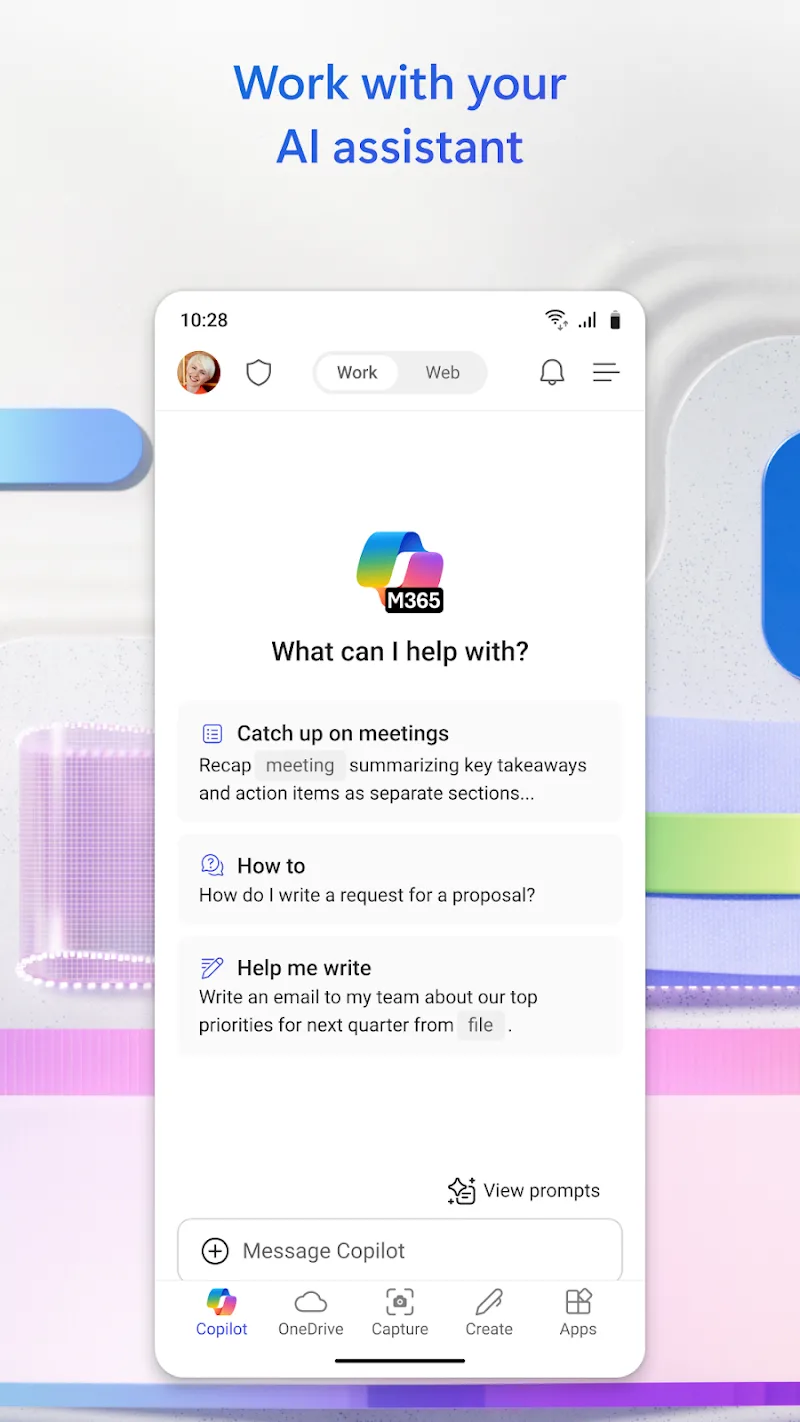
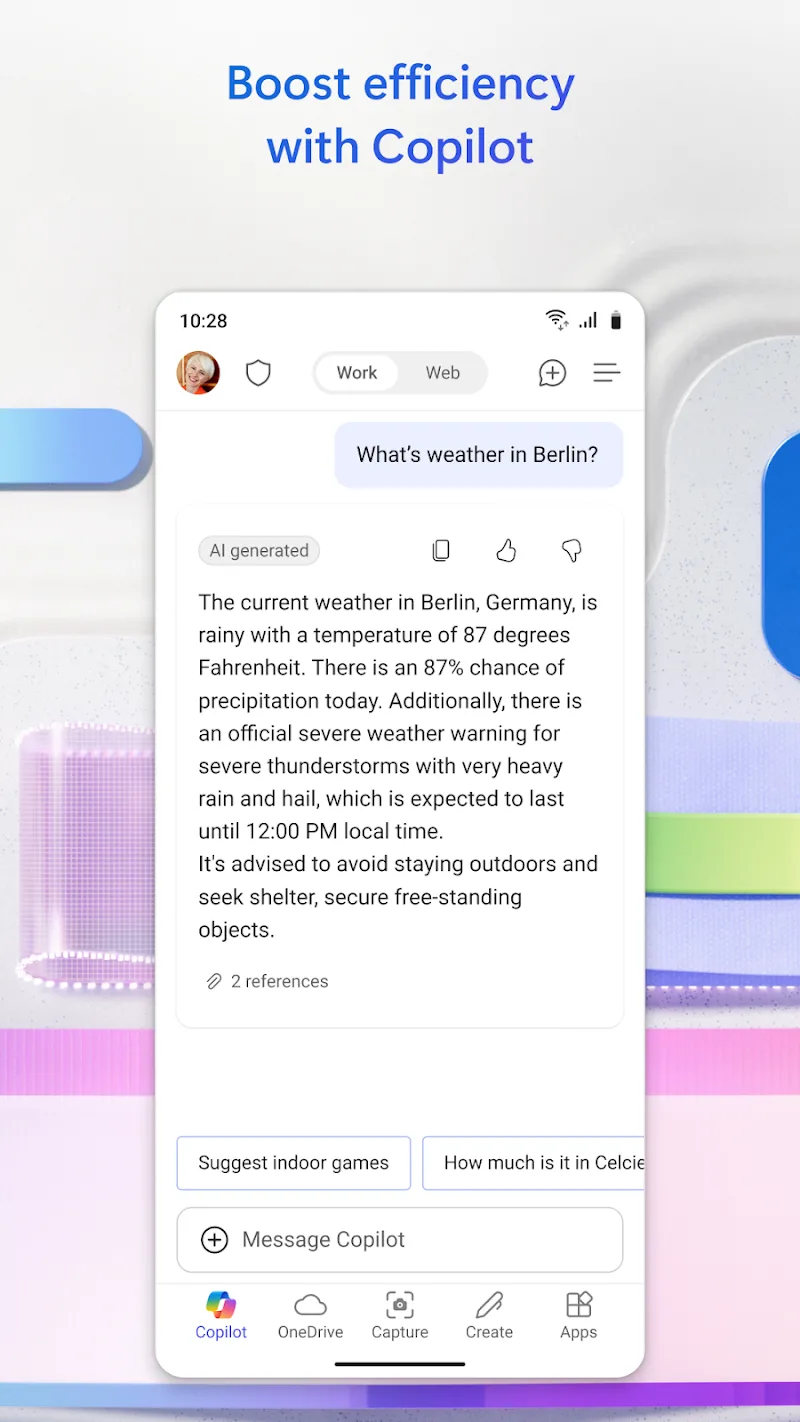
Get the latest information, ask questions, and draft content with ease through a simple chat experience.
Boost Productivity with Word and PowerPoint
Create and edit documents using professional templates in Word, and practice your presentations with the Presenter Coach tool in PowerPoint.
Manage with Excel
Organize and manage your budget using easy-to-use spreadsheet templates.
Design with Designer
Create eye-catching designs and edit photos using AI. (For personal Microsoft accounts only)
PDF Capabilities
Easily scan, edit, and convert PDF files into Word documents. Access and sign files on the go using the PDF Reader.
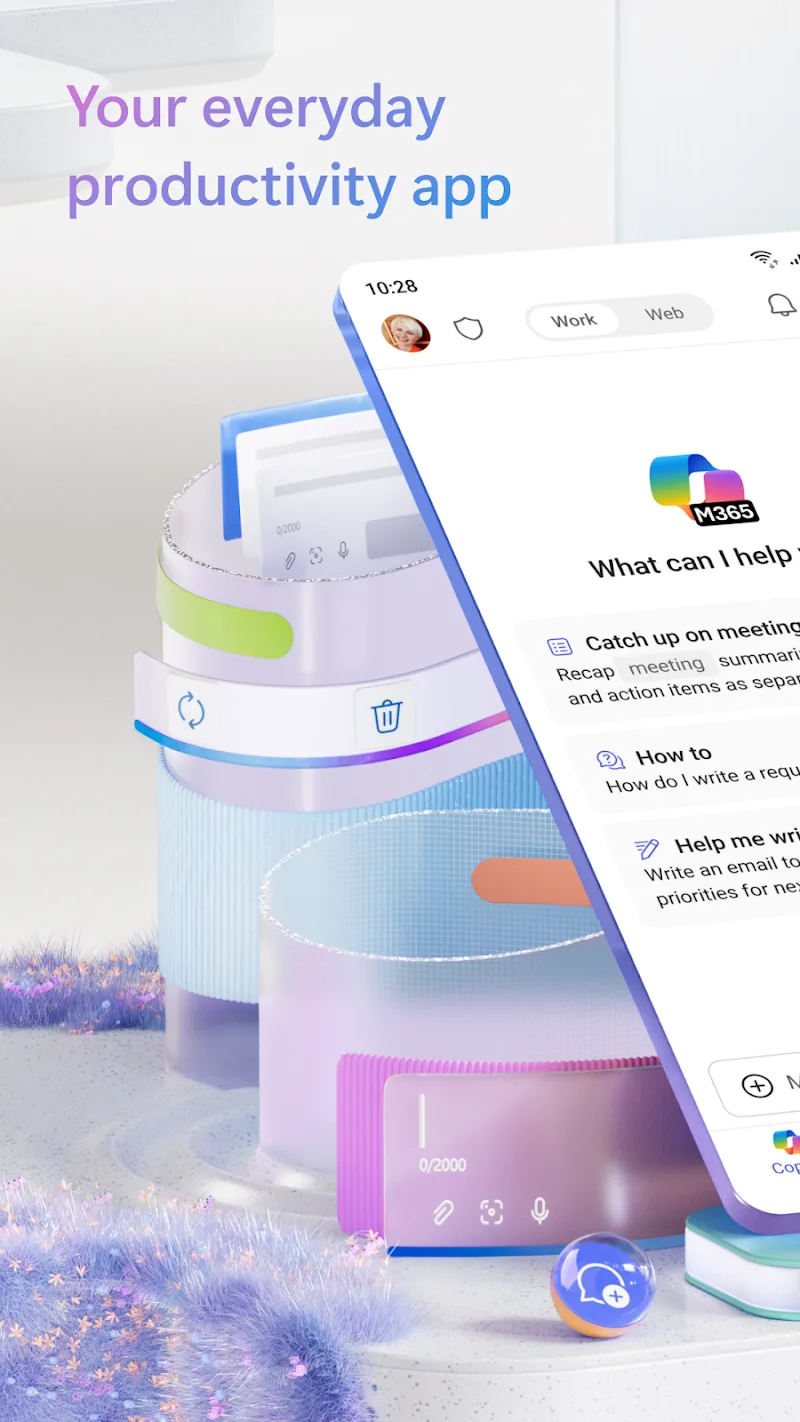
Utilize Instant Answers: When using Copilot, make sure to ask your questions directly to receive quick and summarized answers. This feature saves time and provides you with essential information efficiently.
Engage in Creative Conversations: Take advantage of Copilot's image generation technology by engaging in conversations with AI about your ideas and concepts. Experiment with different prompts to create custom visuals and illustrations for various projects.
Explore Multilingual Capabilities: Experiment with Copilot's translation and proofreading services to enhance your communication skills across different languages. This feature allows you to access a broader audience and collaborate effectively in a global context.
Pros
Deep Microsoft 365 integration across apps and OneDrive content
Smart mode reasoning boosts accuracy and follow-up quality
Voice, chat, and images in one clean mobile interface
Memory and custom instructions reduce repetitive prompting
Enterprise data protection with cited sources
Cons
Some features require a paid Copilot license
Output quality can vary by prompt and topic
Sign-in needed for uploads, memory, and longer voice
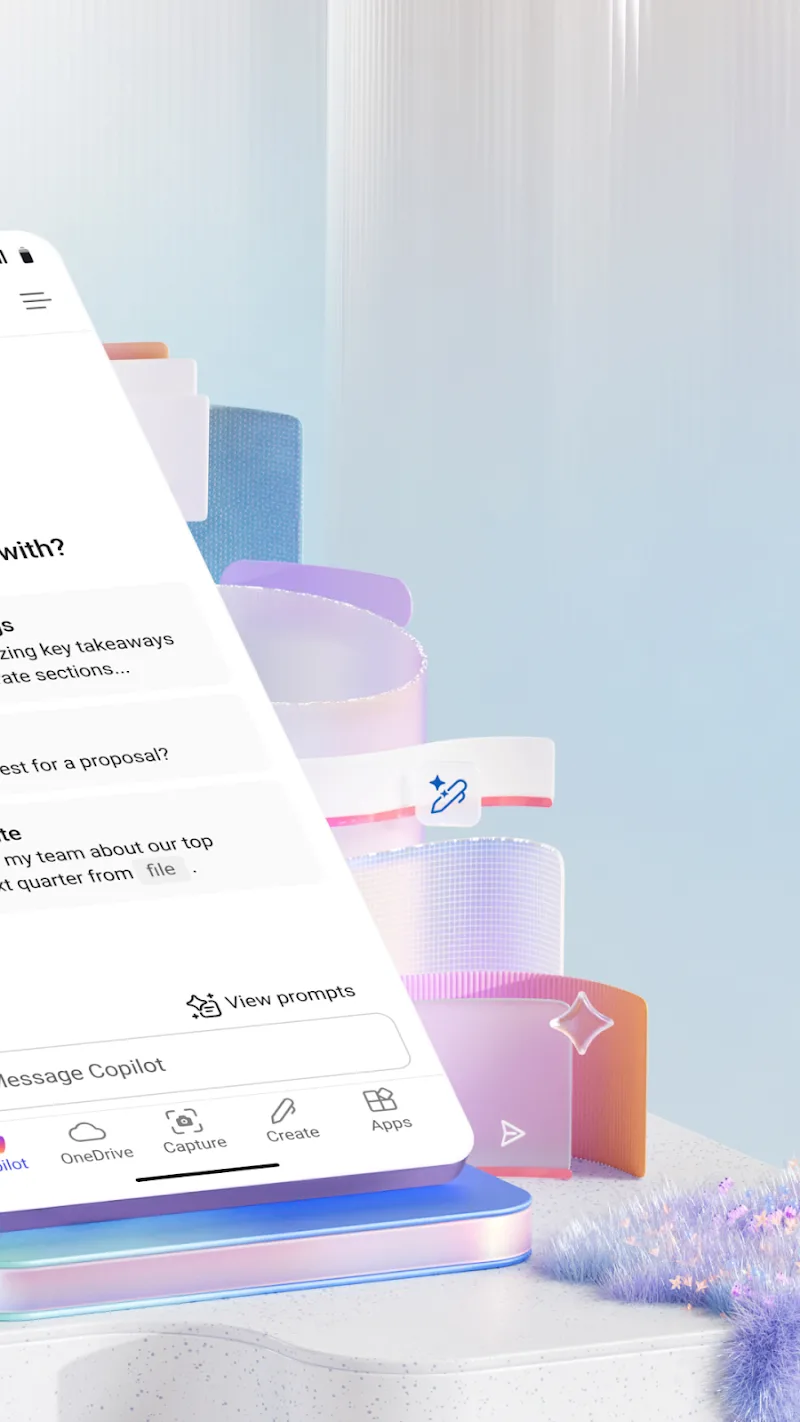
Microsoft 365 Copilot is always improving thanks to its machine learning capabilities, adapting its features to the specific needs of each user over time. As you deploy the AI in your work, it learns your writing patterns, formatting preferences and work styles, optimizing its suggestions to be increasingly accurate and aligned with your needs. This constant evolution allows the tool to offer an advanced level of customization, maximizing efficiency and reducing the amount of effort required for repetitive tasks.
Size:338.86MB Version:16.0.20708.20014
Requirements:Android 13.0+ Price:Free
Package Name:com.microsoft.office.officehubrow Signature:08b433a38f1f195bd906ccf1bcf667f1
Feeling that there aren’t enough hours in the day? That you’re fighting a losing battle with your agenda? That each time you look up from your desk another year has rolled by? Well don’t worry, you’re not alone, and in today’s hyperconnected world, people are busier than ever before. On Android, there are countless productivity apps to help take control of your time and make your work more efficient. From a simple plugin for Chrome to a full-fledged app, picking the right productivity apps on Android can mean the difference between having a clear to-do list at the end of the day or having it overflowing with missed deadlines and projects that are off schedule. Productivity apps aren’t just about work, though. Using a productivity app in your personal life can keep you on top of deadlines for vacations, home repairs, and other family responsibilities.
Office Apps is a comprehensive and user - friendly platform that aggregates a wide array of office - related applications, catering to the diverse needs of modern professionals, students, and anyone who engages in office - based tasks. Whether you're working on a crucial business project, preparing academic papers, or handling daily administrative work, this aggregation page serves as your one - stop - shop.
About us | Contact us | Privacy policy| DMCA
Copyright © 2026 Xiaohei All rights reserved.