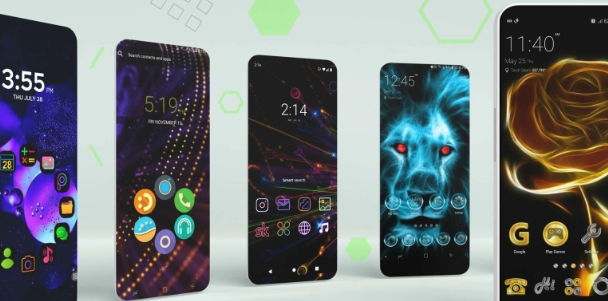
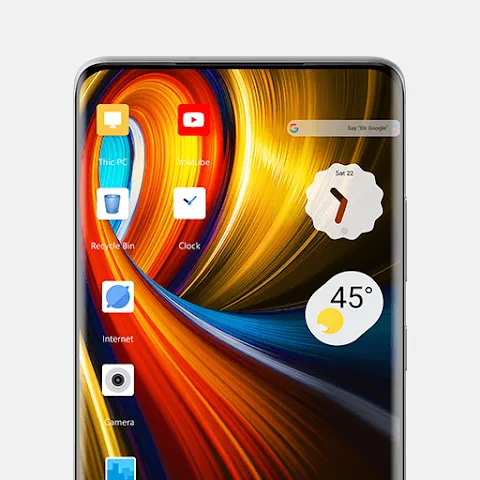
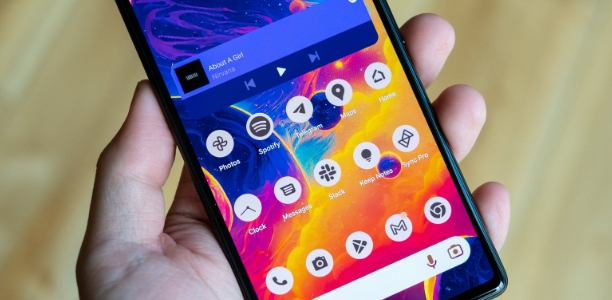
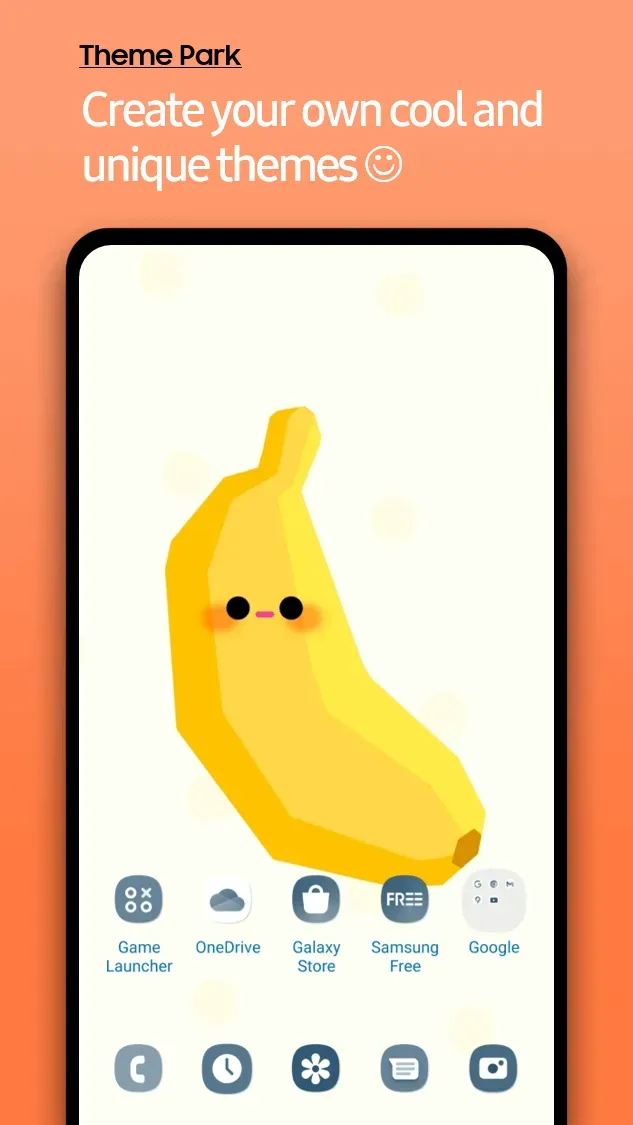
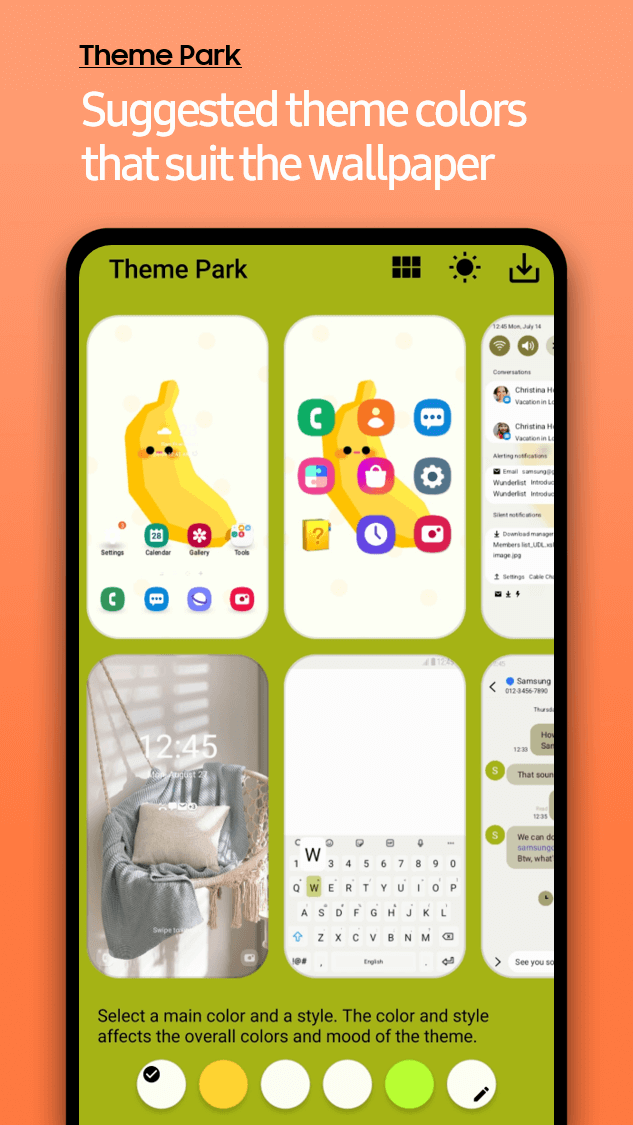
Samsung Theme Park is a wallpaper and theme application designed for mobile devices. Beyond offering an extensive collection of wallpapers and icon packs, it can also optimize your icons and widgets based on your chosen wallpaper, ensuring a cohesive, unified aesthetic. The app provides a wealth of customization options—allowing you to adjust icon shapes, apply special effects, and crop wallpapers—to perfectly suit your personal style. It is also compatible with tablets and foldable devices, featuring real-time previews that let you compare your changes as you edit, ensuring the final look is perfectly tailored to your specific device.
Crafting Unique Themes: The application provides an unparalleled degree of control over your device’s appearance. You can start by selecting a base wallpaper, then delve into an extensive library of icon packs to match your chosen aesthetic. Further refinement comes from adjusting color schemes, allowing you to fine-tune every visual element from system menus to notification panels, ensuring a cohesive and personalized look that perfectly reflects your preferences.
Intuitive Design Interface: Navigating the customization options within the platform is remarkably straightforward, designed to be accessible for all users regardless of their technical expertise. The layout is clean and logical, guiding you through each step of the theme creation process with ease. This means you can effortlessly experiment with different combinations of visual elements and see changes in real-time, making the entire experience enjoyable and efficient.
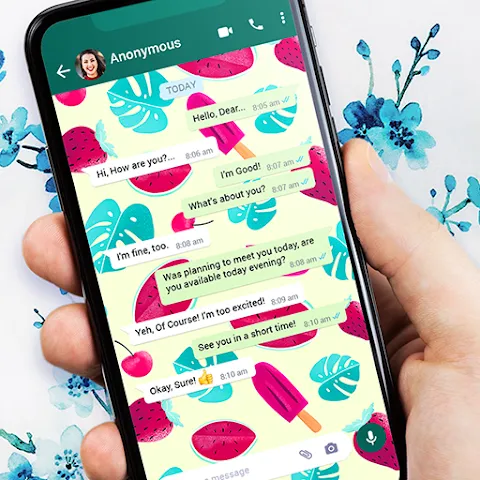
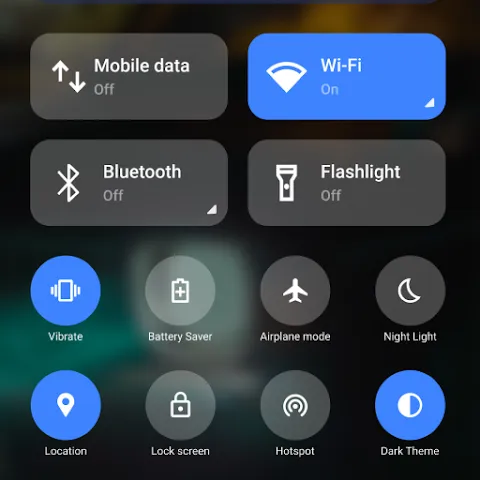
Comprehensive Visual Control: The power of this tool lies in its ability to offer detailed control over various aspects of your device’s interface. Beyond just wallpapers and icons, you gain command over the color palette that dictates the appearance of your quick settings, dialer, and even text bubbles. This holistic approach ensures that every corner of your device reflects your personal taste, moving beyond superficial changes to offer a deeply integrated custom experience.
Expressing Personal Style: Ultimately, the experience allows you to imbue your smartphone with a distinct personality that truly represents you. Whether you prefer minimalist elegance, vibrant dynamism, or a classic aesthetic, the extensive customization options empower you to translate your vision into a tangible theme. This transforms your daily interactions with the device into a more engaging and visually pleasing experience, making it uniquely yours.
Fixed an issue where the clock and calendar icons were not visible when entering per-app icon editing on devices running a version other than One UI 9
AdvertisementRemove ads, dark theme, and more with APKM Premium Premium
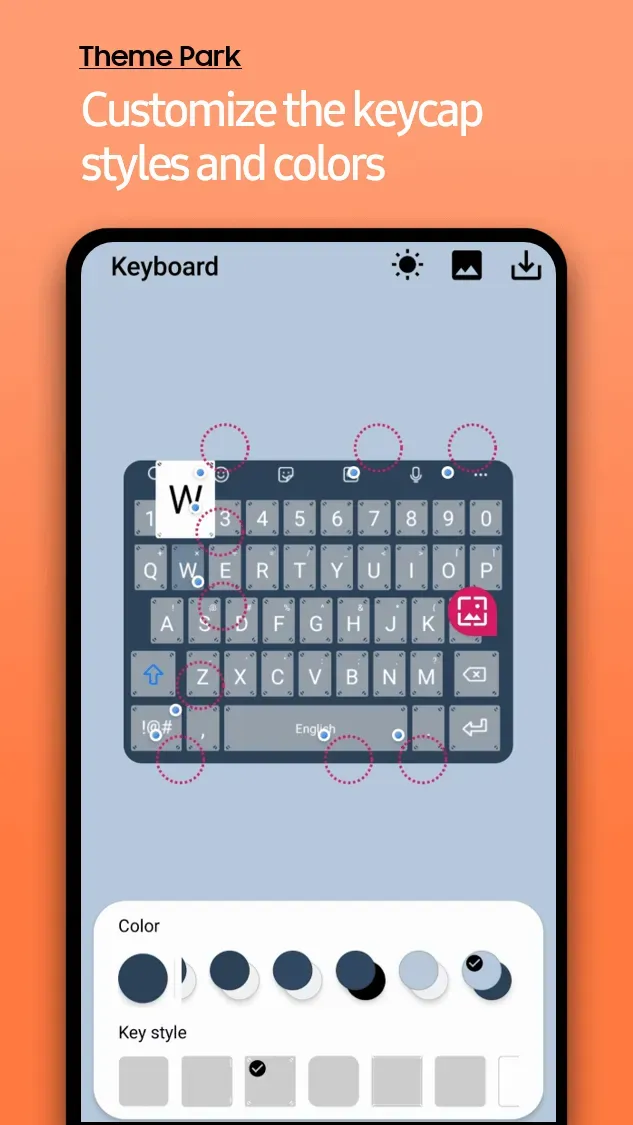
Enhanced keyboard customization with new keycap designs (One UI 9)
Improved live icons and previews for Clock/Calendar (One UI 9)
Improved color tuning and overall theme quality
General usability improvements and bug fixes
Improved app stability.
App stability and usability improved.
Fixed errors that occurred in some situations.
Improved icon apply/edit behavior.
Optimized screen rendering and resource handling.
Improved image loading stability and performance
UI/UX enhancements and landscape mode support for Fold devices
Overall usability and stability improvements
Added theme bookmarking with heart icon and support for launching bookmarked themes via home screen shortcut
Improved icon editing UI (separated into Shape / Effect / Image)
Added emboss effect and monochrome image option
Updated Quick Panel icon preview
Added home screen badge color setting (available from One UI Home 8.5)
UI improvements and bug fixes
Enhanced app stability
Improved UI and fixed bugs
Added the following effects to the icon pack: Basic, Film Grain, Duotone, Glass, and Gradient
Improved UI and fixed bugs
Stability improvements
Expanded selection of wallpapers and stickers
UI improvements
Changed folder and app drawer icons (One UI 7)
Fixed an issue where themes created with Theme Park couldn't be installed.
※This version is only applicable to devices with One UI 5 or earlier.
Improved visibility error after applying keyboard themes
Enhanced app stability
Customizable app icon shapes
Improved app stability and fixed minor bugs
1. Modified to allow only wallpaper changes without theme initialization
2. Improvement of keyboard keycap errors
3. Fixation of blank page appearing in more wallpaper
4. App stability and other error improvements
- Code updated to support One UI 6.1.1
- Bug fix for app icons transparency issue
- Improved quick panel color
- Stability improvements and other minor bug fixes
After you download Samsung Theme Park, creating a theme takes a few quick steps. The process flows from color extraction to detailed controls so you can review changes as you go. This helps set expectations before the theme is applied across your device.
Open Samsung Theme Park and start a new theme. Select the current wallpaper or choose an image you want to use for color extraction.
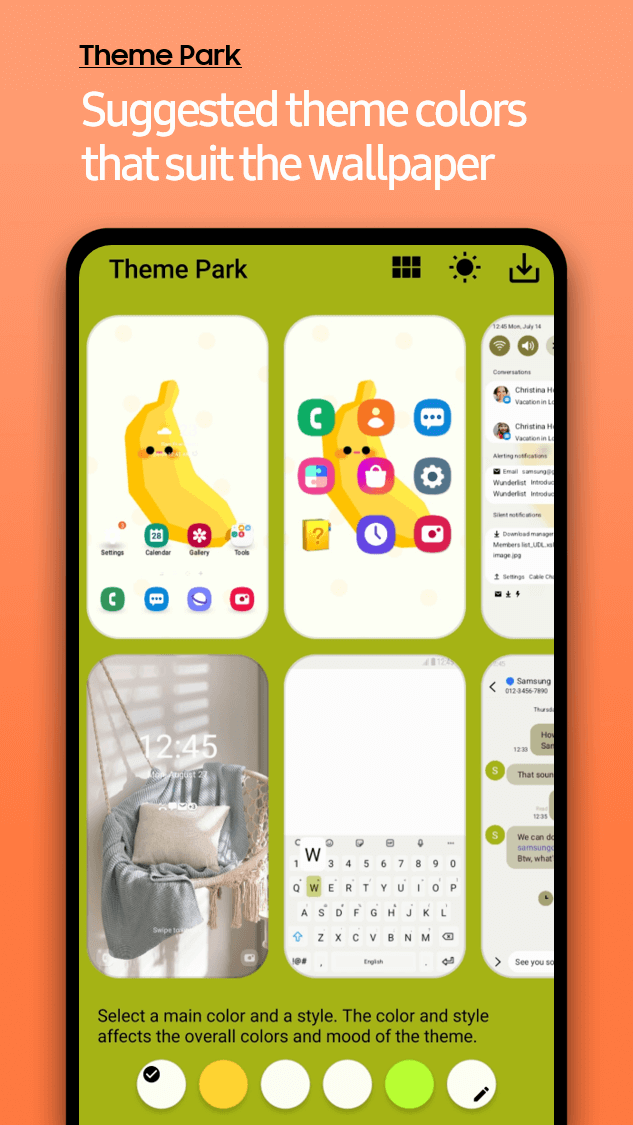
Let the app extract the palette and pick light or dark mode. Next, fine-tune the base colors until the preview matches your preference.
Then customize icons by changing shapes, adding effects, or applying a supported icon pack. Adjust fonts and tray color to keep the interface consistent.
Next, theme quick panel parts so shortcuts match the chosen palette. If KeysCafe is installed, set keyboard color and keycaps to align with the overall theme.
Finally, use per‑app controls to decide which apps receive the theme. Review the preview and apply the theme when the layout looks right.
Amazing app but the are still limitations when you come to customisation. For example icon shapes, not all apps change colours, icon edge could be 360 degree and then adjustable. There is no option to create a glass theme in the theme section.I hope suggestion would be considered...
Great app and very customizable. The more you know, the better the app is. Over the years, it doesn't even bug out anymore. Hopefully, it can be even more customizable in the future on the OS.
Absolutely loving this so far. To make it just that bit better could you guys make it so that when choosing colour for say app icons, keyboard, etc to allow an option on style/texture. I would really like to make my app icons have a texture similar to metal.
Bit chaotic but does the job! I don't get why some options for keyboard are in Theme Park and some Keys Cafe. Also would be great to be able to edit my existing keyboard layout instead of having to start from scratch.
The app is great. I wanted to request for a feature to added to the Theme Park app that allows a Light/Dark mode icon pack to be selected so that icons can change dynamically whenever the system Light/Dark mode is changed.
Samsung Theme Park provides you with an entire set of tools to design fully customized themes for your phone. You'll be able to change various system elements, from wallpapers to icons, fonts and interface colors. You can do all this without any need for advanced knowledge in graphic design, as the app offers an easy and intuitive experience.
Size:20.37MB Version:1.1.00.21
Requirements:Android Price:Free
Package Name:com.samsung.android.themedesigner Signature:e3eea0b7ba1619a0fe55dd2fa4acdf0d
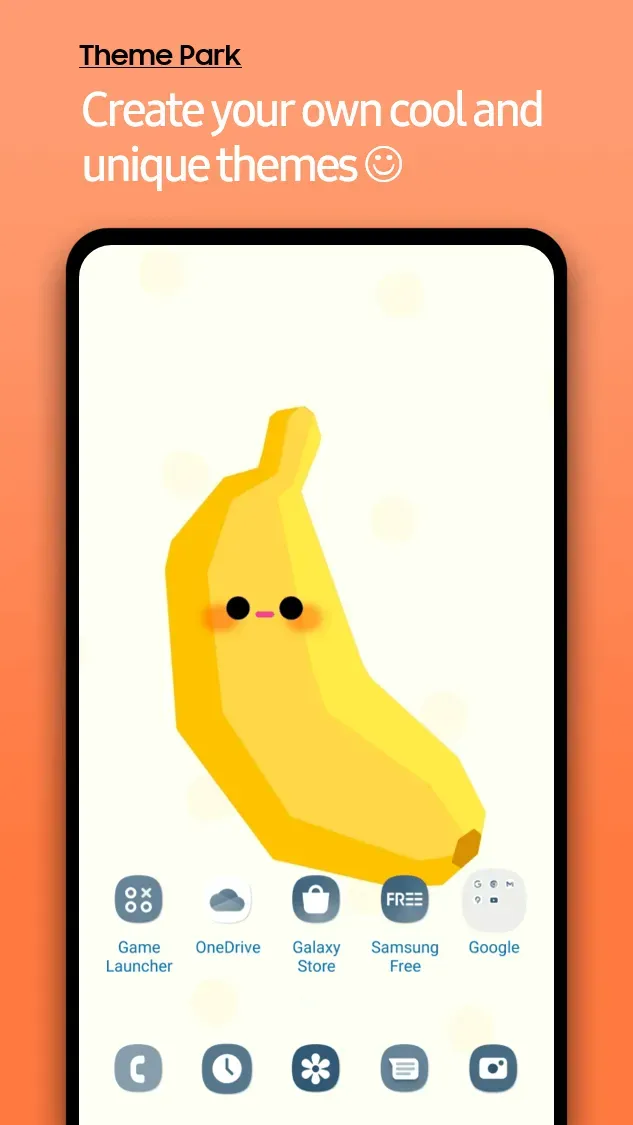
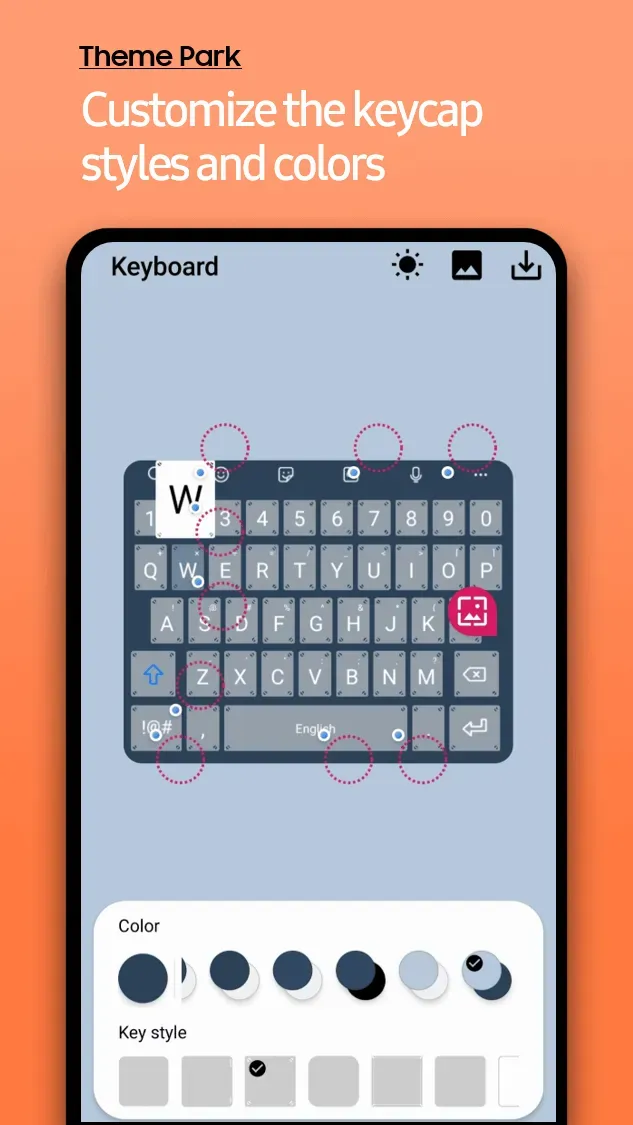
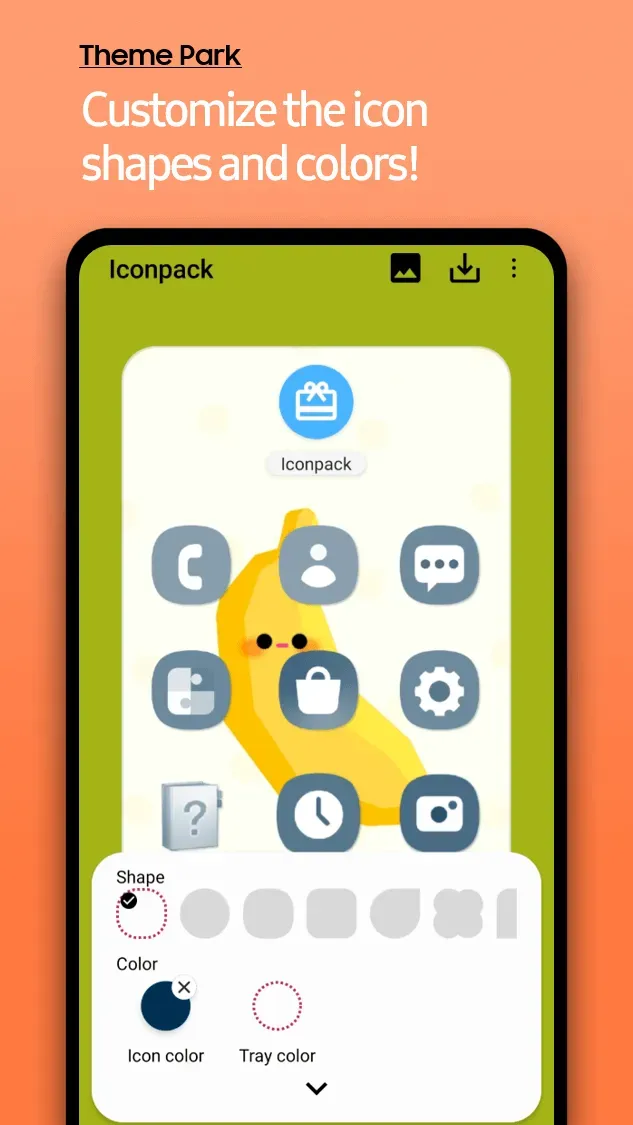
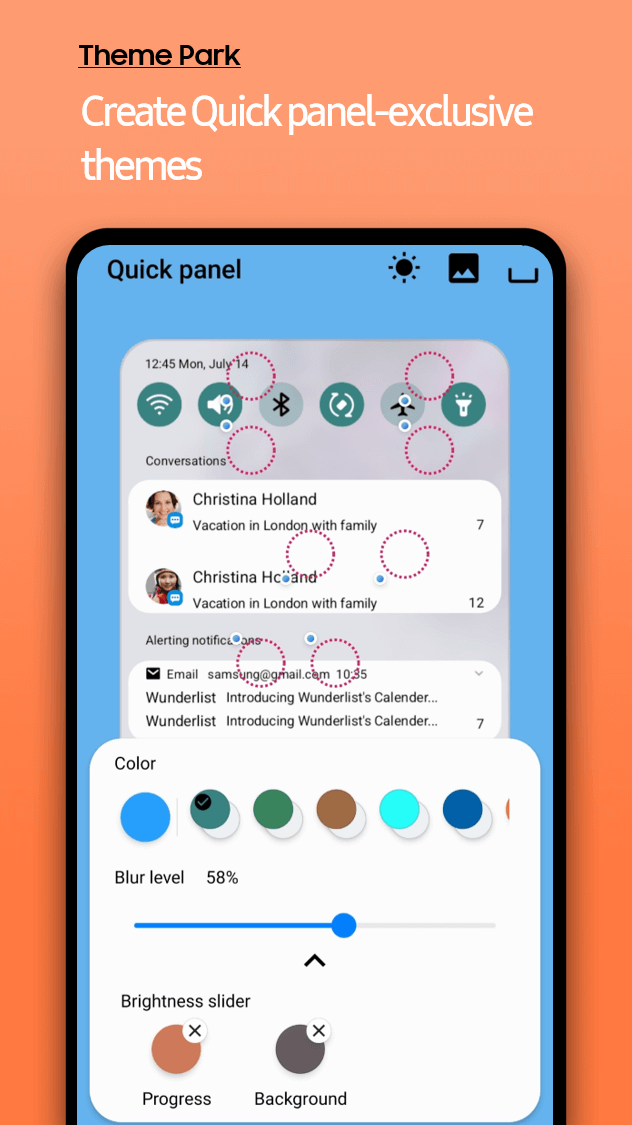
Elevate your mobile experience with an endless stream of high-quality wallpapers - all completely free! Discover breathtaking nature scenes, sleek minimalist designs, vibrant abstract art, and more from the world’s best wallpaper apps. These handpicked collections feature daily updates with fresh, eye-catching designs crafted by talented artists across the globe. Whether you prefer serene landscapes, bold patterns, or trending aesthetics, you’ll find the perfect backdrop to match your style. Give your device a personal touch and enjoy a new visual treat every day - no subscriptions, no fees, just endless inspiration. Download now and transform your screen!
The Ultra HD Wallpaper app allows you to find a wide range of clear wallpapers, which can be displayed with great clarity on any phone screen. You no longer have to worry about unclear wallpapers when changing devices. Today, the editor has compiled a complete app for ultra HD wallpapers, which you can choose and use according to your own needs. Generally, wallpapers are classified in great detail within software, and you can find wallpapers of any style you like. At the same time, there are super rich dynamic wallpapers for you to choose from, using cool wallpapers to make your phone desktop and lock screen stand out. Friends who like to collect ultra high definition wallpapers, welcome to download related software and experience it on this website!
The Ultra HD Wallpaper app allows you to find a wide range of clear wallpapers, which can be displayed with great clarity on any phone screen. You no longer have to worry about unclear wallpapers when changing devices. Today, the editor has compiled a complete app for ultra HD wallpapers, which you can choose and use according to your own needs. Generally, wallpapers are classified in great detail within software, and you can find wallpapers of any style you like. At the same time, there are super rich dynamic wallpapers for you to choose from, using cool wallpapers to make your phone desktop and lock screen stand out. Friends who like to collect ultra high definition wallpapers, welcome to download related software and experience it on this website!
About us | Contact us | Privacy policy| DMCA
Copyright © 2026 Xiaohei All rights reserved.