Dolphin MMJR2 is a game emulator designed for Android devices, allowing users to play console games on their Android mobile devices. The software includes optimizations that provide a smoother gaming experience with more stable frame rates. Users can customize various settings, such as graphics configurations, resolution, and shaders. The app also supports external controllers, as well as virtual on-screen controls that can be resized and repositioned to suit individual preferences. Additionally, the tool saves your game progress, allowing you to pick up exactly where you left off the next time you open the app.
Performance-Focused Emulation
Optimized settings help deliver a smoother gaming experience and more stable frame rates on compatible Android devices.
Wii and GameCube Support
Run supported Nintendo Wii and GameCube games through a single Android application.
Customizable Graphics Settings
Adjust resolution, backends, shaders, texture filtering, aspect ratio, and other graphical options.
Controller Support
Use touch-screen controls, Bluetooth controllers, USB gamepads, and other supported external devices.
Customizable Touch Controls
Adjust the size, position, and layout of on-screen buttons to suit each game.
Save States
Save your game progress at any specific moment and resume later without needing to restart.
Performance Optimization
Access additional settings designed to boost running speeds on low-end and mid-range Android devices.
Audio Configuration
Adjust sound settings, audio stretching, and related options to improve synchronization and reduce stuttering.
Built for Android
Designed specifically for Android phones and tablets.
Performance Control
Fine-tune speed, graphics, and emulator behavior.
Flexible Hardware Support
Compatible with a wide range of devices, from low-end and mid-range to high-performance hardware.
Customizable Touch Layouts
Adjust the size and position of on-screen controls for each individual game.
External Controllers
Use compatible Bluetooth controllers and USB gamepads.
Per-Game Settings
Create unique configurations for each individual title.
Organized Game Library
Keep your supported Wii and GameCube files neatly organized.
Community-Driven Improvements
Benefit from ongoing open-source fixes and enhancements.
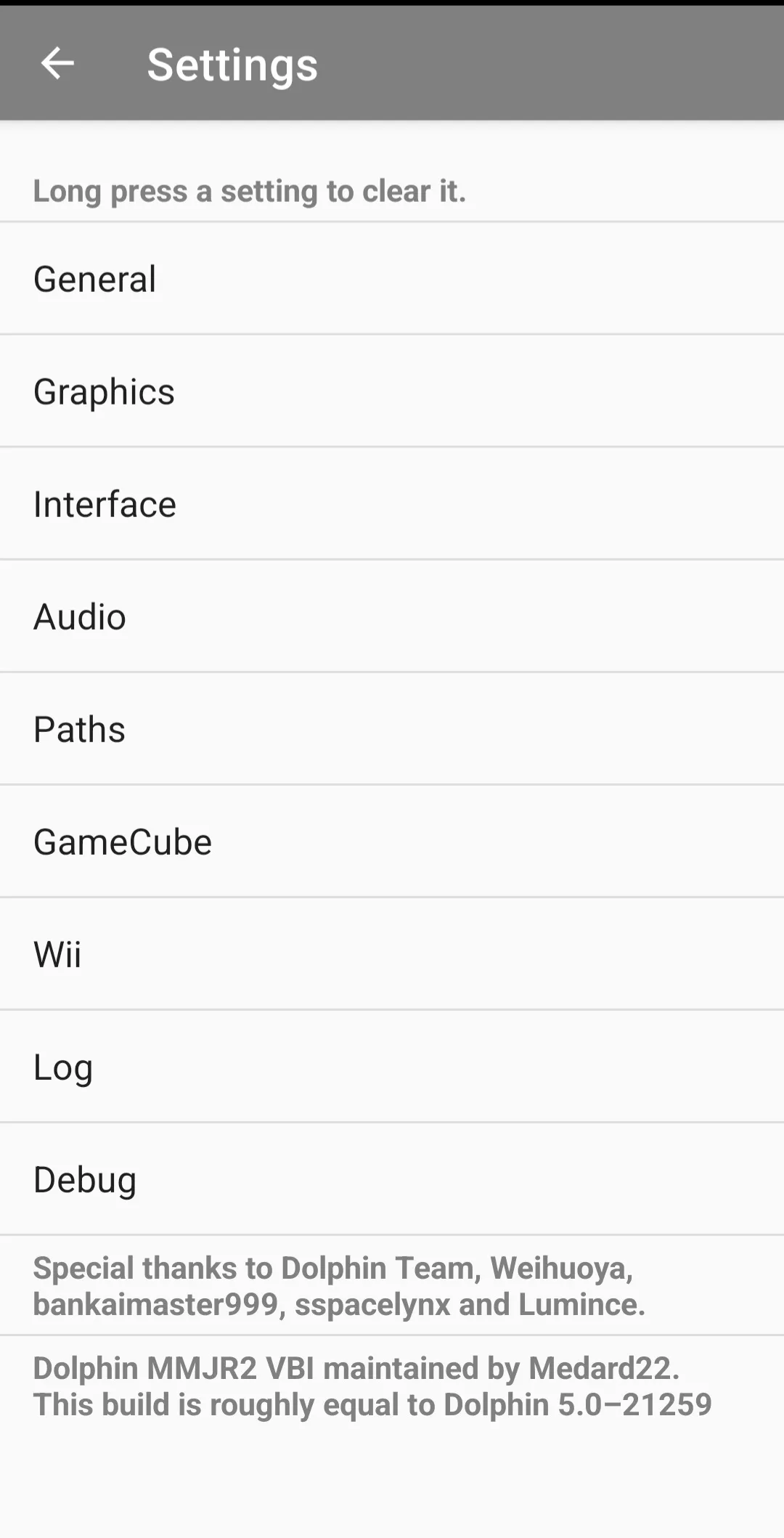
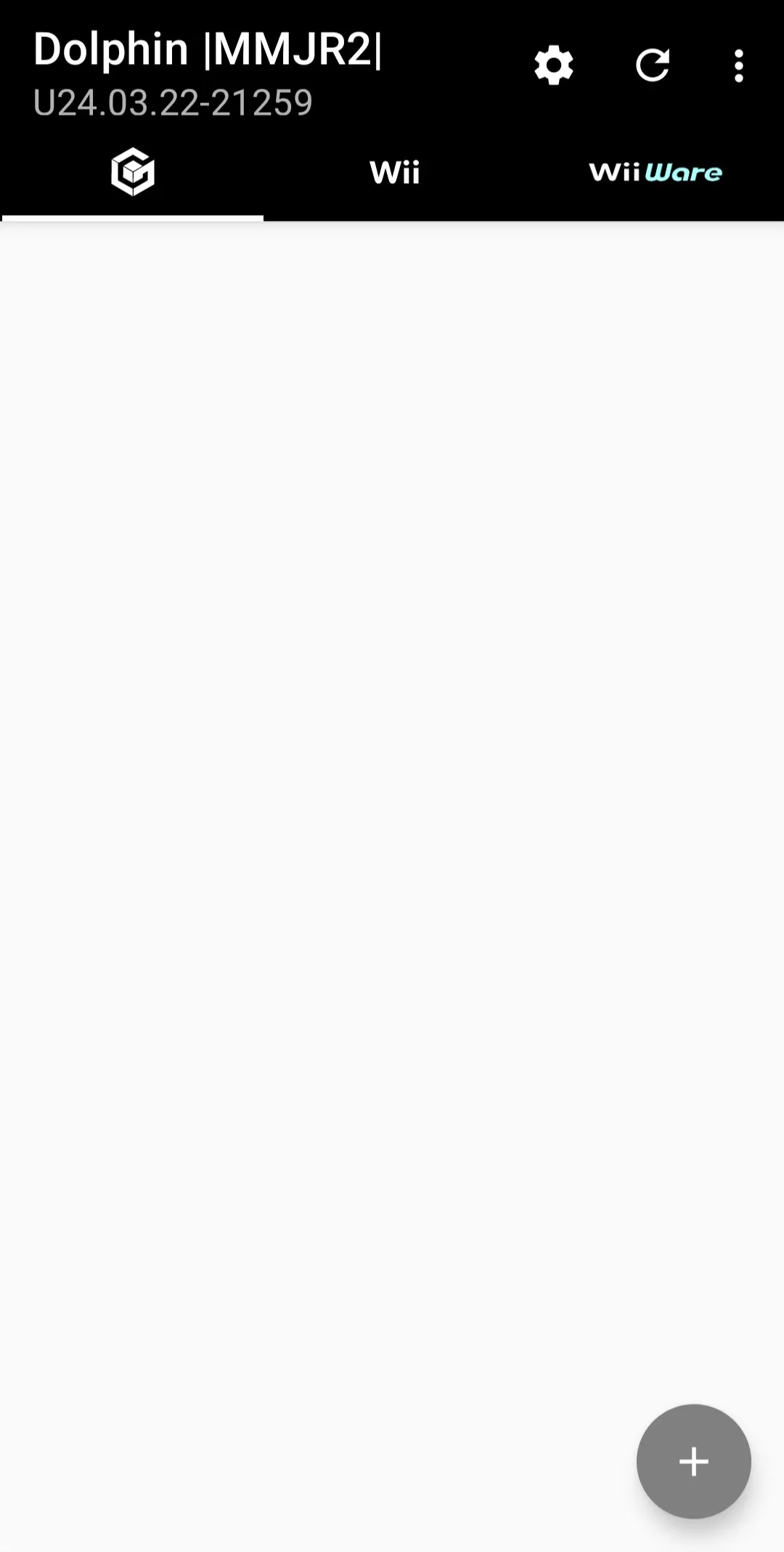
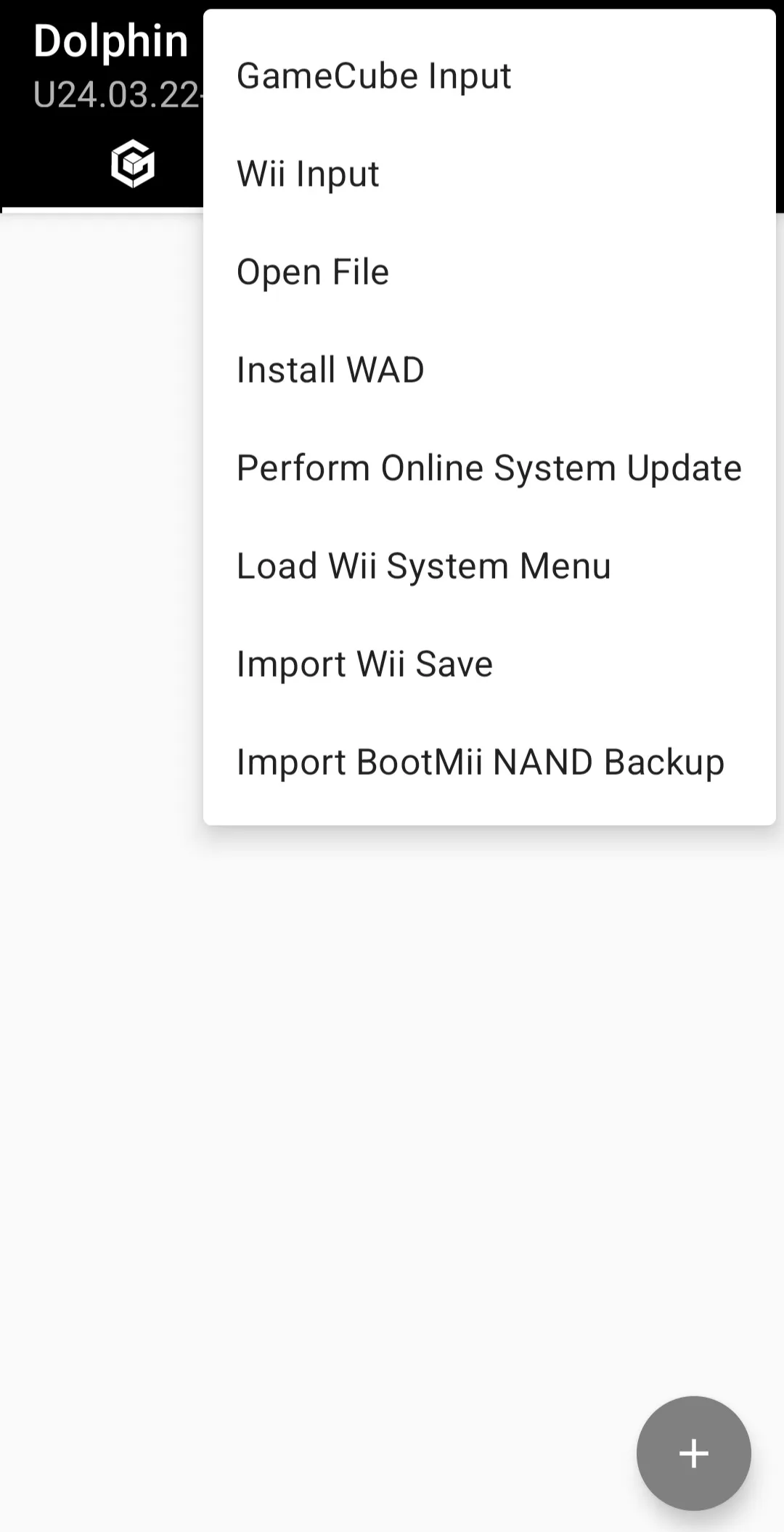
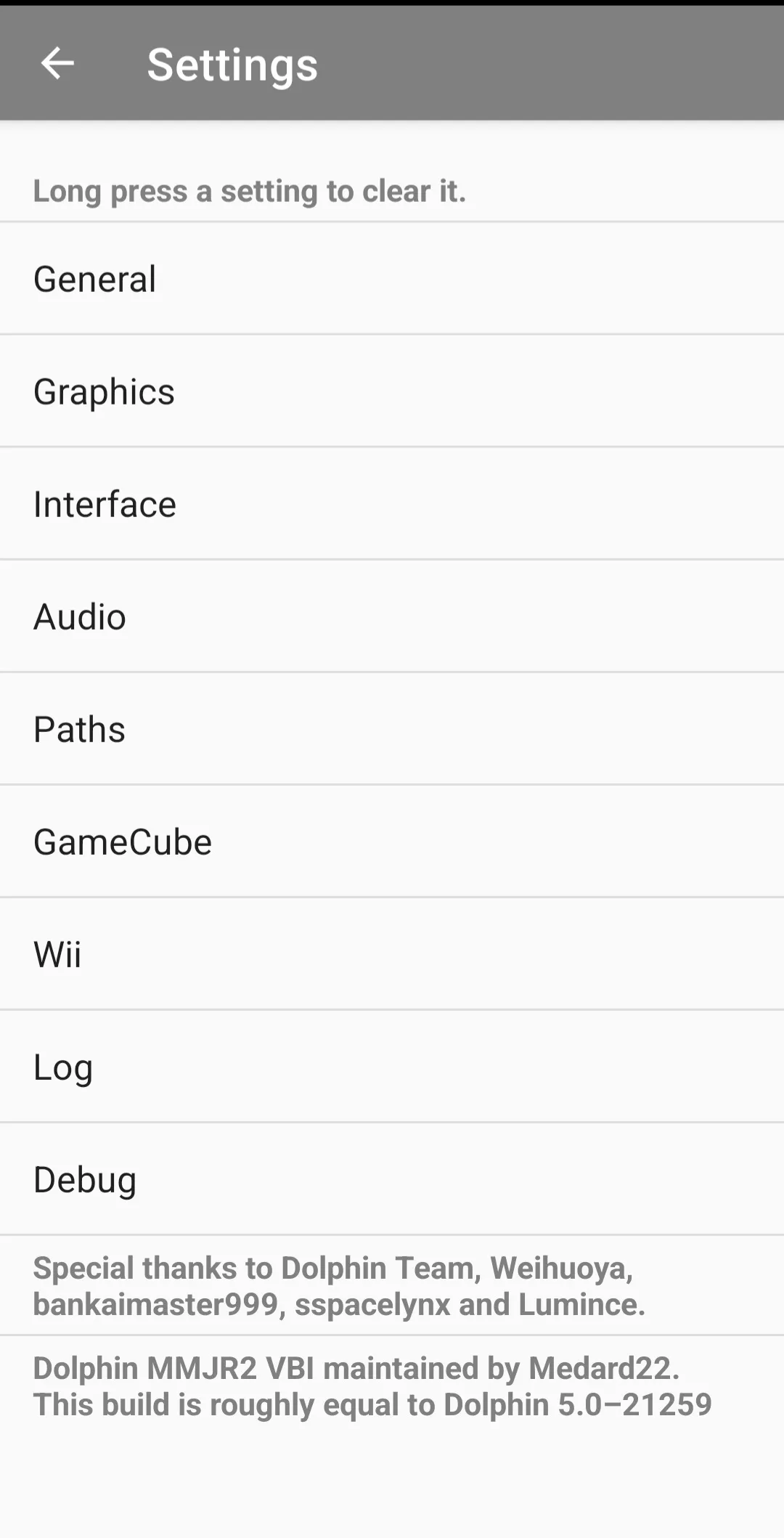
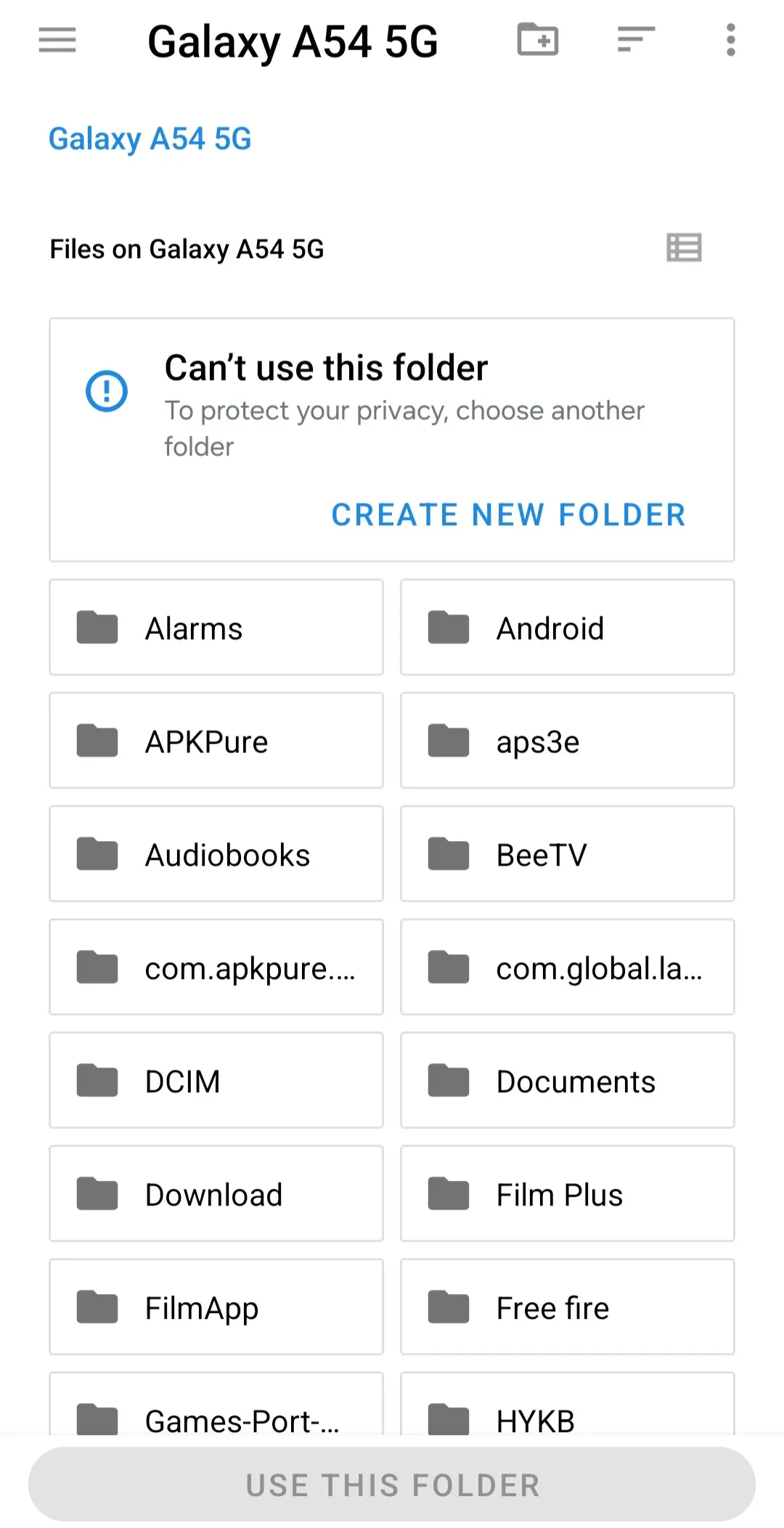
Open Dolphin MMJR2 and navigate to the settings to configure graphics and controls before starting any game.
In the graphics section, select the Vulkan backend to utilize the updated rendering path and color space correction.
Next, enable the "Compile Shaders Before Starting" option to pre-build shaders and reduce stuttering during initial gameplay.
Under the display or enhancement options, select "Integer Scaling" and "Sharpened Bilinear Filtering" if you prefer a crisper user interface and sharper 2D artwork.
Finally, map your on-screen hotkeys—including a shortcut for fast-forwarding—then return to your game library and begin playing.
How can I fix slow game performance?
Lower the internal resolution, close background applications, and try different graphics backends.
Why is the audio choppy or intermittent?
Reduce the graphics processing load, adjust your audio settings, or try different configuration profiles.
What should I do if my controller isn't detected?
Reconnect the controller, check your Android system permissions, and manually map the buttons.
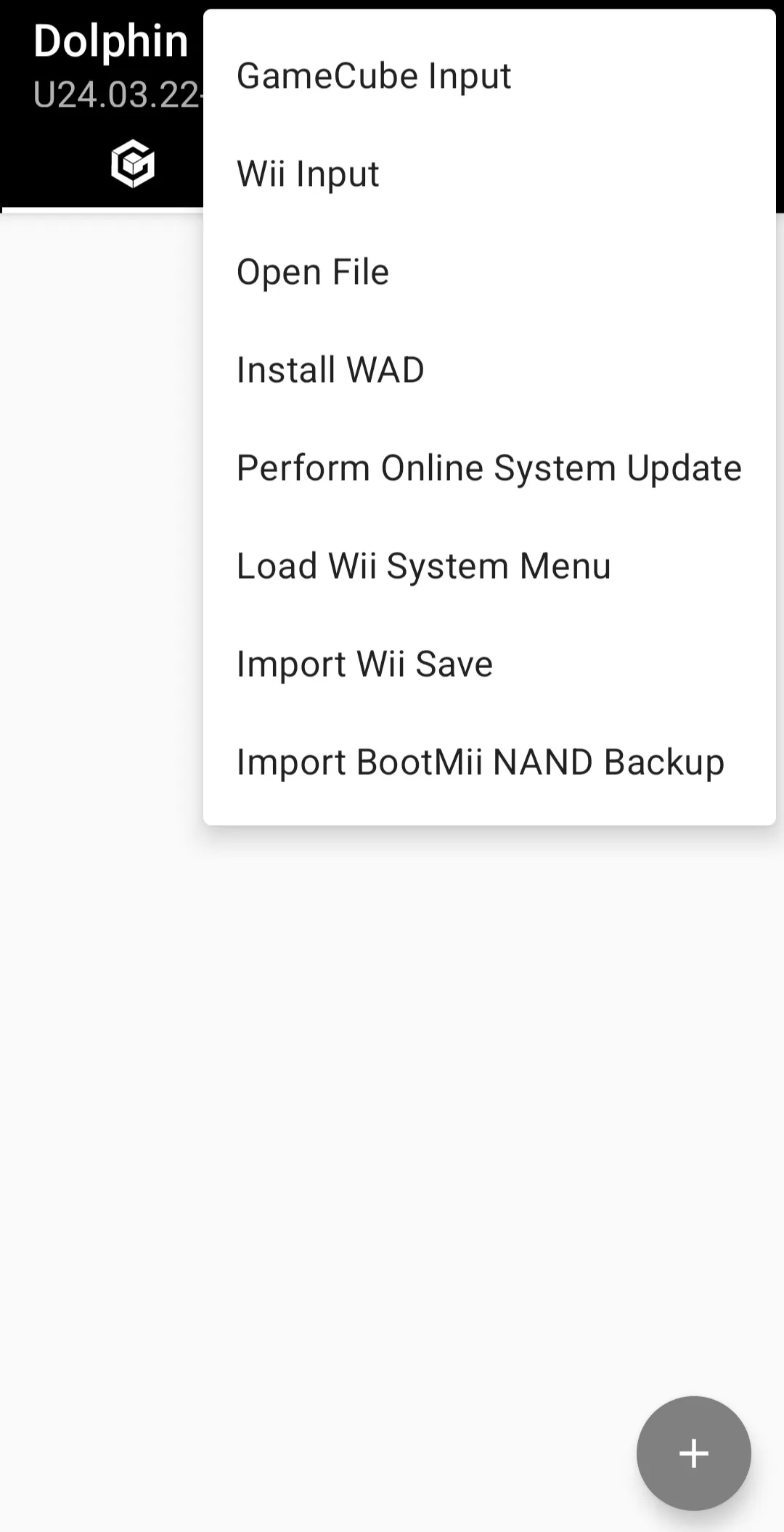
Why doesn't a game appear after I open the app?
Ensure that the correct folder has been selected and that your game files are in a supported format. Try re-scanning your library.
Dolphin MMJR2 is a project in continuous development, receiving updates almost daily since its initial release in 2003. Consequently, if a game does not run properly in one version, the issue may well be resolved in the next. Furthermore, there are many completely free homebrew ROMs available that you can play legally and without any issues.
Size:12.40MB Version:U24.03.22-21259
Requirements:Android Price:Free
Package Name:org.dolphinemu.mmjr Signature:49bbc14a2a0a545d9148c2768791ec7c
Meet Game BOX — your all-in-one game hub! Explore action, RPG, strategy, and more. Find games quickly, download fast, and play seamlessly on mobile. Simple, safe, and packed with top-rated titles. Perfect for gamers everywhere.
Utility apps are indispensable in our lives, making our daily routines more convenient. To help you find these apps more easily, this site has created a collection. This collection brings together a series of practical tools covering various aspects of life, work, and education, meeting all your needs. What are you waiting for? Try these apps now and make your life easier!
With the development of mobile hardware and software, many practical tool software have emerged, covering a wide range of aspects and becoming a good helper for everyone in work and life. Today, the editor provides you with a list of useful tool software downloads. These tools are not particularly complex types, and after reading them, everyone can quickly learn how to use them. Proper use can bring great convenience to life and work.
About us | Contact us | Privacy policy| DMCA
Copyright © 2026 Xiaohei All rights reserved.