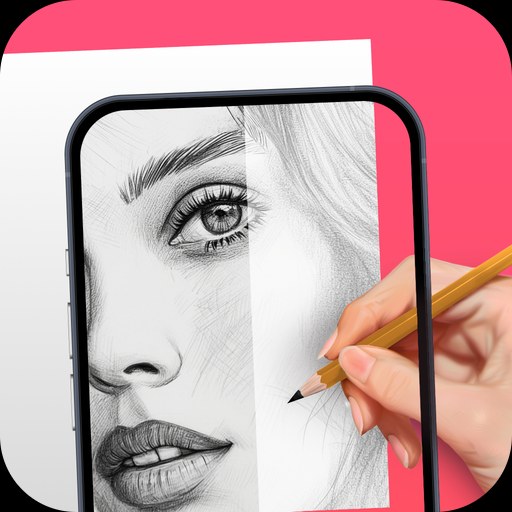
Drawing Grid for the Artist is a fun and engaging drawing tool application. This sample features color sampling, image adjustment, custom grid, and real-time painting comparison, allowing users to overlay grids on any image and providing a practical reference guide for sketching or painting. With Drawing Grid for the Artist, users can say goodbye to tedious manual measurements and embark on a faster and more efficient creative journey. Furthermore, the app is completely free of advertisements, ensuring you can stay fully focused on your artistic work.
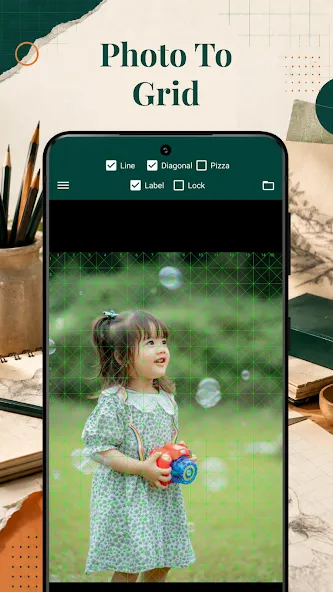
Drawing grid
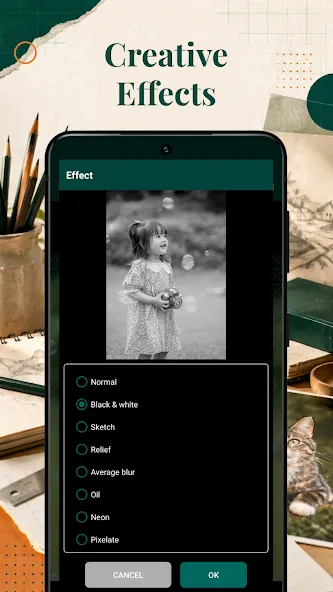
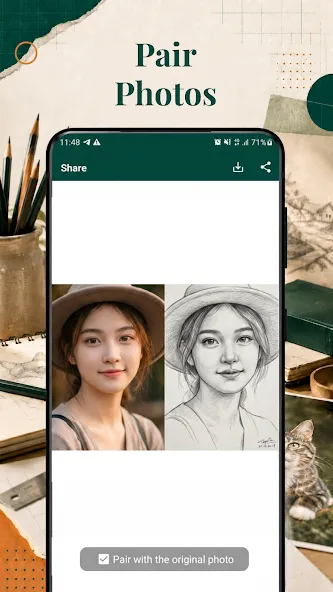
Black and white photo transfer
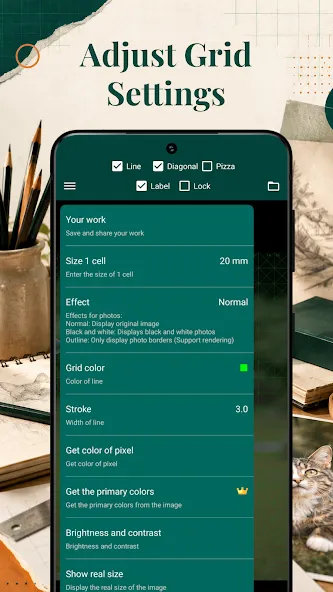
Get the color of the image
Brightness adjustment and contrast
Grid Customization: Easily draw grids on images, perfectly aligning with your paper or canvas dimensions.
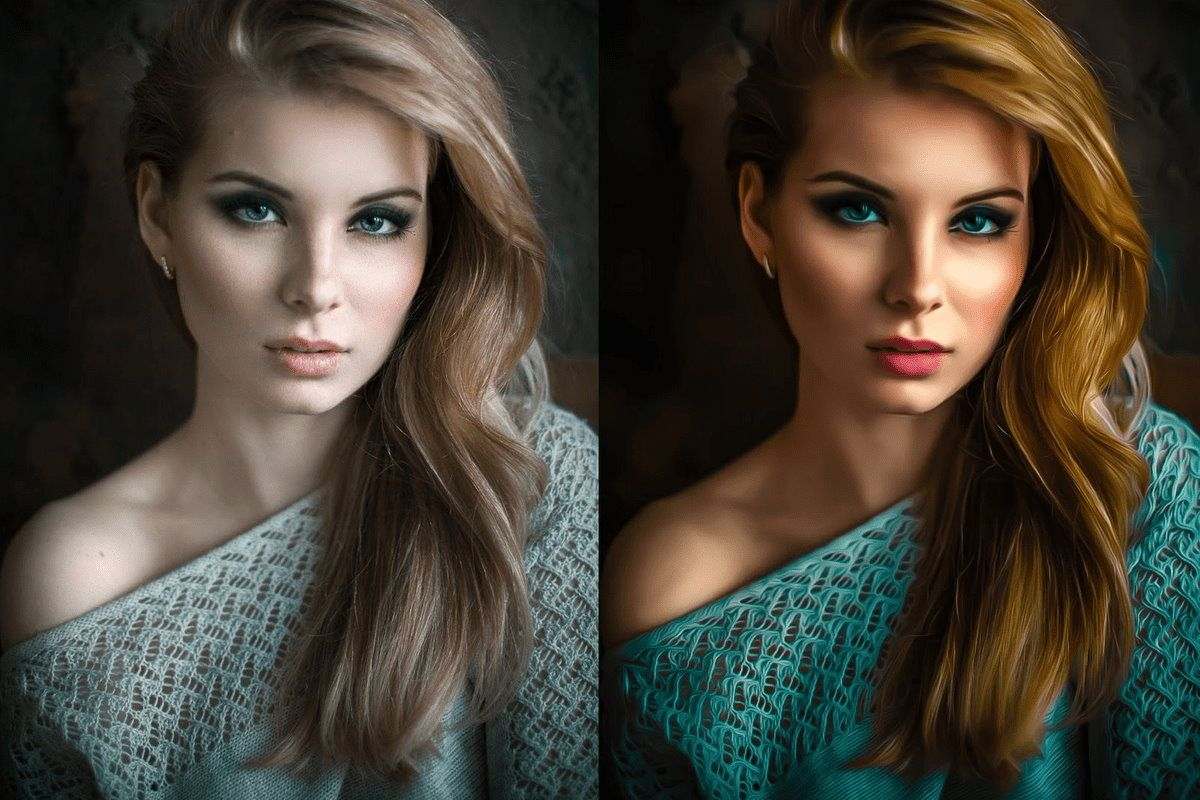
Image Filters: Experiment with various filters to enhance your image and inspire new artistic ideas.
Actual Size Display: View images in actual size to make sure every detail is perfectly captured.
Color Detection: Quickly identify and extract colors from your image, aiding your color matching efforts.
Save Gridded Images: Conveniently store your edited images with grids for future reference or printing.
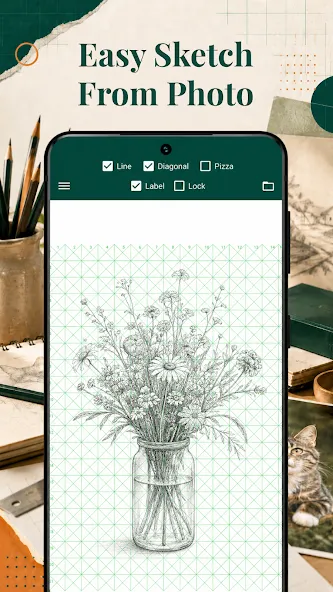
Open Photo Drawing Helper, and choose an image from your device;
Use Grid Art: Drawing Desk to place grid lines over the photo;
Adjust Grid Drawing: Graph Paper settings to match your paper ratio;
Open Grid Maker: Art Reference Tool to refine the grid layout;
Try Grid Photos: Line Drawing App filters for clearer visual details;
Check the actual image size before saving your reference;
Save the final image with the grid applied;
Pros
Ratio-based grid matches paper-size proportions for accurate transfers
Built-in color picker extracts hex and RGB values from reference photos
Grayscale and black-and-white filters for value-focused tracing
Save and export gridded images for printing or offline use
Cons
Minor line-thickness inconsistency during extreme zooms reported by advanced users
Limited advanced rendering controls for pixel-level editing
Drawing Grid For The Artist is a helpful tool for artists looking to improve their digital drawing skills. While it may not have an extensive range of features, it provides essential functions to guide portrait artists. However, it's still sparse in features to make it a go-to app for illustrators.
Size:65.04MB Version:2.1.0
Requirements:Android 8.0+ Price:Free
Package Name:com.loannt.photoline Signature:300b0fdca75932af91bb0d64af6900d5
Welcome to our collection of drawing apps! Whether you're just starting out or are a seasoned artist, there's something here for you. Dive into a huge selection of brushes, colors, and layers to bring your ideas to life. You can create anything from realistic sketches in Procreate to precise vector graphics in Affinity Designer. Find the perfect tool for your style, download today, and start making amazing art.
About us | Contact us | Privacy policy| DMCA
Copyright © 2026 Xiaohei All rights reserved.