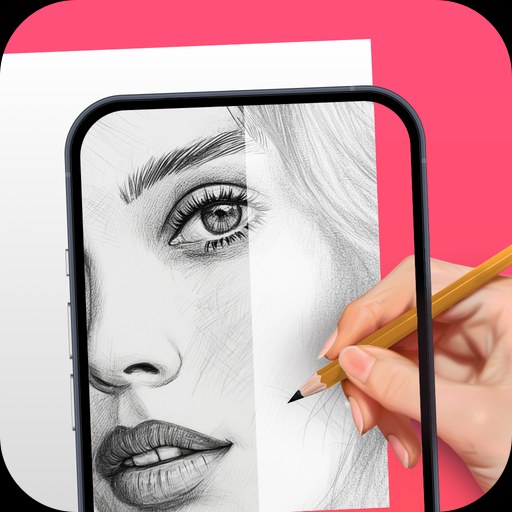
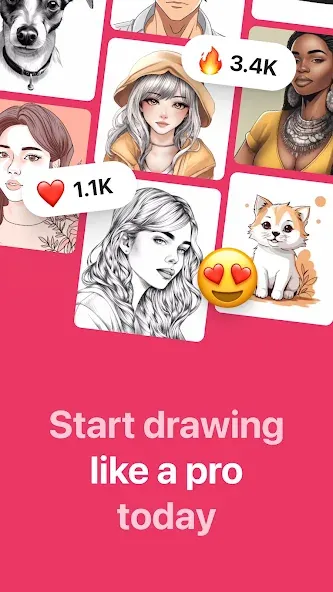
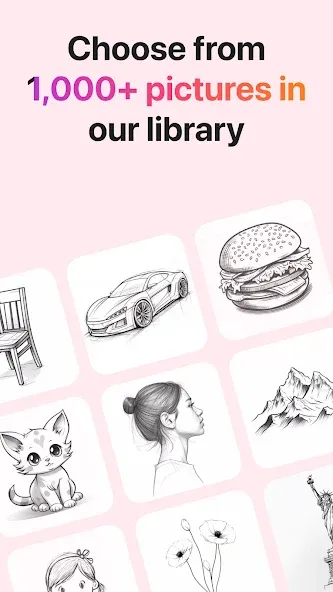
AR Drawing is an innovative drawing tool application. Utilizing augmented reality (AR) technology, it offers a vast collection of free templates for drawing and tracing—covering diverse subjects such as animals, nature, food, and anime—to unlock endless artistic possibilities. With AR Drawing, you can use your phone’s camera to easily trace sketches, create beautiful artwork, or outline images on any surface. Simply project an image onto paper, add color, and your masterpiece is complete!
Create beautiful sketches and drawings on your Android device with AR Drawing.
Access a wide range of tools to create stunning artwork, including pencils, markers, brushes and more.
Add text or shapes to enhance the look of your artwork by using layers in this app.
Use advanced features like blending modes for creating unique effects in your drawing/painting projects.
Take advantage of various colour palettes that can be used when colouring objects within the canvas area.
Easily share creations via social media platforms such as Facebook & Twitter directly from inside the application’s interface itself!
Real-world anchoring: Drawings remain fixed to surfaces so your sketches persist as you move around.
Multi-layer support: Build complex compositions using layers you can show, hide, and reorder.
3D and 2D brushes: Choose from a range of brush styles and pressure-sensitive stroke dynamics.
Shareable scenes: Export snapshots or share an AR link so others view your drawing from their device.
Pros
Adjustable camera overlay for tracing onto physical surfaces
Templates and guided drawing lessons
Time-lapse recording with music
Developer claims ad-free offline use
Cons
Tracing teaches less than fully independent drawing
Reported storage permission problem can obstruct the AR feature
Can I use AR Drawing on any smartphone?
Yes, AR Drawing is compatible with most smartphones that support Augmented Reality technology. Simply download the app from our website and start creating your own drawings today.
Is AR Drawing suitable for beginners?
Absolutely! AR Drawing features a user-friendly interface that is easy to learn and use for both beginners and experienced artists. With step-by-step instructions and a wide range of tracing templates, anyone can start drawing and sketching with ease.
Can I share my drawings with others?
Yes, you can easily share your creations with friends and family by saving them to your device or posting them on social media. Show off your artistic talents and inspire others with your unique drawings.
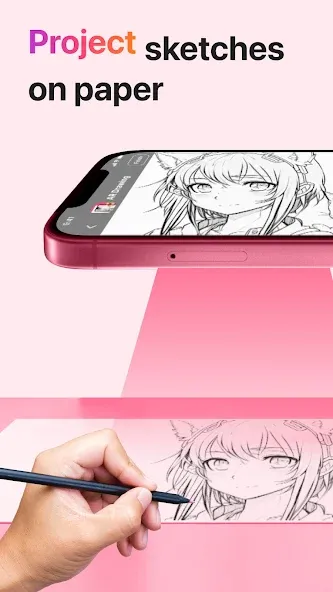
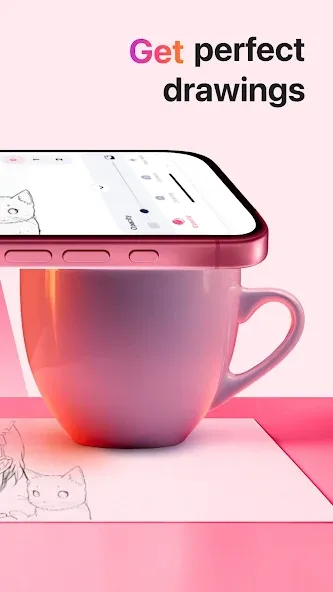
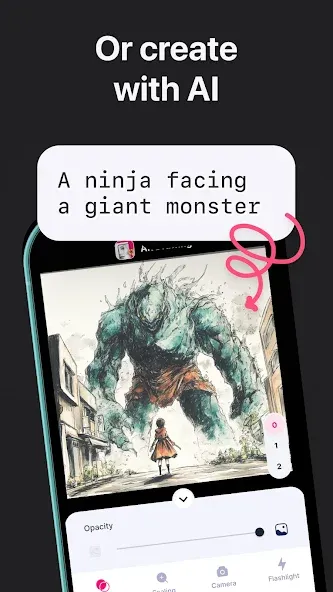
AR Drawing has many templates, colors, and brushes. In addition, you can use your device's flashlight and open any sketch you want to draw. As a bonus, AR Drawing also allows you to record the entire creation process so you can share it on social media once you're done. If you want to learn to draw all kinds of things, download AR Drawing for free to bring dozens of drawings to life. Download the AR Drawing APK and learn how to draw using augmented reality.
Size:97.67MB Version:5.2.8
Requirements:Android 8.0+ Votes:202
Package Name:ar.drawing.sketch.paint.trace.draw.picture.paper Signature:8d666f7005f83dfa498754b9fc74e068
Welcome to our collection of drawing apps! Whether you're just starting out or are a seasoned artist, there's something here for you. Dive into a huge selection of brushes, colors, and layers to bring your ideas to life. You can create anything from realistic sketches in Procreate to precise vector graphics in Affinity Designer. Find the perfect tool for your style, download today, and start making amazing art.
About us | Contact us | Privacy policy| DMCA
Copyright © 2026 Xiaohei All rights reserved.