Blurrr is a professional-grade video editing software focused on high-degree-of-freedom special effects creation. It supports free mixing of video, audio, and image tracks, allows for custom keyframes and curves to control animation changes, and supports binding of empty objects and parent-child relationships for precise image control. It also boasts over 400 professional effects and nearly 100 filters created by a visual effects team, meeting most editing needs. Furthermore, the software includes a built-in 3D camera function, supporting the creation of 3D tunnels, cubes, and other effects. It also features a mobile-compatible 3D particle editor, enabling the creation of various particle effects such as fireworks, flames, and starry skies, satisfying professional VFX and other creative needs.
This short guide outlines a basic workflow for Android after you download Blurrr. It helps you move from import to export with clear steps.
Open Blurrr, then create a new project and set your frame rate and resolution according to your source clips.
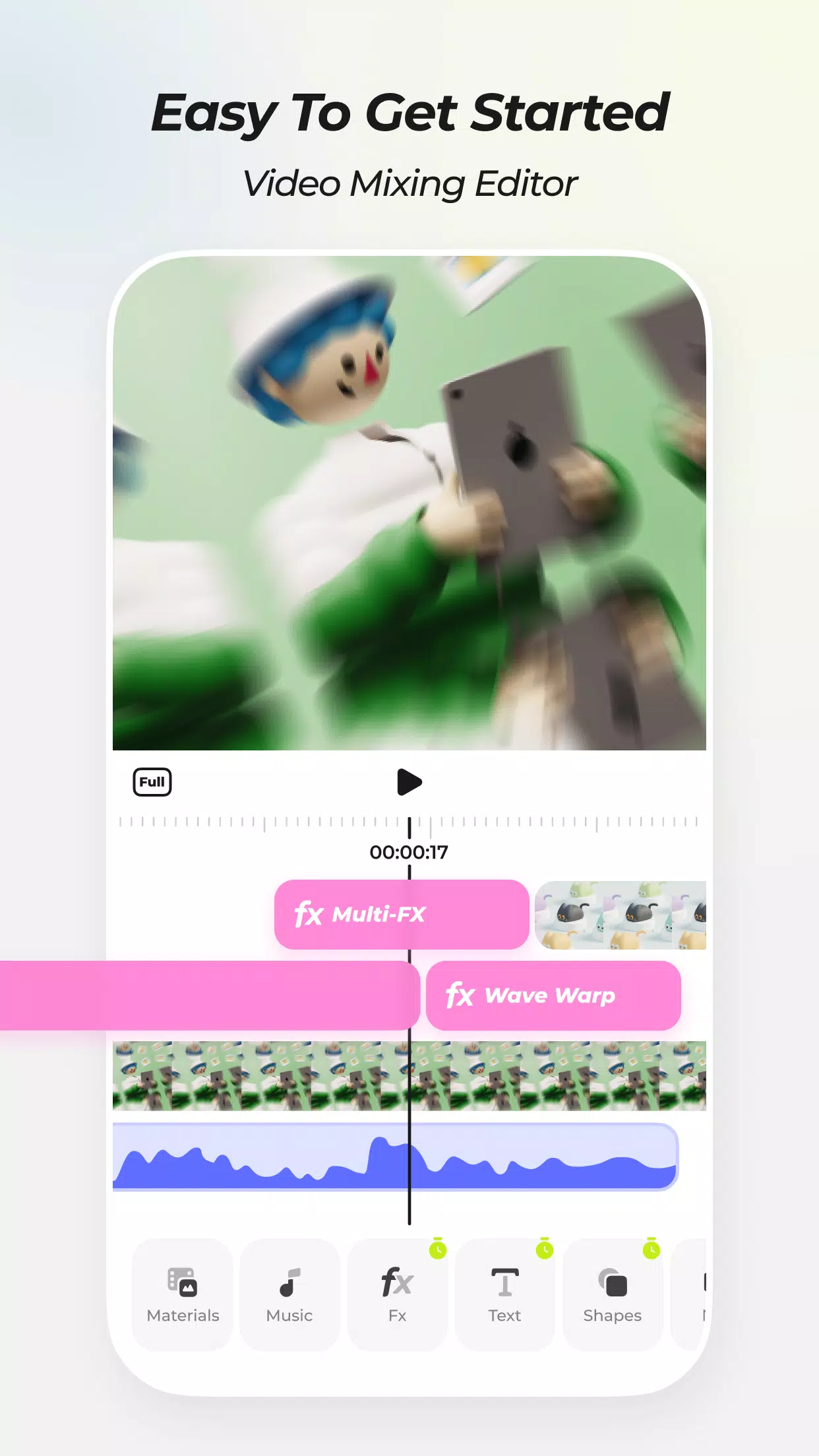
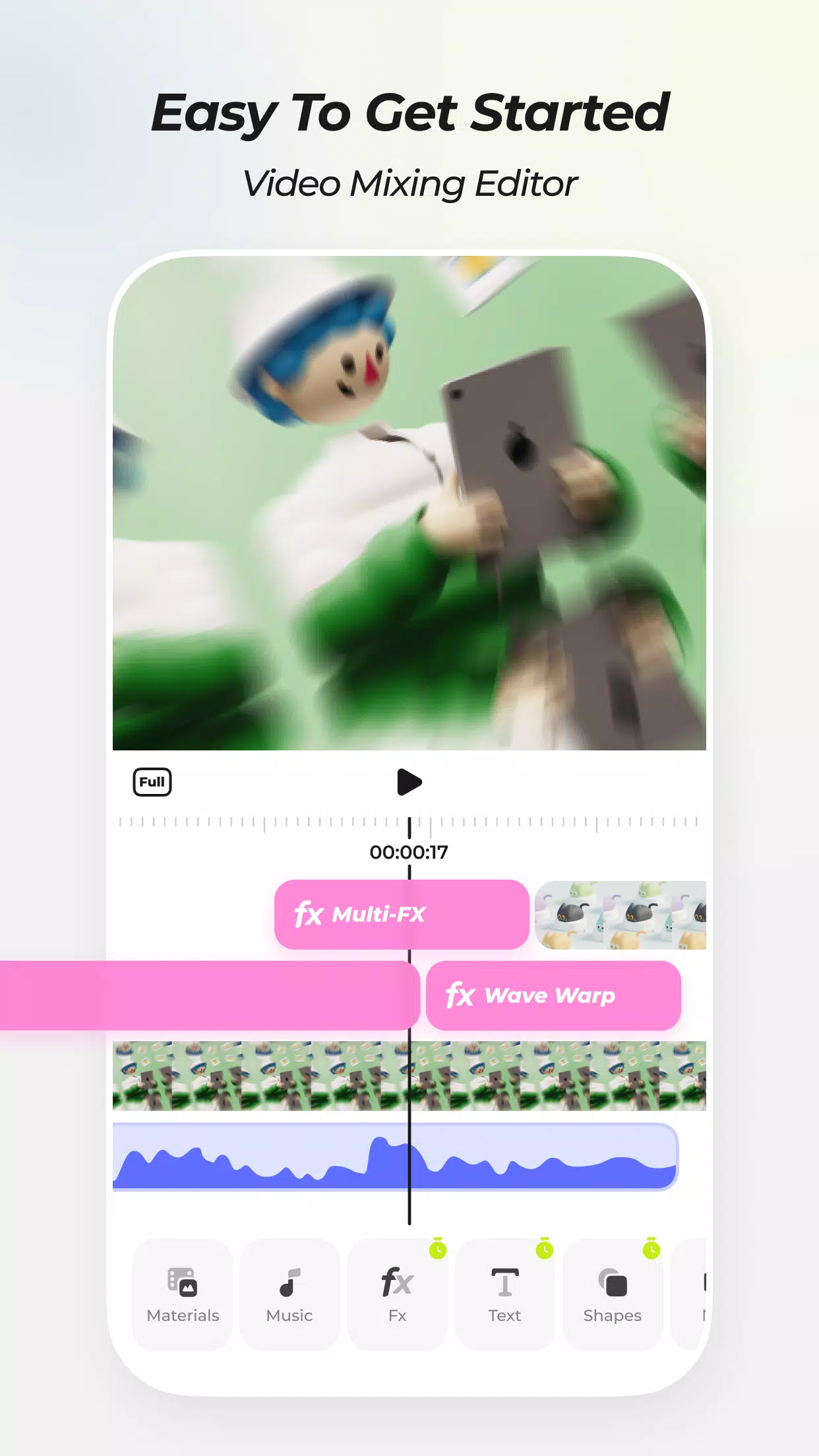
Next, import your videos, images, and audio. You can organize them on separate tracks to keep timing and layering clear.
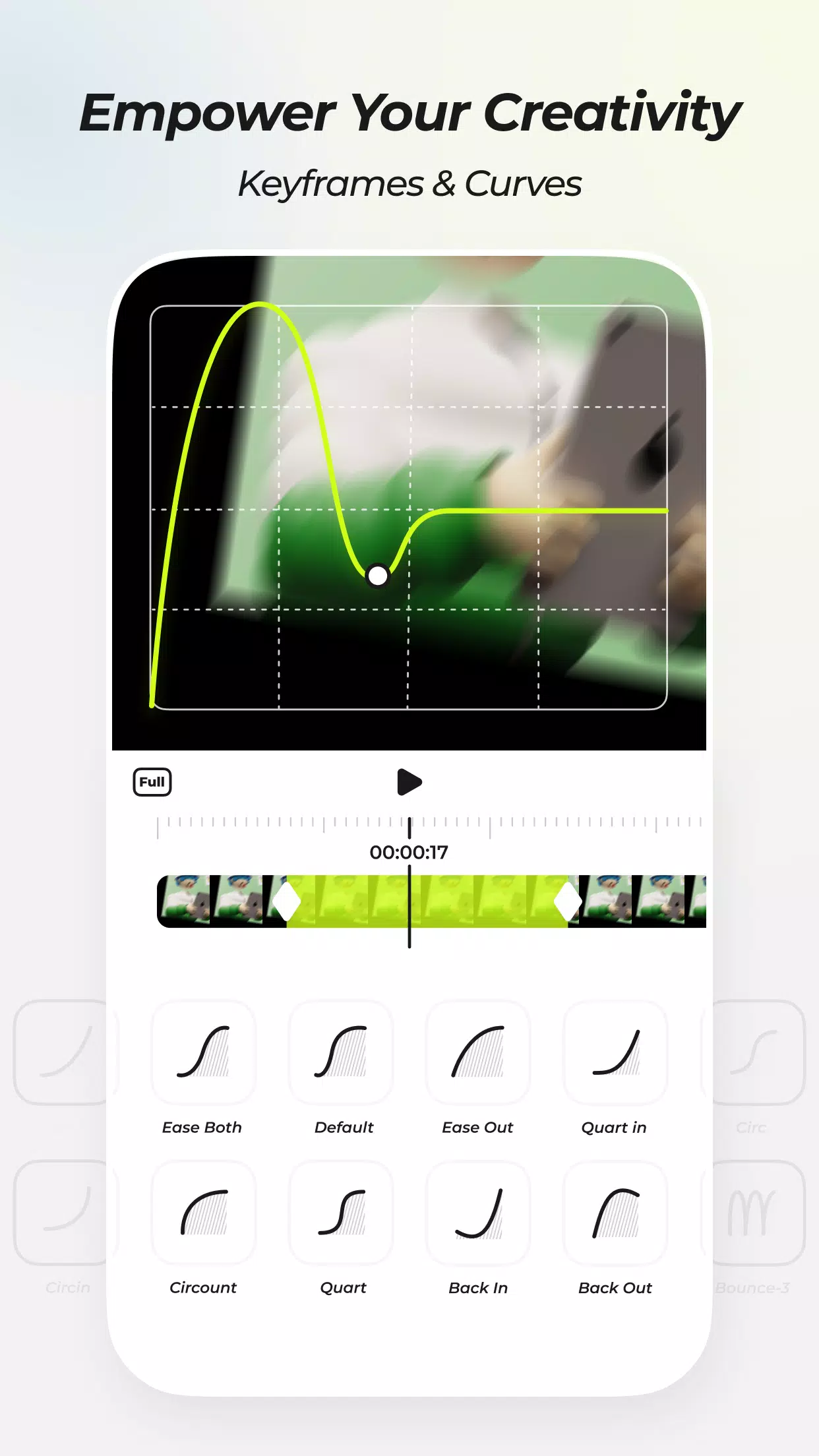
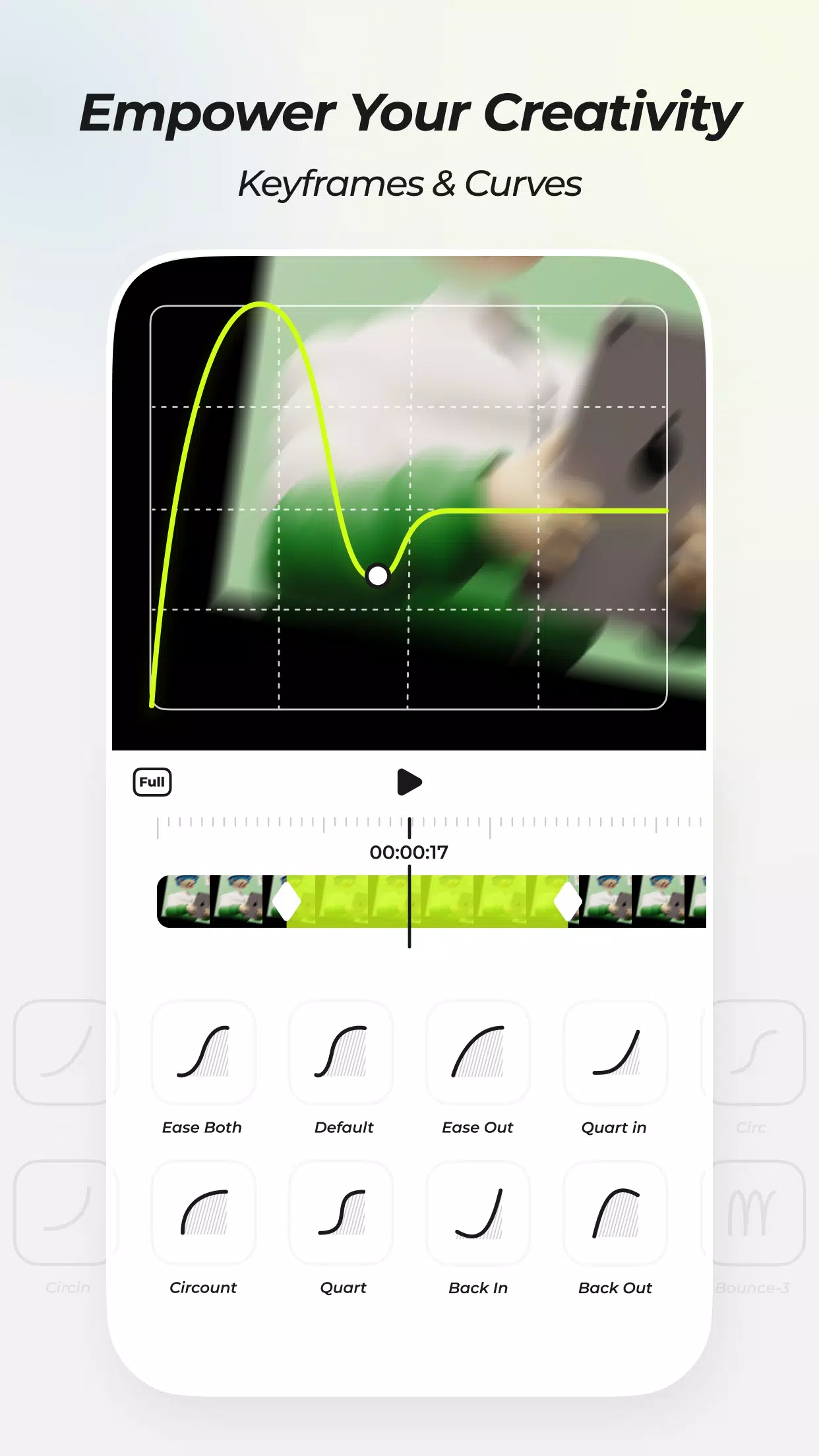
Then choose a template or preset if you want a quick base. Otherwise add keyframes and adjust curves to control motion, effects, and color over time.
After that, mix layers with text, shapes, and filters. Use parent and child subsets to group elements, and apply velocity changes or time remapping to match beats.
Finally, review the timeline, render a preview, and export your video with the desired settings for sharing or posting.
Free Track Layer Mix – Combine multiple layers of video, audio and images.
Custom Keyframes & Curves – Control all effects and movements.
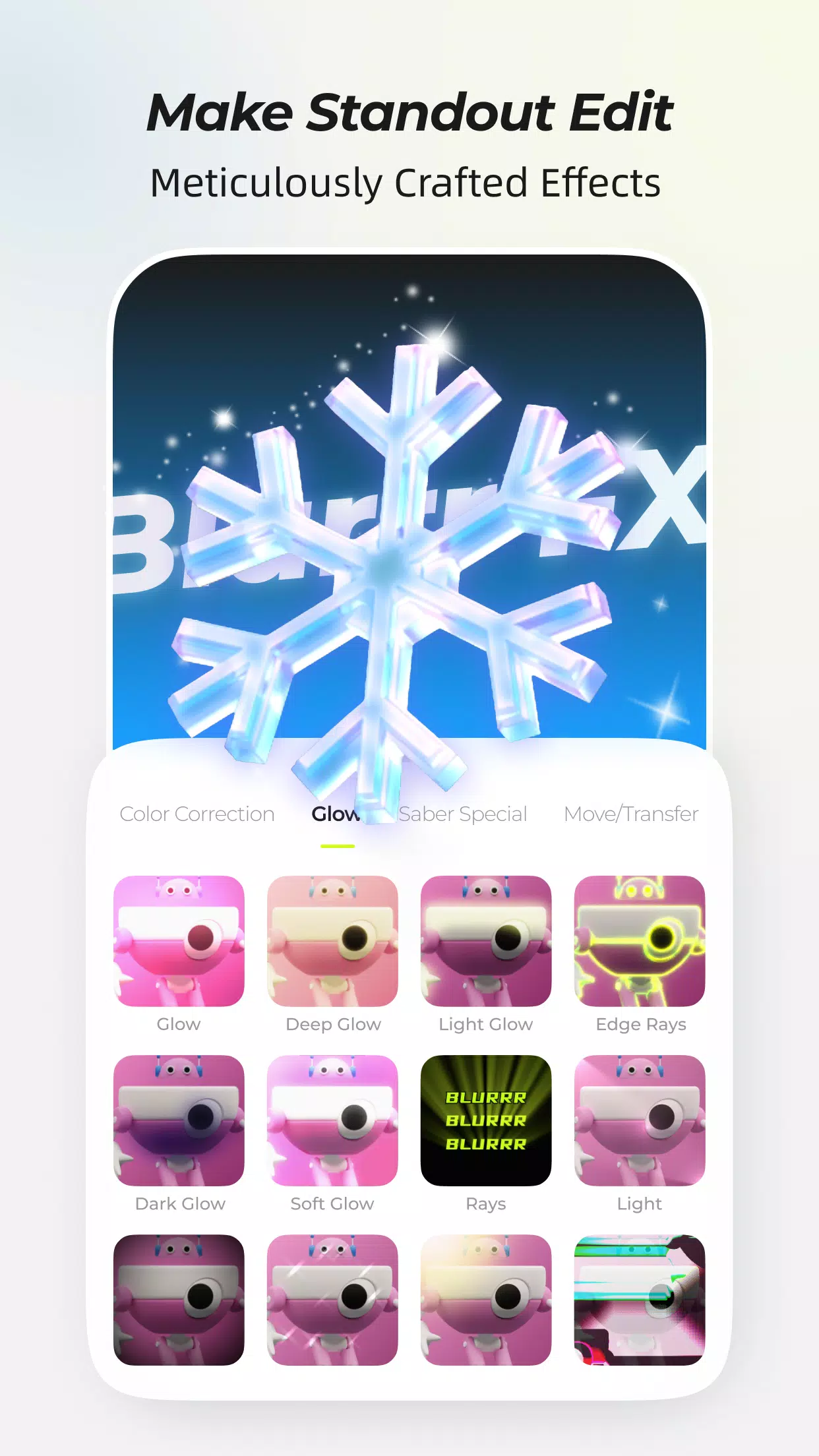
80+ Meticulously Crafted Effects – Professional VFX effects set, support layering & filters.
Velocity Function – Keyframe speed, time remapping & music – image synchronization.
AI Intelligent Matting – Smart background separation, more creative freedom.
3D & Camera – Supports 3D cube, tunnel, conveyor belt, VFX and dynamic camera.
AI Frame Interpolation – Smooth video, slow-motion optimization.
Null Objects & Parent-Child Subsets – Advanced controls for fine-tuning video.
Preparation is Key: Before immersing yourself in Blurrr, take the time to outline your video project. A well-thought-out plan will streamline your workflow, ensuring that each edit and effect contributes to the overall narrative or visual objective. This step is particularly crucial for intricate projects where timing and coherence play a vital role.
Harness the Power of Keyframes: Keyframes serve as the foundation for dynamic video editing in Blurrr. Mastering their use empowers you to create seamless transitions, animate objects, and control effect parameters over time. Begin with simple animations to grasp timing and easing options, then progress to more intricate movements to breathe life into your videos.
Boldly Experiment with Effects: With a diverse range of effects at your disposal, Blurrr encourages fearless experimentation. Mix and match filters, explore different layer blends, and observe how effects interact with one another. Oftentimes, the most captivating visuals emerge from unexpected combinations.
Optimize for Mobile Viewing: Given that most viewers will likely watch your videos on mobile devices, optimizing your projects accordingly is crucial. Ensure that file sizes are manageable without compromising quality, and consider the aspect ratio and resolution best suited for mobile screens. Blurrr provides options to tailor your output for various platforms and devices.
Embrace Version Control: Throughout your editing process, saving incremental versions of your project can be invaluable. This app enables you to revisit previous iterations if the need arises to undo changes or pursue a different creative direction. Regularly saving versions also safeguards against potential data loss, preserving your hard work in the face of unforeseen issues.
Pros
Vast collection of blur effects
Easy to use editing suite
Highly customizable
Contains the most trendy and creative designs
Cons
Constant application lags
This post has explained null objects and parent-child subset methods and how they might improve video creation. First, consider null objects. Null objects in video editing are unseen layers that reference other composition elements. One can precisely place and manipulate other graphic elements by strategically inserting and manipulating null objects. To capture your distinguished audience, write an article that inspires deep admiration. You may ensure your audience obtains a deep understanding by using numerous literary approaches and a rigorous approach.
Size:236.7MB Version:2.0.6-4
Requirements:Android Votes:211

Transform your smartphone into a powerful editing studio with the best video editing apps for Android! Whether you're a content creator, social media enthusiast, or just looking to polish personal videos, these apps offer professional-grade tools right at your fingertips. Enjoy intuitive interfaces, advanced features like multi-track editing and filters, and seamless exporting options - all optimized for mobile devices. Download now and start creating stunning videos anytime, anywhere!
Video Editor is a powerful software tool designed for crafting, refining, and enhancing video content. It enables users to transform raw footage into compelling visual narratives or effective communication platforms. As digital media continues to evolve, video editing has grown in significance - no longer just a professional necessity but also an accessible skill for everyday creators. Modern editing tools now offer intuitive interfaces, AI-powered features, and cross-platform compatibility, making high-quality video production achievable for both experts and casual users alike.
Mobile video editing tools are highly popular, with complete functions and professional tools that provide a strong atmosphere for various materials. Rich video templates can be operated with just one click, saving time and without too high a threshold. So what are the free versions of mobile video editing software? Editing software should have high popularity, but most of them require membership. Next, I recommend several platforms that can be used for free.
About us | Contact us | Privacy policy| DMCA
Copyright © 2026 Xiaohei All rights reserved.