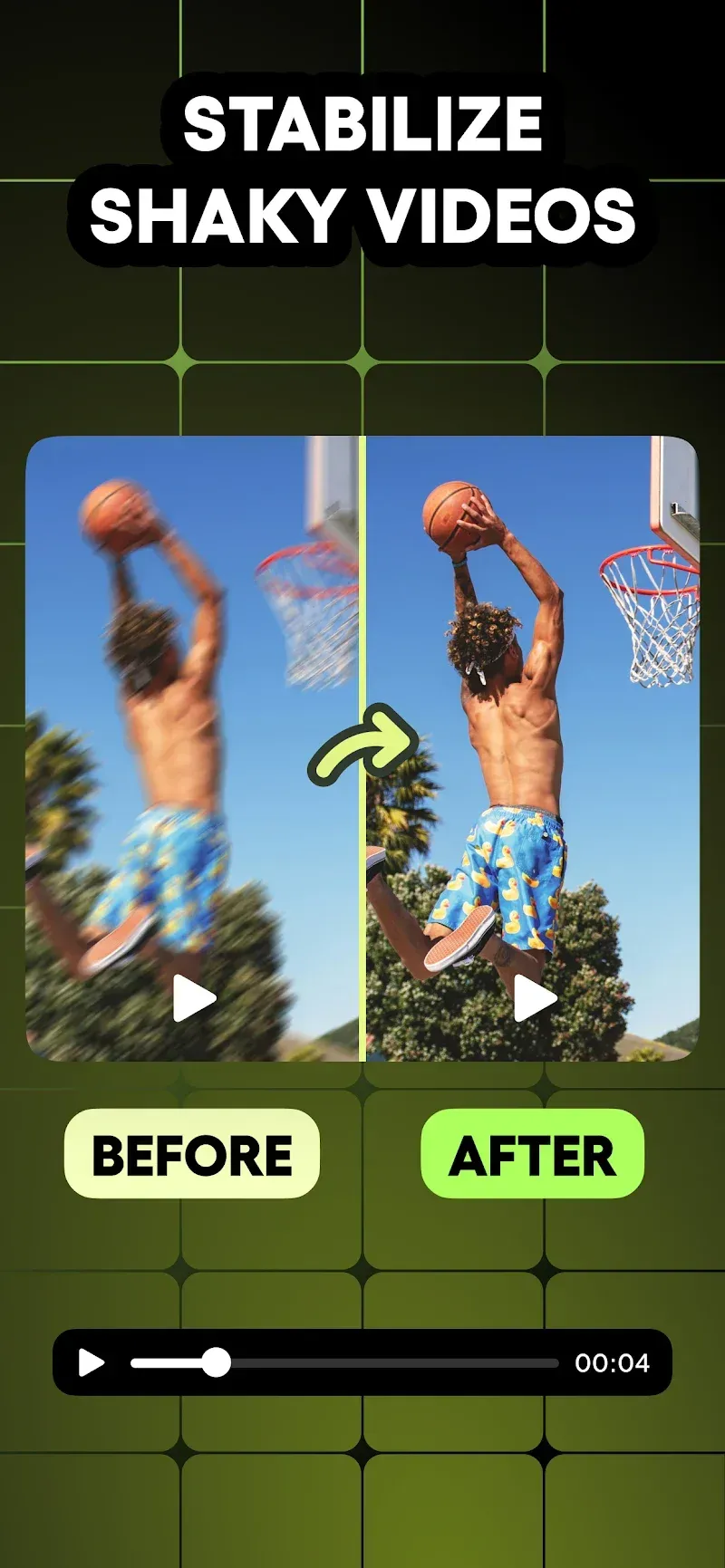
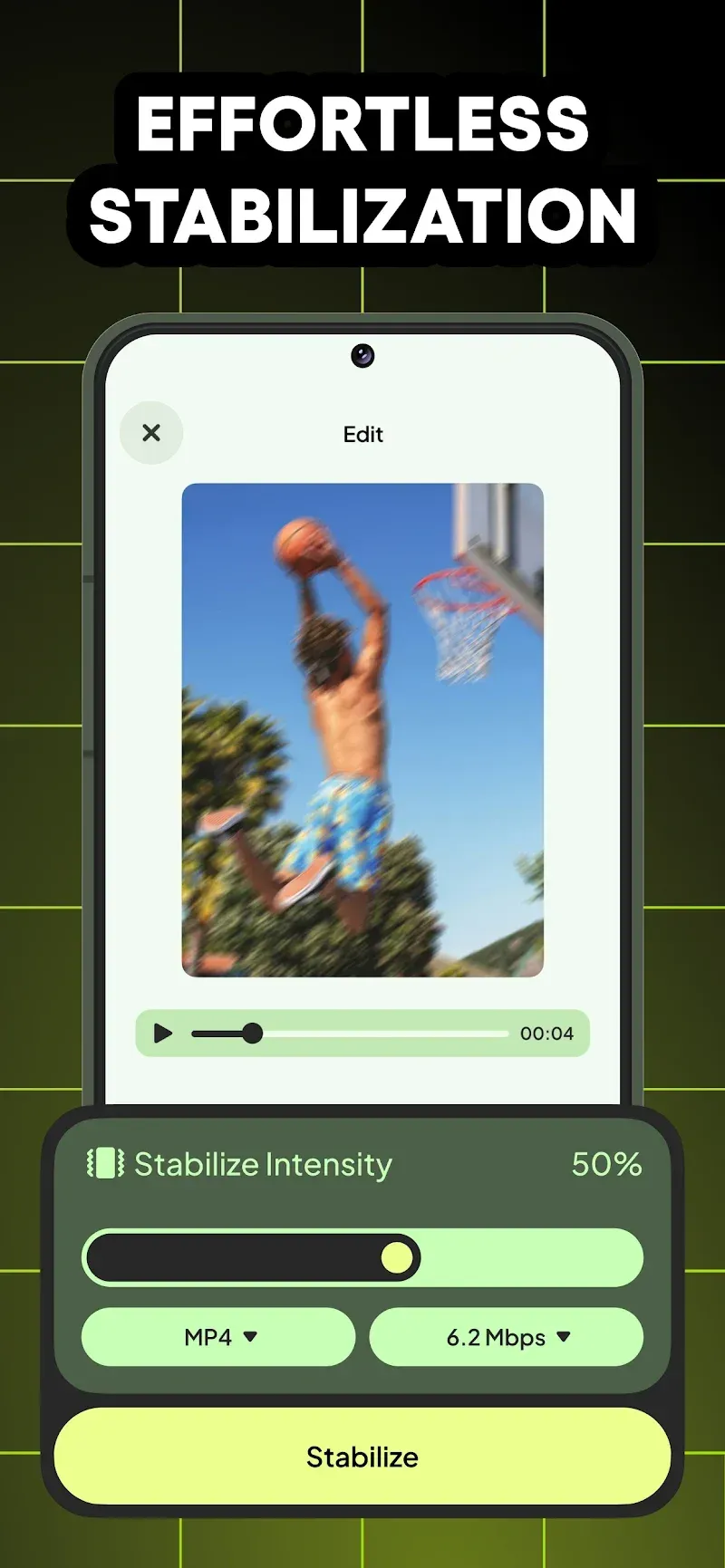
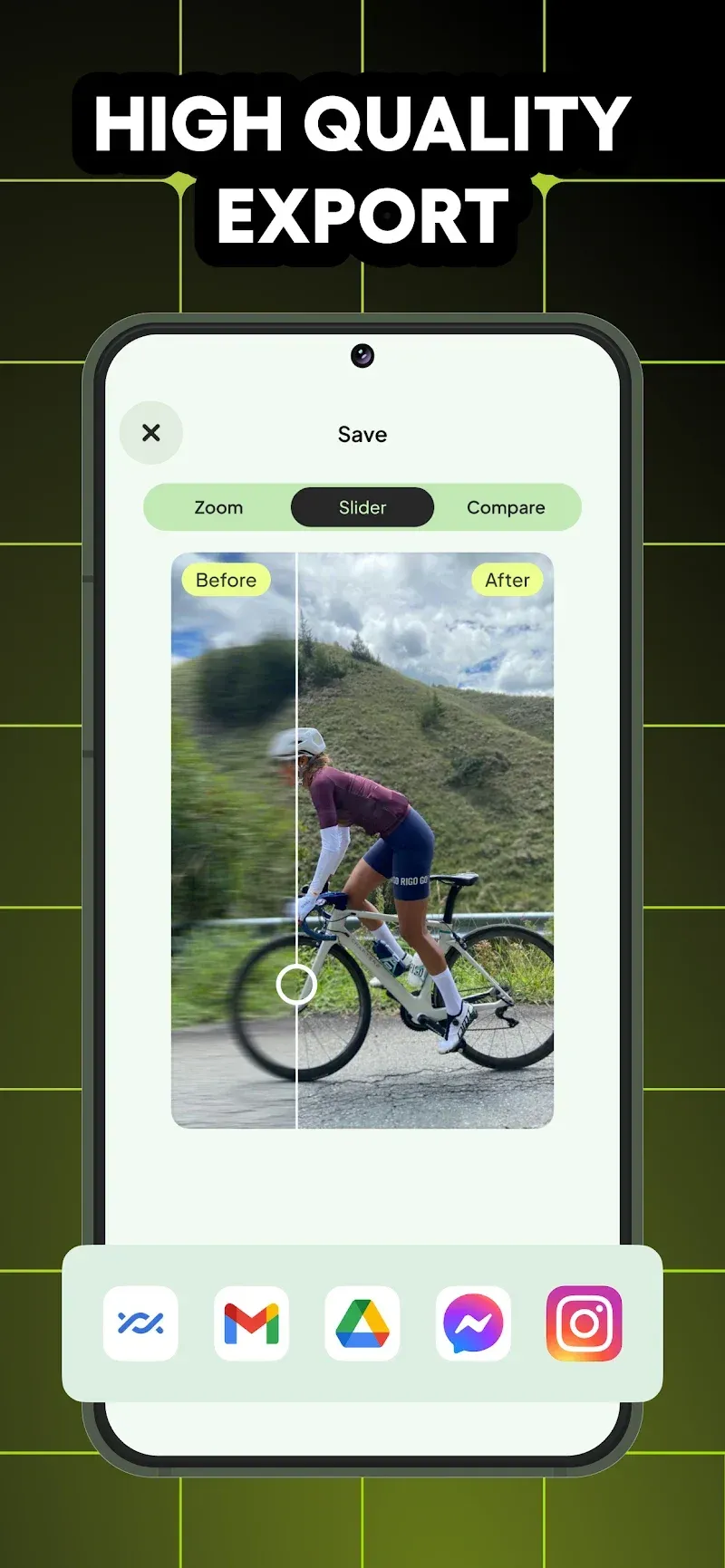
Stabilize Video is a video stabilization software designed for photography enthusiasts, helping users shoot smoother and more stable videos. Users simply import their videos, and advanced algorithms quickly optimize the footage. The software also supports custom settings, allowing users to adjust the optimization intensity and other correction settings according to their preferences. Users can preview the adjusted effects at any time to create high-quality videos. After stabilizing the video, users can quickly share it with friends and win their likes with their amazing work.
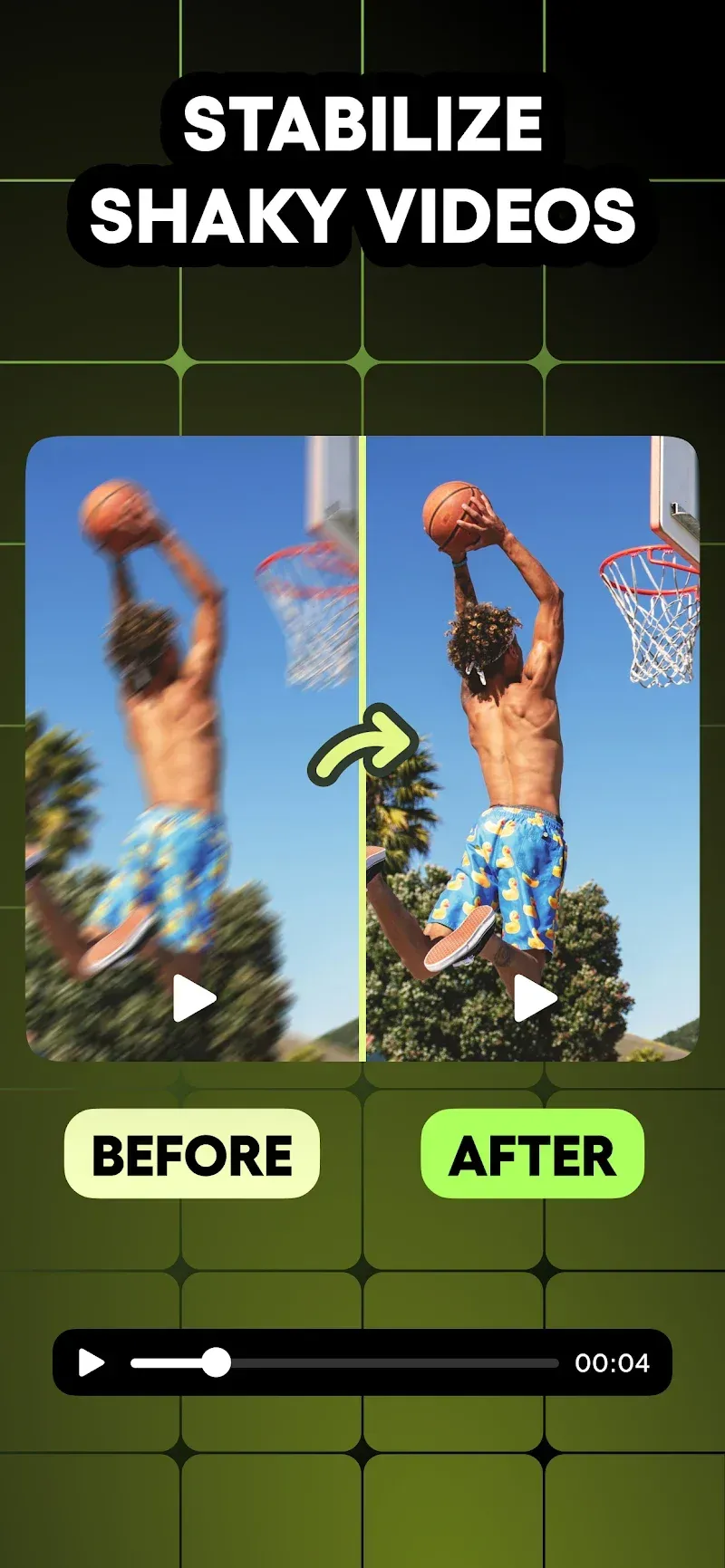
Shaky footage transformation: VideoStabilizer instantly transforms shaky films captured on phones, action cameras, drones, and DSLRs. The clever stabilizing techniques magically eliminate the jitter and bumps from handheld filming or quick action.
Simple import process: The software’s basic UI helps import shaky footage. Just upload your film and use its innovative technology to stabilize the video within seconds on the app quickly. With a few taps, you can capture professional-grade videos that impress any audience.
Rapid stabilization time: It detects shakes and distortions across the video timeline and smoothly adjusts positioning to counteract them. Complex smoothing techniques run quickly in the background to remove jitters in real-time. This enables extremely fast processing so users can transform videos in seconds rather than minutes.
Instant footage transformation: The sophisticated stabilization systems produce an instantaneous cinematic change. Just a tap turns shaky, grainy movies into a flawless output. Like magic, wobbles and bounces vanish as the film moves toward gimbal-steady. Straightening and alignment fixes horizon tilts expose clear, share-worthy movies buried behind the shaking.
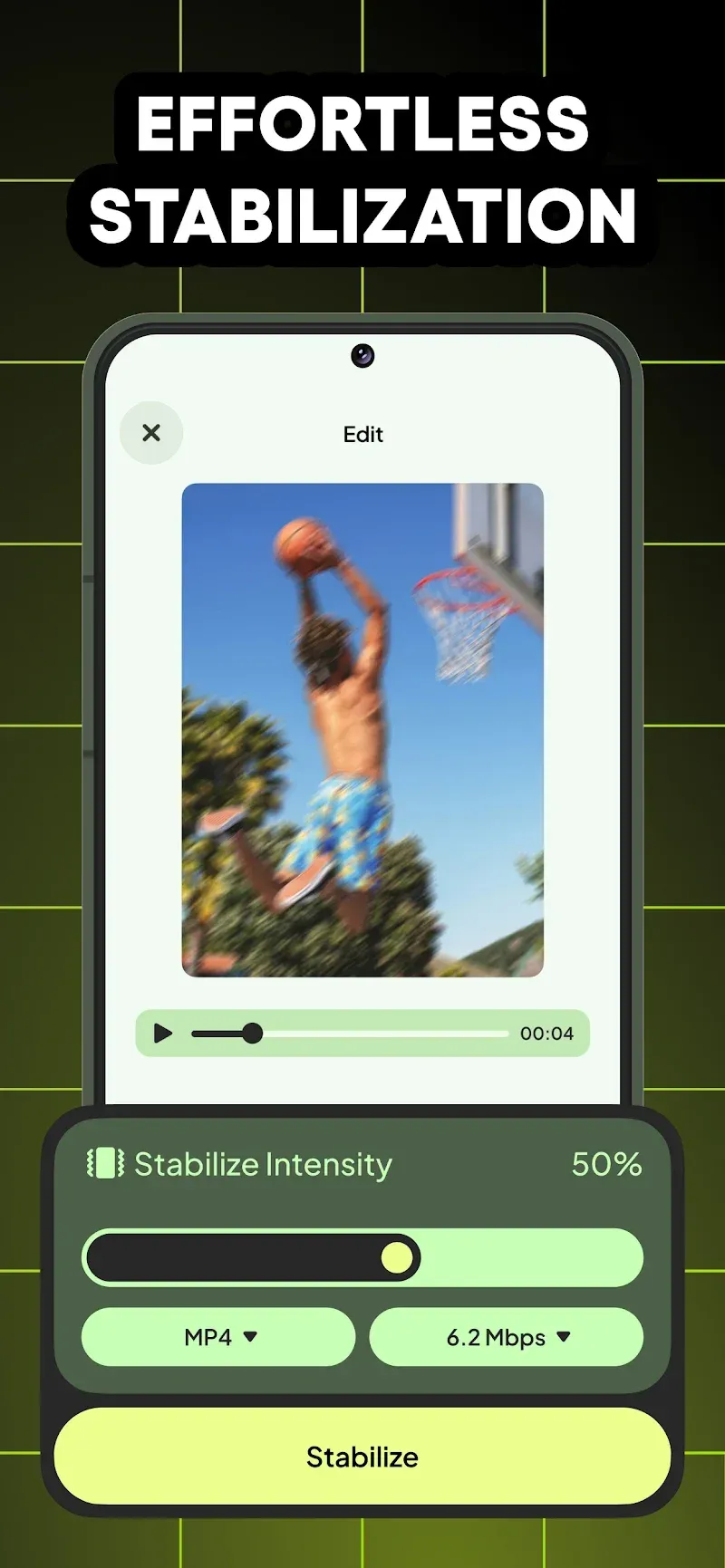
Video Stabilization Technology: Our app utilizes cutting-edge algorithms to analyze and stabilize video frame by frame, ensuring a steady and polished result.
Easy-to-Use Interface: Just simply import your shaky video, and within a few seconds, you'll witness the magic as your video transforms into a steady and smooth masterpiece.
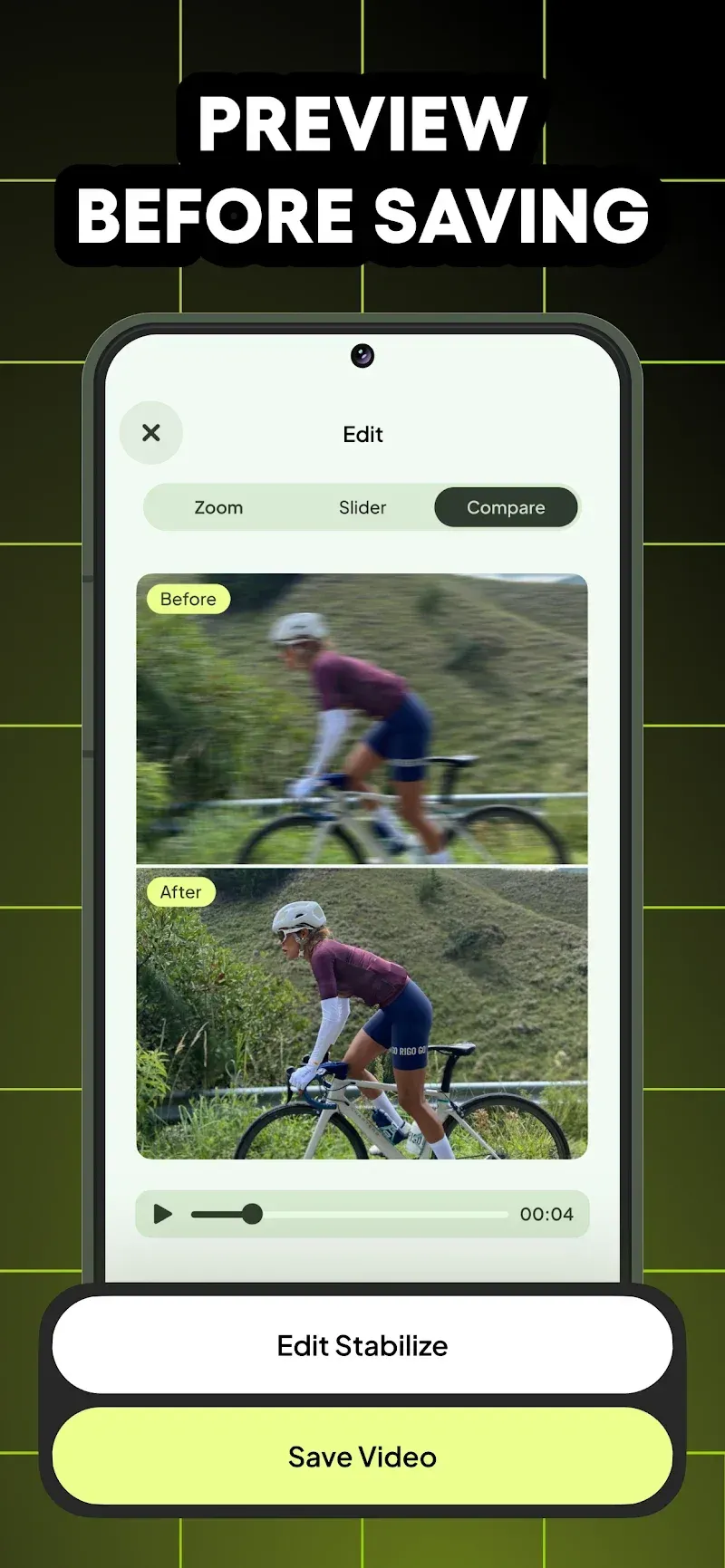
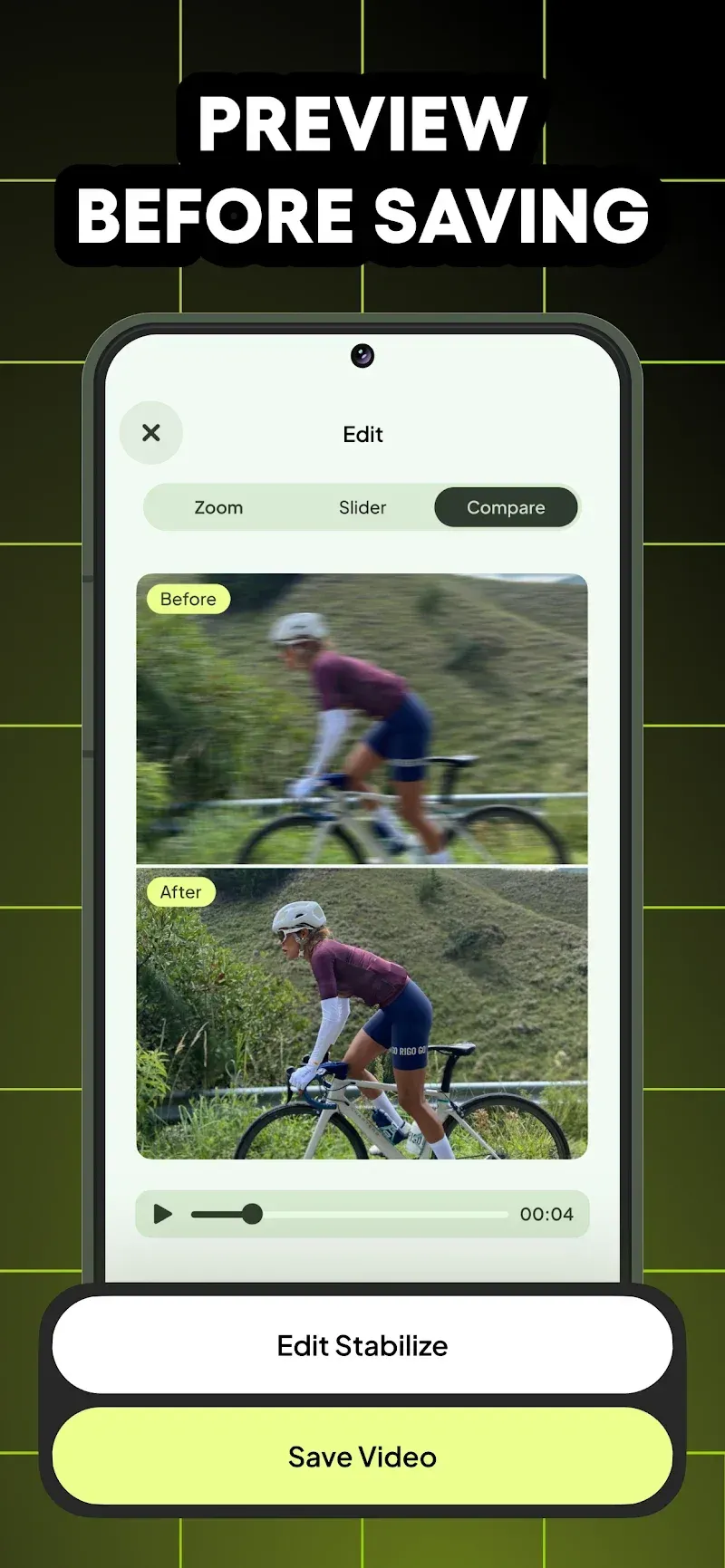
Real-Time Preview: Preview the stabilized video footage in real-time, allowing you to make instant adjustments and perfect your stabilize video before sharing it with the world.
Professional-quality results: This application uses quick stabilizing techniques to automatically change horizon tilts and locations. This generates consistent movies seeming to have been filmed with expensive camera equipment.
Customizable Settings: Tailor the video stabilization process to your preferences with adjustable settings for intensity and correction, making your video smoother and giving you full control over the final outcome.
Best app for my waterproof digital camera and Gopro Hero 3 Black edition.
Aawesome it is best app then all i have ever used.
does what it's made for, but... Cropp is noticeable, and when it's really shaky, it does happen to be flicking , and you can tell something was going on, but for free, it's a fair price and the result.
I just installed this app so I need to test it further. I already stabilized a short 20 sec video and it definitely improved the smoothness. No loss of definition either. Very easy to use interface with no ads.
Stabilize Video is a video editing application that helps users stabilize shaky videos, providing smoother and more professional results. This application is very useful for those who regularly record videos with phones or handheld cameras. Users can adjust the frame of the video to ensure that the video is properly aligned and does not lose important frames. Whether you’re a beginner or a pro, the app offers easy-to-use tools to improve your videos.
Size:86MB Version:1.0.9
Requirements:Android Votes:486
Package Name:com.tapuniverse.videostabilizer Signature:188d78fd7f27734110355df0b9de8801b71d8093
Transform your smartphone into a powerful editing studio with the best video editing apps for Android! Whether you're a content creator, social media enthusiast, or just looking to polish personal videos, these apps offer professional-grade tools right at your fingertips. Enjoy intuitive interfaces, advanced features like multi-track editing and filters, and seamless exporting options - all optimized for mobile devices. Download now and start creating stunning videos anytime, anywhere!
Video Editor is a powerful software tool designed for crafting, refining, and enhancing video content. It enables users to transform raw footage into compelling visual narratives or effective communication platforms. As digital media continues to evolve, video editing has grown in significance - no longer just a professional necessity but also an accessible skill for everyday creators. Modern editing tools now offer intuitive interfaces, AI-powered features, and cross-platform compatibility, making high-quality video production achievable for both experts and casual users alike.
Mobile video editing tools are highly popular, with complete functions and professional tools that provide a strong atmosphere for various materials. Rich video templates can be operated with just one click, saving time and without too high a threshold. So what are the free versions of mobile video editing software? Editing software should have high popularity, but most of them require membership. Next, I recommend several platforms that can be used for free.
About us | Contact us | Privacy policy| DMCA
Copyright © 2026 Xiaohei All rights reserved.