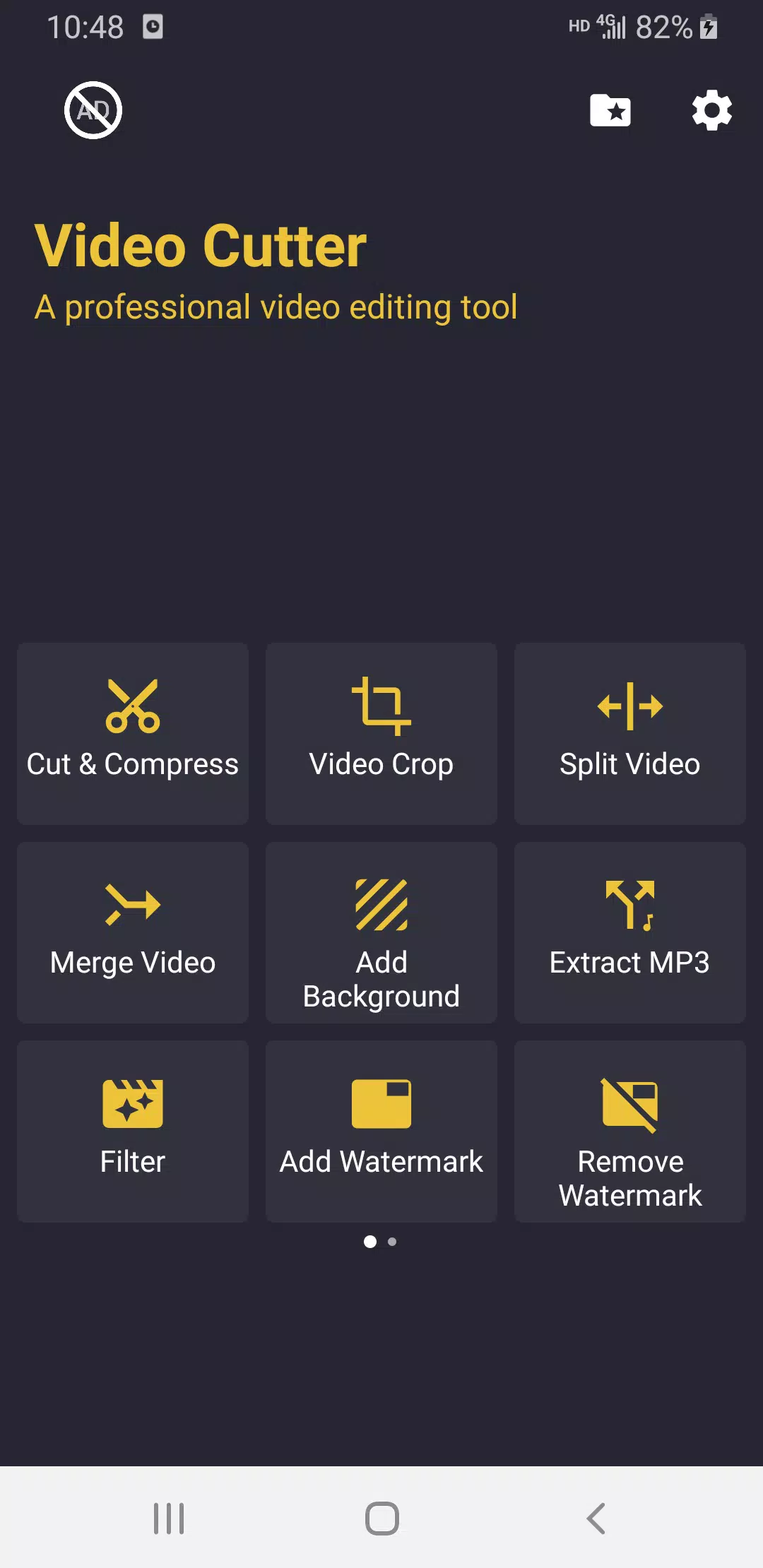
Video Cutter is a video editing software that allows users to freely crop their videos to different aspect ratios, such as 16:9 or 1:1, and add various video filters, effects, subtitles, and music to create beautiful video works. Users can also extract music from videos and save it to their devices, or merge multiple videos into a single video to meet different editing needs. Users can freely rotate their videos, convert them to different formats, export them to their devices, or share them with friends to earn likes and comments.
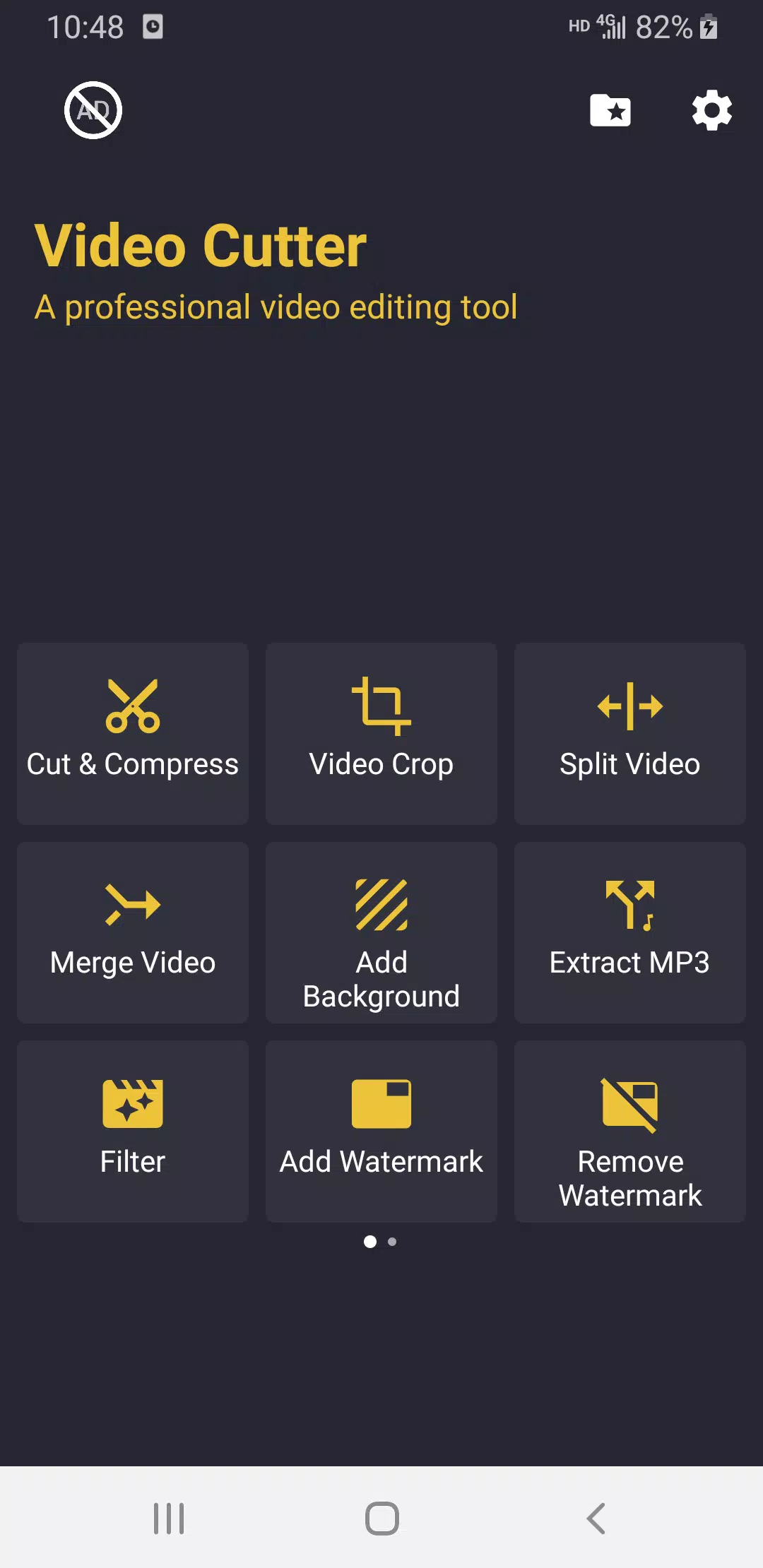
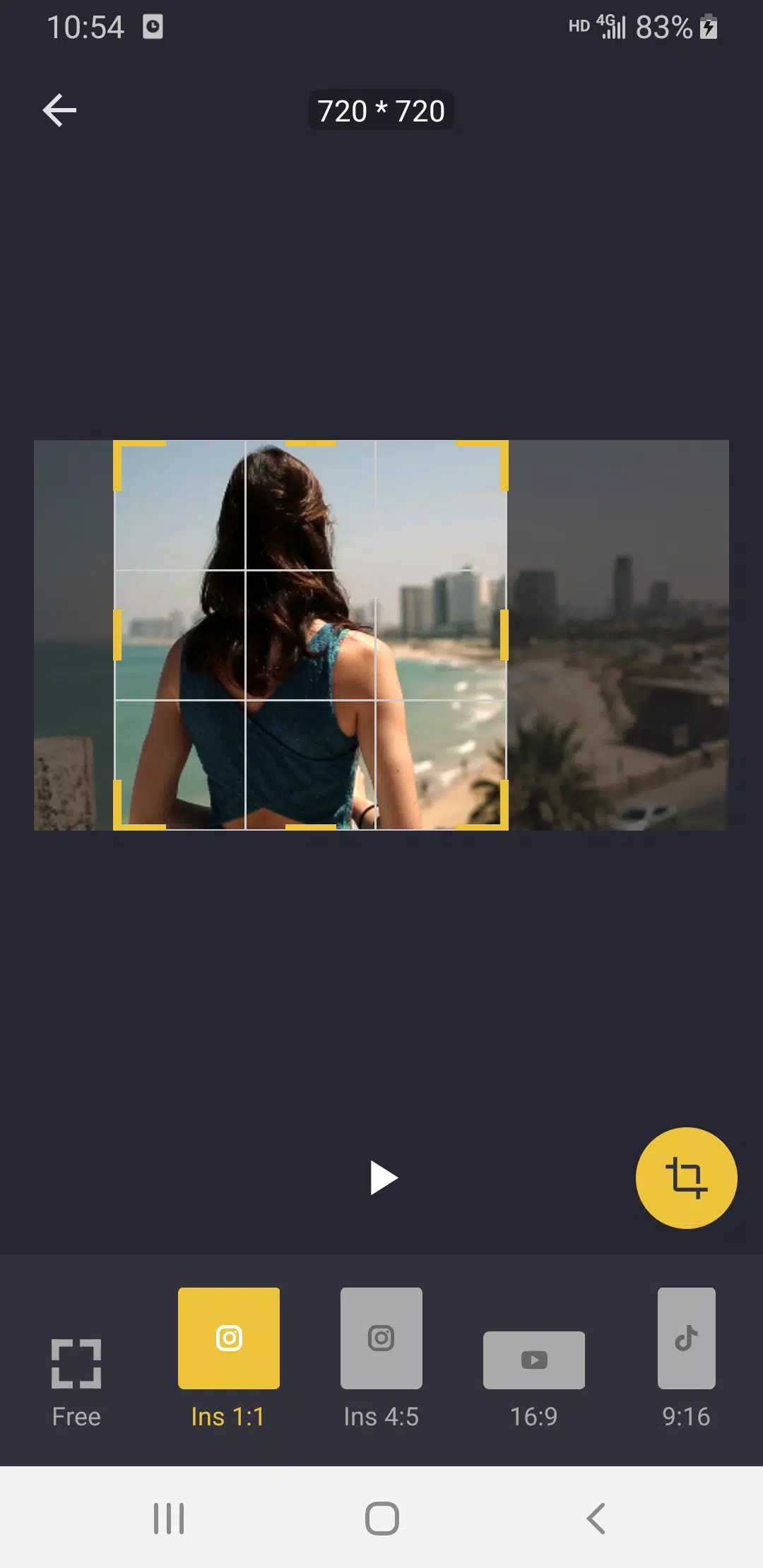
Crop Video: Crop the video to any aspect ratio to meet the requirements of various video social platforms. such as 16:9, 9:16, 1:1, 4:5.
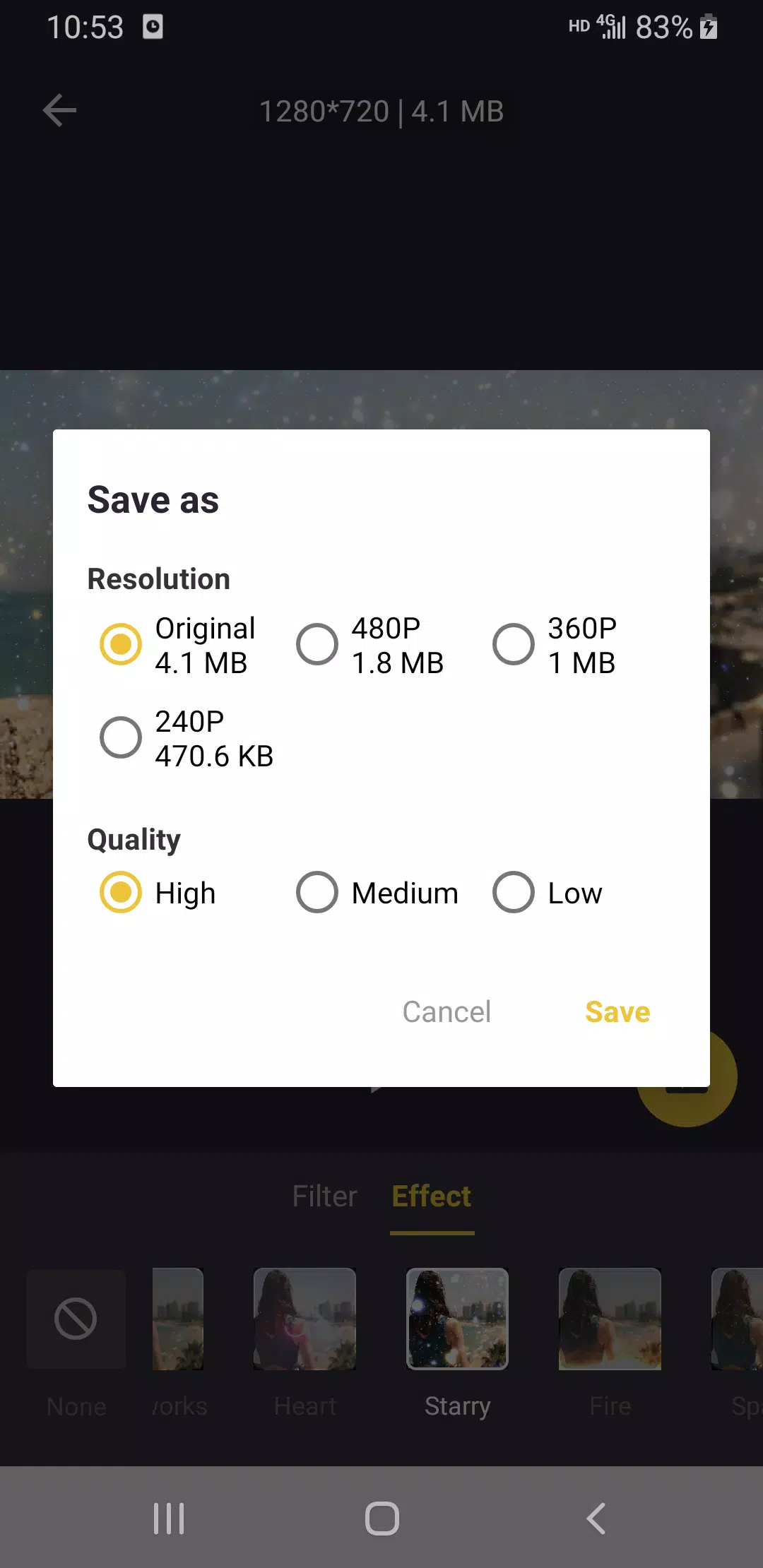
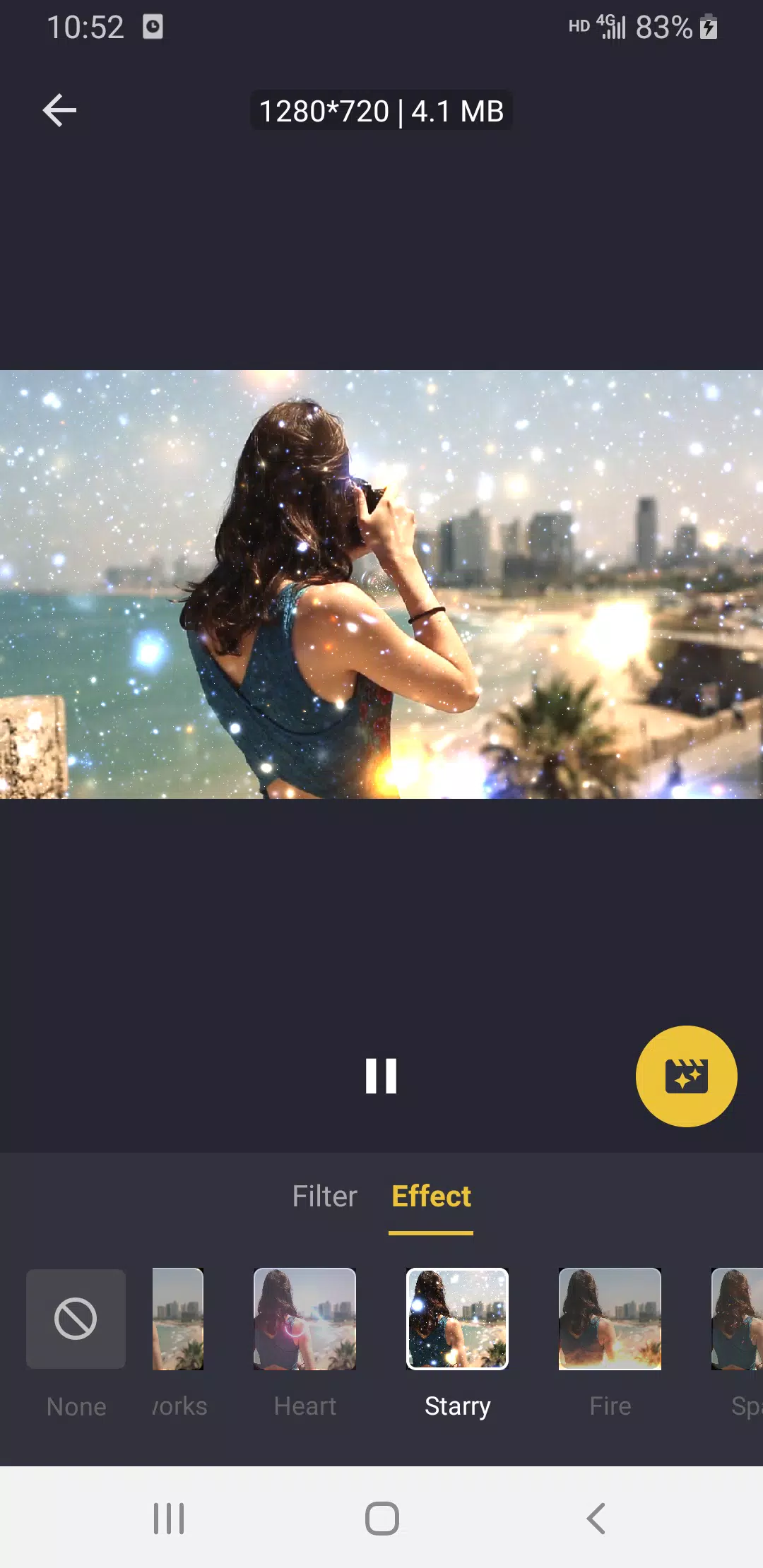
Video Effects & Filters: Provides a large number of video filters and effects, so you can easily create a variety of interesting videos.Retro VHS, Chrome, Shadow, RGB, Old TV, glitter, HeartBeat, Soul, Vibrate, Neon, Noise, Mirror, Wave, Moire, Aesthetic Effects...
Video to GIF: Easy to convert Video into GIF. Speed up or Slow down the GIF is also supported.
Video Split: Easily split videos for WhatsApp and Instagram stories to the required length. You can customize the number of splits.
Add Background: Add a background to the video with a specified aspect ratio to meet the requirements of various video social platforms, such as 16:9, 9:16, 1:1, 4:5. Support blur background or colorful background.

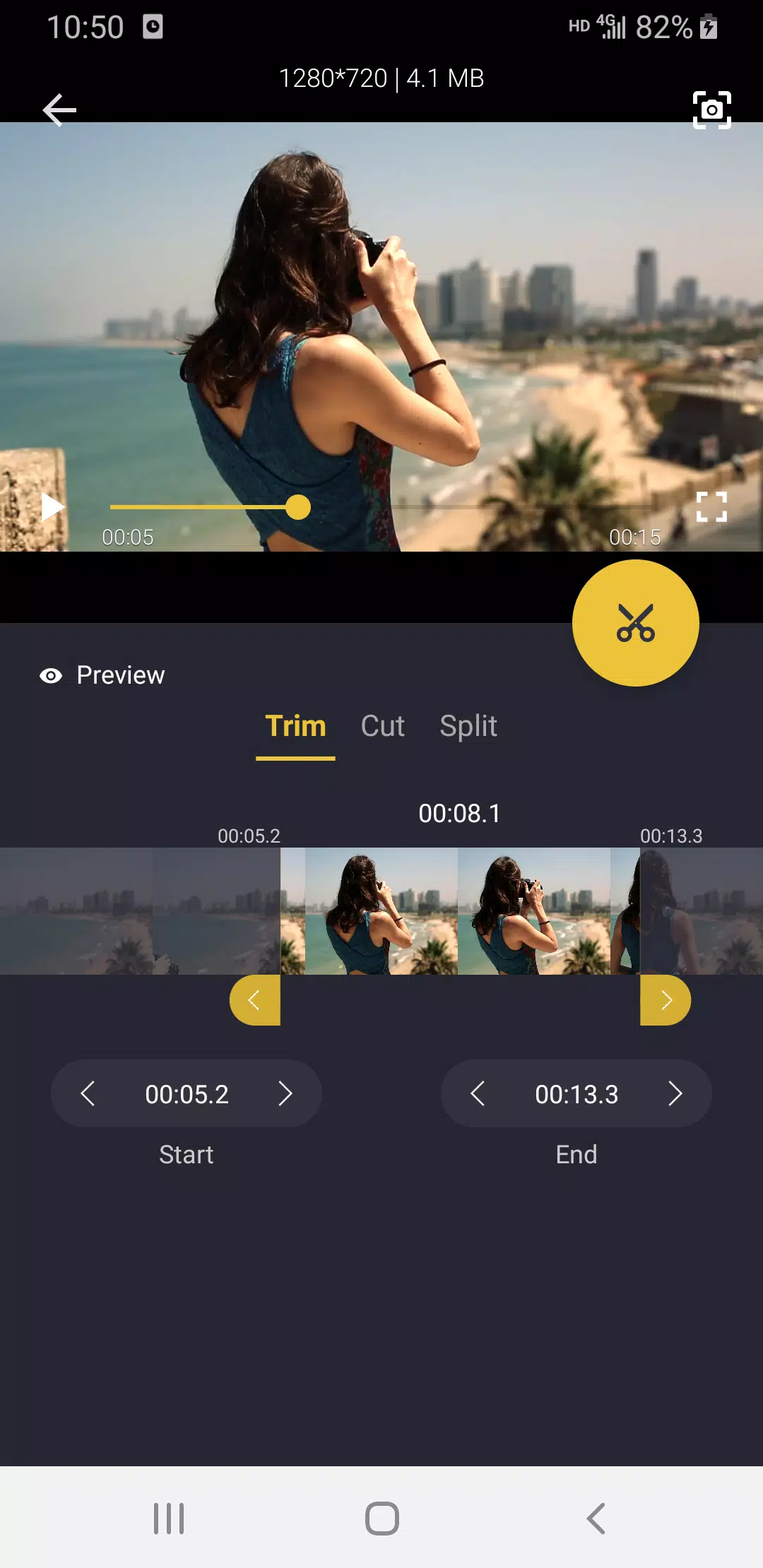
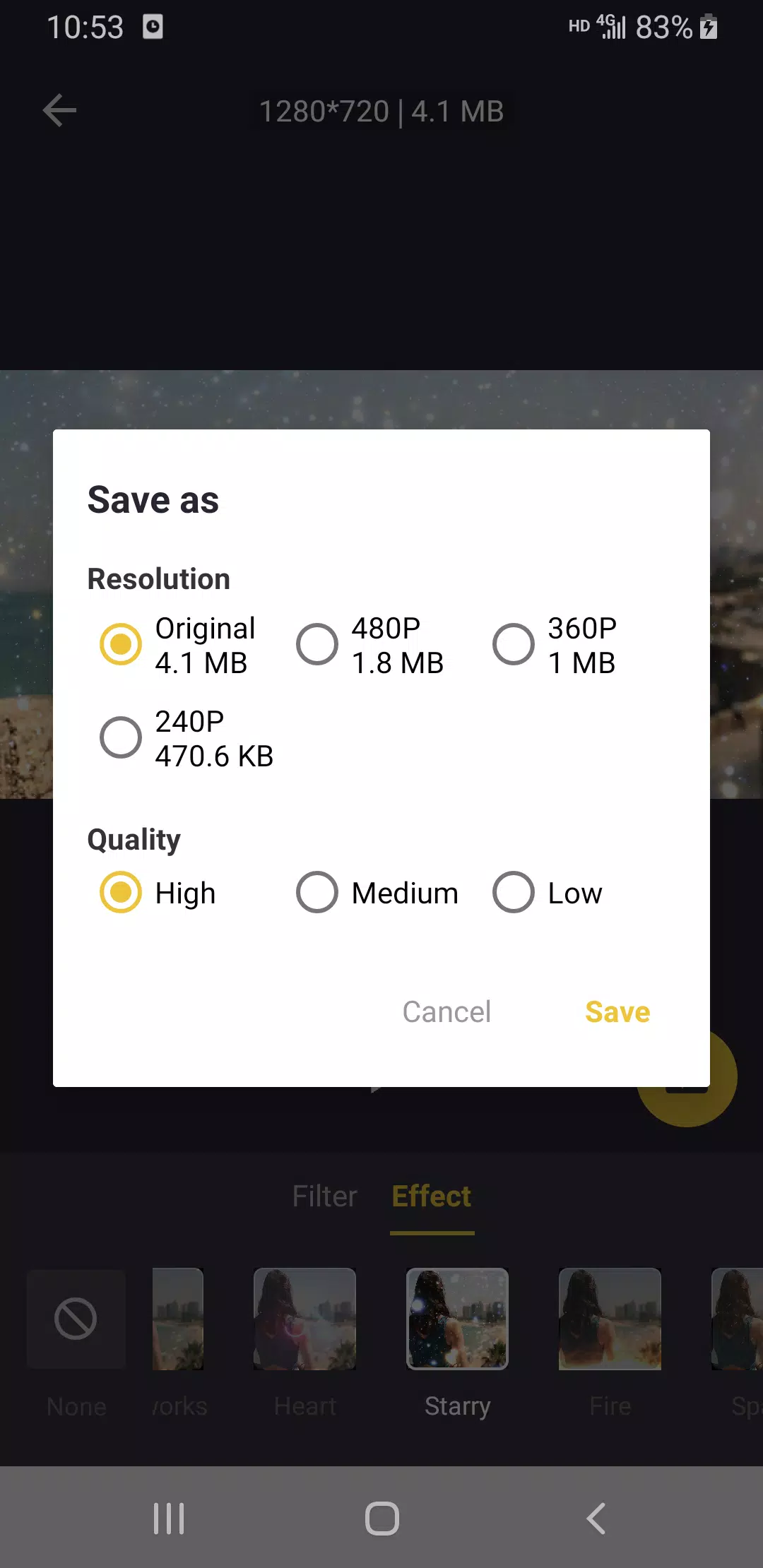
Better Video Cutter’s true value lies in its ability to trim and compress your videos without lowering their quality. This app is quite effective, whether trying to reduce an hour-long movie to a 10-minute tutorial or compress a 4K masterpiece to a size that won’t shatter your friend’s inbox. Shorten the clip to fit your needs, then compress it without sacrificing quality. It’s a simple process that gives you complete authority over video files.
You’re an artist as well as a director in Better Video Cutter. The app has various video effects and filters to customize your creation. There’s a filter or effect out there—from the wistful glow of retro VHS and vintage TV to the glitz and glam of Neon and glitter—that will convey any feeling or idea. The icing on the cake? Make captivating videos without spending years in film school.
If you’re looking for a video editor that can do more than just cut and filter, go no further than Better Video Cutter. You can cut movies in half for your Instagram stories, add a background that works with Instagram, or combine several pieces. You can do everything you want with Better Video Cutter.
This game-changing app contains many additional capabilities that enhance your experience beyond the standard editing tools. Create a GIF from your video here! Easy. Do you need to convert a video to MP3 format? Sure, no sweat. Want to grab a still from a video? Please take it as completed. Video reversal at various speeds, watermark creation, removal, and video deletion are all possible with Better Video Cutter. It’s the equivalent of a high-end video editing package; only it’s free.
Very good app. It has a handful of useful features that are simple to use. The only real quirk is that reversing the video doesn't reverse the sound. I suppose that's not a fair detail to nit pick on, as 99% of the time when reversing you don't care about sound. One other thing, I get an error when importing an image for a watermark "error could not load media". I don't know if there are any parameters that the image has to meet, if there are perhaps specify in the app.
Let's start at 5 stars and go from there. The 3 words I look for in an editor are, blend, opacity, and Chromakey... to include morph would start my heart fluttering lol. Some positive reviews so that's a bonus, and fyi, you'd be surprised how much better an app runs if you clear your cache and non expiring cookies or restart prior to loading the editor. First of all the memory increases for instant command execution and sharper images, it's easier to just blame it on the app LOL. Ok I'm going in.
Very straight and to the point. Easy to use app with enough features to make a pro Youtube or other social media video. Some editing apps are crowded with a lot of unnecessary tools no one hardly ever uses. This can be overwhelming and confusing. In addition to that, these apps also cost a lot more. Although you can use this app for free, I recommend paying for a lifetime membership because it's very inexpensive and so worth it.
Wow, true to its words. The quality of even low quality converted videos are almost the same as the original video which I extremely need as my storage drives are running low. One suggestion, I find it hard to crop the video when I can't pinpoint where the edges are located on my screen recordings. I hope this will be solved in the future.
With the powerful support of Video Cutter, cutting each segment and editing videos has never been easier. This modern editor is loved by users for its user-friendly features that meet all editing needs, from simple to complex. Not only that, the program always ensures that the edited videos are of guaranteed quality, export quickly, and are most convenient for users.
Size:49.9MB Version:1.2.20
Requirements:Android Votes:245
Package Name:com.betteridea.video.editor Signature:11e2c0f45e48ad5aec851b0be8e6ebf26d7867ff
Transform your smartphone into a powerful editing studio with the best video editing apps for Android! Whether you're a content creator, social media enthusiast, or just looking to polish personal videos, these apps offer professional-grade tools right at your fingertips. Enjoy intuitive interfaces, advanced features like multi-track editing and filters, and seamless exporting options - all optimized for mobile devices. Download now and start creating stunning videos anytime, anywhere!
Video Editor is a powerful software tool designed for crafting, refining, and enhancing video content. It enables users to transform raw footage into compelling visual narratives or effective communication platforms. As digital media continues to evolve, video editing has grown in significance - no longer just a professional necessity but also an accessible skill for everyday creators. Modern editing tools now offer intuitive interfaces, AI-powered features, and cross-platform compatibility, making high-quality video production achievable for both experts and casual users alike.
Mobile video editing tools are highly popular, with complete functions and professional tools that provide a strong atmosphere for various materials. Rich video templates can be operated with just one click, saving time and without too high a threshold. So what are the free versions of mobile video editing software? Editing software should have high popularity, but most of them require membership. Next, I recommend several platforms that can be used for free.
About us | Contact us | Privacy policy| DMCA
Copyright © 2026 Xiaohei All rights reserved.