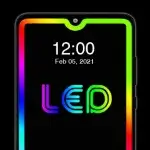
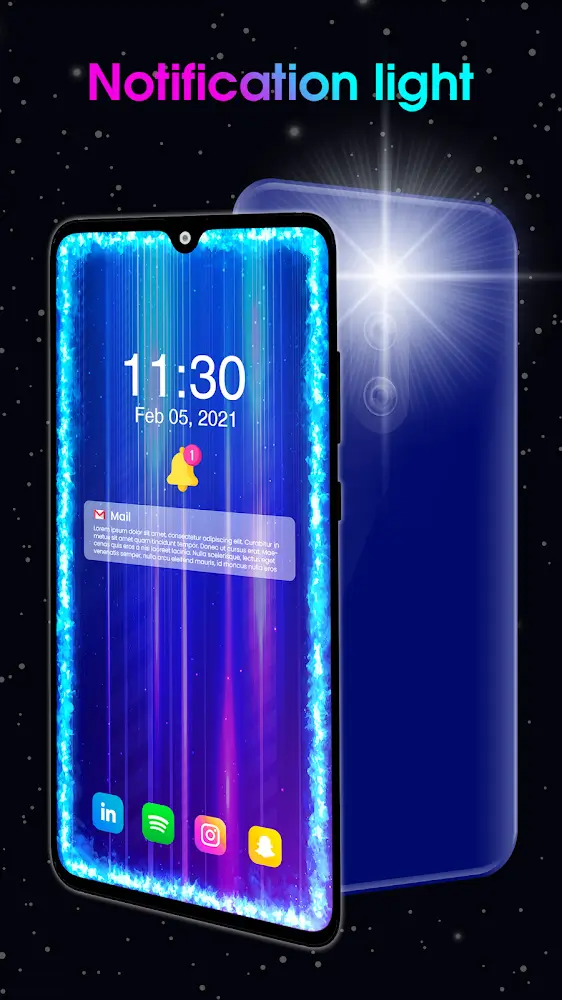
Edge Lighting is a wallpaper and theme app that allows users to easily customize the style and color of screen edge lighting, making your device more stylish and eye-catching at night. The app supports a wide variety of lighting styles, allowing users to quickly find desired effects through keyword search and apply them to their devices. Furthermore, the app supports changing the way message notifications and pop-ups are triggered, enabling users to quickly identify who sent the message and improve response speed. The app will be continuously updated with more attractive and cool lighting styles to meet users' needs.
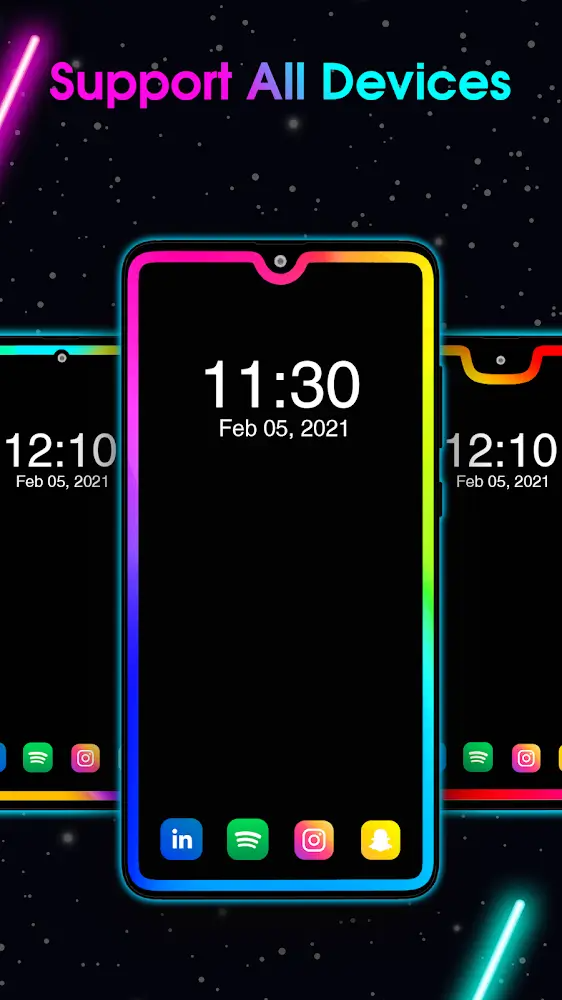
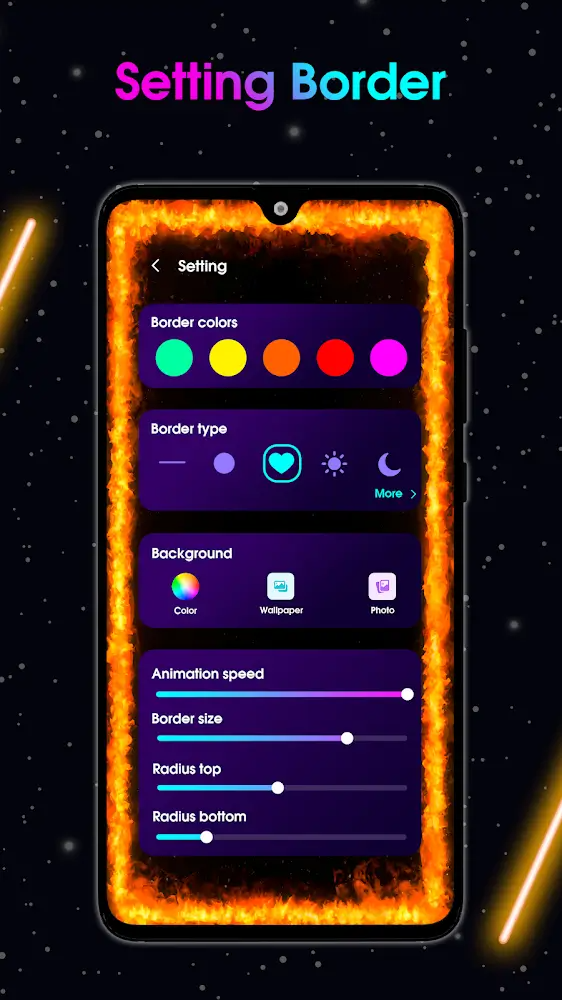
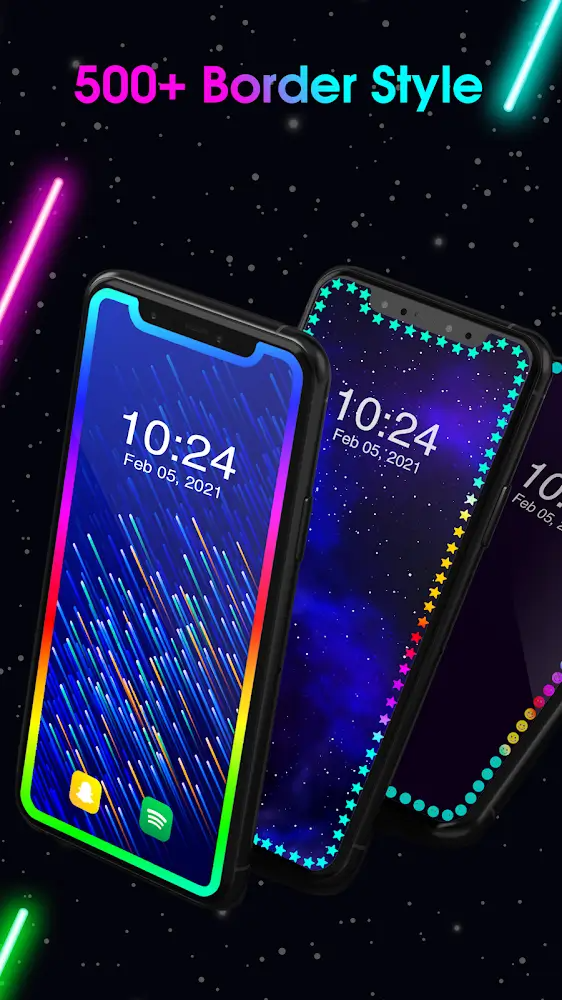
Customizable Edge Lighting Effects: With this app, you can select from a variety of gradient border colors or create one with your preferred shades. It also offers a diverse selection of border shapes to suit different tastes. You have full control over border settings, including corner radius, transparency, width, animation speed, and style, allowing you to design a unique visual experience for your device. The Always-On-Display mode ensures that the edge lighting effect remains active across all apps.
Interactive Caller ID and Live Wallpaper Features: Edge Lighting adds functionality by integrating visual effects into your calls. When someone calls you, the app activates edge lighting on your phone's borders, making it easier to notice incoming calls. Additionally, you can set edge lighting as a live wallpaper with a solid background or an image from your gallery, enabling further personalization options.
Enhanced Design and Functionality: Edge Lighting offers an intuitive way to customize your device's appearance while maintaining smooth performance. This app transforms your screen into a vivid and visually appealing display, catered to your preferences.
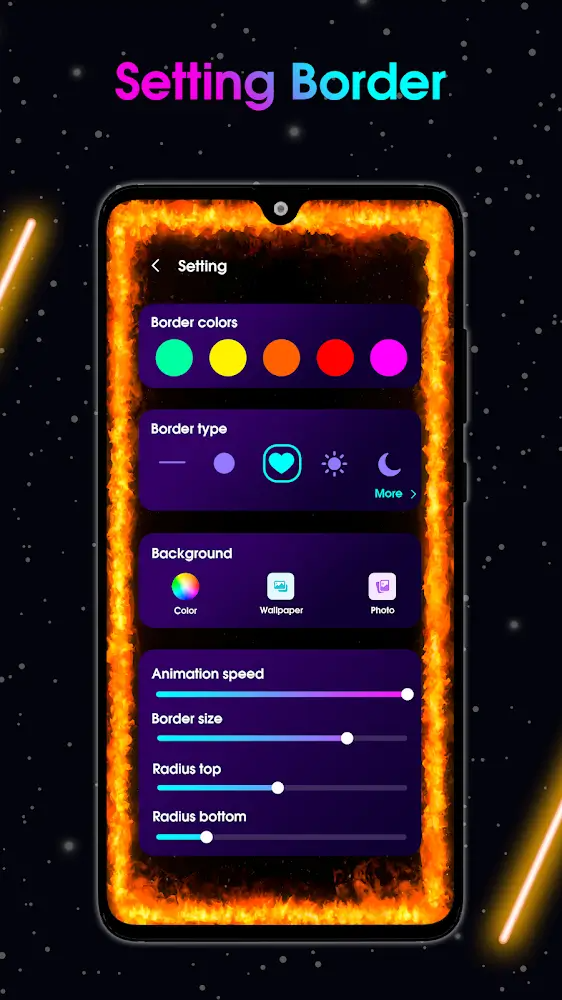
Subtly Integrated for Seamless Cohesion: Lighting effects shouldn’t overwhelm the experience. Edge Lighting impresses reviewers with subtly curated designs that integrate harmoniously into your device’s display. Meticulously configured lighting positioning and geometry perfectly matches your specific phone model’s notch and bezel contours. The tailored alignment enables the LED effects to feel native to the hardware for seamless cohesion. Polish the visual polish!
Battery Optimization for Sustainable Experience: Edge Lighting also wisely optimizes power usage so the immersive animations don’t drain battery life. The developers artfully balance eye-catching lighting with efficiency for sustainable enhancement, not detriment, to daily usage. Reviewers appreciate battery being preserved so the delightful LED effects feel free to enjoy anytime without worries. Light up responsibly!
Limitless Customization to Match Your Style: Finally, making the experience your own is crucial. Abundant controls allow customizing colors, styles, speeds, and curvature of the reactive edge lighting. Set unique effects for different contacts so your loved ones stand out. Match ambient themes to your wallpaper. With so many combinations, your personalized flair shines through. Make notifications uniquely you!
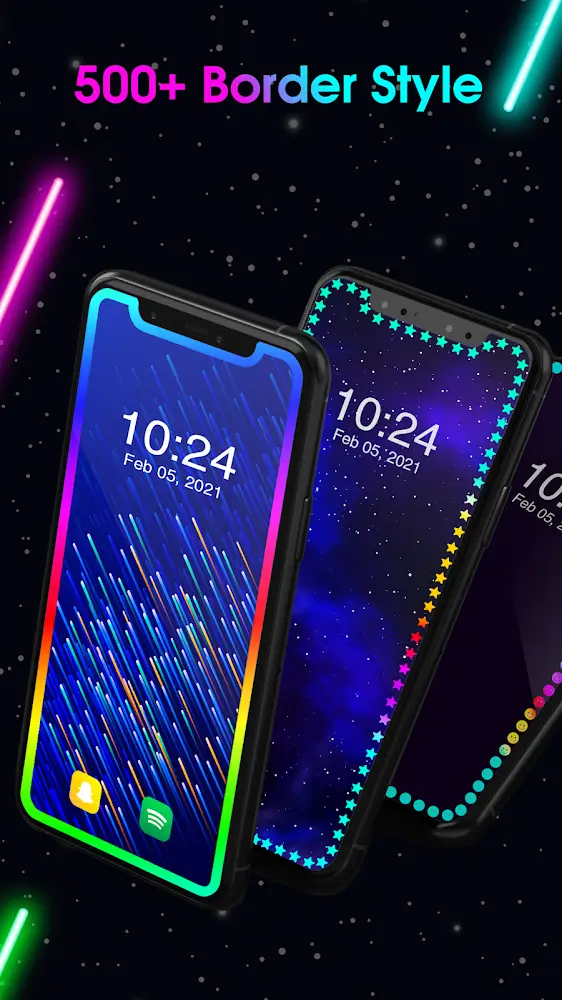
It looks GREAT! SO MANY ways to customize how it looks! You can change the speed, how fast or slow you want it to move. Change thickness of the borders, rounded corners, square corners, loop around the camera or just straight behind it. How many colors you want, how they fade etc. plus another ten or so ways to customize the borders. And that's just the borders! Then there's another at least fifty ways to customize the screens, lock screens, home screen, screen savers etc! ETC! ETC! GREAT APP!!
I've had this app on my phone for 6 months now. I use it all the time.Love it! Love it! What can I say, I'm really into skulls. I now have a multicolored string of skulls moving around the edge of my phone that I can turn on and off as needed. Beautiful. I've always used the free version. The ad supported one. I've never felt that the ads were intrusive at all. It's not like they are on my skulls. I see them when I'm making changes or turning on and off. Even these are not bad. Love it!
Very cool options. Even in the "limited version". I love how you can pick a shape from lots of choices. I wish they had a colorful bubbles one that can be in the "Magical Live" section. That would be great! I love how the bubbles are in the other LWP, so I thought they should just have one that's just bubbles. Have 5 stars anyway. Love the app!
I love this app so far. I'm currently using the quote wallpaper and set my own border colors and speed. Pretty straightforward app! It would be cool if it also flashed when someone calls me though. I can't install a ringtone light because of this app but I like it anyway. I like that you can change the border to skulls, hearts, snowflakes, and many more or just leave it solid. So many wallpapers to choose from and you can even use your own images from your own photo gallery. I would recommend.
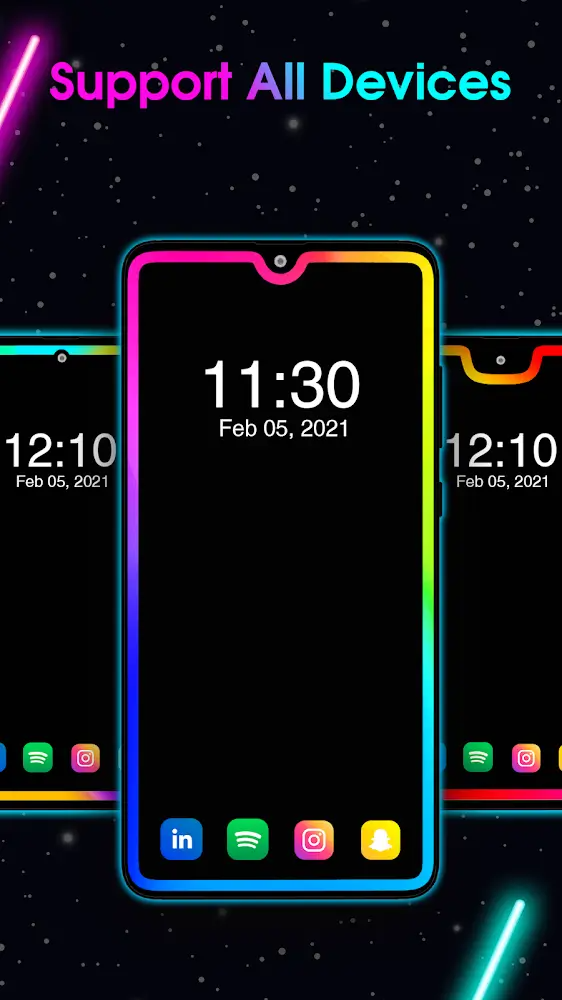
Edge lighting is supported on all screens, including Lighting for Screen Infinity U, Infinity V, Infinity O, Display Notch, New Infinity, etc.You can adjust EDGE Lighting on all devices like Samsung Galaxy S10, S20, Plus, One Plus, Xiaomi Mi, Redmi, Nokia, Oppo, Vivo etc.
Size:30.2MB Version:540
Requirements:Android Votes:364

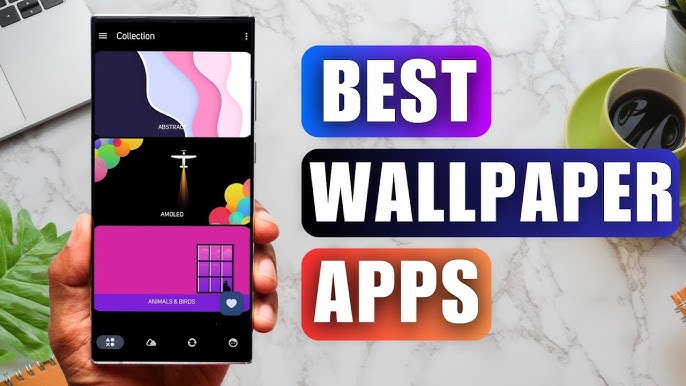
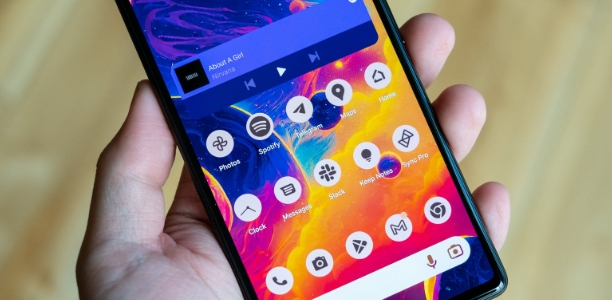
Staring at the same wallpaper on a phone or tablet gets very boring, but who wants to spend hours scrolling through Google Images or old photos to find the perfect background? With the plethora of free wallpaper apps available to Android users on the Google Play Store, there's no need to waste time endlessly searching anymore. These customizable apps include more wallpaper options than one person could ever need in their lifetime. Some offer live wallpapers, while others give users the option to automatically switch backgrounds without doing anything.
The Ultra HD Wallpaper app allows you to find a wide range of clear wallpapers, which can be displayed with great clarity on any phone screen. You no longer have to worry about unclear wallpapers when changing devices. Today, the editor has compiled a complete app for ultra HD wallpapers, which you can choose and use according to your own needs. Generally, wallpapers are classified in great detail within software, and you can find wallpapers of any style you like. At the same time, there are super rich dynamic wallpapers for you to choose from, using cool wallpapers to make your phone desktop and lock screen stand out. Friends who like to collect ultra high definition wallpapers, welcome to download related software and experience it on this website!
The Ultra HD Wallpaper app allows you to find a wide range of clear wallpapers, which can be displayed with great clarity on any phone screen. You no longer have to worry about unclear wallpapers when changing devices. Today, the editor has compiled a complete app for ultra HD wallpapers, which you can choose and use according to your own needs. Generally, wallpapers are classified in great detail within software, and you can find wallpapers of any style you like. At the same time, there are super rich dynamic wallpapers for you to choose from, using cool wallpapers to make your phone desktop and lock screen stand out. Friends who like to collect ultra high definition wallpapers, welcome to download related software and experience it on this website!
About us | Contact us | Privacy policy| DMCA
Copyright © 2026 Xiaohei All rights reserved.