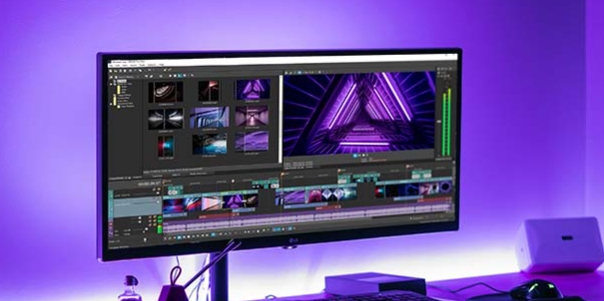
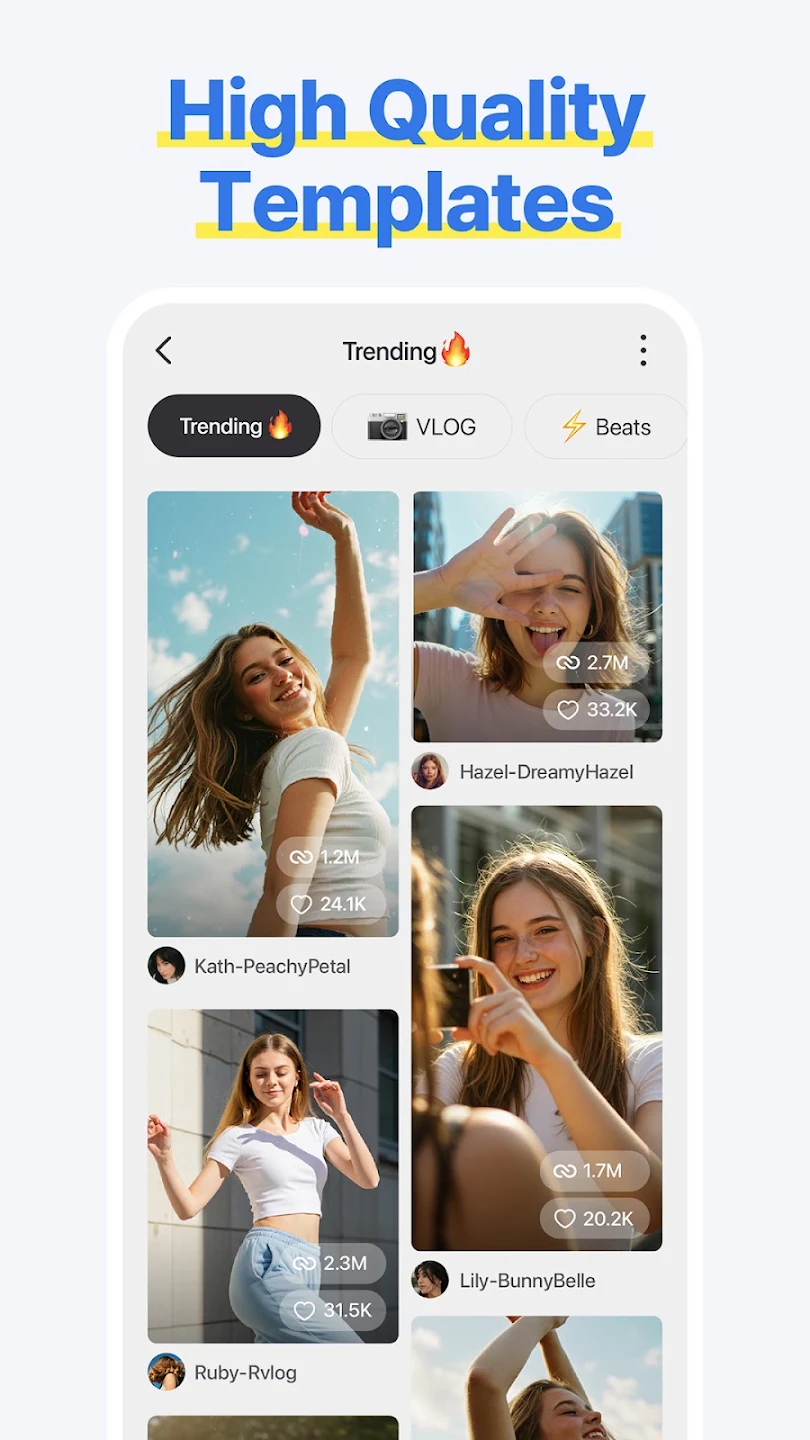
Spring is a user-friendly video editing software. With the help of the latest AI models, users can easily edit and enhance videos. It can automatically add subtitles, convert text into different speech styles, and remove background imperfections, saving users time and effort. The software has a large number of built-in video templates, allowing users to freely add various beautiful filters, effects, music, and perform operations such as editing, merging, and speed adjustment to make their videos more refined. Users can then export them to their devices or upload them to different social media platforms to garner likes and comments from others.
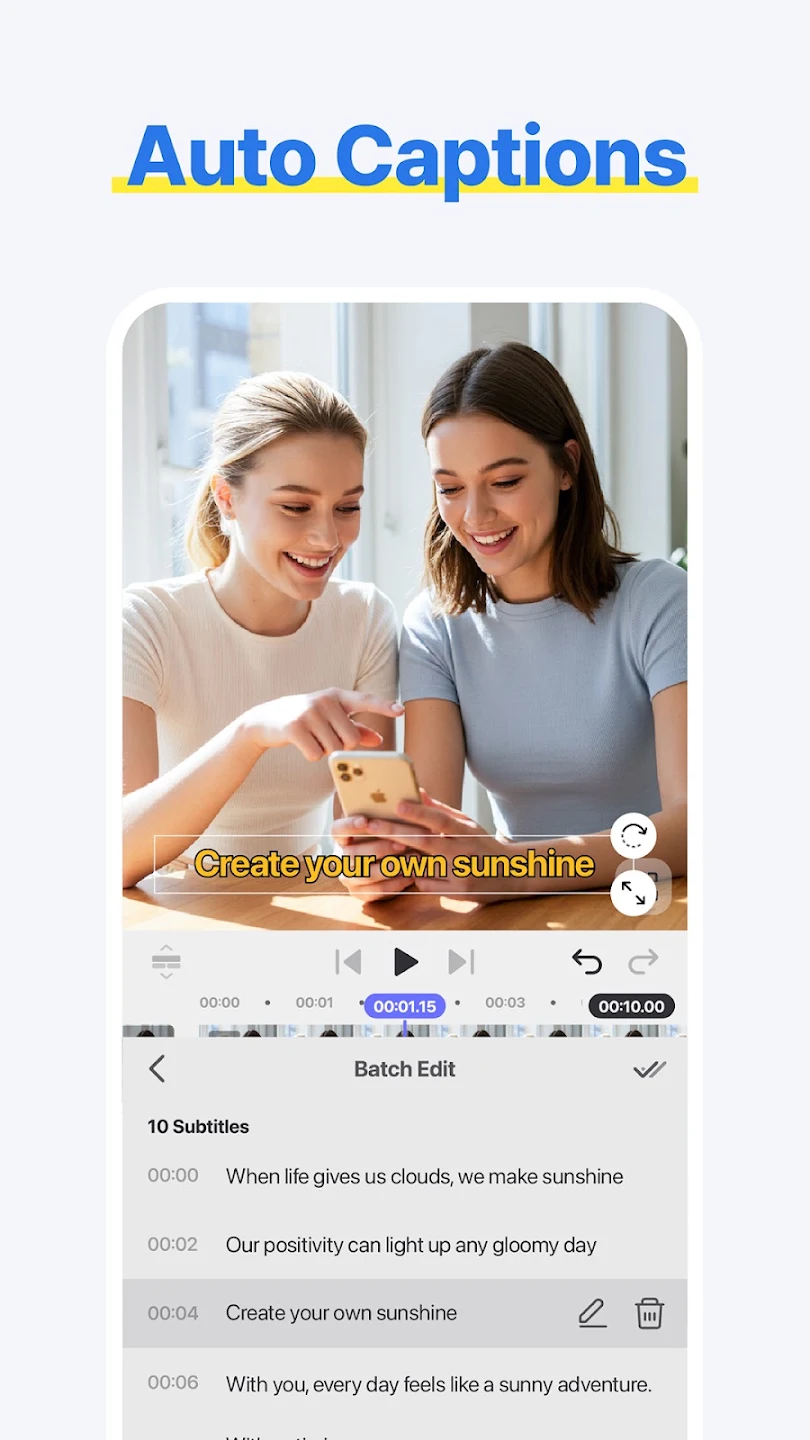
Smart Auto Caption: The artificial intelligence system will be able to create smart automatic captions, saving hours of manual captioning.
Quick Clean Background: The application will allow smart background removal, eliminating the need for expensive green screens.
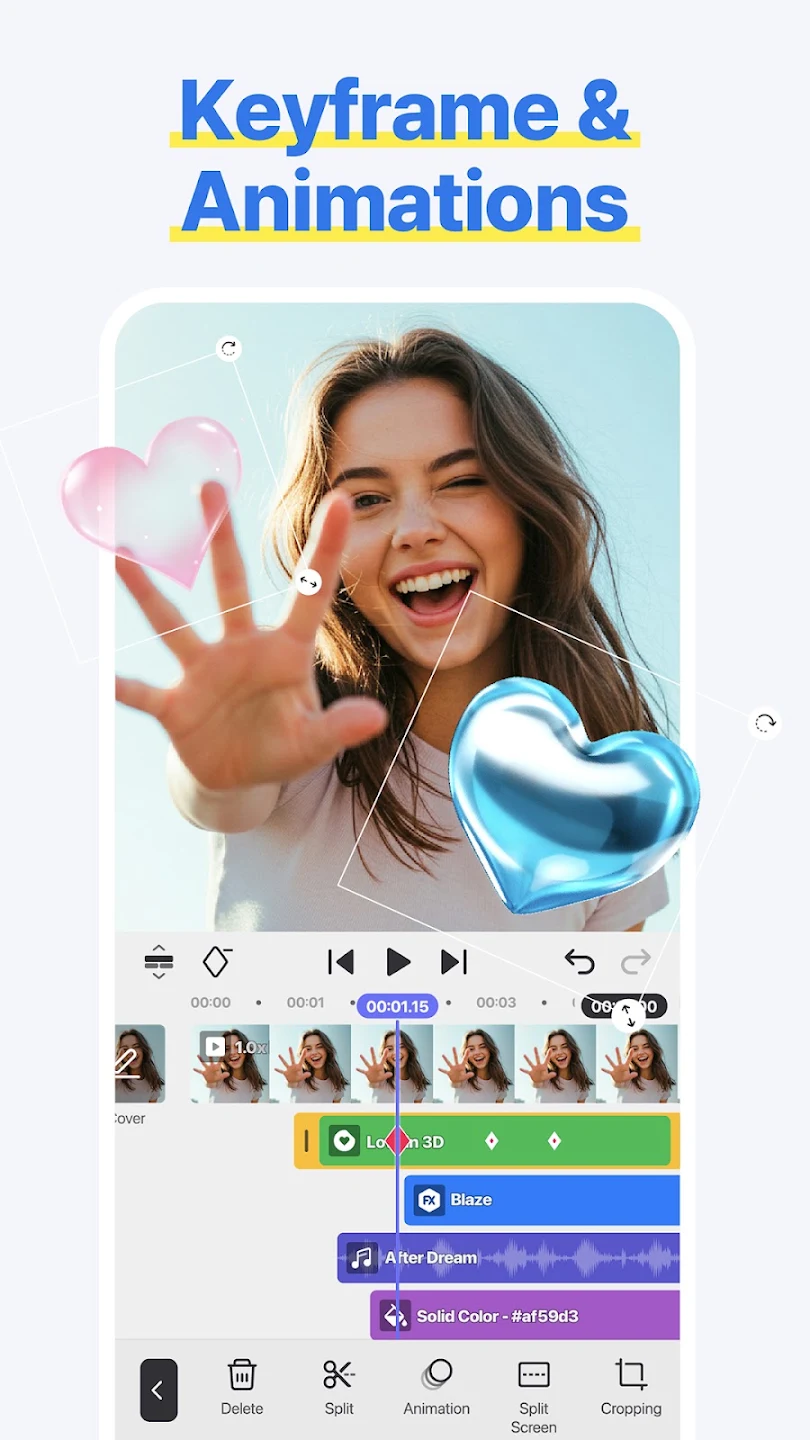
Pro Motion Control: Users will experience a keyframe animation system that allows professional motion effects to be created without complicated training.
Premium Without Cost: The application will allow exporting in 4K/60FPS quality without watermark limitations.
Unlimited Sound Library: Users will have full access to a large library of royalty-free music and sound effects.
Advanced Tools Access: The system allows the use of advanced tools such as chroma key and speed control without having to pay.
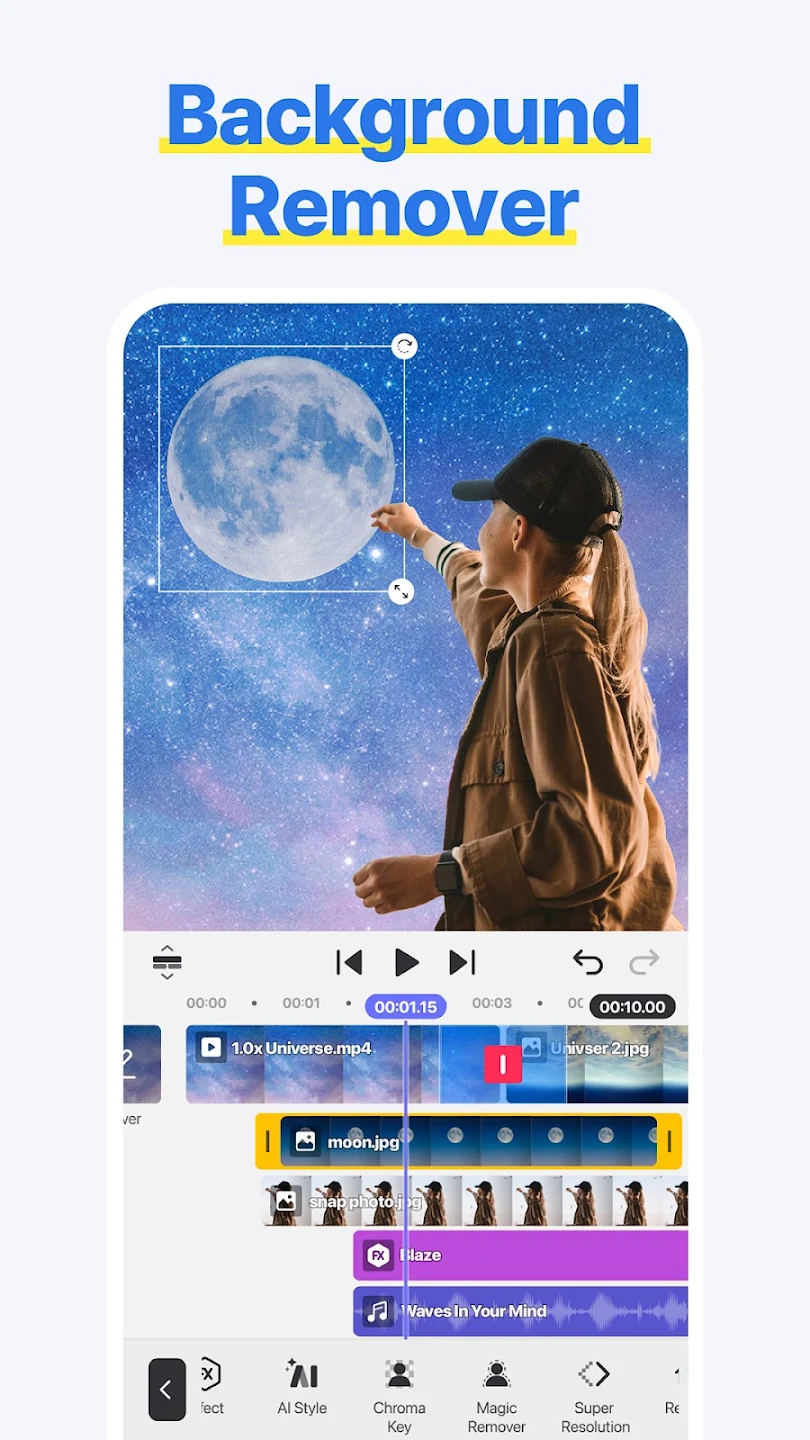
Intuitive editing: Spring's interface is designed to make editing quick and easy. It features streamlined touch controls and a very clear timeline, making it easy for you to organize clips, add transitions, or add effects. Thanks to all this, you'll have everything you need to cut, join, and reorganize video clips with millimetric precision, as well as add text layers, stickers, and graphics to customize your creations to the max.
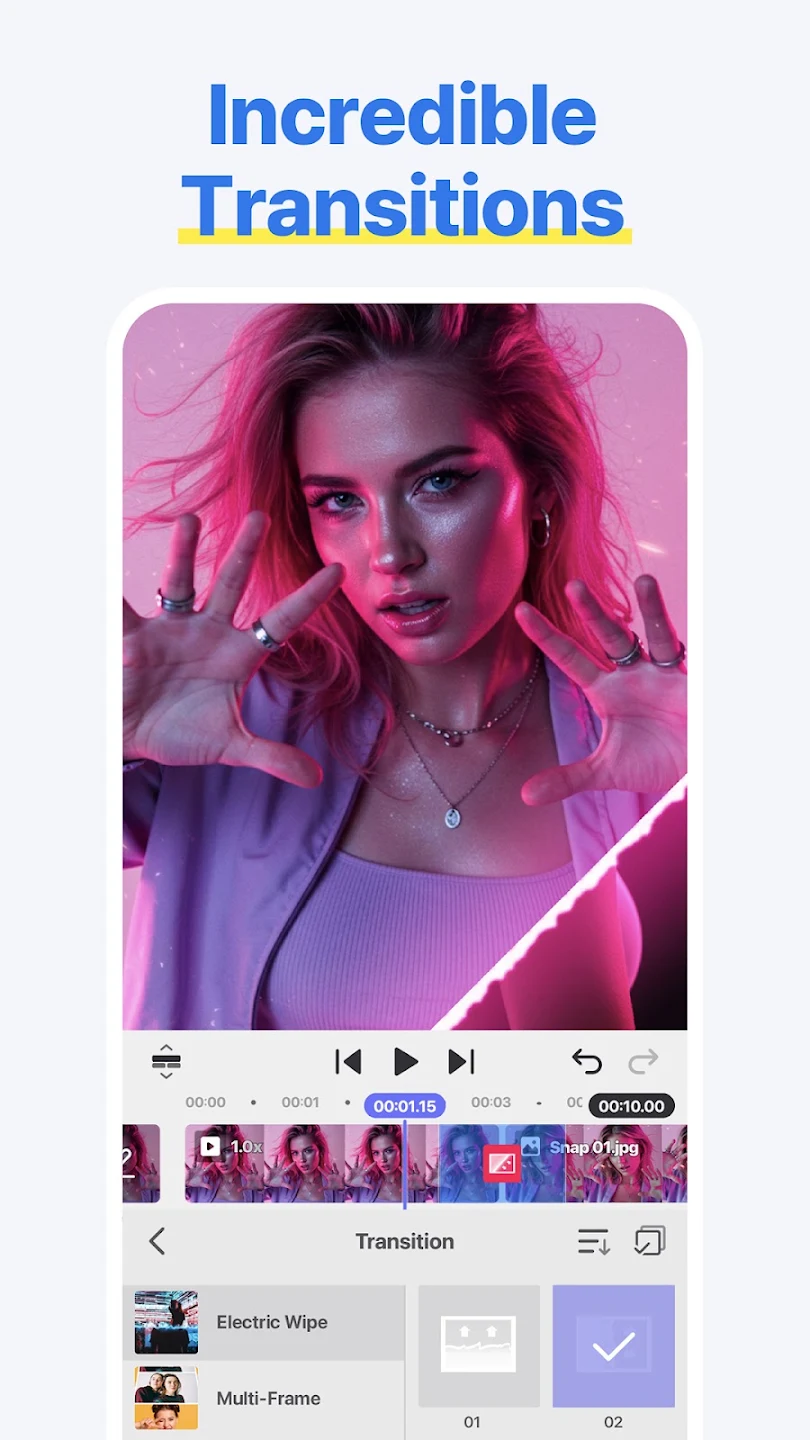
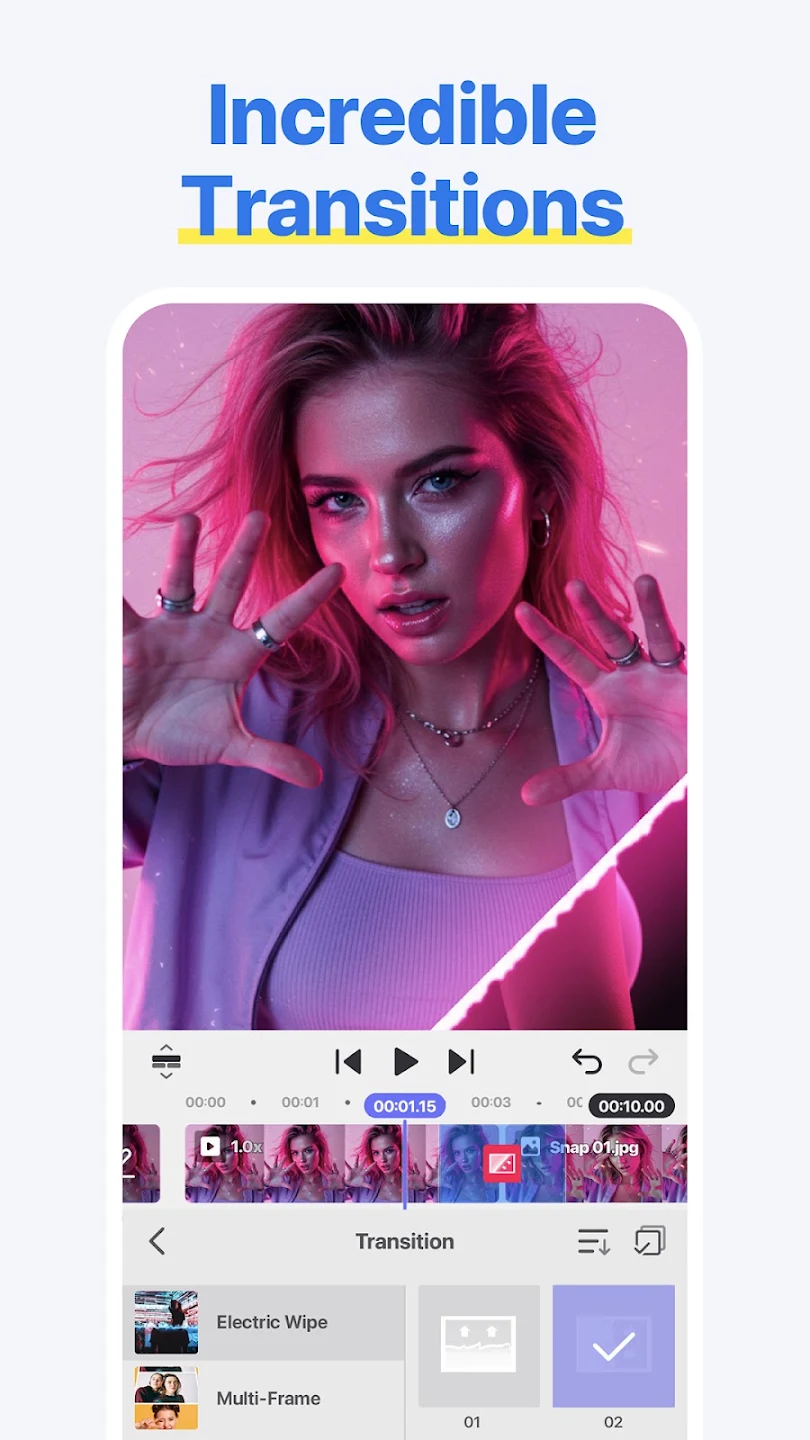
Add all kinds of filters and effects: One of the strengths of Spring is its extensive library of creative filters, dynamic transitions, and visual effects that will allow you to give a unique touch to each project. This app also includes tools for color correction and image adjustment, so you can perfect your videos and give them a more professional touch. All these features that you can play with will help you achieve the final result you're looking for, even without extensive editing experience.
Royalty-Free Resources: Users’ video editing skills are upgraded through the process of working with the application. Many creative projects will be completed quickly by users. They can use the diverse resources shared by the application to create high-quality videos.
Integrated audio and music: In addition to visual editing, Spring has a very powerful audio section with which you can add music from its built-in library, import your own tracks, or record voice overs directly from the app. You will also have the ability to apply sound effects and adjust the different volumes to find a perfect balance between the voices, music, and effects in your video. You can adjust each section, second by second, until everything is perfect.
For me, this is simply better than cap cut and any other auditing phone apps. Completely add free, totally free to use (there is vip it's just nothing too important you'll be missing out without it). it's kinda tricky to get used to it, but when you do, you'll never want anything else. One of the things I'd point out is that it has built in videos (like pexels and pixabay) that are very useful if you want to make something fast and simple.
I like this app, and it's a bit better than KineMaster since it doesn't have a watermark. but, there is some stuff that needs to be changed. #1 is that the wiggle effect is a pro feature for some reason. and #2 is that letters like c, g, p, etc will either stay in the center of go up at the same position as stuff like b. fix this please.
I found this app thru "KineMaster" commenting on a reddit post. The app obviously needs polishing, but you are the competition that the monopolized video editing market desperately needs. You get what people need like exporting videos in the quality they are filmed FOR FREE. I will keep on using it and report if I see anything worth noting, but I already got very familiar with it and will start recommending the app to everyone. Please add a vibration, when videos are moved and/or connected!
absolutely love this app! Spring makes video editing simple, smooth, and enjoyable. The vertical interface feels very comfortable on mobile, and everything is easy to understand. The cuts are simple, the editing is fast and effective, and that’s what makes this app special. I’ve tried many editing apps before, but most of them feel too complicated or overloaded with features. Spring keeps editing traditional, practical, and beginner-friendly. Big thanks.
Overall, Spring is a solid video editing app, with a free version that feels less restrictive compared to many popular competitors. It works especially well for short-form content like reels and shorts, offering quick and easy editing tools. However, it might feel less smooth when handling longer projects. Still, its mix of manual and AI-powered features makes it a practical choice for fast, creative video production.
Size:183.1MB Version:2.1.15.36566
Requirements:Android Votes:158
Package Name:com.kinemaster.app.spring Signature:146c28067143aa5d9fd37a37e9aae6040d297243
Video Editor is a powerful software tool designed for crafting, refining, and enhancing video content. It enables users to transform raw footage into compelling visual narratives or effective communication platforms. As digital media continues to evolve, video editing has grown in significance - no longer just a professional necessity but also an accessible skill for everyday creators. Modern editing tools now offer intuitive interfaces, AI-powered features, and cross-platform compatibility, making high-quality video production achievable for both experts and casual users alike.
Mobile video editing tools are highly popular, with complete functions and professional tools that provide a strong atmosphere for various materials. Rich video templates can be operated with just one click, saving time and without too high a threshold. So what are the free versions of mobile video editing software? Editing software should have high popularity, but most of them require membership. Next, I recommend several platforms that can be used for free.
In the era of popular short videos, it seems that everyone can edit, which has become an essential skill. The editor brings you a ranking of video editing software that is good. Editing videos seems to be a daily routine, used by both internet celebrities and daily life recorders. The editing techniques are also different. The videos edited by professional personnel are more shocking and beautiful, while those edited by non professional personnel are ordinary. Below, the editor will organize some useful video editing software.
About us | Contact us | Privacy policy| DMCA
Copyright © 2026 Xiaohei All rights reserved.