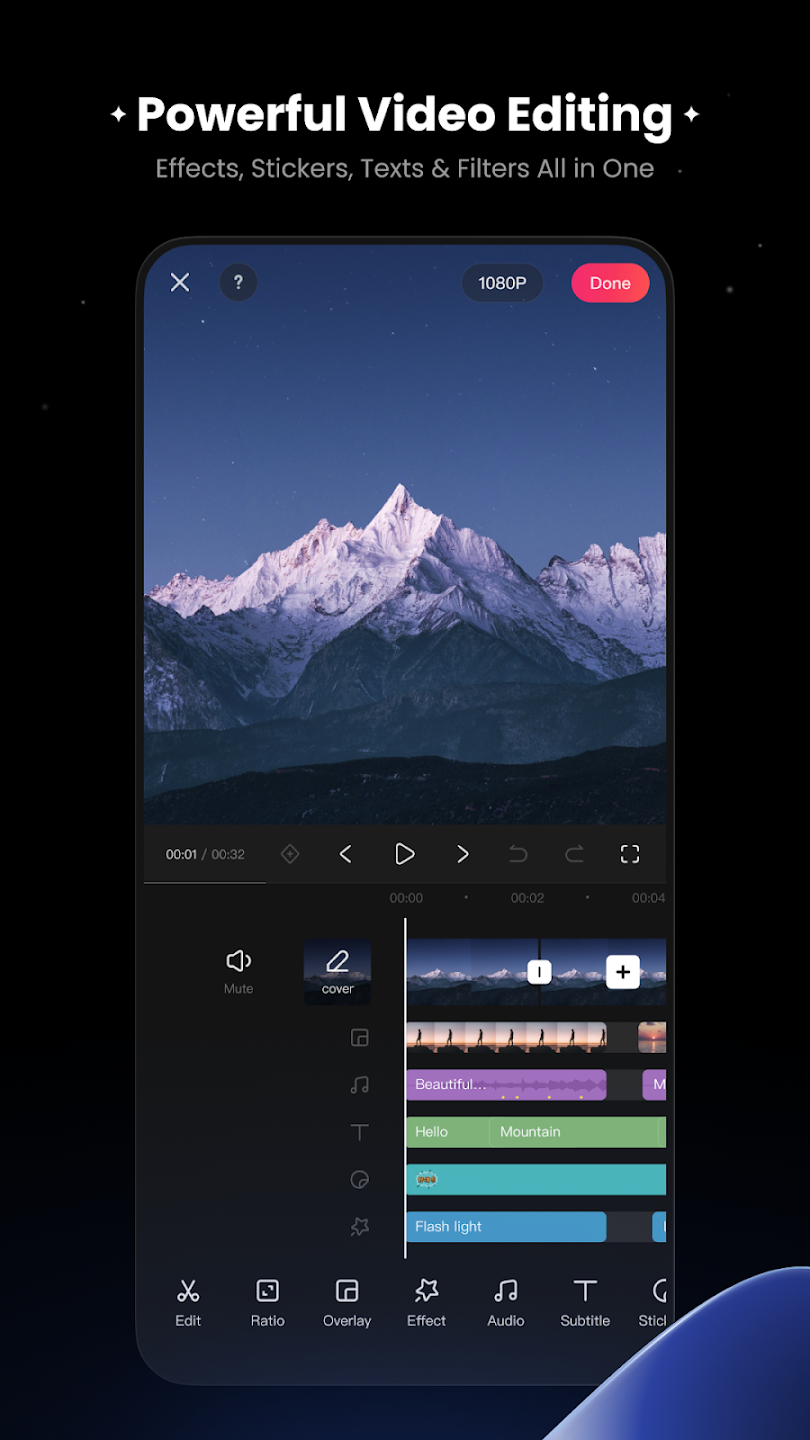
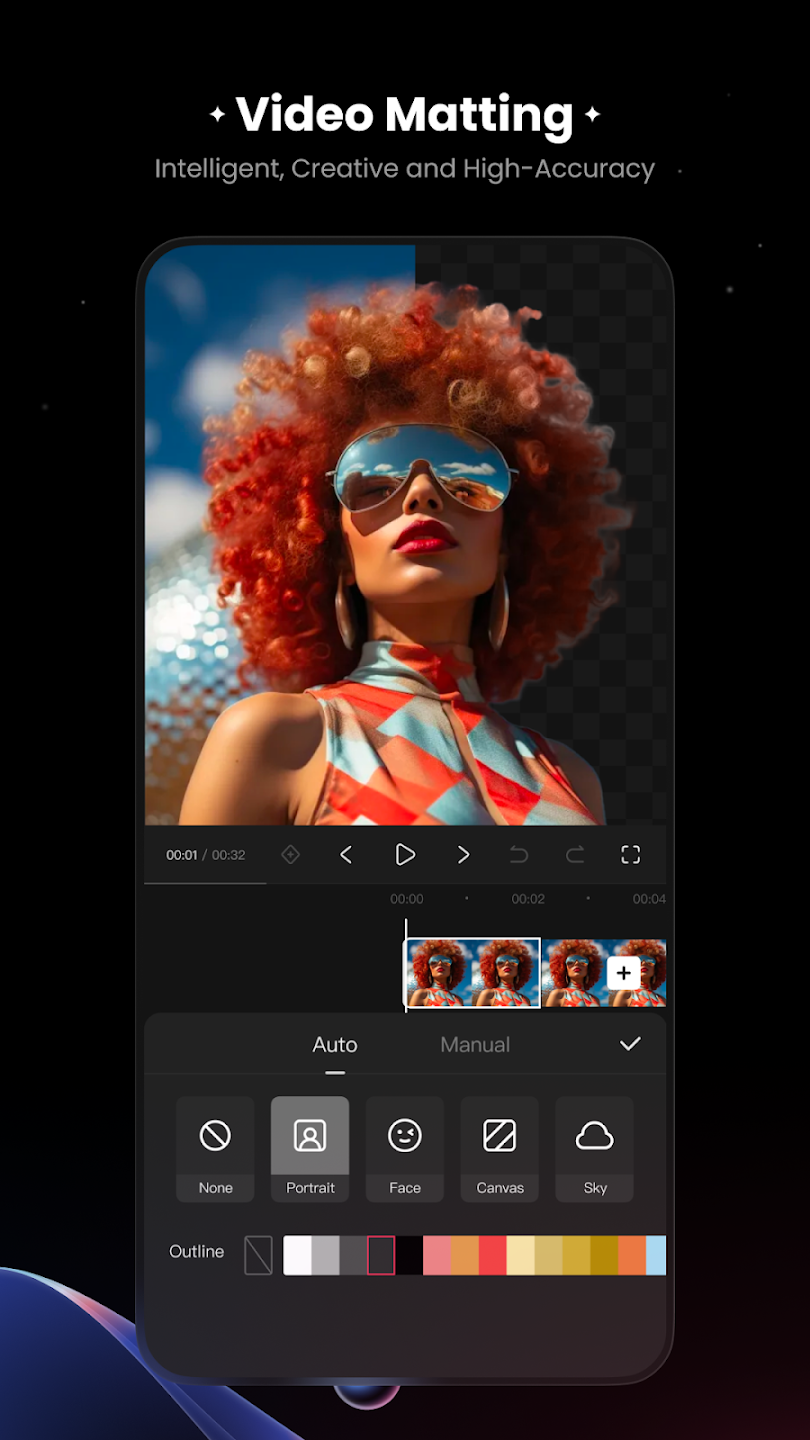
KwaiCut is a completely free video editing software that provides users with numerous useful editing tools and materials. It helps users easily perform operations such as cropping, merging, and splitting videos. Users can also reduce audio noise and add various filters, effects, and music to create satisfying works. These can be exported to devices with a single click or shared with friends to garner likes. The software also offers a rich selection of subtitles and stickers. You can freely import materials of different formats and apply them to your videos to create higher-quality content. Of course, all materials and editing tools are constantly being updated to provide users with a more comfortable user experience.
Perfect for Social Media: Create content optimized for reels, stories, short videos, and vlogs.
Text & Stickers: Customize your videos with animated text, titles, captions, and fun stickers.
Smooth Transitions: Create seamless transitions between clips for a professional look.
Speed Control: Adjust playback speed for slow motion or fast-motion effects.
High-Quality Export: Export your videos in high resolution perfect for sharing online.
User-Friendly Interface: Designed for beginners and professionals with simple drag-and-edit controls.
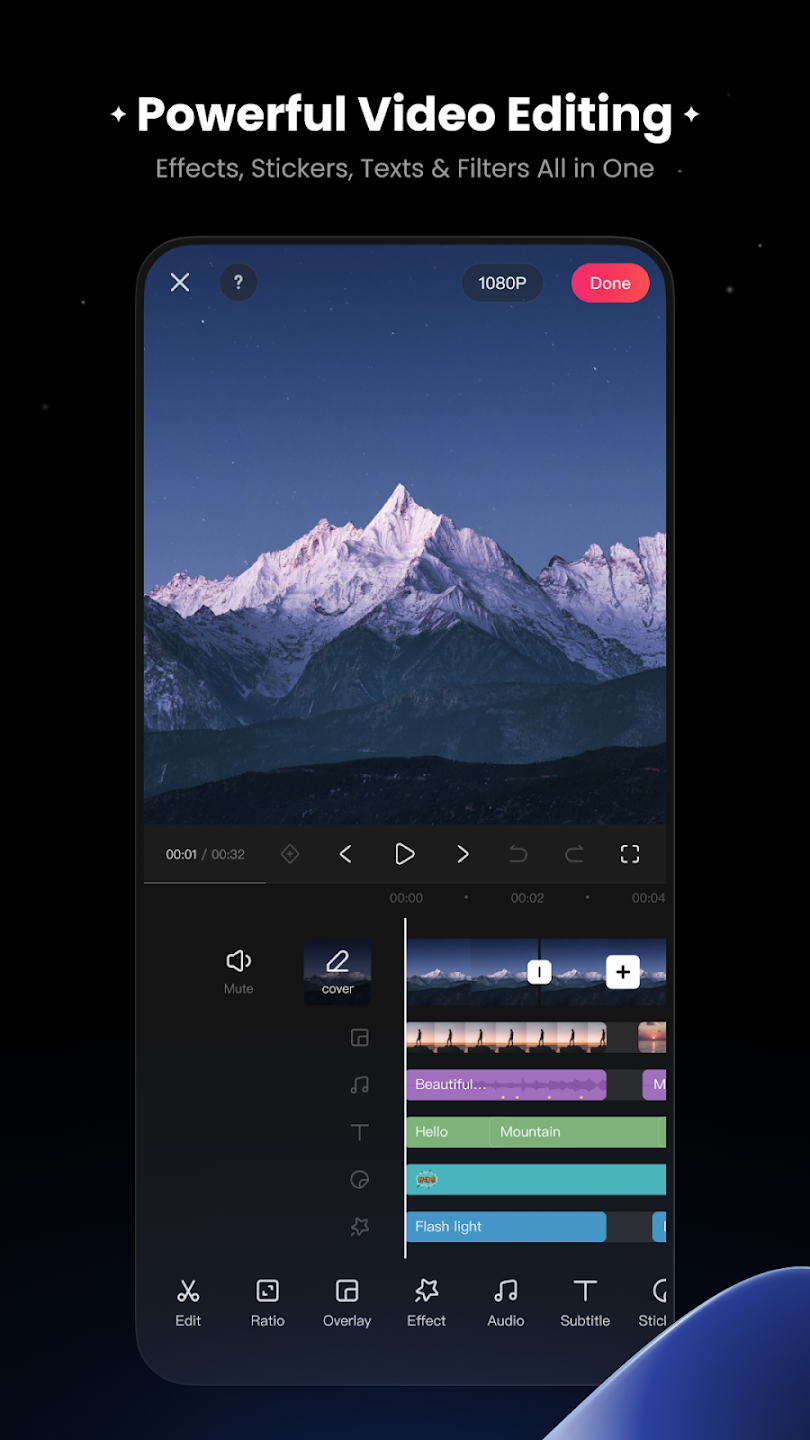
Audio processing features include noise reduction to attenuate background sound and improve recordings made in imperfect acoustic environments. A sound effect library lets users select and layer audio tracks onto their video. This combination of audio cleanup and asset library supports refining existing audio and adding new sound layers. Sound effects might include ambient tones, transitions, or thematic musical elements for the final mix.
Subtitle creation is handled through manual addition and editing directly on the timeline. Users can input subtitle text and position it at specific points in the video, choosing from multiple subtitle styles for different visual treatments. Subtitles can include dynamic effects that animate text appearance on screen with fade-in, slide-in, or other entrance animations.
Visual effects tools and adjustable intensity filters modify video appearance. Filters can be applied with variable intensity levels, enabling subtle adjustments or dramatic transformations to suit different creative goals. Effects might include color grading, tone adjustments, blur, or stylistic filters.
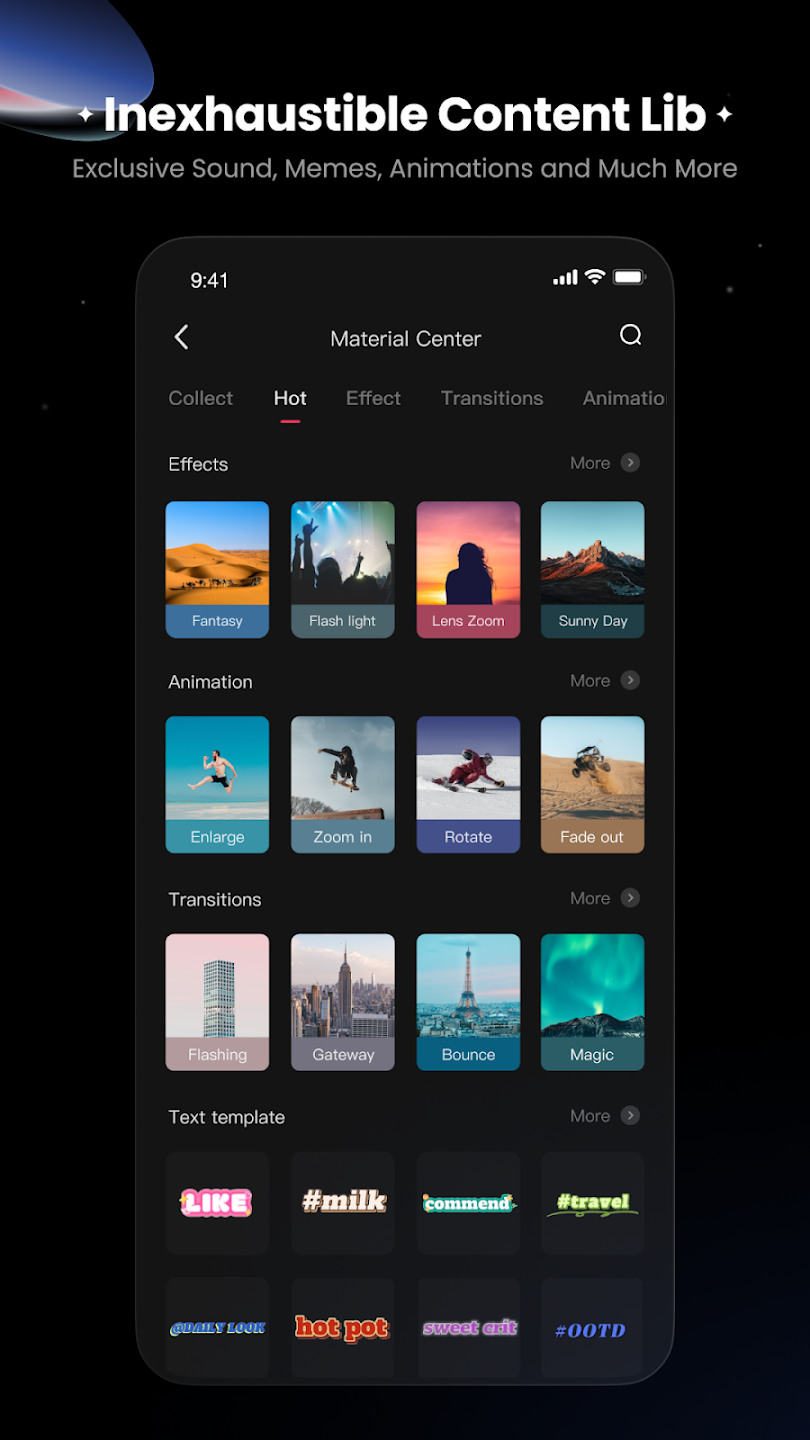
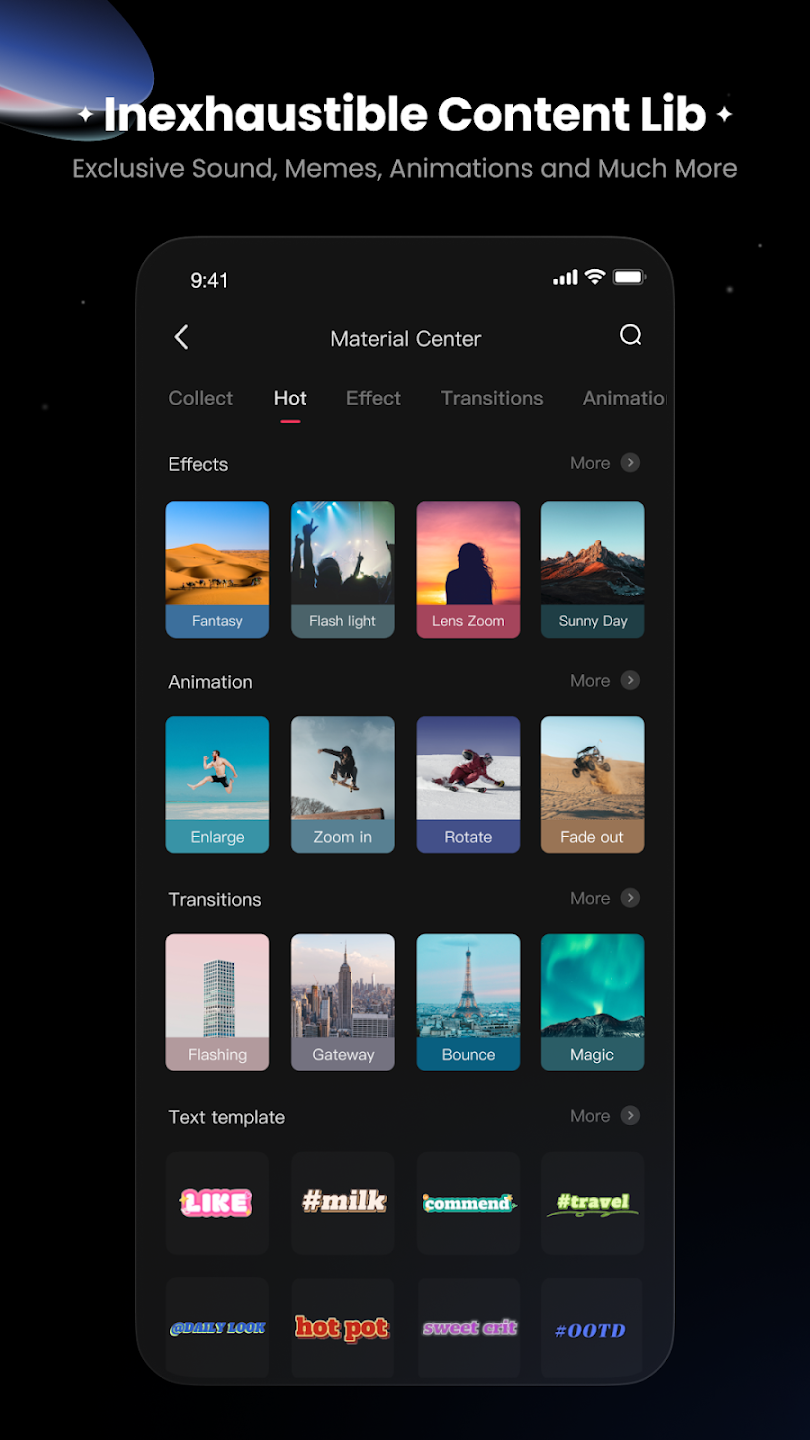
The sticker system includes static stickers that remain fixed during playback and dynamic stickers that animate over time. Multiple sticker themes are available, organized by visual style or purpose. KwaiCut Design materials and visual resources are accessible through a dedicated material center. This library provides pre-made visual assets—backgrounds, overlays, transitions, and decorative elements—that users can incorporate into projects. The range of available materials supports varied editing styles and project types, from simple short-form content to elaborate multi-scene productions. Access to this centralized materials library enables video creation without external design work.
Now that you have installed Kwaicut APK, here are some simple and useful tips to help you create more professional videos with this editor.
Plan Your Shots Before Editing: Good editing always starts with good recording. Before opening the app, think about what type of shots you need for your video. Having a simple plan in mind saves a lot of time during editing and helps you create a better final result. It is also a smart idea to record a little more footage than you think you need. It’s much easier to cut extra clips later than to realize you forgot to record an important scene.
Use Speed Curves for Smooth Transitions: Instead of only increasing or decreasing the speed of a clip in a simple way, try using speed curves. A smooth change from normal speed to slow motion looks more professional than a sudden speed change. At first, the curve editor may look confusing, but if you spend a few minutes trying it, you will understand how useful and powerful this feature can be.
Layer Audio Carefully: Don’t just add background music to your video and think the job is done. To make your video sound professional, you should use different types of audio together in a smart way.Add background music to create the right mood.Use sound effects to make scenes and transitions more interesting.Keep voice-over or dialogue as the main focus.Turn on audio ducking so the music becomes softer when someone is speaking.
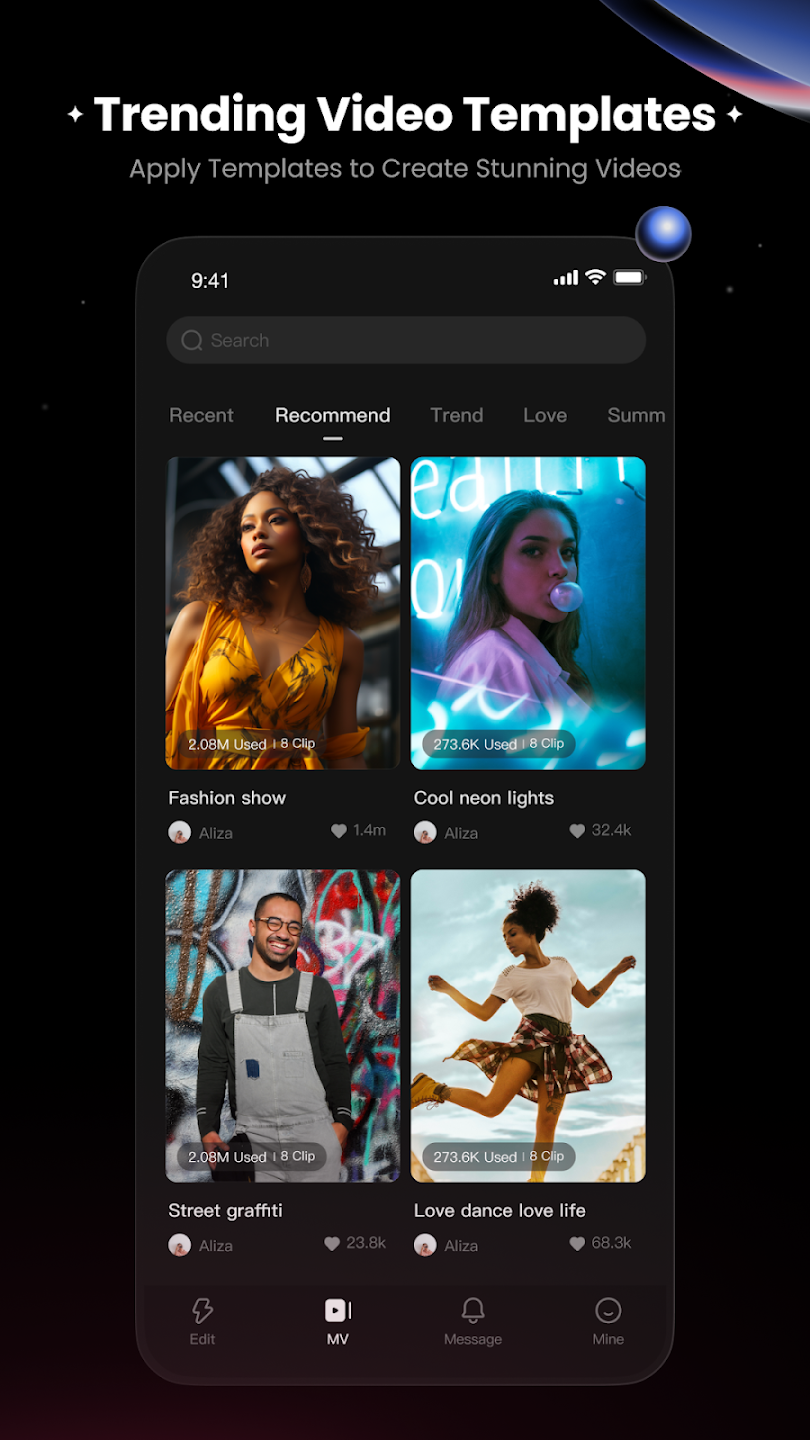
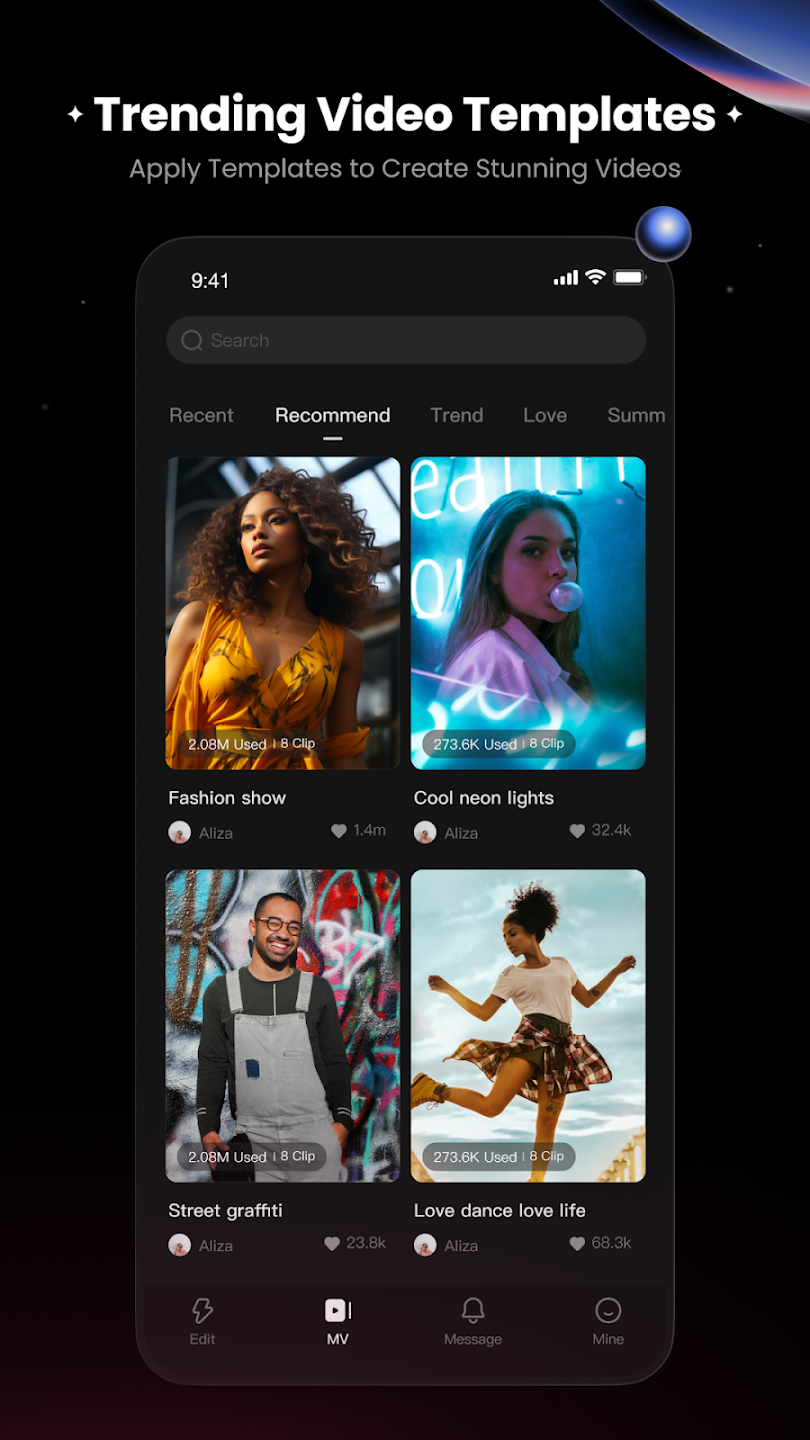
Use Templates as a Starting Point: Templates are made to save you time. Choose a template that matches the style of your video, then replace the sample content with your own clips and branding. This way, you don’t have to create everything from the beginning. You can get professional-looking results much faster and with less effort.
I have tried lots of apps to edit videos but this is quite different and amazing. what I like the most - 1. Initially when I started using this app it was giving only 1 ad at the time of download but after 1 week it just stopped those ads and now without any ad I am editing my videos 2. All free features you get 3. Auto save option I love the most.
I really like KwaitCut app, but there are some problems that need to be fixed. - Loading is very slow sometimes even when my internet network is stable. - There are some bugs and random glitches while using the app. - Please add 2K and 4K export option. Right now there is no high quality export. - Favorite feature is not working good. After I close the app and open again, some favorite items are missing. - Downloading files takes too much time even with a fast and stable internet connection.
I like this app very much this app is free and easy to use and has so much good features but I would like to request to give the names of fonts in english some fonts are in other languages and hard to understand and also add some cool aesthetic animation in text btw 10/10 app for editing.
This is a great editing app, and I recommend it for any video editor that can't afford to pay the subscription for Capcut. I've an issue though, more of a question. How do I generate subtitles? or, do I have to type in the subtitles one by one to align with the words said in the video? I believe there should be a way where one can tap on an option and the app will automatically generate subtitles to the words being said in the video and as well make it align with words time.
KwaiCut is suitable for casual creators, social media users, students, and small content pages. It fits situations where speed matters more than precision, such as editing reels, short clips, vlogs, or captioned videos directly on a phone while on the move.
Size:195.1MB Version:7.47.0.747148
Requirements:Android Votes:294
Package Name:com.kwai.editor Signature:976ab79e26edfd0cd8b04792d01bd071287d9640
Transform your smartphone into a powerful editing studio with the best video editing apps for Android! Whether you're a content creator, social media enthusiast, or just looking to polish personal videos, these apps offer professional-grade tools right at your fingertips. Enjoy intuitive interfaces, advanced features like multi-track editing and filters, and seamless exporting options - all optimized for mobile devices. Download now and start creating stunning videos anytime, anywhere!
Video Editor is a powerful software tool designed for crafting, refining, and enhancing video content. It enables users to transform raw footage into compelling visual narratives or effective communication platforms. As digital media continues to evolve, video editing has grown in significance - no longer just a professional necessity but also an accessible skill for everyday creators. Modern editing tools now offer intuitive interfaces, AI-powered features, and cross-platform compatibility, making high-quality video production achievable for both experts and casual users alike.
Mobile video editing tools are highly popular, with complete functions and professional tools that provide a strong atmosphere for various materials. Rich video templates can be operated with just one click, saving time and without too high a threshold. So what are the free versions of mobile video editing software? Editing software should have high popularity, but most of them require membership. Next, I recommend several platforms that can be used for free.
About us | Contact us | Privacy policy| DMCA
Copyright © 2026 Xiaohei All rights reserved.