
HyperCam is a user-friendly screen recording tool that allows users to record their screen and even stream live via webcam, meeting diverse needs. The software is easy to use; simply click "Start" to record video and audio. During recording, users can pause and resume at any time, and adjust the recording area and background. After recording, users can use the built-in editor to trim, merge, and rotate the video, add music and subtitles, create high-quality videos, and quickly export them to their devices.
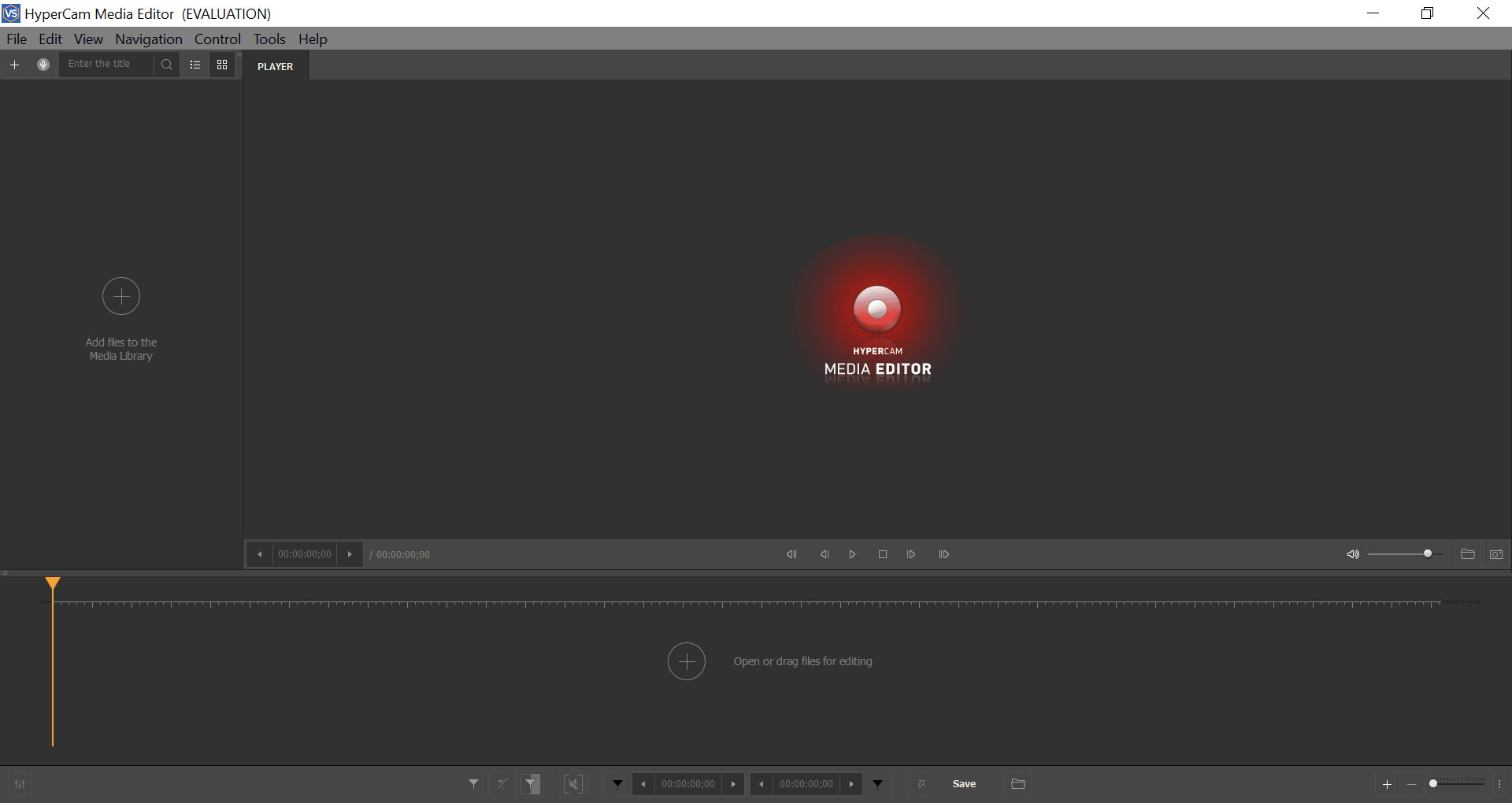
Unlike some other similar software that record the entire window, HyperCam lets you optimize the size of video file by capturing a particular window, a specific area you are working on or even entire window. Moreover, the frame can be moved or zoomed (in or out) while recording is in progress to highlight specific actions.
Support for Hot Keys is available with which you can pre-define shortcut keys and keyboard combinations to perform main actions like start recording, pause, play
The tool is quite handy for tutorials and presentations as it can record sound from the computer’s microphone.
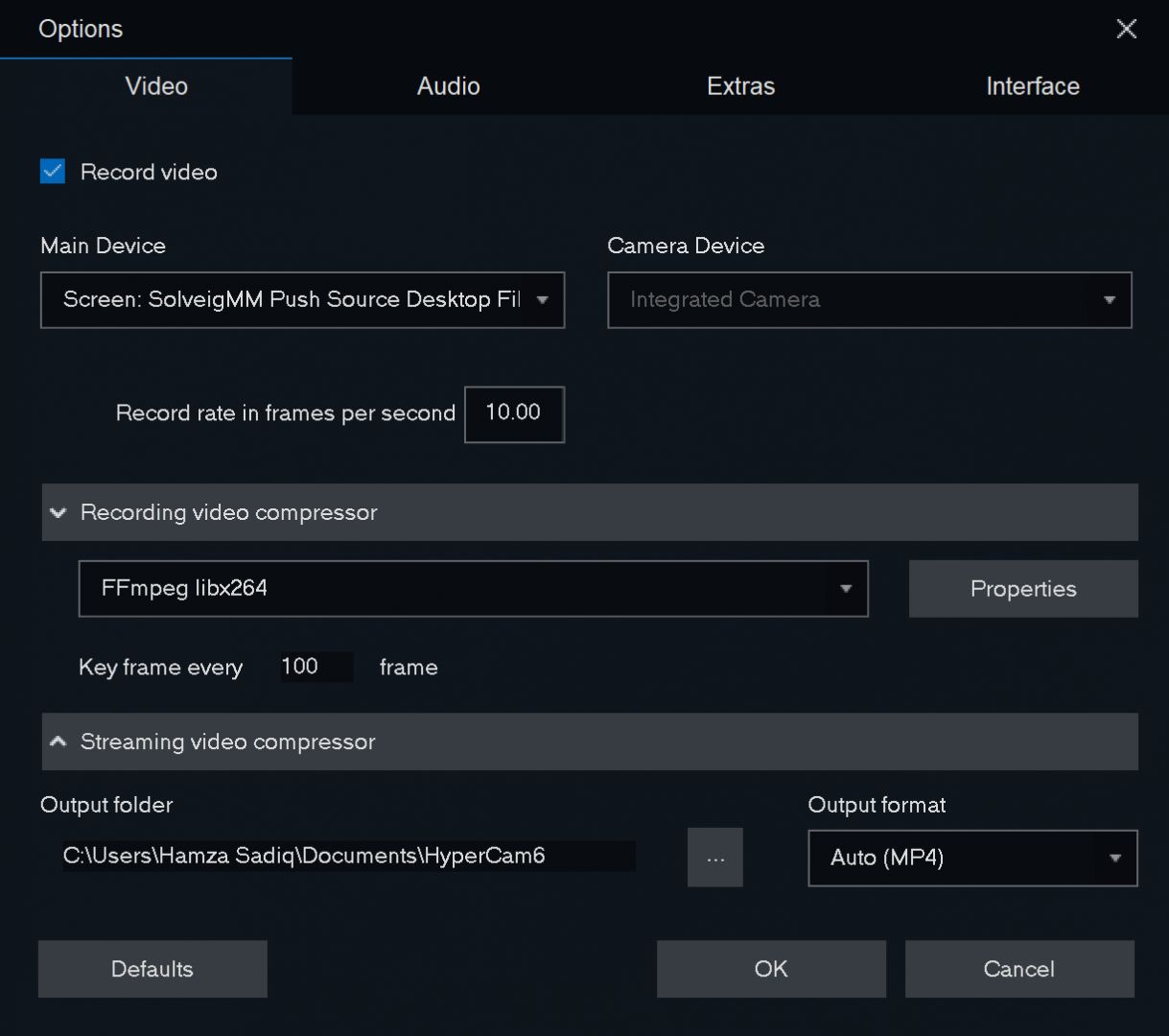
It even allows to customize the output file by altering its Frame rate, Frame Compression quality, and the type of Video Compressor.
Screen notes let you explain images to audience without having to record your voice, wherein you can comment on any part of the desktop. The note’s characteristics like font, screen position, size, background color, and frame color can also be configured.
Record screen video: Capture your screen, microphone or stereo mix with authentic quality.
Webinars recording: Record online conferences or webinars for future reference.
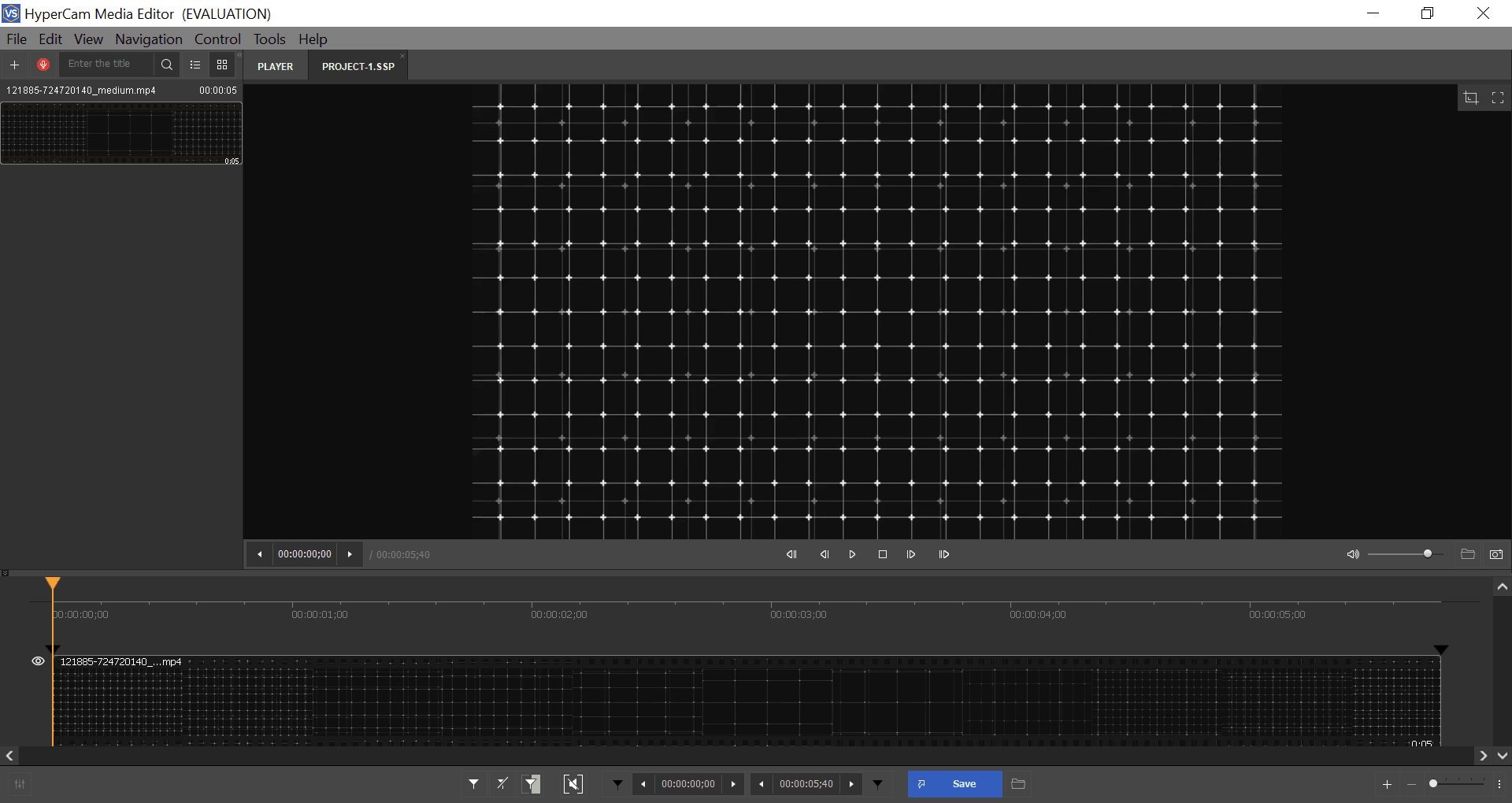
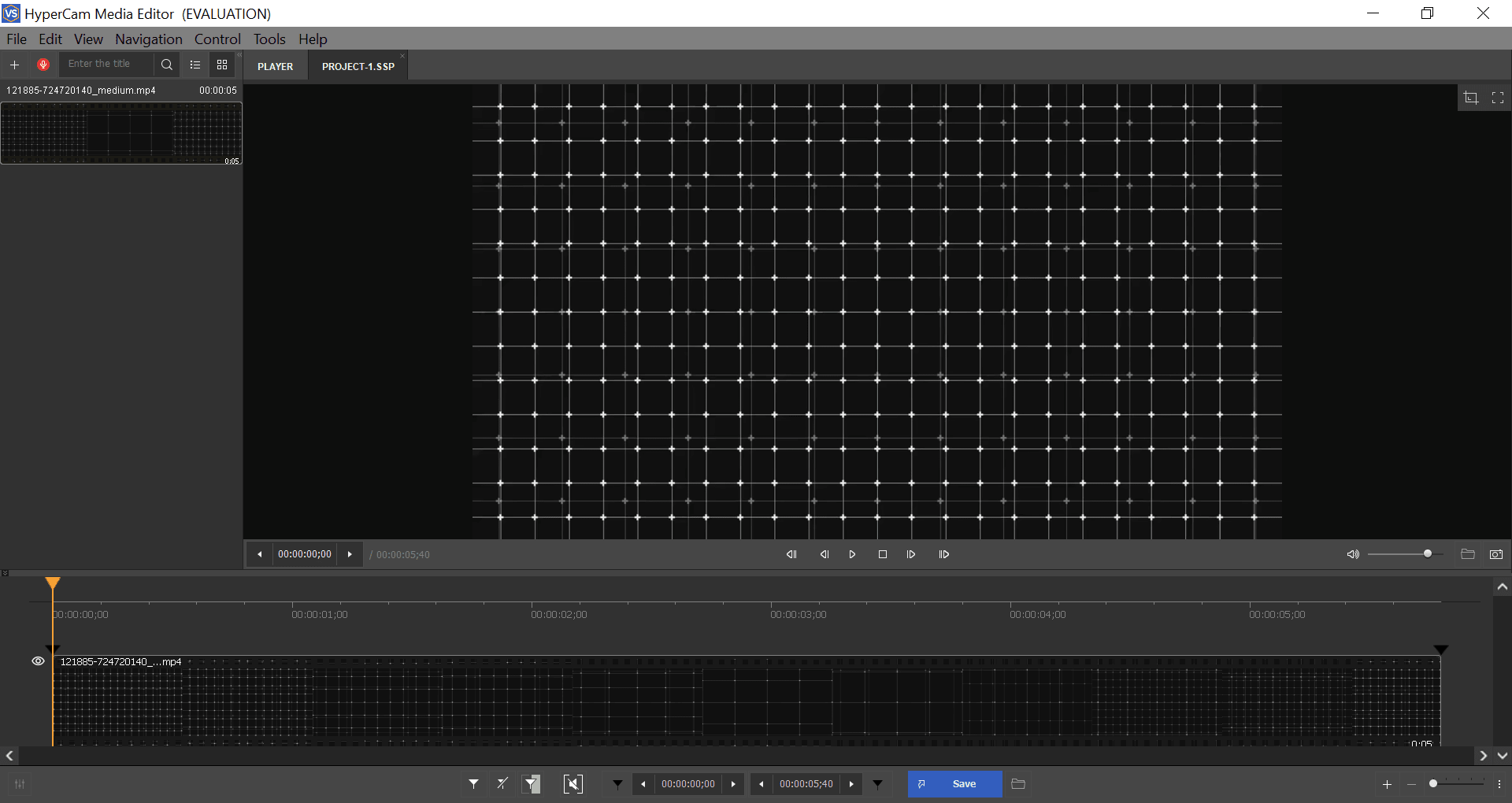
Video & Audio Editor: Cut and join your recordings right after screen capture - with the embedded media editor.
Record Audio: Record from microphone, stereo mix or both and mix in MP3.
Stream your screencasts: Post your game, webcam speech or tutorial on FaceBook, Youtube, or Twitch.
Webcam capture: Record your camera with screen or separately.
Make screenshots: Make a snapshot of your screen or window with a single click.
Is HyperCam free?
No, HyperCam is a paid software. However, a free trial version is available.
What file formats does HyperCam support for saving recordings?
HyperCam supports AVI, WMV/ASF, and MP4 formats for saving recordings.
Can I use HyperCam to record games?
Yes, HyperCam can be used to record games and other applications running on your desktop or laptop.
Does HyperCam have any editing features?
HyperCam does not come with any editing features. You will need separate software for editing the recorded videos.
Does HyperCam have a watermark on the recordings?
The free trial version of HyperCam does have a watermark printed over the recording. The full version doesn't have a watermark.
Can I customize the recording area using HyperCam?
Yes, you can customize the recording area by selecting a rectangular region, a window or an object. You can also choose to record the full screen.
If you want to stream your screen, HyperCam might be a good option with streaming support for Twitch, Facebook, and YouTube. Simply sign in to your preferred platform and click "Start." You can also record your broadcast simultaneously.
Size:103.2MB Version:2.29.01
Requirements:Android Votes:290
Transform your smartphone into a powerful editing studio with the best video editing apps for Android! Whether you're a content creator, social media enthusiast, or just looking to polish personal videos, these apps offer professional-grade tools right at your fingertips. Enjoy intuitive interfaces, advanced features like multi-track editing and filters, and seamless exporting options - all optimized for mobile devices. Download now and start creating stunning videos anytime, anywhere!
Video Editor is a powerful software tool designed for crafting, refining, and enhancing video content. It enables users to transform raw footage into compelling visual narratives or effective communication platforms. As digital media continues to evolve, video editing has grown in significance - no longer just a professional necessity but also an accessible skill for everyday creators. Modern editing tools now offer intuitive interfaces, AI-powered features, and cross-platform compatibility, making high-quality video production achievable for both experts and casual users alike.
Mobile video editing tools are highly popular, with complete functions and professional tools that provide a strong atmosphere for various materials. Rich video templates can be operated with just one click, saving time and without too high a threshold. So what are the free versions of mobile video editing software? Editing software should have high popularity, but most of them require membership. Next, I recommend several platforms that can be used for free.
About us | Contact us | Privacy policy| DMCA
Copyright © 2026 Xiaohei All rights reserved.
































