Filmigo is a user-friendly video editing tool that helps users easily rotate, cut, split, and merge videos. Users can add various filters, effects, transitions, and music to create satisfying video works and export them to their devices in high-definition. The software provides users with a wealth of editing materials, including a wide variety of cute stickers, subtitles, music, and themes, and is continuously updated and optimized to meet users' creative needs. The software is also very easy to use; with the help of tutorials, you can complete the operation in just a few simple steps.
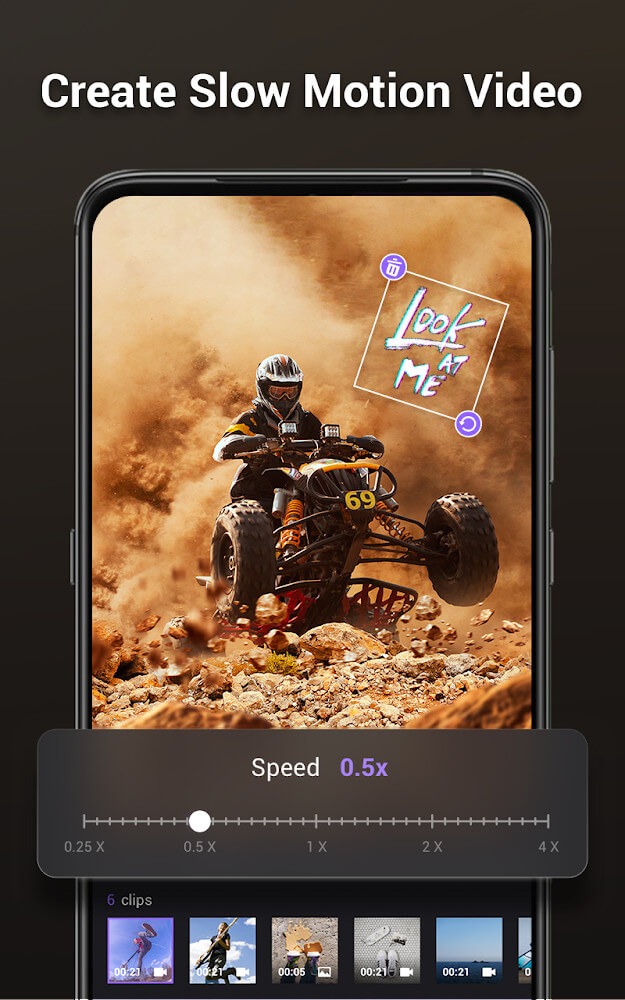
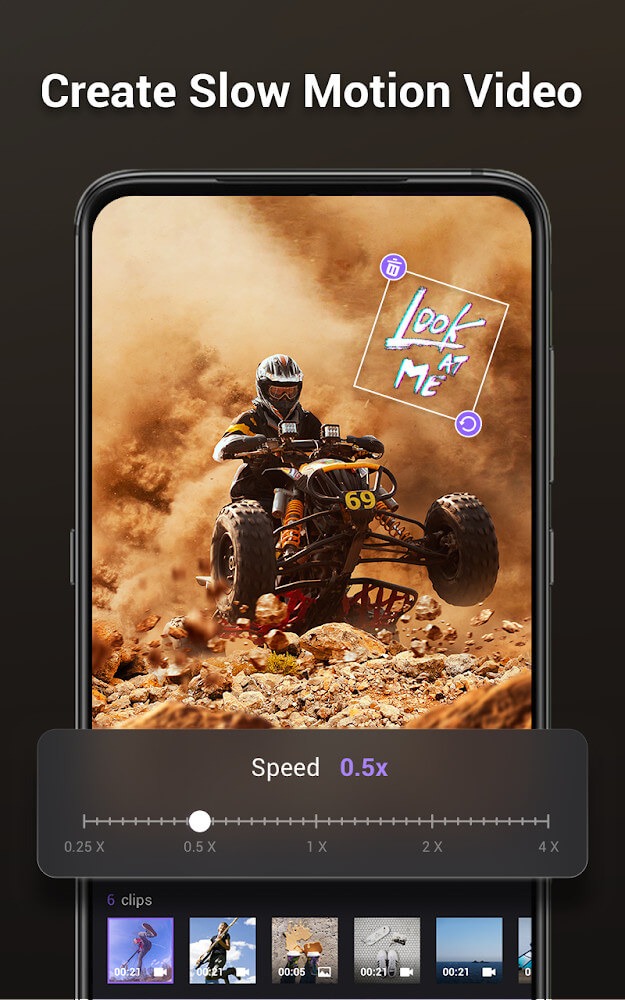
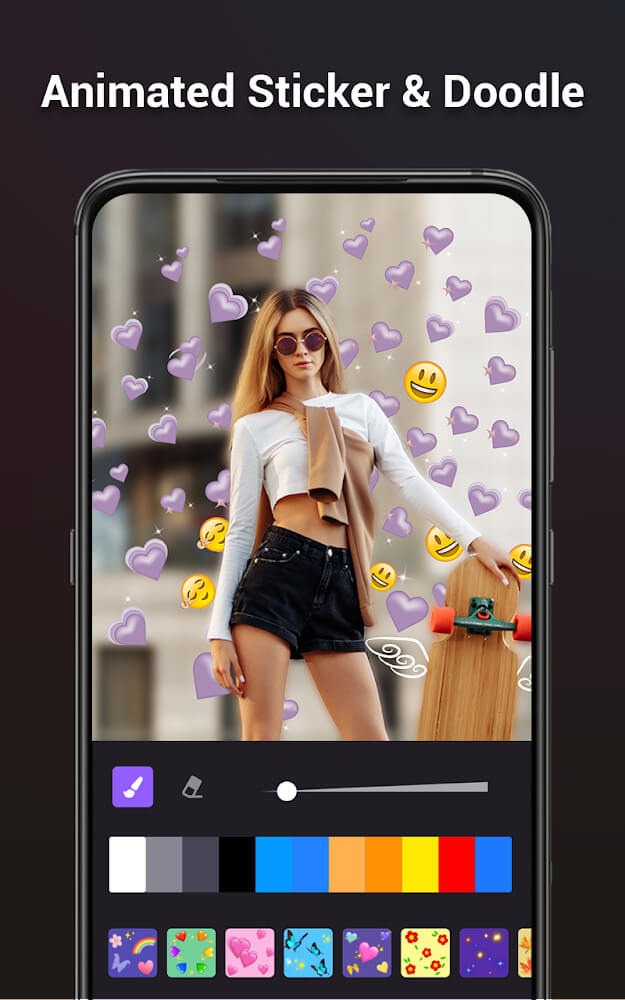
Professional Editing Tools: Filmigo offers a comprehensive set of editing tools that allow you to cut, merge, trim, split, reverse, duplicate, rotate, convert, and compress videos. Additionally, you can collage photos and videos from your gallery and choose from various layouts and grids to perfectly fit your pictures. The option to add mosaic and graffiti effects on videos and the ability to speed up or slow down footage further elevate your artistic capabilities.
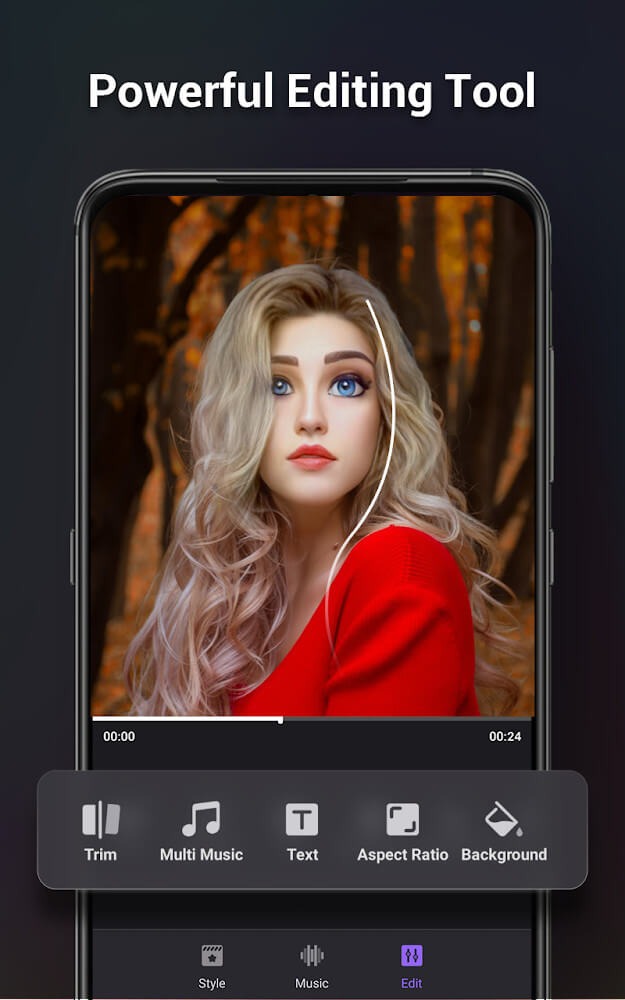
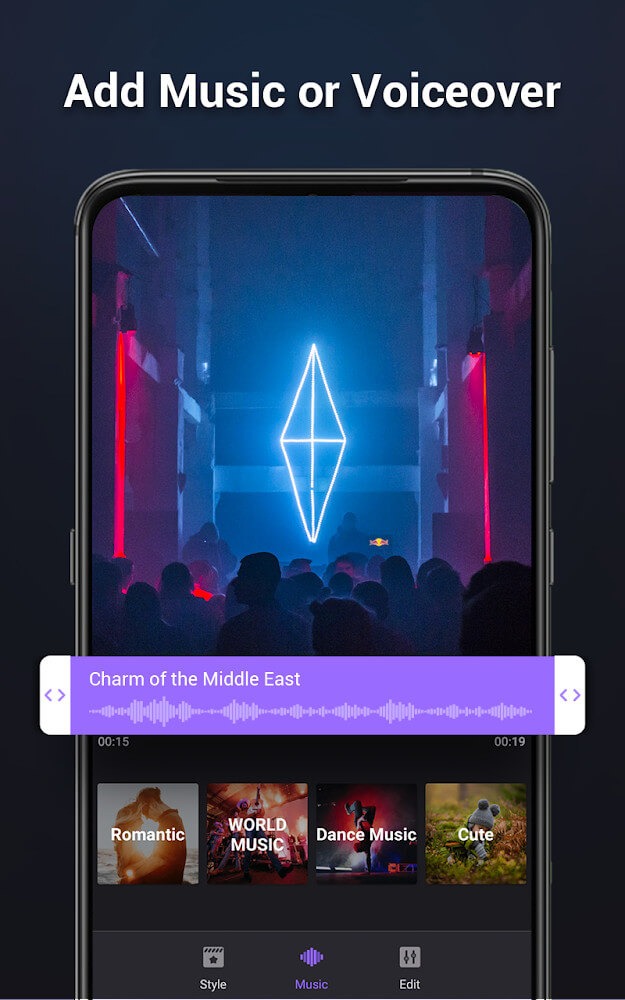
Music & Text: One standout feature of Filmigo is its extensive collection of fully licensed music. Whether you prefer songs from an online catalog or locally stored tracks, you have access to a wide range of options that will help make your videos and slideshows more captivating. Furthermore, the inclusion of artistic subtitles, text effects, outline colors, and fonts gives you the creative freedom to add personalized touches or even draw directly on your videos and images.
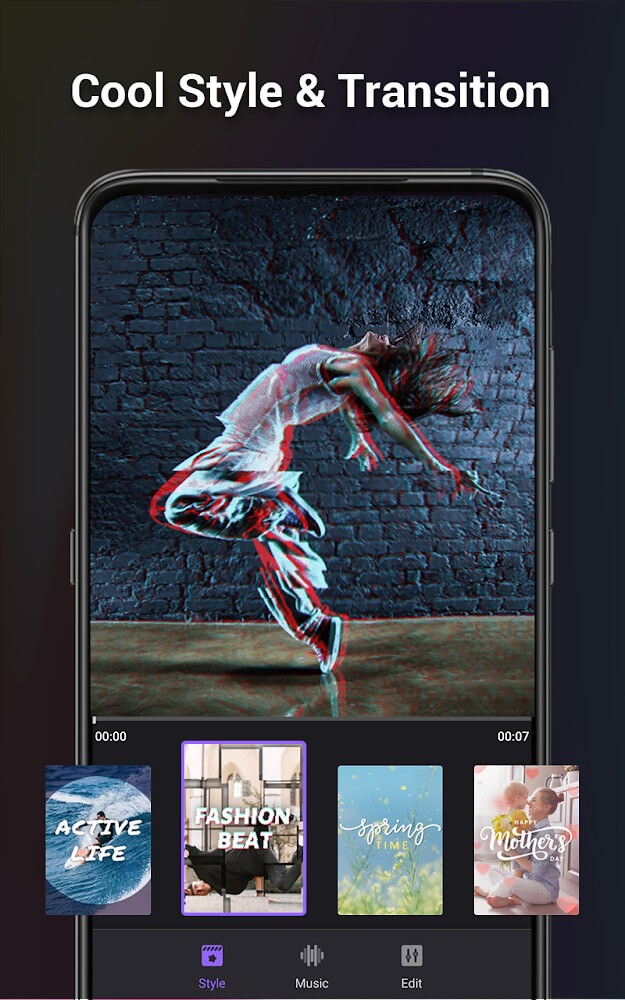
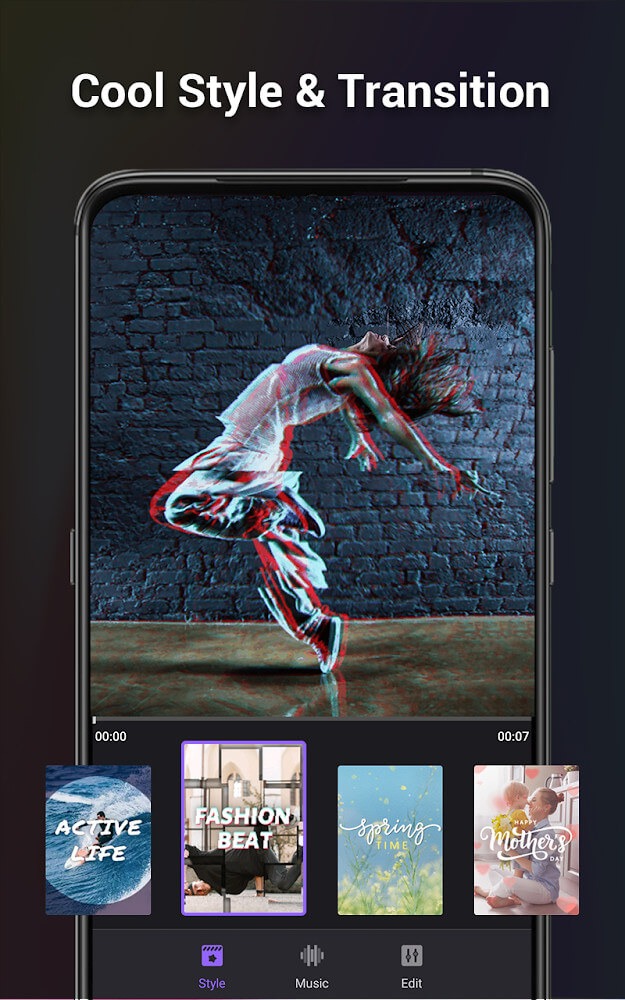
Themes & Transitions: Filmigo offers a variety of trendy themes such as chic, sentimental, travel, and time machine. Coupled with unique transition effects like fade, blink, and bubble, these features allow you to create impressive music videos or captivating slideshows effortlessly. The overlay and mask features also enable seamless editing of special video clips, helping you attract attention and gain more likes and followers on social media platforms.
Filters & Effects: Filmigo provides a comprehensive collection of trendy filters and after effects to enhance your videos. Furthermore, the built-in beauty camera offers an auto-beautify function to make you look amazing in every selfie. Vivid effects like bomb, lightning, flame, and snow take your film-making skills to the next level, giving your videos a Hollywood-level touch.
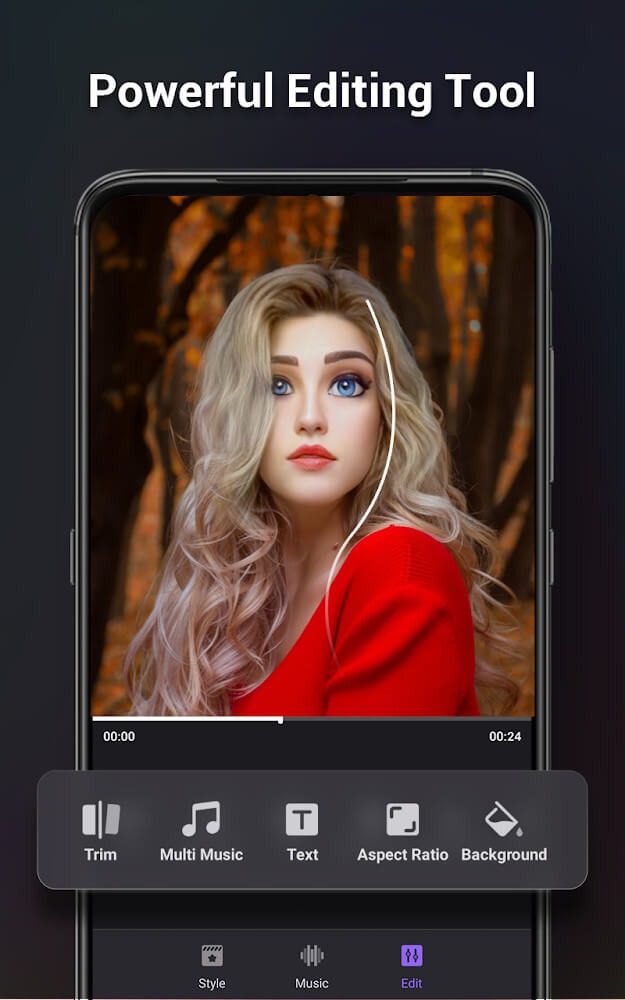
Cut, Trim, and Split: Easily remove unwanted segments or precisely cut your footage to the desired length.
Merge and Duplicate: Stitch together several clips or create duplicate sections for emphasis or effect.
Slideshow Creation: Turn a collection of images into a polished video by adding transitions and selecting playback order.
Resizing and Zoom Effects: Adjust the scale or focus on specific portions of your content to achieve a professional result.
Themes and Templates: Choose from a wide range of pre-designed themes, optimizing videos for specific moods or social channels. Special formats like square layouts make posts Instagram-ready.
This is a great video editor, I'm glad to have to app to help me with editing with my videos, I rate this 5 star!
App is good and extremely easy to use with nice effects So i give five stars.
Amazing How can one pay for a subscription on a tablet.
This app was amazing. I like so much Thanks filmigo.
Came by default on my tablet. I don't use it but it seems decent.
Can I add music to my videos in Filmigo?
Yes, you can add music from your device or select from the built-in music library within the app.
How do I save and share my edited videos?
After editing your video, you can save it to your device or share it directly on social media platforms.
Can I create slideshows with Filmigo?
Yes, Filmigo allows you to create slideshows by selecting multiple photos and adding transitions and effects.
Does Filmigo support multiple languages?
Yes, Filmigo supports multiple languages to cater to a diverse user base.
Are there any watermarks on videos created with the free version?
Yes, videos created with the free version will have a watermark. The premium version removes this watermark.
There are several different themes available in the Filmigo, and they all have a different style and look. With the help of this app, you can easily create a movie. It is very easy to do, and you don't need any special skills to do it.This is an app that is very easy to use. All you have to do is to select a theme and then add your photos. After that, you can add music and subtitles.
Size:168.1MB Version:6.6.8.0
Requirements:Android Votes:495
Package Name:com.funcamerastudio.videomaker Signature:533ca486b20692cffcdfbbe6a5052ec8
Transform your smartphone into a powerful editing studio with the best video editing apps for Android! Whether you're a content creator, social media enthusiast, or just looking to polish personal videos, these apps offer professional-grade tools right at your fingertips. Enjoy intuitive interfaces, advanced features like multi-track editing and filters, and seamless exporting options - all optimized for mobile devices. Download now and start creating stunning videos anytime, anywhere!
Video Editor is a powerful software tool designed for crafting, refining, and enhancing video content. It enables users to transform raw footage into compelling visual narratives or effective communication platforms. As digital media continues to evolve, video editing has grown in significance - no longer just a professional necessity but also an accessible skill for everyday creators. Modern editing tools now offer intuitive interfaces, AI-powered features, and cross-platform compatibility, making high-quality video production achievable for both experts and casual users alike.
Mobile video editing tools are highly popular, with complete functions and professional tools that provide a strong atmosphere for various materials. Rich video templates can be operated with just one click, saving time and without too high a threshold. So what are the free versions of mobile video editing software? Editing software should have high popularity, but most of them require membership. Next, I recommend several platforms that can be used for free.
About us | Contact us | Privacy policy| DMCA
Copyright © 2026 Xiaohei All rights reserved.