Pic Collage is an image editor software. Users can use it to stitch photos and videos together. It also features AI filters for quick editing and background removal. The software includes many built-in stickers and doodle effects that users can use directly. Photos can be imported directly from Facebook. It supports various background and border sizes, as well as rounded corners. The software is small in size, suitable for low- to mid-range devices. No professional knowledge is required to use it. The software has a guided mode to help users quickly familiarize themselves with its functions. It helps users create a vibrant and dynamic photo album.
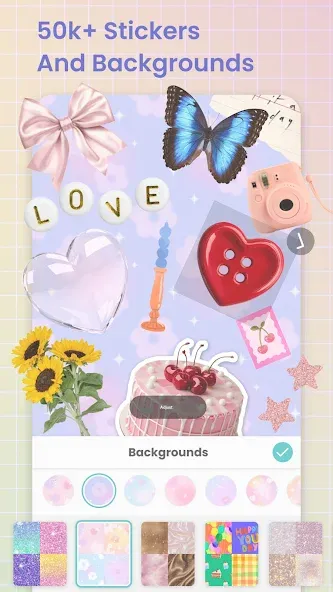
Create photo collages, video collages, greeting cards, scrapbook pages, Insta stories & more
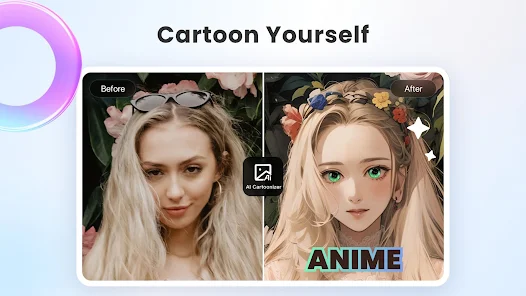
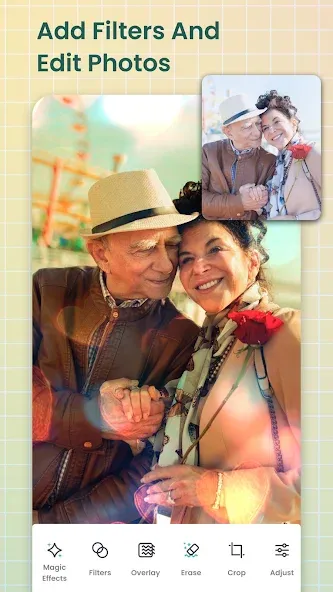
Edit photos, pictures & videos with our AI photo editor filter, effects, retouch, and crop
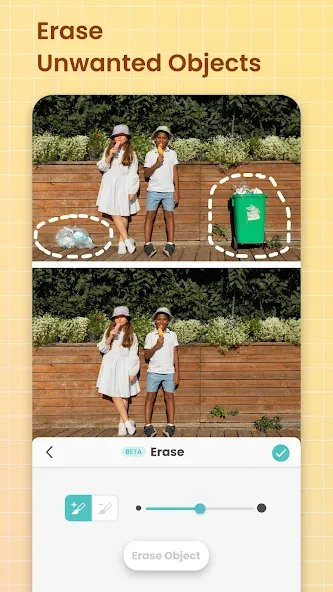
Remove backgrounds with AI & expand images with Magic Expand
Use the background eraser to remove photo backgrounds instantly no manual tracing needed. Background eraser lets you isolate subjects, create transparent images, and add them to any collage layout.
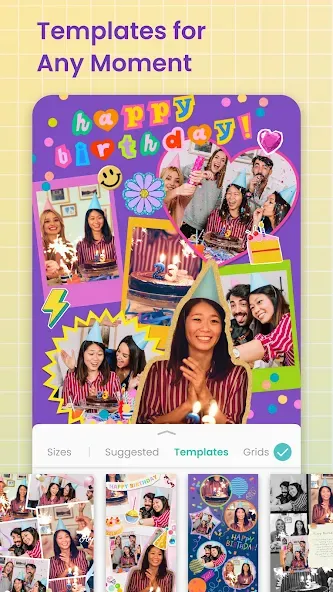
Use grid layouts & animated templates with firework and confetti animations
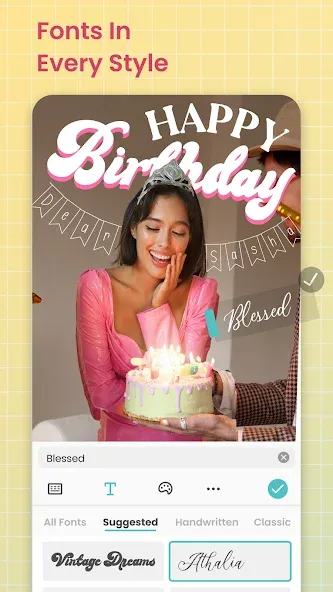
Decorate with fonts, stickers, doodles, crayon borders, film frame effects, and scrapbook paper-tear borders
Pros
Import pics from Facebook
Add pics to backgrounds or add stickers
Go freestyle to make your own collage
Cons
A little tricky to use at times
New in Photo Collage Maker 7.30.9
A bunch of background to choose from.
Pic collage editor having multiple background, border sizes, roundness & ratio.
Collage photos with 200+ layouts, grids & frames
Unique Photo Effects for making unique picture collage
Add emotion on your picture
Combine photos with amazing photo layouts into beautiful collages
Add blur background to your photos
I love being able to get all of my pets into one picture frame! It is impossible to get them all in one photo. This is the best way to get them there, together
I've used this app for years and still recommend it to others. Thanks PicCollage developers for fixing all the glitches from precious updates. It's my go to app for all things creative.
Great collage design app. Works well and easy to use and create you're own collages or use the templates provided.
Why settle for basic photo sharing when you can create a professional-grade story? PicCollage APK is more than just a photo editor; it is a gateway to unlimited creative expression. By combining ease of use with powerful design features like video conversion and animated grids, it empowers you to preserve your memories in the most beautiful and modern way possible. Download PicCollage APK today and start turning your digital gallery into a vibrant world of creativity!
Size:62.65MB Version:7.30.9
Requirements:Android 2.3+ Votes:175
Package Name:com.cardinalblue.piccollage.google Signature:71ce1a2654eadf2d73a0e4c6cbedf4d1
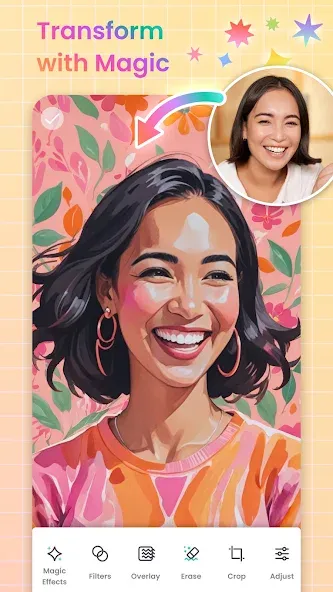
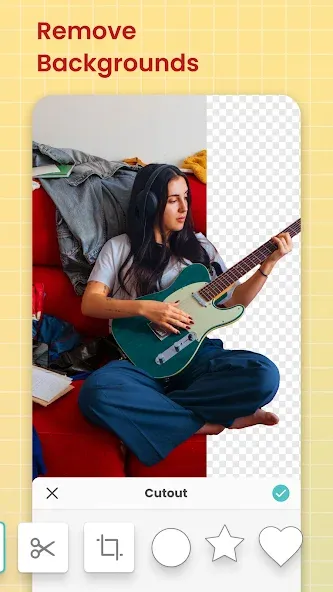
Welcome to our image editing apps! Perfect for beginners and pros alike, they make photo enhancement easy. Use PicsArt to crop, adjust colors, and apply filters. Remove backgrounds instantly with Remove.bg. Get creative with layers and advanced tools on Adobe Photoshop Express. Start transforming your images today!
Visuals serve as a primary gateway for players to engage with games, where distinctive art direction immediately captures attention and creates lasting impressions. An unconventional aesthetic not only stands out in crowded markets but also enhances immersion and emotional connection. When executed with creativity and polish, striking visuals elevate gameplay into a memorable artistic experience. That's why titles with truly exceptional art styles deserve recognition - they offer both visual delight and meaningful interactive expression that resonates with players long after the session ends.
AI Photo Editing Apps - encompassing both image generation and enhancement tools - utilize cutting-edge machine learning algorithms to produce, refine, or transform visuals using text prompts, uploaded images, or artistic preferences. These powerful applications are reshaping digital art, photography, and media production by streamlining sophisticated processes such as professional-grade retouching, artistic style replication, and completely AI-generated artwork. By combining automation with creative control, they empower users to achieve stunning results with unprecedented speed and precision.
About us | Contact us | Privacy policy| DMCA
Copyright © 2026 Xiaohei All rights reserved.