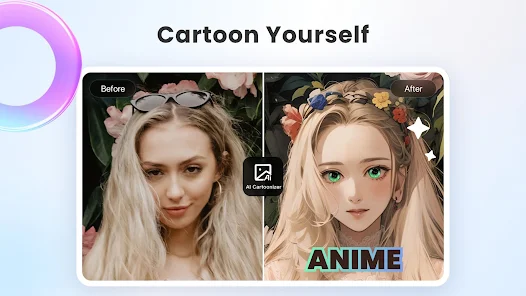
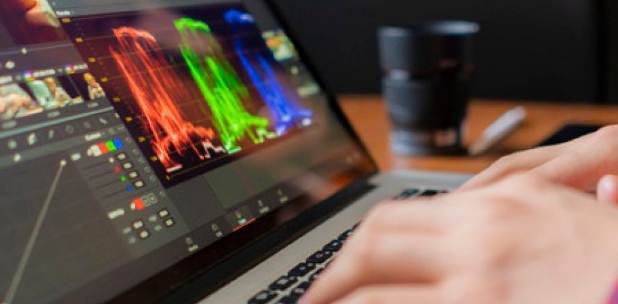
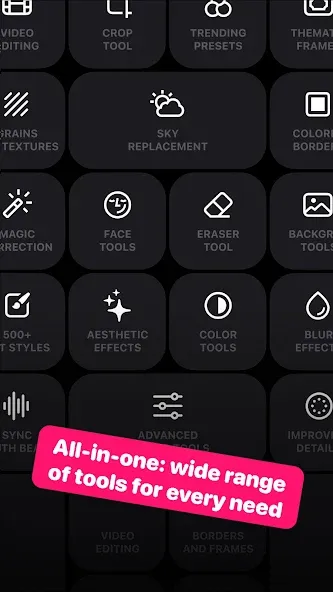
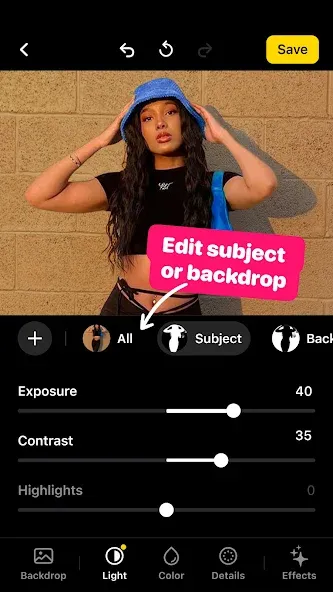
Lensa Ai is a photo editing software that allows users to enhance photo details without needing advanced beautification skills. Users simply upload photos to unlock numerous editing tools and preset templates, adding their favorite filters, effects, and text, and adjusting details such as eyes, eyebrows, and skin to create satisfying images. Furthermore, the software allows users to edit brightness, contrast, saturation, and other parameters to make photos more appealing and meet creative needs. The software's editing tools and resources are constantly being updated and optimized to provide users with a more comfortable editing experience.
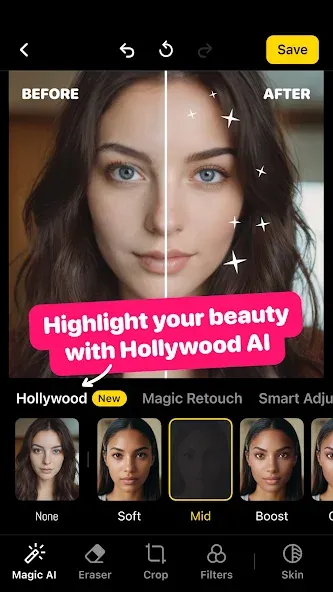
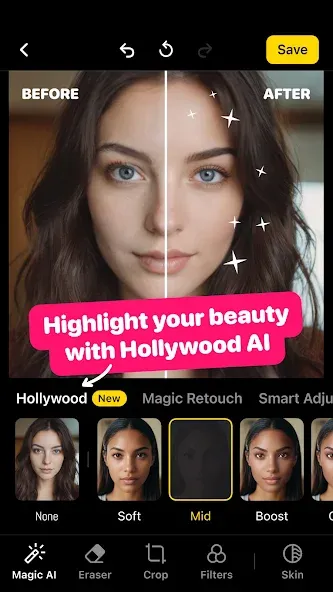
The Skin Regeneration feature is my favorite. This option will make your skin appear more alive and radiant in photos without turning it pink, orange, or blue, as some editing apps do. You are still the same person, but you’re before and after photos show a glow. Auto Adjust allows you to change individual metrics without having to edit many. Natural acne removal improves the skin, face, teeth, hair, and other flaws.
Lensa recreates the skin and pays special attention to the eyes, which reveal much of the subject’s spirit, personality, and charisma, in order to make the image natural and clear in accordance with the initial criteria. Lensa’s eye correction feature is extensive, removing puffiness and crow’s feet as well as changing the color of the eyes and lashes. You can alter every aspect of your beautiful eyes without changing their appearance.
Consider the image’s input quality to avoid over-editing while retaining the image’s natural lighting and simple composition. Consider the quality of your smartphone’s camera instead. Whether you’re using the front or rear camera, the sharpness and romance of a professional camera will usually outshine the phones.
You should no longer be concerned. Lensa improves the quality of your phone’s camera. Lens correction, shutter correction, image blur, and other image enhancements can significantly improve the image quality of a mobile camera. This fix will make things better by ensuring Lensa uses the correct images in the next editing step.
Attractive eyes: Make the windows of your soul beautiful with sophisticated eyeliner lines that can impress anyone.
Removing unnecessary elements in the eye: Reflective effects in the eyes can be removed to create a great and bright look.
Edit eye features: Different features that you think are suitable can be applied to the character’s eyes easily.
Use selfie mode: Enabling the app’s selfie support feature helps you take beautiful images as elements can be adjusted and adapted to the environment.
Remove inappropriate background: Make the background disappear and replace it with another one in just a few simple steps.
Artistic colors for images: Putting it through many different filter layers will let you know which artistic direction the image will change.
Try a new style: Choose a completely new hair color in just a few simple steps to find out which style suits you best.
I was hesitant but my friends convinced me to try it out. A few of the pieces were wonky with extra fingers and weird faces but overall what I got was absolutely stunning work. I feel a little guilty using AI vs a real artist, but I'd never be able to afford or be willing to purchase art of myself like this. I'll be using more than a few of these for my D&D characters, for sure.
So far, so good! I have had fun with this app in the short time I've had it and with the price point and for a yearly subscription you honestly can't beat it! I love being able to create fun backgrounds in an instant without a bunch of fuss or technical difficulty. I don't usually rate apps free often but thought it would be a good idea to do since it's been working for me so far.
I really enjoyed using the app. Sometimes its a bit too creative in that it doesn't quite look like you, but it was fun. There was also an issue with a payment, but it was refunded. Its been a great experience. Bought 6 different packs for me and my wife and all images were somewhat different.
it's worth the money to do the additional purchase and get the awesome ai creations! it really doesn't cost much after seeing how much you get for 3 dollars. I'm a graphic designer and trust me, it would be much much more for just one these and you get at least 50. not sure about keeping the yearly subscription though, I don't think I'll use it mostly.
Can Lensa AI remove unwanted objects from photos?
Yes, Lensa AI allows users to remove unwanted objects and distractions from photos to keep the focus on the main subject. This feature ensures cleaner, more impactful images.
How does Lensa AI enhance selfies and portraits?
Lensa AI helps users look their best in selfies and portraits by providing tools to smooth imperfections and enhance features without an "over-edited" appearance. It maintains a natural look.
Does Lensa AI offer filters and color tones for photos and videos?
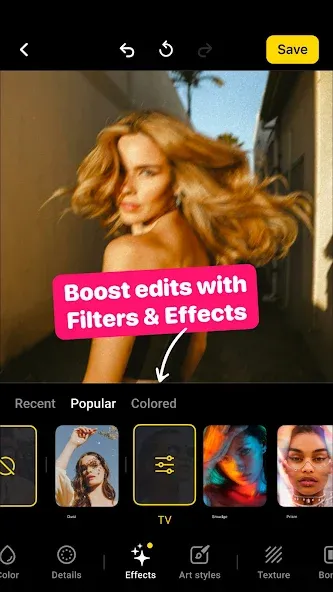
Yes, Lensa AI transforms photos and videos with a variety of beautiful filters and color tones. Users apply these effects to give their media a unique artistic style.
Can I create custom avatars with Lensa AI?
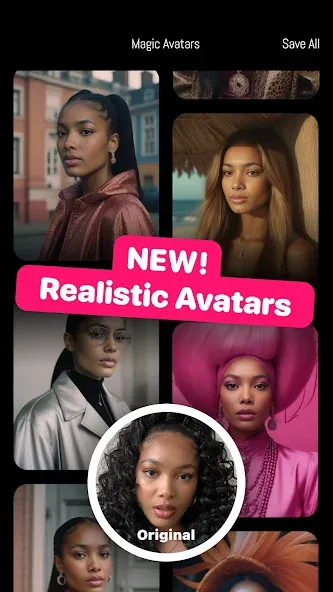
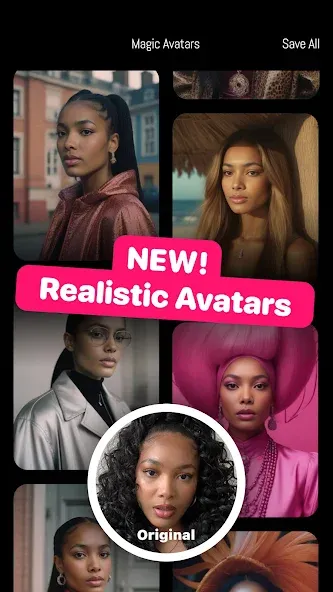
Yes, Lensa AI enables users to create unique avatars that express their personality in fun, artistic styles. This feature is a core component of the app's creative capabilities.
Is Lensa AI safe to use regarding privacy?
Lensa AI prioritizes user privacy. Its privacy policy is available at https://legal.lensa.app/privacy-policy, detailing how personal data is handled and protected.
Lensa Ai suits people who post selfies often, want cleaner portraits for social media, or need fast edits without learning a full editing suite. It is most useful for students, creators, casual photographers, and anyone who wants their front camera photos to look better in less time.
Size:140.31MB Version:6.3.7882
Requirements:Android Votes:255
Package Name:com.lensa.app Signature:92b251855936049ec89214fbdd646b68
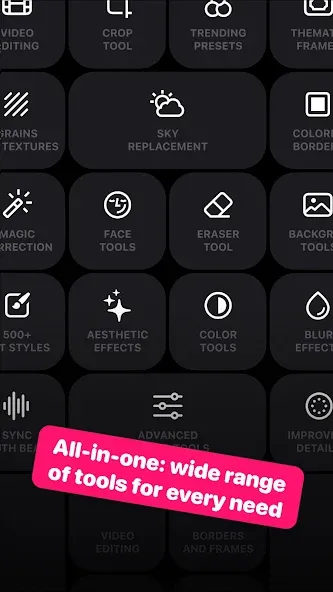
Welcome to our image editing apps! Perfect for beginners and pros alike, they make photo enhancement easy. Use PicsArt to crop, adjust colors, and apply filters. Remove backgrounds instantly with Remove.bg. Get creative with layers and advanced tools on Adobe Photoshop Express. Start transforming your images today!
AI Photo Editing Apps - encompassing both image generation and enhancement tools - utilize cutting-edge machine learning algorithms to produce, refine, or transform visuals using text prompts, uploaded images, or artistic preferences. These powerful applications are reshaping digital art, photography, and media production by streamlining sophisticated processes such as professional-grade retouching, artistic style replication, and completely AI-generated artwork. By combining automation with creative control, they empower users to achieve stunning results with unprecedented speed and precision.
Enhance your photos effortlessly with the best free photo editing apps for Android! Whether you want to apply stunning filters, adjust brightness and contrast, remove blemishes, or create professional-quality edits, these apps offer powerful tools at your fingertips. From simple one-tap enhancements to advanced editing features like background removal and AI-powered effects, you can transform your images with ease. Explore a wide range of user-friendly and feature-rich apps, all available for free download. Start editing and make your photos stand out today!
About us | Contact us | Privacy policy| DMCA
Copyright © 2026 Xiaohei All rights reserved.