PicShop is a photo editing tool for Android devices. It offers a variety of functions to enhance your photos. It supports importing and exporting images in multiple formats. Its user-friendly interface allows for quick and easy setup. A built-in effects library provides many powerful effects for color correction and contrast adjustment. A cropping tool lets you edit photos to any size. You can add text and titles freely. One-click sharing to social media platforms is supported. Many fun stickers and more are also available.
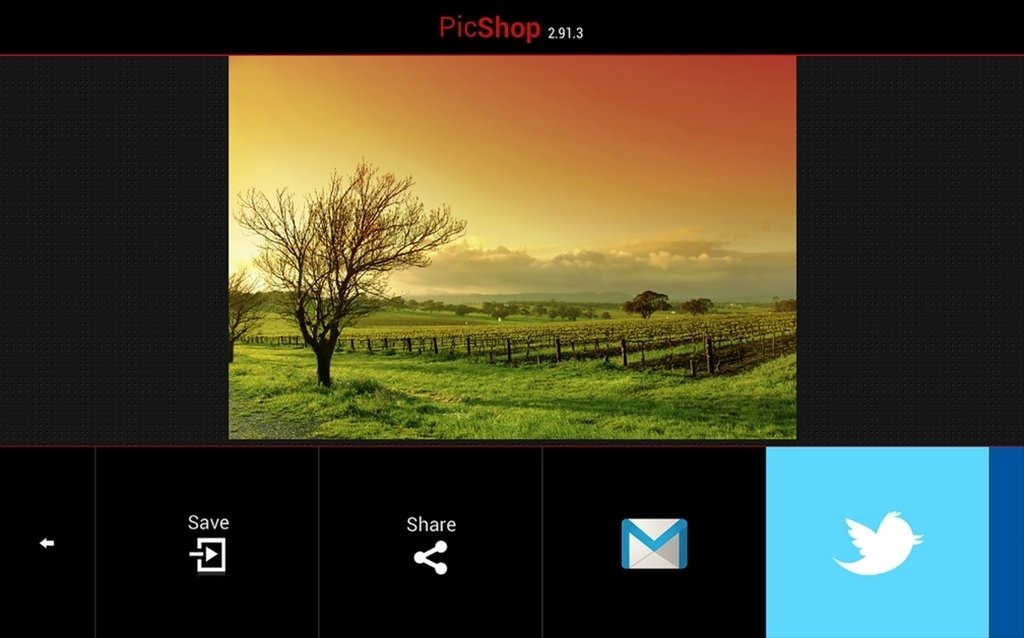
Ability to create stunning photos with a variety of editing tools.
Support importing and exporting images in different formats, including JPG, PNG, GIF, BMP, etc.
The easy-to-use interface allows users to adjust brightness levels or apply filters quickly.
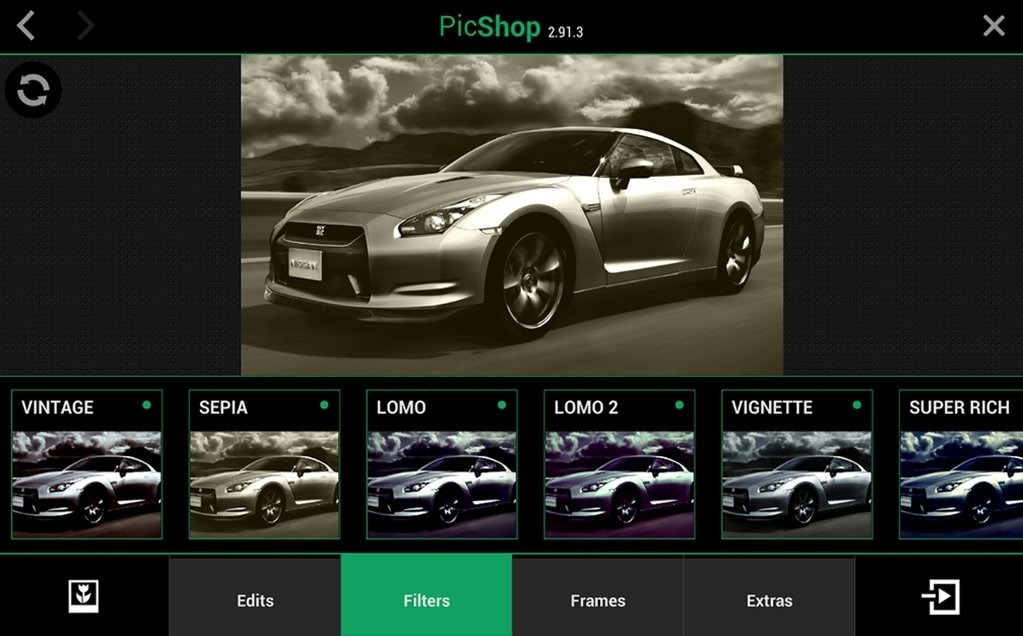
Variety of powerful photo effects such as contrast adjustment and color correction.
The crop tool enables cropping images into any size you want without losing quality.
Text overlay feature allowing users to add captions/labels on their pictures.
Provides support for sharing edited images directly from the app via social media platforms like Facebook & Instagram.
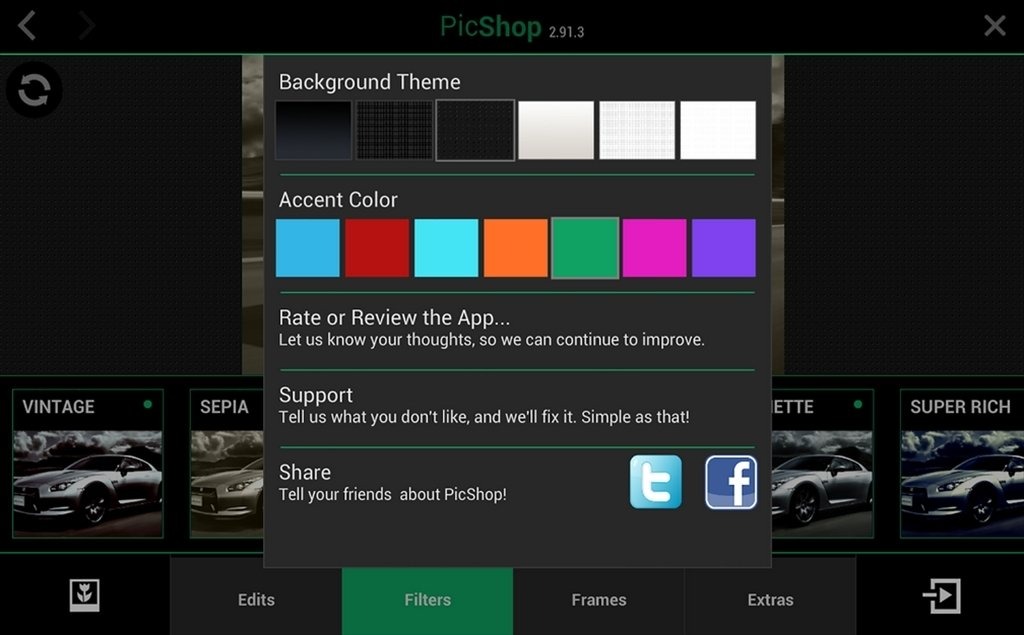
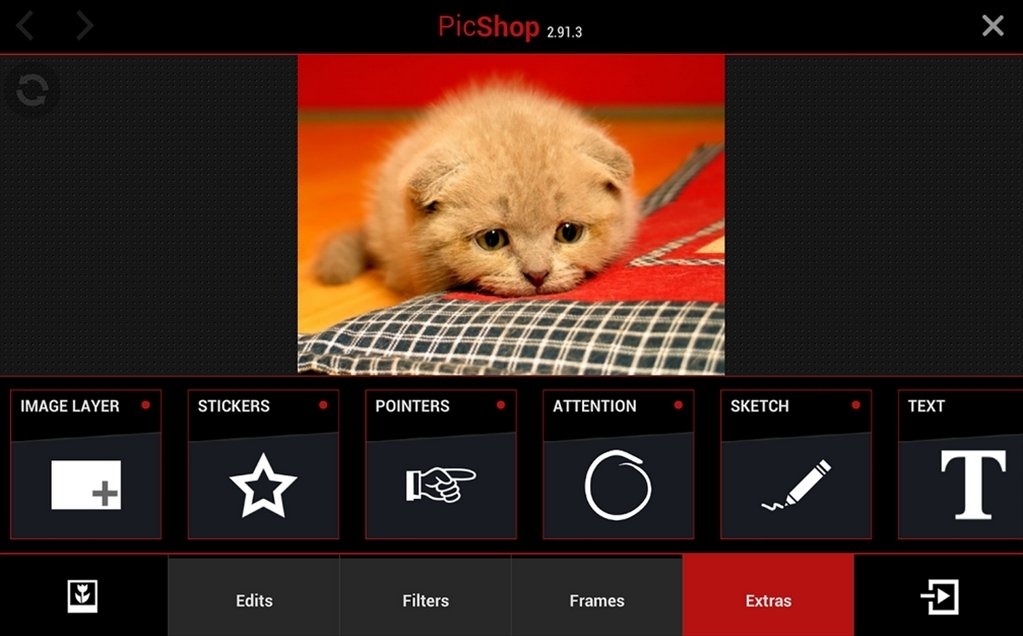
Sketch Mode w/ 8 different brushes
Meme Maker (YES RLY)
Speech Bubbles
Text w/ Adjustable Font
Add images as extra layers (collage)
Fun Stickers (Hats, Moustaches, Love etc)
Customize app with your own personal theme color
Pros
User-friendly interface allows for easy navigation and editing.
A wide variety of editing tools including filters, frames, text, and brushes.
Lightweight app which doesn’t take up much storage space.
Supports multiple image formats for import and export.
Cons
Limited features compared to full photo editing software, which may not satisfy professional photographers.
Some advanced tools or effects may be locked
Can I use PicShop Lite offline?
Yes, most features of PicShop Lite can be used offline, but some functionalities may require an internet connection.
What file formats does PicShop Lite support?
PicShop Lite supports common image formats such as JPEG and PNG.
How do I save my edited photos in PicShop Lite?
After editing your photo, you can save it to your device by selecting the save option and choosing your desired file quality.
Does PicShop Lite have any sharing options?
Yes, you can easily share your edited photos directly to social media platforms or via email from the app.
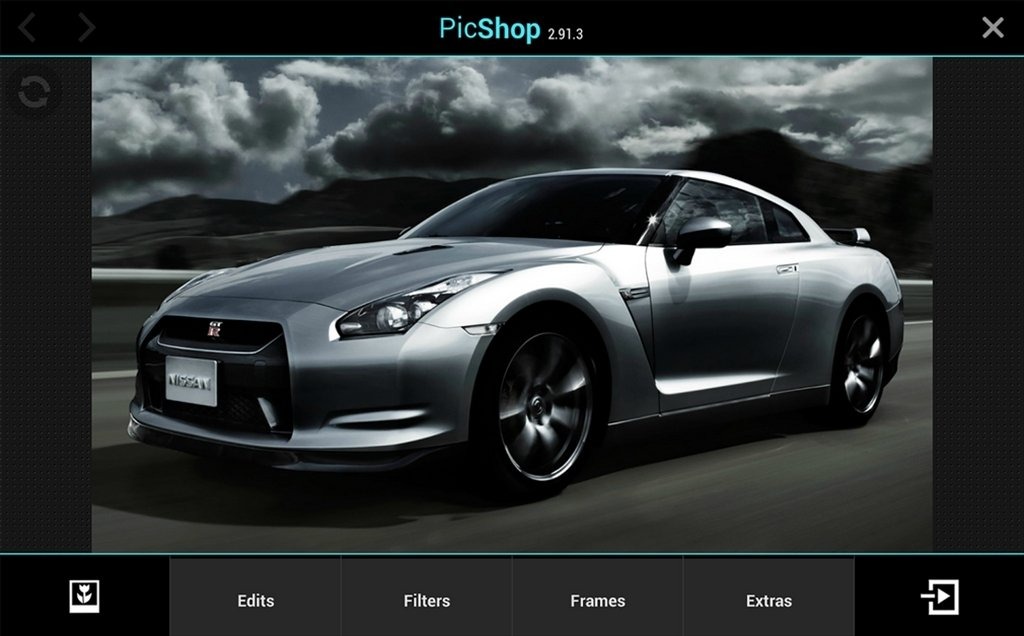
PicShop Lite stands out as a comprehensive photo editing tool designed to cater to both passionate photographers and those who engage in photography for fun. It supports high-definition images up to 8 megapixels, showcasing its capability to handle serious photography needs.
Size:35.92MB Version:3.0.4
Requirements:Android 2.2+ Votes:210
Package Name:air.ca.esdot.PicShop Signature:f5b20e290b0cb0aa0d15973cfed28667
Welcome to our image editing apps! Perfect for beginners and pros alike, they make photo enhancement easy. Use PicsArt to crop, adjust colors, and apply filters. Remove backgrounds instantly with Remove.bg. Get creative with layers and advanced tools on Adobe Photoshop Express. Start transforming your images today!
Visuals serve as a primary gateway for players to engage with games, where distinctive art direction immediately captures attention and creates lasting impressions. An unconventional aesthetic not only stands out in crowded markets but also enhances immersion and emotional connection. When executed with creativity and polish, striking visuals elevate gameplay into a memorable artistic experience. That's why titles with truly exceptional art styles deserve recognition - they offer both visual delight and meaningful interactive expression that resonates with players long after the session ends.
Enhance your photos effortlessly with the best free photo editing apps for Android! Whether you want to apply stunning filters, adjust brightness and contrast, remove blemishes, or create professional-quality edits, these apps offer powerful tools at your fingertips. From simple one-tap enhancements to advanced editing features like background removal and AI-powered effects, you can transform your images with ease. Explore a wide range of user-friendly and feature-rich apps, all available for free download. Start editing and make your photos stand out today!
About us | Contact us | Privacy policy| DMCA
Copyright © 2026 Xiaohei All rights reserved.