UC Mini is a browser designed for mobile devices, offering a vast library of popular TV series, movies, short videos, and entertainment content to satisfy users' daily entertainment needs. The app includes a built-in video downloader, allowing users to save videos to their devices for convenient viewing or rewatching at any time. To ensure a comfortable browsing experience, it features an ad-blocking function that automatically filters out advertisements and pop-ups. Additionally, an "incognito" (private) mode is available, which automatically clears browsing history and site credentials to protect user privacy. The app also provides basic editing tools, enabling users to enhance their photos and videos.
Built-in ad blocker: UC Mini blocks intrusive ads to keep pages readable and reduce interruptions. Fewer pop ups and overlays make it easier to focus on articles and videos. This can help cut extra data use on limited plans while you browse.
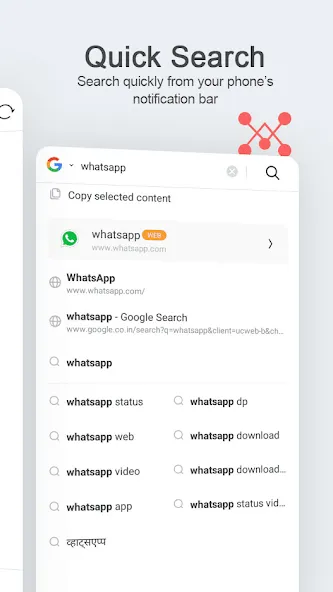
Fast browsing and search: UC Mini is tuned for quick page loads and smooth scrolling, even on older devices. Search results appear responsively, and pages stay usable on patchy networks. This keeps navigation steady when signal strength changes.
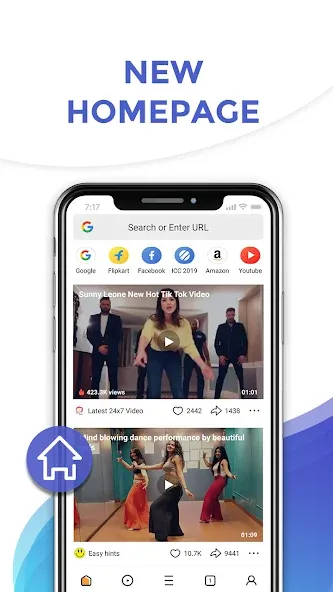
Video discovery hub and Star Zone: UC Mini organizes movies, TV series, Bollywood content, and funny clips in one hub so you can find something to watch fast. You can follow favorite celebrities in Star Zone to see updates in a single place. This setup reduces the time spent jumping between sites to look for new videos.
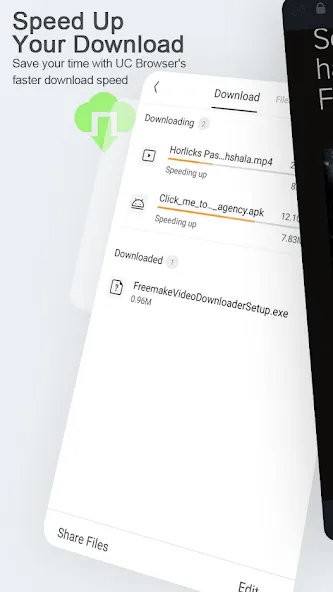
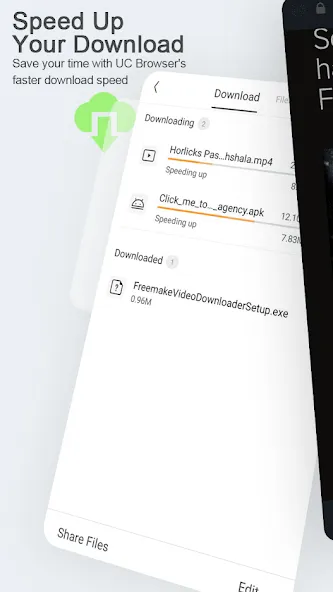
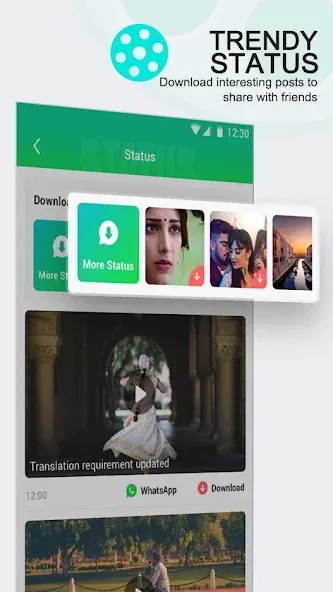
Boosted video downloader: UC Mini lets you save videos with a single tap and manage several downloads at once. Downloads continue in the background while you use other apps, and you can pause or resume as needed to control data and battery. The queue view helps you reorder or check progress without reopening each page.
Face Change Video Maker: UC Mini includes a playful tool that swaps your selfie onto selected celebrity clips. You can create a short video in minutes and share it to WhatsApp when finished. It adds a quick entertainment option on top of regular browsing.
Activate Data Compression: Turn on the Data Saver feature to compress images and content, drastically reducing data consumption without sacrificing browsing speed.
Enable Night Mode or Reader Mode: These modes limit unnecessary animations and auto-loading media, which helps conserve data and provides a more comfortable reading experience.
Use Ad Blockers: Activate the ad blocker to prevent ads and banners from loading, saving both data and loading time on each webpage.
Preload Important Pages on Wi-Fi: Visit your favorite websites while on Wi-Fi, then browse offline with your mobile data turned off, avoiding repeated downloads of the same pages.
By applying these simple tips, you’ll enjoy a faster, more efficient browsing experience while extending your data plan. Saving data doesn’t mean you have to compromise on speed — with UC Mini’s features, you can browse wisely and save more.
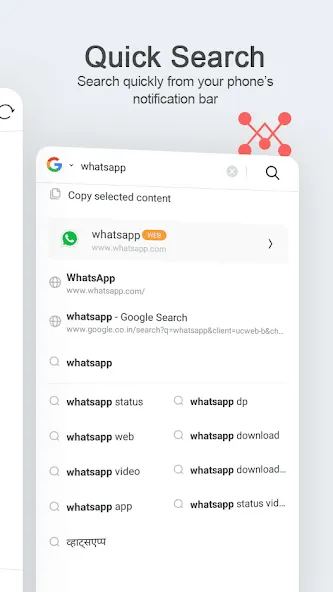
Very practical because it takes me to the pages I want to search for immediately. Look, it does not weigh as much as it's full version but it does give you the info when you need it instantly. Even though it's very common seeing small and poor quality of the ads you see through some pages, it does not matter at all if you don't care about them.
UC Mini browser is the truly compressed and fastest true speed browser for Android Phones. There is no match for the download and browsing speed for this browser. I can't say that about it's security features, because of the incessant, vulgar and inappropriate ADs. which show up always and affects the data cum battery usage of the mobile considerably, even when in idle mode / when the phone is locked. Can't trust this app. completely though, as to make it default / give more phone permissions !
I'm using 10.6.0 version of this application since 2016! It is not ready to give up. I don't know about new version, but this version is very best. It saves data, browses fast and download are also very fast. It is also running like a champ even on android 2.2 . It also browses very fast on 2G internet than other browsers. Very nice App.
The apps okay at moment, though when I'm trying to download too many ads + bugs pop up that gets annoying pls fix that, also I'd gladly appreciate if you can improve the duration of this apps flaws & speed increase ×15 ultra. Also change the settings; add power saver + ad blocker theme to max. Maybe add dark theme too & set the apps data usage too minum as the consumption slows down the phone a bit, so pls fix that UC Mini would be quite commendable.
Downloading it is kind of annoying to me because it literally feels way longer to install but I can say this, this is waaay better than chrome. Chrome does not load pages right nor lets you play or watch videos. This does so I have to them thanks for doing a good job. To be honest, I trust these apps more than anything else since I tried several apps on the store.
Can I download videos directly to my device using UC Mini?
Yes, UC Mini allows you to download videos directly to your Android device. It supports batch downloading of multiple videos simultaneously, and downloads will continue running in the background even when you close the app or switch to other applications.
What is the face-swap video creation feature in UC Mini?
UC Mini includes a face-swapping video creation tool that lets you create face-swap videos by using your selfies or imported photos overlaid onto video content. You can then like, comment, and share these face-swap videos with others via messaging platforms.
Does UC Mini offer privacy or ad-blocking features?
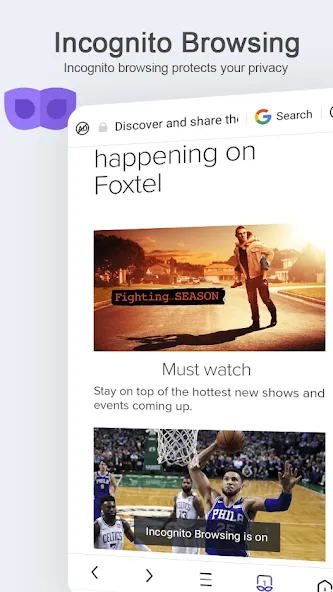
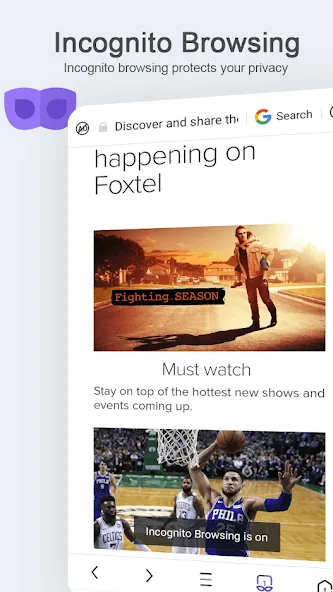
UC Mini includes an incognito browsing mode that prevents the app from saving your browsing history, storing cookies, or caching data. The application also features a built-in ad blocker that removes advertisements from webpages you browse within the application itself.
Can I share videos from UC Mini with other people?
UC Mini lets you share videos directly to messaging platforms. You can share downloaded videos or video links with your contacts through various messaging apps. This makes it easy to recommend videos to friends or save clips for later viewing.
Many consider UC Mini to be a leading choice among popular web browsers for Android devices. Over the years, the program has been able to build a huge fanbase. With a simple interface, intuitive toolbars, and advanced features, it keeps giving tough competition to other titles in this category.
Size:11.45MB Version:99.9.9.9999
Requirements:Android Price:Free
Package Name:com.uc.browser.en Signature:556d9b345af676fd6f9760734c4a3de2
Browser is a software application that enables users to access, render, and navigate information resources on the internet. These resources, identified by Uniform Resource Identifiers (URIs), include web pages, images, videos, and other multimedia content. Browsers facilitate seamless exploration of interconnected data through hyperlinks, allowing users to transition between related information effortlessly. Technically, browsers operate by sending HTTP/HTTPS requests to web servers, retrieving data, and processing it through rendering engines (such as Blink, Gecko, or WebKit) to display interactive, visually structured pages. Modern browsers also support advanced features like caching, scripting (JavaScript), and secure encryption (SSL/TLS), ensuring efficient and safe web interactions for users worldwide.
Which browsers on mobile phones are currently very convenient to use? Today, the editor will recommend ten similar mobile applications in detail based on the ranking of mobile browser apps. In these browser software, users can experience rich reading functions and also enjoy information content.
About us | Contact us | Privacy policy| DMCA
Copyright © 2026 Xiaohei All rights reserved.