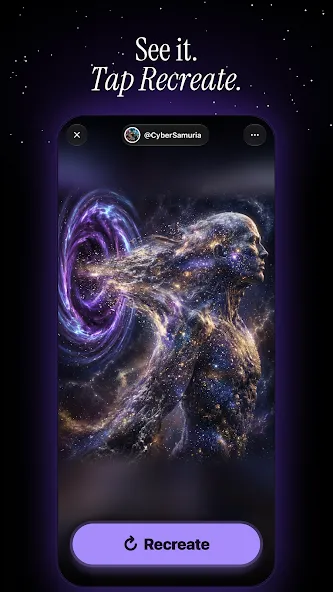
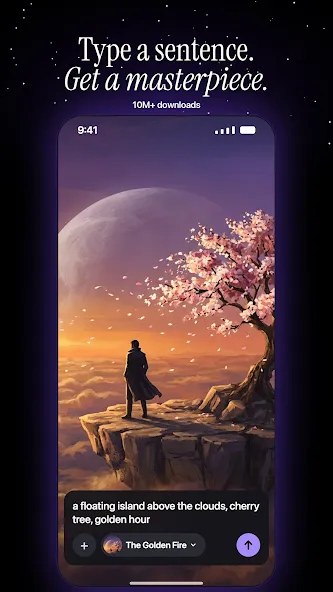
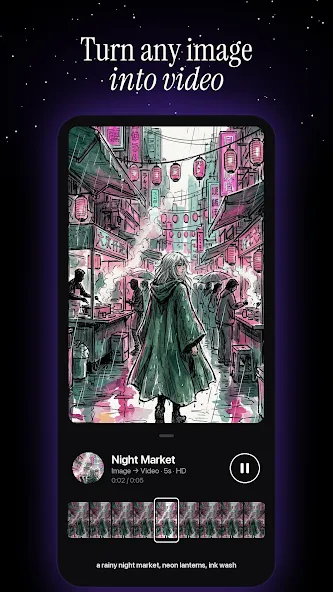
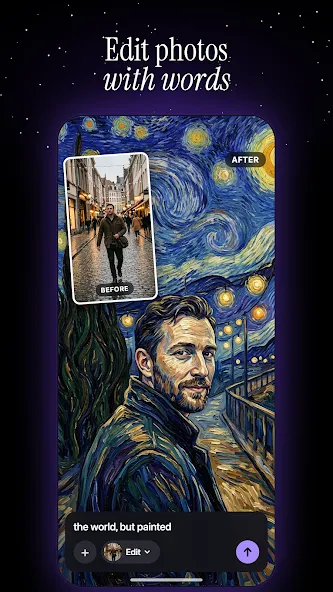
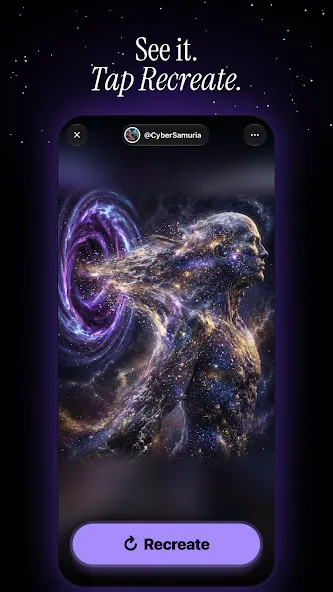
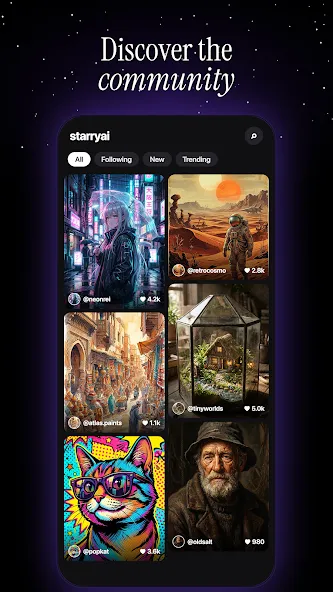
StarryAI is an image-generation application for Android. It leverages artificial intelligence to create a wide variety of images. Users can upload an existing image, which the software then uses as a reference to generate new images with a similar style. The app offers a diverse range of artistic styles, which can be combined with text prompts and emojis to create fully customized visuals. Additionally, users can interact with an AI assistant—simply provide a brief prompt, and the AI will generate a high-quality piece of art. The platform also allows users to publish their creations, earning them extra credits that can be used for further AI-generated content.
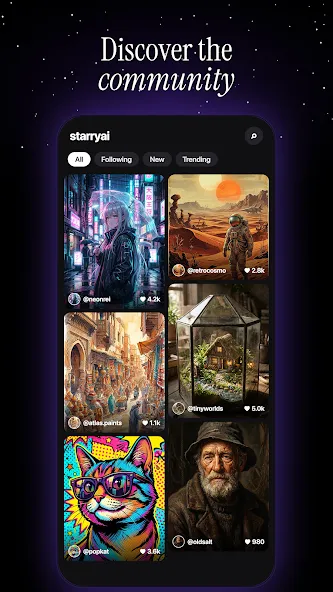
AI-Generated Art
StarryAI enables users to create stunning artwork based on their input. The software utilizes advanced deep-learning algorithms to analyze elements such as shapes, colors, textures, and patterns. Designed to be accessible, it allows even those with little to no artistic background to produce visually appealing art with just a few taps. Users can further personalize their work by adjusting color palettes, brush sizes, and artistic styles.
Text and Emoji Inputs
StarryAI employs sophisticated algorithms to analyze both images and text, identifying patterns and color schemes that can be transformed into beautiful, original artwork.
Style Selection
StarryAI offers a wide array of styles, making it an excellent choice for users who want to customize their art. The platform provides access to various categories, including abstract, classical, and modern styles. Users can explore subcategories—such as specific color palettes or patterns—to tailor the output to their personal preferences. With such an extensive library, there is something for everyone.
Rapid Generation
StarryAI is an AI-powered platform that allows artists and designers to produce breathtaking artwork in a matter of minutes. By leveraging machine learning and complex algorithms, the app quickly generates custom designs based on your specific requirements—whether you are looking for abstract patterns or artistic portraits.
Pros:
Transform short text prompts into high-quality artwork in just a few minutes.
Clean, intuitive interface free from intrusive advertisements.
Organized workspace and filtering tools help keep large collections of images well-structured. The "seed" customization feature allows for better control over reproducible results and variations.
You can customize AI styles based on your own artwork—perfect for comics and illustrations.
The AI model is constantly learning, frequently generating compelling and imaginative images.
Publishing your work earns you extra credits, slightly extending your free access period.
Cons:
Strict content moderation and censorship may block certain topics and could even lead to your account being banned.
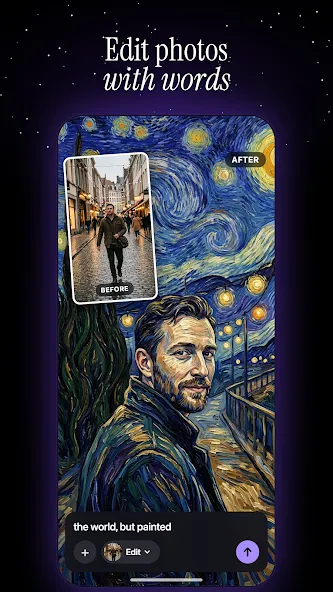
How do I apply AI style filters to my photos?
Open the app. On the home screen, select an available AI filter. Upload a photo from your gallery or take a new one using your camera. Generate an image in your chosen style.
How do I use the "Enhance" feature?
Go to "My Creations." Open the image you want to enhance. Tap the "Enhance" button below the image to generate an enhanced version.
Can I delete individual images from a collection?
Yes, you can remove a single image (a variation) from a set without having to delete the entire project.
I’ve downloaded many apps, and this one is the best. You get one free generation per day. There’s a public gallery where you can view work posted by other users, and there’s a wide variety of styles to choose from. The only downside is that some styles cost 2 credits—which is quite expensive, considering you only get one free credit per day.
This app has become part of my morning coffee ritual; I brainstorm creative prompts for AI-generated images while I enjoy my coffee.
This is a fantastic AI text-to-image app. I often use it when I’m on the go and can’t access my Stable Diffusion setup at home.
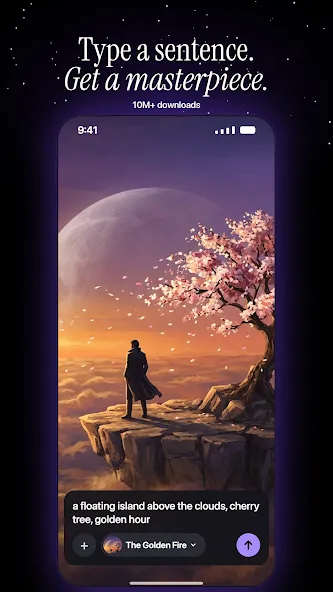
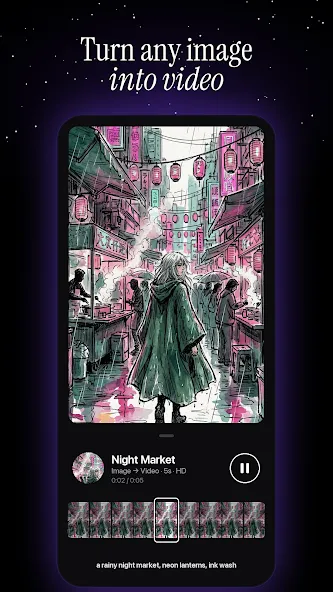
StarryAI uses artificial intelligence and deep learning to transform photos into one-of-a-kind works of art. By leveraging complex algorithms, it turns any image into a stunning piece of art—it’s like having an artist right at your fingertips. Ready to unleash your creativity?
Size:113.96MB Version:2.30.8
Requirements:Android Price:Free
Package Name:com.starryai Signature:e12e7707f9050b09b0bbf8b950b69abb
Welcome to our image editing apps! Perfect for beginners and pros alike, they make photo enhancement easy. Use PicsArt to crop, adjust colors, and apply filters. Remove backgrounds instantly with Remove.bg. Get creative with layers and advanced tools on Adobe Photoshop Express. Start transforming your images today!
AI Photo Editing Apps - encompassing both image generation and enhancement tools - utilize cutting-edge machine learning algorithms to produce, refine, or transform visuals using text prompts, uploaded images, or artistic preferences. These powerful applications are reshaping digital art, photography, and media production by streamlining sophisticated processes such as professional-grade retouching, artistic style replication, and completely AI-generated artwork. By combining automation with creative control, they empower users to achieve stunning results with unprecedented speed and precision.
Nowadays, with the popularity of intelligent technology, this new intelligent technology will provide faster content creation in daily life. In the face of today's intelligent landscape application creation, it supports the creation of text content for different themes, provides intelligent image creation and painting, and even realizes various personalized AI creation functions such as intelligent image cutout. In terms of using intelligent tools, you can gain more information, knowledge and inspiration. The editor recommends the following popular AI creation tools for you to experience the help that intelligent AI brings to different scenarios such as life, work, and study.
About us | Contact us | Privacy policy| DMCA
Copyright © 2026 Xiaohei All rights reserved.