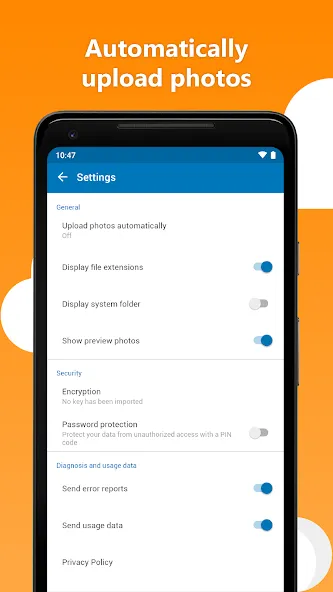
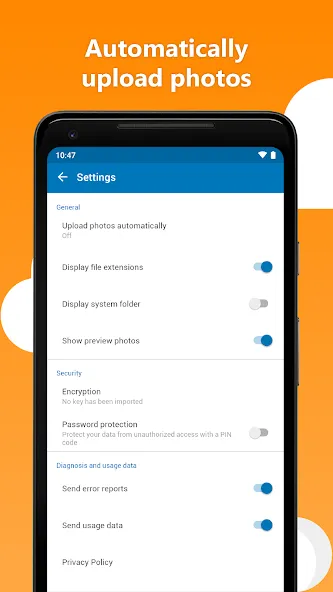
HiDrive is a powerful office software solution that allows users to upload various types of files to a cloud drive. It offers a highly secure storage environment, supporting a wide range of file formats. Users can share content and files via links or email (with email attachments supported up to 25 MB). All user data is encrypted, ensuring that files cannot be accessed by unauthorized parties. Furthermore, the software automatically backs up files at regular intervals, so you never have to worry about data loss. It also supports a variety of access protocols to meet the diverse needs of its users.
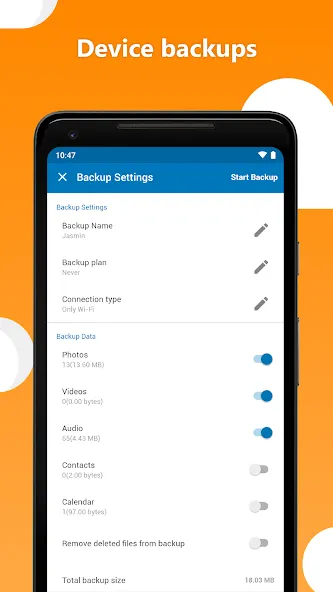
Automatic Backup: Files are backed up automatically on a regular schedule. Users can configure the retention period and frequency of these backups.
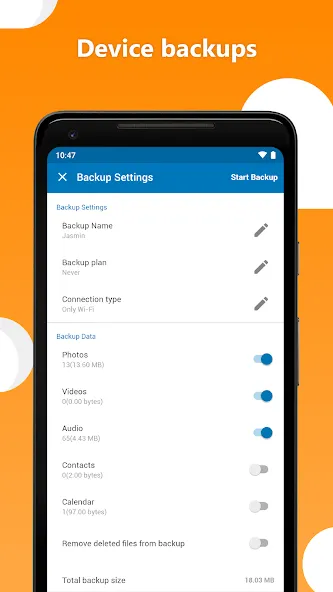
Device Backup: This optional add-on protects data on mobile devices and operates independently of the device's operating system.
Zero-Knowledge Encryption: An optional feature that encrypts files within the cloud storage, preventing unauthorized individuals from opening or reading them.
Two-Factor Authentication (2FA): Available via the web interface, this applies to all login attempts—including access via network protocols—and utilizes an authenticator app.
Access Protocols: Supported protocols include SFTP, WebDAV, SMB, rsync, SCP, and Git, allowing HiDrive to be mounted as an additional drive on your PC. WebDAV and SMB are included in the "Business Essential" and "Standard" plans, while the "Advanced" and "Premium" plans include all available protocols.
API and NAS Integration: The HiDrive API enables the integration of the platform into custom applications. Data from QNAP and Synology network-attached storage (NAS) devices can also be backed up automatically.
Mobile App: This free app provides access to your files from your smartphone, allowing you to open photos, documents, and music directly. It supports video and audio streaming and enables you to send files as email attachments (up to 25 MB).
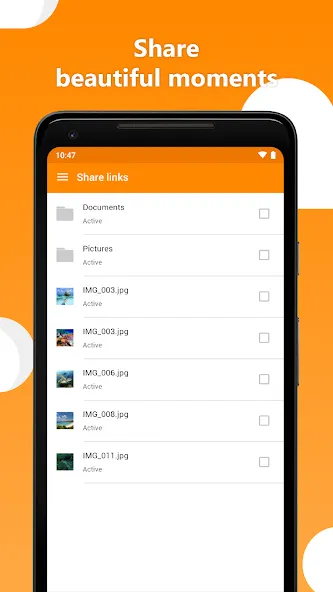
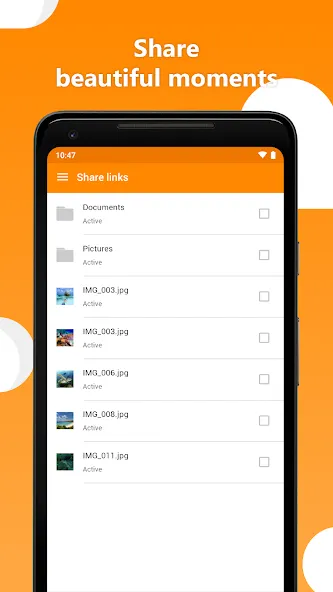
Some email providers restrict the sending of large files, or such files may take a long time to load for the recipient. With HiDrive’s online storage service, you can create shared folders and send download links, making file sharing much more convenient.
To do this, simply log in to your HiDrive account and right-click on the desired file. Select "Share" from the context menu.
In the pop-up window, you can choose to send the generated share link directly via email or simply copy the link. A button located to the right of the link allows you to preview the shared folder from the recipient's perspective. Once the link is sent, the recipient can download the shared files.
In the settings, you can—either immediately or at a later time—apply password protection, set an expiration date for the link, and limit the maximum number of downloads. For security reasons, please do not share the password with the recipient in the same email as the link.
Are there any limits on HiDrive upload speeds?
No, STRATO does not impose limits on your download or upload speeds. The performance of HiDrive depends on your internet connection speed. Please note that upload speeds are typically slower than download speeds; however, if you are using a symmetric connection plan—for example, 150/150 Mbps—your upload and download speeds will be identical.
Which protocols can I use to connect to HiDrive?
SFTP, FTPS, WebDAV, SMB, Rsync, SCP, and Git repositories.
How do I use shared folders in HiDrive?
Shared folders facilitate collaboration among team members and family. In addition to your personal "private" space, there is a "shared" area designed for collaboration. You can create multiple shared folders and assign specific access permissions to each one, allowing you to define which users are authorized to open, save, or delete files.
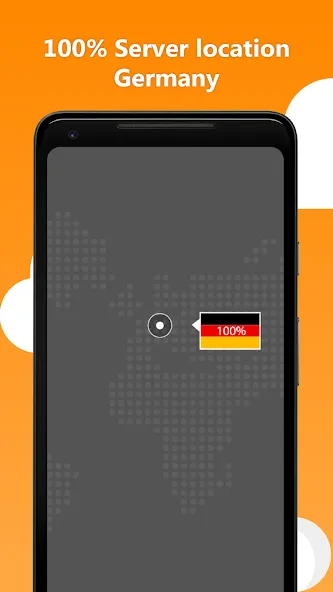
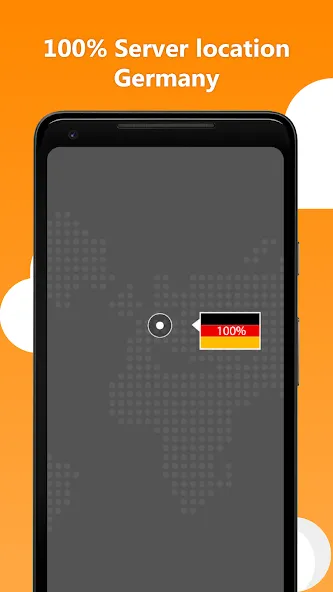
HiDrive provides an online storage service for saving, accessing, and sharing files such as photos, videos, documents, and backups. Data is stored in two highly secure data centers located in Germany, and the service operates in compliance with the GDPR (DSGVO). The data centers are ISO 27001 certified, the service has been audited by TÜV Nord, and HiDrive carries the "Trusted Cloud" certification label issued by the German Federal Ministry for Economic Affairs and Energy.
Size:129.08MB Version:4.27.0
Requirements:Android Price:Free
Package Name:com.strato.hidrive Signature:d82b9a02200824d3d890b6bd69c667ba
Feeling that there aren’t enough hours in the day? That you’re fighting a losing battle with your agenda? That each time you look up from your desk another year has rolled by? Well don’t worry, you’re not alone, and in today’s hyperconnected world, people are busier than ever before. On Android, there are countless productivity apps to help take control of your time and make your work more efficient. From a simple plugin for Chrome to a full-fledged app, picking the right productivity apps on Android can mean the difference between having a clear to-do list at the end of the day or having it overflowing with missed deadlines and projects that are off schedule. Productivity apps aren’t just about work, though. Using a productivity app in your personal life can keep you on top of deadlines for vacations, home repairs, and other family responsibilities.
Office Apps is a comprehensive and user - friendly platform that aggregates a wide array of office - related applications, catering to the diverse needs of modern professionals, students, and anyone who engages in office - based tasks. Whether you're working on a crucial business project, preparing academic papers, or handling daily administrative work, this aggregation page serves as your one - stop - shop.
The complete collection of office software is compiled based on user needs and referencing the popularity of major computer application stores. This collection selects various useful computer office software for users from multiple aspects such as office suite, communication and collaboration, email management, note management, cloud storage, download and decompression, etc. These software can meet your various document processing needs, making your team collaboration smoother, and conveniently managing your emails and keeping various meeting records. Download various materials and documents needed for office work. This collection of office software commonly used by professionals can meet all needs. Welcome to download and experience it!
About us | Contact us | Privacy policy| DMCA
Copyright © 2026 Xiaohei All rights reserved.