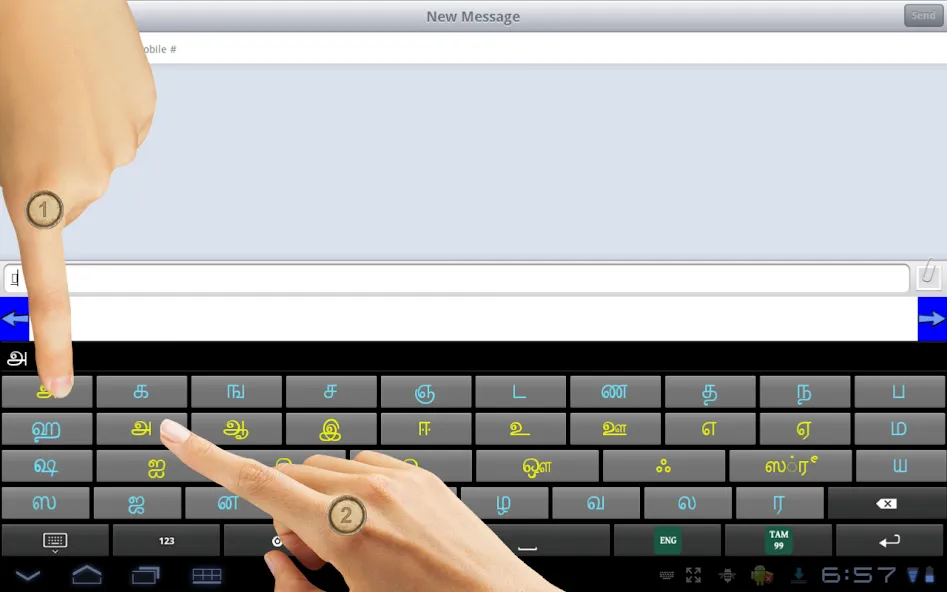
Ezhuthani is an excellent Tamil keyboard. It offers powerful functionality that automatically converts English-letter input into Tamil characters, making it perfect for use across various social media and instant messaging apps. With Ezhuthani, you can enjoy a smooth and effortless typing experience, regardless of your level of Tamil proficiency. Additionally, the app features a wide variety of themes, allowing you to personalize your keyboard and create a unique typing experience tailored to your own style.
After installation, you can verify the Ezhuthani Installation, Open “Settings” and go to “Language and Keyboard” - you can see the Ezhuthani Keyboard on listing.
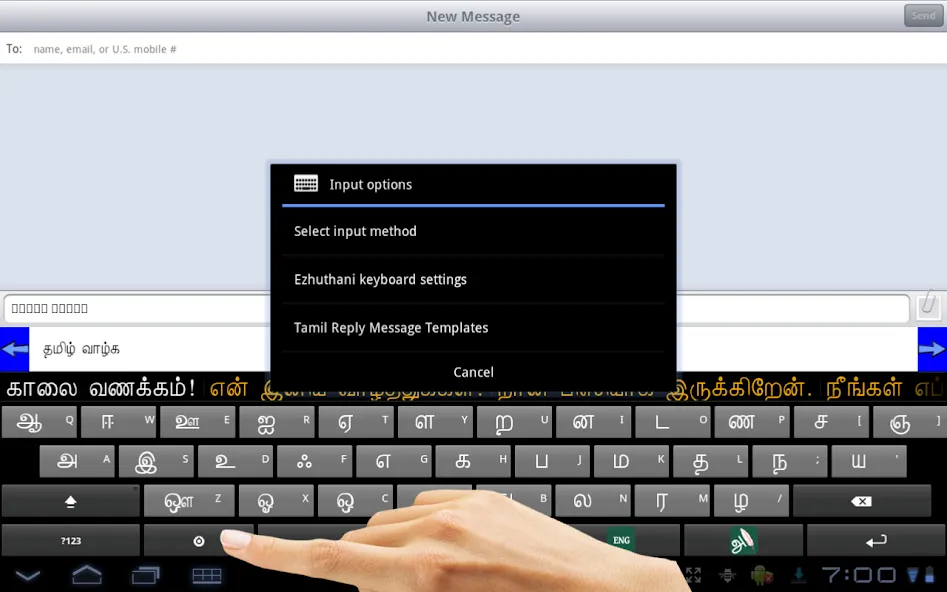
To Make Input method as Ezhuthani Tamil Keyboard. Theoretically, you can use with any textbox ( SMS, Search or wherever the textinput requires), You can find a keyboard icon at top left of title bar, please click on that.
Choose an input method such as "Ezhuthani Keyboard." Your Android Mobile will now use this method.
You can find Ezhuthani Tamil Keyboard Controls to type Tamil, Enjoy!
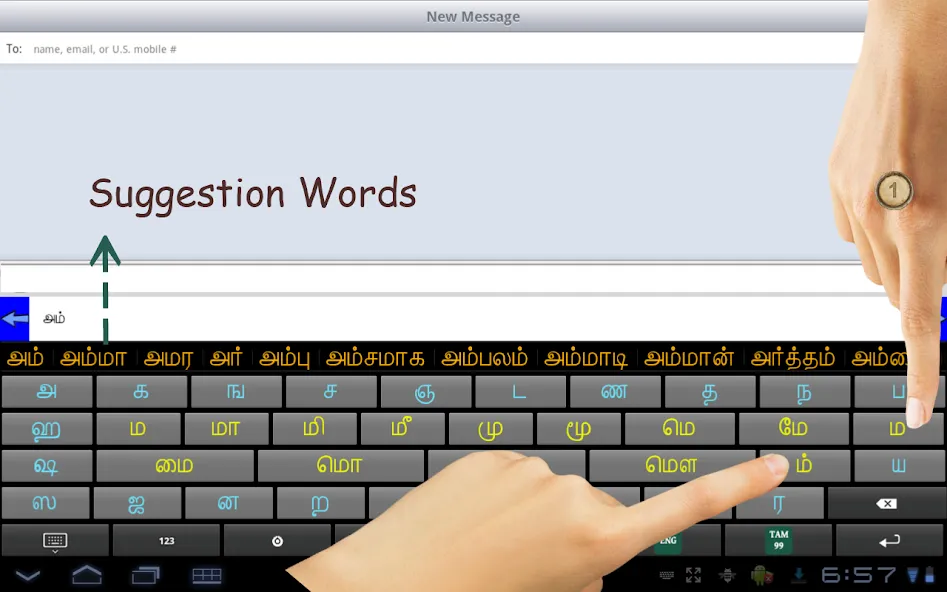
The app combines several input mechanics so typing feels natural whether you prefer phonetic Latin letters or direct Tamil characters. Tanglish predictive input converts Latin-letter phonetic typing into accurate Tamil suggestions while showing alternatives that match regional spellings and common phrases.
Voice typing offers quick start/stop controls with basic punctuation handling, and handwriting recognition accepts drawn characters directly on the screen for people who write Tamil by hand. An alphabet mode displays each character for precise selection, and a dedicated language key next to the space bar toggles English on and off in one touch.
Built-in gestures accelerate editing: swipe the space bar to move the cursor, swipe backspace to delete entire words, and long-press keys to access diacritics and alternate symbols. These mechanics are balanced to help both new learners and experienced typists work efficiently and accurately.
Seamless User Experience
Ezhuthani - Tamil Keyboard has undergone testing on major Android phones and tablets, ensuring compatibility from version 2.3 onwards. To utilize its functionality, simply follow the easy setup instructions for your Android OS version. Whether you're on Android version 2.0 or higher, enabling this keyboard is straightforward via the settings menu. This app is designed to integrate smoothly into your device, supporting easy text inputs across applications.
Customizable and Future-Ready
With Ezhuthani, there’s a focus on future updates, incorporating additional features and layouts based on user feedback. The app allows customization to suit your typing preferences. Typing in any application is simplified as you can easily select the Ezhuthani - Tamil Keyboard method with a tap on the keyboard icon. This ensures that the Tamil typing experience is as smooth as possible, regardless of the task at hand.
Enhancing Tamil Communication
Aimed at providing a great typing solution, Ezhuthani facilitates typing in Tamil with ease and precision. By using this app, you are equipped to enhance your communication, whether for personal use or in any text input scenario, allowing for more fluid engagement with Tamil language content across your Android device.
- Improved Version
- Samsung Android 15 & 16 Version fix
- for Android 15 & 16
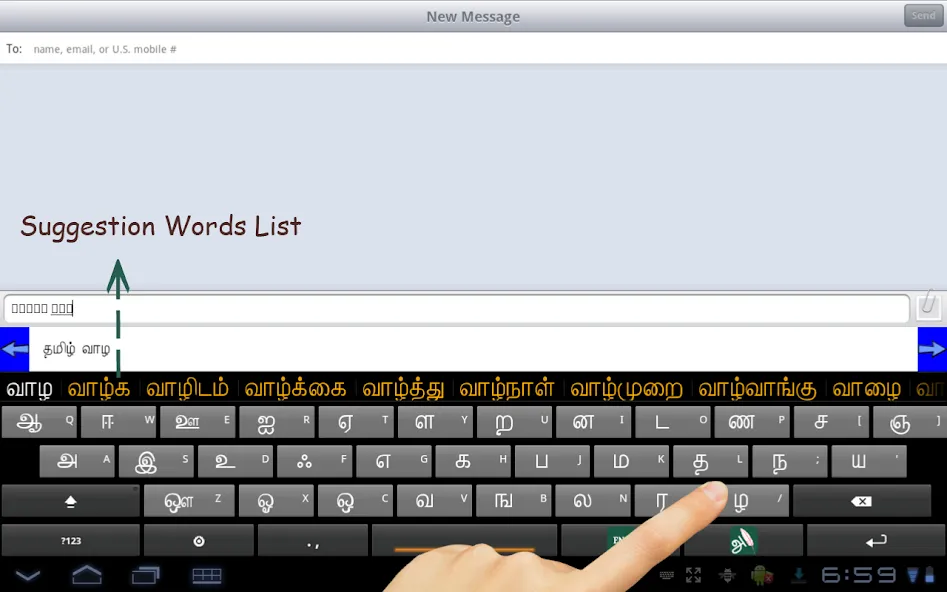
Once you have finished typing, the app will show you the text that you have typed, along with the character that you have typed. It will also allow you to type in the Tamil language to create a text, a sentence, or even a full paragraph. The app also lets you copy and paste texts and even sentences. Ezhuthani supports the standard keyboard layout, as well as a layout that is based on the Tamil language.
Size:57.63MB Version:3.1.0
Requirements:Android 8.0+ Price:Free
Package Name:and.mms.ezhuthani Signature:2fbddac62ca7acb8cb3a33b2331b4355
Feeling that there aren’t enough hours in the day? That you’re fighting a losing battle with your agenda? That each time you look up from your desk another year has rolled by? Well don’t worry, you’re not alone, and in today’s hyperconnected world, people are busier than ever before. On Android, there are countless productivity apps to help take control of your time and make your work more efficient. From a simple plugin for Chrome to a full-fledged app, picking the right productivity apps on Android can mean the difference between having a clear to-do list at the end of the day or having it overflowing with missed deadlines and projects that are off schedule. Productivity apps aren’t just about work, though. Using a productivity app in your personal life can keep you on top of deadlines for vacations, home repairs, and other family responsibilities.
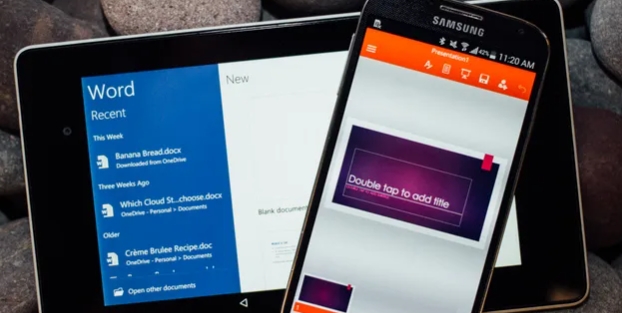
The complete collection of office software is compiled based on user needs and referencing the popularity of major computer application stores. This collection selects various useful computer office software for users from multiple aspects such as office suite, communication and collaboration, email management, note management, cloud storage, download and decompression, etc. These software can meet your various document processing needs, making your team collaboration smoother, and conveniently managing your emails and keeping various meeting records. Download various materials and documents needed for office work. This collection of office software commonly used by professionals can meet all needs. Welcome to download and experience it!
About us | Contact us | Privacy policy| DMCA
Copyright © 2026 Xiaohei All rights reserved.